On this page
Quote to cash is the whole journey from a price offer to money in the bank, and for a small business the chain usually breaks somewhere in the middle: a quote is accepted, the invoice is retyped by hand, and payment chases itself for weeks. The tools below keep that chain in one subscription, from the first estimate to the final payment reminder. Zoho Books leads the list as the cheapest complete system, while the accounting and proposal tools below each cover a different half of the journey.
How we researched this
We read each vendor's own pricing page in November 2026 and kept only tools with a published price that cover the quote-to-cash chain for a small business. Quote-only enterprise platforms such as Salesforce Revenue Cloud, Conga, Tacton, DealHub, and Ironclad were left out because no buyer can verify their price. We weighed the full chain from quote to paid invoice, monthly caps, and whether accounting is included.
Compare the tools
| Name | Best for | Starting price | Free plan | |
|---|---|---|---|---|
 Zoho Books | Small businesses that want the cheapest complete quote-to-cash system | $15/month | Free plan (revenue under $50,000 a year) | Visit |
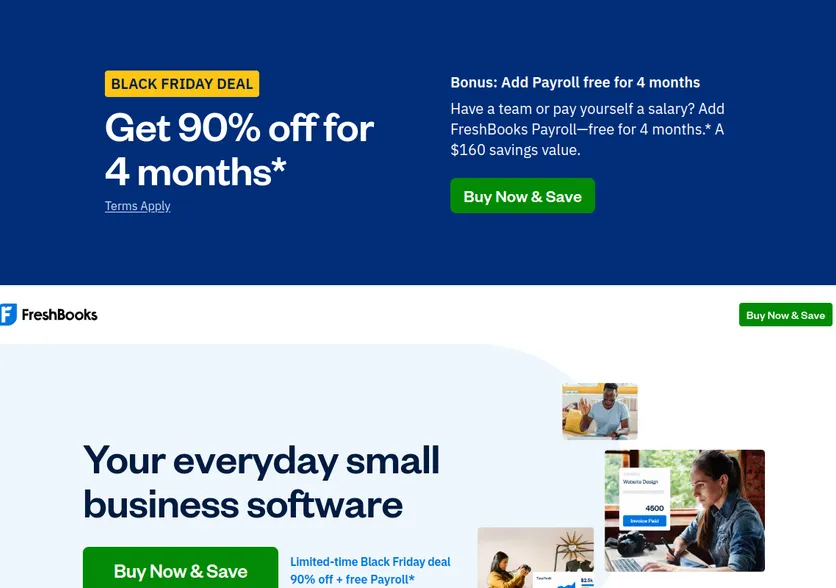
 FreshBooks | Service businesses that bill by the job and want simple invoicing | $19/month | No free plan; 30-day free trial | Visit |
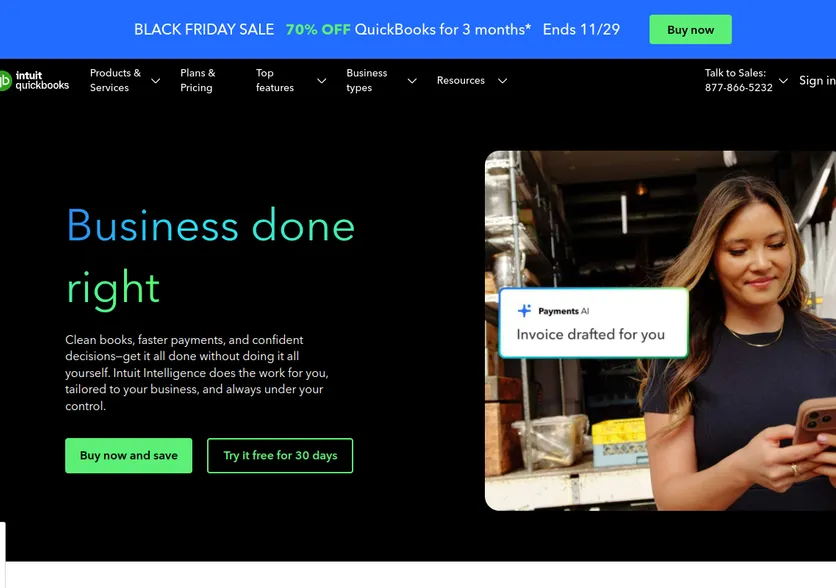
 QuickBooks Online | Small businesses that want quoting inside a full accounting system | $38/month | No free plan; 30-day free trial | Visit |
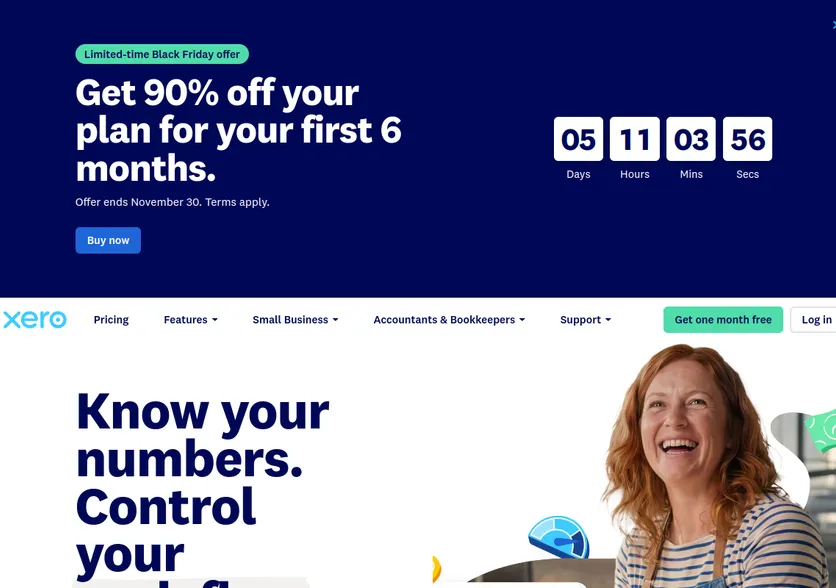
 Xero | Small businesses that want unlimited users on the cheapest accounting plan | $15/month | No free plan; 30-day free trial | Visit |
 PandaDoc | Small businesses that need approvals and signatures on their quotes | $49/user/month | Free eSign plan (limited documents) | Visit |
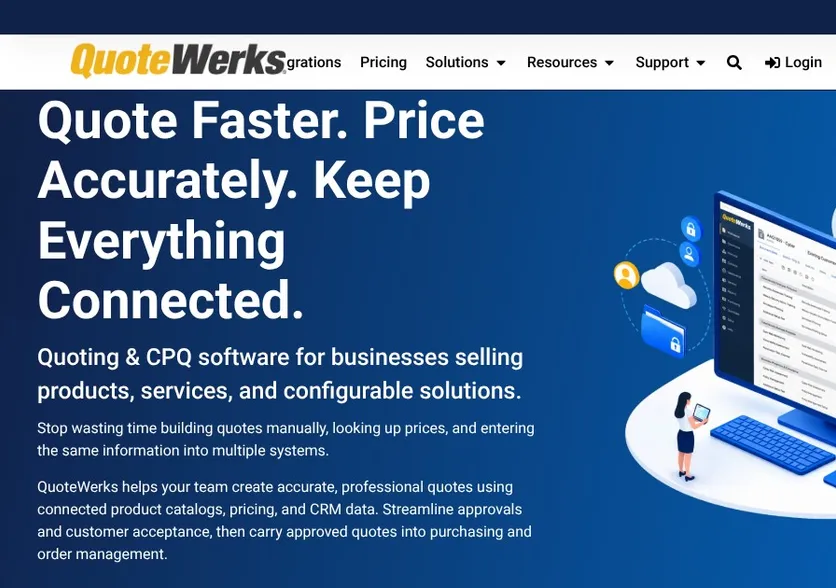
| QuoteWerks | Small businesses that quote from a distributor catalog | $49/user/month | No free plan; free trial available | Visit |
 Proposify | Small businesses whose quotes need to look premium to win the job | $39/user/month | Free plan (1 active proposal) | Visit |
 Qwilr | Small businesses that sell with interactive, design-led quotes | $35/user/month | No free plan; 14-day free trial | Visit |
The quote to cash software for small business, compared
1. Zoho Books
Best for: Small businesses that want the cheapest complete quote-to-cash system
Paid tool Starting price: $15/month · Standard plan billed annually (twenty dollars a month on monthly billing), three users and five thousand invoices a year. Professional is forty dollars and Premium is sixty dollars.
Free plan: Free plan (revenue under $50,000 a year)
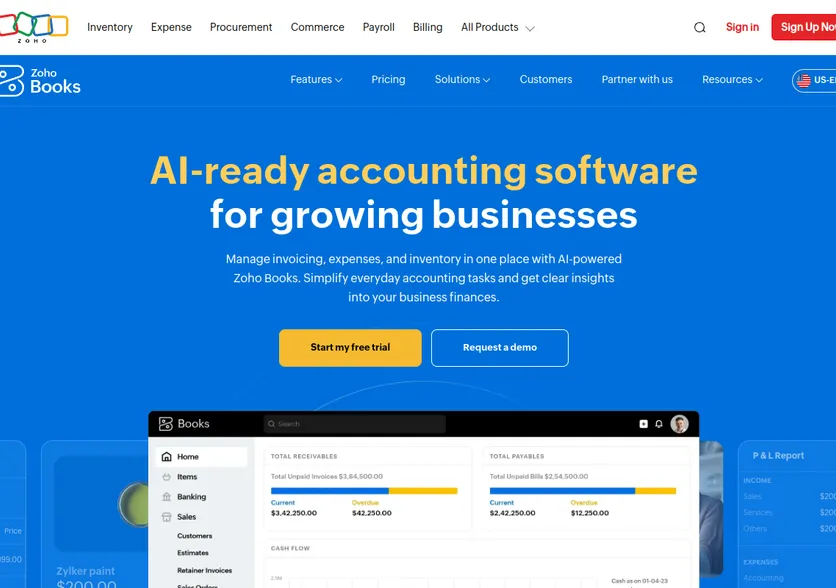
Fifteen dollars a month buys Zoho Books Standard on annual billing, the lowest-priced full accounting system here, and it carries a quote all the way to a paid invoice. Estimates, invoices, expenses, and tax reports share one ledger, and the free plan underneath covers businesses earning under fifty thousand dollars a year. For a small business that wants the whole money chain without a big monthly bill, it is the best value in this guide.
What we like
- Full quote-to-cash chain at the lowest price here
- Free plan for businesses under fifty thousand dollars a year
- Quotes, invoices, and accounting share one ledger
Watch out for
- Three users on Standard may be tight for growing teams
- Free plan ends once revenue passes fifty thousand dollars
How to try it
- Set up your products and services with standard rates
- Send an estimate and convert it to an invoice on acceptance
- Turn on payment reminders so overdue invoices chase themselves
2. FreshBooks
Best for: Service businesses that bill by the job and want simple invoicing
Paid tool Starting price: $19/month · Lite plan for up to five billable clients; Plus is thirty-three dollars and Premium is sixty dollars. One November 2026 read lists Lite at twenty-three dollars, so confirm at checkout.
Free plan: No free plan; 30-day free trial
At nineteen dollars a month, FreshBooks Lite keeps the quote-to-cash chain short: send an estimate, turn it into an invoice when the client accepts, and collect payment online. It is built for service businesses that quote by the job rather than by the product, and its client portal makes paying easy enough that invoices get settled faster. The five-billable-client cap on Lite is the limit to watch as the business grows.
What we like
- Estimate to invoice to payment in one simple flow
- Client portal makes paying easy and fast
- Clean interface a non-accountant can run
Watch out for
- Lite allows only five billable clients
- One recent read lists Lite at twenty-three dollars, not nineteen
How to try it
- Create estimates from your standard service rates
- Convert accepted estimates to invoices in one click
- Set up automatic late-payment reminders
3. QuickBooks Online
Best for: Small businesses that want quoting inside a full accounting system
Paid tool Starting price: $38/month · Simple Start plan. One November 2026 read lists Simple Start at thirty dollars with Essentials at sixty and Plus at ninety; thirty-eight dollars is the settled list figure.
Free plan: No free plan; 30-day free trial
QuickBooks Online Simple Start costs thirty-eight dollars a month, the highest price here, and it earns that premium by running the entire money chain inside one accounting ledger. Estimates become invoices, invoices become receivables, and expenses and taxes sit in the same place, which removes the month-end scramble. It is the right pick for a small business that has outgrown standalone invoicing and wants one system of record.
What we like
- The whole money chain inside one accounting ledger
- Largest ecosystem of accountants and add-ons
- Mobile app covers estimates and invoices on the go
Watch out for
- Most expensive tool in this guide
- Overkill for a business sending a handful of quotes
How to try it
- Set up products, services, and tax rates once
- Send estimates from the mobile app while with the client
- Track receivables and follow up from the same dashboard
4. Xero
Best for: Small businesses that want unlimited users on the cheapest accounting plan
Paid tool Starting price: $15/month · Early plan, twenty invoices and five bills a month, unlimited users. Some November 2026 reads list Growing at forty-six to forty-seven dollars and Established at eighty dollars, against forty-two and seventy-eight dollars here.
Free plan: No free plan; 30-day free trial
Fifteen dollars a month gets Xero Early, and its unlimited-users policy means the whole team can quote and invoice without buying extra seats. Quotes convert to invoices, bank feeds keep the ledger current, and the twenty-invoice monthly cap is generous for a small business. It is the best pick here for a team of three or four people who all need access without paying per seat.
What we like
- Unlimited users on every plan, even the cheapest
- Quotes and invoices share one clean ledger
- Bank feeds keep cash flow visible in real time
Watch out for
- Early caps invoices at twenty a month
- Higher-tier prices vary between recent reads
How to try it
- Add your products and services with standard pricing
- Send a quote and convert it to an invoice on acceptance
- Connect bank feeds so payments reconcile automatically
5. PandaDoc
Best for: Small businesses that need approvals and signatures on their quotes
Paid tool Starting price: $49/user/month · Business plan billed annually. Starter is nineteen dollars a user a month.
Free plan: Free eSign plan (limited documents)
Forty-nine dollars a user a month buys PandaDoc Business on annual billing, the document platform for small businesses whose quotes need approval before they go out. It adds approval workflows, a content library, and deeper CRM integrations over the Starter plan, so quotes stay on brand and on price even as the team grows. It is the pick when the quote is a formal document that legal or finance must see first.

What we like
- Approval workflows keep quotes compliant
- Contracts and signatures in the same document flow
- Content library keeps teams on approved language
Watch out for
- Business tier is needed for approvals
- Not a configurator for complex product pricing
How to try it
- Set up approval rules for quotes above your discount threshold
- Build templates with approved pricing and terms
- Connect your CRM so quotes inherit deal details
6. QuoteWerks
Best for: Small businesses that quote from a distributor catalog
Paid tool Starting price: $49/user/month · Essential plan for concurrent users on monthly billing (about forty-five dollars on annual billing). Balanced is seventy-nine dollars and Pinnacle is ninety-nine dollars.
Free plan: No free plan; free trial available
QuoteWerks Essential costs forty-nine dollars a concurrent user a month, and its licensing is the friendliest here for a small team: everyone can have an account, and you pay only for the people quoting at the same time. It pulls live distributor pricing into quotes, applies taxes and discounts, and turns approved quotes into orders. For a reseller or distributor-facing business, it closes the gap between quote and cash faster than any proposal tool.
What we like
- Concurrent-user pricing keeps small teams cheap
- Live distributor pricing keeps quotes accurate
- Quote-to-order flow removes manual re-entry
Watch out for
- Catalog setup takes effort before the first quote
- Interface looks older than newer tools
How to try it
- Import your distributor catalogs and price lists
- Build quote templates for your most common deals
- Turn approved quotes into orders without retyping
7. Proposify
Best for: Small businesses whose quotes need to look premium to win the job
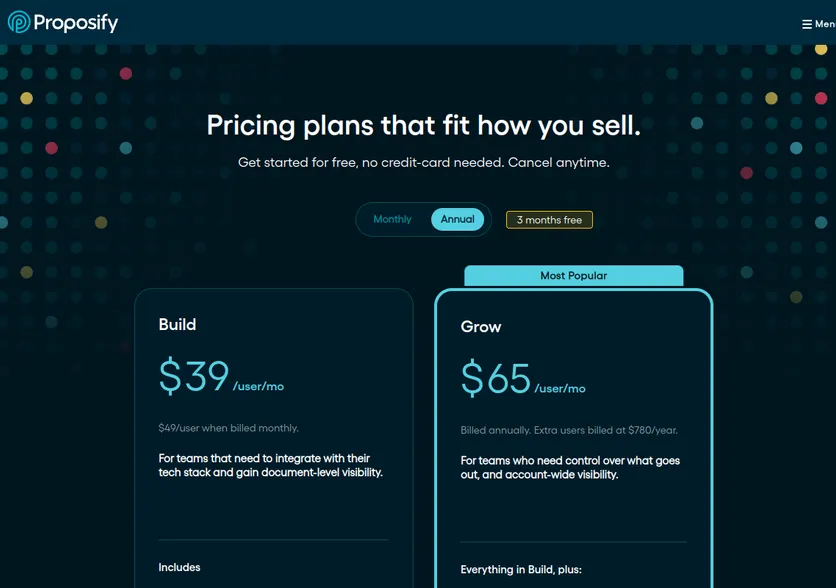
Paid tool Starting price: $39/user/month · Build plan billed annually (forty-nine dollars on monthly billing). Grow is sixty-five dollars and Scale is one hundred seven dollars a user a month.
Free plan: Free plan (1 active proposal)
Thirty-nine dollars a user a month on annual billing buys Proposify Build, the proposal specialist for small businesses that win work on the strength of their quotes. Templates keep every proposal on brand, e-signatures close deals inside the document, and open tracking tells you the moment a prospect reads your price. It does not handle invoicing, so pair it with an accounting tool to complete the quote-to-cash chain.
What we like
- Proposals that track opens and collect signatures
- Templates keep every quote on brand
- CRM sync keeps deal values in step
Watch out for
- It wins work; it does not invoice or collect payment
- Per-user pricing adds up as the team grows
How to try it
- Build templates for your most common services and prices
- Add signature blocks so clients accept inside the proposal
- Follow up the day a prospect opens your quote
8. Qwilr
Best for: Small businesses that sell with interactive, design-led quotes
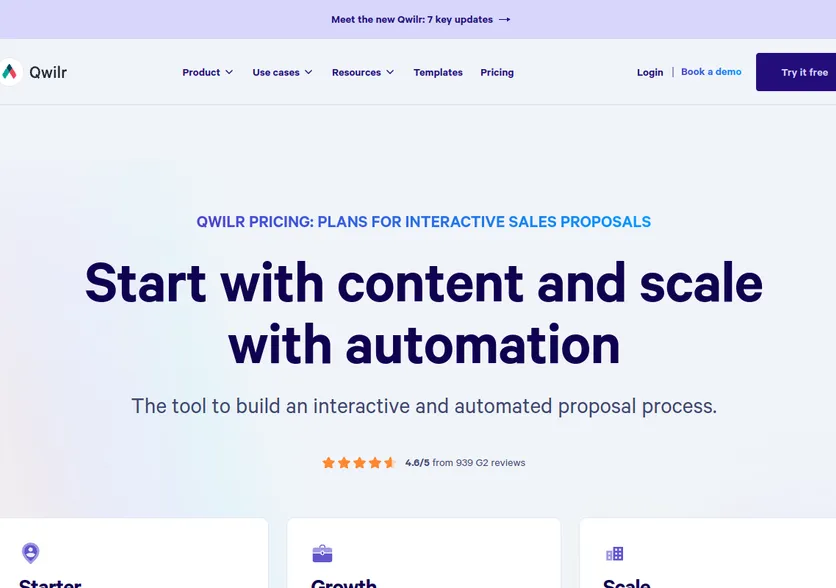
Paid tool Starting price: $35/user/month · Starter plan billed annually (forty-nine dollars on monthly billing). Growth is fifty-five dollars with a five-user minimum.
Free plan: No free plan; 14-day free trial
At thirty-five dollars a user a month on annual billing, Qwilr Starter turns a quote into an interactive web page that a client can read, accept, and sign without opening a PDF. Analytics show which sections held attention, which makes the follow-up call far more informed. It is the pick for small businesses where the quote is the pitch, though it needs an accounting tool beside it to finish the cash half of the chain.
What we like
- Interactive quotes clients read in the browser
- Analytics show what the client actually cared about
- Design quality that makes a small business look big
Watch out for
- No free plan, so the trial is the only test
- No accounting or payment collection built in
How to try it
- Turn your best quote into a branded Qwilr template
- Add accept and sign blocks so clients close in the browser
- Review analytics before every follow-up call
Prices above were checked on each vendor’s own website on Nov 28, 2026 and can change — the vendor’s page is the final word. Vendor links are editorial: nobody paid to be listed or ranked here. Vendors who want a featured listing can see how it works on our Get listed page.
How to choose quote to cash software for a small business
Map your chain before you buy. If quotes die between acceptance and invoicing, you need a tool that converts quotes to invoices in one click, such as Zoho Books, Xero, or FreshBooks. If the problem is unpaid invoices, pick one with payment links and automatic reminders built in. If your quotes are complex or design-led, add a proposal tool like Proposify or Qwilr in front of the accounting system. And count the whole cost: a fifteen-dollar accounting tool that covers the chain beats a thirty-nine-dollar proposal tool that leaves invoicing to a spreadsheet.
Before you buy
- Confirm the tool covers quotes, invoices, payments, and accounting in one subscription, or the quote-to-cash chain breaks
- Check how many invoices and users the entry plan allows, since small business plans cap both
- Ask whether payment links and reminders are included, because chasing unpaid invoices is the slowest part of the chain
- Make sure accepted quotes convert to invoices without retyping line items or prices
- Trial the whole chain with one real client, from quote to paid invoice, before committing to a year
Official websites
Official websites of the products reviewed above. Features and prices were checked against these sites when this guide was written, and they can change, so confirm on the vendor site before you buy.
Frequently asked questions
What is the best quote to cash software for a small business?
Zoho Books Standard at fifteen dollars a month is the best value, because it carries a quote through invoicing, payment, and accounting in one ledger. Xero Early matches the price and adds unlimited users, while FreshBooks is the simplest choice for service businesses. The right pick depends on whether you need accounting depth or just a fast quote-to-invoice flow.
What does quote to cash software actually do?
Quote to cash covers the whole journey from a price quote to money in the bank: quoting, approval, invoicing, payment, and accounting. A quoting tool only handles the first step, which leaves invoicing and payment to other tools or manual work. Small businesses save hours by keeping the whole chain in one subscription instead of stitching three tools together.
How much does quote to cash software cost for a small business?
Most small businesses spend fifteen to thirty-eight dollars a month, depending on whether they need accounting as well as quoting. Zoho Books and Xero both start at fifteen dollars, FreshBooks at nineteen, and QuickBooks Online at thirty-eight. A business sending a handful of quotes a month can start free with Wave or Zoho Invoice and upgrade later.
Where do small businesses lose money in the quote to cash chain?
The most common gap is payment collection: quotes get accepted, invoices go out, and then nobody follows up. Pick a tool with payment links on invoices and automatic reminders, and set a clear payment deadline on every quote. The second gap is retyping line items between tools, which disappears when quotes convert to invoices in one click.
Can one tool handle the whole quote to cash process?
Yes, and for many small businesses it is the right call. Accounting tools like Zoho Books and Xero handle quotes, invoices, and payments in one place, so a separate quoting tool adds cost without adding value. A dedicated proposal tool only earns its price when the quote itself wins the job, which is true for design-led and consulting businesses.
Compare the eight tools above, then start a free trial or free plan on the one that matches how you already bill clients before paying for a full year.
Browse Business Tools tools