On this page
Getting paid on time starts with an invoice that looks professional and goes out the moment the work is done, and the tools below all do that for less than forty dollars a month. The seven options run from a genuinely free plan to about thirty eight dollars a month, and every price was checked on the vendor site on November 26, 2026. Wave is our first pick — free invoicing with no client cap and a paid plan from nineteen dollars a month.
How we researched this
We started with the invoicing tools freelancers and small businesses actually buy, then read each price on the vendor pricing page on November 26, 2026 and noted the free plan and invoice limits each one carries. We judged them for a business that sends invoices every week and needs to get paid without chasing. We kept only tools with a published price, and we dropped quote-only enterprise billing tools because a small business cannot budget for a price the vendor will not print.
Compare the tools
| Name | Best for | Starting price | Free plan | |
|---|---|---|---|---|
 Wave | Solo businesses that want free invoicing with no client cap | $19/month | Free Starter plan with unlimited invoices | Visit |
 Zoho Books | Small businesses that want a free ledger now and a cheap paid upgrade | $20/month | Free plan for 1 user plus 1 accountant, 1,000 invoices a year | Visit |
 FreshBooks | Freelancers and service businesses that bill by the hour or project | $23/month | No free tier published on the pricing page; 30-day free trial | Visit |
 QuickBooks Online | Businesses that want the accounting software their accountant already knows | $38/month | Free plan for 1 user and 2 invoices a month | Visit |
 Xero | Teams that need everyone in the books without per-user fees | $27/month | No free tier published on the pricing page; 30-day free trial | Visit |
 Invoice Ninja | Operators that want open invoicing with client portals and an API | $14/month | Free plan for up to 5 clients | Visit |
 HoneyBook | Creative service businesses that want proposals, contracts and invoices in one flow | $29/month | No free tier published on the pricing page; 30-day free trial | Visit |
The invoicing tools, compared
1. Wave
Best for: Solo businesses that want free invoicing with no client cap
Paid tool Starting price: $19/month · Starter plan free with unlimited invoices; Pro $19 a month or $190 a year adds bank imports and receipt capture
Free plan: Free Starter plan with unlimited invoices
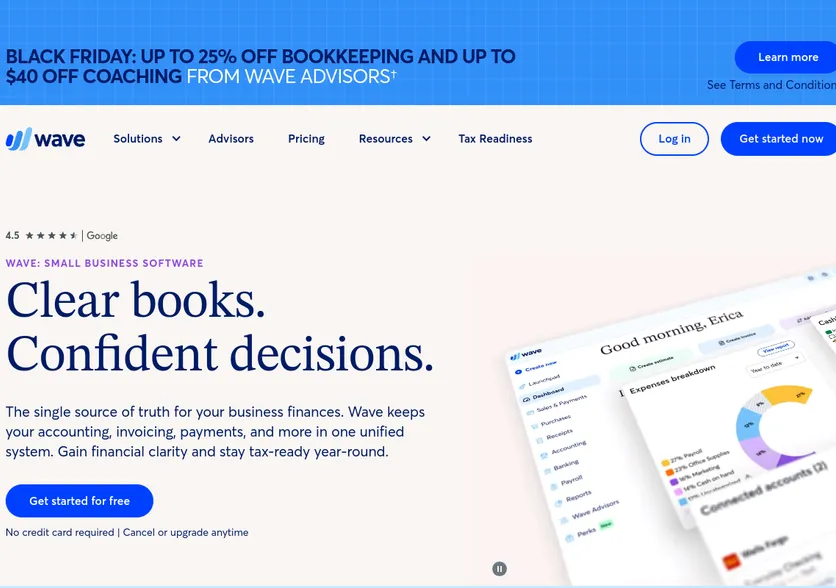
Wave is the only tool here that lets a solo business send unlimited invoices for nothing, which makes it the obvious first stop for a new freelancer. This Wave Starter plan is free and covers invoicing, expense tracking and basic reports, while the Pro plan costs nineteen dollars a month and adds bank imports. A one-person business can bill clients from day one and pay nothing until the business grows.
What we like
- Free plan with unlimited invoices
- No client cap on the free plan
- Simple enough to learn in an afternoon
Watch out for
- Payroll and bookkeeping are paid add-ons
- Card payments carry a per-transaction fee
How to try it
- Open the Wave pricing page and create a free account
- Create your first invoice and send it to a real client
- Connect your bank when you are ready for automatic imports
2. Zoho Books
Best for: Small businesses that want a free ledger now and a cheap paid upgrade
Paid tool Starting price: $20/month · Standard plan $20 a month or $15 a month billed annually; free plan covers 1,000 invoices a year for businesses under $50,000 revenue
Free plan: Free plan for 1 user plus 1 accountant, 1,000 invoices a year
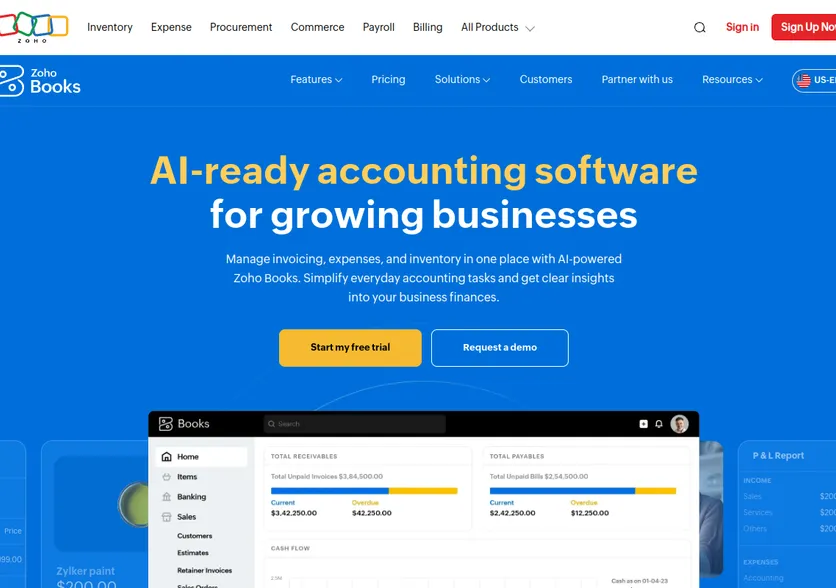
Zoho Books gives a small business a real accounting system behind its invoices, not just a billing tool with a ledger bolted on. This Zoho Books free plan covers one user plus an accountant and up to a thousand invoices a year, and the Standard plan costs twenty dollars a month for three users. A growing business can start free and step up the ladder without moving its books to a new system.
What we like
- Free plan with a thousand invoices a year
- Long ladder of paid tiers to grow into
- Strong bank feeds from the Standard plan
Watch out for
- Free plan limited to businesses under fifty thousand dollars revenue
- Interface takes a day to learn
How to try it
- Open the Zoho Books pricing page and create a free account
- Send your first invoice and set up a recurring template
- Add your accountant as a free user
3. FreshBooks
Best for: Freelancers and service businesses that bill by the hour or project
Paid tool Starting price: $23/month · Lite plan $23 a month for 5 billable clients; Plus $43 a month for 50 clients; Premium $70 a month for unlimited clients
Free plan: No free tier published on the pricing page; 30-day free trial
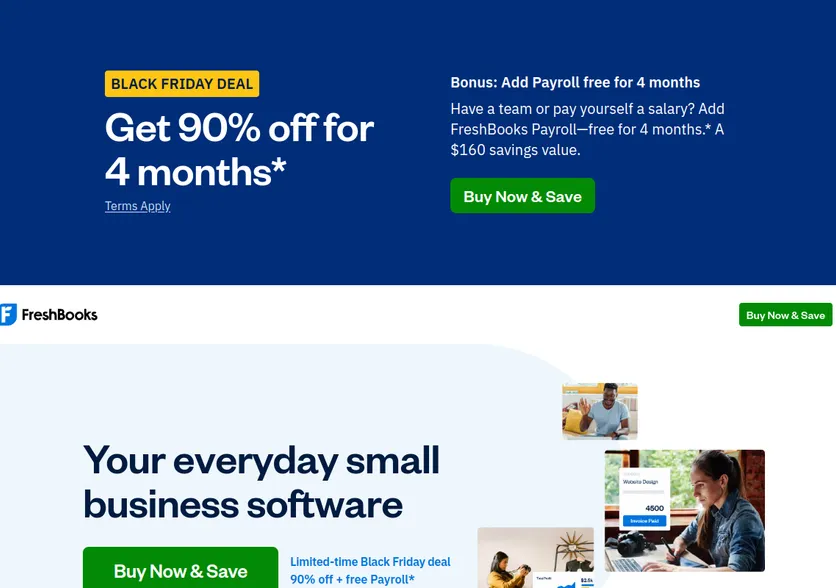
FreshBooks is built around the service business that bills clients by the hour, and its invoice flow shows that focus in every screen. This FreshBooks Lite plan costs twenty three dollars a month for five billable clients and includes unlimited invoices, time tracking and mileage. A consultant can track hours on a job, turn them into an invoice in one click and send it before the client has even left the meeting.
What we like
- Time and mileage tracking built in
- Unlimited invoices on every plan
- Clean client-facing invoice design
Watch out for
- Lite plan caps at five billable clients
- Team members cost extra at eleven dollars each
How to try it
- Open the FreshBooks pricing page and start a trial
- Track time on a real client job
- Turn the tracked hours into an invoice and send it
4. QuickBooks Online
Best for: Businesses that want the accounting software their accountant already knows
Paid tool Starting price: $38/month · Simple Start $38 a month for 1 user; free plan covers 1 user and 2 invoices a month; Essentials $85 a month for 3 users
Free plan: Free plan for 1 user and 2 invoices a month
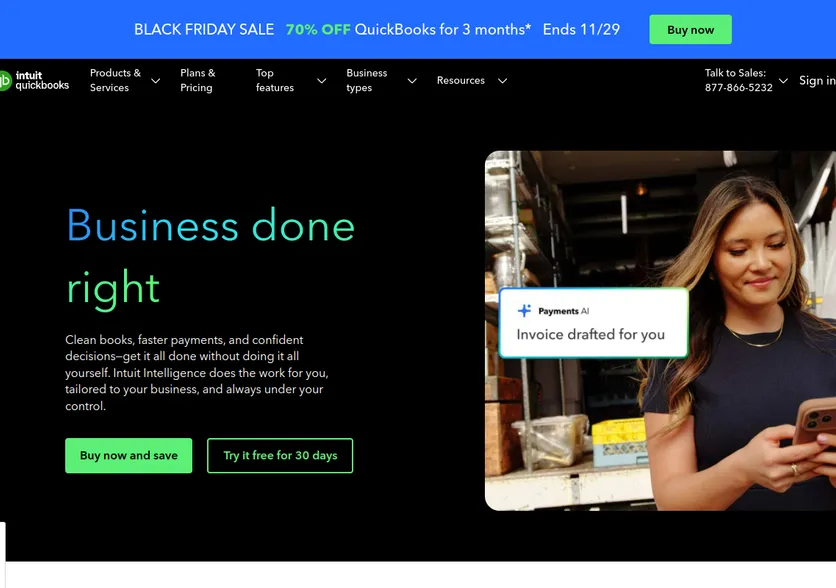
QuickBooks Online is the default choice for a reason, because it is the accounting system most US accountants already know and most banks already connect to. This QuickBooks Online Simple Start plan costs thirty eight dollars a month for one user and covers unlimited custom invoices, bank feeds and tax-ready reports. A business that plans to hand its books to an accountant will save hours at tax time by using the tool the accountant already opens every day.
What we like
- Widest accountant and bank support
- Unlimited invoices on paid plans
- Strong reporting for tax time
Watch out for
- Simple Start covers only one user
- Promotional discounts expire after three months
How to try it
- Open the QuickBooks pricing page and compare the plans
- Connect your bank and check the automatic matching
- Send an invoice with a pay now button and test the payment flow
5. Xero
Best for: Teams that need everyone in the books without per-user fees
Paid tool Starting price: $27/month · Early plan $27 a month for 20 invoices and 5 bills; Growing $59 a month for unlimited invoices; Established $97 a month
Free plan: No free tier published on the pricing page; 30-day free trial
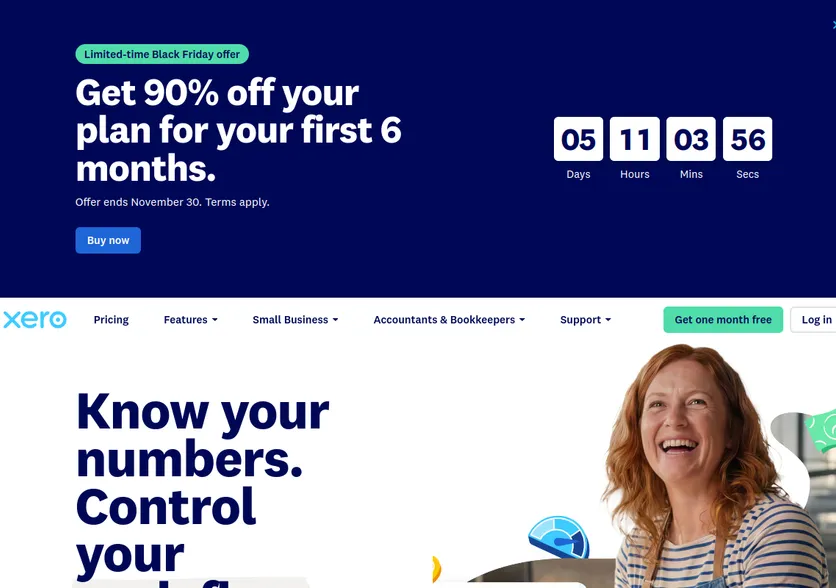
Xero charges by tier rather than by seat, so a whole team can work in the books without the bill growing with every hire. This Xero Early plan costs twenty seven dollars a month with unlimited users, twenty invoices and five bills, plus bank reconciliation on every plan. A small team that shares bookkeeping duties will find the unlimited seats worth more than the invoice cap costs them.
What we like
- Unlimited users on every plan
- Bank reconciliation included from Early
- Clean dashboard for cash flow
Watch out for
- Early plan caps invoices at twenty a month
- No permanent free plan, trial only
How to try it
- Open the Xero pricing page and start a trial
- Connect your bank and reconcile a week of transactions
- Send an invoice and check the payment reminder settings
6. Invoice Ninja
Best for: Operators that want open invoicing with client portals and an API
Paid tool Starting price: $14/month · Pro plan $14 a month or $140 a year for unlimited clients; free plan covers up to 5 clients
Free plan: Free plan for up to 5 clients
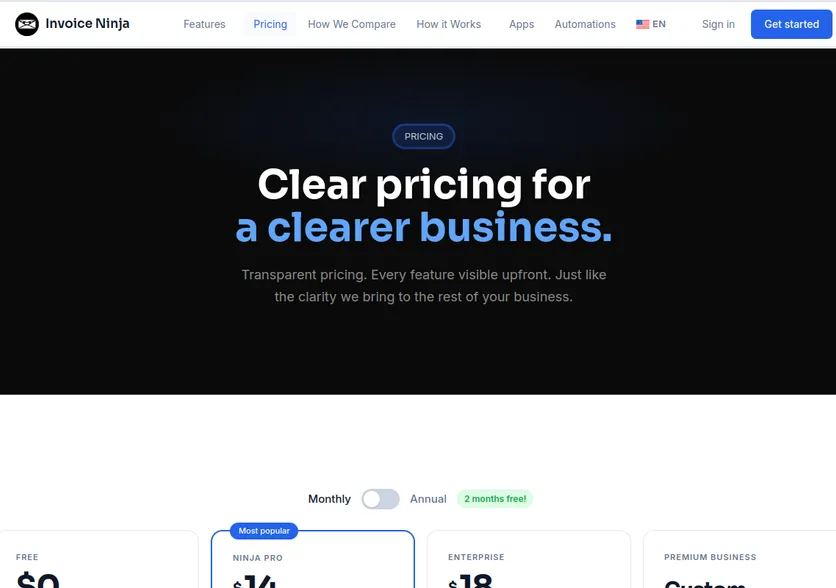
Invoice Ninja is the quiet workhorse of this list, a focused invoicing tool with client portals, quotes and an API at a price smaller than a lunch. This Invoice Ninja Pro plan costs fourteen dollars a month for unlimited clients, and the free plan covers up to five clients with no time limit. A freelancer who wants clean invoices and a client portal without paying for a full accounting suite will feel at home here.
What we like
- Free plan for up to five clients
- Client portals and API included
- One-time payment option for self-hosting
Watch out for
- No built-in payroll or full ledger
- Support is thinner than the big brands
How to try it
- Open the Invoice Ninja pricing page and create a free account
- Set up a client portal and send a quote
- Turn the accepted quote into an invoice in one click
7. HoneyBook
Best for: Creative service businesses that want proposals, contracts and invoices in one flow
Paid tool Starting price: $29/month · Starter plan $29 a month billed annually or $36 a month billed monthly; Essentials $49 a month; Premium $109 a month
Free plan: No free tier published on the pricing page; 30-day free trial
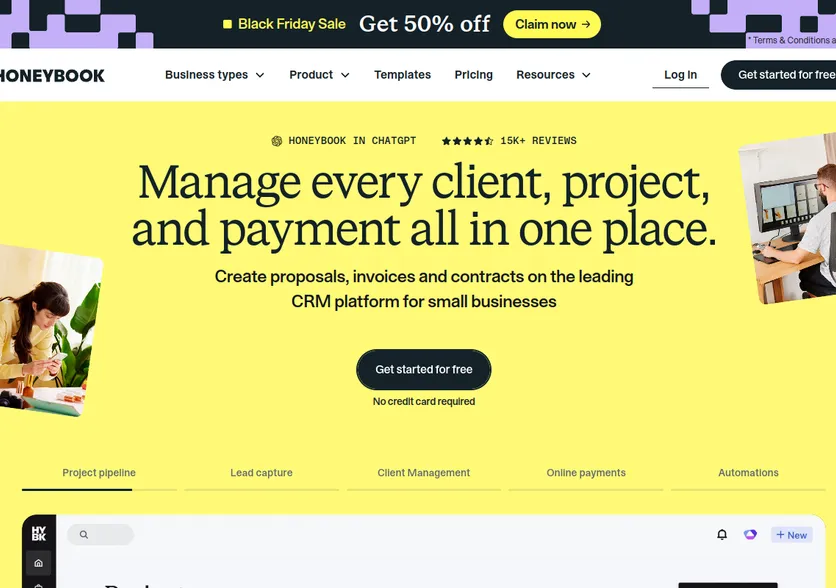
HoneyBook sells the whole client journey, not just the invoice, so a creative business can move a lead from inquiry to signed contract to paid invoice without switching tools. This HoneyBook Starter plan costs twenty nine dollars a month billed annually and covers unlimited clients and projects, invoices, proposals and contracts. A photographer or planner can send a proposal and an invoice in the same file and get paid without chasing paperwork.
What we like
- Proposals, contracts and invoices in one flow
- Unlimited clients on every plan
- Client portal keeps everything in one place
Watch out for
- Automations need the Essentials plan
- Card processing fees apply on every payment
How to try it
- Open the HoneyBook pricing page and start a trial
- Build a proposal template with your branding
- Send a proposal with a contract and first invoice attached
Prices above were checked on each vendor’s own website on Nov 26, 2026 and can change — the vendor’s page is the final word. Vendor links are editorial: nobody paid to be listed or ranked here. Vendors who want a featured listing can see how it works on our Get listed page.
What invoicing software costs in 2026
Most businesses pay for one invoicing tool, so the headline price is the whole budget and the cheapest plan is not always the cheapest deal. This list runs from free to about thirty eight dollars a month, and the per-client pricing of FreshBooks can pass every flat plan once you bill more than a handful of clients. The headline plan each vendor shows on its own pricing page is the number in the table above, checked on November 26, 2026.
Start with the free plan or trial on two tools and send a real invoice through both. Compare how fast the client pays, whether the reminder works and how the invoice looks on a phone, then pick the tool your clients will actually pay through. A nineteen-dollar tool that gets you paid in two days beats a thirty-eight-dollar system that invoices sit in.
Before you buy
- Count your clients first, because FreshBooks charges by billable client while the others charge a flat monthly rate.
- Check the invoice cap, because Xero Early stops at twenty invoices a month and Zoho Books free stops at a thousand a year.
- Test the payment link, because an invoice with a working pay button gets paid far faster than one without.
- Ask what card processing costs, because a few percent on every payment adds up to more than the monthly plan over a year.
- Add up the add-ons, because payroll, bookkeeping and extra team seats can double the headline price on some tools.
Official websites
Official websites of the products reviewed above. Features and prices were checked against these sites when this guide was written, and they can change, so confirm on the vendor site before you buy.
Frequently asked questions
Which accounting software is best for invoicing in 2026?
Wave, at free for unlimited invoices, is the safest default for a solo business that just needs to bill and get paid. Zoho Books is better when you want a real ledger behind the invoices, since its free plan covers a thousand invoices a year and Standard costs twenty dollars a month. FreshBooks wins for service businesses, at twenty three dollars a month with time tracking built into the invoice flow.
Can I send invoices for free?
Yes. Wave sends unlimited invoices on its free Starter plan with no client cap, and Zoho Books lets a small business send up to a thousand invoices a year free. Invoice Ninja is free for up to five clients. All three are permanent free plans, not trials, so a new business can bill clients from day one without paying for software.
What is the cheapest invoicing software for a small business?
Wave is free, which is hard to beat, and its Pro plan costs nineteen dollars a month when you want bank imports. Invoice Ninja Pro, at fourteen dollars a month for unlimited clients, is the cheapest paid plan here. Zoho Books Standard, at twenty dollars a month, adds a full ledger and bank feeds for only a little more.
Does invoicing software include payment reminders?
Most of them, yes. Wave, Zoho Books, FreshBooks, QuickBooks Online and Xero all send automatic payment reminders on paid plans, and several include them free. HoneyBook adds reminders on its Essentials plan. Check the plan details before you buy, because a reminder that only arrives on a higher tier is a common surprise.
Which invoicing software is best for freelancers?
Wave is the best free pick for freelancers, with unlimited invoices and no client cap. FreshBooks is the best paid pick for freelancers who bill by the hour, since it turns tracked time into an invoice in one click at twenty three dollars a month. Invoice Ninja suits freelancers who want client portals and an API for fourteen dollars a month.
Need to check the numbers too? Try Toolsvine's free finance calculators for small businesses right in your browser.
Browse Finance Calculators tools