On this page
A quote that sits unread in an inbox is a deal that never closes, which is why sales teams have moved beyond static PDFs to tracked, signable quotes that show exactly when a prospect reads them. The eight tools below cover every way a sales team quotes, from interactive proposals to catalog pricing and enterprise CPQ. Proposify leads the list because it covers the full journey from template to signed deal, while the other seven tools below win on price, design, catalog accuracy, or CRM fit.
How we researched this
We read each vendor's own pricing page in November 2026 and kept only tools with a published price a sales manager can put in a budget. Quote-only enterprise platforms such as Conga and DealHub were left out, as were tools that only design quotes without tracking or signatures. We compared per-user cost, CRM fit, and how much of the quote-to-signature journey each tool covers alone.
Compare the tools
| Name | Best for | Starting price | Free plan | |
|---|---|---|---|---|
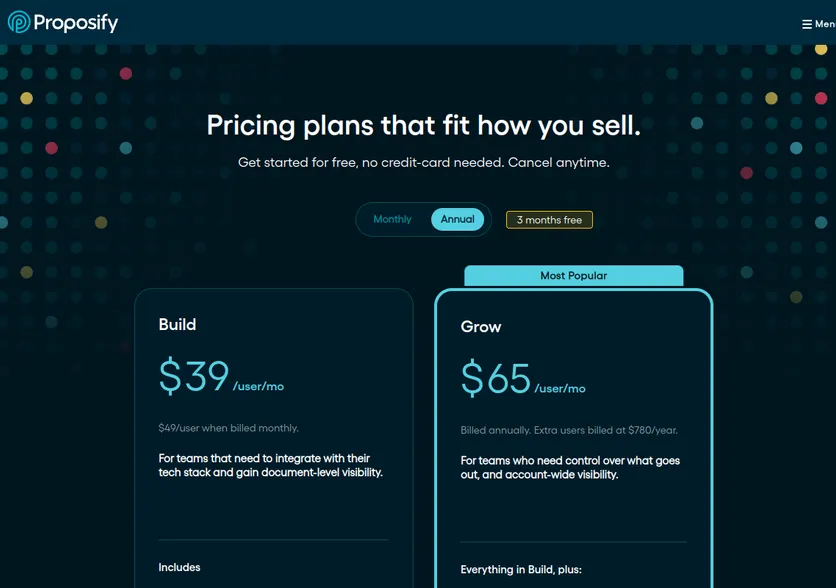
 Proposify | Sales teams that want proposals that track, sign, and close | $39/user/month | Free plan (1 active proposal) | Visit |
 Qwilr | Sales teams that sell with interactive, design-led quotes | $35/user/month | No free plan; 14-day free trial | Visit |
| QuoteWerks | Sales teams that quote from a product catalog with live pricing | $49/user/month | No free plan; free trial available | Visit |
 PandaDoc | Sales teams that want quotes, contracts, and signatures in one flow | $19/user/month | Free eSign plan (limited documents) | Visit |
 DocuSign | Sales teams that need legally binding signatures on every quote | $25/user/month | No free plan; 30-day free trial | Visit |
| SignWell | Small sales teams that need simple, cheap signatures on quotes | $10/sender/month | Free plan (1 document per month) | Visit |
| Salesforce CPQ | Enterprise sales teams already running Salesforce | $75/user/month | No free plan; demo by request | Visit |
 HubSpot Sales Hub | Sales teams that want quoting inside the CRM they already use | $20/seat/month | Free CRM for up to 2 users | Visit |
The quoting software for sales, compared
1. Proposify
Best for: Sales teams that want proposals that track, sign, and close
Paid tool Starting price: $39/user/month · Build plan billed annually (forty-nine dollars on monthly billing). Grow is sixty-five dollars and Scale is one hundred seven dollars a user a month.
Free plan: Free plan (1 active proposal)
Thirty-nine dollars a user a month on annual billing buys Proposify Build, the most complete quoting tool here for a sales team that sends proposals every week. Templates keep every rep on brand and on approved pricing, open tracking shows the moment a prospect reads a quote, and e-signatures close the deal inside the document. It is the best all-round pick because it covers the full journey from first draft to signed deal without a second tool.
What we like
- Open tracking shows when prospects read quotes
- E-signatures close deals inside the proposal
- Template library keeps every rep on brand
Watch out for
- Per-user pricing climbs fast for a large team
- The free plan allows only one active proposal
How to try it
- Import your best-performing quote as a reusable template
- Connect your CRM so deal values flow into quotes automatically
- Follow up the day a prospect opens your proposal
2. Qwilr
Best for: Sales teams that sell with interactive, design-led quotes
Paid tool Starting price: $35/user/month · Starter plan billed annually (forty-nine dollars on monthly billing). Growth is fifty-five dollars with a five-user minimum.
Free plan: No free plan; 14-day free trial
Qwilr Starter costs thirty-five dollars a user a month on annual billing, and it replaces static quote PDFs with interactive web pages a buyer can read, accept, and sign in the browser. Analytics show which sections a prospect lingered on, which makes the follow-up call far more informed. It is the pick for sales teams whose quotes need to look as good as the product they sell.
What we like
- Interactive quotes buyers read in the browser
- Analytics reveal which sections actually get read
- Clean design makes even simple quotes look premium
Watch out for
- No free plan, so every seat is paid from day one
- Growth tier carries a five-user minimum
How to try it
- Turn your best quote into a Qwilr template with your branding
- Add an accept and sign block so buyers close in the browser
- Check analytics before every follow-up call
3. QuoteWerks
Best for: Sales teams that quote from a product catalog with live pricing
Paid tool Starting price: $49/user/month · Essential plan for concurrent users on monthly billing (about forty-five dollars on annual billing). Balanced is seventy-nine dollars and Pinnacle is ninety-nine dollars.
Free plan: No free plan; free trial available
Forty-nine dollars a concurrent user a month buys QuoteWerks Essential, and its concurrent-user model is generous for a sales team: anyone can hold an account, and you pay only for the people quoting at the same time. It pulls live pricing from distributors, applies discounts and taxes, and turns an approved quote into an order without retyping. For teams whose quoting is catalog-driven, it is the most accurate tool here.
What we like
- Concurrent-user pricing means unlimited named users
- Live distributor pricing keeps quotes accurate
- Quote-to-order workflow removes retyping
Watch out for
- The interface looks dated next to newer tools
- Catalog setup takes effort before the first quote
How to try it
- Import your product catalog and distributor price lists
- Build quote templates for your most common deal types
- Connect your CRM so approved quotes become orders
4. PandaDoc
Best for: Sales teams that want quotes, contracts, and signatures in one flow
Paid tool Starting price: $19/user/month · Starter plan billed annually. Business is forty-nine dollars a user a month.
Free plan: Free eSign plan (limited documents)
Nineteen dollars a user a month gets PandaDoc Starter on annual billing, the cheapest complete quoting workflow here, covering proposals, quotes, contracts, and e-signatures in a single document flow. Templates, a content library, and HubSpot and Salesforce integrations keep reps building quotes instead of formatting them. It is the best value pick for a sales team that needs the whole journey from draft to signed deal.

What we like
- Proposals, contracts, and signatures in one tool
- Strong CRM integrations with HubSpot and Salesforce
- Free eSign plan lets a team try signatures first
Watch out for
- Starter limits some automation and reporting
- Heavy users will need the Business tier
How to try it
- Set up your quote template with pricing tables and signature blocks
- Connect your CRM so contact and deal details fill themselves in
- Send a test document to a teammate and sign it before going live
5. DocuSign
Best for: Sales teams that need legally binding signatures on every quote
Paid tool Starting price: $25/user/month · Standard plan billed annually and paid upfront (thirty dollars a month on monthly billing). Personal is ten dollars and Business Pro is forty dollars.
Free plan: No free plan; 30-day free trial
DocuSign Standard costs twenty-five dollars a user a month, and it remains the signature-first choice for sales teams whose quotes must become binding agreements without friction. The signing experience is the most trusted in the industry, conditional logic keeps quotes clean as terms change, and integrations connect it to the CRM and proposal tools above. Pair it with a quoting tool for design-heavy proposals, since DocuSign itself is about agreement, not layout.

What we like
- The most widely trusted e-signature experience
- Conditional logic keeps complex agreements tidy
- Integrates with nearly every CRM and quoting tool
Watch out for
- It signs documents; it does not design quotes
- The annual plan must be paid upfront
How to try it
- Upload your standard quote as a reusable template
- Add signature, date, and conditional fields for each signer
- Send a test envelope and track it to completion
6. SignWell
Best for: Small sales teams that need simple, cheap signatures on quotes
Paid tool Starting price: $10/sender/month · Entry paid plan billed annually. Free plan covers one document a month.
Free plan: Free plan (1 document per month)
SignWell costs ten dollars a sender a month, the cheapest signature price in this guide, and its free plan covers one document a month for teams that rarely need a signature. It handles templates, reminders, and audit trails without the enterprise weight of bigger platforms. For a small sales team that mainly needs quotes signed quickly, it is all the signature tool you will ever use.
What we like
- Cheapest paid signature plan in this guide
- Free plan covers the occasional signature
- Simple enough to set up in an afternoon
Watch out for
- No quoting design tools; it only signs documents
- Free plan allows just one document a month
How to try it
- Upload your quote template and mark the signature spots
- Send the first document to a colleague as a test
- Set reminders so unsigned quotes chase themselves
7. Salesforce CPQ
Best for: Enterprise sales teams already running Salesforce
Paid tool Starting price: $75/user/month · Salesforce does not publish CPQ pricing on its own pricing page; seventy-five dollars a user a month is the widely reported list figure, with CPQ Plus at one hundred fifty dollars.
Free plan: No free plan; demo by request
Seventy-five dollars a user a month is the widely reported list price for Salesforce CPQ, the enterprise-grade quoting engine for sales teams that already live in Salesforce. It guides reps through product configuration, applies pricing rules and approvals automatically, and keeps every quote tied to the opportunity it came from. The price is not published on Salesforce's own pricing page, so confirm it with a Salesforce quote, and budget for configuration help on top of the licenses.
What we like
- Native to Salesforce, so quotes stay tied to opportunities
- Guided selling prevents configuration mistakes
- Approval workflows enforce discount policy automatically
Watch out for
- Pricing is not published, so the real quote may differ
- Needs Salesforce expertise to configure properly
How to try it
- Audit your product catalog and discount rules first
- Build guided selling flows for your most complex products
- Test the approval chain with a real multi-line quote
8. HubSpot Sales Hub
Best for: Sales teams that want quoting inside the CRM they already use
Paid tool Starting price: $20/seat/month · Starter list price; new-customer promotions show seven dollars a seat a month on annual billing, which is not the list price. Professional is one hundred dollars and Enterprise is one hundred fifty dollars.
Free plan: Free CRM for up to 2 users
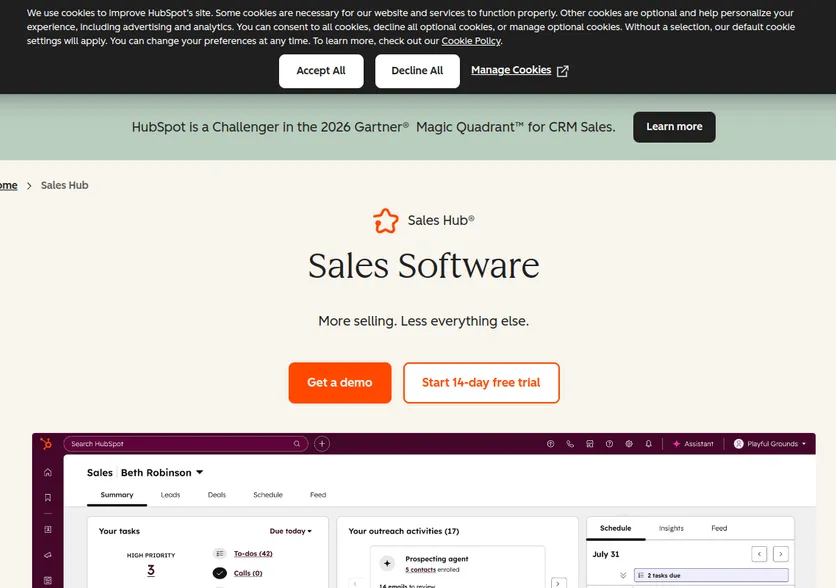
Twenty dollars a seat a month is the list price for HubSpot Sales Hub Starter, the cheapest CRM-native quoting option here. Reps build quotes from deal data without switching tools, and the free CRM tier underneath means small teams can start without paying at all. Starter is deliberately limited, and teams that need advanced quoting will climb to Professional at one hundred dollars a seat, but the path from free to full-featured is the smoothest in this guide.
What we like
- Quotes live inside the CRM reps already use
- Free CRM tier lets teams start without paying
- Smooth upgrade path from Starter to Enterprise
Watch out for
- Starter is limited; serious quoting needs Professional
- Per-seat pricing climbs steeply at higher tiers
How to try it
- Set up products and price lists in the HubSpot product library
- Build a quote template that pulls deal data automatically
- Test the quote-to-payment flow before rolling out to reps
Prices above were checked on each vendor’s own website on Nov 28, 2026 and can change — the vendor’s page is the final word. Vendor links are editorial: nobody paid to be listed or ranked here. Vendors who want a featured listing can see how it works on our Get listed page.
How to pick quoting software for your sales team
Begin with the deal you lose most often. If slow follow-up is the problem, choose a tool with open tracking and signatures, such as Proposify or PandaDoc, so nobody has to guess when to call. If quotes come from a product catalog with changing prices, QuoteWerks is the only tool here built for that job. If your team already lives in Salesforce or HubSpot, quote inside the CRM instead of adding another tool. Finally, count seats honestly: per-user pricing means a five-person team pays five times the headline, so a flat per-account plan can be cheaper for a small team.
Before you buy
- Check whether the price is per user or per account, since a thirty-five-dollar plan costs five times more for a team of five
- Confirm your CRM is supported, because a quoting tool that cannot pull deal data creates manual work
- Send a test quote to a colleague and open it on a phone, since most buyers read quotes on mobile first
- Ask what happens when the trial ends, including whether unsent drafts and templates survive
- Check the signature and payment limits on the entry plan, because the cheapest tier often caps what sales needs most
Official websites
Official websites of the products reviewed above. Features and prices were checked against these sites when this guide was written, and they can change, so confirm on the vendor site before you buy.
Frequently asked questions
What is the best quoting software for sales teams?
Proposify is the best all-round quoting software for sales, with templates, open tracking, signatures, and CRM integrations at thirty-nine dollars a user a month. PandaDoc is the best value at nineteen dollars, Qwilr wins on design, and QuoteWerks wins for catalog quoting. The right pick depends on whether your team sends ten quotes a month or a hundred, and whether those quotes come from a catalog or a blank page.
How much does quoting software cost for a sales team?
Expect nineteen to seventy-five dollars a user a month, depending on the tool. A five-person team should budget roughly ninety-five to three hundred seventy-five dollars a month on annual billing, with catalog and CPQ tools at the higher end. Add the cost of the CRM integration tier if your team needs deal data to flow automatically, and remember that per-user pricing scales with every new hire.
Should sales teams stop sending quotes as PDFs?
Yes, and most teams should. Sending a quote as a tracked, signable document shows when a prospect opened it and which pages held their attention, which removes the guesswork from follow-ups. PDFs also look dated next to interactive quotes and cannot collect a signature or payment in the same step. Keep PDFs only for buyers who demand them.
What is the cheapest quoting software with e-signatures?
PandaDoc Starter at nineteen dollars a user a month covers quotes, contracts, and signatures in one tool, which makes it the cheapest complete option here. SignWell at ten dollars a sender a month is cheaper still, but it only signs documents and does not build quotes. HubSpot Sales Hub Starter at twenty dollars a seat is the cheapest way to quote inside a CRM.
How long does it take to set up quoting software?
Connect your CRM first, then build templates for your three most common deal types, then train the team on tracking and follow-up. Most teams see value in the first week because open notifications tell reps exactly when to call. The slow part is usually migrating old quote files and pricing tables, so start with the templates you actually reuse.
Compare the eight tools above, then start a free trial on the one that matches how your team already sells before paying for a full year.
Browse Business Tools tools