On this page
Remote teams need marketing tools that work from anywhere, with shared templates, shared follow-up and a single view of every lead. The seven tools below cover that work at prices from five dollars a month to three hundred and ninety-nine. Follow Up Boss leads because it keeps a distributed team on one follow-up system for fifty-eight dollars per user a month, and the rest are ranked on how well they support remote work.
How we researched this
We checked every price on the vendor pricing page on November 28, 2026, and only included tools with a published US dollar list price. kvCORE and BoomTown publish no prices, so they are not in this list. Prices change, so confirm the current figure on the vendor site before you buy.
Compare the tools
| Name | Best for | Starting price | Free plan | |
|---|---|---|---|---|
 Follow Up Boss | Remote teams that want one follow-up system | $58/user/month | 14-day free trial | Visit |
 Real Geeks | Remote teams that want marketing, website and CRM in one bill | $399/month | No free plan | Visit |
 HubSpot Marketing Hub | Remote teams that want marketing automation with their CRM | $15/seat/month | Free plan | Visit |
 Mailchimp | Remote teams that want email nurture for past clients | $13/month | Free plan (250 contacts) | Visit |
 Canva Pro | Remote teams that want shared listing design templates | $120/year | Free plan | Visit |
 Constant Contact | Remote teams that want simple email marketing | $12/month | 30-day free trial | Visit |
 Buffer | Remote teams that want simple social scheduling | $6/channel/month | Free plan (3 channels) | Visit |
The real estate marketing software for remote teams, compared
1. Follow Up Boss
Best for: Remote teams that want one follow-up system
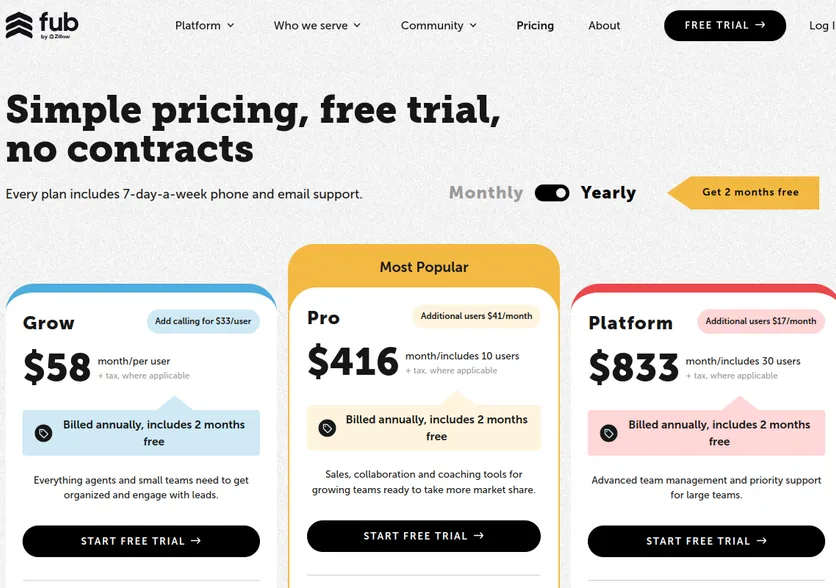
Paid tool Starting price: $58/user/month · Fifty-eight dollars per user a month billed annually ($69 billed monthly); Pro is $499 a month for 10 users and Platform is $1,000 a month for 30 users; calling is a paid add-on on Grow at $39 a user a month ($33 billed annually)
Free plan: 14-day free trial
A remote team that needs every agent working from the same lead system will settle in fast here, because this Follow Up Boss plan costs fifty-eight dollars per user a month billed annually and connects every lead source into one disciplined follow-up system. Action plans keep nurture consistent no matter where each agent sits, and the founder can see the whole pipeline from one dashboard. It is the follow-up side of remote marketing rather than the design side, so pair it with a design tool for the creative work.
What we like
- Connects every lead source into one place
- Action plans keep follow-up consistent across locations
- Single view of the whole business for the team lead
Watch out for
- Per-user pricing adds up as the team grows
- Calling costs extra on the Grow plan
How to try it
- Connect your lead sources, from portals to social ads
- Build one action plan for new leads and assign it to the team
- Check the dashboard each morning for leads that need attention
2. Real Geeks
Best for: Remote teams that want marketing, website and CRM in one bill
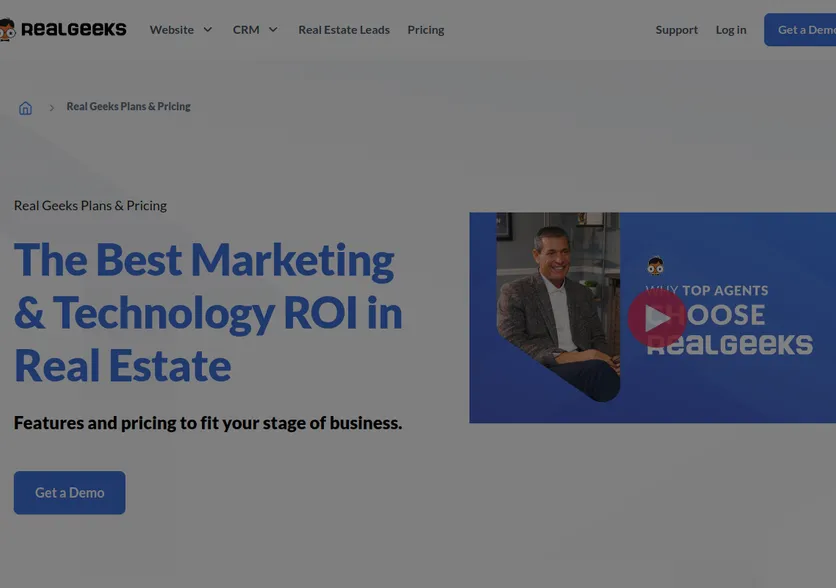
Paid tool Starting price: $399/month · Three hundred and ninety-nine dollars a month on a 12-month term for the platform, including 2 users, plus a $500 one-time setup fee; $599 a month on a 6-month term and $3,990 a year prepaid annually; lead packages are $299 to $599 a month each and IDX feeds are $10 a board a month
Free plan: No free plan
A remote team that wants its marketing, website and CRM in one bill will find the simplest setup here, because this Real Geeks plan costs three hundred and ninety-nine dollars a month on a 12-month term and pairs lead management with a personalized IDX website. Leads from the site land directly in the CRM, and the dialer covers calling and texting without a second subscription. The setup fee and term commitment make it a bigger first step than a per-user CRM, so it suits teams that have decided on their brand already.
What we like
- All-in-one CRM and IDX website in one bill
- Leads flow from the site straight into the CRM
- Dialer with unlimited calling and texting included
Watch out for
- A $500 setup fee and a term contract are required
- Lead packages cost extra on top of the platform
How to try it
- Build the IDX website and connect your MLS feed
- Set up lead capture forms and routing rules
- Start a lead package only once the site is converting
3. HubSpot Marketing Hub
Best for: Remote teams that want marketing automation with their CRM
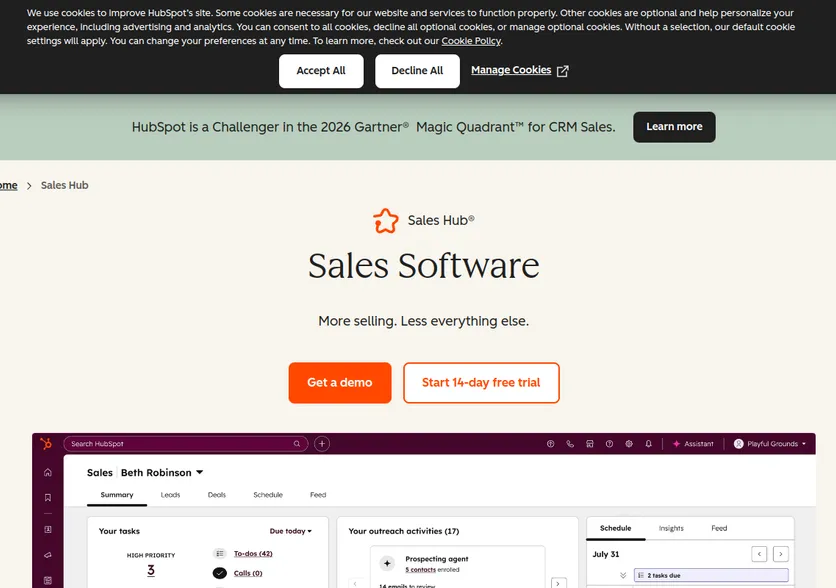
Paid tool Starting price: $15/seat/month · Fifteen dollars per seat a month billed annually on Starter ($20 billed monthly); Professional is $800 a month billed annually ($890 billed monthly) plus a $3,000 one-time onboarding fee; Enterprise is $3,600 a month billed annually
Free plan: Free plan
A remote team that wants marketing automation and a CRM in the same account will find the most flexible platform here, because this HubSpot Marketing Hub plan costs fifteen dollars per seat a month billed annually on Starter, with a free tier below it. Email, landing pages and lead capture connect directly to the CRM, so every campaign feeds the pipeline no matter where the team sits. Real estate lead sources and IDX websites are not native, so those pieces arrive through integrations or separate tools.
What we like
- Email, landing pages and CRM in one account
- Free tier lets a team test before paying
- Automation scales from simple nurture to full campaigns
Watch out for
- Not real estate specific, so property tools need adding
- Professional tier jumps to $800 a month
How to try it
- Start on the free tier with contacts and email
- Build landing pages for listings and open houses
- Set up automated nurture for new leads
4. Mailchimp
Best for: Remote teams that want email nurture for past clients
Paid tool Starting price: $13/month · Thirteen dollars a month on Essentials for up to 500 contacts; Standard is $20 and Premium is $350 a month at the same contact level; first-year offers show $6.50, $10 and $175 a month, which are not list prices
Free plan: Free plan (250 contacts)
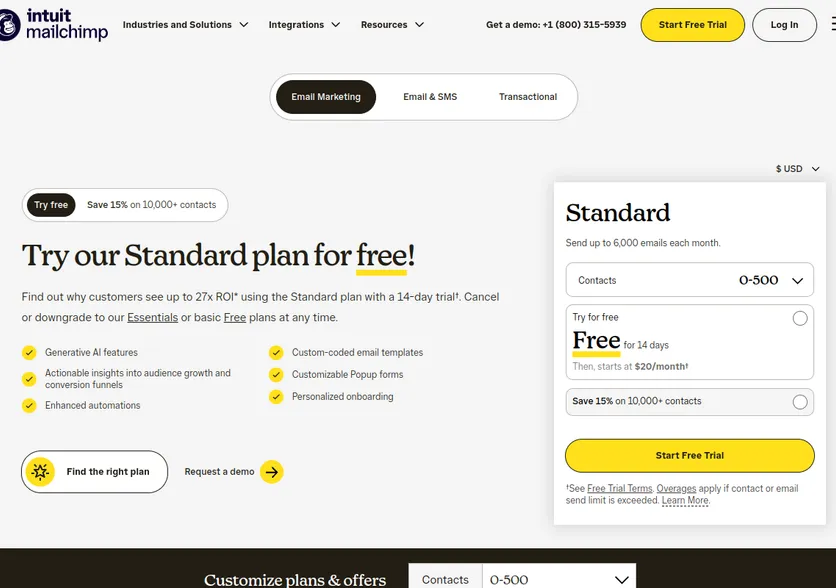
A remote team that keeps in touch with past clients and prospects by email will find a straightforward tool here, because this Mailchimp plan costs thirteen dollars a month on Essentials for up to 500 contacts. Email templates, audience segments and automation cover newsletters and listing announcements, and the free plan covers 250 contacts for a new team. It is an email tool rather than a CRM, so lead follow-up and deal tracking need a separate system.
What we like
- Email templates and automation for listing announcements
- Audience segments for buyers, sellers and past clients
- Free plan covers 250 contacts for a new team
Watch out for
- Not a CRM, so follow-up needs a separate tool
- Price rises as the contact list grows
How to try it
- Import contacts and segment by buyer, seller and past client
- Build email templates for listings and market updates
- Set up automation for new subscribers and past clients
5. Canva Pro
Best for: Remote teams that want shared listing design templates
Paid tool Starting price: $120/year · One hundred and twenty dollars a year on Pro, or $10 a month billed annually ($15 billed monthly); Teams is $100 a year per person with a three-person minimum
Free plan: Free plan
A remote team that needs shared design templates so every listing looks consistent will get the most from this tool, because this Canva Pro plan costs one hundred and twenty dollars a year. Templates, brand kits and background removal speed up every piece of creative, and the library covers print and social in one place. It is a design tool rather than a CRM, so lead follow-up still needs a separate system.

What we like
- Templates and brand kits for consistent team branding
- Background removal and premium stock included
- Covers print flyers, social posts and brochures in one place
Watch out for
- Not a CRM, so follow-up needs a separate tool
- Templates can look familiar if used without customising
How to try it
- Set up a brand kit with your colours and fonts
- Build listing flyer and social templates for each home
- Export print-ready files for brochures and open houses
6. Constant Contact
Best for: Remote teams that want simple email marketing
Paid tool Starting price: $12/month · Twelve dollars a month on Lite for up to 500 contacts; Standard is $35 and Premium is $80 a month at the same contact level; no free plan
Free plan: 30-day free trial
A remote team that wants simple email marketing with good support will find an easy start here, because this Constant Contact plan costs twelve dollars a month on Lite for up to 500 contacts. Email templates, list management and event tools cover newsletters and open house invitations, and the 30-day trial lets a team test it before paying. It is an email tool rather than a CRM, so lead follow-up and deal tracking need a separate system.
What we like
- Email templates and list management for newsletters
- Event tools for open houses and client events
- 30-day trial with no free plan needed to test
Watch out for
- Not a CRM, so follow-up needs a separate tool
- Price rises as the contact list grows
How to try it
- Import contacts and build lists for buyers and sellers
- Create email templates for listings and market updates
- Set up event invitations for open houses
7. Buffer
Best for: Remote teams that want simple social scheduling
Paid tool Starting price: $6/channel/month · Six dollars per channel a month billed monthly ($5 billed annually) on Essentials; Team is $12 per channel a month billed monthly ($10 billed annually); the free plan covers three channels
Free plan: Free plan (3 channels)
A remote team that wants simple social scheduling at a low price will find the easiest start here, because this Buffer plan costs six dollars per channel a month billed monthly on Essentials. Posts for listings and market updates can be queued in minutes, and the free plan covers three channels for a new team. It is a scheduling tool rather than a full social suite, so monitoring and reporting are lighter than Hootsuite.
What we like
- Lowest social scheduling price in this list
- Free plan covers three channels for a new team
- Simple queue that anyone learns in minutes
Watch out for
- Lighter monitoring and reporting than a full social suite
- Not a CRM, so follow-up needs a separate tool
How to try it
- Connect your social channels for listings and updates
- Queue posts for new listings and open houses
- Review analytics each week to see what performs
Prices above were checked on each vendor’s own website on Nov 28, 2026 and can change — the vendor’s page is the final word. Vendor links are editorial: nobody paid to be listed or ranked here. Vendors who want a featured listing can see how it works on our Get listed page.
How remote teams should pick their marketing tools
Start with the handoff, not the campaign. A remote team lives or dies on whether every lead reaches the right agent fast, so list the marketing the team actually runs and check whether each tool passes leads into the CRM automatically with their source attached. Then test the follow-up: does the CRM remind an agent to call within minutes, and can the team lead see whether it happened from one dashboard? Keep the first month small, with one campaign and one follow-up sequence, and only add lead packages or automation once the basic loop is working every day. Before you commit, run one campaign with the whole team working from different locations, and check that every agent sees the same leads, templates and follow-up tasks, because a tool that works well for one person can still break down when five people use it at once.
Before you buy
- Check which marketing channels the tool connects to your CRM automatically
- Confirm team roles and permissions work for agents in different locations
- Verify shared templates and brand kits keep listings consistent
- Ask how reporting ties marketing spend to closed deals
- Review contract terms and cancellation conditions before signing
Official websites
Official websites of the products reviewed above. Features and prices were checked against these sites when this guide was written, and they can change, so confirm on the vendor site before you buy.
Frequently asked questions
What marketing software is best for a remote real estate team?
Follow Up Boss is the first pick for remote teams, at fifty-eight dollars per user a month billed annually, because every lead source lands in one follow-up system the whole team shares. Real Geeks suits teams wanting website, CRM and marketing in one bill, and Canva Pro covers shared design templates for one hundred and twenty dollars a year. The right mix depends on whether the follow-up, the website or the design is the bigger gap.
How does Follow Up Boss help remote teams?
Follow Up Boss connects every lead source into one system, with action plans that keep follow-up consistent no matter where each agent sits. The founder can see the whole pipeline from one dashboard, and calling is a paid add-on on Grow at thirty-nine dollars a user a month. There is a fourteen-day free trial and no contract.
Can a remote team share design templates in Canva Pro?
Yes. Canva Pro costs one hundred and twenty dollars a year and includes brand kits and templates so every listing looks consistent across the team. Teams is one hundred dollars a year per person with a three-person minimum. It is a design tool rather than a CRM, so lead follow-up still needs a separate system.
Do remote teams need a CRM with their marketing tools?
Yes. Marketing only pays when leads reach an agent fast and get followed up, so a CRM such as Follow Up Boss or Real Geeks matters as much as the campaign itself. Email and social tools such as Mailchimp and Buffer cover the creative side, while the CRM tracks the lead to closing. The two sides work best together.
What is the cheapest marketing tool for a remote team?
Buffer is the cheapest entry point here at six dollars per channel a month billed monthly on Essentials, with a free plan for three channels. Canva Pro costs one hundred and twenty dollars a year, and Constant Contact starts at twelve dollars a month. The cheapest tool is not always the best fit, so compare the marketing channels your team actually uses before choosing on price alone.
Compare the seven tools above, then start with a free trial of the marketing software that matches your remote team before paying for a full year.
Browse Marketing & Ads Calculators tools