On this page
Nonprofit reporting has to tie donations, donors, programmes and events together without adding busywork, because every hour spent on reports is an hour away from the mission. The eight tools below do that from the fundraising side and the analytics side, from donor CRMs that report on gifts and grants to dashboards that visualise the whole organisation. Neon CRM leads because its Essentials plan costs ninety-nine dollars a month, and the rest are ranked on how clearly they show where the money comes from and where it goes.
How we researched this
We checked every price on the vendor pricing page on November 28, 2026, and only included tools with a published US dollar list price. Blackbaud Raiser's Edge NXT, Kindful and Salsa CRM all sell by quote, so they are not in this list. Prices change, so confirm the current figure on the vendor site before you buy.
Compare the tools
| Name | Best for | Starting price | Free plan | |
|---|---|---|---|---|
 Neon CRM | Nonprofits that run events and memberships too | $99/month | No free plan; demo available | Visit |
 Little Green Light | Small and mid-sized nonprofits that want simple reporting | $45/month | No free plan; 30-day free trial | Visit |
 Bloomerang | Nonprofits focused on donor and volunteer relationships | $125/month | No free plan; demo available | Visit |
 DonorPerfect | Nonprofits that track grants and gifts together | $119/month | No free plan; free trial available | Visit |
 Aplos | Small nonprofits that want accounting with donors | $79/month | No free plan; 15-day free trial | Visit |
 Keela | Nonprofits that want donors and outreach together | $164/month | No free plan or free trial; demo required | Visit |
 Tableau | Nonprofits that want visual reports on all their data | $75/user/month | 14-day free trial | Visit |
 Power BI | Nonprofits already running Microsoft 365 | $14/user/month | Free plan (personal use, no sharing) | Visit |
The reporting software for nonprofits, compared
1. Neon CRM
Best for: Nonprofits that run events and memberships too
Paid tool Starting price: $99/month · Ninety-nine dollars a month billed annually on Essentials; Impact is two hundred and nine dollars and Empower is four hundred and nine dollars a month; pricing is by revenue, not seats
Free plan: No free plan; demo available
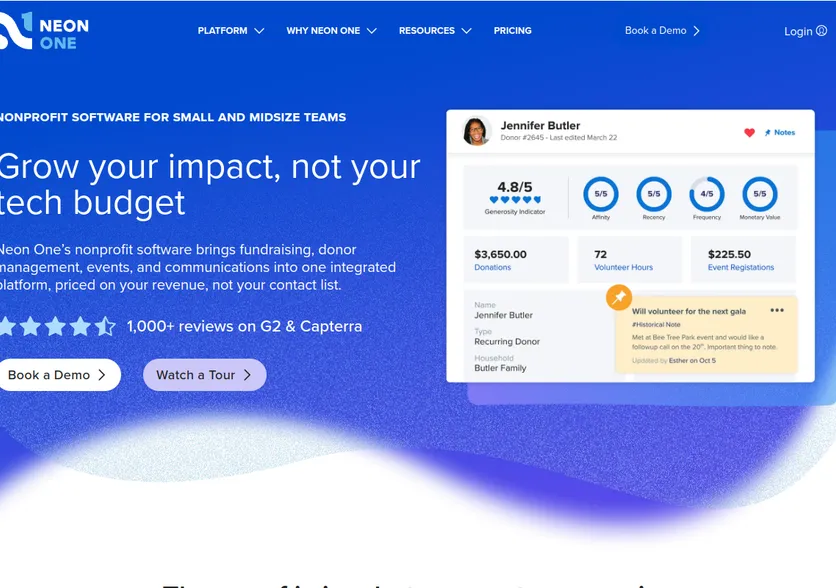
Ninety-nine dollars a month billed annually on the Essentials plan buys a unified nonprofit platform where donor management, fundraising, memberships, events and ticketing feed one set of reports from Neon CRM. Impact at two hundred and nine dollars and Empower at four hundred and nine dollars add more features, and pricing follows revenue rather than seats. It fits a nonprofit that runs events and memberships alongside fundraising.
What we like
- Donors, events, memberships and ticketing in one place
- Reports draw from every module at once
- Pricing by revenue, not by seat
Watch out for
- Broad scope needs setup time to configure
- Cross-module reporting needs planning
How to try it
- Import donors and set up funds and campaigns
- Run events and memberships in the same system
- Build reports across gifts, events and members
2. Little Green Light
Best for: Small and mid-sized nonprofits that want simple reporting
Paid tool Starting price: $45/month · Forty-five dollars a month for up to two thousand five hundred constituents; higher tiers rise with record count; ten percent off annual prepay
Free plan: No free plan; 30-day free trial
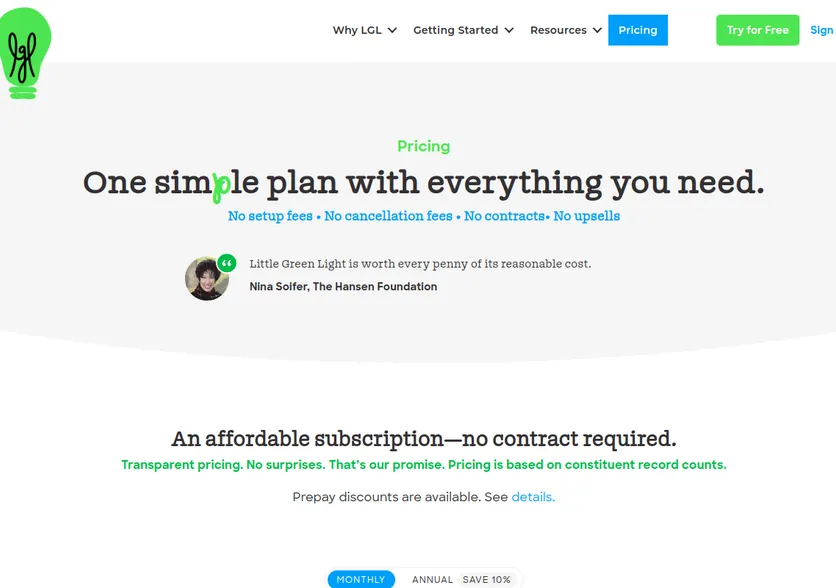
Forty-five dollars a month for up to two thousand five hundred constituents buys donor management built for small and mid-sized nonprofits, with straightforward records and reporting and a ten percent discount on annual prepay from Little Green Light. Higher tiers rise with record count, so the price follows the size of the donor base. It is the cheapest donor reporting in this list for a small team.
What we like
- Built for small and mid-sized nonprofits
- Straightforward donor records and reports
- Price follows the size of the donor base
Watch out for
- May lack depth for complex reporting
- Not positioned for large enterprise needs
How to try it
- Import the donor list and set up funds
- Record gifts and run the standard reports
- Export the donor reports for the board
3. Bloomerang
Best for: Nonprofits focused on donor and volunteer relationships
Paid tool Starting price: $125/month · One hundred and twenty-five dollars a month billed annually for the CRM, priced by record count with unlimited users; Fundraising and Volunteer modules cost extra
Free plan: No free plan; demo available
One hundred and twenty-five dollars a month billed annually buys the Bloomerang CRM, priced by record count with unlimited users, covering fundraising, donor relationships and volunteer management in one place. Fundraising and Volunteer modules cost extra, so the total depends on which parts of the platform the nonprofit uses. It fits a team focused on building stronger donor and volunteer relationships.
What we like
- CRM, fundraising and volunteers in one place
- Unlimited users on the CRM plan
- Donor engagement reporting built in
Watch out for
- Fundraising and Volunteer modules cost extra
- Reporting across modules needs configuration
How to try it
- Import donors and volunteers into the CRM
- Track gifts, engagement and volunteer hours
- Report on retention and relationship health
4. DonorPerfect
Best for: Nonprofits that track grants and gifts together
Paid tool Starting price: $119/month · One hundred and nineteen dollars a month billed annually on Core for five hundred records; Plus is one hundred and ninety-nine dollars and Pro is six hundred and forty-nine dollars a month
Free plan: No free plan; free trial available
One hundred and nineteen dollars a month billed annually on the Core plan for five hundred records covers donor management, grant and gift tracking, moves management and mass mailing in one system from DonorPerfect. Plus at one hundred and ninety-nine dollars and Pro at six hundred and forty-nine dollars add more records and features. It fits a nonprofit that handles grants and mail campaigns alongside gifts.
What we like
- Donor, grant and gift tracking in one system
- Moves management for major donors
- Mass mailing built in
Watch out for
- Broad feature set needs training time
- Reporting depth varies with setup
How to try it
- Set up funds, grants and gift structures
- Record gifts and track moves for major donors
- Run fundraising reports for the board
5. Aplos
Best for: Small nonprofits that want accounting with donors
Paid tool Starting price: $79/month · Seventy-nine dollars a month on Lite for two users and five hundred contacts; Core is one hundred and twenty-nine dollars and Advanced starts at two hundred and twenty-nine dollars a month
Free plan: No free plan; 15-day free trial
Seventy-nine dollars a month on the Lite plan for two users and five hundred contacts buys accounting and donor management in one place, so a nonprofit can report on gifts and the books without two systems from Aplos. Core at one hundred and twenty-nine dollars and Advanced from two hundred and twenty-nine dollars a month add more users, contacts and features. It fits a small nonprofit that wants fund accounting beside donor records.
What we like
- Fund accounting and donor management together
- True fund accounting for grants and programmes
- Simple enough for a small team to run
Watch out for
- Lite covers two users and 500 contacts only
- Reporting depth grows only on higher tiers
How to try it
- Set up funds and import donor records
- Record gifts against the right fund
- Run fund and donor reports for the board
6. Keela
Best for: Nonprofits that want donors and outreach together
Paid tool Starting price: $164/month · One hundred and sixty-four dollars a month billed annually for up to one thousand contacts, or one hundred and ninety dollars billed monthly; larger bands cost up to four hundred and thirty-eight dollars a month
Free plan: No free plan or free trial; demo required
One hundred and sixty-four dollars a month billed annually covers up to one thousand contacts, or one hundred and ninety dollars billed monthly, with larger contact bands costing more up to four hundred and thirty-eight dollars a month for seven thousand five hundred and one to ten thousand contacts from Keela. The platform combines donor management, fundraising and communications with reporting on campaigns and engagement. It fits a nonprofit that wants donor data and outreach in one place.
What we like
- Donor management, fundraising and communications together
- Campaign and engagement reporting included
- Pricing follows contact count
Watch out for
- No free plan or free trial, only a demo
- Price rises steeply as contacts grow
How to try it
- Import donors and set up campaigns
- Send outreach and track responses
- Report on campaign results and engagement
7. Tableau
Best for: Nonprofits that want visual reports on all their data
Paid tool Starting price: $75/user/month · Seventy-five dollars per user a month on Creator, Standard edition; Explorer is forty-two dollars and Viewer is fifteen dollars a user a month
Free plan: 14-day free trial
Seventy-five dollars per user a month on the Creator plan buys drag-and-drop analytics that connect donor, finance and programme data into visual reports the board can read at a glance from Tableau. Explorer at forty-two dollars and Viewer at fifteen dollars cover the staff who only read dashboards, so a small nonprofit can run one Creator and many Viewers. It is the strongest analytics layer in this list for a nonprofit with data in several systems.
What we like
- Drag-and-drop dashboards on almost any database
- Connects donor, finance and programme data
- Viewer tier is cheap for board readers
Watch out for
- Advanced modelling needs skilled users
- Costs grow as more staff need Creator licences
How to try it
- Connect the donor CRM and accounting data
- Build dashboards for gifts, grants and programmes
- Share them with staff and the board
8. Power BI
Best for: Nonprofits already running Microsoft 365
Paid tool Starting price: $14/user/month · Fourteen dollars per user a month for Pro; Premium Per User is twenty-four dollars a user a month; some older pages still show ten dollars for Pro, which is the retired price
Free plan: Free plan (personal use, no sharing)
Fourteen dollars per user a month buys Power BI Pro, which turns donor, gift and programme data into interactive reports that refresh on a schedule and share across the organisation. Premium Per User at twenty-four dollars adds larger models and more frequent refreshes, and the free desktop app covers personal use. Some older pages still show ten dollars for Pro, but the current list price is fourteen dollars, so confirm it on the vendor page.
What we like
- Interactive reports that share across the team
- Scheduled refresh keeps donor data current
- Fits naturally with Excel and Microsoft 365
Watch out for
- Sharing needs a paid Pro licence for every reader
- Report building needs some analyst skill
How to try it
- Connect the donor and finance data
- Build the reports with drag-and-drop visuals
- Publish them to the team workspace
Prices above were checked on each vendor’s own website on Nov 28, 2026 and can change — the vendor’s page is the final word. Vendor links are editorial: nobody paid to be listed or ranked here. Vendors who want a featured listing can see how it works on our Get listed page.
How to report to a board that has ten minutes
Lead with three numbers: money raised against target, donor retention, and cost per dollar raised, because those three answer almost every board question. Put the story next to the numbers, since a grant that landed late explains a dip better than any chart. Keep one definition for each metric across the year, so the board compares like with like instead of arguing about the maths. Send the pack two days before the meeting, and spend the meeting on decisions, not on reading the report aloud. Name the person who owns each number, so questions go to the right desk.
Before you buy
- Ask the vendor to show reports for your fund, grant and campaign structures
- Confirm how donor data connects to financial or accounting reporting if needed
- Check whether event, membership or volunteer data can be included in reports
- Review setup and training requirements for your team size and technical comfort
- Verify integration options with tools your nonprofit already uses
Official websites
Official websites of the products reviewed above. Features and prices were checked against these sites when this guide was written, and they can change, so confirm on the vendor site before you buy.
Frequently asked questions
Which nonprofit reporting tool is best for connecting fundraising and finance?
Aplos is the best fit for a small nonprofit, at seventy-nine dollars a month, because fund accounting and donor management sit in one system. Neon CRM at ninety-nine dollars a month reports across donors, events and memberships, while Tableau and Power BI can visualise finance and fundraising together once the data is connected. Confirm integration details with the vendor before deciding.
What should small nonprofits look for in reporting software?
Small and mid-sized nonprofits often want straightforward donor management with reporting that is easy to set up. Little Green Light is built for that segment at forty-five dollars a month, while DonorPerfect covers gift and grant tracking at one hundred and nineteen dollars. Match the tool's stated focus to the reporting complexity, and avoid paying for enterprise breadth the team will never use.
How much does Neon CRM cost per month?
Neon CRM Essentials costs ninety-nine dollars a month billed annually, with Impact at two hundred and nine dollars and Empower at four hundred and nine dollars a month. Pricing follows revenue rather than seats, so the total depends on the size of the organisation, and there is no free plan, only a demo to evaluate the platform.
Can one platform report on donors, events and memberships?
Yes, Neon CRM combines donor management, fundraising, memberships, events and ticketing in a unified platform, so reporting can draw from all of those areas for ninety-nine dollars a month. Setup and cross-module reporting should be confirmed with the vendor, since a unified platform covering many functions takes time to configure so reports reflect the real processes.
How do I evaluate reporting features before buying?
Ask for a demo that shows reports using your own fund and campaign structures, and confirm how data from gifts, grants, events and volunteers flows into reports. Also check setup time and whether the vendor supports the integrations the nonprofit relies on, and start with a trial where one is offered rather than buying on a sales call alone.
Compare the eight tools above, then trial Little Green Light or DonorPerfect on the nonprofit's own donor data before paying for a full year.
Browse Business Tools tools