On this page
Remote buying teams plan the same range from different cities, so the assortment plan has to live in one place that everyone can see. The seven tools below cover that job for distributed teams, from a free planogram app for a first range to a full planning suite that ties assortments, space and sales together. Quant Retail leads because it plans the range and the shelf in the same model for one thousand six hundred and fifty dollars per user a year, and the rest are ranked on how well a scattered team can work from one plan.
How we researched this
We checked every price on the vendor pricing page on November 28, 2026, and only included tools with a published United States dollar list price. The big enterprise suites that Toolnimba lists for assortment planning, including Oracle Retail, RELEX, o9, Anaplan, Board and Centric, publish no prices, so they are not in this list. Prices change, so confirm the current figure on the vendor site before you buy.
Compare the tools
| Name | Best for | Starting price | Free plan | |
|---|---|---|---|---|
| Quant Retail | Remote teams planning ranges across regions | $1,650/user/year | No free plan | Visit |
| DotActiv | Teams that plan centrally and share planograms | $800/license/year | $0 (free plan, 40 SKUs) | Visit |
| PlanoHero | Distributed teams that plan in the browser | $199/month | No free plan (Enterprise by quote) | Visit |
| OPENCatman | Remote teams starting on a tight budget | $99/month | $0 (free version, unlimited projects) | Visit |
| PlanogramBuilder | Teams building planograms store by store | From $475/user/year | No free plan (30-day trial) | Visit |
| Shelf Logic | Teams that prefer a one-time purchase | $995 one-time | No free plan | Visit |
 SmartDraw | Remote teams that also need store layouts | $10.95/month | No free plan (7-day trial) | Visit |
The retail assortment planning software for remote teams, compared
1. Quant Retail
Best for: Remote teams planning ranges across regions
Paid tool Starting price: $1,650/user/year · Planogramming is $1,650 per user per year; Retail Planning starts at $11,000 a year. Some directories list 1,200 euros per user per year, about $1,320, so confirm the dollar figure on a quote.
Free plan: No free plan
For a remote buying team that plans ranges across regions, this Quant Retail plan costs one thousand six hundred and fifty dollars per user a year, and it pairs planogramming with full retail planning in one cloud workspace. Assortments, space plans and sales data share the same model, so a planner in one city sees the same numbers as a buyer in another. It is the most complete option here, and its price reflects that.
What we like
- Planograms, assortments and sales data in one model
- Cloud workspace keeps every planner on the same numbers
- Retail Planning tier covers full range strategy
Watch out for
- The entry price is far above the other planogram tools
- Retail Planning starts at a much higher annual figure
How to try it
- Import the product list and sales history for the range
- Build the assortment and the planogram in the same model
- Share the plan with buyers and store teams for review
2. DotActiv
Best for: Teams that plan centrally and share planograms
Paid tool Starting price: $800/license/year · Lite costs $800 per licence per year with 40 SKUs; Pro is $2,000 and Enterprise $4,500, with Enterprise AI at $7,500.
Free plan: $0 (free plan, 40 SKUs)
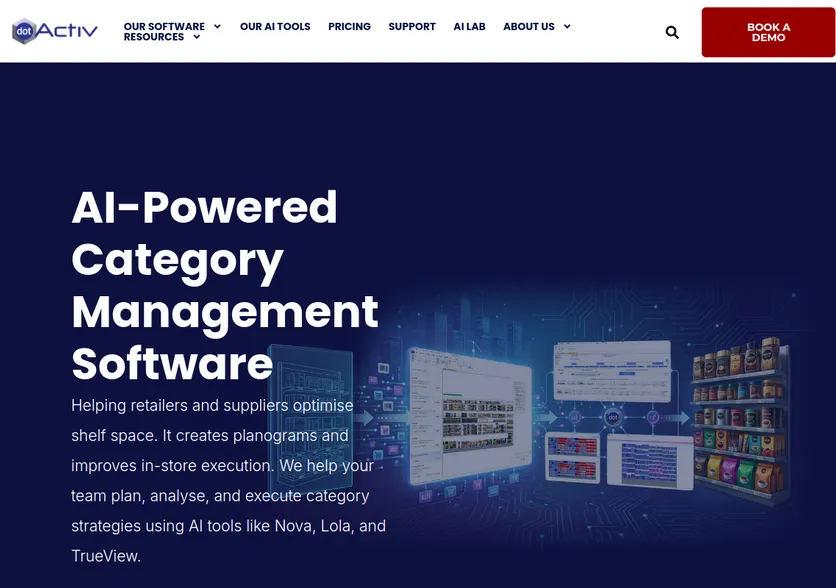
A distributed team that needs every store working from the same planogram gets a low entry price here, because this DotActiv plan costs eight hundred dollars per licence a year. Planograms and store clusters share one library, so every store works from the same shelf layout. It suits a team that plans centrally, though the desktop app means remote planners need a shared drive or cloud sync.
What we like
- Low entry price with a free plan for forty SKUs
- Store clustering groups similar stores for one plan
- Planogram library keeps every store on the same layout
Watch out for
- Desktop app, so remote planners need a file-sharing routine
- Pro and Enterprise tiers rise steeply in price
How to try it
- Install the app and import the product catalogue
- Cluster stores by size and sales performance
- Publish the finished planogram to each store cluster
3. PlanoHero
Best for: Distributed teams that plan in the browser
Paid tool Starting price: $199/month · Lite is $199 per month or $2,150 a year, with unlimited users, 5,000 SKUs and 100 planograms; Enterprise is quoted.
Free plan: No free plan (Enterprise by quote)
When a remote team wants planograms without installing desktop software, this PlanoHero plan costs one hundred and ninety-nine dollars a month, and it runs entirely in the browser with unlimited users. Planograms, photos and comments live in the same browser workspace, so a planner can review a shelf without emailing files around. It suits a distributed team that wants to see the same shelf at the same time.

What we like
- Runs in the browser with unlimited users on Lite
- Photos and comments sit beside each planogram
- Five thousand SKUs and one hundred planograms on Lite
Watch out for
- No free plan, so a trial run costs money
- Enterprise pricing is by quote only
How to try it
- Open the browser workspace and import the product list
- Draw the shelf with fixtures and product photos
- Invite the team to comment on the planogram
4. OPENCatman
Best for: Remote teams starting on a tight budget
Paid tool Starting price: $99/month · PRO is $99 per month or $990 a year, with a free version covering unlimited projects; Corporate and Ambassador tiers are quoted. Price from competitor and directory reads, not the vendor's own page.
Free plan: $0 (free version, unlimited projects)
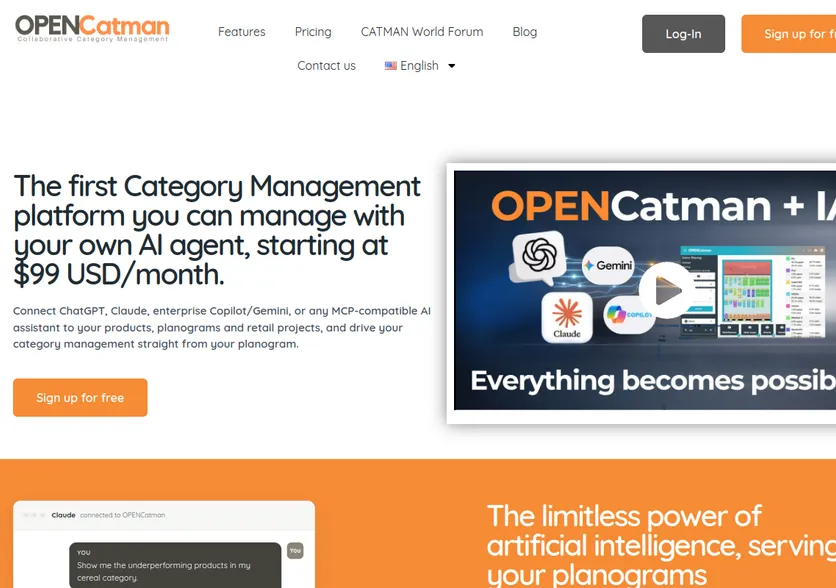
A remote team on a tight budget gets a real planogram tool for nothing here, because this OPENCatman plan costs ninety-nine dollars a month for PRO, and the free version covers unlimited projects. The free version handles a real range, while PRO adds reporting and data imports for a growing catalogue. It suits a remote team that needs a proper planogram tool before the budget arrives.
What we like
- Free version covers unlimited projects
- PRO adds reporting and data imports
- Simple enough for a first-time planogram user
Watch out for
- Corporate and Ambassador tiers are quoted, not listed
- The published price comes from directory reads, not the vendor page
How to try it
- Start on the free version and build the first planogram
- Import the product list and assign items to shelves
- Upgrade to PRO when the range needs reporting
5. PlanogramBuilder
Best for: Teams building planograms store by store
Paid tool Starting price: From $475/user/year · Subscriptions start at $475 per user per year, with the exact price set by version, user count and term through the configurator; a 30-day trial is included.
Free plan: No free plan (30-day trial)
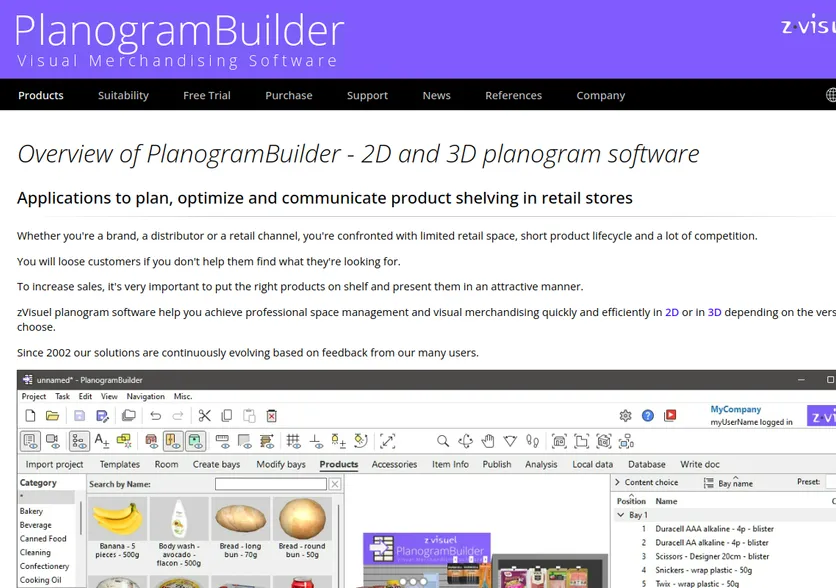
For a remote team that builds planograms store by store, this PlanogramBuilder plan starts at four hundred and seventy-five dollars per user a year, and its configurator sets the exact price by version, user count and term. Fixtures, products and photos sit in one builder, and a thirty-day trial is included. It suits a team that builds planograms store by store and wants a trial before committing.
What we like
- Thirty-day trial before paying
- Fixtures, products and photos in one builder
- Price set by version, user count and term
Watch out for
- The exact price needs the configurator, not a flat list
- Desktop-first, so remote teams need a sharing routine
How to try it
- Start the thirty-day trial and import the catalogue
- Build the fixture layout for the first store
- Duplicate the planogram and adjust it per store
6. Shelf Logic
Best for: Teams that prefer a one-time purchase
Paid tool Starting price: $995 one-time · Master Edition is a $995 one-time purchase and Enterprise is $4,995 one-time; ProView cloud viewing is $14.99 a month. The vendor's compare page is dated, so confirm the edition mapping before buying.
Free plan: No free plan
A remote team that prefers to own its software outright finds a one-time price here, since this Shelf Logic plan costs nine hundred and ninety-five dollars one time for the Master Edition. The Master Edition builds planograms and shelf layouts on the desktop, and ProView lets stores view finished plans in the cloud. It suits a team that would rather own its software than rent it every month.
What we like
- One-time purchase with no monthly subscription
- ProView lets stores view plans in the cloud
- Enterprise edition covers larger teams
Watch out for
- Desktop-only, so remote planners need a sharing routine
- The compare page is dated, so confirm the edition mapping
How to try it
- Buy the Master Edition and install it on the planning computer
- Build the planogram with fixtures and product images
- Share finished plans with stores through ProView
7. SmartDraw
Best for: Remote teams that also need store layouts
Paid tool Starting price: $10.95/month · Individual is $10.95 per month at list, billed annually; new customers see a $7.95 introductory rate and Team is $6.95 per user per month.
Free plan: No free plan (7-day trial)
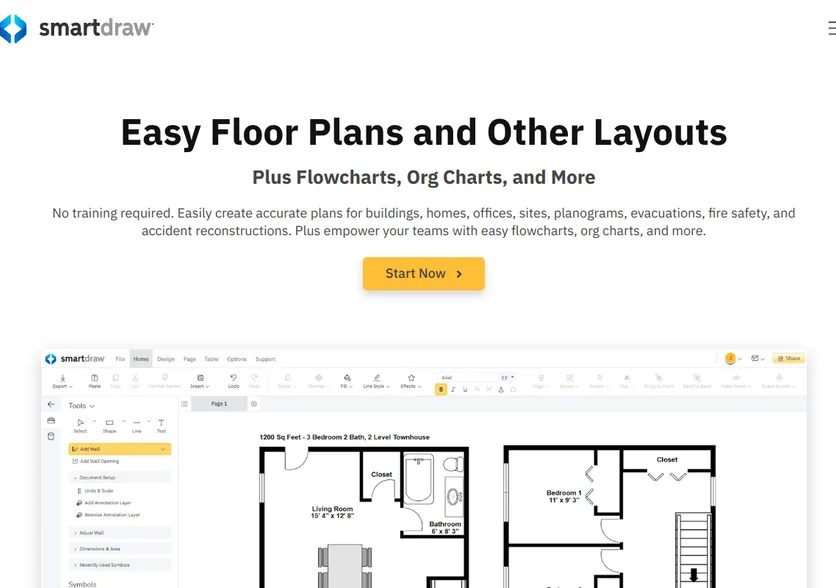
When a remote team needs floor plans and shelf layouts in the same drawing app, this SmartDraw plan costs ten dollars and ninety-five cents a month billed annually, and it covers planograms, store layouts and org charts in one subscription. Templates let a new planner start straight away, and the app runs on Windows, Mac and the web. It suits a remote team that needs floor plans and shelf layouts more than deep assortment maths.
What we like
- Planograms, floor plans and org charts in one app
- Templates speed up a first store layout
- Runs on Windows, Mac and the web
Watch out for
- No free plan, only a seven-day trial
- Assortment maths is lighter than the dedicated planners
How to try it
- Pick a store layout or planogram template
- Draw the fixtures and place products on the shelves
- Share the finished plan with the team for comment
Prices above were checked on each vendor’s own website on Nov 28, 2026 and can change — the vendor’s page is the final word. Vendor links are editorial: nobody paid to be listed or ranked here. Vendors who want a featured listing can see how it works on our Get listed page.
How a remote team keeps one assortment plan
Pick one tool as the single home for the assortment plan, because a range that lives in five spreadsheets is five different ranges. Give every planner the same product list, the same sales figures and the same planogram library, then agree who can change the plan and who only comments on it. Review the range together on a call once a week, using the same dashboard, and lock the plan before it goes to stores so nobody works from an old version.
Before you buy
- Confirm the tool works in the cloud or syncs planograms, so planners in different cities see the same version
- Check whether the price is per user or per licence, because a remote team adds seats fast
- Ask if the free plan covers enough products to build a real range before paying
- Make sure planograms export in a format stores can open without buying the same software
- Test the tool with two planners editing the same range at once before rolling it out
Official websites
Official websites of the products reviewed above. Features and prices were checked against these sites when this guide was written, and they can change, so confirm on the vendor site before you buy.
Frequently asked questions
What is retail assortment planning software for remote teams?
It is software that helps a distributed team decide which products to stock, how many of each to carry and where they sit on the shelf, with everyone working from the same plan. The tools in this list cover planograms, range reviews and sales data in one shared workspace, so a planner in one city and a buyer in another see the same numbers. Cloud tools suit remote teams best, while desktop tools need a shared drive.
How much does Quant Retail cost?
Quant Retail costs one thousand six hundred and fifty dollars per user a year for planogramming, with Retail Planning starting at eleven thousand dollars a year. That is the highest price in this list, and it buys the most complete planning model, with assortments, space plans and sales data in one place. Smaller teams usually start with a cheaper planogram tool and move up when the range outgrows it.
Can I plan an assortment for free?
Yes, with OPENCatman, which offers a free version covering unlimited projects, and DotActiv, which offers a free plan for forty SKUs. Both are genuine free tiers rather than trials, so a small or remote team can build a real range without paying. Paid plans add reporting, data imports and larger catalogues when the range grows.
Do desktop planogram tools work for remote teams?
They can, but only with a shared drive or cloud sync, because the planogram files live on one computer by default. DotActiv, PlanogramBuilder and Shelf Logic are desktop tools, so a remote team needs a clear file-sharing routine and one person who owns the master version. Browser tools such as PlanoHero and OPENCatman suit scattered teams better, since everyone opens the same plan.
Which tool is best for a small remote team?
OPENCatman is the best value for a small remote team, because the free version covers unlimited projects and PRO costs ninety-nine dollars a month. PlanoHero is the better pick if the team wants to work together in the browser with unlimited users. Quant Retail suits only teams with a serious planning budget, because its price is far higher than the rest.
Compare the seven tools above, then start with the free OPENCatman plan or the DotActiv free tier on the tool that matches how the team already plans its range before paying for a full year.
Browse Business Tools tools