On this page
Answering RFPs eats a sales week alive, and the right automation turns a scramble into a repeatable process with a content library and tracked proposals. The eight tools below cover both sides of the job: dedicated RFP response platforms and proposal tools that build, send and sign the document. PandaDoc leads because it covers proposals, quotes and contracts from nineteen dollars per user a month, and the rest are ranked on how much of the response workflow they automate for the price.
How we researched this
We checked every price on the vendor pricing page on November 28, 2026, and only included tools with a published US dollar list price. RFP360, Loopio and QorusDocs are excluded because they publish no prices, and Conga, GetAccept and DealHub are quote-only too, so they are not in this list.
Compare the tools
| Name | Best for | Starting price | Free plan | |
|---|---|---|---|---|
 PandaDoc | Sales teams that want proposals and contracts in one tool | $19/user/month | Free plan (e-signatures) | Visit |
 Proposify | Teams that need locked templates and brand control | $39/user/month | No free plan; 14-day free trial (no card) | Visit |
 Qwilr | Teams that want interactive web proposals | $35/user/month | No free plan; 14-day free trial | Visit |
 Better Proposals | Small teams and solo reps on a budget | $13/user/month | No free plan; 14-day free trial | Visit |
 Nusii | Freelancers and agencies that want simple proposals | $29/month | No free plan; 14-day free trial (card required) | Visit |
 Responsive | Teams answering formal RFPs and questionnaires | $10,000/year | Free demo | Visit |
| Bidara | Small teams that want AI-drafted RFP responses | $299/month | 5-day free trial (no card) | Visit |
 Inventive AI | High-volume teams that need unlimited users | $830/month | Free demo | Visit |
The RFP automation software for sales, compared
1. PandaDoc
Best for: Sales teams that want proposals and contracts in one tool
Paid tool Starting price: $19/user/month · Nineteen dollars per user a month for Starter billed annually, thirty-five dollars billed monthly; Business is forty-nine dollars billed annually; a November 25, 2026 read of the vendor page showed twenty-five dollars for Starter, which conflicts with the settled nineteen-dollar figure — confirm at checkout
Free plan: Free plan (e-signatures)
For a sales team that wants proposals, quotes and contracts in one tool, this PandaDoc plan costs nineteen dollars per user a month for Starter billed annually. It builds trackable proposals with pricing tables and e-signatures, then shows who opened what, so reps follow up while the deal is still warm. The free plan covers e-signatures, which makes it easy to test the editor before paying.

What we like
- Proposals, quotes and contracts in one place
- Tracking shows who opened each document
- Free e-signature plan for testing
Watch out for
- CRM integrations need the $49 Business tier
- A November 2026 read showed $25 for Starter, conflicting with $19
How to try it
- Pick a template and add the pricing table
- Send the proposal and watch the open tracking
- Collect the e-signature and move the deal forward
2. Proposify
Best for: Teams that need locked templates and brand control
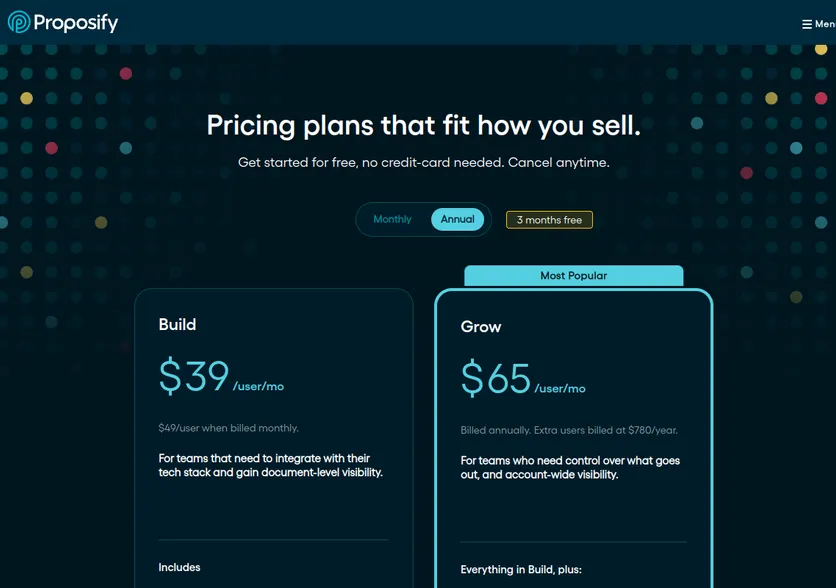
Paid tool Starting price: $39/user/month · Thirty-nine dollars per user a month for Build billed annually, forty-nine dollars billed monthly; Grow is sixty-five dollars and Scale is one hundred and seven dollars per user a month; the old Basic nineteen-dollar and Team forty-one-dollar plans were replaced by Build, Grow and Scale in 2026; the vendor blog still lists thirty-five dollars, which appears outdated
Free plan: No free plan; 14-day free trial (no card)
A sales team that cares about brand control will like this Proposify plan, which costs thirty-nine dollars per user a month for Build billed annually. It locks templates, tracks document engagement and adds AI writing help, so every proposal that leaves the team looks like it came from the same company. The old Basic and Team plans were replaced by Build, Grow and Scale in 2026, and the vendor blog still lists an outdated thirty-five-dollar figure.
What we like
- Locked templates keep every proposal on brand
- Document analytics show prospect engagement
- AI writing help and a content library included
Watch out for
- No payment collection inside documents
- Approvals and permissions need the $65 Grow tier
How to try it
- Build the proposal from a locked template
- Send it and track which sections the prospect reads
- Collect the signature once the prospect accepts
3. Qwilr
Best for: Teams that want interactive web proposals
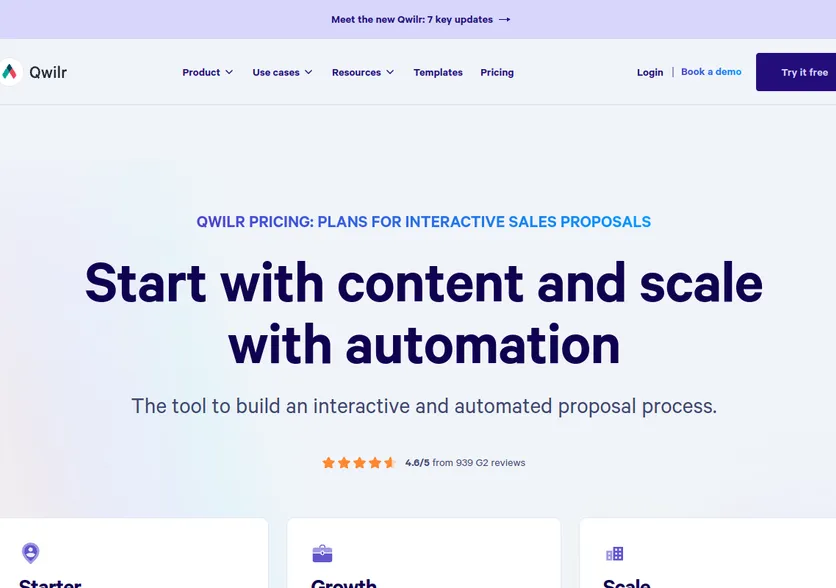
Paid tool Starting price: $35/user/month · Thirty-five dollars per user a month for Starter billed annually, forty-nine dollars billed monthly; Growth is fifty-five dollars with a five-seat minimum and Scale is seventy-five dollars with a ten-seat minimum, both billed annually
Free plan: No free plan; 14-day free trial
For a team that would rather send a web page than a PDF, this Qwilr plan costs thirty-five dollars per user a month for Starter billed annually. It turns proposals into interactive pages with quotes, one-click acceptance, e-signatures and payments, and the analytics show exactly which sections a prospect lingered on. HubSpot, Zoho and Pipedrive integrations come with Starter, so the CRM stays in sync.
What we like
- Interactive web pages instead of static PDFs
- One-click acceptance and payments built in
- Section-level analytics on prospect reading
Watch out for
- Salesforce needs the $75 Scale tier
- Growth needs a five-seat minimum
How to try it
- Build the proposal page with the block editor
- Add the interactive quote and acceptance button
- Send the link and follow up on the analytics
4. Better Proposals
Best for: Small teams and solo reps on a budget
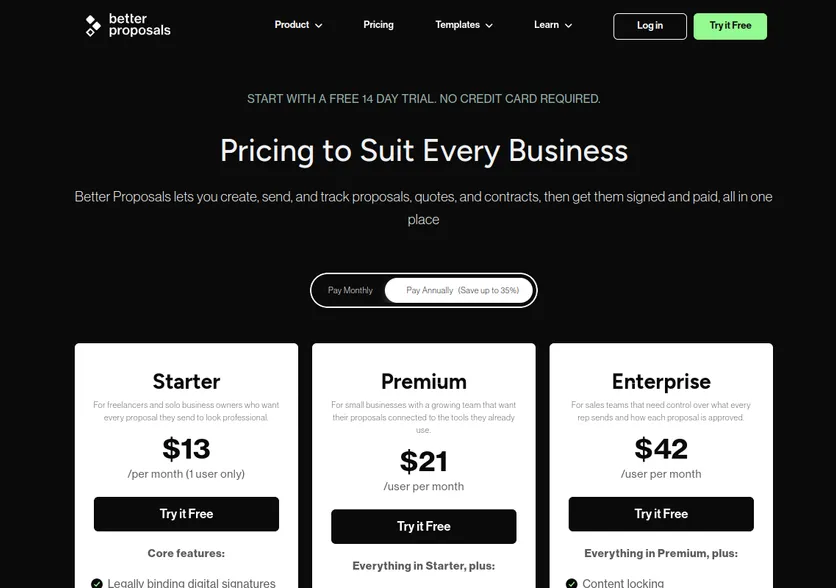
Paid tool Starting price: $13/user/month · Thirteen dollars per user a month for Starter billed annually, nineteen dollars billed monthly, for one user and ten documents a month; Premium is twenty-one dollars and Enterprise is forty-two dollars per user a month billed annually
Free plan: No free plan; 14-day free trial
A small sales team on a tight budget gets a complete proposal tool here, because this Better Proposals plan costs thirteen dollars per user a month for Starter billed annually. It includes signatures, pricing tables, payment integrations and analytics on every plan, plus a library of more than two hundred and fifty templates. Starter allows one user and ten documents a month, which suits a solo rep or a small team starting out.
What we like
- Payments and signatures on every plan
- More than 250 templates in the library
- Cheapest entry price in this list
Watch out for
- Starter allows one user and 10 documents a month
- CRM integrations need the $21 Premium tier
How to try it
- Pick a template and fill in the pricing table
- Send the proposal and track the opens
- Collect payment or signature from the proposal
5. Nusii
Best for: Freelancers and agencies that want simple proposals
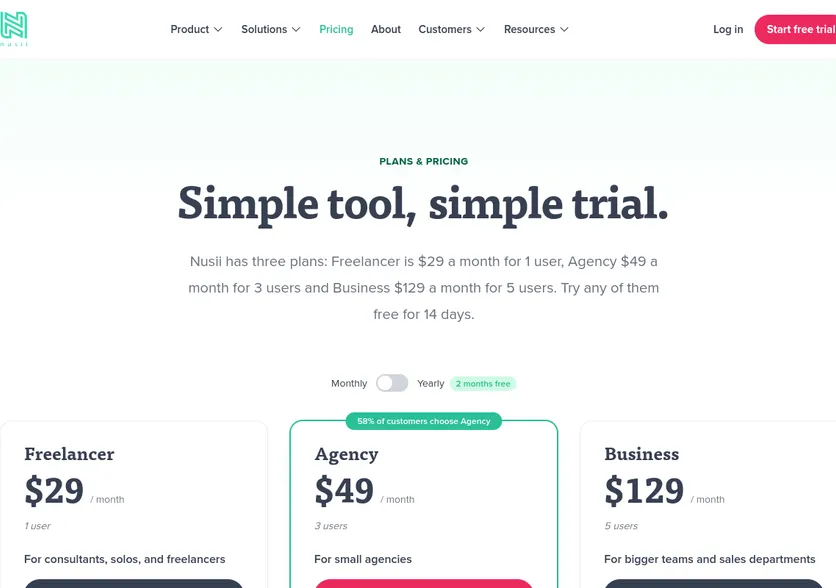
Paid tool Starting price: $29/month · Twenty-nine dollars a month for Freelancer with one user and five active proposals; Agency is forty-nine dollars a month for three users and Business is one hundred and twenty-nine dollars a month for five users; twenty-four dollars and seventeen cents a month when billed annually
Free plan: No free plan; 14-day free trial (card required)
Freelancers and small agencies that want simple proposals will find this Nusii plan costs twenty-nine dollars a month for Freelancer. It keeps proposals simple with e-signing, analytics, unlimited templates and PDF export on every plan, and it limits active proposals instead of monthly sends, so a slow pipeline stays cheap. The Agency tier at forty-nine dollars a month adds three users, CRM and payment integrations.
What we like
- Limits active proposals, not monthly sends
- E-signing and analytics on every plan
- Unlimited templates with PDF export
Watch out for
- Freelancer allows only 5 active proposals
- The free trial needs a card
How to try it
- Create a proposal from a template
- Send it with e-signature enabled
- Track opens and follow up before it goes stale
6. Responsive
Best for: Teams answering formal RFPs and questionnaires
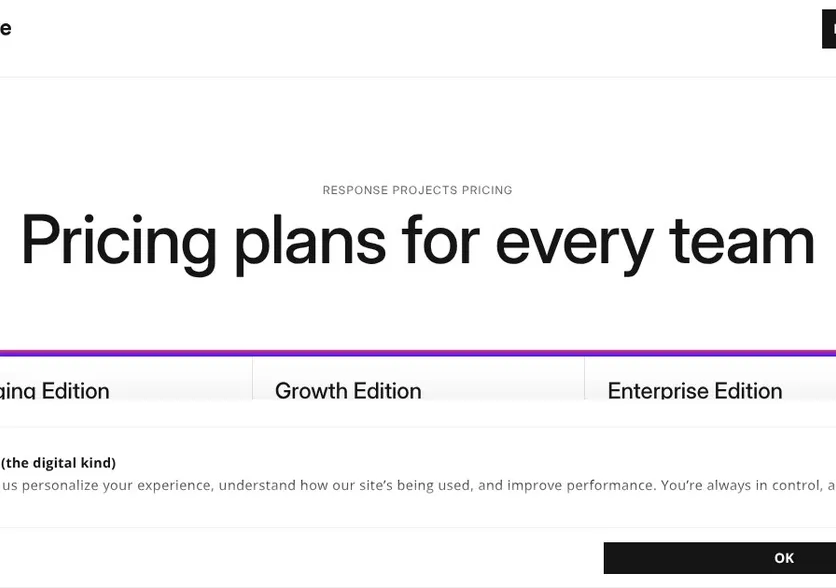
Paid tool Starting price: $10,000/year · Ten thousand dollars a year for the Emerging Edition; Growth and Enterprise are quote-only; third-party procurement data puts the median contract near fourteen thousand seven hundred and fifty dollars a year; formerly RFPIO
Free plan: Free demo
A sales team that answers formal RFPs, RFIs and security questionnaires needs a dedicated platform, and this Responsive plan starts at ten thousand dollars a year for the Emerging Edition. It keeps a central content library, auto-drafts answers from past responses and routes reviews to the right experts, so a big RFP stops being a week of copy-paste. Growth and Enterprise are quote-only, and procurement data puts the median contract near fourteen thousand seven hundred and fifty dollars a year.
What we like
- Central content library with AI-drafted answers
- Handles RFPs, RFIs, DDQs and security questionnaires
- Review routing keeps experts in the loop
Watch out for
- Entry price is $10,000 a year, far above the proposal tools
- Growth and Enterprise are quote-only
How to try it
- Import past proposals into the content library
- Upload the RFP and let the platform draft answers
- Route drafts for review, then export the response
7. Bidara
Best for: Small teams that want AI-drafted RFP responses
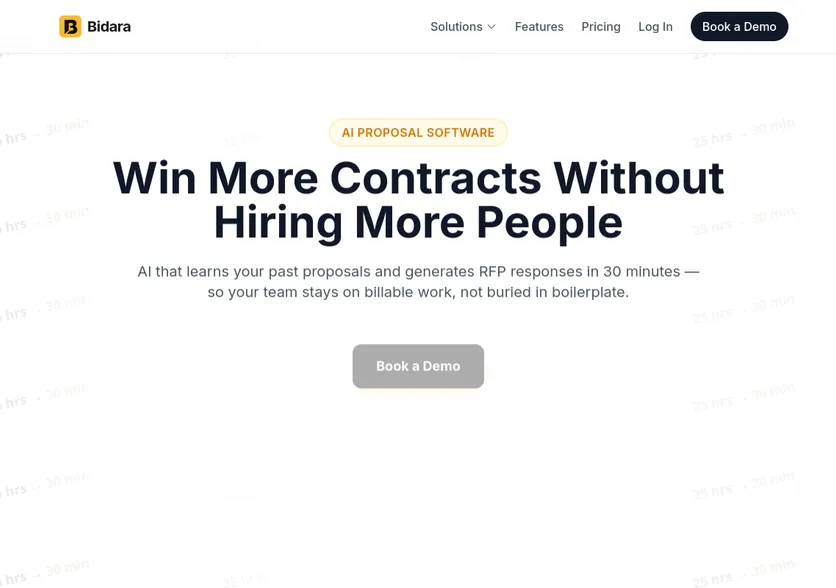
Paid tool Starting price: $299/month · Two hundred and ninety-nine dollars a month for Starter billed annually, with three users and ten proposals a month; Growth is five hundred and ninety-nine dollars a month for ten users and thirty proposals a month
Free plan: 5-day free trial (no card)
A small team that wants AI to draft RFP responses from its own past proposals should look at this Bidara plan, which costs two hundred and ninety-nine dollars a month for Starter billed annually. It learns from uploaded proposals, extracts requirements from new RFPs automatically and generates a complete response in about half an hour. Starter covers three team members and ten AI-generated responses a month, with a five-day free trial and no card required.
What we like
- Learns from the team's own past proposals
- Automatic requirement extraction from RFPs
- Five-day free trial with no card required
Watch out for
- Starter allows only 10 responses a month
- Newer vendor with a smaller track record
How to try it
- Upload past proposals to train the knowledge base
- Upload the new RFP and review the extracted requirements
- Generate the response, edit it and export the document
8. Inventive AI
Best for: High-volume teams that need unlimited users
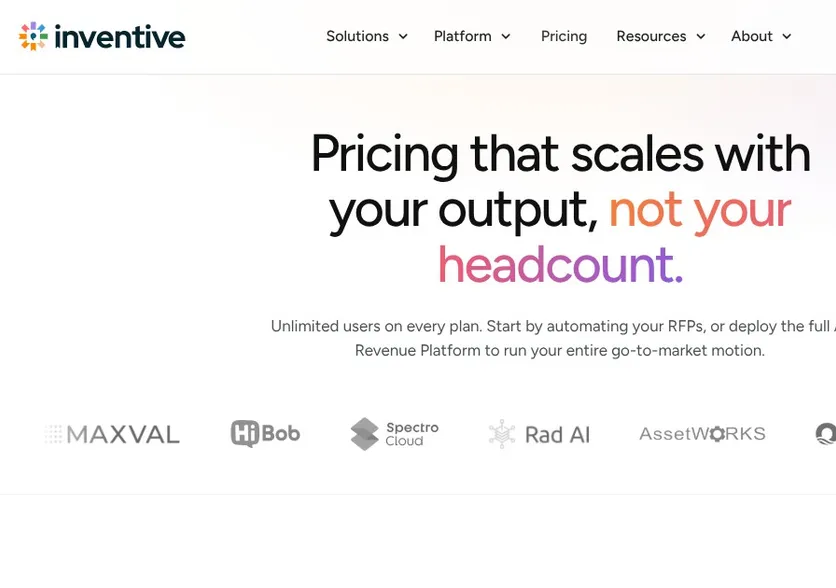
Paid tool Starting price: $830/month · Eight hundred and thirty dollars a month billed annually with unlimited users; formerly 1up; read from the vendor's own pricing guide, since the vendor pricing page does not publish the figure
Free plan: Free demo
A sales team that answers a high volume of RFPs with unlimited collaborators will find this Inventive AI plan costs eight hundred and thirty dollars a month billed annually. It charges a flat rate with unlimited users, so adding reviewers and subject experts never changes the bill, and the AI drafts responses from the team's content library. Formerly known as 1up, it is built specifically for RFP response rather than general proposals.
What we like
- Flat price with unlimited users included
- AI drafts from the team's content library
- Built specifically for RFP response work
Watch out for
- No free plan is published, only a demo
- Priced well above the proposal tools here
How to try it
- Connect the content library and past responses
- Upload the RFP and generate the draft
- Review with experts and export the final response
Prices above were checked on each vendor’s own website on Nov 28, 2026 and can change — the vendor’s page is the final word. Vendor links are editorial: nobody paid to be listed or ranked here. Vendors who want a featured listing can see how it works on our Get listed page.
How to automate RFP responses without losing the human touch
Start with the content library, because an RFP tool is only as good as the answers it can reuse. Pull the best past responses into one place, tag them by topic and retire anything outdated before the first live RFP. Let the AI draft, but have a human check every claim, price and date, since a confident wrong answer costs more than a slow right one. Track which responses win and feed the lessons back into the library, so each RFP gets easier than the last.
Before you buy
- Check whether the tool drafts from the team's own past responses or from generic templates
- Confirm e-signatures and payments work inside the proposal, not as a separate step
- Ask how many responses or documents the entry plan allows before the price jumps
- Make sure the tool connects to the CRM the sales team already uses every day
- Test the tool on a real RFP, not a demo file, before signing an annual contract
Official websites
Official websites of the products reviewed above. Features and prices were checked against these sites when this guide was written, and they can change, so confirm on the vendor site before you buy.
Frequently asked questions
What is RFP automation software for sales?
RFP automation software helps sales teams answer requests for proposals faster, by storing approved answers in a content library, drafting responses with AI and tracking the document until it is signed. Dedicated platforms such as Responsive and Bidara handle the whole response workflow, while proposal tools such as PandaDoc and Qwilr build and send the document itself. Most sales teams use one of each.
How much does PandaDoc cost for sales teams?
PandaDoc Starter costs nineteen dollars per user a month billed annually, or thirty-five dollars billed monthly, and Business costs forty-nine dollars billed annually. The free plan covers e-signatures, so a team can test the editor without paying. A November 2026 read of the vendor page showed twenty-five dollars for Starter, which conflicts with the settled nineteen-dollar figure, so confirm at checkout.
What is the cheapest RFP automation tool here?
Better Proposals is the cheapest at thirteen dollars per user a month billed annually, or nineteen dollars billed monthly, for one user and ten documents a month. PandaDoc follows at nineteen dollars, and Nusii costs twenty-nine dollars a month for one user. These tools build proposals rather than managing formal RFP workflows, so teams answering big RFPs should also compare Responsive and Bidara.
Can I automate RFP responses for free?
PandaDoc offers a free e-signature plan, and most tools here offer fourteen-day free trials, including Proposify, Qwilr, Better Proposals and Nusii. Bidara offers a five-day free trial with no card required. No tool in this list automates full RFP responses for free, so budget for at least the entry plan once the trial ends.
Which RFP automation tool is best for sales?
PandaDoc is the best overall pick for sales teams, because it covers proposals, quotes and contracts from nineteen dollars per user a month with tracking built in. Better Proposals is the best budget option, and Responsive is the best dedicated RFP platform for teams answering formal RFPs at volume. Pick the proposal tool first, then add a dedicated RFP platform when volume justifies it.
Compare the eight tools above, then trial the one that fits how the sales team answers RFPs today, and test it on a real RFP before signing an annual contract.
Browse Business Tools tools