
On this page
Responding to an RFP used to mean a week of copying answers from old proposals, but AI tools now draft the first pass from your own content library. The seven tools below run from thirteen dollars a user a month to ten thousand dollars a year, and every price was checked on the vendor site on November 26, 2026. Most offer trials, so you can test one on a real tender before paying. AutoRFP.ai is our first pick — the dedicated RFP tool, from eight hundred and ninety nine dollars a month.
How we researched this
We started with the AI tools teams actually buy for RFP and RFQ responses, then read each price on the vendor pricing page on November 26, 2026 and noted the free plan or trial each one carries. We judged them for a team that answers tenders under deadline and needs the AI to draft from its own content library. We kept only tools with a published dollar price, and we dropped quote-only tools rather than guess a price.
Compare the tools
| Name | Best for | Starting price | Free plan | |
|---|---|---|---|---|
 AutoRFP.ai | Teams that answer many RFPs and want AI to draft responses | $899/month | No free plan; free trial available | Visit |
 Inventive AI | Teams that want AI to manage the whole RFP workflow | from $833/month | No free plan; free trial available | Visit |
 Responsive | Large teams that manage a big RFP pipeline | from $10,000/year | No free plan; free trial available | Visit |
 PandaDoc | Small teams that need proposals, e-signatures and payments in one tool | $19/user/month | Free eSign tier with unlimited signatures | Visit |
 Qwilr | Teams that send interactive web proposals instead of PDFs | $35/user/month | No free plan; 14-day free trial | Visit |
 Better Proposals | Small businesses that want simple, beautiful proposals fast | $13/user/month | No free plan; 14-day free trial | Visit |
 GetAccept | Sales teams that need e-signatures and deal tracking together | $25/user/month | No free plan; free trial available | Visit |
The AI software for responding to RFPs and RFQs, compared
1. AutoRFP.ai
Best for: Teams that answer many RFPs and want AI to draft responses
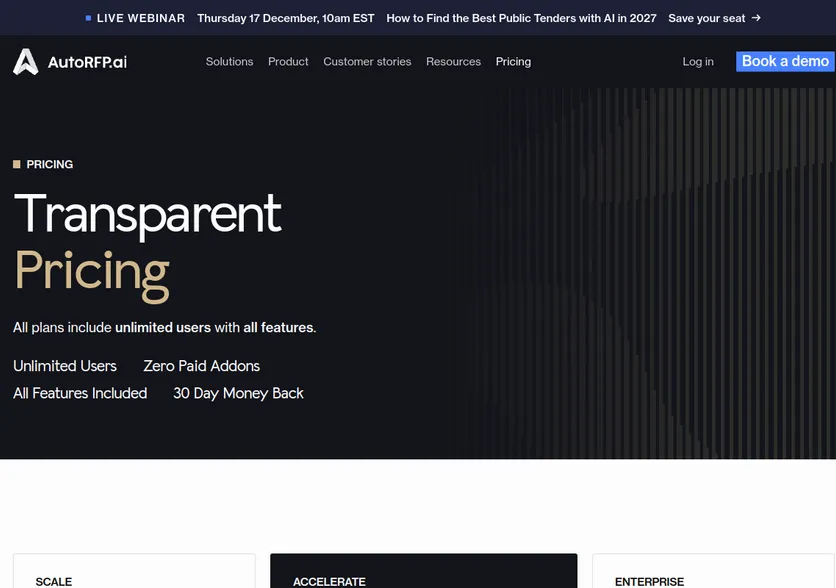
Paid tool Starting price: $899/month · Scale plan, $899 a month paid yearly for 24 projects a year; Accelerate is $1,299 a month
Free plan: No free plan; free trial available
AutoRFP is the dedicated RFP tool on this list, built from the ground up to draft answers from your own content library. This AutoRFP Scale plan covers twenty four projects a year, so a busy team can answer a steady stream of tenders without starting from a blank page. A sales team can upload past proposals, let the AI draft the first pass and keep humans on the review.
What we like
- Built only for RFP responses
- Drafts from your own content library
- Scales to twenty four projects a year
Watch out for
- Scale costs eight hundred and ninety nine dollars a month paid yearly
- No free plan, only a trial
How to try it
- Open the AutoRFP pricing page and start the free trial
- Upload your past proposals to build the content library
- Draft your next RFP response and review the AI answers
2. Inventive AI
Best for: Teams that want AI to manage the whole RFP workflow
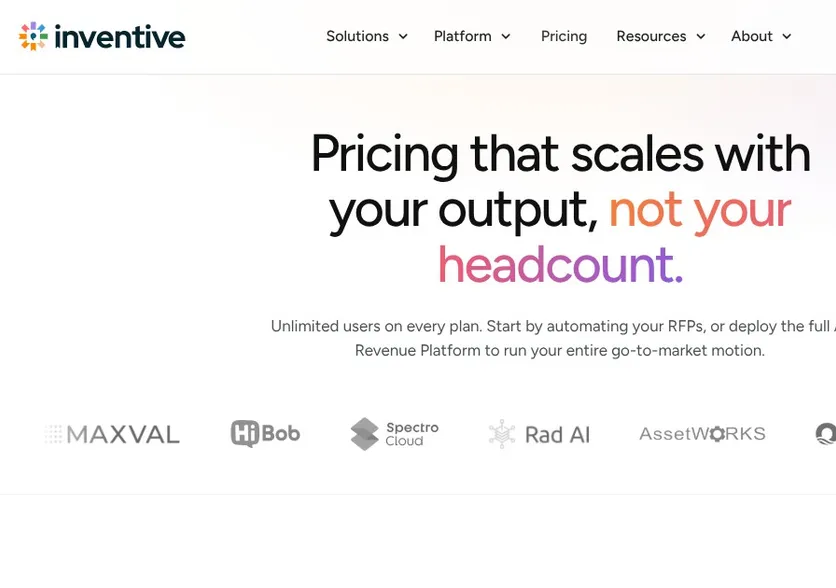
Paid tool Starting price: from $833/month · From $833 a month billed annually, unlimited users, usage-based pricing
Free plan: No free plan; free trial available
Inventive AI is the workflow tool on this list, managing the whole RFP process from intake to submission instead of only drafting answers. This Inventive AI plan includes unlimited users with usage-based pricing, so a whole company can collaborate on responses without seat limits. A team that answers complex tenders gets AI drafting, project tracking and review in one place.
What we like
- Unlimited users on every plan
- Covers the whole RFP workflow
- Usage-based pricing suits busy teams
Watch out for
- Pricing starts at about eight hundred and thirty three dollars a month
- No free plan, only a trial
How to try it
- Open the Inventive AI pricing page and start the free trial
- Connect your content library and set up a project
- Run a real RFP through the workflow and review the draft
3. Responsive
Best for: Large teams that manage a big RFP pipeline
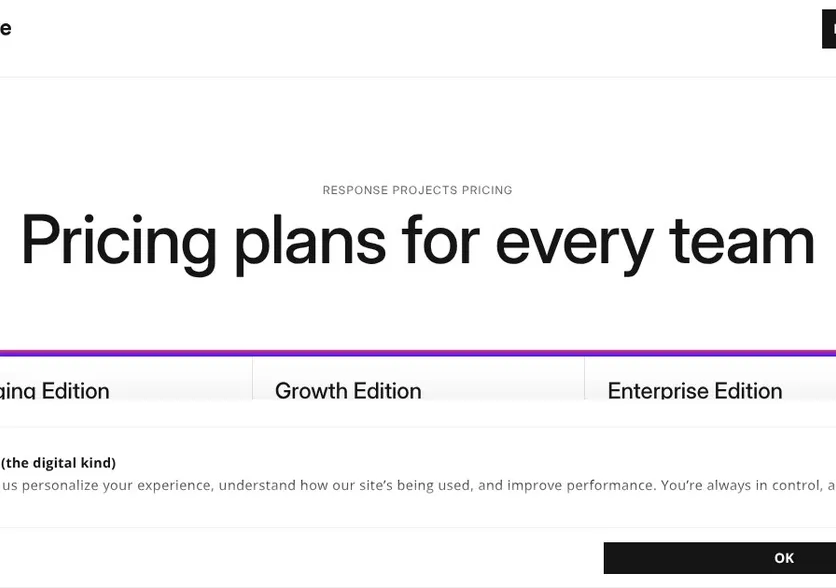
Paid tool Starting price: from $10,000/year · Emerging Edition from $10,000 a year; Growth and Enterprise by quote; user licences billed separately
Free plan: No free plan; free trial available
Responsive is the enterprise tool on this list, built for large teams that answer dozens of RFPs every year. This Responsive Emerging Edition covers the core response workflow, so a growing team can centralize its content and track every deadline. A large sales organization gets a content library, project management and integrations that scale with the pipeline.
What we like
- Built for large RFP pipelines
- Content library with smart search
- Integrations with sales tools
Watch out for
- Emerging Edition starts at ten thousand dollars a year
- User licences are billed separately
How to try it
- Open the Responsive pricing page and request a trial
- Set up your content library and import past responses
- Run a pilot project with your sales team
4. PandaDoc
Best for: Small teams that need proposals, e-signatures and payments in one tool
Paid tool Starting price: $19/user/month · Essentials plan, $19 a user a month billed annually or $29 billed monthly; free eSign tier included
Free plan: Free eSign tier with unlimited signatures
PandaDoc is the all-rounder on this list, combining proposals, e-signatures and payments so a small team can close deals without extra tools. This PandaDoc Essentials plan adds unlimited documents, templates and a content library, so a team can send polished proposals in minutes. A startup can draft a proposal, get it signed and take payment from the same document.

What we like
- Proposals, signatures and payments in one tool
- Free eSign tier to start with
- Templates and content library included
Watch out for
- Essentials costs nineteen dollars a user a month billed annually
- Advanced features need pricier plans
How to try it
- Open the PandaDoc pricing page and create a free account
- Create a proposal from a template and add your pricing
- Upgrade to Essentials for unlimited documents and templates
5. Qwilr
Best for: Teams that send interactive web proposals instead of PDFs
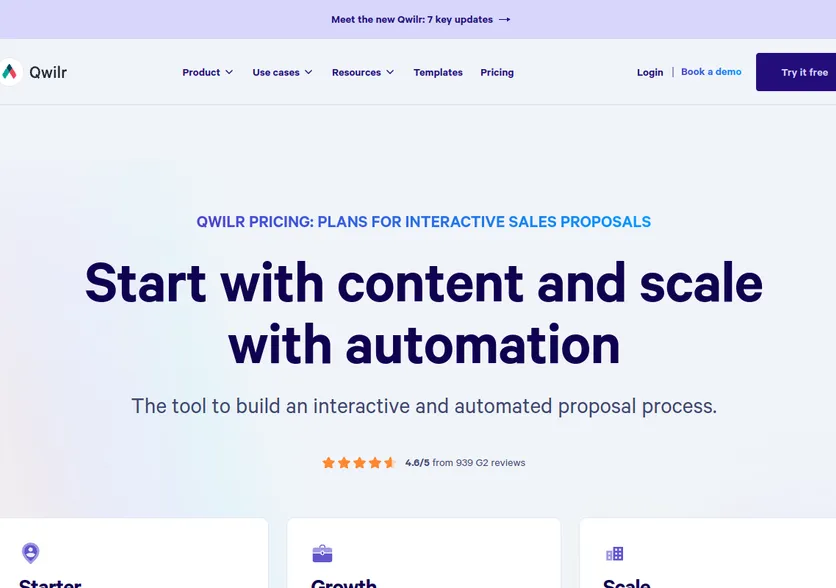
Paid tool Starting price: $35/user/month · Starter plan, $35 a user a month billed annually or $49 billed monthly; Growth is $55, Scale is $75
Free plan: No free plan; 14-day free trial
Qwilr is the interactive proposal tool on this list, turning flat PDFs into web pages that track opens and clicks. This Qwilr Starter plan adds unlimited pages, templates and analytics, so a team can see exactly when a prospect reads a proposal. A sales team can send a proposal that looks like a website and know the moment a client opens it.
What we like
- Interactive web proposals, not PDFs
- Tracks opens and clicks in real time
- Templates for every industry
Watch out for
- Starter costs thirty five dollars a user a month billed annually
- No free plan, only a trial
How to try it
- Open the Qwilr pricing page and start the 14-day trial
- Build an interactive proposal from a template
- Send it to a client and watch the analytics
6. Better Proposals
Best for: Small businesses that want simple, beautiful proposals fast
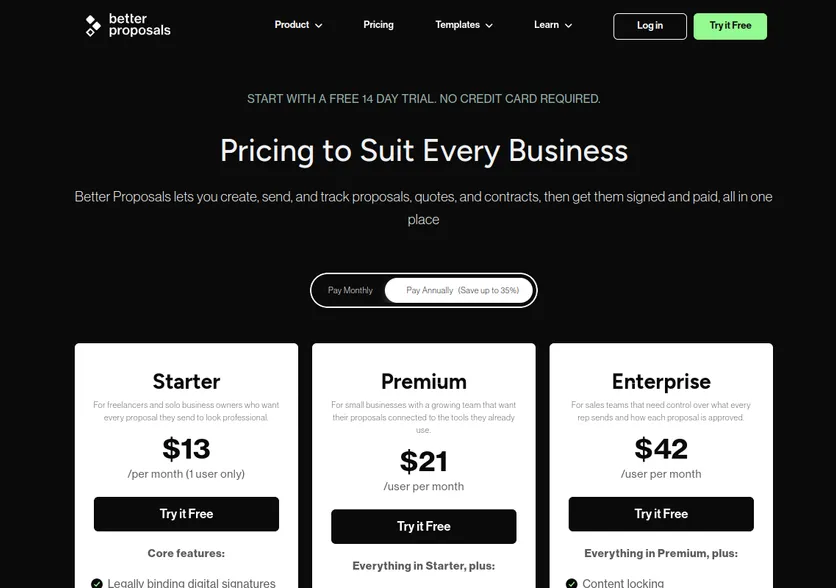
Paid tool Starting price: $13/user/month · Starter plan, $13 a user a month billed annually or $19 billed monthly; Premium is $21, Enterprise is $42
Free plan: No free plan; 14-day free trial
Better Proposals is the simplest proposal tool on this list, built for small businesses that want a beautiful proposal without a learning curve. This Better Proposals Starter plan adds unlimited proposals, templates and analytics, so a freelancer can send a polished proposal in minutes. A small business can impress clients with a modern proposal and track when they open it.
What we like
- Simplest proposal tool on this list
- Beautiful templates included
- Analytics on every proposal
Watch out for
- Starter costs thirteen dollars a user a month billed annually
- No free plan, only a trial
How to try it
- Open the Better Proposals pricing page and start the 14-day trial
- Create a proposal from a template and add your branding
- Send it to a client and track the opens
7. GetAccept
Best for: Sales teams that need e-signatures and deal tracking together
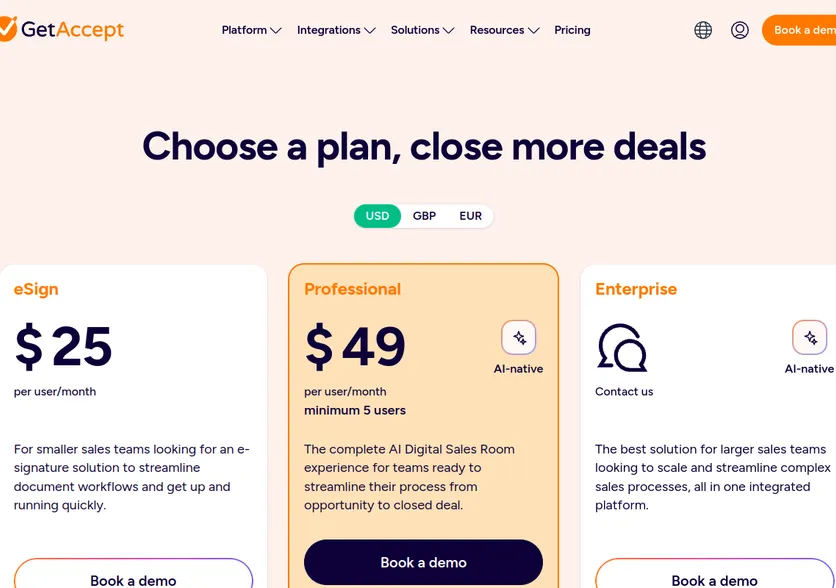
Paid tool Starting price: $25/user/month · eSign plan, $25 a user a month for up to 5 users; Professional is $49 a user a month with a 5-user minimum
Free plan: No free plan; free trial available
GetAccept is the deal tool on this list, combining e-signatures with tracking that shows when a prospect opens and signs. This GetAccept eSign plan covers up to five users with unlimited templates and reminders, so a small sales team can chase signatures without extra tools. A team can send a contract, watch the prospect read it and nudge them at the right moment.
What we like
- E-signatures with live tracking
- Reminders built into every deal
- Works for up to five users on eSign
Watch out for
- eSign costs twenty five dollars a user a month
- Professional needs at least five users
How to try it
- Open the GetAccept pricing page and start the free trial
- Create a contract template and send it to a prospect
- Upgrade to eSign when the trial proves the fit
Prices above were checked on each vendor’s own website on Nov 26, 2026 and can change — the vendor’s page is the final word. Vendor links are editorial: nobody paid to be listed or ranked here. Vendors who want a featured listing can see how it works on our Get listed page.
What AI software for RFP responses costs in 2026
RFP tools charge in two ways: per user, like PandaDoc and Qwilr, or per project, like AutoRFP and Responsive. This list runs from thirteen dollars a user a month for Better Proposals to ten thousand dollars a year for Responsive, with dedicated RFP tools near nine hundred dollars a month in between. The headline plan each vendor shows on its own pricing page is the number in the table above, checked on November 26, 2026.
Test the AI on your own content library before paying, because a demo never shows how it handles your messiest past proposals. Compare how much editing the draft needs, then pick the tool that saves the most hours per response. A tool that drafts badly costs more than it saves.
Before you buy
- Count the projects first, because RFP tools charge by projects per year or by users, and the two models price very differently.
- Check whether the price includes user licences, because some vendors charge for the platform and the seats separately.
- Test the AI on your own content library, because a demo never shows how it handles your messiest past proposals.
- Ask whether the tool covers the whole response, because some tools only draft answers while others manage the deal.
- Add up the yearly total before signing, because a monthly price hides the annual commitment in these plans.
Official websites
Official websites of the products reviewed above. Features and prices were checked against these sites when this guide was written, and they can change, so confirm on the vendor site before you buy.
Frequently asked questions
What is the best AI software for responding to RFPs and RFQs in 2026?
AutoRFP, at eight hundred and ninety nine dollars a month, is the best dedicated RFP tool because it drafts answers from your own content library. PandaDoc, at nineteen dollars a user a month, is the best value pick for small teams because it covers proposals, signatures and payments. Qwilr, at thirty five dollars a user a month, is the best pick when you want interactive web proposals.
What is the cheapest AI software for responding to RFPs?
Better Proposals Starter, at thirteen dollars a user a month billed annually, is the cheapest paid plan here. PandaDoc Essentials follows at nineteen dollars a user a month, and GetAccept eSign at twenty five dollars a user a month. The dedicated RFP tools cost far more: AutoRFP starts at eight hundred and ninety nine dollars a month, and Responsive from ten thousand dollars a year.
Can I respond to RFPs for free?
Yes, PandaDoc has a free eSign tier with unlimited signatures, and it is the only free plan on this list. AutoRFP, Inventive AI, Responsive, Qwilr, Better Proposals and GetAccept all offer free trials, so you can test a tool on a real RFP before paying. Trials run from fourteen days to a full pilot project.
Why are Loopio, QorusDocs and Qvidian not on this list?
Loopio, QorusDocs and Qvidian are all quote-only, so they publish no dollar price on their own sites and we could not verify a list price for them. We only include tools with a published dollar price, because a comparison needs numbers readers can check. If a vendor will not publish a price, ask them for a quote and compare it against the list prices here.
What is the difference between an RFP tool and a proposal tool?
A dedicated RFP tool like AutoRFP or Responsive drafts answers from your content library and manages the whole response workflow, including deadlines and reviews. A proposal tool like PandaDoc or Qwilr makes beautiful documents and tracks signatures, but it does not draft RFP answers from a library. Teams that answer many RFPs need the dedicated tool; teams that send few proposals can use a proposal tool.
Want more business help? Try Toolsvine's free business tools right in your browser.
Browse Business Tools tools


