On this page
A language model that answers from its training data alone will invent facts with confidence, and retrieval-augmented generation fixes that by letting the model search your own documents first. The seven tools below store embeddings, retrieve the right passages and plug into the apps teams already build, from a twenty-dollar starter database to an enterprise cloud that scales with the workload. Pinecone leads because its Starter plan gives a working vector database for twenty dollars a month, and the rest are ranked on how reliably they find the right passage at the right price.
How we researched this
We checked every price on the vendor pricing page on November 28, 2026, and only included tools with a published US dollar list price. RAG platforms that sell by quote, including the enterprise search suites that price retrieval by contract, publish no prices, so they are not in this list. Prices change, so confirm the current figure on the vendor site before you buy.
Compare the tools
| Name | Best for | Starting price | Free plan | |
|---|---|---|---|---|
 Pinecone | Teams that want a managed vector database without servers | $20/month | Free plan (free tier) | Visit |
 Weaviate | Teams that want objects and embeddings in one store | $45/month | Free plan (100,000 objects) | Visit |
 Qdrant | Teams that need fast, precise filtering at low latency | $25/month | Free plan (1 GB) | Visit |
| LlamaIndex | Teams that need messy PDFs parsed before indexing | $1.50 per 1,000 credits | Free plan (10,000 credits a month) | Visit |
 LangSmith | LLM teams that need tracing, testing and evaluation | $39/seat/month | Free plan (Developer, 5,000 traces) | Visit |
 Zilliz Cloud | Teams that want dedicated vector performance on Milvus | $126/month | Free plan (5 GB) | Visit |
| Elastic Cloud | Teams that already run Elasticsearch and need vector search too | $95/month | 14-day free trial | Visit |
The RAG software for LLM search, compared
1. Pinecone
Best for: Teams that want a managed vector database without servers
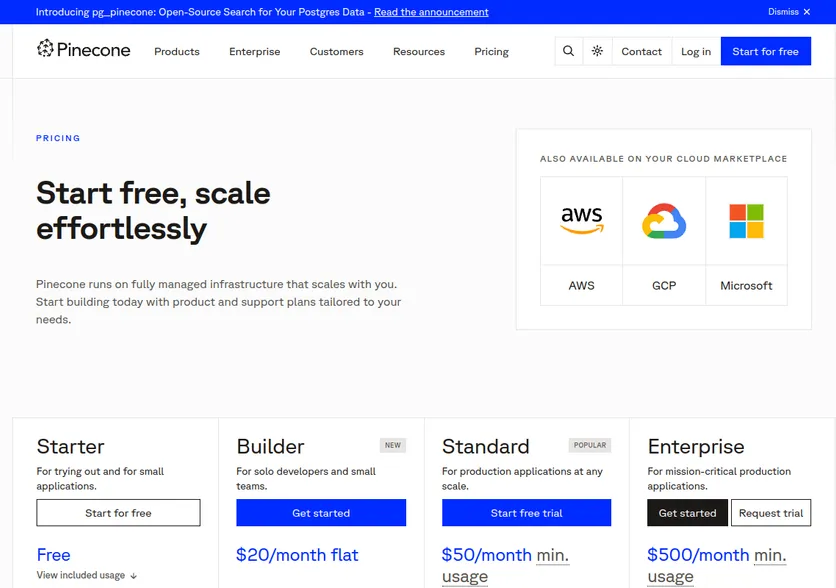
Paid tool Starting price: $20/month · Twenty dollars a month for Starter; a free tier is included and usage scales on top of the base price
Free plan: Free plan (free tier)
A team that wants a vector database without running servers will get going fastest here, because this Pinecone plan costs twenty dollars a month for Starter. It finds results by meaning instead of keywords, so a search for a concept returns the right documents even when the words differ. The free tier covers early experiments, and usage scales on top of the base price as the index grows.
What we like
- Managed hosting with no servers to run
- Semantic search that matches meaning, not just words
- A free tier for early experiments
Watch out for
- Usage scales on top of the base price
- Filtering is lighter than Qdrant
How to try it
- Create an index and choose the embedding size
- Upload the documents and wait for indexing
- Run a test query and check the top results
2. Weaviate
Best for: Teams that want objects and embeddings in one store
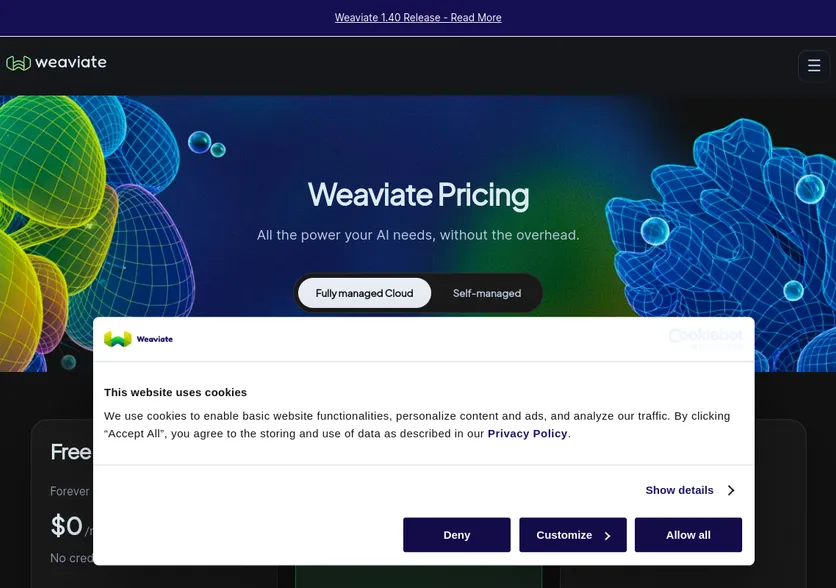
Paid tool Starting price: $45/month · Forty-five dollars a month from for Cloud Flex, with usage billed on top; Premium starts at $400 a month; a free tier covers 100,000 objects
Free plan: Free plan (100,000 objects)
A team that wants to store objects and their embeddings together will like this Weaviate plan, which costs forty-five dollars a month from for Cloud Flex. One query can mix keyword matching with vector search, and the GraphQL interface makes the retrieval logic easy to read. The free tier covers one hundred thousand objects, which is enough to prove the design before paying.
What we like
- Keyword and vector search in a single query
- A GraphQL interface that keeps queries readable
- A free tier covering 100,000 objects
Watch out for
- Usage is billed on top of the base price
- Premium starts at $400 a month
How to try it
- Create a collection and define the object schema
- Import the documents with their embeddings
- Write a hybrid query and compare it with keyword-only search
3. Qdrant
Best for: Teams that need fast, precise filtering at low latency
Paid tool Starting price: $25/month · Twenty-five dollars a month from for Cloud Standard, or $250 a year prepaid; Pro starts at $80 a month and Dedicated at $2,500 a month; a free tier covers 1 GB
Free plan: Free plan (1 GB)
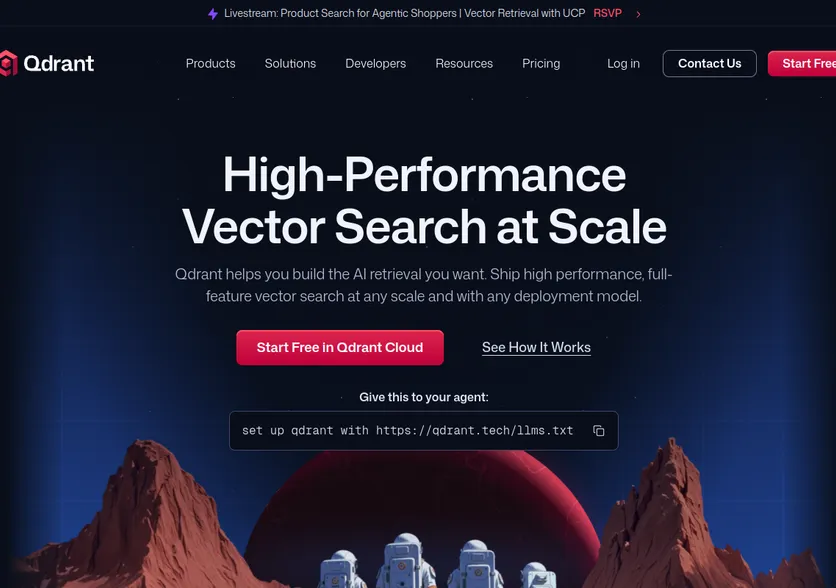
A team that filters hard before ranking will get the fastest answers here, since this Qdrant plan costs twenty-five dollars a month from for Cloud Standard. Its Rust engine handles precise filtering at low latency, and the prepaid yearly option costs two hundred and fifty dollars. The free tier covers one gigabyte, which is enough for a working prototype and a real evaluation.
What we like
- A Rust engine built for low-latency search
- Precise filtering before the ranking step
- A yearly prepaid option at $250
Watch out for
- The dashboard is plainer than Pinecone
- Dedicated hosting starts at $2,500 a month
How to try it
- Create a collection with the right vector size
- Upload the points with their payload filters
- Run a filtered query and time the response
4. LlamaIndex
Best for: Teams that need messy PDFs parsed before indexing
Paid tool Starting price: $1.50 per 1,000 credits · One dollar and fifty cents per one thousand credits on pay-as-you-go, with 10,000 free credits a month; Pro is $500 a month for 400,000 credits; the old $50 a month Starter tier was removed in November 2026
Free plan: Free plan (10,000 credits a month)
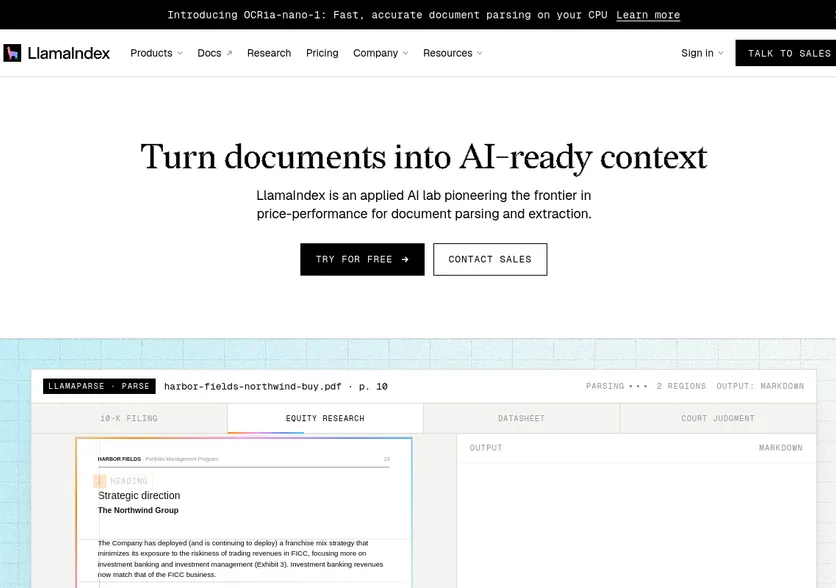
A team that parses messy documents before indexing them will start here, because this LlamaIndex plan costs one dollar and fifty cents per one thousand credits on pay-as-you-go. Its LlamaParse service turns PDFs and tables into clean text the model can actually use, with ten thousand free credits a month for testing. The old fifty dollar Starter tier was removed in November 2026, so small teams now pay by usage or step up to Pro at five hundred dollars a month.
What we like
- LlamaParse turns PDFs and tables into clean text
- Pay-as-you-go with 10,000 free credits a month
- Pro covers 400,000 credits for heavy parsing
Watch out for
- No flat monthly starter tier any more
- Parsing quality varies with document layout
How to try it
- Upload a sample PDF and parse it
- Check the extracted text against the original
- Send the clean text into the vector store
5. LangSmith
Best for: LLM teams that need tracing, testing and evaluation
Paid tool Starting price: $39/seat/month · Thirty-nine dollars per seat a month for Plus, with 10,000 base traces included and extra traces at $5 per 1,000; Developer is free with 5,000 traces; Enterprise is custom
Free plan: Free plan (Developer, 5,000 traces)
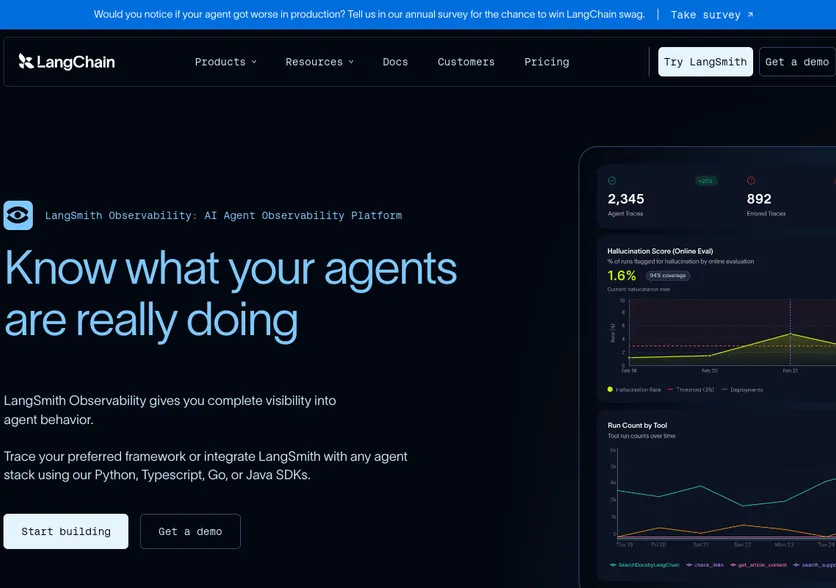
A team that builds LLM apps and needs to see what the model actually did will debug here, as this LangSmith plan costs thirty-nine dollars per seat a month for Plus. It traces every prompt, test and evaluation run, so a bad answer can be followed back to the exact retrieval step that caused it. The free Developer plan covers five thousand traces, which is enough to learn the workflow before the team pays.
What we like
- Traces that show exactly what the model did
- Evaluation runs that compare prompt versions
- A free Developer plan with 5,000 traces
Watch out for
- Extra traces cost $5 per 1,000 beyond the allowance
- It is an observability tool, not a vector store
How to try it
- Connect the app and send the first traces
- Open a bad answer and follow the retrieval steps
- Build an evaluation set and run it after each change
6. Zilliz Cloud
Best for: Teams that want dedicated vector performance on Milvus
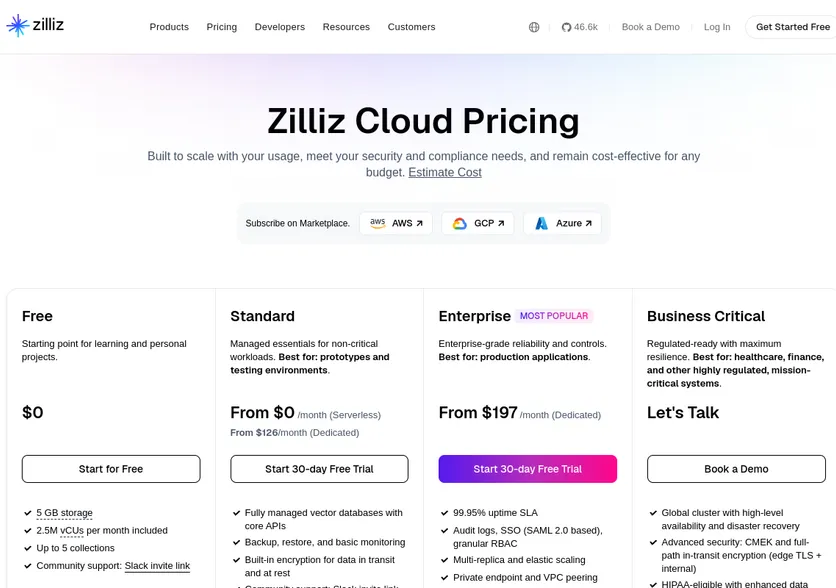
Paid tool Starting price: $126/month · One hundred and twenty-six dollars a month from for Dedicated with one performance compute unit; Serverless starts at $0 a month plus usage, and Enterprise starts at $197 a month; a free tier covers 5 GB
Free plan: Free plan (5 GB)
A team that wants dedicated performance without managing clusters will find it here, because this Zilliz Cloud plan costs one hundred and twenty-six dollars a month from for Dedicated. It is built on the Milvus engine, scales compute separately from storage, and the Serverless option starts at zero dollars a month plus usage. The free tier covers five gigabytes, so a prototype can run before any money is spent.
What we like
- Dedicated compute that scales apart from storage
- Serverless pricing that starts at $0 plus usage
- A free tier covering 5 GB
Watch out for
- Dedicated starts higher than the other clouds here
- The pricing has several moving parts
How to try it
- Create a cluster and pick the Serverless or Dedicated route
- Load the embeddings and set the index type
- Run a load test and watch the latency
7. Elastic Cloud
Best for: Teams that already run Elasticsearch and need vector search too
Paid tool Starting price: $95/month · About ninety-five dollars a month from for Standard; Gold is $109, Platinum is $125 and Enterprise is $175; the exact figure varies with region and deployment size
Free plan: 14-day free trial
A team that already runs Elasticsearch and wants vector search beside keyword search will add it here, since this Elastic Cloud plan costs about ninety-five dollars a month from for Standard. It combines full-text search, analytics and vector retrieval in one deployment, so the same cluster can answer both kinds of query. The exact figure varies with region and size, so confirm the price for your deployment before budgeting.
What we like
- Keyword, analytics and vector search in one cluster
- A managed service with no cluster babysitting
- Strong security and access controls
Watch out for
- The price varies by region and deployment size
- Heavier to run than a pure vector database
How to try it
- Create a deployment and enable the vector fields
- Index the documents with their embeddings
- Run a hybrid query and compare the results
Prices above were checked on each vendor’s own website on Nov 28, 2026 and can change — the vendor’s page is the final word. Vendor links are editorial: nobody paid to be listed or ranked here. Vendors who want a featured listing can see how it works on our Get listed page.
How to pick a vector store that will not slow you down
Start with the retrieval quality, not the feature list, because a fast database that returns the wrong passages makes the model worse, not better. Load a real sample of your documents, ask fifty questions you already know the answers to, and count how often the right passage lands in the top five results. Check the price at your real index size and query volume, since usage on top of the base plan moves the total more than the headline figure. Pick the store whose free tier lets you run that test honestly, then commit.
Before you buy
- Confirm the free tier covers a real test with your own documents, not just a demo set
- Check how filtering works before ranking, since bad filters ruin retrieval quality
- Ask what the bill looks like at your real index size and monthly query volume
- Make sure the tool plugs into the LLM framework your team already builds with
- Test retrieval quality on fifty known questions before paying for any plan
Official websites
Official websites of the products reviewed above. Features and prices were checked against these sites when this guide was written, and they can change, so confirm on the vendor site before you buy.
Frequently asked questions
What is RAG software for LLM search?
RAG stands for retrieval-augmented generation, and the software stores document embeddings so a language model can search your own files before it answers. The model then grounds its reply in the retrieved passages instead of guessing from training data, which cuts invented facts and lets it answer about private or recent information.
How much does Pinecone cost for RAG?
Pinecone Starter costs twenty dollars a month, with a free tier for early experiments and usage scaling on top of the base price. That makes it the cheapest managed start in this list for a team that wants a working vector database without running servers, though a large index will cost more as usage grows.
Can I build RAG for free?
Yes, for prototypes. Pinecone, Weaviate, Qdrant, LlamaIndex and Zilliz all have free tiers, and LangSmith has a free Developer plan for tracing and testing. The free tiers cover small indexes and limited usage, so a real production workload still needs a paid plan once traffic grows.
Do I need a separate vector database and a parsing tool?
Usually yes. A vector database such as Pinecone or Qdrant stores the embeddings and retrieves passages, while a parsing tool such as LlamaIndex turns messy PDFs and tables into clean text first. LangSmith sits beside both, tracing and testing what the model does with the retrieved passages so bad answers can be debugged.
Which RAG tool is best for a small LLM team?
Pinecone is the best pick for most small teams, at twenty dollars a month, because it is managed, simple and fast to start. Qdrant suits teams that filter heavily before ranking, while LangSmith is the tool to add once the team needs to trace and test what the model does with retrieved passages.
Compare the seven tools above, then start with a free tier on the one that fits your index size and query volume before paying for a production plan.
Browse Business Tools tools