

On this page
AI search lives or dies on retrieval, and the vector database is where that retrieval happens. The best platforms store embeddings, answer similarity queries in milliseconds and scale without a cluster to babysit. Pinecone leads our list as the most widely used managed option, with Qdrant and Supabase close behind for low entry prices and Postgres teams that want vectors next to their app data.
How we researched this
We checked each vendor's own pricing page on November 26 2026 and kept only platforms with a published dollar price and a self-serve way to start. Every tool here stores and queries vectors for AI search and retrieval rather than just hosting embeddings. We ranked them on entry price, free tier size, query speed and how easily a team can get live.
Compare the tools
| Name | Best for | Starting price | Free plan | |
|---|---|---|---|---|
 Pinecone | Teams that want the most widely used managed vector database | $50/month | Free starter tier with limited storage and queries for prototypes. | Visit |
 Weaviate Cloud | Teams that want vector search with hybrid keyword matching built in | $45/month | Free sandbox tier for testing with limited capacity. | Visit |
 Qdrant Cloud | Teams that want fast vector search with a low entry price | $25/month | Free tier with 1 GB of storage and 500,000 vectors. | Visit |
 Supabase | Teams that want Postgres, auth and vector search in one platform | $25/month | Free tier with limited database, auth and storage for small projects. | Visit |
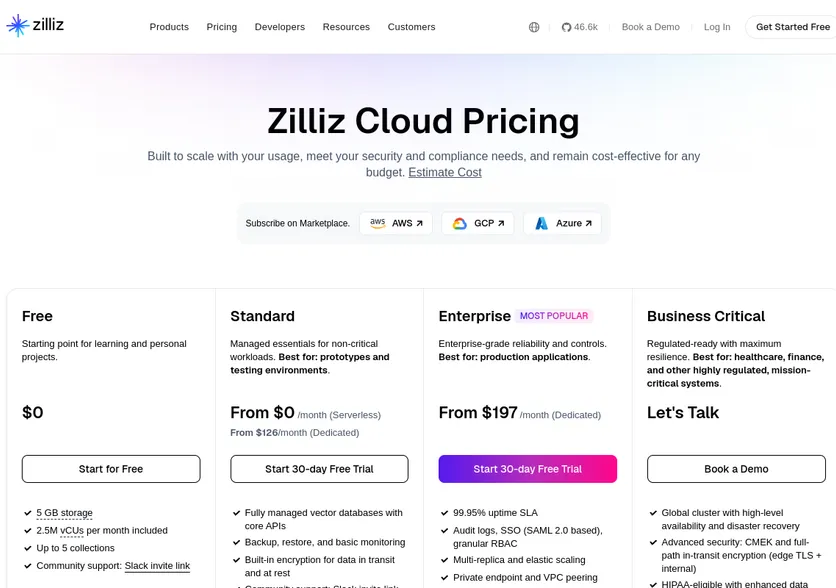
 Zilliz Cloud | Teams that need a managed Milvus-compatible vector cloud | $99/month | Free serverless tier with 5 GB of storage and 2.5 million compute units a month. | Visit |
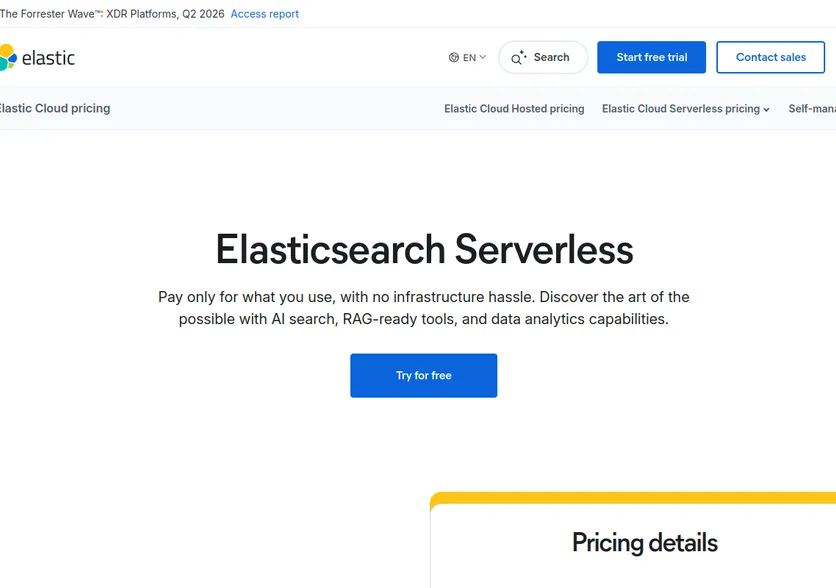
 Elastic Cloud | Teams already running Elasticsearch who want managed vector search | $99/month | Serverless free tier with 50 GB of storage on vector profiles. | Visit |
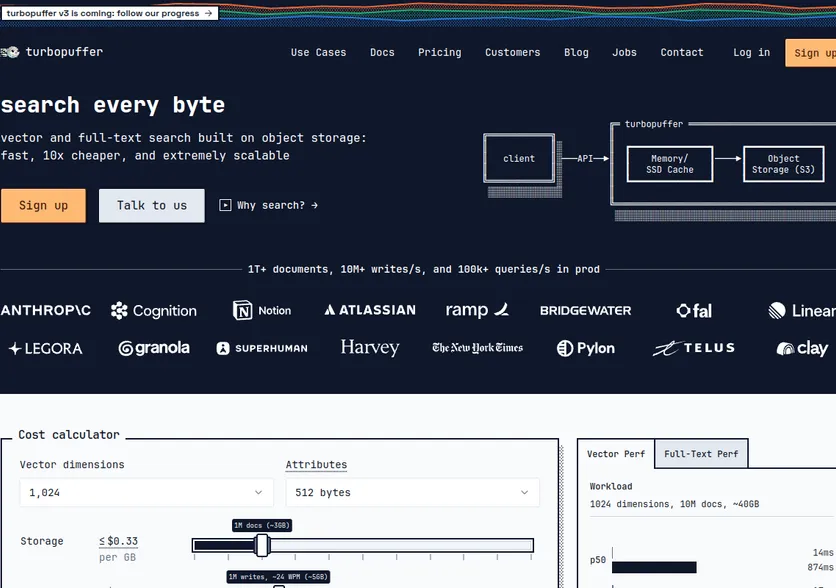
 Turbopuffer | High-volume retrieval workloads that need very low latency | $16/month | No free tier; Launch starts from a $16 a month minimum. | Visit |
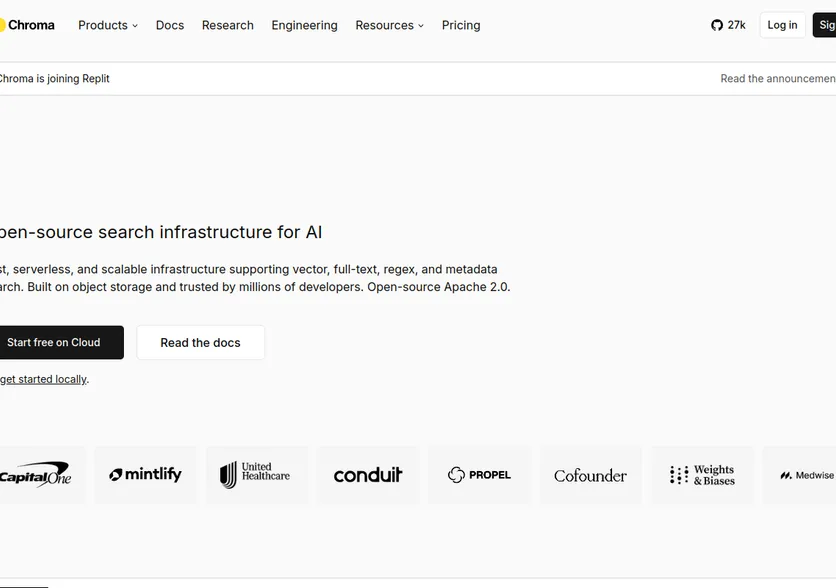
 Chroma Cloud | Small projects that want vector search with a free usage allowance | $0/month | Starter plan is $0 a month plus usage, with $5 of free credits monthly. | Visit |
The search and retrieval platforms, compared
1. Pinecone
Best for: Teams that want the most widely used managed vector database
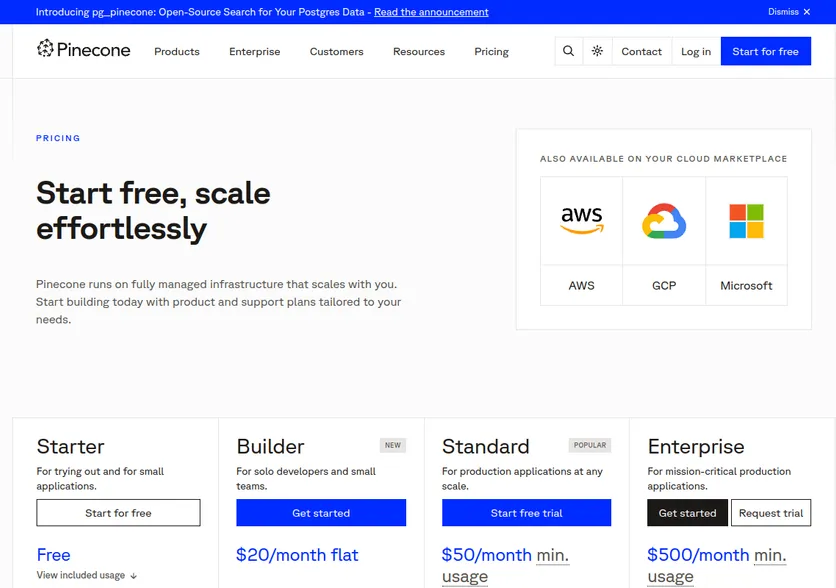
Paid tool Starting price: $50/month · Standard plan with a $50 a month minimum on serverless; storage is $0.33 per GB a month plus read and write units
Free plan: Free starter tier with limited storage and queries for prototypes.
Pinecone is the managed vector database many AI teams reach for first, with serverless indexes that scale without cluster management. You store embeddings, query by similarity and filter by metadata, all through a simple API. The Standard plan has a fifty-dollar monthly minimum, which makes it easy to budget for production retrieval workloads.
What we like
- Serverless scaling with no cluster to manage
- Simple API that teams learn in an afternoon
- Widely used, so examples and integrations are everywhere
Watch out for
- Read and write units add a second meter to track
- Minimum applies even in quiet months
How to try it
- Create a Pinecone index with the dimensions your embeddings use
- Upsert vectors with metadata for filtering later
- Query by similarity and return the top matches to your app
2. Weaviate Cloud
Best for: Teams that want vector search with hybrid keyword matching built in
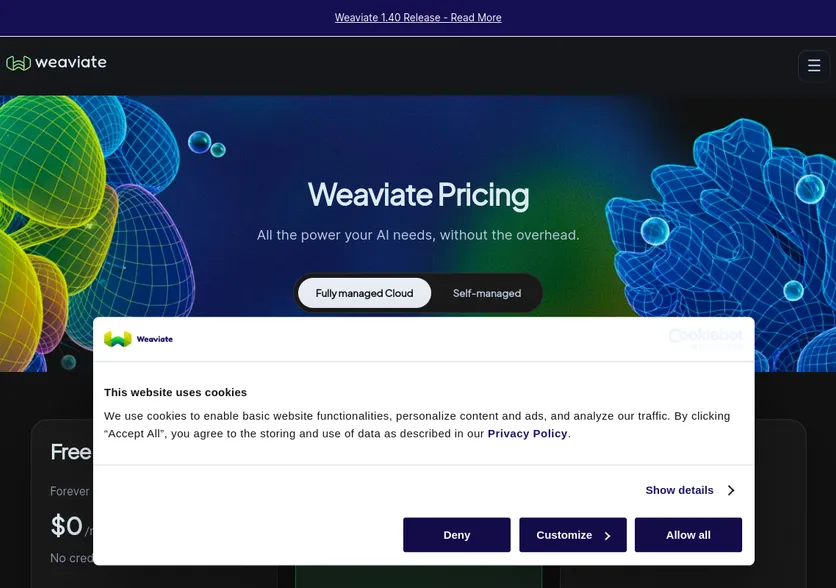
Paid tool Starting price: $45/month · Flex serverless plan with a $45 a month minimum, billed by the vector dimensions stored; the free sandbox is $0 and Enterprise is quoted
Free plan: Free sandbox tier for testing with limited capacity.
Weaviate Cloud is the managed version of the open-source Weaviate database, which combines vector search with keyword and hybrid queries in one engine. It supports modules for different embedding models and keeps the schema flexible as your data changes. The Flex serverless plan bills by the vector dimensions you store, so small indexes stay cheap.
What we like
- Hybrid search combines vectors and keywords in one query
- Open-source core you can self-host if needed
- Flexible schema that adapts as your data changes
Watch out for
- Per-dimension billing is harder to model than flat storage
- Minimum rose to $45 in late 2026, so older guides quote $25
How to try it
- Create a Weaviate Cloud cluster and define your collections
- Import vectors with the client library of your choice
- Run hybrid queries that mix vector and keyword search
3. Qdrant Cloud
Best for: Teams that want fast vector search with a low entry price
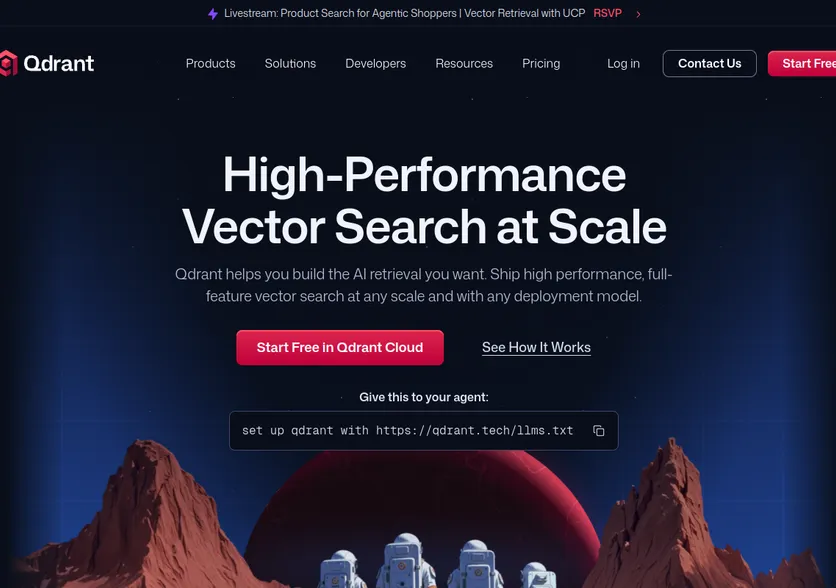
Paid tool Starting price: $25/month · Basic tier from $25 a month minimum, with storage at $0.06 per GB a month; Pro starts from $80 a month and Dedicated from $2,500 a month
Free plan: Free tier with 1 GB of storage and 500,000 vectors.
Qdrant Cloud hosts the open-source Qdrant vector database, known for fast filtered search and a clean API. The Basic tier starts from twenty-five dollars a month, which makes it one of the cheapest managed options here for production workloads. A free tier with a gigabyte of storage and half a million vectors is enough to build a real prototype.
What we like
- Fast filtered search with payloads built in
- Low entry price for a managed production tier
- Free tier is big enough for a real prototype
Watch out for
- Storage is billed on top of the plan minimum
- Dedicated clusters jump to $2,500 a month
How to try it
- Create a Qdrant Cloud cluster and pick a region near your users
- Create a collection with your vector size and distance metric
- Upsert points and query with filters for your app
4. Supabase
Best for: Teams that want Postgres, auth and vector search in one platform
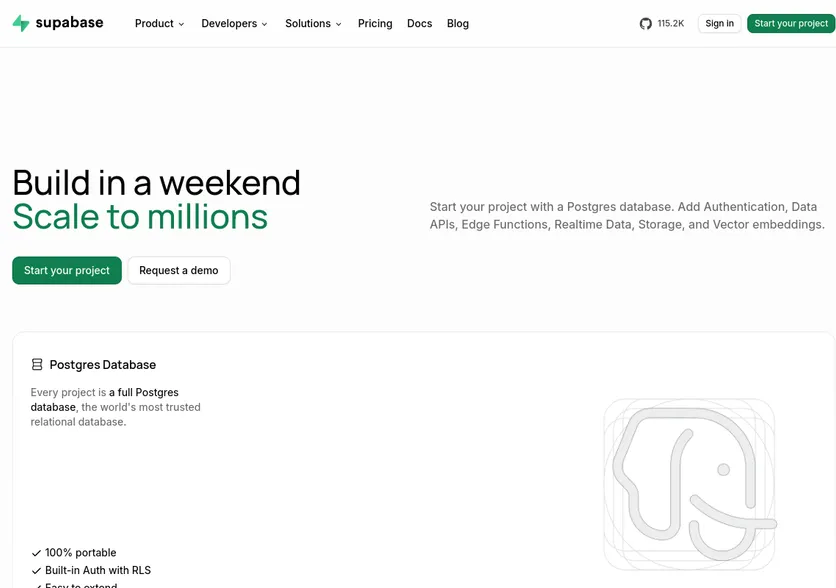
Paid tool Starting price: $25/month · Pro plan at $25 a month base fee, including a $10 compute credit that covers one Micro instance; Team starts from $599 a month
Free plan: Free tier with limited database, auth and storage for small projects.
Supabase is the open-source Firebase alternative that adds vector search to Postgres through the pgvector extension. The Pro plan costs twenty-five dollars a month and includes a compute credit that covers a small instance, so a side project can run database, auth and vectors for one bill. It suits teams that want their embeddings next to the rest of their app data.
What we like
- Vectors live next to your app data in Postgres
- Auth, storage and database in one bill
- Pro includes a compute credit for a small instance
Watch out for
- Vector search is an extension, not a dedicated engine
- Usage beyond the credit adds compute charges
How to try it
- Create a Supabase project and enable the pgvector extension
- Store embeddings in a table with a vector column
- Query with cosine similarity and filter by your app data
5. Zilliz Cloud
Best for: Teams that need a managed Milvus-compatible vector cloud
Paid tool Starting price: $99/month · Dedicated clusters from $99 a month; the free serverless tier covers 5 GB of storage and 2.5 million vector compute units a month
Free plan: Free serverless tier with 5 GB of storage and 2.5 million compute units a month.
Zilliz Cloud is the managed service behind Milvus, the open-source vector database, with a free serverless tier for getting started. Dedicated clusters start from ninety-nine dollars a month for teams that need guaranteed performance and isolation. The serverless option bills by compute units and storage, so prototypes cost little until they grow.
What we like
- Free serverless tier is generous for prototypes
- Milvus-compatible, so existing code ports over
- Dedicated clusters give guaranteed performance
Watch out for
- Dedicated entry price is higher than rivals here
- Serverless compute units are another meter to model
How to try it
- Create a Zilliz Cloud project and pick serverless or dedicated
- Create a collection and load your embeddings
- Query by similarity and scale to dedicated when traffic grows
6. Elastic Cloud
Best for: Teams already running Elasticsearch who want managed vector search
Paid tool Starting price: $99/month · Hosted Standard from $99 a month; Gold is $114, Platinum is $131 and Enterprise is $184, and serverless starts from $0.09 per search compute hour
Free plan: Serverless free tier with 50 GB of storage on vector profiles.
Elastic Cloud hosts Elasticsearch with vector search built in, so teams can combine keyword search, analytics and embeddings in one cluster. The Hosted Standard plan starts from ninety-nine dollars a month, while serverless options bill by search and ingest usage. It fits organizations that already trust Elasticsearch and want vectors without a second database.
What we like
- Keyword, vector and analytics search in one cluster
- Managed hosting removes cluster operations work
- Serverless option bills by actual usage
Watch out for
- Hosted pricing is per GB of RAM, which is easy to underestimate
- Full feature set needs the higher tiers
How to try it
- Create an Elastic Cloud deployment with vector search enabled
- Index documents with embeddings alongside your text fields
- Run hybrid queries that combine keyword and vector ranking
7. Turbopuffer
Best for: High-volume retrieval workloads that need very low latency
Paid tool Starting price: $16/month · Launch plan with a $16 a month minimum; Scale is $256 a month, storage is $0.33 per GB a month indexed, and there is no free tier
Free plan: No free tier; Launch starts from a $16 a month minimum.
Turbopuffer is a vector database built for speed, with a Launch plan that starts from a sixteen-dollar monthly minimum. It charges by storage, writes and data queried, which suits workloads with predictable read patterns. There is no free tier, so budget for the minimum from day one, but the performance per dollar is strong for retrieval-heavy apps.
What we like
- Very low latency for retrieval-heavy workloads
- Sixteen-dollar minimum is the cheapest paid entry here
- Simple usage rates for storage, writes and queries
Watch out for
- No free tier to prototype on
- Smaller ecosystem than Pinecone or Weaviate
How to try it
- Create a Turbopuffer namespace and upsert your vectors
- Query by similarity with filters for your use case
- Monitor storage and query volume against the usage rates
8. Chroma Cloud
Best for: Small projects that want vector search with a free usage allowance
Paid tool Starting price: $0/month · Starter plan is $0 a month plus usage, with $5 of free credits a month; writes are $2.50 per GiB and Team is $250 a month plus usage
Free plan: Starter plan is $0 a month plus usage, with $5 of free credits monthly.
Chroma Cloud is the hosted version of the open-source Chroma vector database, popular for retrieval-augmented generation prototypes. The Starter plan costs nothing per month plus usage, with five dollars of free credits each month, so small projects can run for free. The Team plan adds more credits and support for production use.
What we like
- Starter is free plus usage, ideal for prototypes
- Five dollars of free credits each month
- Simple API that RAG tutorials use widely
Watch out for
- Usage charges start once the free credits run out
- Fewer managed features than the enterprise options
How to try it
- Create a Chroma Cloud database and get your API key
- Add collections with the Chroma client in your language
- Query by similarity and return context to your language model
Prices above were checked on each vendor’s own website on Nov 26, 2026 and can change — the vendor’s page is the final word. Vendor links are editorial: nobody paid to be listed or ranked here. Vendors who want a featured listing can see how it works on our Get listed page.
How to pick a vector database
Start by sizing the workload you actually have. Count your vectors, note their dimensions and estimate monthly queries, because usage plans bill on all three and a wrong guess can double the bill. Build a prototype on the free tier with a real slice of your data, then measure query latency at that size, since an empty index tells you nothing about production speed.
Then check the operational details. Confirm the platform supports the distance metric your embeddings were trained with, and make sure backups, scaling and monitoring work without a support ticket. Retrieval usually sits on the critical path, so pick the platform you can run at 2am without help.
Before you buy
- Estimate your vector count and dimensions before picking a usage plan
- Check that the free tier covers a real prototype, not just a demo
- Confirm the platform supports the distance metric your embeddings need
- Test query latency with your real index size, not an empty database
- Make sure backups and scaling work without a support ticket
Official websites
Official websites of the products reviewed above. Features and prices were checked against these sites when this guide was written, and they can change, so confirm on the vendor site before you buy.
Frequently asked questions
What is a vector database?
A vector database stores embeddings, which are number lists that represent the meaning of text, images or other data. When you search, it finds the items closest in meaning to your query, not just the ones sharing keywords. That is how AI search, recommendations and retrieval-augmented generation find relevant results.
How much does vector search cost in 2026?
Entry prices in this comparison run from $0 a month on Chroma Starter to $99 a month for Zilliz Dedicated and Elastic Hosted Standard. Most teams start between $16 and $50 a month. Usage charges for storage, reads and writes sit on top of the plan price, so model the bill on your real vector count.
Is there a free vector database?
Yes. Chroma Starter is $0 a month plus usage with $5 of free credits, Zilliz has a free serverless tier, and Pinecone, Weaviate and Qdrant all offer free tiers for prototypes. The free tiers are enough to build and test a real retrieval feature before you pay anything.
Which vector database is best for AI search?
Pinecone is the most widely used managed option and the easiest to start with. Qdrant is the cheapest managed tier at $25 a month with fast filtered search. Supabase fits teams that want vectors inside Postgres next to their app data, while Weaviate adds hybrid keyword search in the same engine.
How do I choose a vector database?
Estimate your vector count, dimensions and monthly queries first, since usage plans bill on all three. Then check that the free tier covers a real prototype, and test query latency with your actual index size. Finally, confirm backups and scaling work without a support ticket, because retrieval is usually on the critical path.
Building with vectors and AI search? Try free developer and data tools on Toolsvine right in your browser.
Browse Developer Tools tools


