On this page
A startup building search or retrieval into its product needs a vector database that stays cheap while the index is small and does not punish growth later. The seven tools below cover that range, from usage-based serverless services to a database that lives inside the MongoDB you already run. Pinecone leads because it is the most hands-off managed option at seventy dollars a month for a Standard pod, and the rest are ranked on how honestly their pricing scales.
How we researched this
We checked every price on the vendor pricing page on November 29, 2026, and only included tools with a published US dollar list price. Pure open-source engines with no managed price, including Milvus itself and pgvector, are not in this list, and neither are quote-only enterprise platforms. Prices change, so confirm the current figure on the vendor site before you buy.
Compare the tools
| Name | Best for | Starting price | Free plan | |
|---|---|---|---|---|
 Pinecone | Startups that want a managed database with no ops work | $70/month | Free Starter plan | Visit |
 Weaviate | Teams that want hybrid keyword and vector search | $25/month | Free sandbox and self-hosted open source | Visit |
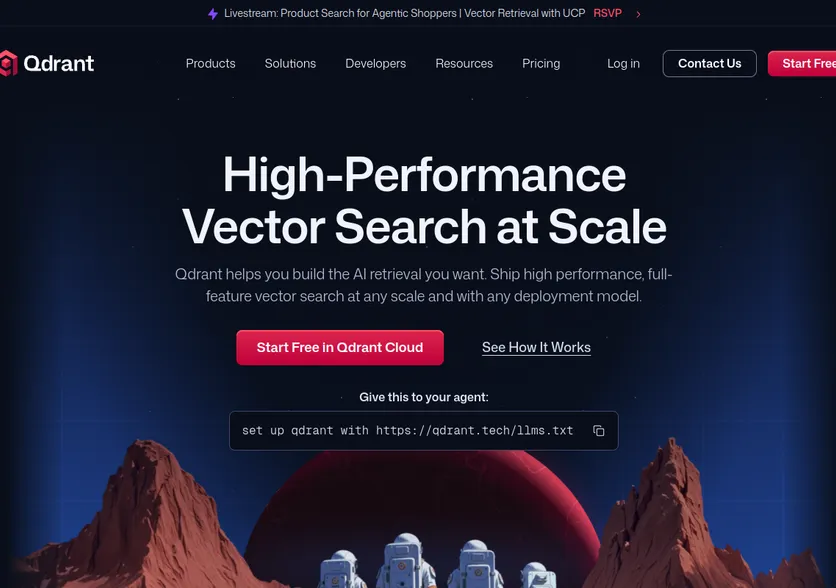
 Qdrant | Startups that want predictable cloud pricing | $25/month | Free 1 GB cloud cluster | Visit |
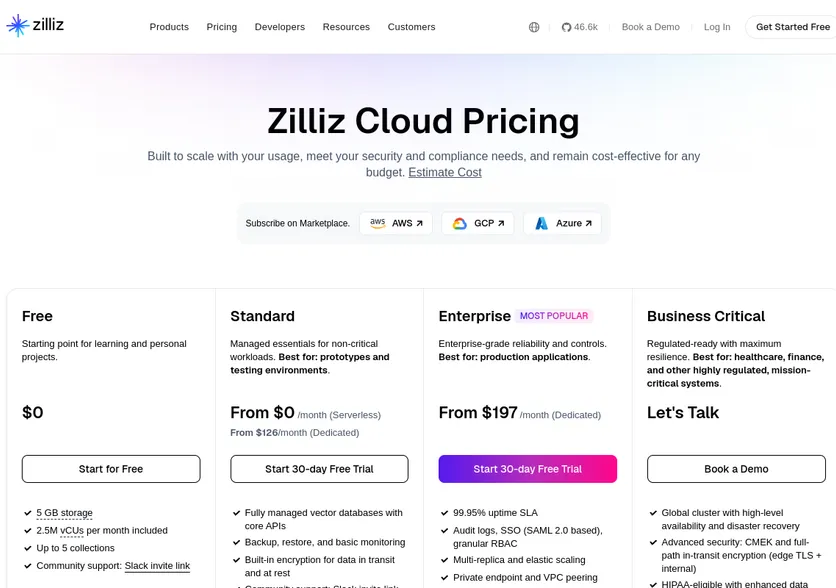
 Zilliz Cloud | Startups building on Milvus that want a managed cloud | $126/month | Free plan (5 GB storage) | Visit |
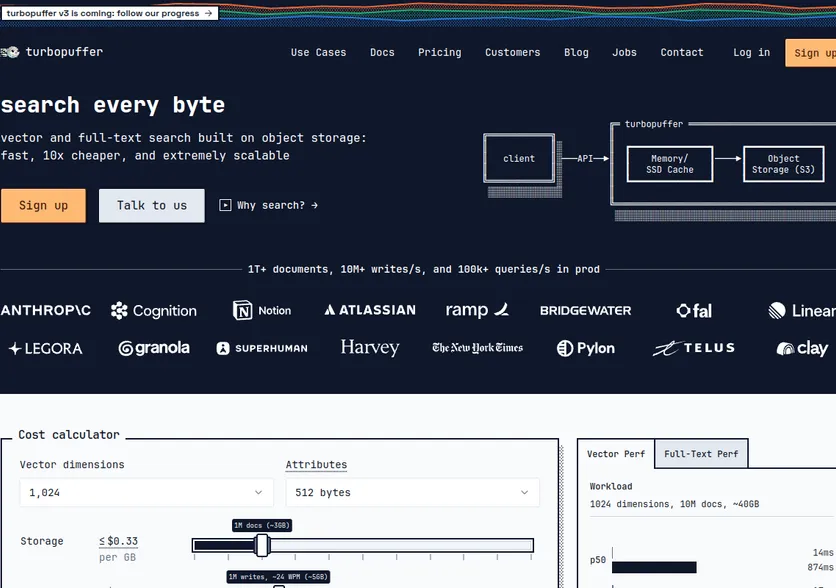
 turbopuffer | Startups with huge indexes and spiky query loads | $16/month | No free plan | Visit |
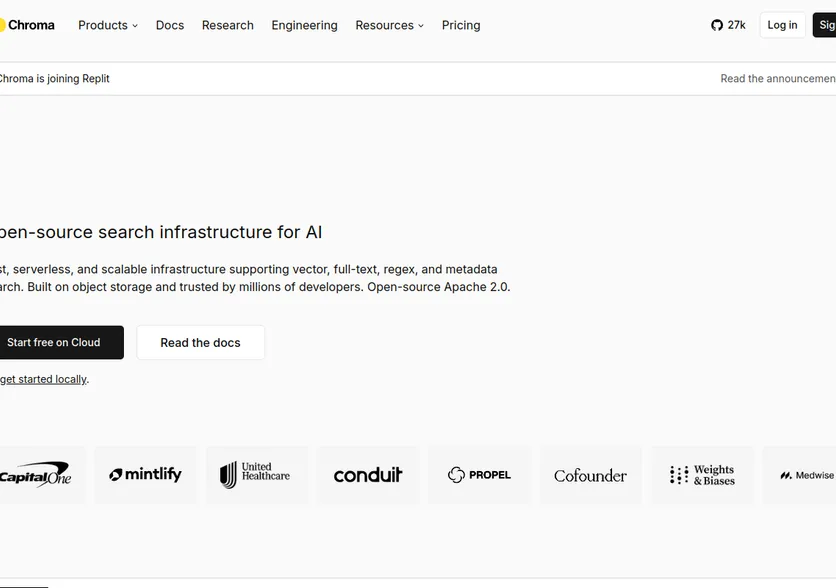
 Chroma Cloud | Startups prototyping retrieval before committing to a bill | $0/month + usage | Free Starter plan ($5 monthly credits) | Visit |
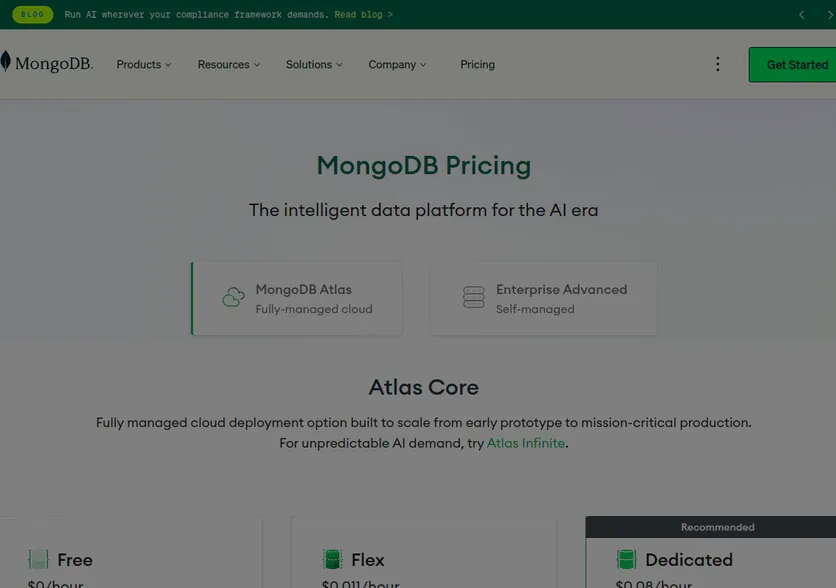
 MongoDB Atlas Vector Search | Startups whose product data already lives in MongoDB | $57/month | Free M0 tier | Visit |
The vector database software for startups, compared
1. Pinecone
Best for: Startups that want a managed database with no ops work
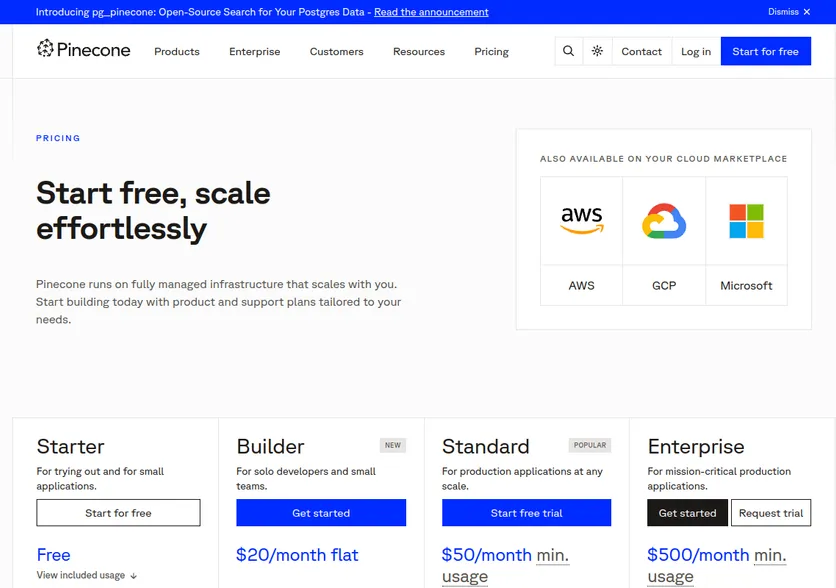
Paid tool Starting price: $70/month · Seventy dollars a month for a Standard pod on the pod-based plan; serverless is usage-based at thirty-three cents per GB a month for storage plus read and write units, so a small workload can cost less and a large one much more; the free Starter plan covers one hundred thousand vectors
Free plan: Free Starter plan
For a startup that wants search running today without operating a database, this Pinecone plan costs seventy dollars a month for a Standard pod, and the fully managed service handles scaling, indexing and uptime for you. Serverless billing charges storage by the gigabyte plus read and write units, which keeps tiny workloads cheap and makes heavy ones expensive, so model your query volume before you commit. It is the pragmatic default when the team would rather ship features than run infrastructure.
What we like
- Fully managed with no servers to run
- Serverless tier scales to zero when idle
- Wide ecosystem of SDKs and integrations
Watch out for
- Usage-based serverless bills can climb fast at scale
- No self-hosted option if you want to leave the cloud
How to try it
- Create a serverless index and pick the embedding dimension
- Upsert your vectors with metadata for filtering
- Query by similarity and return the top matches to your app
2. Weaviate
Best for: Teams that want hybrid keyword and vector search
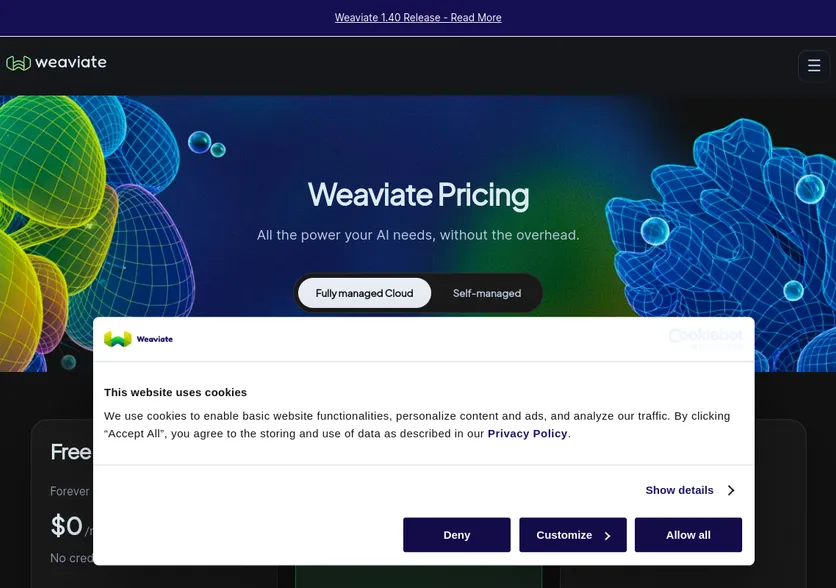
Paid tool Starting price: $25/month · Twenty-five dollars a month is the Weaviate Cloud serverless minimum, billed by vector dimensions stored; self-hosting the open-source edition costs nothing in licence fees; Enterprise is quoted
Free plan: Free sandbox and self-hosted open source
A startup that needs keyword search and vector search in the same query will like this Weaviate plan, which costs twenty-five dollars a month as the cloud serverless minimum. Its hybrid search blends dense vector similarity with keyword ranking in one call, and built-in vectorizer modules embed text as it arrives so no separate pipeline is needed. The open-source edition runs free on your own servers, which keeps the exit door open if the cloud bill grows.
What we like
- Native hybrid search combines vectors with keyword ranking
- Built-in vectorizer modules embed text on ingest
- Open source, so you can self-host and leave any time
Watch out for
- Cloud bills by dimensions stored, which is hard to forecast
- The free sandbox expires after fourteen days
How to try it
- Define a collection schema with the fields you need to search
- Import documents and let a vectorizer module embed them
- Run hybrid queries that blend vector similarity with keyword scores
3. Qdrant
Best for: Startups that want predictable cloud pricing
Paid tool Starting price: $25/month · Twenty-five dollars a month is the Qdrant Cloud Basic minimum, with storage at six cents per GB a month; Standard starts at seventy-five dollars a month with a ninety-nine point nine percent SLA; the free tier is a one GB cluster with no time limit
Free plan: Free 1 GB cloud cluster
Startups that want a bill they can predict before the month ends should look at this Qdrant plan, which costs twenty-five dollars a month as the cloud minimum. Fixed monthly minimums replace per-query metering, and strong payload filtering means most retrieval logic stays in the database instead of application code. The free one-gigabyte cluster never expires, so a prototype can run for months before the first invoice.
What we like
- Fixed monthly minimums make the bill easy to forecast
- Strong filtering and payload search built in
- Self-hosted open source is free and fast
Watch out for
- The Basic tier has no uptime SLA
- You size RAM and disk yourself, so mistakes cost money
How to try it
- Create a free cloud cluster and note its API key
- Create a collection with the vector size your model outputs
- Upsert points with payloads, then query with filters
4. Zilliz Cloud
Best for: Startups building on Milvus that want a managed cloud
Paid tool Starting price: $126/month · One hundred and twenty-six dollars a month is the Standard Dedicated starting price; serverless starts at zero dollars a month plus usage at four dollars per million virtual compute units; Enterprise Dedicated starts at one hundred and ninety-seven dollars a month
Free plan: Free plan (5 GB storage)
A startup already building on Milvus gets the managed version from its creators with this Zilliz Cloud plan, which costs one hundred and twenty-six dollars a month for Standard Dedicated. The serverless tier starts at zero and meters by virtual compute units, while capacity-optimized clusters push the cost per million vectors down sharply for large collections. It is the natural home for teams that outgrow a self-hosted Milvus install but want to keep the same API.
What we like
- Managed Milvus from the team that built it
- Serverless tier starts at zero and scales with use
- Capacity tiers drop the cost per million vectors sharply
Watch out for
- Serverless pricing varies by region and is easy to misread
- Dedicated clusters start far above the other tools here
How to try it
- Start on the free serverless tier and create a collection
- Connect with the Milvus SDK your stack already uses
- Move to a dedicated cluster when latency or volume demands it
5. turbopuffer
Best for: Startups with huge indexes and spiky query loads
Paid tool Starting price: $16/month · Sixteen dollars a month is the Launch monthly usage minimum, cut from sixty-four dollars in June 2026; Scale is two hundred and fifty-six dollars a month and Enterprise starts at four thousand and ninety-six dollars a month; usage is metered by storage, writes, data queried and data returned
Free plan: No free plan
For a startup sitting on a huge index that gets queried in bursts, this turbopuffer plan costs sixteen dollars a month as the Launch usage minimum. Its object-storage design keeps large indexes cheap because you pay for data scanned rather than memory held warm, and full-text search sits beside vector search in the same namespace. There is no free tier, so even experiments need a card, but the floor is low enough for most prototypes.
What we like
- Object-storage design keeps large indexes cheap
- No nodes to size or babysit
- Full-text search sits beside vector search
Watch out for
- No free tier, so every experiment costs something
- Cold queries can take seconds rather than milliseconds
How to try it
- Create a namespace and choose the Launch plan
- Write vectors with attributes for filtering
- Query by vector or full text and page through results
6. Chroma Cloud
Best for: Startups prototyping retrieval before committing to a bill
Paid tool Starting price: $0/month + usage · Zero dollars a month on the Starter plan plus metered usage: two dollars and fifty cents per gibibyte written, thirty-three cents per gibibyte a month stored; Team adds a two hundred and fifty dollar a month platform fee with one hundred dollars of included credits
Free plan: Free Starter plan ($5 monthly credits)
A startup still proving that retrieval works should start here, because this Chroma Cloud plan costs zero dollars a month on Starter plus metered usage. The API is the one most tutorials already teach, so a prototype moves from a laptop to the cloud with almost no new code, and five dollars of monthly credits cover small experiments entirely. Write-heavy pipelines are the trap, since every gibibyte written bills at two dollars and fifty cents.
What we like
- Scales to zero, so prototypes cost almost nothing
- Dead simple API that most tutorials already use
- Open source core you can run locally for free
Watch out for
- Write-heavy pipelines get expensive at two dollars and fifty cents per gibibyte
- The managed service is younger than its rivals
How to try it
- Install the client and create a cloud collection
- Add documents and let Chroma store the embeddings
- Query for the nearest neighbours and feed them to your model
7. MongoDB Atlas Vector Search
Best for: Startups whose product data already lives in MongoDB
Paid tool Starting price: $57/month · Fifty-seven dollars a month is the entry M10 dedicated cluster, roughly eight cents an hour; vector search needs dedicated search nodes on top, from twelve cents an hour each with a two-node minimum, so a production setup costs materially more; Flex tiers run about eight to thirty dollars a month for development
Free plan: Free M0 tier
If the product data already lives in MongoDB, adding a second database is pure overhead, and this MongoDB Atlas Vector Search plan costs fifty-seven dollars a month for an entry M10 cluster. Vectors sit beside the documents they describe, so one query handles filters, ranking and retrieval without a sync pipeline between two stores. Budget carefully, because production vector search needs dedicated search nodes on top of the cluster price.
What we like
- Vectors live beside your documents, so no sync pipeline
- One query language for filters, vectors and ranking
- Free M0 tier covers prototyping
Watch out for
- Production vector search needs paid search nodes on top
- Two separate billing meters make the real minimum easy to miss
How to try it
- Create an Atlas cluster and enable a vector search index
- Define the indexed fields and the similarity metric
- Run vector search inside the aggregation pipeline
Prices above were checked on each vendor’s own website on Nov 29, 2026 and can change — the vendor’s page is the final word. Vendor links are editorial: nobody paid to be listed or ranked here. Vendors who want a featured listing can see how it works on our Get listed page.
How to pick a vector database before your first thousand users
Start with the workload, not the brand, because a prototype with ten thousand vectors and a production index with ten million behave like different products. Estimate your vector count, your queries per day and how often you rewrite embeddings, then price each candidate at that volume instead of its headline minimum. Test retrieval quality on your own documents, since a database that is cheap but returns weak matches costs more in lost users than it saves in hosting. Keep an exit plan too: open-source engines and standard APIs make migration a weekend job, while a proprietary query language makes it a project.
Before you buy
- Check whether the headline price is a flat minimum or the start of usage-based metering
- Model the monthly bill at your real vector count and query volume, not the free tier
- Confirm the tool supports the filters and metadata your retrieval logic depends on
- Test search quality on your own documents before signing an annual commitment
- Make sure you can export your vectors and leave without rewriting the application
Official websites
Official websites of the products reviewed above. Features and prices were checked against these sites when this guide was written, and they can change, so confirm on the vendor site before you buy.
Frequently asked questions
What is the cheapest vector database for a startup?
Chroma Cloud is the cheapest way to start, at zero dollars a month on its Starter plan plus metered usage, with five dollars of monthly credits included. Qdrant Cloud and Weaviate Cloud both start at twenty-five dollars a month, while Pinecone starts at seventy dollars a month for a Standard pod. The cheapest headline is not always the cheapest bill, so model your write and query volume first.
Is Pinecone free for startups?
Pinecone has a free Starter plan that covers one hundred thousand vectors, which is enough for a prototype or a small production workload. Paid use starts at seventy dollars a month for a Standard pod, while serverless billing charges storage plus read and write units, so the bill depends on volume. Most startups outgrow the free tier once they pass a few hundred thousand vectors.
Should a startup self-host a vector database?
Self-hosting makes sense when the team already runs its own infrastructure and the index is large enough that managed minimums exceed server costs. Qdrant, Weaviate and Milvus all offer free open-source editions, and Chroma runs locally with a single install. For most early startups, a managed cloud tier is cheaper once engineering time is counted, so self-host only when the bill proves it.
What is the difference between Qdrant and Weaviate?
Qdrant is the better pick for predictable pricing and strong payload filtering, with cloud plans starting at twenty-five dollars a month and a free one-gigabyte cluster. Weaviate is the better pick for hybrid search, blending vector similarity with keyword ranking, and for teams that want built-in embedding modules. Both are open source and both can be self-hosted, so the choice comes down to filtering versus hybrid search.
Do I need a separate vector database if I use MongoDB?
Not necessarily, since MongoDB Atlas Vector Search adds vector indexes to the database you already run, starting at fifty-seven dollars a month for an M10 cluster. That keeps vectors beside your documents and removes the sync pipeline a separate database needs. A dedicated vector database still wins on raw retrieval speed and filtering depth, so choose Atlas when consolidation matters more than maximum performance.
Compare the seven tools above, then start on a free tier with your own documents before paying for a plan that matches your real query volume.
Browse AI Tools (In-Browser, No API) tools