On this page
A print shop lives or dies on the quality of its traces, because a logo that arrives as a blurry JPEG still has to print crisply on a banner, a shirt or a van. The eight tools below cover that job for every kind of artwork, from flat logos to photographs to scanned blueprints. Vector Magic leads because its edge detection is the most reliable at nine dollars and ninety-five cents a month, and the rest are ranked on tracing quality for the price.
How we researched this
We checked every price on the vendor pricing page on November 29, 2026, and only included tools with a published US dollar list price. Free editors such as Inkscape, whose Trace Bitmap costs nothing, are not in this list. Prices change, so confirm the current figure on the vendor site before you buy.
Compare the tools
| Name | Best for | Starting price | Free plan | |
|---|---|---|---|---|
 Vector Magic | Print shops tracing logos all day | $9.95/month | Free previews (pay to download) | Visit |
 Vectorizer.AI | Print shops needing photo-grade colour tracing | $9.99/month | Free previews (pay to download) | Visit |
 Super Vectorizer Pro | Print shops that refuse to upload customer artwork | $29.99/year | Free trial to preview results | Visit |
 Adobe Illustrator | Print shops that redesign artwork after tracing | $22.99/month | 7-day free trial | Visit |
 CorelDRAW Graphics Suite | Print shops already running CorelDRAW for layout | $269/year | 15-day free trial | Visit |
 Scan2CAD | Shops tracing technical drawings and blueprints | $89/month | 14-day free trial | Visit |
 PerfectVector | Print shops tracing flat logos and signs | $8/month | Free preview (no sign-up) | Visit |
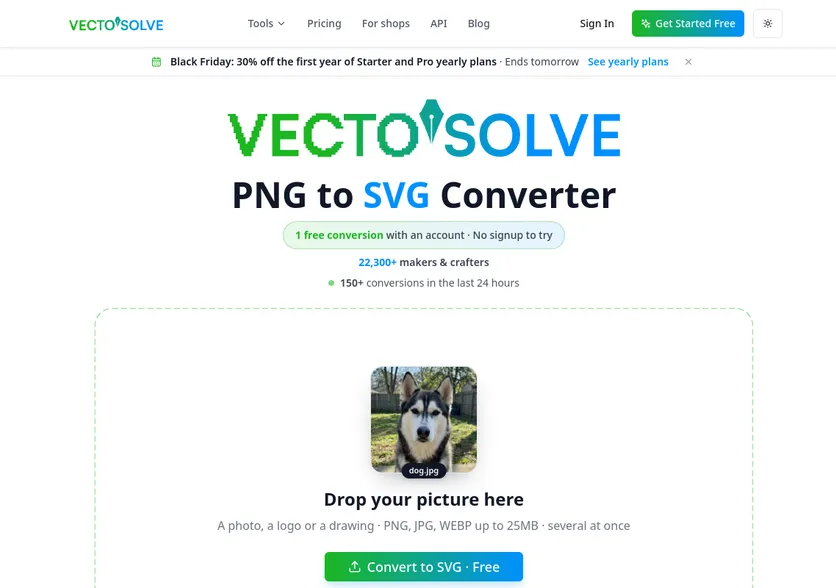
 VectoSolve | Sign makers and shops cutting vinyl | $7.99/month | Free watermarked preview | Visit |
The vector tracing software for print shops, compared
1. Vector Magic
Best for: Print shops tracing logos all day
Paid tool Starting price: $9.95/month · Nine dollars and ninety-five cents a month for the Online Edition, a personal subscription that cannot be shared; the Desktop Edition is two hundred and ninety-five dollars once; some November 2026 reads show eight dollars and ninety-nine cents a month and one shows five dollars and ninety-nine cents, so confirm the figure on the vendor page at checkout
Free plan: Free previews (pay to download)
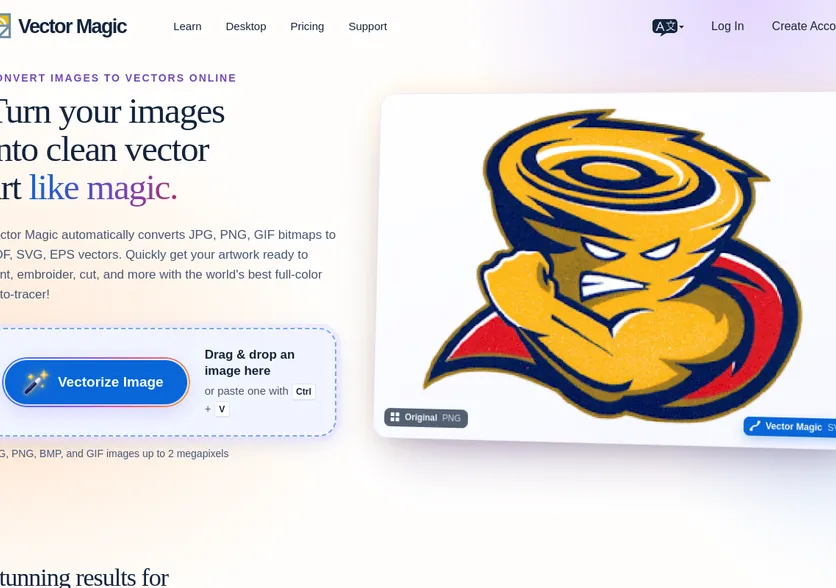
Print shops that trace logos all day need a tracer that gets edges right the first time, and this Vector Magic Online Edition costs nine dollars and ninety-five cents a month for unlimited browser conversions. Its sub-pixel edge detection handles complex multi-colour artwork better than most automatic tracers, and the desktop edition adds batch work plus DXF and AI output for two hundred and ninety-five dollars once. Previews are free, so a shop can test it on a real customer file before paying to download.
What we like
- Sub-pixel edge detection for complex artwork
- Free previews before paying to download
- Desktop edition adds batch work and DXF output
Watch out for
- Online plan is personal and cannot be shared across staff
- Two-megapixel image limit on the online edition
How to try it
- Upload the bitmap and preview the traced result
- Adjust the edge and colour settings by hand
- Download the vector as SVG, EPS or PDF
2. Vectorizer.AI
Best for: Print shops needing photo-grade colour tracing
Paid tool Starting price: $9.99/month · Nine dollars and ninety-nine cents a month for unlimited web app conversions; API access starts at nine dollars and ninety-nine cents a month for fifty credits, with rollover up to five times the monthly amount
Free plan: Free previews (pay to download)
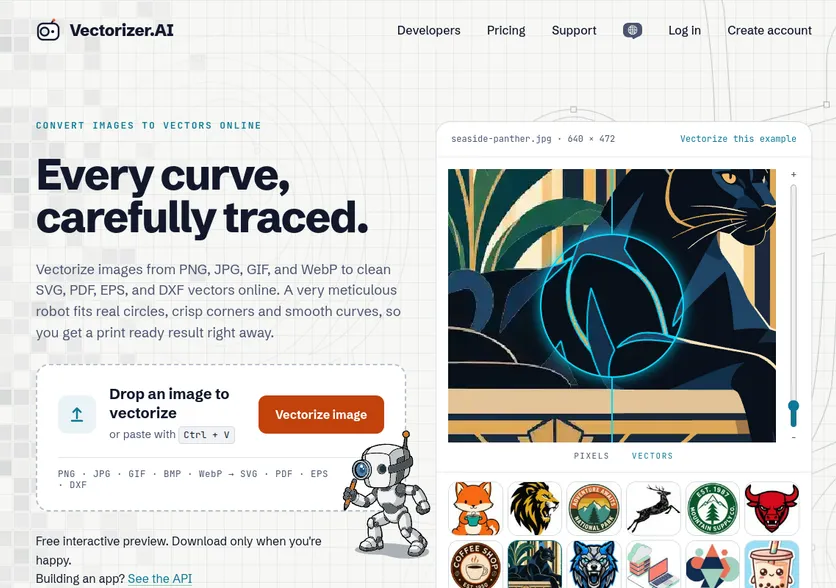
For a print shop that needs photo-grade colour tracing without installing anything, this Vectorizer.AI web app costs nine dollars and ninety-nine cents a month for unlimited conversions. Its AI engine fits curves to complex artwork and photographs more cleanly than threshold-based tracers, and exports cover SVG, PDF, EPS and DXF for cutters and printers. Batch work needs the paid API, so high-volume shops should price the API credits as well as the web plan.
What we like
- AI curve fitting for photos and complex art
- Exports SVG, PDF, EPS and DXF
- No install, runs entirely in the browser
Watch out for
- Batch work needs the paid API, not the web plan
- Cloud-only, so files leave the shop to be traced
How to try it
- Upload the image and preview the AI trace
- Choose the colour mode and output format
- Download the vector file for print or cutting
3. Super Vectorizer Pro
Best for: Print shops that refuse to upload customer artwork
Paid tool Starting price: $29.99/year · Twenty-nine dollars and ninety-nine cents a year for a Mac or Windows licence; a lifetime licence is thirty-nine dollars and ninety-nine cents once; Universal licences are thirty-nine dollars and ninety-nine cents a year or forty-nine dollars and ninety-nine cents once; older listings calling it a one-time twenty-nine dollar purchase are stale
Free plan: Free trial to preview results
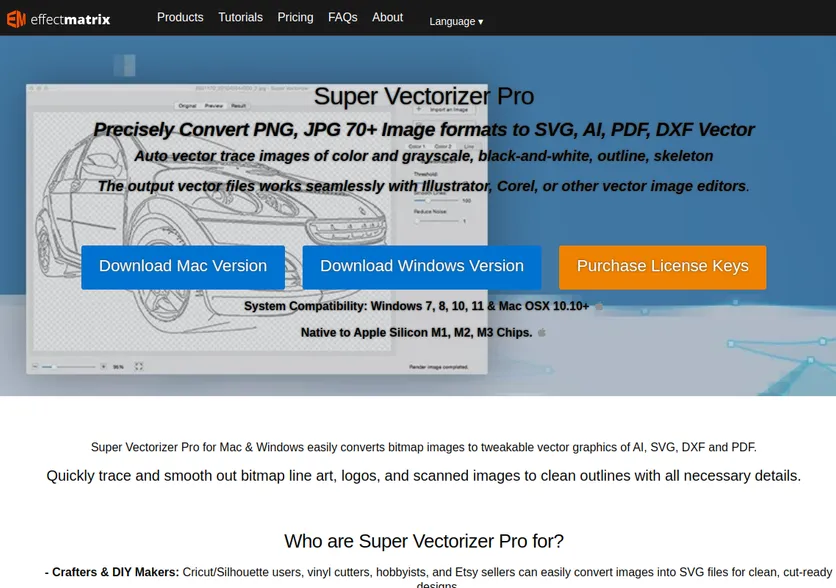
A print shop that refuses to upload customer artwork to the cloud will like this Super Vectorizer Pro desktop app, which costs twenty-nine dollars and ninety-nine cents a year for a Mac or Windows licence. It traces offline with six tracing modes and full control over colour count, thresholds and path smoothing, and it handles more than seventy input formats. It converts one image at a time, so it suits careful one-off jobs rather than bulk catalogues.
What we like
- Fully offline tracing, so artwork never leaves the shop
- Six tracing modes with threshold and colour control
- Handles more than seventy input formats
Watch out for
- One image at a time, with no batch mode
- Interface feels older than its cloud rivals
How to try it
- Install the app and import the bitmap
- Pick a tracing mode and tune the thresholds
- Export the vector as SVG, AI, DXF or PDF
4. Adobe Illustrator
Best for: Print shops that redesign artwork after tracing
Paid tool Starting price: $22.99/month · Twenty-two dollars and ninety-nine cents per user a month on the annual plan billed monthly; month-to-month billing costs more; the teams plan is thirty-seven dollars and ninety-nine cents per licence a month; includes Illustrator on desktop, iPad and web plus 100 GB of cloud storage
Free plan: 7-day free trial
When tracing is only the first step before a full redesign, this Adobe Illustrator plan costs twenty-two dollars and ninety-nine cents a month and gives the shop the whole editor afterwards. Image Trace converts bitmaps to editable paths in the same app where the artwork is finished, and Actions can batch the process across a folder of files. It is the dearest tracer here, but it is the only one that is also a complete design studio.
What we like
- Image Trace plus a complete design studio
- Actions can batch tracing across folders
- The file format printers expect
Watch out for
- The dearest tracer in this list
- Overkill for shops that only need tracing
How to try it
- Open the bitmap and choose Image Trace
- Tune the preset and expand the paths
- Clean up the nodes and save the vector file
5. CorelDRAW Graphics Suite
Best for: Print shops already running CorelDRAW for layout
Paid tool Starting price: $269/year · Two hundred and sixty-nine dollars a year for the subscription, about twenty-two dollars and forty-two cents a month; a one-time purchase is five hundred and forty-nine dollars; a first-year offer of one hundred and ninety-nine dollars appears in some store views, so confirm the price at checkout
Free plan: 15-day free trial
Print shops that already run CorelDRAW for layout and signage get tracing built in with this CorelDRAW Graphics Suite plan, which costs two hundred and sixty-nine dollars a year on subscription. Its PowerTRACE engine converts bitmaps to vectors with colour management and prepress checks in the same workflow, and the suite covers the whole job from trace to print. Shops that do not need the full suite will find the dedicated tracers here cheaper.
What we like
- PowerTRACE with colour management built in
- Trace to print in one workflow
- One-time purchase option with no subscription
Watch out for
- Mac support is thinner than the Windows build
- Too much suite for a shop that only traces
How to try it
- Import the bitmap into a CorelDRAW document
- Run PowerTRACE and adjust the colour settings
- Export the traced vector for print or cutting
6. Scan2CAD
Best for: Shops tracing technical drawings and blueprints
Paid tool Starting price: $89/month · Eighty-nine dollars a month for Pro billed monthly, with unlimited conversions; Business is one thousand five hundred and ninety-nine dollars a year with batch conversion and a Python API; yearly billing on Pro saves about ten percent; a fourteen-day free trial is available
Free plan: 14-day free trial
Technical drawings and scanned blueprints need a tracer that understands CAD, and this Scan2CAD Pro plan costs eighty-nine dollars a month for unlimited conversions. It converts scans and PDFs to DXF and DWG with text recognition and scale, and the Business plan adds batch conversion and a Python API for one thousand five hundred and ninety-nine dollars a year. It is engineering-department pricing for a print shop, so only shops that trace drawings daily will justify it.
What we like
- Converts scans and PDFs to DXF and DWG
- Text recognition and scale for technical drawings
- Business plan adds batch conversion and an API
Watch out for
- Engineering-department pricing for most print shops
- Overkill for simple logos and photographs
How to try it
- Import the scanned drawing or PDF
- Set the scale and let the tracer recognise text
- Export the CAD file as DXF or DWG
7. PerfectVector
Best for: Print shops tracing flat logos and signs
Paid tool Starting price: $8/month · Eight dollars a month for twenty conversions, or five dollars for a ten-credit pack that never expires; the annual plan is forty-nine dollars a year for twenty-five conversions a month; one file costs six dollars and ninety-nine cents with no subscription
Free plan: Free preview (no sign-up)
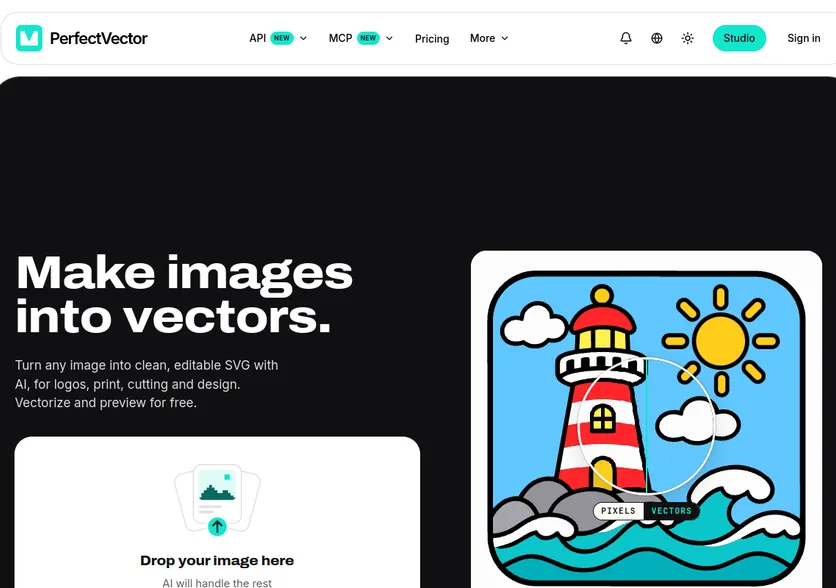
A print shop that traces flat logos and signs wants the smallest clean file, and this PerfectVector plan costs eight dollars a month for twenty conversions. It produces closed outlines with layers by source colour, and the pay-as-you-go packs mean a quiet month costs nothing beyond five dollars for ten credits. Gradients become flat bands, so photographic artwork should go to a different tracer in this list.
What we like
- Smallest clean files from flat artwork
- Pay-as-you-go packs never expire
- Closed outlines with layers by colour
Watch out for
- Gradients become flat bands
- No photo-grade tracing for complex images
How to try it
- Upload the logo and preview the vector result
- Check the closed outlines at full size
- Spend a credit to download the clean file
8. VectoSolve
Best for: Sign makers and shops cutting vinyl
Paid tool Starting price: $7.99/month · Seven dollars and ninety-nine cents a month for twenty-five conversions, with unused credits rolling over; the annual plan is forty-nine dollars a year; Pro is fourteen dollars and ninety-nine cents a month for one hundred conversions; one file costs six dollars and ninety-nine cents
Free plan: Free watermarked preview
Sign makers and print shops that cut vinyl will like this VectoSolve plan, which costs seven dollars and ninety-nine cents a month for twenty-five conversions. Its AI vectorizer exports clean SVG and DXF files ready for LightBurn and other cutters, and unused credits roll over instead of expiring. The free preview is watermarked, so test it on a real customer logo before paying for the clean file.
What we like
- Clean SVG and DXF files ready for cutters
- Unused credits roll over to the next month
- Free preview with no sign-up
Watch out for
- Preview is watermarked until you pay
- A young tool with a smaller track record
How to try it
- Upload the artwork and preview the vector result
- Check the paths at cutting size
- Download the clean SVG or DXF file
Prices above were checked on each vendor’s own website on Nov 29, 2026 and can change — the vendor’s page is the final word. Vendor links are editorial: nobody paid to be listed or ranked here. Vendors who want a featured listing can see how it works on our Get listed page.
How to trace a customer logo without redrawing it
Start with the best source file the customer has, because a tracer can only work with the pixels it is given, and a tiny thumbnail will never become a clean vector. Run the automatic trace first, then zoom in and fix the nodes by hand, since every tracer leaves stray points and wobbly curves somewhere. Check the result at the size it will print, not just on screen, and keep the original bitmap beside the vector so the next operator can see what changed. A trace that survives those checks is ready for the press or the cutter.
Before you buy
- Check whether previews are free so you can test the tracer on a real customer file
- Confirm the output formats your cutter or printer needs, including DXF for machines
- Make sure batch tracing exists if the shop converts files in volume
- Test the tracer on a photograph as well as a flat logo before committing
- Check whether files are processed in the cloud or on your own machine
Official websites
Official websites of the products reviewed above. Features and prices were checked against these sites when this guide was written, and they can change, so confirm on the vendor site before you buy.
Frequently asked questions
What is the best vector tracing software for print shops?
Vector Magic is the best overall pick, at nine dollars and ninety-five cents a month, because its sub-pixel edge detection handles complex multi-colour artwork reliably. Vectorizer.AI is the best pick for photographs, at nine dollars and ninety-nine cents a month, with AI curve fitting. Super Vectorizer Pro is the best pick for privacy, at twenty-nine dollars and ninety-nine cents a year, because it traces fully offline.
Is Vector Magic worth $9.95 a month?
Yes, for a print shop that traces logos every week, because the online edition offers unlimited conversions for nine dollars and ninety-five cents a month and previews are free. The desktop edition costs two hundred and ninety-five dollars once and adds batch work plus DXF output. Note that the online plan is personal and cannot be shared, so each operator needs their own subscription.
Can I trace images to vector for free?
Yes, Inkscape is free and open source with a Trace Bitmap tool, and most paid tracers in this list offer free previews so you can check the result before paying. Vector Magic and Vectorizer.AI both let you preview unlimited images for free and charge only to download. For occasional jobs, PerfectVector sells single files for six dollars and ninety-nine cents with no subscription.
What is the difference between Vector Magic and Vectorizer.AI?
Vector Magic is the older tracer with a desktop edition for offline batch work, at nine dollars and ninety-five cents a month online or two hundred and ninety-five dollars once for desktop. Vectorizer.AI is the newer AI-based tool, at nine dollars and ninety-nine cents a month, with stronger curve fitting for photographs and complex colour art. Both charge to download, so try the free preview on the same file and compare the paths.
Which tracer is best for CAD and CNC work?
Scan2CAD is the best pick for CAD and CNC work, at eighty-nine dollars a month, because it converts scans and PDFs to DXF and DWG with text recognition and scale. VectoSolve is the budget pick for cutters, at seven dollars and ninety-nine cents a month, with clean DXF output for LightBurn. Super Vectorizer Pro also exports DXF and works fully offline, at twenty-nine dollars and ninety-nine cents a year.
Compare the eight tools above, then test the free preview on a real customer file before paying for the tracer that fits your shop.
Browse Image Tools tools