On this page
A logo is the one piece of design a client will use everywhere, from a business card to a shopfront, so the editor behind it must handle type, colour and print with total precision. The eight tools below cover logo work for freelancers, brand teams and print shops, from the industry-standard desktop editor to a one-time purchase that costs less than a single client lunch. Adobe Illustrator leads because clients and printers expect its files, at twenty-two dollars and ninety-nine cents a month, and the rest are ranked on how well they serve logo work for the price.
How we researched this
We checked every price on the vendor pricing page on November 29, 2026, and only included tools with a published US dollar list price. Free editors with no paid tier, including Affinity and Inkscape, are not in this list. Prices change, so confirm the current figure on the vendor site before you buy.
Compare the tools
| Name | Best for | Starting price | Free plan | |
|---|---|---|---|---|
 Adobe Illustrator | Logo designers who need the industry-standard file format | $22.99/month | 7-day free trial | Visit |
 CorelDRAW Graphics Suite | Logo designers whose work ends at a print shop | $269/year | 15-day free trial | Visit |
 Figma | Logo designers working inside a brand team | $16/editor/month | Free Starter plan | Visit |
 Sketch | Mac-based logo designers who prefer a native app | $12/editor/month | 30-day free trial | Visit |
 Linearity Curve | Logo designers who start ideas on iPad | $8/month | Free plan | Visit |
 Boxy SVG | Logo designers handing SVG files to developers | $9.99/year | Free basic use | Visit |
 Amadine | Logo designers who dislike subscriptions | $29.99 one-time | Free version (no export) | Visit |
 Clip Studio Paint | Logo designers who sketch concepts by hand | $49.99 one-time | 3-month free trial on plans | Visit |
The vector illustration software for logo designers, compared
1. Adobe Illustrator
Best for: Logo designers who need the industry-standard file format
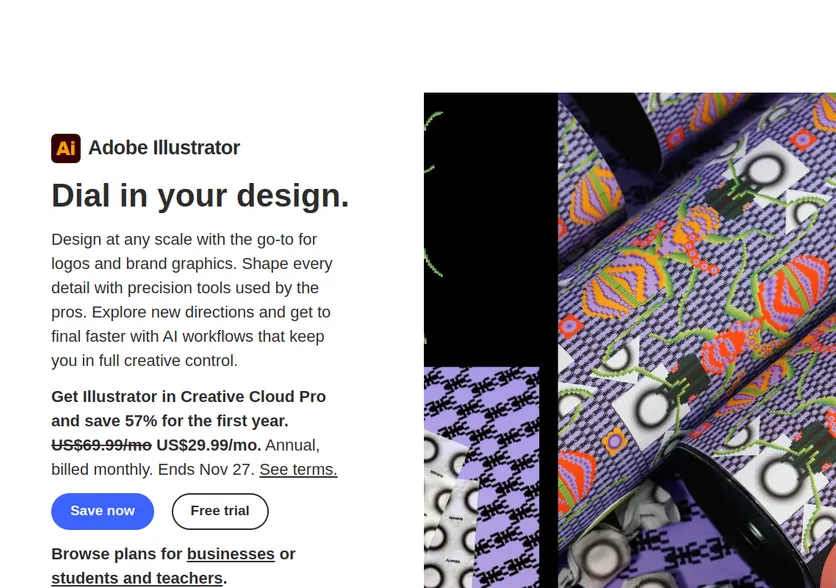
Paid tool Starting price: $22.99/month · Twenty-two dollars and ninety-nine cents per user a month on the annual plan billed monthly; month-to-month billing costs more; the teams plan is thirty-seven dollars and ninety-nine cents per licence a month; includes Illustrator on desktop, iPad and web plus 100 GB of cloud storage
Free plan: 7-day free trial
A logo has to survive every size and surface a brand touches, and this Adobe Illustrator plan costs twenty-two dollars and ninety-nine cents a month on the annual plan billed monthly. It is the file format clients and printers expect, with precise path, type and colour controls that cheaper editors still cannot match. For a designer whose livelihood depends on logos, it remains the safest single purchase in this list.
What we like
- The industry-standard vector editor for professional work
- Pixel preview and symbols keep icon sets consistent
- Files open cleanly at any studio or print shop
Watch out for
- Subscription cost adds up year after year
- Beginners can feel overwhelmed by the panels
How to try it
- Open a new document at the target icon size
- Draw with the pen tool and refine the paths
- Export the set as SVG and PNG at every size
2. CorelDRAW Graphics Suite
Best for: Logo designers whose work ends at a print shop
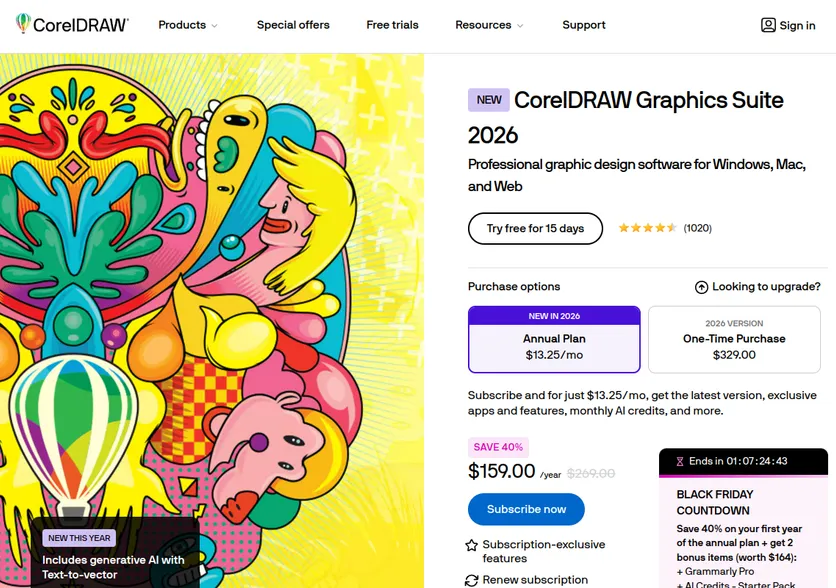
Paid tool Starting price: $269/year · Two hundred and sixty-nine dollars a year for the subscription, about twenty-two dollars and forty-two cents a month; a one-time purchase is five hundred and forty-nine dollars; a first-year offer of one hundred and ninety-nine dollars appears in some store views, so confirm the price at checkout
Free plan: 15-day free trial
Logo work that ends at a print shop or sign maker needs the prepress depth this CorelDRAW Graphics Suite plan brings for two hundred and sixty-nine dollars a year on subscription. Colour management, ICC workflows and layout tools sit beside the vector editor, and a one-time purchase of five hundred and forty-nine dollars is available for designers who dislike subscriptions. It is the production-oriented alternative to Illustrator for logo designers.
What we like
- Colour management and prepress tools production shops expect
- Vector, layout and photo editing in one suite
- One-time purchase option with no subscription
Watch out for
- Mac support is thinner than the Windows build
- Interface feels dated next to newer editors
How to try it
- Start a new document with the target colour profile
- Draw the artwork and check colours in prepress preview
- Export print-ready PDF and web SVG versions
3. Figma
Best for: Logo designers working inside a brand team
Paid tool Starting price: $16/editor/month · Sixteen dollars per full editor a month billed annually, or twenty dollars month to month; Dev seats are twelve dollars a month billed annually and Collab seats are three dollars; the free Starter plan covers three design files
Free plan: Free Starter plan
A logo designer working inside a brand team will value the shared libraries in this Figma plan, which costs sixteen dollars per full editor a month billed annually. Logos, colour styles and type scales live in one file that clients can comment on directly, and developers pull assets without a handoff meeting. It is not a print-production tool, so pair it with a desktop editor when the logo must go to press.

What we like
- Real-time collaboration across designers and developers
- Components and variants keep libraries in sync
- Free Starter plan for small projects
Watch out for
- Weaker for print production than desktop editors
- Per-editor billing grows quickly with a big team
How to try it
- Create a library file for the icon or logo set
- Build components with variants for each size
- Share the file for comments and export the assets
4. Sketch
Best for: Mac-based logo designers who prefer a native app
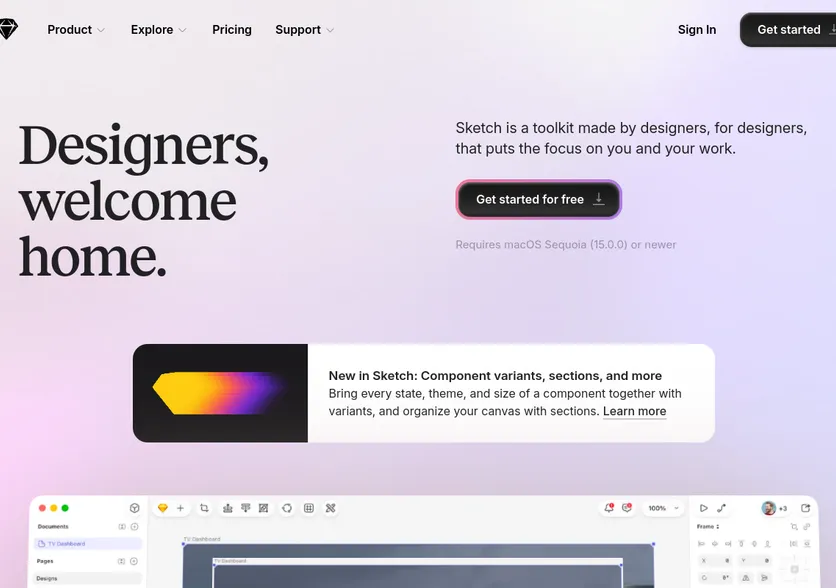
Paid tool Starting price: $12/editor/month · Twelve dollars per editor a month billed annually, or fourteen dollars month to month; Professional is twenty-four dollars per editor a month; older listings showing ten dollars a month are stale against the November 2026 vendor reads
Free plan: 30-day free trial
A Mac-based logo designer who prefers a native desktop app over a browser tab should consider this Sketch plan, which costs twelve dollars per editor a month billed annually. Shared libraries keep logo variations consistent across a team, and the one hundred and twenty dollar Mac-only licence suits a solo designer working offline. It is not a print-production tool, so logos destined for press still need a desktop vector editor.
What we like
- Fast native Mac app with a clean interface
- Symbols and shared libraries for consistent sets
- Viewers inspect and comment for free
Watch out for
- Mac only, so mixed-platform teams cannot use it
- Weaker for print production than Illustrator
How to try it
- Create a document and set up shared symbols
- Draw the artwork with the pen and shape tools
- Export assets at every size the project needs
5. Linearity Curve
Best for: Logo designers who start ideas on iPad
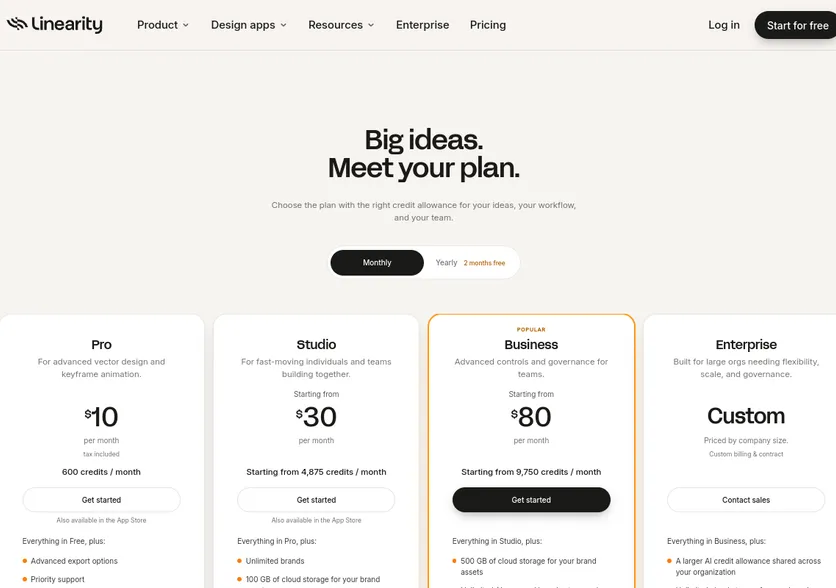
Paid tool Starting price: $8/month · Eight dollars per editor a month billed annually, or ten dollars month to month; a free plan is available with limited credits, files and storage; heavy AI use consumes credits faster than manual drawing
Free plan: Free plan
A logo designer who starts ideas on an iPad and finishes them on a Mac gets a clean workflow from this Linearity Curve plan, which costs eight dollars per editor a month billed annually. Its gesture-driven node editing is genuinely fast, and the free plan is enough to test the whole workflow on a real logo. AI features run on credits, so budget for them if the logo process leans on generation.
What we like
- Smooth pen tool that handles thousands of nodes
- Auto Trace turns sketches into clean paths
- Works across Mac, iPad and iPhone
Watch out for
- AI actions consume credits, so heavy use costs more
- Free plan limits files and exports
How to try it
- Sketch the idea on iPad with a pencil
- Trace the sketch with Auto Trace and refine nodes
- Export the finished vector as SVG or PDF
6. Boxy SVG
Best for: Logo designers handing SVG files to developers
Paid tool Starting price: $9.99/year · Nine dollars and ninety-nine cents a year for Premium, about eighty-three cents a month; basic use is free; the Mac App Store lists a one-time nineteen dollars and ninety-nine cents purchase, so check which storefront you are buying from
Free plan: Free basic use
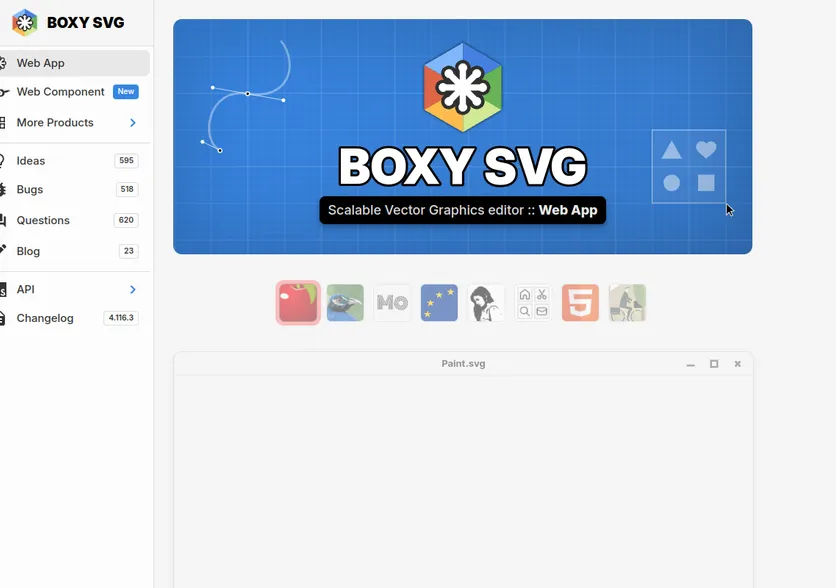
A logo designer who hands over SVG files to developers should look at this Boxy SVG plan, which costs nine dollars and ninety-nine cents a year for Premium. The editor shows the SVG code beside the canvas, so the exported file is clean and ready for a website, and basic use is free. It cannot replace a full illustration app for complex brand artwork, but for web-ready logos it is the cheapest serious tool here.
What we like
- Edits SVG code and visuals side by side
- Exports clean markup with no bloat
- Costs less than a coffee per year
Watch out for
- A specialist tool, not a full illustration suite
- No advanced print or colour management features
How to try it
- Open the SVG file or start a blank canvas
- Draw shapes and edit the code panel directly
- Export the clean SVG for the website
7. Amadine
Best for: Logo designers who dislike subscriptions
Paid tool Starting price: $29.99 one-time · Twenty-nine dollars and ninety-nine cents once for a single-user Mac licence; a five-seat licence is forty-nine dollars and ninety-nine cents; the iPad and iPhone version uses in-app purchases from two dollars and ninety-nine cents a month
Free plan: Free version (no export)
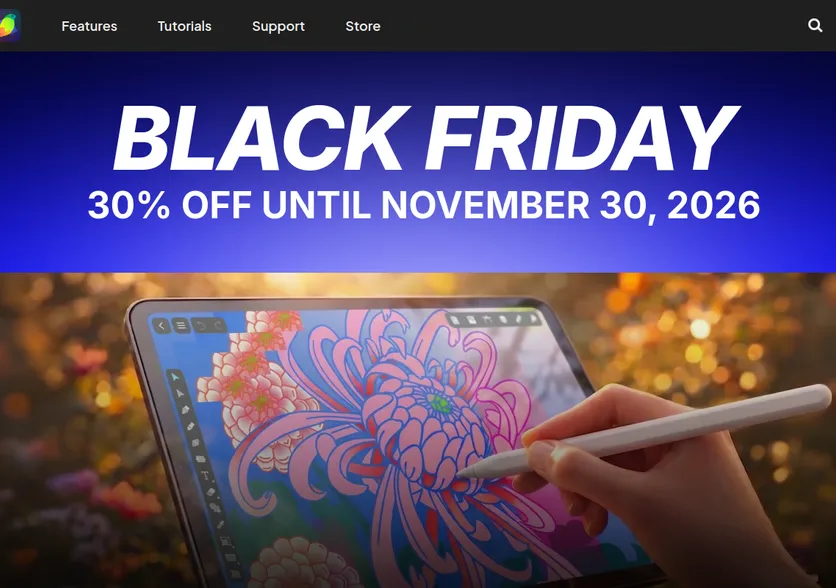
Logo designers who dislike subscriptions can buy this Amadine licence once for twenty-nine dollars and ninety-nine cents for a single Mac user and keep it forever. It handles precise pen work and CMYK export for print-ready logos, and a thirty-day money-back guarantee covers direct purchases. It is a smaller app than Illustrator, so designers who need deep prepress features should trial it on a real logo first.
What we like
- One-time purchase with no subscription
- CMYK export for print-ready files
- Precise pen tool with stroke effects
Watch out for
- No deep prepress toolset like Illustrator
- Mac and iPad only, with no Windows version
How to try it
- Open a new document and set the colour mode
- Draw the artwork with the pen and draw tools
- Export the finished file as SVG or PDF
8. Clip Studio Paint
Best for: Logo designers who sketch concepts by hand
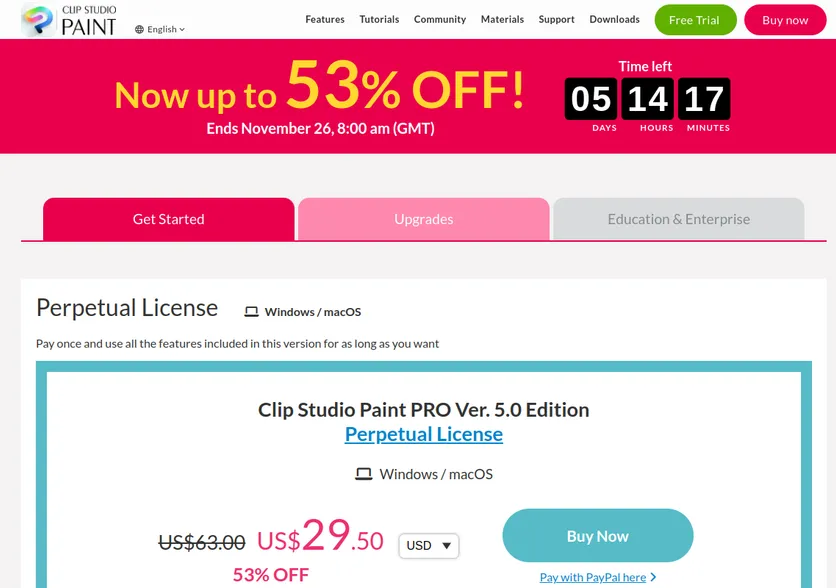
Paid tool Starting price: $49.99 one-time · Forty-nine dollars and ninety-nine cents once for the PRO perpetual licence on Windows and macOS; EX is two hundred and nineteen dollars once; subscriptions start at four dollars and ninety-nine cents a month; one listing shows sixty-three dollars for PRO, which conflicts with the vendor list price
Free plan: 3-month free trial on plans
A logo designer who sketches concepts by hand will find the brush and vector layers in this Clip Studio Paint licence useful, at forty-nine dollars and ninety-nine cents once for PRO on Windows and macOS. It is strongest for illustrated and hand-drawn marks, with perspective rulers and 3D reference figures for tricky angles. For geometric corporate logos it is the wrong tool, but for character-led brands it earns its place.
What we like
- Superb brush engine with pressure sensitivity
- Vector layers keep line weight editable
- Comic and illustration tools for character work
Watch out for
- A drawing app first, not a dedicated vector editor
- Perpetual licence covers Windows and macOS only
How to try it
- Sketch the concept on a vector layer
- Refine the line weight after inking
- Export the finished artwork as SVG or PNG
Prices above were checked on each vendor’s own website on Nov 29, 2026 and can change — the vendor’s page is the final word. Vendor links are editorial: nobody paid to be listed or ranked here. Vendors who want a featured listing can see how it works on our Get listed page.
How to deliver a logo a client can actually use
Start with the deliverables list, not the drawing, because a logo that only exists as one file will fail the moment the client needs a favicon or a van livery. Build the mark as pure vector paths with outlined type, then export colour, black, white and reversed versions plus SVG, PDF, EPS and PNG at several sizes. Check the logo at sixteen pixels and at poster size before sending anything, and write a one-page usage note covering clear space, minimum size and colours. A logo that survives those checks is ready to hand over.
Before you buy
- Confirm the tool exports the formats clients expect, including SVG, PDF and EPS
- Check CMYK support and colour profiles before designing a logo that will be printed
- Make sure type can be outlined so the logo renders identically on any machine
- Test the mark at favicon size and at poster size before calling it finished
- Keep the master vector file and never send it as the only deliverable
Official websites
Official websites of the products reviewed above. Features and prices were checked against these sites when this guide was written, and they can change, so confirm on the vendor site before you buy.
Frequently asked questions
What is the best vector illustration software for logo designers?
Adobe Illustrator is the best overall pick, at twenty-two dollars and ninety-nine cents a month, because it is the file format clients and printers expect and its path and type controls are unmatched. CorelDRAW is the best pick for logos that go to press, at two hundred and sixty-nine dollars a year, with prepress and colour management built in. Amadine is the best value, at twenty-nine dollars and ninety-nine cents once.
Is CorelDRAW good for logo design?
Yes, CorelDRAW is strong for logo design, especially when the logo will be printed, embroidered or cut on a sign machine. It costs two hundred and sixty-nine dollars a year on subscription, or five hundred and forty-nine dollars as a one-time purchase. Its Windows build is the strongest, so Mac-first logo designers should trial it before buying.
Can I design a professional logo for free?
Yes, Affinity is now free for individuals and Inkscape is free and open source, but neither appears in this paid comparison because they have no paid tier to price. Figma and Linearity Curve both offer free plans, and Boxy SVG offers free basic use. A paid tool earns its price through CMYK output, print features and the file formats clients expect.
What file formats should a logo be delivered in?
Deliver SVG for the web, PDF and EPS for print, and PNG at several sizes for everyday use, plus colour, black, white and reversed versions of the mark. Outline the type so the logo renders identically on any machine, and include the master vector file only when the client has paid for it. A short usage note covering clear space and minimum size completes the handover.
Is a one-time purchase better than a subscription for logo design?
A one-time purchase suits logo designers who work steadily and dislike recurring bills: Amadine costs twenty-nine dollars and ninety-nine cents once, and CorelDRAW offers a five hundred and forty-nine dollar perpetual licence. Subscriptions suit designers who need constant updates and cloud features, with Illustrator at twenty-two dollars and ninety-nine cents a month. Choose the model that matches how often you upgrade, not the headline price.
Compare the eight tools above, then start with a free plan or trial on the tool that matches how your logos will be printed and shared.
Browse Image Tools tools