On this page
A startup does not need a research lab to use machine learning: it needs a tool that turns its own data into a prediction it can ship. The eight tools below cover that job for small teams, from free open-source workbenches to the experiment tracker most AI labs already use. BigML leads the list because it trains real models in a web app for thirty dollars a month, and the other seven tools are ranked on the same practical test: how much machine learning a small team gets for the price.
How we researched this
We checked every price on the vendor pricing page on November 28, 2026, and only included tools with a published US dollar list price. Akkio now sells by quote to media agencies, Obviously AI is now an AI agent company called Zams, MonkeyLearn redirects to Medallia, Neptune shut its hosted service after the OpenAI acquisition, and DataRobot and H2O sell by quote, so none of them are in this list. Prices change, so confirm the current figure on the vendor site before you buy.
Compare the tools
| Name | Best for | Starting price | Free plan | |
|---|---|---|---|---|
 BigML | Analysts that want to train models in a web app without code | $30/month | Free trial | Visit |
 Alteryx Designer | Analysts that need drag-and-drop data prep plus machine learning | $5,195/user/year | 14-day free trial | Visit |
 KNIME | Technical teams that want a free, open-source ML workbench | $0/month | Free open-source platform | Visit |
| Weights & Biases | Research teams that want the default experiment tracker | $60/month | Free Personal plan | Visit |
| Comet | Teams that want experiment tracking plus LLM observability | $19/user/month | Free Community plan | Visit |
| ClearML | Teams that want cheap managed MLOps with GPU orchestration | $15/user/month | Free open-source core | Visit |
| MLflow | Teams that want a free, open-source experiment tracker they own | $0/month | Free open-source | Visit |
| DagsHub | Small ML teams that want data, code and experiments versioned together | $9/user/month | Free plan | Visit |
The machine learning software for startups, compared
1. BigML
Best for: Analysts that want to train models in a web app without code
Paid tool Starting price: $30/month · Thirty dollars a month on the Pro plan; a free trial covers three days or sixty tasks with no credit card
Free plan: Free trial
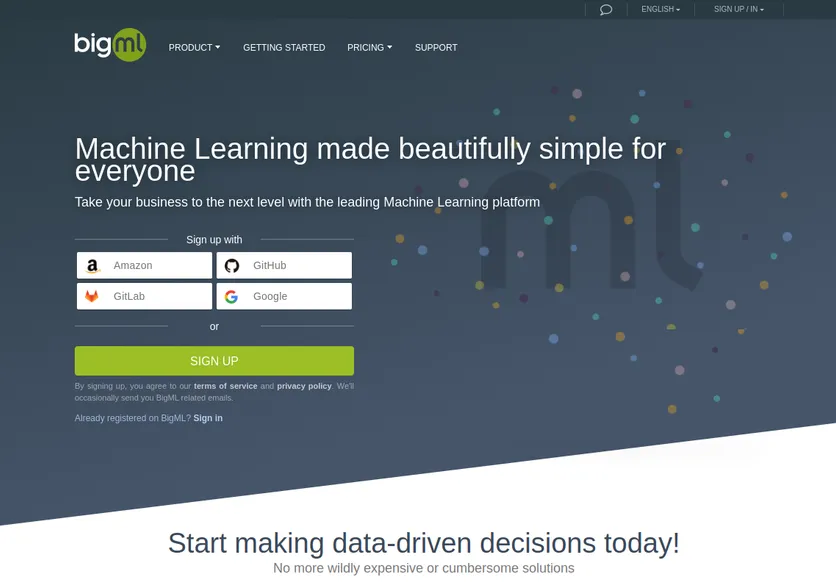
This BigML plan costs thirty dollars a month and trains classification and regression models in a web app. It is built for analysts, developers and scientists who know what a field, a model and an evaluation are, and it shows its work clearly enough to trust. A startup that needs predictions from a spreadsheet without hiring a data scientist gets a real model for a flat monthly price.
What we like
- Trains models in a web app with no code needed
- Clear evaluations that show how good each model is
- A flat monthly price that is easy to budget
Watch out for
- The interface expects you to know basic ML concepts
- Fewer AutoML features than the enterprise platforms
How to try it
- Upload your data as a CSV file to BigML
- Pick the field to predict and train a model
- Evaluate the model and deploy it as an API endpoint
2. Alteryx Designer
Best for: Analysts that need drag-and-drop data prep plus machine learning
Paid tool Starting price: $5,195/user/year · Five thousand one hundred and ninety-five dollars per user per year for Designer Desktop, per multiple November 2026 marketplace listings; Alteryx does not publish this figure on its own pricing page, Designer Cloud is about seven thousand one hundred and ninety-five dollars per user per year, and volume discounts are common
Free plan: 14-day free trial
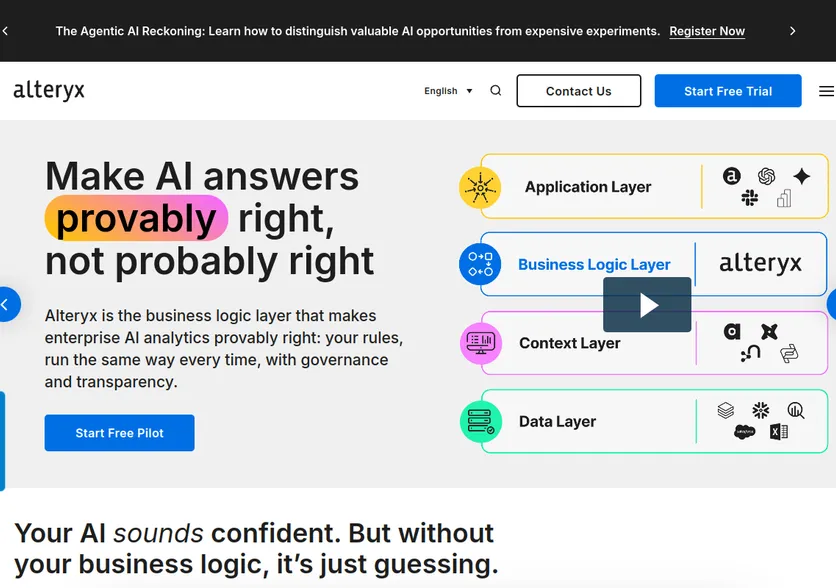
This Alteryx plan costs five thousand one hundred and ninety-five dollars per user per year for Designer Desktop. It combines data preparation, blending and advanced analytics in a visual workflow, with machine learning tools that business analysts can run without code. A startup with serious data volumes gets a polished self-service platform, though the price puts it far above the other tools in this list.
What we like
- Drag-and-drop data prep that analysts learn fast
- Machine learning tools built into the same workflow
- A polished platform with strong enterprise support
Watch out for
- The highest price in this list by a wide margin
- No free tier, only a fourteen-day trial
How to try it
- Drag data sources onto the canvas and blend them visually
- Add machine learning tools to train and score a model
- Schedule the workflow to run automatically on new data
3. KNIME
Best for: Technical teams that want a free, open-source ML workbench
Paid tool Starting price: $0/month · Zero dollars a month for the KNIME Analytics Platform, which is free and open source with all data preparation, analytics and machine learning nodes; paid collaboration starts with KNIME Server at about twelve thousand dollars a year and Business Hub is quoted
Free plan: Free open-source platform
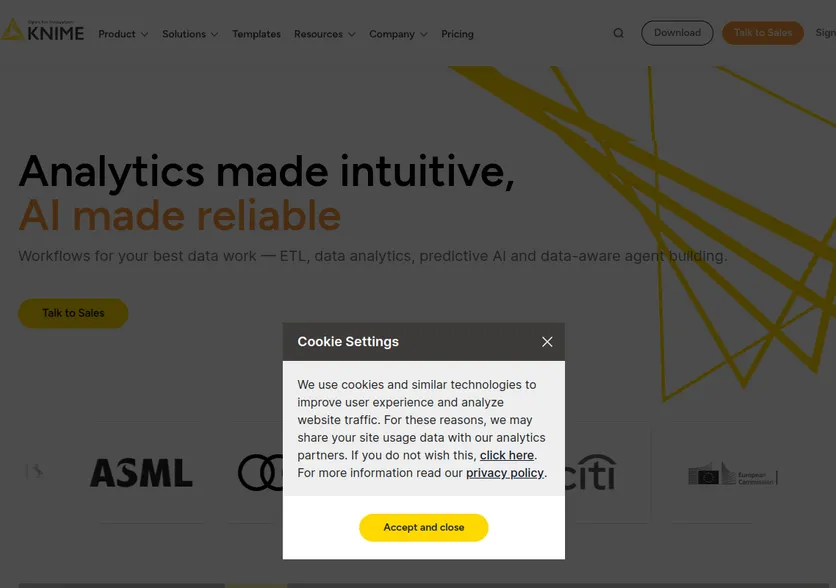
This KNIME plan costs nothing a month, because the Analytics Platform is free and open source with all data preparation, analytics and machine learning nodes. It uses a visual node-based interface to build everything from simple data cleaning to full machine learning workflows, with deep Python and R integration. A startup that values control and zero license cost gets a complete data science toolkit for free.
What we like
- Completely free and open source with no license cost
- A visual node interface with deep Python and R support
- Every data prep and ML node included at no charge
Watch out for
- Enterprise collaboration needs the paid Server or Hub
- The learning curve is steep for non-technical users
How to try it
- Download the KNIME Analytics Platform for free
- Build a workflow by connecting nodes for data prep and modeling
- Add Python or R nodes when a workflow needs custom code
4. Weights & Biases
Best for: Research teams that want the default experiment tracker
Paid tool Starting price: $60/month · Sixty dollars a month on the Pro plan, covering up to ten seats with one hundred gigabytes of artifact storage, then three cents per gigabyte; Enterprise is quoted. Older listings show a Teams plan at fifty dollars per user a month, which no longer matches the current page, and accounts now sign in through CoreWeave Forge
Free plan: Free Personal plan
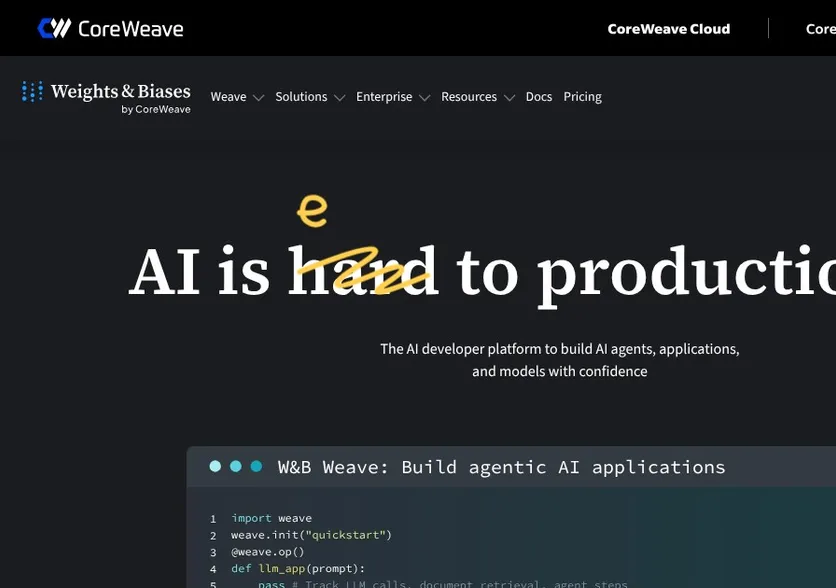
This Weights & Biases plan costs sixty dollars a month on the Pro plan, covering up to ten seats with one hundred gigabytes of artifact storage. It tracks experiments, sweeps and model versions with a clean interface that scales from a solo notebook to a large research team, and it adds LLM tracing through Weave. A startup training serious models gets the tracker that most AI labs already use.
What we like
- The default experiment tracker used by major AI labs
- Sweeps and model registry with full lineage
- LLM tracing built in through Weave
Watch out for
- Seat-based pricing gets uncomfortable past thirty seats
- Self-managed deployment needs a separate license
How to try it
- Install the Weights and Biases SDK in your training code
- Log runs, metrics and artifacts with three lines of code
- Compare experiments and register the best model
5. Comet
Best for: Teams that want experiment tracking plus LLM observability
Paid tool Starting price: $19/user/month · Nineteen dollars per user a month on the Pro plan, with one thousand five hundred training hours included, then one dollar an hour; older listings show thirty-nine dollars per user a month, which appears to be the previous Pro figure. Community is free with one hundred gigabytes of artifact storage; Comet's homepage now leads with Opik, its LLM observability product (Pro Cloud $19 a month flat); the MLOps platform is a separate product.
Free plan: Free Community plan
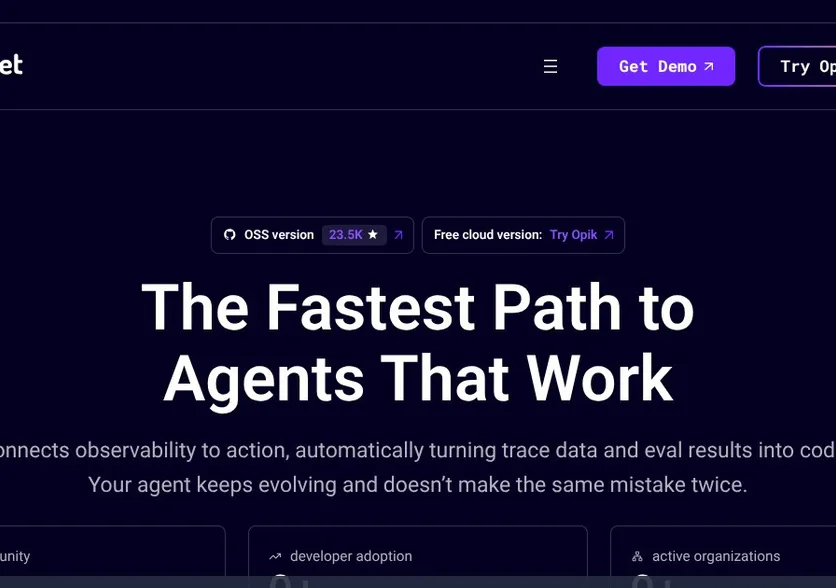
This Comet plan costs nineteen dollars per user a month on the Pro plan, with one thousand five hundred training hours included. It combines experiment tracking, a model registry and LLM tracking in one platform, with self-hosting as a real option for regulated teams. A startup running both traditional ML and LLM features gets both kinds of tracking without buying two tools.
What we like
- LLM tracking bundled with experiment tracking
- Self-hosting as a real option for regulated teams
- A free Community plan with one hundred gigabytes of storage
Watch out for
- The training-hour meter makes long runs pricey
- A smaller ecosystem than Weights and Biases
How to try it
- Install the Comet SDK and connect it to your training code
- Log experiments and compare runs in the dashboard
- Register the best model and track LLM prompts alongside it
6. ClearML
Best for: Teams that want cheap managed MLOps with GPU orchestration
Paid tool Starting price: $15/user/month · Fifteen dollars per user a month on the Pro plan, plus usage, with one hundred and twenty gigabytes included, then ten cents per gigabyte; the server is free under the SSPL license and Enterprise is quoted
Free plan: Free open-source core
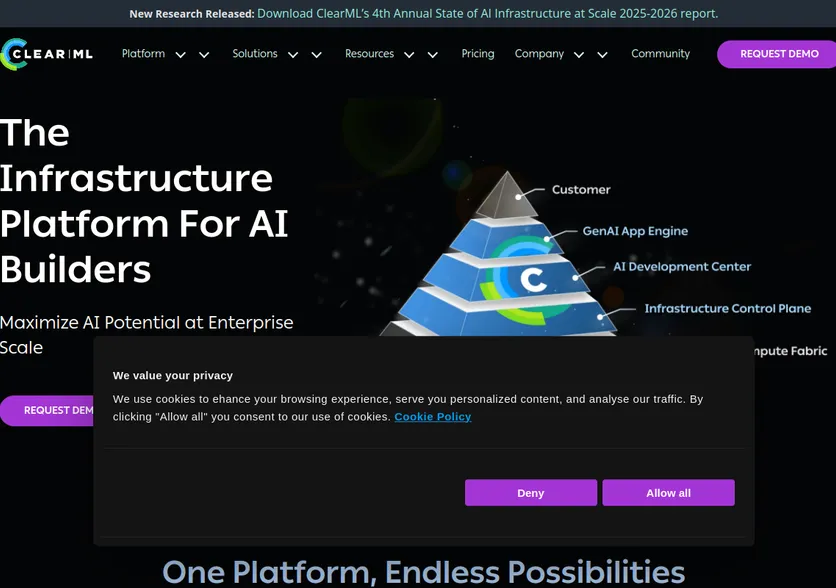
This ClearML plan costs fifteen dollars per user a month on the Pro plan, plus usage, with one hundred and twenty gigabytes included. It bundles experiment tracking with native GPU orchestration, queues and automation, so a team can schedule training jobs without a separate orchestrator. A startup that trains models on GPUs gets the cheapest per-seat managed option in this list.
What we like
- Native GPU orchestration built into the platform
- The cheapest per-seat managed option in this list
- Open-source core with a managed Pro plan on top
Watch out for
- The server license is SSPL, which some legal teams reject
- A smaller community than the big trackers
How to try it
- Install the ClearML SDK and connect it to your code
- Log experiments and queue training jobs on your GPUs
- Automate pipelines and monitor jobs from the dashboard
7. MLflow
Best for: Teams that want a free, open-source experiment tracker they own
Paid tool Starting price: $0/month · Zero dollars a month: MLflow is free open-source software under the Apache 2.0 license, and you pay only for the server, database and storage you run it on; managed MLflow on Databricks or SageMaker bills at those clouds' compute rates
Free plan: Free open-source
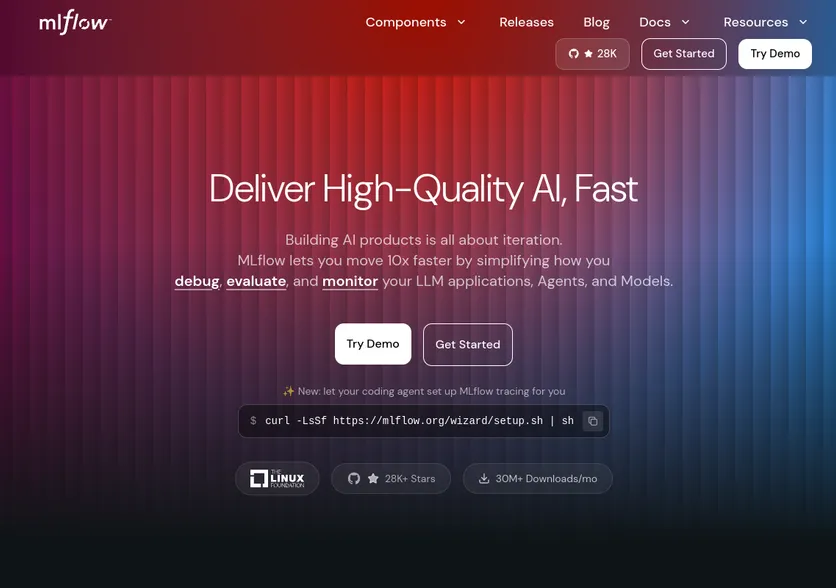
This MLflow plan costs nothing a month, because MLflow is free open-source software under the Apache 2.0 license. It tracks experiments, packages models and manages a model registry, and it runs on your own server, database and storage, so your run history never belongs to a vendor. A startup that wants full ownership of its ML work gets the most widely used open tracker for the cost of hosting alone.
What we like
- Free and open source under the Apache 2.0 license
- You own your server, data and run history
- The most widely adopted open experiment tracker
Watch out for
- You run the server, upgrades and backups yourself
- The interface is plainer than the paid trackers
How to try it
- Install MLflow on your own server with a database
- Log runs from your training code with the tracking API
- Register models and deploy them from the registry
8. DagsHub
Best for: Small ML teams that want data, code and experiments versioned together
Paid tool Starting price: $9/user/month · Nine dollars a month per user billed annually on the entry paid plan, with a free tier covering ten gigabytes of storage; the Starter plan is listed at eleven dollars a month billed monthly, and the Team plan is one hundred and nineteen dollars a month flat
Free plan: Free plan
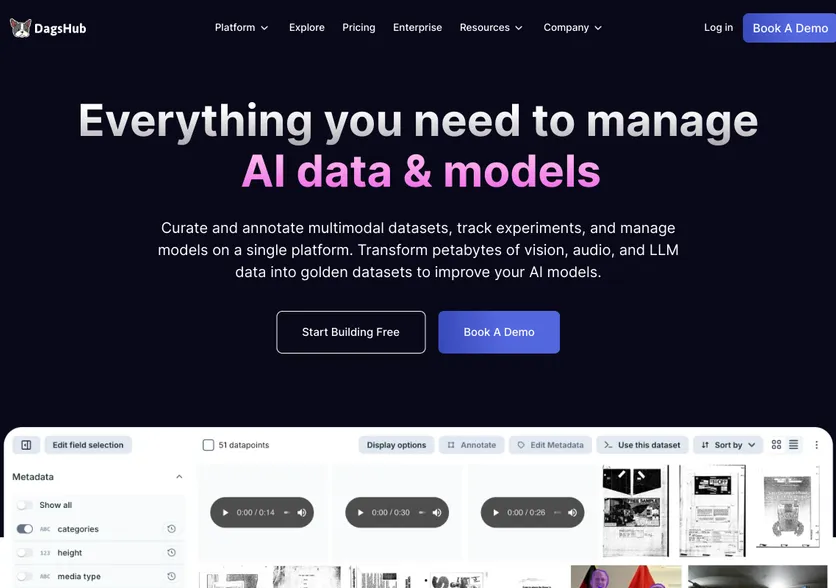
This DagsHub plan costs nine dollars a month per user billed annually and bundles Git, DVC, MLflow and a labeling tool into one interface. Dataset versions, experiments and model code live in one repo with one permissions model, so a team stops gluing together storage, tracking and labeling vendors. A small ML team that wants the whole workflow versioned together gets a genuine simplification.
What we like
- Git, DVC, MLflow and labeling in one interface
- One permissions model for data, code and experiments
- A free tier with ten gigabytes of storage
Watch out for
- Storage limits on the free tier are tight
- A smaller community than the big MLOps platforms
How to try it
- Create a DagsHub repo and connect your data storage
- Version datasets with DVC and track experiments with MLflow
- Label data and review model versions in the same place
Prices above were checked on each vendor’s own website on Nov 28, 2026 and can change — the vendor’s page is the final word. Vendor links are editorial: nobody paid to be listed or ranked here. Vendors who want a featured listing can see how it works on our Get listed page.
How to ship your first machine learning model without waste
Start with the business question, not the algorithm. A model that predicts churn, scores leads or forecasts demand earns its keep, while a model built because the data looked interesting usually does not. Use your own data from day one, because demo datasets hide the missing values and messy labels that decide whether a model works. Track every experiment from the start, even the failed ones, since the run that worked is useless if you cannot reproduce it. Finally, deploy the simplest model that beats your current rule, because a basic model in production beats a brilliant model still sitting in a notebook.
Before you buy
- Confirm the tool handles your data type, because tabular, image and text models need different tools
- Check whether models can be deployed to production, not just trained in a notebook
- Ask what happens to your experiment history if you stop paying, so work never disappears
- Make sure the pricing fits your team size, since per-user seats grow fast
- Test the tool on your own data before buying, because demo datasets hide real-world mess
Official websites
Official websites of the products reviewed above. Features and prices were checked against these sites when this guide was written, and they can change, so confirm on the vendor site before you buy.
Frequently asked questions
What is machine learning software for startups?
It is software that helps a team build, train and deploy machine learning models, from preparing data to tracking experiments to putting a model into production. Startups usually need the middle of that range: train a model on their own data, check it works, and ship it as an API. The tools in this list cover training, experiment tracking and deployment, with prices from free to thousands of dollars a year.
How much does BigML cost for a startup?
BigML costs thirty dollars a month on the Pro plan, and a free trial covers three days or sixty tasks with no credit card. It trains classification and regression models in a web app, which suits an analyst who knows the data but does not write training code. Enterprise platforms like Alteryx cost thousands of dollars per user a year, so BigML is the budget end of this list.
Can I use machine learning software for free?
Yes, with KNIME and MLflow, which are both free and open source with no license cost at all, and with DagsHub, Comet and Weights and Biases, which all offer free tiers for individuals. Free tiers are thin on storage and seats, so treat them as a way to learn the tool. A startup training models every week should budget for a paid plan once the team grows.
Which machine learning tool is best for a startup?
BigML is the strongest fit for a startup that wants predictions without code, because it costs thirty dollars a month and trains models in a web app. KNIME is the best free option, with a full open-source workbench at no cost. Weights and Biases is the best tracker for teams training serious models, at sixty dollars a month for up to ten seats.
What should a startup check before choosing machine learning software?
First, check whether the tool handles your data type, because tabular, image and text models need different tools. Then confirm models can be deployed to production, not just trained in a notebook, since a model nobody can use is a demo. Finally, ask what happens to your experiment history if you stop paying, because losing run history costs more than the subscription saves.
Compare the eight tools above, then start with a free plan or trial of the one that matches your data before you pay.
Browse AI Tools (In-Browser, No API) tools