
On this page
A startup rarely has a data science team, so a low code machine learning platform has to turn a spreadsheet into a working prediction without a PhD on staff. The seven tools below run from about eight dollars a month to enterprise-grade platforms, and every price was checked on the vendor site on November 26, 2026. Most offer a free trial or free credits, so you can test a prediction on your own data before paying. Nanonets is our first pick — document AI that starts at a hundred dollars a month and works from day one.
How we researched this
We started with the low code machine learning platforms startups actually buy, then read each price on the vendor pricing page on November 26, 2026 and noted the free trial or free credits each plan carries. We judged them for a small team that needs predictions from its own data without hiring a data scientist. We kept only tools with a published price, and we dropped any tool whose price we could not verify on the vendor site; Neptune AI was dropped because its hosted service shut down in March 2026 after OpenAI acquired it.
Compare the tools
| Name | Best for | Starting price | Free plan | |
|---|---|---|---|---|
 Nanonets | Startups that need to pull structured data out of invoices, receipts and forms | $100/month | $50 in free credits to start | Visit |
 Pecan | Business teams that want churn and demand predictions without writing code | $760/month | No free tier published on the pricing page | Visit |
 Polymer | Startups that want AI dashboards and predictions straight from a spreadsheet | $50/month | No free tier published on the pricing page | Visit |
 BigML | Startups that need a full machine learning platform with an API | $1,000/month | No free tier published on the pricing page | Visit |
 Alteryx One | Startups that need to blend and prepare data before modeling | $250/user/month | No free tier published on the pricing page | Visit |
 Paperspace Gradient | Startups that want cheap GPU notebooks for training small models | $8/month | No free tier published on the pricing page | Visit |
 Google Vertex AI | Startups that want Google-scale AutoML without managing infrastructure | $3.47/hour | No free tier published on the pricing page | Visit |
The low code machine learning platforms, compared
1. Nanonets
Best for: Startups that need to pull structured data out of invoices, receipts and forms
Paid tool Starting price: $100/month · Starter plan, $100 a month for 100 credits; $50 in free credits to start; higher tiers are quoted on usage
Free plan: $50 in free credits to start
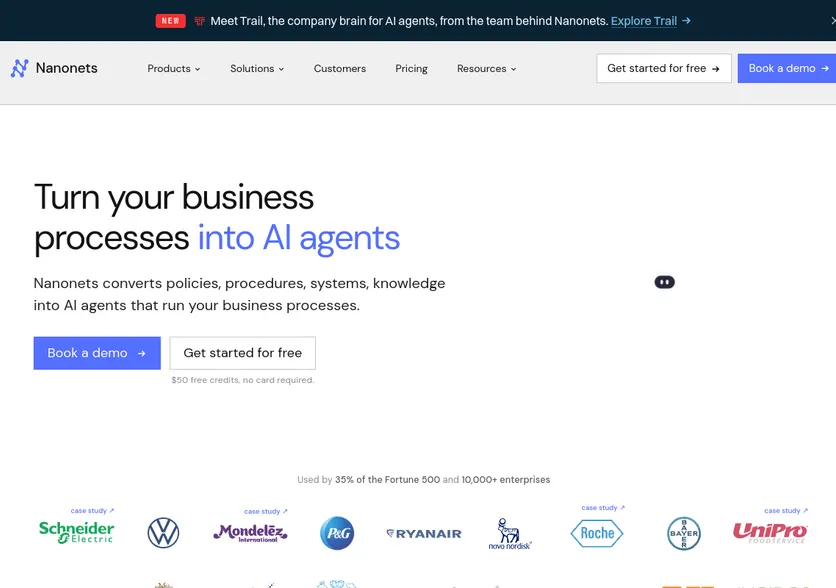
Nanonets turns messy paperwork into clean data a startup can actually use, which is the fastest way to put machine learning to work without a data team. This Nanonets Starter plan reads invoices, receipts and forms, extracts the fields you need and sends them to your accounting or operations tool. A two-person finance team can automate document processing in an afternoon and stop typing numbers into spreadsheets by hand.
What we like
- Reads invoices and forms with no training data needed
- Free credits let you test on real documents first
- Connects to common accounting and operations tools
Watch out for
- Starter costs $100 a month after the free credits
- Heavy document volumes move to usage-based pricing
How to try it
- Open the Nanonets pricing page and claim the free credits
- Upload a sample invoice or receipt and check the extracted fields
- Connect the output to your accounting tool and run a real batch
2. Pecan
Best for: Business teams that want churn and demand predictions without writing code
Paid tool Starting price: $760/month · Starter plan, $760 a month billed annually for two prediction batches and 500 million rows; the vendor pricing page redirects to a demo page, so the price is stated on the vendor blog
Free plan: No free tier published on the pricing page
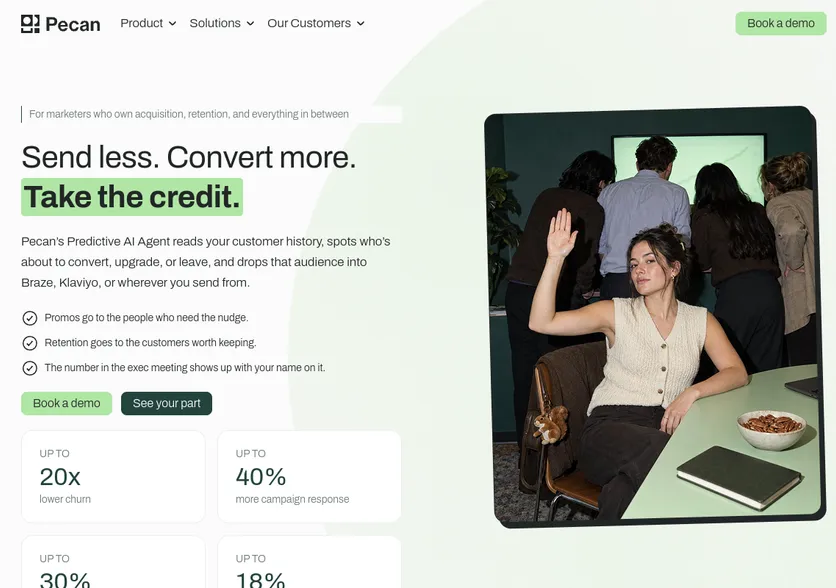
Pecan is built for business users who know their data but do not write code, and it turns that knowledge into predictions a startup can act on. This Pecan Starter plan builds churn, demand and lifetime value models from your warehouse tables and refreshes them on a schedule. A small team can ship its first prediction in days instead of spending a quarter hiring a data scientist.
What we like
- Predictive models without writing code
- Works directly on your warehouse tables
- Scheduled refreshes keep scores current
Watch out for
- Starter costs $760 a month billed annually
- Only two prediction batches on the Starter plan
How to try it
- Open the Pecan pricing page and book a demo
- Connect your data warehouse and pick a prediction goal
- Review the first model and put the scores into your workflow
3. Polymer
Best for: Startups that want AI dashboards and predictions straight from a spreadsheet
Paid tool Starting price: $50/month · Starter plan, $50 a month billed monthly or $25 a month billed yearly
Free plan: No free tier published on the pricing page
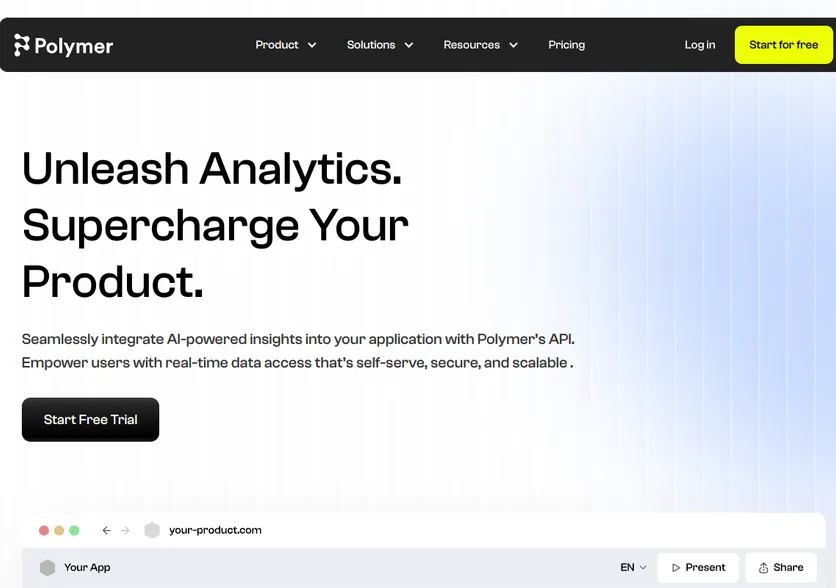
Polymer is the gentlest on-ramp here, because it starts with the spreadsheet your team already keeps and adds AI on top. This Polymer Starter plan turns rows into dashboards, spots patterns and builds simple predictions without any setup. A founder can upload a sales sheet in the morning and show the team a working forecast by lunch.
What we like
- Starts from a plain spreadsheet
- Dashboards and predictions with no setup
- Yearly billing cuts the price in half
Watch out for
- Starter costs $50 a month billed monthly
- Built for lighter analysis, not deep modeling
How to try it
- Open the Polymer pricing page and start a trial
- Upload your spreadsheet and let Polymer read the columns
- Build a dashboard and share the forecast with your team
4. BigML
Best for: Startups that need a full machine learning platform with an API
Paid tool Starting price: $1,000/month · Lite plan, $1,000 a month or $10,000 a year; Bronze Enterprise is $45,000 a year plus a $10,000 setup fee
Free plan: No free tier published on the pricing page
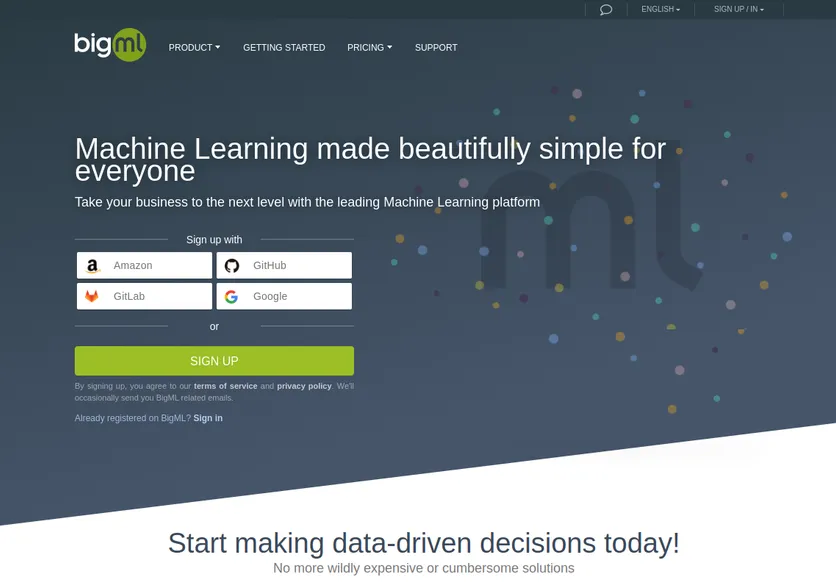
BigML is the veteran of this list, a full platform that covers the whole workflow from data upload to a live prediction API. This BigML Lite plan builds decision trees, clusters and anomaly detectors through a visual interface and serves predictions through an API. A startup can prototype a model in the browser and put it behind an endpoint without building any infrastructure.
What we like
- Full workflow from data to live API
- Visual modeling with no code required
- Wide choice of algorithms in one place
Watch out for
- Lite costs $1,000 a month
- Enterprise tiers add a large setup fee
How to try it
- Open the BigML pricing page and create an account
- Upload a dataset and train a decision tree
- Deploy the model as an API and test a live prediction
5. Alteryx One
Best for: Startups that need to blend and prepare data before modeling
Paid tool Starting price: $250/user/month · Alteryx One Starter plan, $250 a user a month billed annually
Free plan: No free tier published on the pricing page
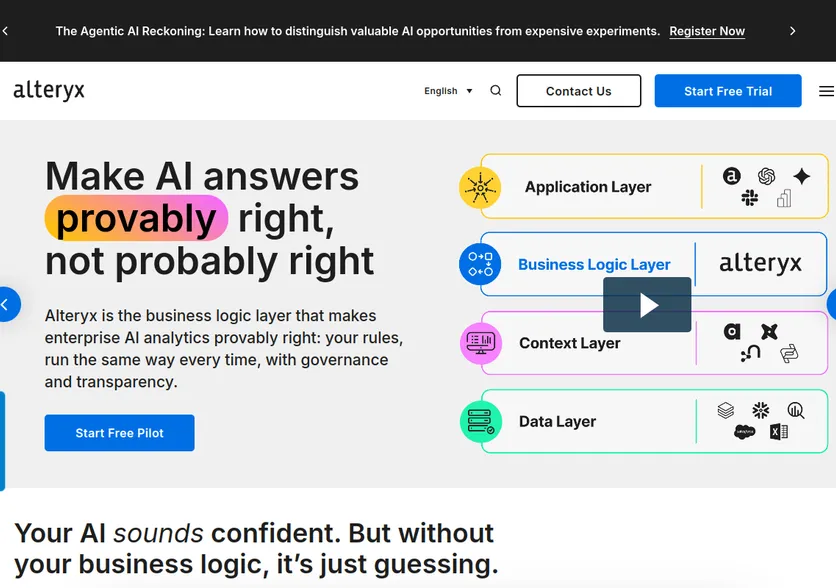
Alteryx One is the data preparation workhorse, blending messy sources into clean tables that any model can learn from. This Alteryx One Starter plan gives a small team drag and drop workflows, scheduled runs and shared assets in one workspace. A startup that spends more time cleaning data than modeling will feel the difference in the first week.
What we like
- Drag and drop data blending
- Scheduled workflows keep data fresh
- Shared assets for the whole team
Watch out for
- Starter costs $250 a user a month billed annually
- Per user pricing adds up as the team grows
How to try it
- Open the Alteryx pricing page and start a trial
- Build a workflow that blends your data sources
- Schedule the workflow and feed the clean output to your model
6. Paperspace Gradient
Best for: Startups that want cheap GPU notebooks for training small models
Paid tool Starting price: $8/month · Pro plan, $8 a month plus utilization costs for compute
Free plan: No free tier published on the pricing page
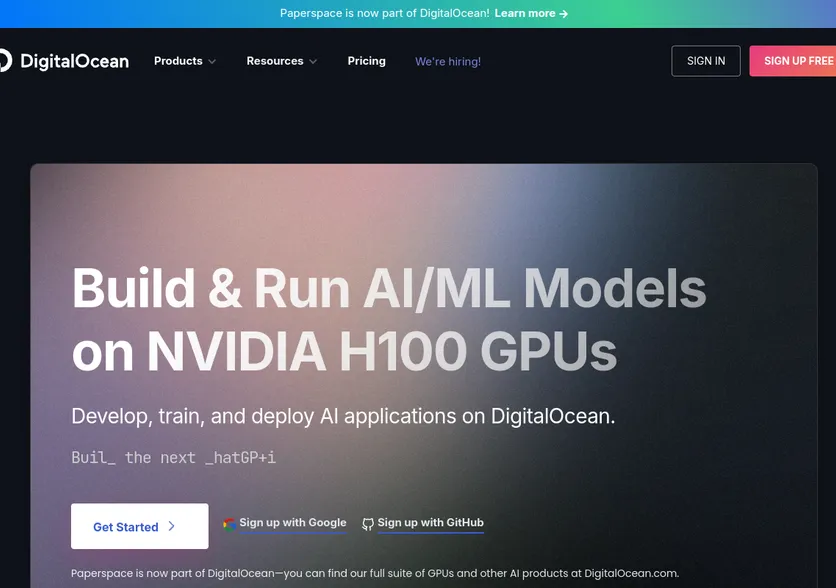
Paperspace Gradient is the budget cloud for teams that train models in notebooks and pay only for the compute they use. This Paperspace Gradient Pro plan adds faster machines, more storage and team workspaces on top of the notebook environment. A startup can rent a GPU for an afternoon experiment instead of buying hardware it will outgrow.
What we like
- GPU notebooks from eight dollars a month
- Pay for compute only when you use it
- Team workspaces for shared projects
Watch out for
- Pro costs $8 a month plus utilization
- Compute bills can climb on long training runs
How to try it
- Open the Paperspace pricing page and create an account
- Launch a notebook with a GPU machine
- Train a model and shut the machine down when done
7. Google Vertex AI
Best for: Startups that want Google-scale AutoML without managing infrastructure
Paid tool Starting price: $3.47/hour · AutoML image classification training, $3.465 an hour; usage-based, so the monthly bill depends on training time
Free plan: No free tier published on the pricing page
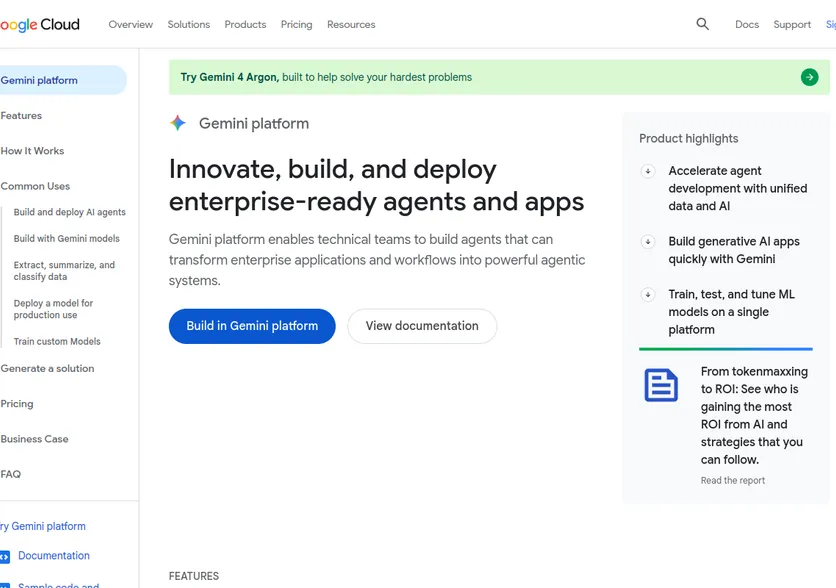
Google Vertex AI is the heavyweight option, a managed platform that trains and serves models on Google infrastructure. This Google Vertex AI AutoML service builds image classification models from labeled data and charges by the training hour. A startup can train a production-grade model without provisioning a single server or tuning a training loop.
What we like
- Managed training with no servers to run
- AutoML builds models from labeled data
- Scales from prototype to production
Watch out for
- Training costs about three and a half dollars an hour
- Usage-based billing needs a spending cap
How to try it
- Open the Vertex AI pricing page and create a project
- Upload labeled images and start an AutoML training job
- Deploy the trained model and test a prediction
Prices above were checked on each vendor’s own website on Nov 26, 2026 and can change — the vendor’s page is the final word. Vendor links are editorial: nobody paid to be listed or ranked here. Vendors who want a featured listing can see how it works on our Get listed page.
What low code machine learning costs in 2026
Most startups pay for one or two seats, so the per-user price is the whole budget and the cheapest plan is not always the cheapest deal. This list runs from about eight dollars a month for a notebook to a thousand dollars a month for a full platform, and usage-based tools like Vertex AI can cost almost nothing in a quiet month and far more during a training sprint. The headline plan each vendor shows on its own pricing page is the number in the table above, checked on November 26, 2026.
Start with the free credits or trial on two tools and train the same model through both. Compare the prediction quality and the hours saved, then pick the tool your team will actually open every day. A hundred-dollar tool that ships a working prediction in a week beats a thousand-dollar platform that sits unused.
Before you buy
- Count the seats first, because most plans here charge per user and a startup feels every extra seat.
- Check the usage limits on the plan you like, because a cheap plan with a small cap costs more after overage fees.
- Test the tool on your own data first, because a demo dataset never shows how it handles your messy spreadsheets.
- Ask whether the tool fits your workflow: Nanonets reads documents, BigML builds models from tables, and Vertex AI trains image models.
- Add up the hours saved, because a hundred-dollar tool that ships a prediction in a week buys a founder a month of runway.
Official websites
Official websites of the products reviewed above. Features and prices were checked against these sites when this guide was written, and they can change, so confirm on the vendor site before you buy.
Frequently asked questions
Which low code machine learning platform is best for a startup in 2026?
Nanonets, at a hundred dollars a month, is the safest default because it turns invoices and forms into structured data with no training data and no code. Pecan is better when your team needs churn or demand predictions from warehouse data, since it builds models from tables you already keep. Polymer wins on price and simplicity, at fifty dollars a month for spreadsheet dashboards and simple predictions.
What is the cheapest low code machine learning platform for a startup?
Paperspace Gradient Pro, at eight dollars a month plus compute, is the cheapest entry here and gives you GPU notebooks for training small models. Polymer Starter, at fifty dollars a month billed monthly, is the cheapest no-code option for dashboards and forecasts. Nanonets Starter, at a hundred dollars a month, adds fifty dollars in free credits so you can test on real documents first.
Can I try low code machine learning platforms for free?
Most of them, yes. Nanonets gives fifty dollars in free credits, and several tools on this list offer free trials from their pricing pages. Vertex AI, Paperspace and Polymer all let you start small before committing to a monthly plan. Test on your own data first, not a demo file, to see the results your team will actually get.
Do low code machine learning platforms need coding skills?
No, that is the point of this list. Nanonets, Pecan, Polymer and BigML all build models through visual interfaces or uploaded files, with no code required to get a first prediction. Vertex AI helps when your team writes some code, but it can be used through its web console. Start with a no-code tool and move to a code-friendly one only when your models outgrow it.
Which low code machine learning platform is best for predictions from a spreadsheet?
Polymer is the strongest pick for spreadsheet predictions, because it reads your sheet, builds dashboards and forecasts patterns without any setup. Pecan is better when your data lives in a warehouse and you need churn or lifetime value predictions. Both offer trials, so a startup can test the same spreadsheet through each one and compare the forecasts side by side.
Need everyday AI help too? Try Toolsvine's free AI tools for small teams right in your browser.
Browse AI Tools (In-Browser, No API) tools


