
On this page
A developer who writes every line by hand is leaving speed on the table, and an LLM coding tool fixes that by completing code, explaining functions and fixing bugs. The seven tools below run from nine dollars a user a month to twenty dollars a month, and every price was checked on the vendor site on November 26, 2026. Most include completions, chat and agent modes, so compare the whole package rather than the headline price alone. GitHub Copilot is our first pick — the cheapest AI pair programmer for developers on GitHub.
How we researched this
We started with the LLM tools developers actually buy for software engineering, then read each price on the vendor pricing page on November 26, 2026 and noted the free tier each plan carries. We judged them for a developer who needs completions, chat and agent help in the editor, and we kept only tools with a published price. We dropped Gemini Code Assist because Google stopped new subscriptions, and Sourcegraph Cody because it is now enterprise-only with no per-seat price.
Compare the tools
| Name | Best for | Starting price | Free plan | |
|---|---|---|---|---|
 GitHub Copilot | Developers whose code already lives on GitHub and want the cheapest AI pair programmer | $10/month | Free plan with 2,000 completions a month | Visit |
 Cursor | Developers who want an AI-first editor with deep agent mode | $20/month | Free Hobby tier with 2,000 completions | Visit |
 Claude Pro | Developers who want the strongest reasoning model for coding and review | $20/month | Free plan with limited use | Visit |
 Devin Desktop (formerly Windsurf) | Developers who want multi-agent coding with cloud sessions | $20/month | Free tier with a light daily and weekly quota and unlimited Tab completions | Visit |
 Tabnine | Regulated teams that need private deployment and no training on their code | Custom pricing | No free tier; 14-day trial on the last published plans | Visit |
 Amazon Q Developer | Teams already on AWS who want coding help tied to their cloud | $19/user/month | Free plan with 50 agentic requests a month | Visit |
 ChatGPT Plus | Developers who want a general AI that also codes, writes and explains | $20/month | Free plan with limited use | Visit |
The LLM tools for software engineering, compared
1. GitHub Copilot
Best for: Developers whose code already lives on GitHub and want the cheapest AI pair programmer
Paid tool Starting price: $10/month · Pro plan, $10 a month or $100 a year; Pro+ $39, Max $100, Business $19 a seat and Enterprise $39 a seat a month
Free plan: Free plan with 2,000 completions a month
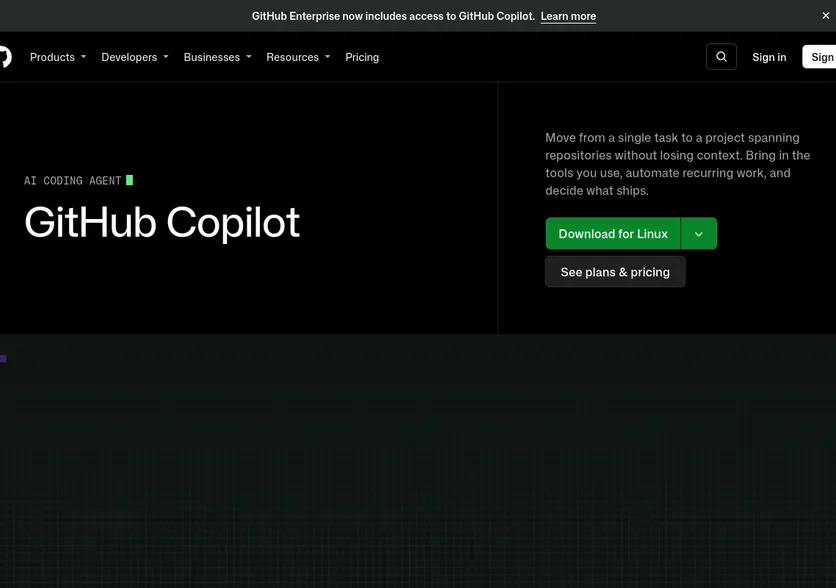
GitHub Copilot writes code completions, chats about your codebase and opens pull requests from an issue, right inside your editor. This GitHub Copilot Pro plan costs ten dollars a month, with unlimited completions and a monthly credit allowance for chat and agents. A developer whose repositories live on GitHub will find Copilot the most natural fit.
What we like
- Cheapest paid plan in this list
- Unlimited completions on every paid plan
- Cloud agent opens pull requests for you
Watch out for
- Chat and agent work is metered in credits
- Business and Enterprise show as contact sales on the plans page
How to try it
- Open the Copilot plans page and start with Pro
- Install the extension in your editor
- Ask Copilot to explain a function, then let it write the test
2. Cursor
Best for: Developers who want an AI-first editor with deep agent mode
Paid tool Starting price: $20/month · Pro plan, $20 a month billed monthly or about $16 a month billed annually; Pro+ $60, Ultra $200 and Teams $40 a user a month
Free plan: Free Hobby tier with 2,000 completions
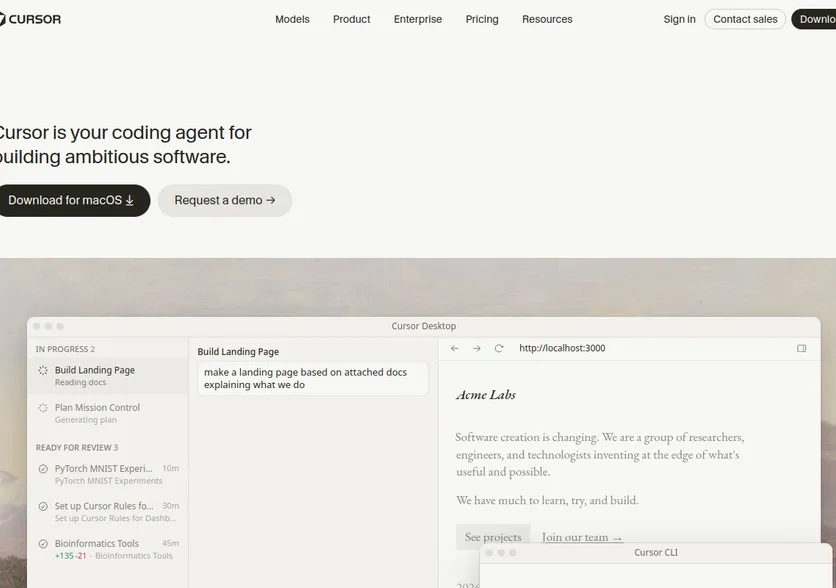
Cursor is an AI-first code editor with agent mode that plans and edits across your whole codebase. This Cursor Pro plan costs twenty dollars a month billed monthly, or about sixteen dollars on annual billing, with a monthly credit pool for premium models. A developer who wants the agent to do the heavy lifting will find Cursor the most capable editor here.
What we like
- Agent mode edits across the whole codebase
- Unlimited Tab completions on Pro
- Frontier models from every major lab
Watch out for
- Credit pool can run dry with heavy premium model use
- Twenty dollars is double the Copilot Pro price
How to try it
- Open the Cursor pricing page and start with Pro
- Open your project and let the agent index the codebase
- Ask the agent to fix a bug and review the diff
3. Claude Pro
Best for: Developers who want the strongest reasoning model for coding and review
Paid tool Starting price: $20/month · Pro plan, $20 a month billed monthly or $17 a month on annual billing; Max $100 and Ultra $200 a month
Free plan: Free plan with limited use
Claude Pro gives developers the Claude models for coding, with Claude Code for terminal work and research for digging into docs. This Claude Pro plan costs twenty dollars a month billed monthly, or seventeen dollars a month on annual billing. A developer who leans on careful reasoning and long context will find Claude the strongest coder here.

What we like
- Strongest reasoning of the models here
- Claude Code included for terminal work
- Long context for big codebases
Watch out for
- No API access included in the plan
- Usage limits can bite on heavy days
How to try it
- Open the Claude pricing page and start with Pro
- Use Claude Code in your terminal on a real task
- Try the research feature on your project docs
4. Devin Desktop (formerly Windsurf)
Best for: Developers who want multi-agent coding with cloud sessions
Paid tool Starting price: $20/month · Pro plan, $20 a month; Max $200 a month; Teams $80 a month plus $40 per full developer seat; pricing now lives on the Devin pricing page
Free plan: Free tier with a light daily and weekly quota and unlimited Tab completions
Devin Desktop is the editor formerly sold as Windsurf, with an agent that plans, edits and runs multi-file tasks across your project. This Devin Desktop Pro plan costs twenty dollars a month, with higher quotas, frontier models and cloud sessions. A developer who wants agents working in the background will like the cloud sessions.

What we like
- Multi-agent coding across many files
- Cloud sessions run work in the background
- Free tier with unlimited Tab completions
Watch out for
- Renamed to Devin Desktop in June 2026, so docs moved
- Pro has daily and weekly quotas, not unlimited use
How to try it
- Open the Devin pricing page and start with Pro
- Open your project in Devin Desktop
- Send the agent a task and watch it work in a cloud session
5. Tabnine
Best for: Regulated teams that need private deployment and no training on their code
Paid tool Starting price: Custom pricing · Tabnine was acquired by Tricentis on July 30, 2026; tabnine.com/pricing now redirects to Tricentis sales and no public price is published. Last published prices (September 2026): Code Assistant $39 a user a month, Agentic Platform $59 a user a month, annual subscription. The $9 Dev plan no longer exists.
Free plan: No free tier; 14-day trial on the last published plans
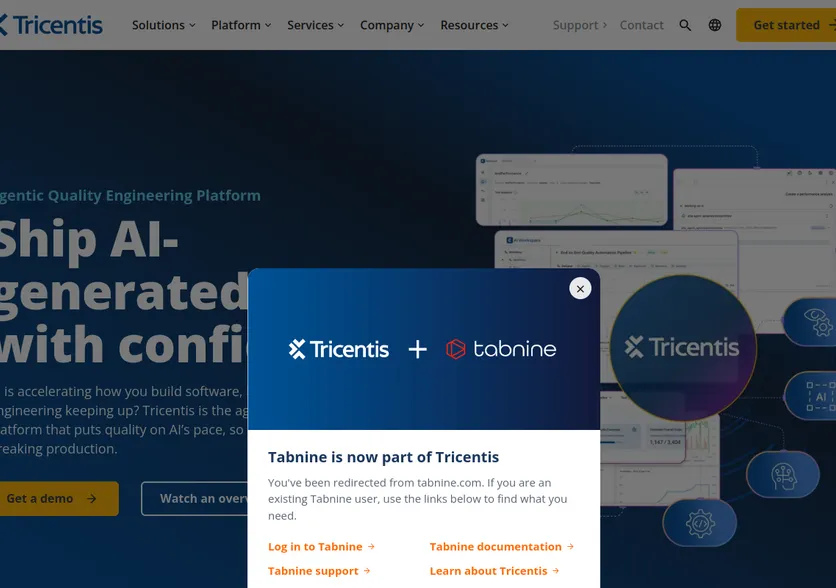
Tabnine is the privacy-first coding assistant, with private deployment and a promise never to train on your code. Tricentis acquired Tabnine on July 30, 2026 and folded it into its Agentic Quality Engineering Platform, so there is no published self-serve price any more — talk to Tricentis sales for a quote. This Tabnine technology now powers Tricentis quality agents. A team in finance, defense or healthcare will find Tabnine the safest choice here.
What we like
- Private deployment with no training on your code
- Air-gapped and VPC options on its enterprise plans
- Its Context Engine now feeds Tricentis quality agents
Watch out for
- No free tier, only a fourteen-day trial on the last published plans
- No public price since the Tricentis acquisition — pricing is sales-only now
How to try it
- Contact Tricentis sales for a quote — Tabnine is no longer sold self-serve
- Install the extension in your IDE
- Test completions and chat on your own codebase
6. Amazon Q Developer
Best for: Teams already on AWS who want coding help tied to their cloud
Paid tool Starting price: $19/user/month · Pro plan, $19 a user a month; free plan with 50 agentic requests a month; transformation lines pooled, then billed per line after the allowance
Free plan: Free plan with 50 agentic requests a month
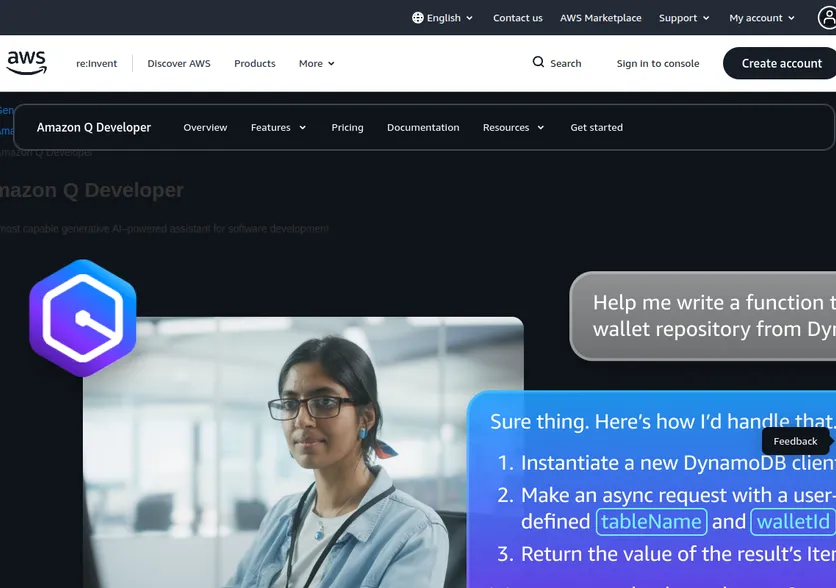
Amazon Q Developer is the AWS coding assistant, with agents that write code, transform projects and answer questions about your cloud. This Amazon Q Developer Pro plan costs nineteen dollars a user a month, and the free plan covers fifty agentic requests a month. A team already on AWS will find Q the most natural fit for cloud work.
What we like
- Tied into AWS services and your cloud
- Free plan with fifty agentic requests a month
- IP indemnity included on Pro
Watch out for
- IDE plugin support ends in April 2027, with users pointed to Kiro
- Weakest outside the AWS world
How to try it
- Open the Amazon Q Developer pricing page
- Start with the free plan in your IDE
- Ask Q to explain a function, then upgrade to Pro for sharing
7. ChatGPT Plus
Best for: Developers who want a general AI that also codes, writes and explains
Paid tool Starting price: $20/month · Plus plan, $20 a month billed monthly, with no annual price; Pro $200 a month is paused for new sign-ups
Free plan: Free plan with limited use
ChatGPT Plus is the general AI assistant that also codes, with the Codex coding agent for software work. This ChatGPT Plus plan costs twenty dollars a month billed monthly, with no annual price offered. A developer who wants one AI for code, writing and research will find Plus the most versatile pick.
What we like
- One AI for code, writing and research
- Codex coding agent included
- Advanced models with no annual lock-in
Watch out for
- No annual discount, so the monthly price never drops
- Pro plan is paused for new sign-ups
How to try it
- Open the ChatGPT pricing page and start with Plus
- Ask Codex to fix a bug in your project
- Use it to explain a tricky function to a teammate
Prices above were checked on each vendor’s own website on Nov 26, 2026 and can change — the vendor’s page is the final word. Vendor links are editorial: nobody paid to be listed or ranked here. Vendors who want a featured listing can see how it works on our Get listed page.
What LLM software costs for software engineering in 2026
Most developers pay for one seat, so the headline monthly price is the whole budget here, and this list runs from ten dollars a user a month to twenty dollars a month. The cheapest plans are not always the cheapest deal, because metered credits can push the bill past the sticker price once the agent works hard. The headline plan each vendor shows on its own pricing page is the number in the table above, checked on November 27, 2026.
Start with the free tier on two tools and let each one fix a real bug in your project. Compare how the completions feel, how the agent plans a change, and whether the chat understands your codebase. Pick the tool that saves you real time every day, because a coding assistant you never open is money wasted.
Before you buy
- Check the credit allowance, because metered chat and agent work can push the bill past the sticker price.
- Count the seats first, because per-user pricing multiplies the bill across the whole team.
- Test the agent on a real bug, because demos hide how it handles your codebase.
- Confirm the data rules, because some tools train on your code and others never do.
- Compare annual and monthly billing, because most tools here cut the price by a fifth on annual plans.
Official websites
Official websites of the products reviewed above. Features and prices were checked against these sites when this guide was written, and they can change, so confirm on the vendor site before you buy.
Frequently asked questions
Which LLM is best for software engineering in 2026?
GitHub Copilot, at ten dollars a month, is the safest default because it is the cheapest paid plan with unlimited completions and a cloud agent. Cursor wins for agent work, with deep multi-file editing from twenty dollars a month. Claude Pro is the best pick when careful reasoning and long context matter most.
How much does an LLM coding tool cost?
Most tools in this list cost between nine and twenty dollars a user a month, with annual billing cutting the monthly rate by roughly a fifth. GitHub Copilot Pro starts at ten dollars a month, while Cursor Pro and Claude Pro cost twenty dollars a month. Expect to pay more once metered credits or team seats enter the picture.
Is there a free LLM for coding?
GitHub Copilot offers a free plan with two thousand completions a month, Cursor offers a free Hobby tier, and Amazon Q Developer offers fifty agentic requests a month. Devin Desktop offers a free tier with unlimited Tab completions, and Claude and ChatGPT offer free plans with limited use. Tabnine is the only tool here with no free tier at all.
Will an AI coding tool train on my code?
It depends on the tool, so check the data rules before you commit. Tabnine promises never to train on your code and offers private deployment, while GitHub Copilot and Amazon Q Developer include IP indemnity on paid plans. If your code is sensitive, pick a tool with clear no-training terms and private deployment.
What should a developer look for in an LLM coding tool?
Look for completions that feel fast, an agent that plans changes across files, and chat that understands your codebase. Check the credit allowance and the per-user cost, and test the tool on a real bug before you buy. The best coding assistant is the one that saves you real time every day.
Need everyday developer help too? Try Toolsvine's free developer tools right in your browser.
Browse Developer Tools tools


