On this page
A remote team that waits for overnight batches makes decisions on yesterday's data, so stream analytics is how a distributed team stays current. The eight tools below move data from sources to warehouses and dashboards in seconds, with prices a small team can actually read. Hevo Data leads because its published price ladder starts at two hundred and thirty-nine dollars a month billed annually with no-code pipelines, and the rest are ranked on how simply they keep a remote team's data fresh.
How we researched this
We checked every price on the vendor pricing page on November 29, 2026, and only included tools with a published US dollar list price. Fivetran is excluded because its per-million-row rates conflict badly in November 2026 reads, and the enterprise streaming suites that sell by quote are not in this list. Prices change, so confirm the current figure on the vendor site before you buy.
Compare the tools
| Name | Best for | Starting price | Free plan | |
|---|---|---|---|---|
 Hevo Data | Small data teams that want no-code real-time pipelines | $239/month | Free plan (1M events a month) | Visit |
 Estuary Flow | Remote teams that need sub-second warehouse freshness | $0.50/GB | Free plan (10 GB a month, 2 connectors) | Visit |
 Airbyte | Cost-conscious teams that want the widest connector choice | $20/month | Free plan (self-hosted Core) | Visit |
 Stitch | Remote teams that want simple scheduled loads | $100/month | No free plan; 14-day free trial | Visit |
 Confluent Cloud | Remote teams that run the business on event streams | $385/month | Free plan (Basic starts at $0) | Visit |
 Databricks | Remote teams unifying pipelines, analytics and ML | $0.15/DBU | Free trial | Visit |
 Snowflake | Remote teams that need a governed cloud warehouse | $2.00/credit | No free plan; 30-day free trial | Visit |
 dbt Cloud | Remote teams transforming warehouse data with SQL | $100/user/month | Free plan (Developer) | Visit |
The stream analytics software for remote teams, compared
1. Hevo Data
Best for: Small data teams that want no-code real-time pipelines
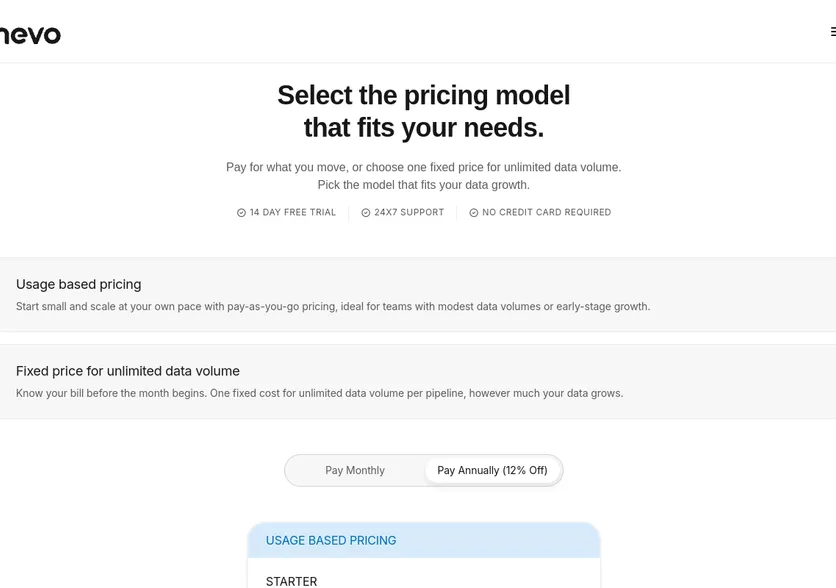
Paid tool Starting price: $239/month · Two hundred and thirty-nine dollars a month billed annually for Starter (5 million events); $299 billed monthly; Professional $679 billed annually
Free plan: Free plan (1M events a month)
For a remote data team that wants pipelines without writing code, this Hevo Data plan costs two hundred and thirty-nine dollars a month billed annually and moves events from more than one hundred and fifty sources into the warehouse in real time. Change data capture keeps the warehouse current as sources change, and the event-based price is easy to forecast once the team knows its volume. It is the clearest published price in this list for a small data team.
What we like
- No-code pipelines from more than one hundred and fifty sources
- Real-time change data capture keeps data fresh
- Event-based pricing that is easy to forecast
Watch out for
- The free tier stops at one million events a month
- Heavy volumes push a team up the ladder fast
How to try it
- Connect a source and pick the warehouse destination
- Map the tables and turn on change data capture
- Watch the first sync land and check row counts
2. Estuary Flow
Best for: Remote teams that need sub-second warehouse freshness
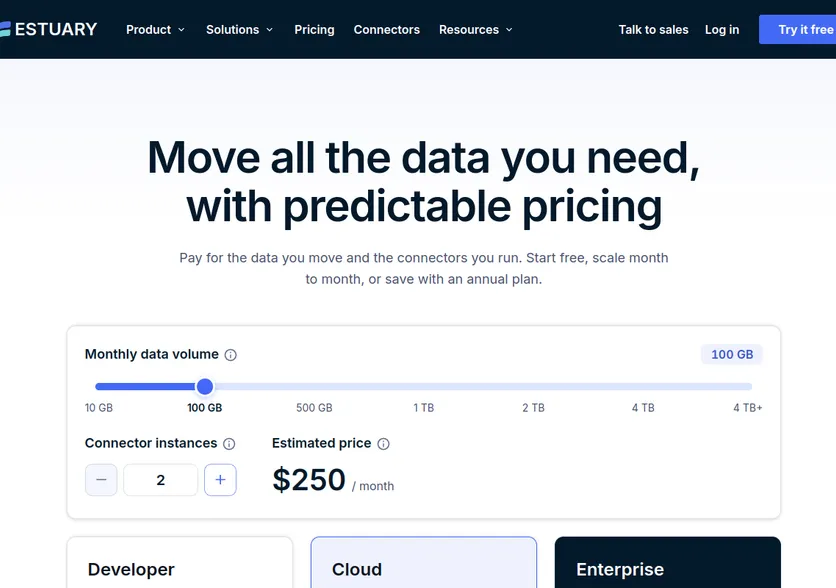
Paid tool Starting price: $0.50/GB · Fifty cents per gigabyte plus $100 a month per connector for the first six connectors, then $50 each
Free plan: Free plan (10 GB a month, 2 connectors)
For a remote team that needs warehouse data fresh within seconds, this Estuary Flow plan costs fifty cents per gigabyte plus one hundred dollars a month per connector and captures source data once, then reuses it across any number of targets. Sub-second latency suits live dashboards and machine-learning features, and the team pays only for the data it actually moves. It is the fastest pipeline in this list for the money.
What we like
- Sub-second latency for live dashboards and features
- Source data captured once and reused across targets
- Clear per-gigabyte pricing with a free tier
Watch out for
- Only around two hundred connectors, narrower than rivals
- The per-connector fee adds up past six connectors
How to try it
- Create a capture from the source database
- Add the warehouse as a materialization
- Check the live dashboard for fresh rows
3. Airbyte
Best for: Cost-conscious teams that want the widest connector choice
Paid tool Starting price: $20/month · Twenty dollars a month for Cloud Standard with 5 credits; extra credits $5 each; Plus $189 a month for 40 credits
Free plan: Free plan (self-hosted Core)
For a cost-conscious remote team that wants the widest connector choice, this Airbyte plan costs twenty dollars a month for Cloud Standard and covers more than seven hundred connectors with a free self-hosted option behind it. The no-code connector builder lets the team add a source nobody else supports, and the credit model stays cheap at low volume. It is the lowest-cost managed start in this list.
What we like
- More than seven hundred connectors with a free self-host
- No-code connector builder for unusual sources
- Lowest-cost managed start in this list
Watch out for
- Credits bill by rows or gigabytes, so costs move with volume
- Self-hosting needs an engineer to run it
How to try it
- Pick a source connector from the catalogue
- Set the sync schedule and the warehouse destination
- Run the first sync and verify the tables
4. Stitch
Best for: Remote teams that want simple scheduled loads
Paid tool Starting price: $100/month · One hundred dollars a month for Standard; row-based tiers above it
Free plan: No free plan; 14-day free trial
For a remote team that wants the simplest possible load from software to warehouse, this Stitch plan costs one hundred dollars a month and does one job well: replicate rows on a schedule with no code and no fuss. The setup takes minutes, the syncs are reliable, and the price is a flat monthly figure the team can budget. It suits a team that values a quiet pipeline over a clever one.
What we like
- Simplest setup in this list, running in minutes
- Flat monthly price that is easy to budget
- Reliable scheduled replication from software sources
Watch out for
- No free plan, only a fourteen-day trial
- Row-based tiers mean heavy tables cost more
How to try it
- Connect the software source and the warehouse
- Choose the tables and the sync frequency
- Let the first scheduled sync run and check it
5. Confluent Cloud
Best for: Remote teams that run the business on event streams
Paid tool Starting price: $385/month · About three hundred and eighty-five dollars a month is the vendor's estimated starting cost for a Standard cluster at 70% utilisation; Basic starts at $0 with the first eCKU free, then $0.14 per eCKU hour plus $0.05 per gigabyte in and out
Free plan: Free plan (Basic starts at $0)
For a remote team that runs its business on events, this Confluent Cloud plan costs about three hundred and eighty-five dollars a month as an estimated Standard starting cost and is managed Kafka with streaming, Flink processing and a full connector set. Events flow from producers to consumers in real time, and the same platform can run stream processing without a second system. It is the most complete event-streaming platform in this list.
What we like
- Managed Kafka with Flink stream processing built in
- Full connector set for sources and sinks
- Basic tier starts at zero for small workloads
Watch out for
- Usage billing makes the monthly total hard to forecast
- The estimated starting cost is a model, not a flat price
How to try it
- Create a cluster and a topic for the event stream
- Connect producers and consumers to the topic
- Add a Flink job to process the stream live
6. Databricks
Best for: Remote teams unifying pipelines, analytics and ML
Paid tool Starting price: $0.15/DBU · Fifteen cents per Databricks Unit for Data Engineering workloads on pay-as-you-go; rates vary by workload and cloud, and cloud VM costs are billed separately
Free plan: Free trial
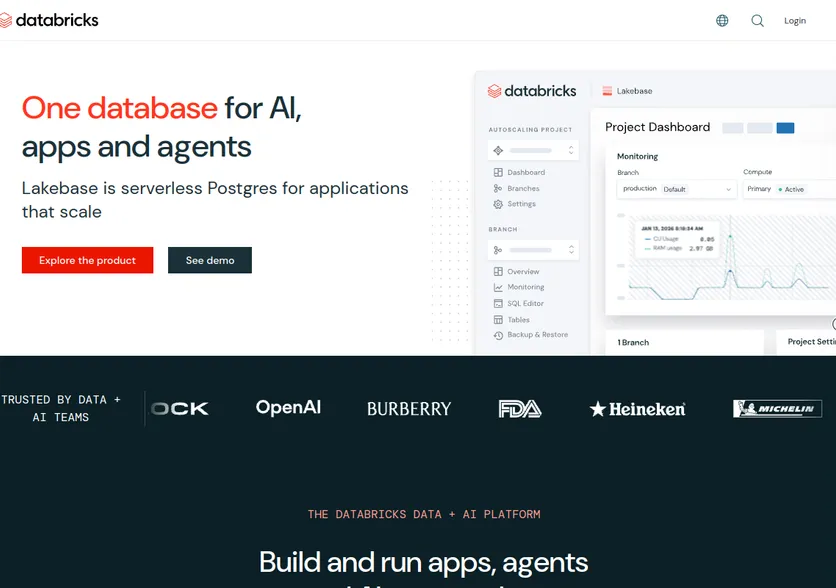
For a remote team that builds pipelines, analytics and machine learning on one platform, this Databricks plan costs fifteen cents per Databricks Unit for Data Engineering workloads and runs Spark jobs on a lakehouse with open formats. The same workspace that ingests the stream also serves dashboards and trains models, so the team stops stitching tools together. It suits a team with serious data engineering work and the staff to match.
What we like
- One lakehouse for pipelines, dashboards and models
- Open formats with Spark at serious scale
- Per-second billing on pay-as-you-go
Watch out for
- Usage billing plus separate cloud VM bills is hard to forecast
- The platform needs skilled engineers to run well
How to try it
- Create a workspace and connect the data sources
- Build a declarative pipeline for the stream
- Schedule the job and check the dashboard output
7. Snowflake
Best for: Remote teams that need a governed cloud warehouse
Paid tool Starting price: $2.00/credit · Two dollars per credit on Standard; Enterprise $3.00; Business Critical $4.00; storage $23 per terabyte a month
Free plan: No free plan; 30-day free trial
For a remote team that wants a governed warehouse behind its streams, this Snowflake plan costs two dollars per credit on Standard and separates compute from storage, so warehouses scale independently and sharing data with a partner needs no copying. Concurrency just works, and the thirty-day trial lets the team prove the value before paying. It is the default governed warehouse in this list.
What we like
- Compute and storage scale independently
- Data sharing needs no copying between accounts
- Strong governance and concurrency out of the box
Watch out for
- Credit billing punishes warehouses left running
- Storage adds twenty-three dollars per terabyte a month
How to try it
- Create a warehouse and set auto-suspend
- Load the stream into tables with a pipeline
- Share a dataset with a partner account
8. dbt Cloud
Best for: Remote teams transforming warehouse data with SQL
Paid tool Starting price: $100/user/month · One hundred dollars per user a month for Starter; Developer is free for individuals; merged with Fivetran in June 2026
Free plan: Free plan (Developer)
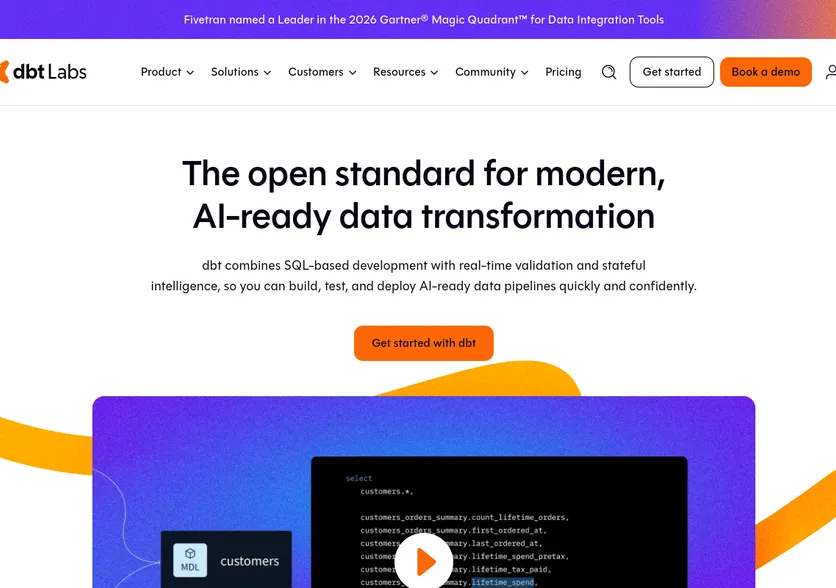
For a remote team that transforms warehouse data with SQL, this dbt Cloud plan costs one hundred dollars per user a month for Starter and turns raw tables into tested, documented models the whole team can trust. The Developer tier is free for individuals, and the Fivetran merger puts loading and transformation under one company. It suits a team whose analytics depend on clean, versioned SQL models.
What we like
- Tested, documented SQL models the team can trust
- Free Developer tier for individual analysts
- Loading and transformation now under one company
Watch out for
- Transformation only, so loading needs another tool
- Starter pricing is per user, so a big team pays more
How to try it
- Connect dbt Cloud to the warehouse
- Write a model in SQL and add tests
- Run the job and publish the docs
Prices above were checked on each vendor’s own website on Nov 29, 2026 and can change — the vendor’s page is the final word. Vendor links are editorial: nobody paid to be listed or ranked here. Vendors who want a featured listing can see how it works on our Get listed page.
How to keep a remote team's data fresh without a surprise bill
Start with the meter, not the feature list, because every tool here bills on a different unit and the cheapest headline can become the dearest bill. Measure the real volume for a week: events per month, gigabytes moved, rows replicated and compute hours used, then price each tool on that volume before choosing. Set alerts at half the budget and at the budget, and give one person ownership of the bill, since a stream nobody watches is a stream that grows. Re-check the volume every month, because a remote team that ships more also streams more.
Before you buy
- Confirm which unit the bill uses, since events, gigabytes, rows and credits price very differently
- Check the free tier limits against the team's real volume, not the demo volume
- Ask whether deletes and history changes count toward the meter, since they can double the bill
- Make sure the tool has the connectors the team actually uses, not just a big catalogue number
- Test the pipeline on a real week of data before paying, including a spike day, and read the first invoice line by line
Official websites
Official websites of the products reviewed above. Features and prices were checked against these sites when this guide was written, and they can change, so confirm on the vendor site before you buy.
Frequently asked questions
What is stream analytics software for remote teams?
It is software that moves data from sources to warehouses and dashboards continuously, in seconds rather than overnight batches, so a distributed team makes decisions on current data. Good tools add connectors, change data capture, transformation and monitoring, and they publish a price a small team can read, unlike the enterprise suites that sell by quote.
How much does Hevo Data cost for a remote team?
Hevo Data Starter costs two hundred and thirty-nine dollars a month billed annually for five million events, or two hundred and ninety-nine dollars billed monthly. The free plan covers one million events a month, and Professional is six hundred and seventy-nine dollars a month billed annually, so a team can start free and step up as its event volume grows.
Is Confluent Cloud worth three hundred and eighty-five dollars a month?
It is worth it for a team that runs its business on event streams, because managed Kafka with Flink processing and a full connector set replaces several systems at once. It is too much for a team that only needs to load software data into a warehouse, where Hevo, Airbyte or Stitch does the job for far less money.
Can a remote team stream data for free?
Yes, with the free tiers on Hevo, Estuary, Airbyte and dbt Cloud, which all cover real small workloads without paying. Hevo is free to one million events a month, Estuary to ten gigabytes a month, Airbyte self-hosted Core is free with unlimited use, and dbt Cloud Developer is free for individuals, so a small team can run live pipelines free.
Which tool is best for sub-second analytics?
Estuary Flow is the best pick for sub-second freshness, because it captures source data once and reuses it across targets with latency under a second. Confluent Cloud is the deeper event-streaming platform when the team also needs stream processing, and Snowflake is the best governed warehouse to land the stream in.
Compare the eight tools above, then start with the free tier or trial on the tool that matches the team's real data volume before paying for a full month.
Browse Developer Tools tools