
On this page
Traditional warehouses lock storage and compute together and charge for both around the clock, which is a poor deal for teams whose queries come in bursts. Snowflake leads this list because it scales storage and compute separately and bills only for what you use, and every platform here publishes a real usage price. This guide compares eight traditional data warehouse alternatives with live 2026 prices, from $0.15 a unit to $5 a terabyte scanned, plus free tiers and trials, so you can match the billing model to your workload.
How we researched this
We checked the pricing page of every platform on this list on November 26, 2026, and kept only services that publish a real dollar price for compute or storage. Each platform had to run analytical SQL queries at warehouse scale without custom infrastructure, and we compared entry prices, free tiers and how the bill grows with data volume.
Compare the tools
| Name | Best for | Starting price | Free plan | |
|---|---|---|---|---|
 Snowflake | Teams that want a warehouse that scales compute and storage separately | $2.00/credit | $400 in free credits for a 30-day trial | Visit |
 Google BigQuery | Teams already on Google Cloud who want serverless queries with no cluster to manage | $6.25/TiB | First 1 TiB of queries free every month | Visit |
 Amazon Redshift | AWS teams that want a familiar warehouse with serverless scaling | $0.375/RPU-hour | Free trial with $300 in credits for new accounts | Visit |
 Databricks | Teams that want one platform for warehousing, AI and streaming | $0.15/DBU | 14-day free trial; free edition for learning | Visit |
 ClickHouse Cloud | Teams that need blazing-fast analytics on huge event logs | $0.2181/compute-unit-hour | $300 in free credits for 30 days | Visit |
 MotherDuck | Small teams that love DuckDB and want a serverless warehouse | $250/org/month | Lite plan free with 10 GB of storage | Visit |
 Firebolt | Teams running heavy ad-hoc queries that need sub-second answers | $0.23/FBU-hour | Free trial with $200 in credits | Visit |
 Amazon Athena | AWS teams that query data straight from S3 with no warehouse to run | $5.00/TB | No setup cost; you pay only for the data you scan | Visit |
The data warehouse alternatives, compared
1. Snowflake
Best for: Teams that want a warehouse that scales compute and storage separately
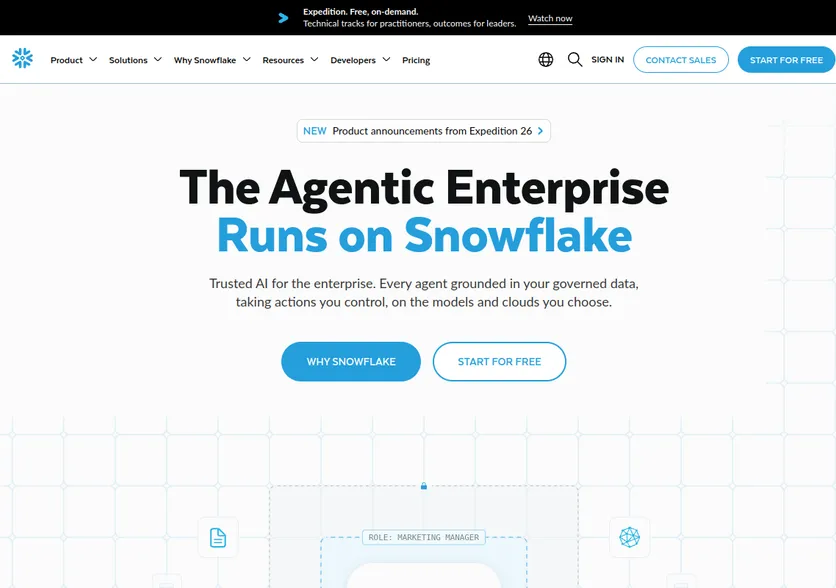
Paid tool Starting price: $2.00/credit · Standard edition on-demand compute on AWS US East; Enterprise is $3.00 a credit and Business Critical $4.00; storage is $23 per terabyte a month
Free plan: $400 in free credits for a 30-day trial
Snowflake splits storage and compute so you can scale each side on its own, and it runs on the cloud you already use. This Snowflake warehouse covers automatic scaling, instant cloning of tables, secure data sharing and a marketplace of ready-made data sets. It is the default choice for teams that want a managed warehouse without hiring a database administrator.
What we like
- Storage and compute scale separately
- Instant cloning and secure data sharing
- Runs on AWS, Azure and Google Cloud
Watch out for
- Credits burn fast on long queries
- Storage costs add up on large histories
How to try it
- Open the Snowflake pricing page and start the 30-day trial
- Create a warehouse and load a sample table
- Run your heaviest query and check the credits it burns
2. Google BigQuery
Best for: Teams already on Google Cloud who want serverless queries with no cluster to manage
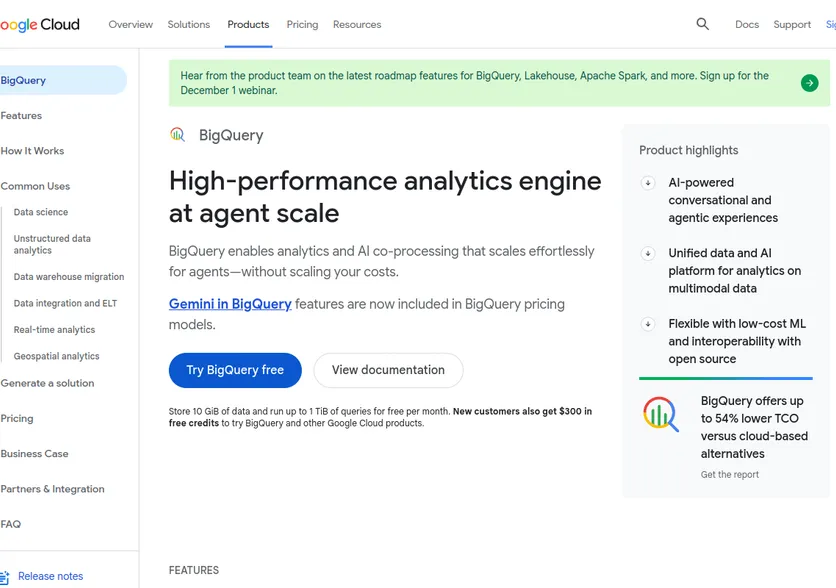
Paid tool Starting price: $6.25/TiB · On-demand analysis pricing; the first 1 TiB of queries each month is free
Free plan: First 1 TiB of queries free every month
Google BigQuery is serverless, so there is no cluster to size or tune, and you pay for the data you query rather than the servers you run. This Google BigQuery service covers built-in machine learning, real-time streaming inserts and tight links to Looker Studio and the rest of Google Cloud. It is the natural pick for teams already storing data in Google Cloud.
What we like
- No cluster to size or manage
- First terabyte of queries free monthly
- Built-in machine learning in SQL
Watch out for
- Full-table scans get expensive fast
- Costs are hard to predict without monitoring
How to try it
- Open the BigQuery console in your Google Cloud project
- Load a table or point BigQuery at data in Cloud Storage
- Run a query and check the bytes it scanned
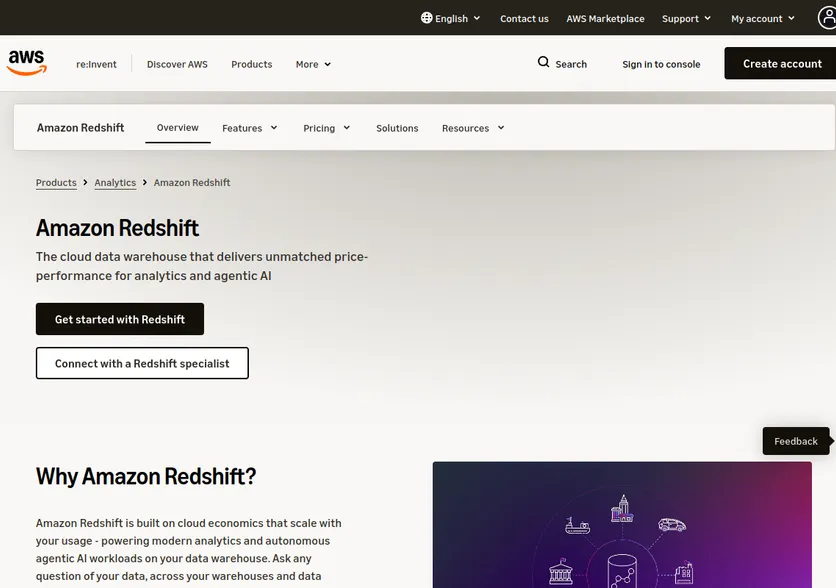
3. Amazon Redshift
Best for: AWS teams that want a familiar warehouse with serverless scaling
Paid tool Starting price: $0.375/RPU-hour · Serverless pricing with a 4 RPU minimum, so about $1.50 an hour at the smallest size
Free plan: Free trial with $300 in credits for new accounts
Amazon Redshift is the warehouse for teams already living in AWS, with deep links to S3, Glue and the rest of the analytics stack. This Amazon Redshift service covers serverless scaling, automatic workload management and machine learning built into SQL queries. It suits teams that want a familiar warehouse that grows without a migration project.
What we like
- Deep integration with the AWS stack
- Serverless scaling with no cluster to run
- Machine learning built into SQL
Watch out for
- Minimum 4 RPU charge even when idle
- Tied to the AWS ecosystem
How to try it
- Open the Redshift console and create a serverless workgroup
- Load data from S3 or your existing sources
- Run a query and watch the RPU hours it uses
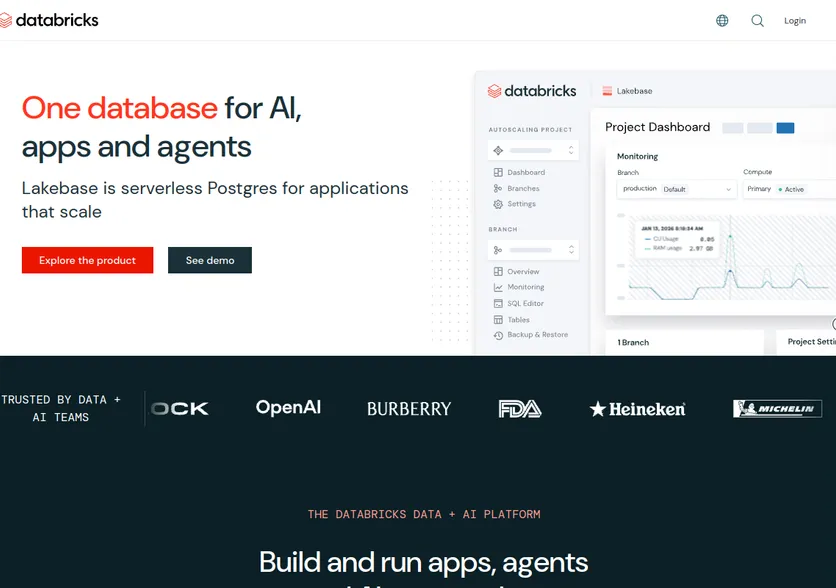
4. Databricks
Best for: Teams that want one platform for warehousing, AI and streaming
Paid tool Starting price: $0.15/DBU · Jobs Compute on the Premium plan, AWS US East; All-Purpose Compute is $0.55 a DBU and SQL Serverless $0.70; cloud virtual machines bill separately
Free plan: 14-day free trial; free edition for learning
Databricks mixes warehousing, data engineering and AI in one platform, so the same data feeds dashboards and machine learning models. This Databricks platform covers Delta Lake storage, serverless SQL, notebook collaboration and Unity Catalog for governance. It is the pick for teams that want one home for analytics and AI rather than two separate systems.
What we like
- One platform for warehousing and AI
- Delta Lake and Unity Catalog included
- Strong notebook collaboration
Watch out for
- Cloud virtual machines bill on top
- Pricing is the hardest to predict here
How to try it
- Open the Databricks pricing page and start the free trial
- Create a SQL warehouse and load a sample table
- Run a query, then try a notebook on the same data
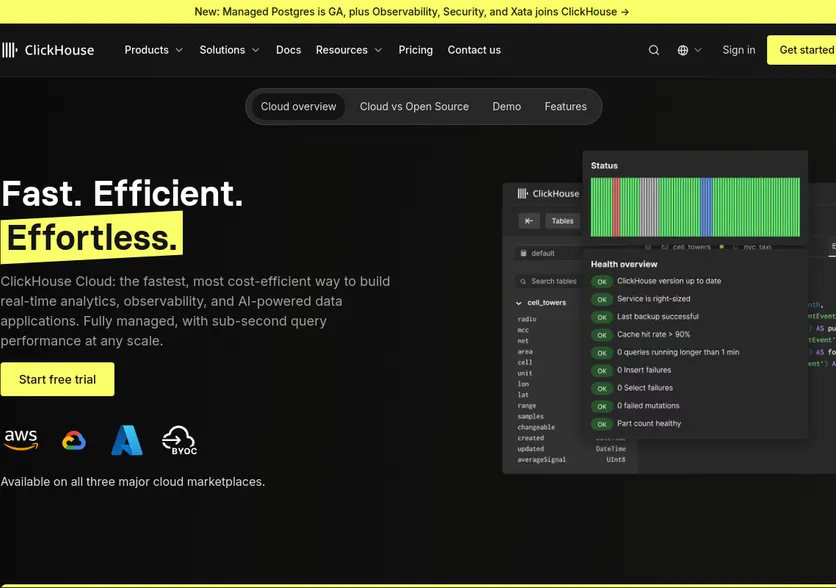
5. ClickHouse Cloud
Best for: Teams that need blazing-fast analytics on huge event logs
Paid tool Starting price: $0.2181/compute-unit-hour · Basic tier on AWS US East; Scale is $0.2985 and Enterprise $0.3903; storage is $25.30 per terabyte a month
Free plan: $300 in free credits for 30 days
ClickHouse Cloud is built for speed, answering analytical queries over billions of rows in well under a second. This ClickHouse Cloud service covers automatic scaling, real-time inserts and a SQL dialect close enough to standard SQL that most analysts feel at home. It is the pick for event logs, observability data and any workload where query speed is the whole point.
What we like
- Sub-second queries on billions of rows
- Real-time inserts with no batch delay
- Simple pricing by compute unit
Watch out for
- Fewer managed connectors than rivals
- SQL dialect differs from standard SQL in places
How to try it
- Open the ClickHouse Cloud pricing page and start a trial
- Create a service and load a sample event table
- Run a heavy aggregation and time the answer
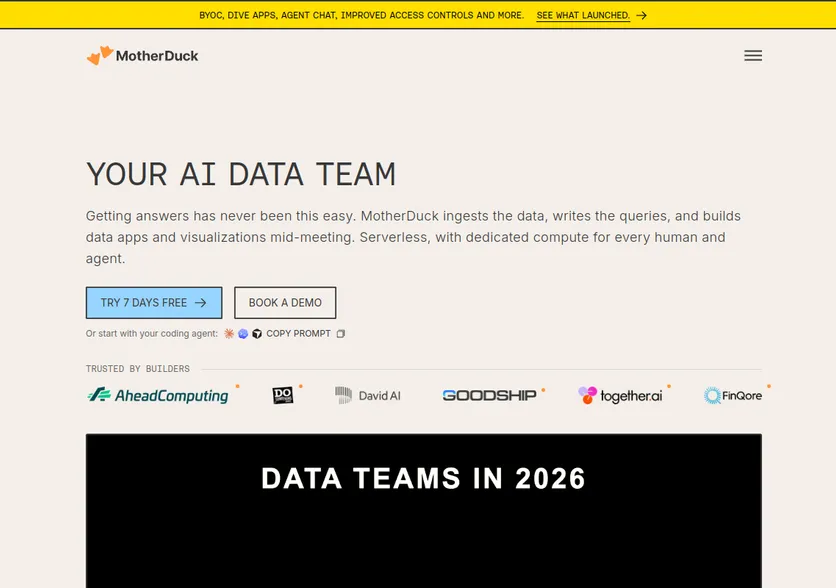
6. MotherDuck
Best for: Small teams that love DuckDB and want a serverless warehouse
Paid tool Starting price: $250/org/month · Business plan per organization, plus usage; Lite is free and Pulse is $0.60 per compute-unit hour; storage is $0.04 per gigabyte a month
Free plan: Lite plan free with 10 GB of storage
MotherDuck takes DuckDB, the fast analytical database that runs on a laptop, and turns it into a serverless cloud warehouse. This MotherDuck service covers instant querying of data in S3, a local mode that blends laptop and cloud compute, and a simple interface that analysts pick up in minutes. It is the pick for small teams that want DuckDB speed without running any servers.
What we like
- DuckDB speed with no servers to run
- Free Lite plan for small teams
- Queries data straight from S3
Watch out for
- Business plan jumped from $100 to $250
- Smaller ecosystem than the big three
How to try it
- Open the MotherDuck pricing page and create a free Lite account
- Connect your S3 bucket or upload a file
- Run a query that blends local and cloud data
7. Firebolt
Best for: Teams running heavy ad-hoc queries that need sub-second answers
Paid tool Starting price: $0.23/FBU-hour · Standard tier in the US; Enterprise is $0.35; an S node costs $0.92 an hour for compute-optimized work
Free plan: Free trial with $200 in credits
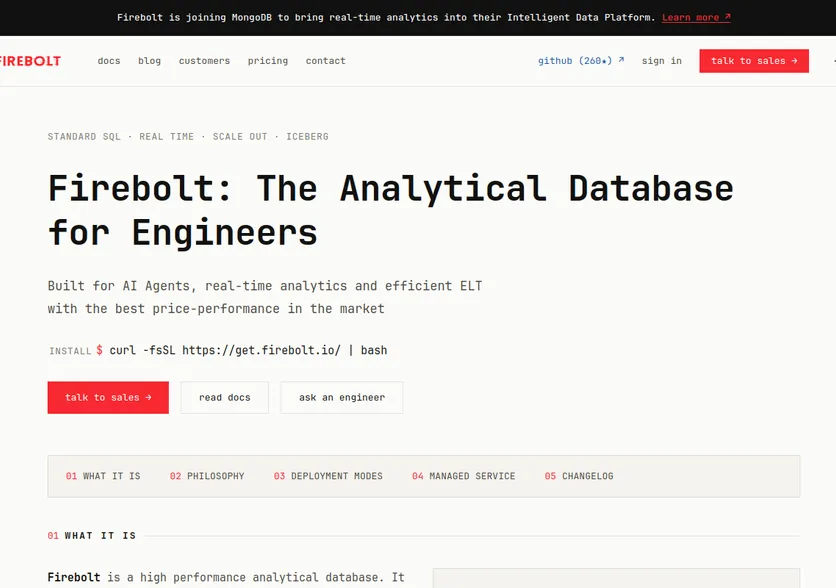
Firebolt is built for heavy ad-hoc queries, with an engine that returns answers in under a second even on very wide tables. This Firebolt service covers indexed query acceleration, automatic scaling and a consumption model that bills only for the engine time you use. It suits teams that run unpredictable analyst workloads and hate waiting on a queue.
What we like
- Sub-second answers on wide tables
- Bills only for engine time used
- Automatic scaling with no tuning
Watch out for
- Smaller community and fewer guides
- Engine pricing is new to most teams
How to try it
- Open the Firebolt pricing page and start a trial
- Load a wide table and build an index
- Run your slowest analyst query and time it
8. Amazon Athena
Best for: AWS teams that query data straight from S3 with no warehouse to run
Paid tool Starting price: $5.00/TB · Per terabyte of data scanned, with a 10 MB minimum per query
Free plan: No setup cost; you pay only for the data you scan
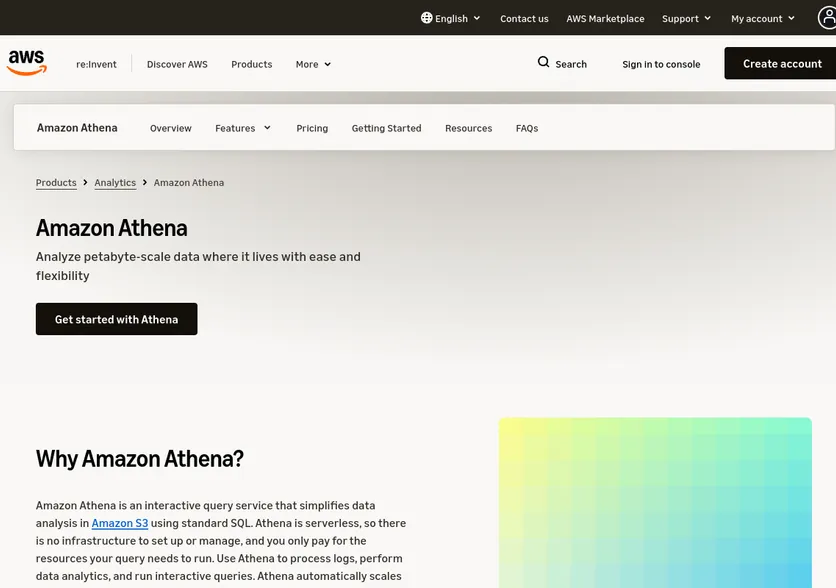
Amazon Athena lets you query data sitting in S3 with plain SQL, with no warehouse to load, no cluster to run and no setup at all. This Amazon Athena service covers federated queries across other data sources, workgroup controls for teams and direct links to QuickSight dashboards. It is the pick for occasional analysis where running a full warehouse would be overkill.
What we like
- Zero setup, query S3 directly
- Costs nothing when idle
- Workgroups control team spending
Watch out for
- No indexing, so scans can be slow
- Full-table scans cost the most
How to try it
- Open the Athena console in your AWS account
- Point Athena at a table in S3
- Run a query and check the data it scanned
Prices above were checked on each vendor’s own website on Nov 26, 2026 and can change — the vendor’s page is the final word. Vendor links are editorial: nobody paid to be listed or ranked here. Vendors who want a featured listing can see how it works on our Get listed page.
How to read warehouse prices before you commit
Warehouse pricing is usage-based, so the headline rate means little without your query pattern. A platform that charges per terabyte scanned is cheap for small queries and expensive for full-table scans, while a credit-based platform is cheap when queries are short and pricey when they run long. Before you commit, run your three heaviest real queries on the free trial and record the cost of each, then multiply by your monthly query count.
Storage is the quiet cost. Some platforms charge per terabyte a month, others fold storage into the compute bill, and a warehouse that keeps every historical table can cost more to store than to query. Set a retention policy early, archive cold tables to cheap object storage, and re-check the bill after the first full month.
Before you buy
- Run your three heaviest real queries on the free trial and record what each one costs.
- Check whether storage and compute bill separately, since that decides how the cost grows.
- Confirm the platform supports the SQL dialect and connectors your team already uses.
- Ask how the bill changes when query volume doubles, not just what the entry price is.
- Set a data retention policy before loading history, because storage costs creep up quietly.
Official websites
Official websites of the products reviewed above. Features and prices were checked against these sites when this guide was written, and they can change, so confirm on the vendor site before you buy.
Frequently asked questions
What is the cheapest traditional data warehouse alternative?
Databricks Jobs Compute starts at $0.15 a unit on the Premium plan, which is the lowest compute rate here, though cloud machines bill separately. Amazon Athena charges $5 per terabyte scanned and costs nothing when idle, so it wins for occasional queries. The cheapest pick depends on whether you query all day or once a week.
Do I need a warehouse if my data is in S3?
Not always. Amazon Athena and MotherDuck both query data straight from S3 with no loading step, which suits occasional analysis. A full warehouse like Snowflake or BigQuery pays off when many people query the same data every day, or when you need strict governance and history. Start with Athena and move up when queries slow down.
Which warehouse is fastest for analytics?
ClickHouse Cloud and Firebolt are built for raw query speed, answering heavy analytical queries in under a second on very large tables. Snowflake and BigQuery are fast too, but they scale by adding compute rather than by engine design. Pick ClickHouse or Firebolt when interactive speed on big event data is the priority.
Can I try these warehouses for free?
Most platforms here offer a free tier or trial. BigQuery gives you the first terabyte of queries free every month, Snowflake offers $400 in trial credits, and MotherDuck has a free Lite plan. Use the trial to run your real heaviest queries, since a demo query tells you nothing about the real bill.
What is the difference between Snowflake and BigQuery pricing?
Snowflake bills by compute credits, starting at $2.00 a credit for the Standard edition, with storage at $23 per terabyte a month. BigQuery bills by data scanned, starting at $6.25 a terabyte, with the first terabyte free each month. Snowflake suits steady workloads, while BigQuery suits bursty queries that scan a lot of data at once.
Building with data every day? Try free developer tools on Toolsvine, from JSON formatters to SQL helpers, right in your browser.
Browse Developer Tools tools


