On this page
Every dependency in a project is a small bet on someone else keeping their code safe, and those bets add up fast. The nine tools below watch your dependencies for known vulnerabilities, stale versions and licence risks, then tell you what to fix first. Snyk leads because it scans code, containers and dependencies in one place for twenty-five dollars per contributing developer a month, and the rest are ranked on how well they fit small teams, open source projects and larger engineering orgs.
How we researched this
We checked every price on the vendor pricing page on November 29, 2026, and only included tools with a published US dollar list price. Phylum, Endor Labs, Black Duck, Veracode and Checkmarx sell by quote only and publish no price, so they are not in this list. Prices change, so confirm the current figure on the vendor site before you buy.
Compare the tools
| Name | Best for | Starting price | Free plan | |
|---|---|---|---|---|
 Snyk | Dev teams that want one scanner for code and dependencies | $25/month | Free plan | Visit |
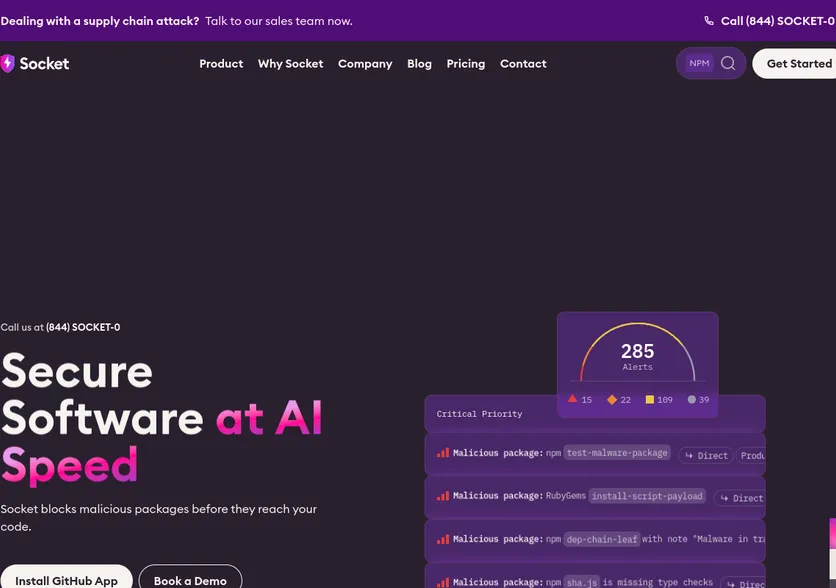
 Socket | Teams that want supply chain defence at install time | $25/month | Free plan | Visit |
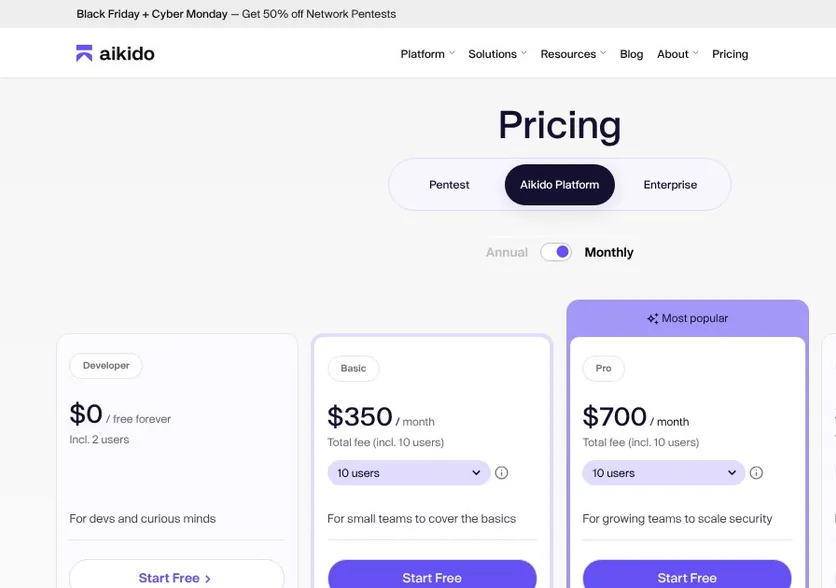
 Aikido | Small teams that want all scan types in one dashboard | $350/month | Free plan | Visit |
 FOSSA | Teams that need licence compliance with vulnerability tracking | $230/month | Free trial | Visit |
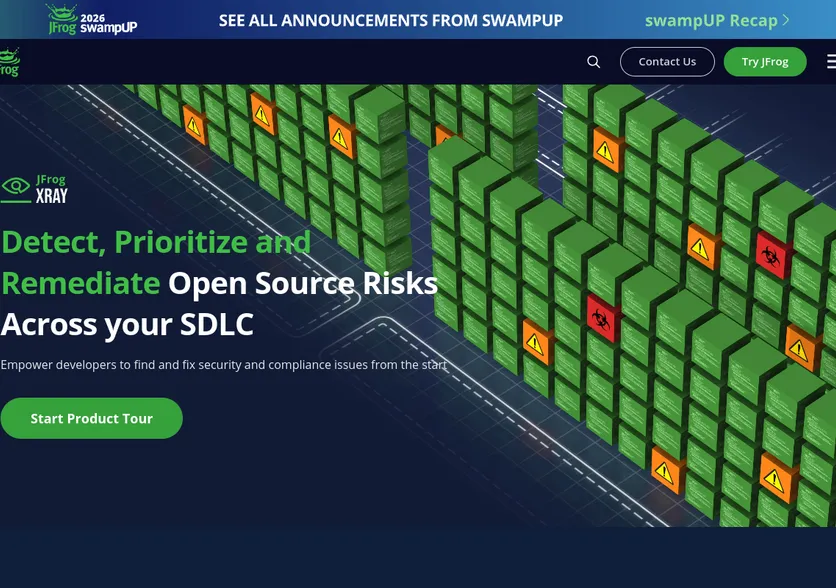
 JFrog Xray | JFrog shops that want security at the artifact gate | $950/month | No free plan; free trial | Visit |
 GitHub Code Security | GitHub teams that want security inside the repo workflow | $30/month | Free for public repositories | Visit |
 Semgrep | Teams that want fast rule-based supply chain scanning | $30/month | Free plan (up to 10 contributors) | Visit |
 Sonatype Guide | Teams that want to prevent bad dependencies at install time | $1,200/year | Free plan (up to 500 credits) | Visit |
 Mend AppSec | Large orgs that want automated remediation at scale | $1,000/year | Free trial | Visit |
The software for tracking dependency health, compared
1. Snyk
Best for: Dev teams that want one scanner for code and dependencies
Paid tool Starting price: $25/month · Twenty-five dollars per contributing developer a month on Team for five to ten developers; five developers cost one thousand three hundred and seventy-five dollars a year on the annual plan; higher plans add container and infrastructure scanning
Free plan: Free plan
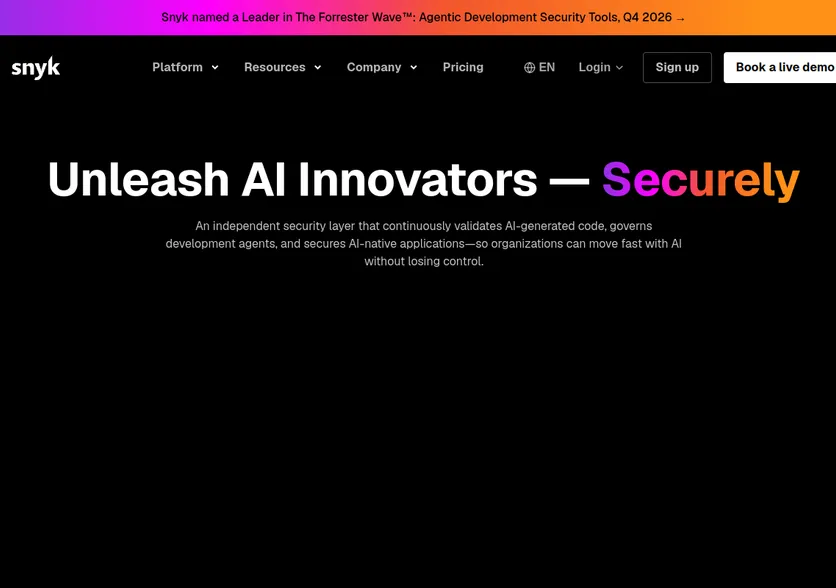
A team that ships fast needs to know the moment a dependency turns risky, and this Snyk plan costs twenty-five dollars per contributing developer a month on the Team plan. It scans code, open source dependencies, containers and infrastructure as code, and it suggests fixes with pull requests the team can merge. It is the broadest scanner in this list for a team that wants one security tool across the whole pipeline.
What we like
- Scans code, dependencies, containers and infrastructure as code
- Fix suggestions arrive as ready-to-merge pull requests
- Runs inside the pull request workflow developers already use
Watch out for
- Team plan covers only five to ten developers
- Deeper container and cloud features need higher tiers
How to try it
- Connect a repository and run the first dependency scan
- Review the flagged vulnerabilities ranked by severity
- Merge the suggested fix pull requests into the codebase
2. Socket
Best for: Teams that want supply chain defence at install time
Paid tool Starting price: $25/month · Twenty-five dollars per developer a month on Team with a five-seat minimum; Business is fifty dollars per developer a month; annual billing saves about twenty percent
Free plan: Free plan
A team that pulls in a lot of open source packages needs a guard at the install step, and this Socket plan costs twenty-five dollars per developer a month on the Team plan. It watches packages for malicious behaviour such as typosquatting, hidden install scripts and protestware, and it blocks bad packages before they reach the codebase. It suits a team that treats supply chain attacks as a real risk, not a checklist item.
What we like
- Blocks malicious packages before they reach the codebase
- Detects typosquatting, install scripts and protestware
- Free plan covers small projects at no cost
Watch out for
- Team plan needs a five-seat minimum
- Business tier doubles the per-developer price
How to try it
- Install the Socket scanner in the project repository
- Run a scan and review the flagged packages
- Block the risky packages and pin safe versions
3. Aikido
Best for: Small teams that want all scan types in one dashboard
Paid tool Starting price: $350/month · Three hundred and fifty dollars a month on Basic for ten users; Pro is seven hundred dollars and Advanced is one thousand and fifty dollars; annual billing takes ten percent off; some November 2026 reads list three hundred dollars, which appears to be an older figure
Free plan: Free plan
A small security-minded team that wants one dashboard for every scan type gets good value here, because this Aikido plan costs three hundred and fifty dollars a month on Basic for ten users. It combines dependency scanning, code scanning, container checks and cloud posture in one view, and it groups findings so the team fixes the real risks first. It fits a team that wants broad coverage without buying five separate tools.
What we like
- Dependency, code, container and cloud scans in one view
- Findings are grouped so real risks come first
- Flat team pricing covers ten users on Basic
Watch out for
- Basic caps at ten users
- Some November 2026 reads list a lower three hundred dollar figure
How to try it
- Connect repositories and cloud accounts to Aikido
- Run the first full scan across code and dependencies
- Work through the grouped findings by risk level
4. FOSSA
Best for: Teams that need licence compliance with vulnerability tracking
Paid tool Starting price: $230/month · Two hundred and thirty dollars a month; the figure comes from a single directory listing, so confirm it on the vendor site before buying
Free plan: Free trial
A team that needs licence compliance alongside vulnerability tracking will find a specialist here, because this FOSSA plan costs two hundred and thirty dollars a month. It maps every dependency, flags licence conflicts and policy violations, and produces the reports legal and compliance teams ask for. It suits an org where open source licences matter as much as security patches.
What we like
- Licence conflict detection across every dependency
- Policy and compliance reports for legal teams
- Continuous monitoring as dependencies change
Watch out for
- Price rests on a single directory listing, not the vendor page
- Narrower vulnerability coverage than the big scanners here
How to try it
- Import the project and let FOSSA map the dependencies
- Set licence and security policies for the team
- Review the flagged conflicts and patch the risky packages
5. JFrog Xray
Best for: JFrog shops that want security at the artifact gate
Paid tool Starting price: $950/month · Nine hundred and fifty dollars a month on Enterprise X SaaS, the first software as a service tier that includes Xray; SaaS Pro at one hundred and fifty dollars a month does not include Xray; some November 2026 reads suggest fifty dollars a month, which conflicts with the vendor tier list
Free plan: No free plan; free trial
A team already running JFrog Artifactory gets dependency security where the packages already live, and this JFrog Xray plan costs nine hundred and fifty dollars a month on Enterprise X software as a service. It scans binaries and containers for vulnerabilities and licence issues, and it blocks risky artifacts from reaching production. It fits an org that already stores artifacts in JFrog and wants security at the same gate.
What we like
- Scans binaries and containers where artifacts already live
- Blocks risky artifacts before they reach production
- Deep integration with Artifactory pipelines
Watch out for
- Xray needs the Enterprise X tier, not the cheaper SaaS plans
- Some third-party reads list a far lower price that conflicts
How to try it
- Enable Xray on the Artifactory instance
- Scan the existing artifact repositories for vulnerabilities
- Set policies that block risky artifacts from release
6. GitHub Code Security
Best for: GitHub teams that want security inside the repo workflow
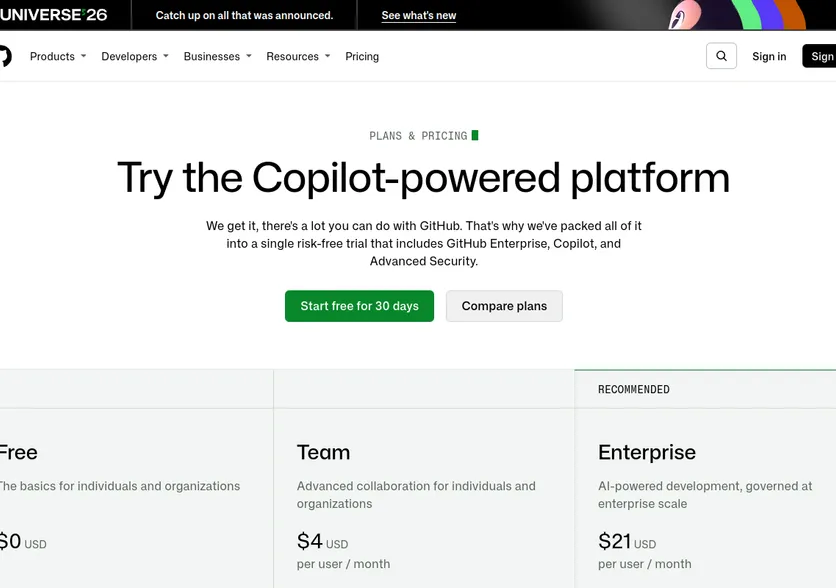
Paid tool Starting price: $30/month · Thirty dollars per active committer a month for Code Security; Secret Protection is nineteen dollars and both together are forty-nine dollars; the split took effect on April 1, 2025
Free plan: Free for public repositories
A team that already lives on GitHub gets dependency alerts without a second dashboard, and this GitHub Code Security plan costs thirty dollars per active committer a month. It scans dependencies with Dependabot alerts, runs code scanning on pull requests, and tracks secrets in the same repo view. It is the natural pick for a team that wants security inside the workflow it already uses every day.
What we like
- Dependabot alerts and code scanning in the same repo view
- Fixes arrive as pull requests in the normal review flow
- Free for public repositories
Watch out for
- Per-committer pricing adds up for large contributor counts
- Secret Protection is a separate nineteen dollar add-on
How to try it
- Enable Code Security on the repositories
- Review Dependabot alerts ranked by severity
- Merge the fix pull requests and re-scan the repo
7. Semgrep
Best for: Teams that want fast rule-based supply chain scanning
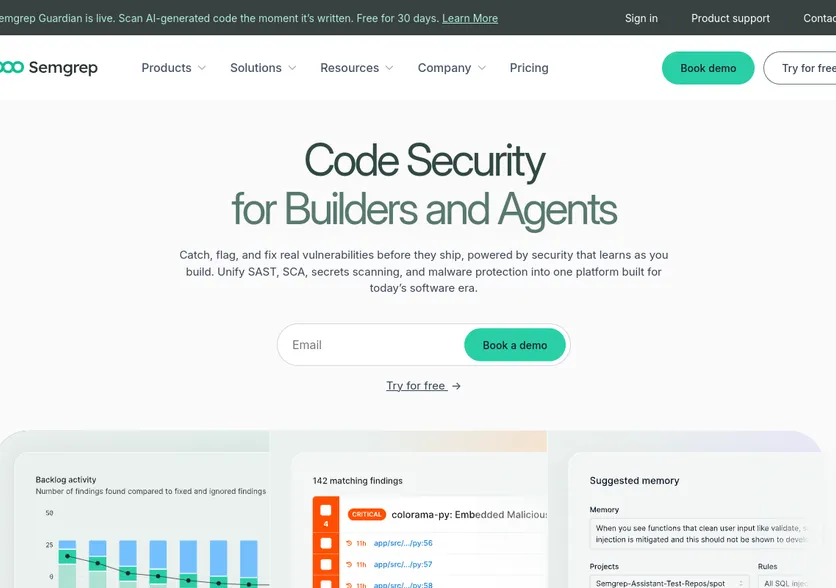
Paid tool Starting price: $30/month · Thirty dollars per contributor a month for Supply Chain on the Teams plan; Code is thirty dollars and Secrets is fifteen dollars; the free edition covers up to ten contributors
Free plan: Free plan (up to 10 contributors)
A team that wants fast, rule-based scanning with a generous free tier starts well here, because this Semgrep plan costs thirty dollars per contributor a month for Supply Chain on Teams. It finds vulnerable dependencies and reachable code paths, and its rule engine lets the team write custom checks for their own stack. It suits a team that likes to tune its own security rules rather than accept a black box.
What we like
- Reachable-code analysis cuts false positives
- Custom rules let the team check its own stack
- Free edition covers up to ten contributors
Watch out for
- Supply Chain is a separate thirty dollar add-on per contributor
- Rule tuning takes more setup than managed scanners
How to try it
- Connect a repository and run the first Supply Chain scan
- Review reachable vulnerabilities first
- Add custom rules for the frameworks the team uses
8. Sonatype Guide
Best for: Teams that want to prevent bad dependencies at install time
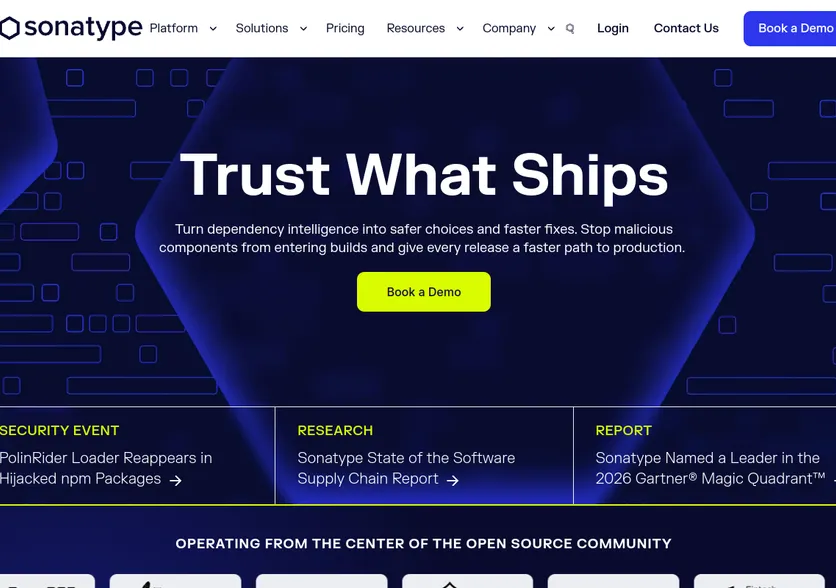
Paid tool Starting price: $1,200/year · One thousand two hundred dollars a year on Guide Pro for up to five thousand credits; Lifecycle capabilities now live inside Guide; the free plan covers up to five hundred credits
Free plan: Free plan (up to 500 credits)
A team that wants to know whether a dependency is healthy before it is added will like the guidance-first approach, and this Sonatype Guide plan costs one thousand two hundred dollars a year on Pro. It scores open source components on security, licence and maintenance health, and it steers developers toward the safest version at install time. It fits a team that would rather prevent bad dependencies than patch them later.
What we like
- Health scores for security, licence and maintenance
- Guides developers to the safest version first
- Free plan covers up to five hundred credits
Watch out for
- Credit-based pricing needs care on large codebases
- Best features assume the team adopts the guidance workflow
How to try it
- Connect the repositories and score the current dependencies
- Review the lowest-scoring components first
- Set guidance rules that steer installs to safe versions
9. Mend AppSec
Best for: Large orgs that want automated remediation at scale
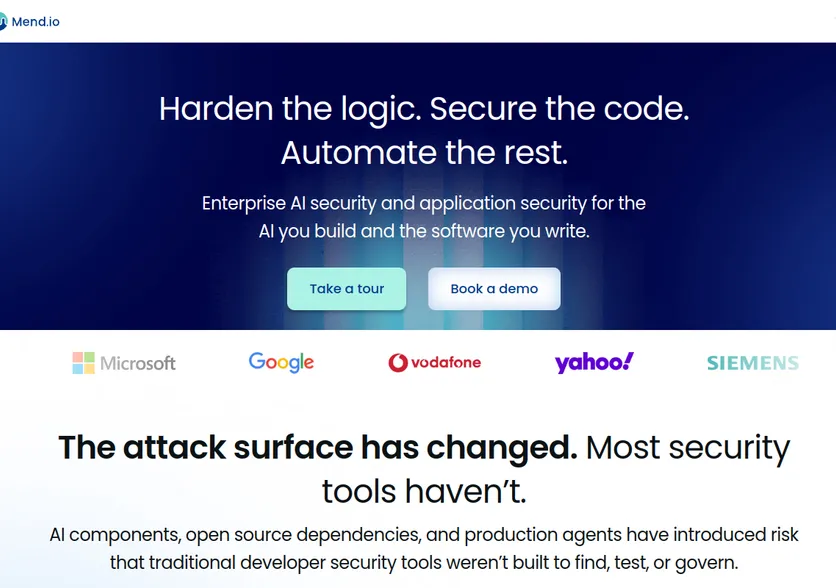
Paid tool Starting price: $1,000/year · Up to one thousand dollars per contributing developer a year for AppSec; Mend AI is up to three hundred dollars and Renovate Enterprise is up to two hundred and fifty dollars; exact prices come by quote, so treat these as ceilings
Free plan: Free trial
A larger org that wants dependency security plus automated remediation at scale gets an enterprise-grade option here, and this Mend AppSec plan costs up to one thousand dollars per contributing developer a year. It scans dependencies, prioritises the reachable risks, and automates fixes through Renovate, and the Mend AI add-on triages findings for the team. It fits an org with many repos and a security team that needs automation, not alerts.
What we like
- Automated fixes through Renovate save manual patching
- Reachable-risk prioritisation cuts alert noise
- Covers many repos from one platform
Watch out for
- Prices are ceilings, so the real quote varies by size
- Enterprise focus makes it heavy for a small team
How to try it
- Connect the repositories across the org
- Review the reachable risks ranked by priority
- Enable Renovate to open fix pull requests automatically
Prices above were checked on each vendor’s own website on Nov 29, 2026 and can change — the vendor’s page is the final word. Vendor links are editorial: nobody paid to be listed or ranked here. Vendors who want a featured listing can see how it works on our Get listed page.
How to keep dependencies healthy without drowning in alerts
Start by scanning what you already ship, because most teams carry vulnerabilities they have never looked for. Run the first scan on the main repositories, then fix the reachable criticals before worrying about the long tail of low-severity findings. Put the scanner in the pull request workflow so new dependencies are checked before they merge, and set a weekly habit of clearing the top risks. A dependency tool only works when the team treats its alerts as part of the build, not as a report nobody reads.
Before you buy
- Confirm the tool scans dependencies, containers and code, not just one of the three
- Check whether the scanner flags only reachable vulnerabilities or every match it finds
- Ask how per-developer pricing scales as contributors and repos grow
- Make sure alerts arrive in the pull request workflow the team already uses
- Test the trial on the real repositories, including the oldest and messiest ones
Official websites
Official websites of the products reviewed above. Features and prices were checked against these sites when this guide was written, and they can change, so confirm on the vendor site before you buy.
Frequently asked questions
What is dependency health tracking software?
It is software that watches the open source packages a project depends on for known vulnerabilities, stale versions and licence risks. The best tools score each dependency, flag the reachable risks first, and open fix pull requests the team can merge. Without it, a project can ship a known vulnerability for months because nobody checked what the dependencies contain.
How much does Snyk cost for a small team?
Snyk costs twenty-five dollars per contributing developer a month on the Team plan, which covers five to ten developers. Five developers cost one thousand three hundred and seventy-five dollars a year on the annual plan. The Team plan covers code and dependency scanning, while container and infrastructure scanning sit on higher plans. A free plan covers small projects at no cost.
Is there a free dependency health tool?
Yes, several tools in this list offer free plans. Snyk and Socket both have free tiers, Semgrep offers a free edition for up to ten contributors, and Sonatype Guide is free up to five hundred credits. GitHub Code Security is free for public repositories. A small team can start on a free plan and move to a paid tier when the repo count or contributor count grows.
Which tool is best for open source supply chain attacks?
Socket is the best pick for supply chain attacks, because it watches packages at install time for typosquatting, hidden install scripts and protestware, and it blocks bad packages before they reach the codebase. It costs twenty-five dollars per developer a month on Team with a five-seat minimum. Snyk is the broader pick if the team also wants code and container scanning in the same tool.
Do I need a paid tool if Dependabot is free?
Dependabot alerts are a good start, but they only cover what GitHub sees and they do not prioritise reachable risks or scan containers and infrastructure as code. A paid tool adds licence checks, reachable-code analysis, custom rules and reporting across every repo. Small teams can stay on free tiers, but a team shipping customer software should budget for a scanner that covers the whole pipeline.
Compare the nine tools above, then start with a free plan or trial on the tool that matches the stack and team size, and run it on the real repositories before paying for a full year.
Browse Developer Tools tools