
On this page
Startups move fast and break things, so the analytics stack has to catch errors early and show what users actually did. This roundup covers error tracking, observability, code quality and replay tools with free tiers that fit an early product. Honeycomb leads for startups because its free plan covers twenty million events a month and its queries answer new questions in seconds. We checked every price on the vendor site on November 26, 2026.
How we researched this
We started with the dev analytics tools startups actually install in their first year, then read each price on the vendor site on November 26, 2026 and noted the free plan each one carries. We judged them for a startup that needs errors caught fast, users understood and costs kept low until revenue arrives. We kept only tools with a published price, and dropped Jellyfish, Waydev and Code Climate because their pricing pages are quote-only.
Compare the tools
| Name | Best for | Starting price | Free plan | |
|---|---|---|---|---|
 Datadog | Teams that want infrastructure, logs and traces in one platform | $15/host/month | No free plan | Visit |
 New Relic | Teams that want full-stack observability with per-user pricing | $49/user/month | Free tier (100 GB data ingest a month included) | Visit |
 Sentry | Teams that want error tracking developers actually open | $26/month | Free Developer plan ($0) | Visit |
 Honeycomb | Teams that debug with wide events and traces, not just metrics | $150/month | Free plan (up to 20M events a month) | Visit |
 SonarQube | Teams that want code quality and security checked on every pull request | $34/month | Free tier (up to 50,000 lines of code) | Visit |
 LogRocket | Teams that want to replay exactly what users saw before a bug | $83/month | Free plan (1,000 sessions a month) | Visit |
 Grafana Cloud | Teams that want open observability with dashboards they control | $19/month | Free tier (10k active series a month) | Visit |
 Rollbar | Teams that want error monitoring with session replays included | $29/month | Free plan (5,000 occurrences a month) | Visit |
The dev analytics tools for startups, compared
1. Datadog
Best for: Teams that want infrastructure, logs and traces in one platform
Paid tool Starting price: $15/host/month · Infrastructure Monitoring Pro from $15 per host a month with an annual commitment
Free plan: No free plan
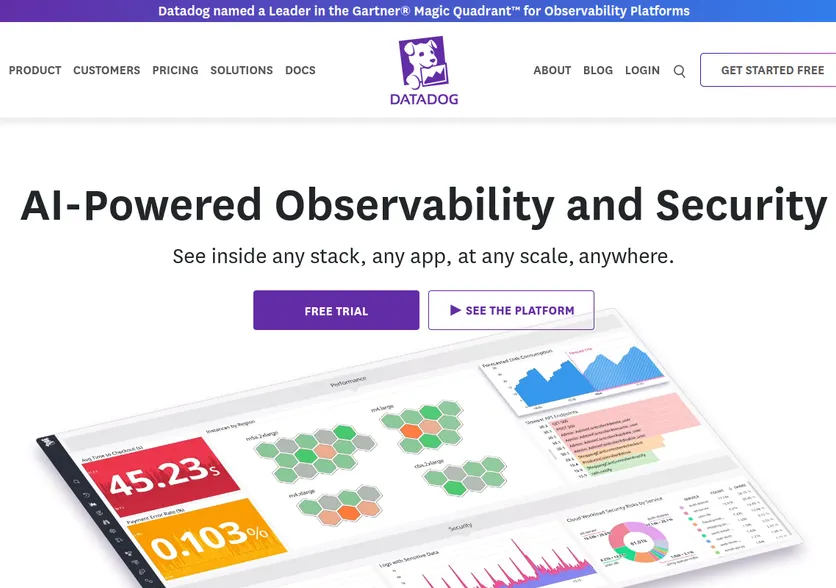
Datadog is the observability platform startups graduate to when uptime becomes a selling point and guessing stops working. This Datadog system unifies metrics, logs and traces with an integration for nearly everything a startup runs. It is the priciest option here per host, so start small and let the bill grow with revenue.
What we like
- Huge integration library
- Logs, metrics and traces in one view
- Powerful alerting and dashboards
Watch out for
- Costs scale fast with hosts and data
- So many products it takes time to learn
How to try it
- Install the Datadog agent on your hosts.
- Turn on the integrations for your stack.
- Build dashboards and set alerts on key metrics.
2. New Relic
Best for: Teams that want full-stack observability with per-user pricing
Paid tool Starting price: $49/user/month · Core user at $49 a month; full platform users from $349 a month on annual billing
Free plan: Free tier (100 GB data ingest a month included)
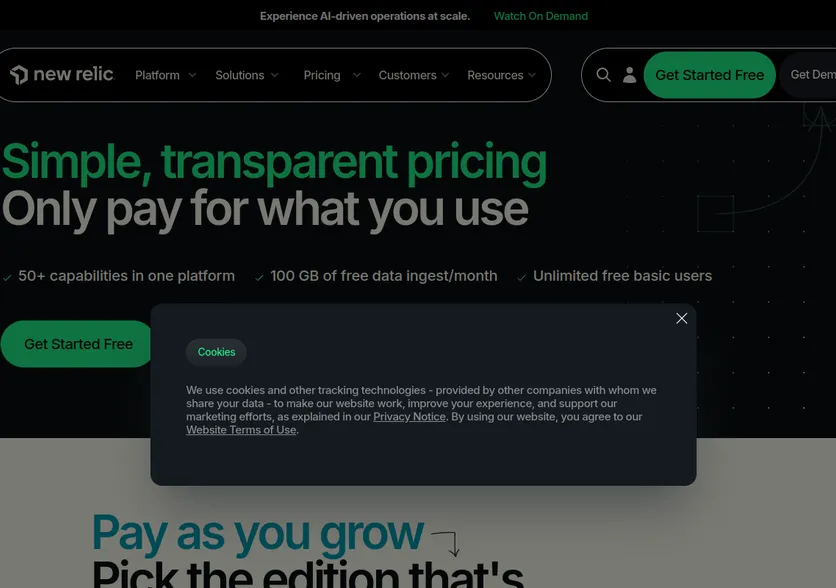
New Relic is the full-stack tool startups pick when they need real APM without hiring a platform team to run it. This New Relic agent traces transactions, flags slow queries and alerts on errors, all from one install. The free tier covers the early days, and Core seats at forty-nine dollars a month scale with the team.
What we like
- Full-stack view from one agent
- Per-user pricing is easy to forecast
- Strong APM with distributed tracing
Watch out for
- Full platform seats cost much more
- Data ingest overages add up
How to try it
- Install the New Relic agent on your app.
- Open APM to see transactions and slow queries.
- Set alerts on errors and response times.
3. Sentry
Best for: Teams that want error tracking developers actually open
Paid tool Starting price: $26/month · Team plan at $26 a month; Business at $80 a month
Free plan: Free Developer plan ($0)
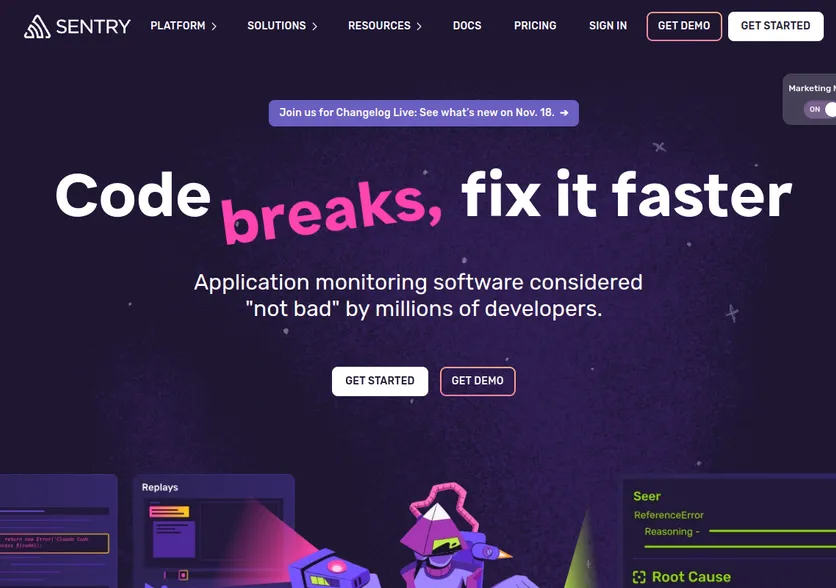
Sentry is the error tracker most startups install first, because it takes minutes and the free plan covers the early product. This Sentry SDK catches crashes with full context, groups duplicates, and shows a replay of what the user did. The Team plan is twenty-six dollars a month when the free tier runs out, which is startup-friendly pricing.
What we like
- Errors arrive with full context
- Free Developer plan is genuinely useful
- Replays show what the user did
Watch out for
- Event volume drives the bill up
- Advanced features need Business
How to try it
- Add the Sentry SDK to your app.
- Trigger a test error and confirm it arrives.
- Assign issues and track them to a fix.
4. Honeycomb
Best for: Teams that debug with wide events and traces, not just metrics
Paid tool Starting price: $150/month · Pro plan from $150 a month, up to 750M events a month
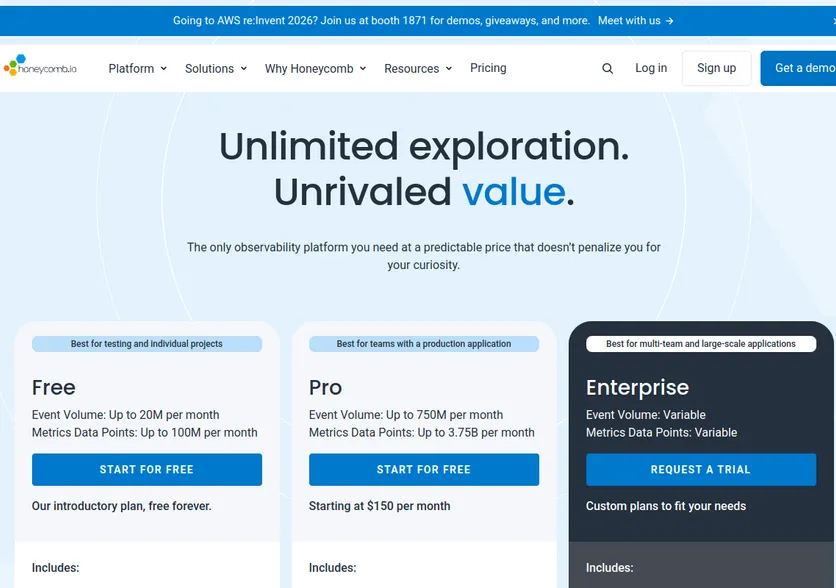
Free plan: Free plan (up to 20M events a month)
Honeycomb is the debugging platform startups choose when they want to ask new questions of their data instead of building dashboards first. This Honeycomb service ingests wide events and traces, answers ad-hoc queries in seconds, and spots the outliers for you. The free plan handles twenty million events a month, which covers most early-stage products.
What we like
- Wide events make debugging fast
- Unlimited seats on every plan
- BubbleUp finds the odd ones out
Watch out for
- Event-based pricing needs care at scale
- Learning curve for new query habits
How to try it
- Send telemetry with OpenTelemetry to Honeycomb.
- Run a query to slice events by any field.
- Save the query as a board for your team.
5. SonarQube
Best for: Teams that want code quality and security checked on every pull request
Paid tool Starting price: $34/month · Team plan from $34 a month for up to 100,000 lines of code
Free plan: Free tier (up to 50,000 lines of code)
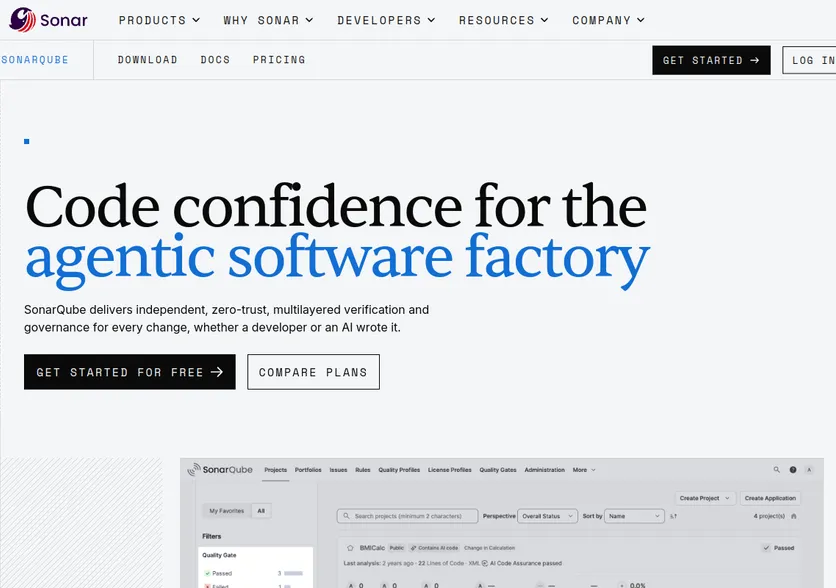
SonarQube is the code quality tool startups add when the codebase outgrows what two founders can hold in their heads. This SonarQube check runs on every pull request, catches bugs and security holes, and keeps the codebase clean as the team grows. The free tier covers small projects, and the Team plan starts at thirty-four dollars a month.
What we like
- Catches bugs before they ship
- Covers 35-plus languages
- Free tier covers small projects
Watch out for
- Paid plans are priced by lines of code
- Enterprise features need a sales call
How to try it
- Connect your repository to SonarQube.
- Run an analysis on your next pull request.
- Fix the bugs and hotspots it flags before merging.
6. LogRocket
Best for: Teams that want to replay exactly what users saw before a bug
Paid tool Starting price: $83/month · Core plan from $83 a month for 10,000 sessions (billed annually)
Free plan: Free plan (1,000 sessions a month)
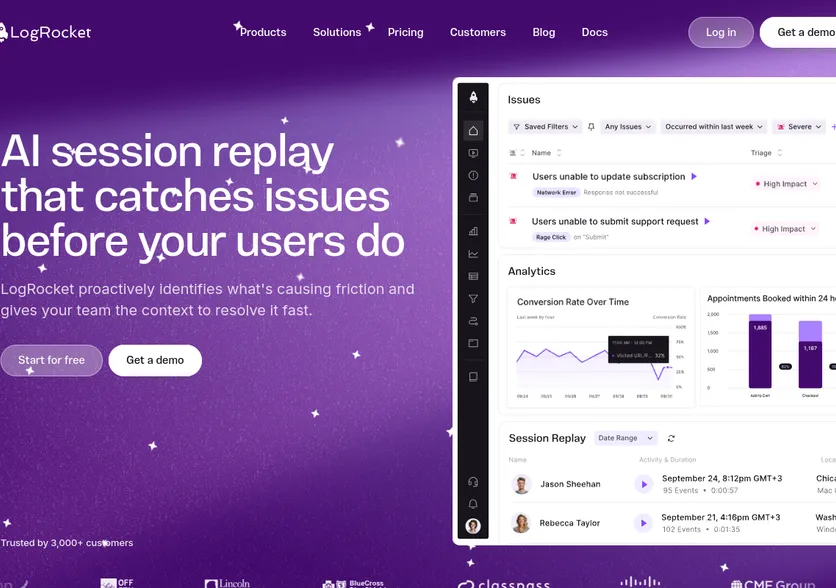
LogRocket is the session replay tool startups use to see exactly why users drop off or hit errors. This LogRocket platform records real sessions, links them to errors and analytics, and adds AI summaries on Pro to speed up triage. The free plan covers a thousand sessions a month, which is enough to learn from early users.
What we like
- Session replay shows the real bug
- Unlimited analytics events on every plan
- Galileo AI summarizes sessions on Pro
Watch out for
- Price scales with sessions captured
- Pro costs much more than Core
How to try it
- Add the LogRocket script to your app.
- Record sessions and link them to errors.
- Watch a replay to see the bug happen.
7. Grafana Cloud
Best for: Teams that want open observability with dashboards they control
Paid tool Starting price: $19/month · Pro platform fee from $19 a month, including 10k active series and 50 GB of logs
Free plan: Free tier (10k active series a month)
Grafana Cloud is the open observability stack startups pick when they want dashboards and alerts without building the plumbing. This Grafana Cloud service covers metrics, logs and traces with a free tier that actually works for a small product. The Pro fee is nineteen dollars a month, and usage pricing grows with the product.
What we like
- Open ecosystem with huge plugin library
- Free tier is actually useful
- One platform for metrics, logs and traces
Watch out for
- Usage pricing takes monitoring to budget
- Setup is more hands-on than rivals
How to try it
- Send metrics, logs and traces to Grafana Cloud.
- Build a dashboard from your data sources.
- Set alerts and share panels with your team.
8. Rollbar
Best for: Teams that want error monitoring with session replays included
Paid tool Starting price: $29/month · Essentials plan from $29 a month at 50,000 events a month, per the vendor pricing FAQ
Free plan: Free plan (5,000 occurrences a month)
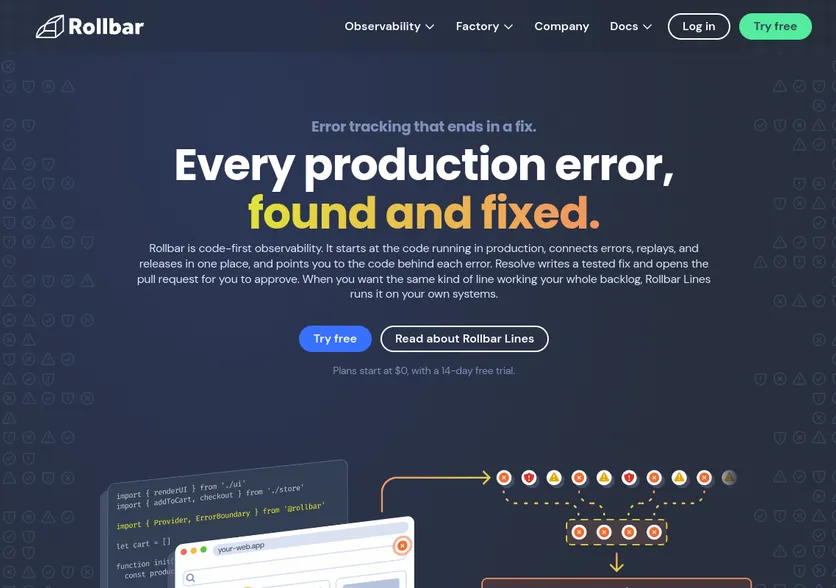
Rollbar is the error monitor startups choose when they want replays and AI triage without an enterprise contract. This Rollbar platform groups errors, shows what happened in a replay, and keeps the bill predictable with overage controls. The free plan covers five thousand occurrences a month, and Essentials starts at twenty-nine dollars.
What we like
- Session replays on every plan
- AI credits help triage errors
- Overage controls stop surprise bills
Watch out for
- Prices are set by event volume
- Advanced features need the higher plan
How to try it
- Add the Rollbar SDK to your app.
- Send a test error and check it arrives.
- Turn on replays to see errors in context.
Prices above were checked on each vendor’s own website on Nov 26, 2026 and can change — the vendor’s page is the final word. Vendor links are editorial: nobody paid to be listed or ranked here. Vendors who want a featured listing can see how it works on our Get listed page.
What startups pay for dev analytics
Startups can run a full analytics stack for free until the product finds traction. Sentry, Honeycomb, Grafana Cloud, SonarQube, LogRocket, New Relic and Rollbar all have free tiers, from free events and sessions to free lines of code. The first paid plans are modest: Grafana Cloud Pro at $19 a month, Sentry Team at $26 and Rollbar Essentials at $29. Datadog at $15 per host and Honeycomb Pro at $150 are the tools to add once revenue supports them.
Pay for the tool that answers the question you ask every day. Errors first with Sentry, then observability with Honeycomb or Grafana Cloud, and code quality with SonarQube as the team grows.
Before you buy
- Install error tracking first, because a crash you never see is a customer you lose without knowing why.
- Use the free tiers until they run out, since an early product should spend on growth, not on dashboards.
- Pick tools that scale with you, so the free plan you start on does not force a painful migration later.
- Check that the tool fits your stack today, because a platform built for enterprises slows a two-person team down.
- Review the bill monthly in the early days, since event and host pricing can jump suddenly with a traffic spike.
Official websites
Official websites of the products reviewed above. Features and prices were checked against these sites when this guide was written, and they can change, so confirm on the vendor site before you buy.
Frequently asked questions
Which dev analytics tool is best for startups?
Honeycomb leads for startups because its free plan covers twenty million events a month and its queries answer new questions in seconds. Sentry is the first install for most startups, with a free Developer plan and a Team plan at twenty-six dollars. LogRocket adds session replays when user behavior is the mystery, and Grafana Cloud covers the rest for nineteen dollars a month.
What should a startup monitor first?
Errors first, then performance. Sentry catches crashes with full context for free, which matters more than a dashboard when the product is new. Add Honeycomb or Grafana Cloud for observability once traffic grows, and SonarQube when the codebase outgrows what the founders can review by hand. One tool at a time beats a shelf of dashboards nobody opens.
How much does Honeycomb cost a startup?
Honeycomb Pro starts at a hundred and fifty dollars a month, but the free plan covers up to twenty million events a month, which is plenty for most early-stage products. Seats are unlimited, so the whole team can use it without extra cost. The bill follows event volume, so a noisy service can raise costs, but the free tier gives a startup room to learn.
Is LogRocket worth it for an early product?
Yes, when user behavior is the question. LogRocket records real sessions, links them to errors, and shows exactly where users struggle, which beats guessing from analytics alone. The free plan covers a thousand sessions a month, enough to learn from early users. Core starts at eighty-three dollars a month for ten thousand sessions when the product grows.
When should a startup move from free tiers to paid analytics?
Move when the free tier runs out or when the team needs the paid features, such as longer retention, more seats or AI summaries. Sentry Team at twenty-six dollars and Grafana Cloud Pro at nineteen are cheap first steps. Keep the tool that the team opens daily, and drop the ones that only get checked during incidents.
Ship your first analytics setup with the free developer tools — no budget needed to start.
Browse Developer Tools tools


