
On this page
RMM software for MSPs charges per technician, per user, per endpoint or per site, and the right model depends on how your team bills. The seven tools below run from one dollar an endpoint to about one hundred twenty-nine dollars a technician a month, and every price was checked on the vendor site on November 26, 2026. Most include unlimited endpoints or a generous free tier, so compare the whole cost rather than the monthly rate alone. Atera is our first pick — the best all-in-one platform for MSPs.
How we researched this
We started with the RMM tools MSPs actually buy, then read each price on the vendor pricing page on November 26, 2026 and noted the free trial each plan carries. We judged them for a managed service provider that needs remote monitoring, patching, remote access and ticketing in one system, and we kept only tools with a published price. We dropped NinjaOne, Datto RMM, N-able N-sight and ConnectWise Automate because none of them publishes a price.
Compare the tools
| Name | Best for | Starting price | Free plan | |
|---|---|---|---|---|
 Atera | MSPs who want unlimited endpoints and an all-in-one platform that includes the PSA | $129/technician/month | No free plan; 30-day free trial, no card required | Visit |
 Syncro | Small MSPs who want the PSA and RMM bundled at one price per user | $129/user/month | No free plan; 14-day free trial, no card required | Visit |
 Pulseway | Small MSPs who want the cheapest start with mobile-first remote monitoring | $27/month | No free plan; free trial available | Visit |
 SuperOps | MSPs who want a modern PSA plus RMM platform with a free trial | $129/technician/month | No free plan; free trial available | Visit |
 Action1 | MSPs and IT teams who want patch management free for the first two hundred endpoints | $4/endpoint/month | First 200 endpoints free forever; no free trial needed | Visit |
 Domotz | MSPs who monitor many small sites and want one flat price per site | $35/site/month | No free plan; 14-day free trial, no card required | Visit |
 Automox | IT teams and MSPs who want the cheapest patching per endpoint | $1/endpoint/month | No free plan; 15-day free trial, no card required | Visit |
The RMM software for MSPs, compared
1. Atera
Best for: MSPs who want unlimited endpoints and an all-in-one platform that includes the PSA
Paid tool Starting price: $129/technician/month · MSP Pro billed annually; monthly billing is one hundred thirty-nine dollars a technician a month; Growth one hundred fifty-nine dollars annual and Power two hundred nine dollars annual
Free plan: No free plan; 30-day free trial, no card required
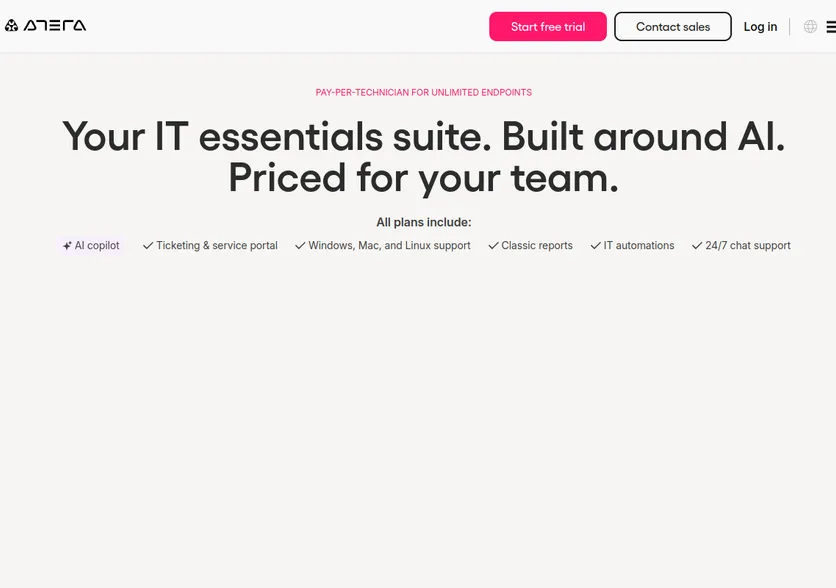
Atera is the all-in-one remote monitoring and management platform for MSPs, with the PSA built in and every endpoint covered at one price per technician. This Atera MSP Pro plan costs one hundred twenty-nine dollars a technician a month billed annually and includes unlimited endpoints. An MSP that wants one bill for monitoring, patching, remote access and ticketing will like the flat per-technician model.
What we like
- Unlimited endpoints on every plan
- PSA built in, so billing and ticketing live together
- Thirty-day trial with no card required
Watch out for
- MSP Pro is one hundred twenty-nine dollars a technician a month, so small teams pay more
- The monthly rate is higher than the annual rate
How to try it
- Open the Atera pricing page and pick MSP Pro
- Start the thirty-day trial with your own endpoints
- Test patching, remote access and the PSA together
2. Syncro
Best for: Small MSPs who want the PSA and RMM bundled at one price per user
Paid tool Starting price: $129/user/month · Core billed annually; monthly billing is one hundred fifty-nine dollars a user a month; Team one hundred seventy-nine dollars annual; IT Teams one hundred seventy-nine dollars annual
Free plan: No free plan; 14-day free trial, no card required
Syncro bundles the PSA and the RMM into one per-user price, so a small MSP runs the whole shop from one login. This Syncro Core plan costs one hundred twenty-nine dollars a user a month billed annually and includes unlimited endpoints. An MSP that bills clients by the hour will like the ticketing, invoicing and automation living in the same system.
What we like
- PSA and RMM bundled at one price per user
- Unlimited endpoints on every plan
- Fourteen-day trial with no card required
Watch out for
- Core is one hundred twenty-nine dollars a user a month with no free plan
- The vendor site is now syncrosecure dot com after the rebrand
How to try it
- Open the Syncro pricing page and compare Core and Team
- Start the fourteen-day trial with your own endpoints
- Test ticketing, invoicing and patching together
3. Pulseway
Best for: Small MSPs who want the cheapest start with mobile-first remote monitoring
Paid tool Starting price: $27/month · From twenty-seven dollars a month for up to twenty endpoints, with tier discounts as the fleet grows
Free plan: No free plan; free trial available
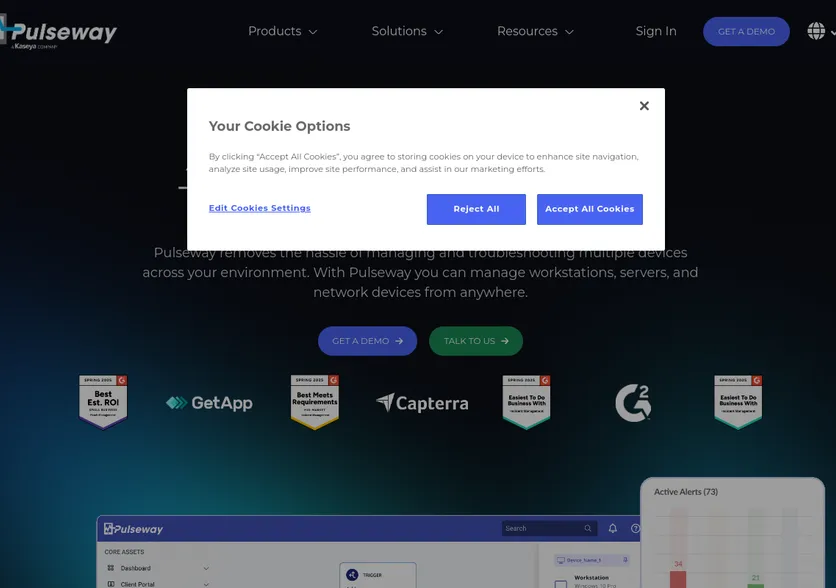
Pulseway is the mobile-first remote monitoring tool for MSPs, built around a phone app that lets a technician fix endpoints from anywhere. This Pulseway plan starts at twenty-seven dollars a month for up to twenty endpoints and adds more capacity as the fleet grows. A small MSP that lives on its phone will like the mobile alerts and one-tap remote control.
What we like
- Cheapest starting price in this comparison
- Mobile-first design with one-tap remote control
- Tier discounts as the endpoint fleet grows
Watch out for
- The twenty-seven-dollar plan covers only twenty endpoints
- No free plan, only a trial
How to try it
- Open the Pulseway pricing page and check the endpoint tiers
- Start a trial and add your first twenty endpoints
- Test the mobile app with a real alert
4. SuperOps
Best for: MSPs who want a modern PSA plus RMM platform with a free trial
Paid tool Starting price: $129/technician/month · MSP Pro billed annually; monthly billing is one hundred forty-nine dollars a technician a month; Super one hundred fifty-nine dollars annual; PSA-only seventy-nine dollars and RMM-only ninety-nine dollars annual
Free plan: No free plan; free trial available
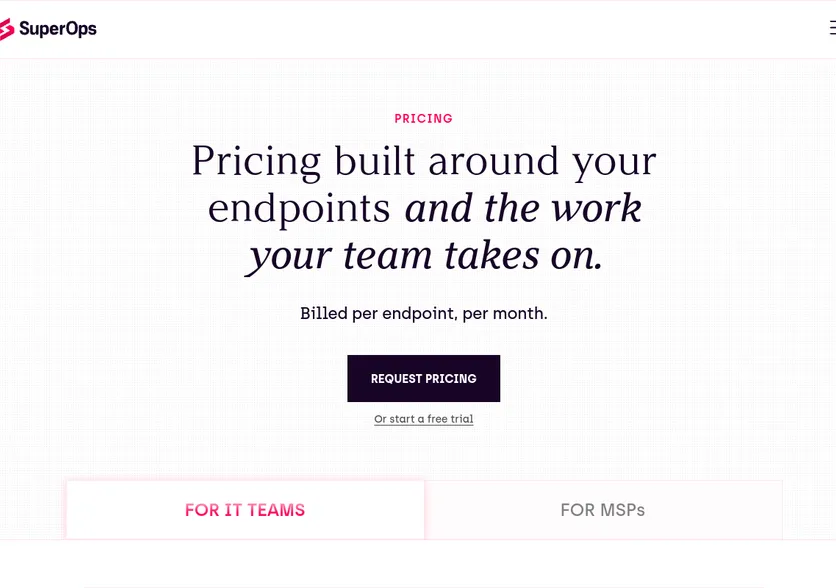
SuperOps is the modern PSA and RMM platform for MSPs, built around AI-assisted ticketing and clean per-technician pricing. This SuperOps MSP Pro plan costs one hundred twenty-nine dollars a technician a month billed annually and covers one hundred fifty endpoints per technician. An MSP that wants the PSA and the RMM in one modern interface will like the AI ticket triage that comes standard.
What we like
- AI ticket triage included on every plan
- Modern interface with PSA and RMM in one place
- One hundred fifty endpoints per technician on Pro
Watch out for
- MSP Pro is one hundred twenty-nine dollars a technician a month
- No free plan, only a trial
How to try it
- Open the SuperOps pricing page and compare MSP Pro and Super
- Start a trial with your own endpoints
- Test the AI ticket triage on real tickets
5. Action1
Best for: MSPs and IT teams who want patch management free for the first two hundred endpoints
Paid tool Starting price: $4/endpoint/month · Growth plan billed annually for two hundred one to one thousand endpoints, on top of the first two hundred endpoints free forever; Enterprise is custom
Free plan: First 200 endpoints free forever; no free trial needed
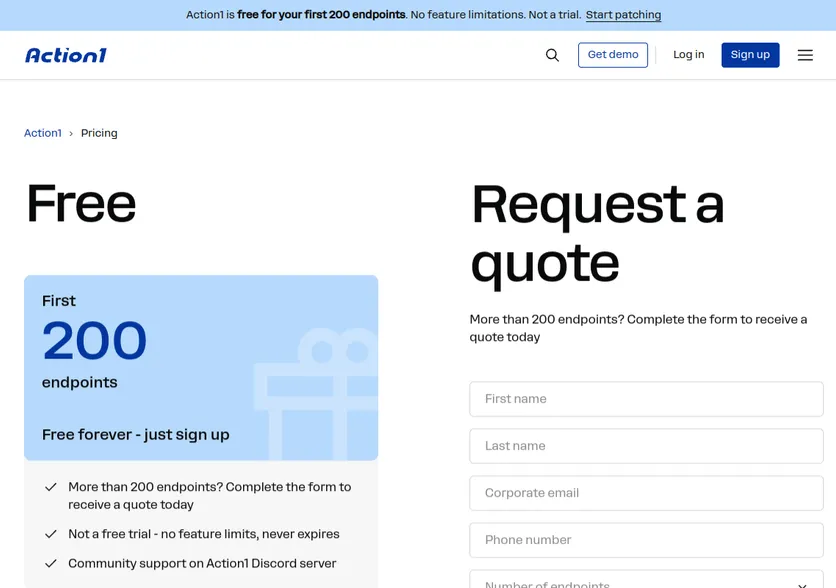
Action1 is the patch management platform that gives the first two hundred endpoints away free forever, then charges a flat rate per endpoint above that. This Action1 Growth plan costs four dollars an endpoint a month billed annually for two hundred one to one thousand endpoints. An MSP that patches a few hundred machines will like paying only for the endpoints above the free two hundred.
What we like
- First two hundred endpoints free forever
- Flat four dollars an endpoint a month above the free tier
- Built for patch management, not a bloated suite
Watch out for
- Growth is four dollars an endpoint a month with no published support fee
- The Enterprise plan is custom priced
How to try it
- Claim the free tier for your first two hundred endpoints
- Set up patching on a test machine
- Count the endpoints above two hundred to price Growth
6. Domotz
Best for: MSPs who monitor many small sites and want one flat price per site
Paid tool Starting price: $35/site/month · Flat rate, one collector per site, unlimited devices, every feature included; MSP volume pricing falls to seventeen dollars fifty a site on a twelve-month term
Free plan: No free plan; 14-day free trial, no card required
Domotz monitors every device at a site for one flat price, with a collector box that reports back to a single dashboard. This Domotz plan costs thirty-five dollars a site a month, with one collector per site, unlimited devices and every feature included. An MSP that watches many small offices will like paying per site instead of per device.
What we like
- One flat price per site with unlimited devices
- Every feature included on the single plan
- MSP volume pricing falls to seventeen dollars fifty a site
Watch out for
- The thirty-five-dollar price is per site, not per device
- The vendor pages also show thirty-five euros per collector for European buyers
How to try it
- Open the Domotz pricing page and check the per-site model
- Start the fourteen-day trial and install a collector
- Test device monitoring and alerts on a real site
7. Automox
Best for: IT teams and MSPs who want the cheapest patching per endpoint
Paid tool Starting price: $1/endpoint/month · Patch OS plan, one dollar an endpoint a month with an annual commitment; Automate Essentials and Enterprise are quote-based; fifteen-day free trial, no card
Free plan: No free plan; 15-day free trial, no card required
Automox is the cloud-native patch management platform that prices its core OS patching at one dollar an endpoint a month. This Automox Patch OS plan costs one dollar an endpoint a month with an annual commitment and covers Windows, Mac and Linux patching. An MSP that patches a large fleet will like the cheapest per-endpoint price in this list.

What we like
- Cheapest per-endpoint price in this comparison
- Cloud-native patching for Windows, Mac and Linux
- Fifteen-day trial with no card required
Watch out for
- One dollar an endpoint covers OS patching only, automation costs more
- The Automate plans are quote-based, not published
How to try it
- Open the Automox pricing page and check the Patch OS plan
- Start the fifteen-day trial with a test fleet
- Count your endpoints and price the annual commitment
Prices above were checked on each vendor’s own website on Nov 26, 2026 and can change — the vendor’s page is the final word. Vendor links are editorial: nobody paid to be listed or ranked here. Vendors who want a featured listing can see how it works on our Get listed page.
What RMM software costs an MSP in 2026
RMM software charges per technician, per user, per endpoint or per site, and the right model depends on how your team bills. An MSP with three technicians pays about three hundred eighty-seven dollars a month on a per-technician plan, while an MSP with two hundred endpoints pays eight hundred dollars a month on a four-dollar per-endpoint plan. This list runs from one dollar an endpoint to about one hundred twenty-nine dollars a technician a month, and the headline plan each vendor shows on its own pricing page is the number in the table above, checked on November 26, 2026.
Start with the free trial on two tools and run your own endpoints through each for a week, from patching to ticketing. Compare how fast a remote session starts, how the patch report looks to a client, and whether ticketing needs a second app. Pick the tool your technicians reach for first, because a system they avoid is money wasted.
Before you buy
- Count your technicians first, because per-technician pricing beats per-endpoint pricing only above a certain fleet size.
- Check the endpoint limits, because SuperOps caps Pro at one hundred fifty endpoints per technician.
- Use the free tiers, because Action1 gives two hundred endpoints free and Atera offers a thirty-day trial.
- Compare annual and monthly billing, because most tools here cut the price by a tenth or more on annual plans.
- Confirm the support fees, because Action1 does not publish what paid support costs.
Official websites
Official websites of the products reviewed above. Features and prices were checked against these sites when this guide was written, and they can change, so confirm on the vendor site before you buy.
Frequently asked questions
Which RMM software is best for MSPs in 2026?
Atera, at one hundred twenty-nine dollars a technician a month billed annually, is the safest default because it bundles the PSA and the RMM with unlimited endpoints. Syncro matches it at one hundred twenty-nine dollars a user a month with the same bundle. Pulseway is the cheapest start, from twenty-seven dollars a month for up to twenty endpoints.
How much does RMM software cost an MSP?
Most tools in this list cost between twenty-seven and one hundred twenty-nine dollars a technician or user a month, before any support fees. Per-endpoint tools like Automox start at one dollar an endpoint a month, while per-site tools like Domotz charge thirty-five dollars a site a month. Annual billing cuts most monthly rates by a tenth or more.
Is there free RMM software for MSPs?
Action1 gives the first two hundred endpoints away free forever, which is the most generous free tier in this list. The other six tools offer free trials of fourteen to thirty days instead of a permanent free plan. A trial is enough to patch a test fleet, start a remote session and run the ticketing through a real week.
Should I pay per technician or per endpoint?
An MSP with three technicians and two hundred endpoints pays less on a per-technician plan like Atera at one hundred twenty-nine dollars a technician a month, while an MSP with one technician and five hundred endpoints pays less per endpoint on a plan like Automox. Count your team and your fleet, then work out the monthly total on each model before you buy.
What should I look for in RMM software as an MSP?
Look for remote monitoring, patching, remote access and ticketing in the same login, plus a price that fits your team and fleet size. Check the endpoint caps and the support fees, because a cheap plan with a low cap costs more than a flat plan. Test the whole week with real endpoints before you buy, since your technicians decide whether the tool gets used.
Need everyday business help too? Try Toolsvine's free business tools for MSPs right in your browser.
Browse Business Tools tools


