On this page
Repetitive work eats the day: copying data between apps, chasing approvals and retyping the same details into different systems. The seven tools below automate that work for teams of every size, from a small business connecting two apps to an enterprise orchestrating bots across departments. UiPath leads because it brings AI agents, robots and people into one platform for twenty-five dollars a month, and the rest are ranked on ease of setup, scale and price.
How we researched this
We checked every price on the vendor pricing page on November 28, 2026, and only included tools with a published US dollar list price. The enterprise RPA platforms that sell by quote, including Blue Prism, WorkFusion, Pega, Appian and Kofax, publish no prices, so they are not in this list. Prices change, so confirm the current figure on the vendor site before you buy.
Compare the tools
| Name | Best for | Starting price | Free plan | |
|---|---|---|---|---|
| UiPath | Teams that want broad automation across departments | $25/month | Free Community Edition | Visit |
 Microsoft Power Automate | Teams already running on Microsoft 365 | $15/user/month | Free Developer Plan | Visit |
 Zapier | Small teams that want no-code automation fast | $19.99/month | Free plan | Visit |
 Make | Teams that want visual automation at a low price | $9/month | Free plan | Visit |
 n8n | Technical teams that want fair-code automation | €20/month | Free self-hosted Community Edition with unlimited executions | Visit |
 NICE CXone | Service teams that automate customer interactions at scale | $110/agent/month | No free plan; demo available | Visit |
| Rocketbot | Teams that want desktop RPA with document processing | $7,990/year | Free Studio licence | Visit |
The rpa software for increasing efficiency, compared
1. UiPath
Best for: Teams that want broad automation across departments
Paid tool Starting price: $25/month · Twenty-five dollars a month for Automation Cloud Basic; Standard and Enterprise plans are sold by quote; prices are list prices with no promotion applied
Free plan: Free Community Edition
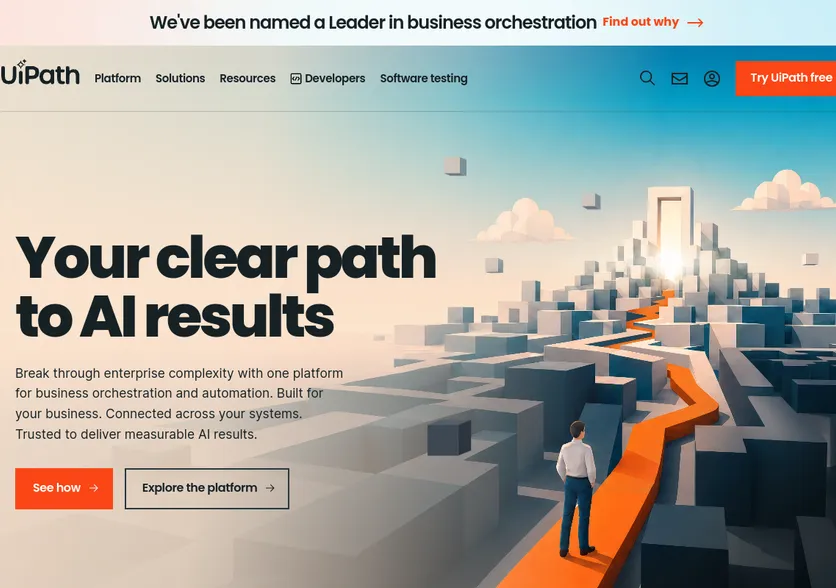
For a team that wants automation across whole departments, this UiPath plan costs twenty-five dollars a month and brings AI agents, robots and people into one orchestration platform. It brings AI agents, robots and people together in one orchestration platform for automation across departments. The Basic cloud plan suits a team starting with its first bots, and larger plans are sold by quote.
What we like
- Combines AI agents, robots and people in one platform
- Free Community Edition for learning and small teams
- Orchestration suits cross-team automation
Watch out for
- Broad scope can mean a longer setup
- Standard and Enterprise plans are quote-only
How to try it
- Start on the free Community Edition with one process
- Build a bot for the most repetitive task first
- Check the paid plans before rolling out across teams
2. Microsoft Power Automate
Best for: Teams already running on Microsoft 365
Paid tool Starting price: $15/user/month · Fifteen dollars per user a month on the Premium plan; Process is one hundred and fifty dollars per bot a month and Per Flow is one hundred dollars per flow a month; a free Developer Plan is available
Free plan: Free Developer Plan
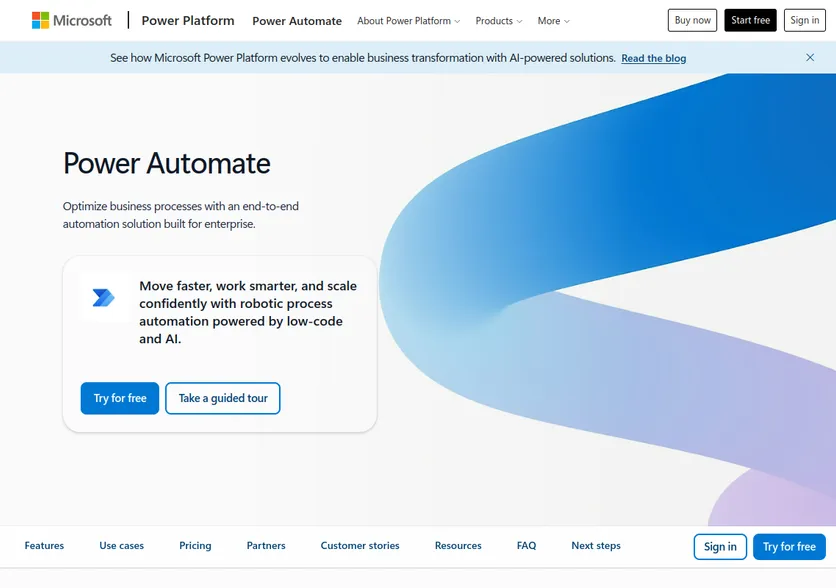
For a team already running on Microsoft 365, this Microsoft Power Automate plan costs fifteen dollars per user a month and automates steps inside the apps the team already uses. It automates repetitive steps inside Microsoft 365, with hundreds of connectors to common business apps. The Premium plan covers one user, and the Process plan suits unattended bots that run on their own.
What we like
- Automates steps inside Microsoft 365 with hundreds of connectors
- Free Developer Plan for testing flows
- Process plan suits unattended bots
Watch out for
- Best value only inside the Microsoft ecosystem
- Per-flow pricing can surprise teams with many flows
How to try it
- Start on the free Developer Plan with one flow
- Connect your most-used Microsoft 365 app first
- Compare Premium and Process before scaling up
3. Zapier
Best for: Small teams that want no-code automation fast
Paid tool Starting price: $19.99/month · Nineteen dollars and ninety-nine cents a month billed annually on Professional for seven hundred and fifty tasks, or twenty-nine dollars and ninety-nine cents billed monthly; Team and Enterprise tiers add seats and controls
Free plan: Free plan
For a small team that wants no-code automation today, this Zapier plan costs nineteen dollars and ninety-nine cents a month and connects thousands of apps without writing code. It connects thousands of apps with no-code workflows, so a team can automate handoffs without writing code. The Professional plan covers seven hundred and fifty tasks a month, and higher tiers add more tasks and users.

What we like
- Connects thousands of apps with no-code workflows
- Free plan lets a team test real automations
- Professional covers seven hundred and fifty tasks a month
Watch out for
- Task limits can bite when automations run often
- Complex multi-step workflows need the higher tiers
How to try it
- Start on the free plan with one simple workflow
- Connect the two apps you move data between most
- Watch task usage before the first month ends
4. Make
Best for: Teams that want visual automation at a low price
Paid tool Starting price: $9/month · Nine dollars a month billed annually on Core for ten thousand operations, or ten dollars and fifty-nine cents billed monthly; Pro and Teams tiers add operations and seats
Free plan: Free plan
For a team that wants visual automation at the lowest price, this Make plan costs nine dollars a month and builds scenarios with a drag-and-drop editor. It builds visual automation scenarios with a drag-and-drop editor and a generous free tier. The Core plan covers ten thousand operations a month, and the Pro tier adds more operations and team seats.

What we like
- Visual scenario builder that is easy to follow
- Core plan covers ten thousand operations a month
- Free plan is generous enough for real testing
Watch out for
- Visual scenarios can get tangled at large scale
- Some connectors need the higher tiers
How to try it
- Start on the free plan with one scenario
- Build the workflow that saves the most time first
- Check operation usage before upgrading to Core
5. n8n
Best for: Technical teams that want fair-code automation
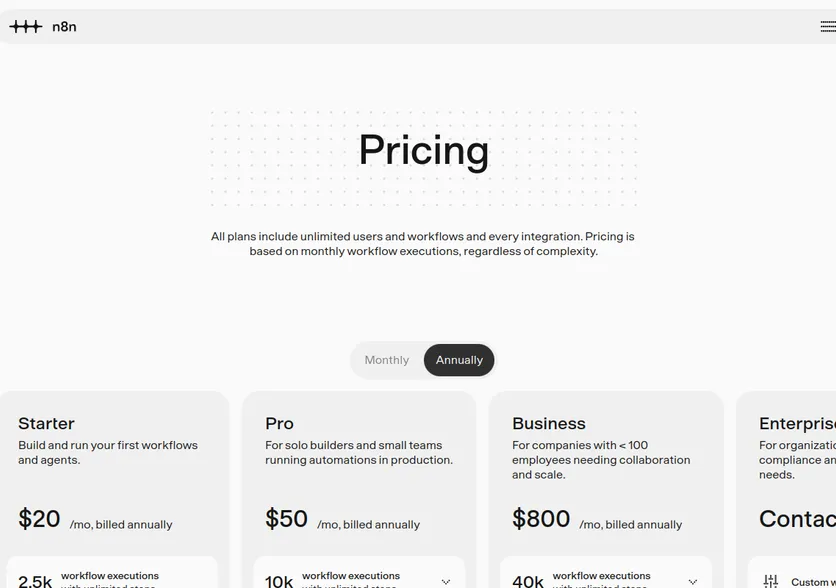
Paid tool Starting price: €20/month · Twenty euros a month billed annually on Starter for two thousand five hundred executions, or twenty-four euros billed monthly; the vendor prices in euros only, with no US dollar list price
Free plan: Free self-hosted Community Edition with unlimited executions
For a technical team that wants fair-code automation, this n8n plan costs twenty euros a month and covers two thousand five hundred executions on the Starter cloud plan. It offers a fair-code automation platform with a free self-hosted Community Edition for unlimited executions. The Starter cloud plan covers two thousand five hundred executions, and prices are listed in euros only.
What we like
- Fair-code platform with a free self-hosted edition
- Starter covers two thousand five hundred executions
- Hundreds of nodes for apps and APIs
Watch out for
- Vendor prices in euros only, with no dollar list price
- Self-hosting needs technical setup and maintenance
How to try it
- Try the free self-hosted Community Edition first
- Build one workflow against your most-used app
- Compare cloud Starter against self-hosting costs
6. NICE CXone
Best for: Service teams that automate customer interactions at scale
Paid tool Starting price: $110/agent/month · One hundred and ten dollars per agent a month for the Omnichannel Suite, billed monthly in arrears; Essential Suite is one hundred and thirty-five dollars and Ultimate Suite is two hundred and forty-nine dollars plus twenty-five cents a session; the one hundred and ten dollar figure is the vendor-published suite price for the automation-led tier
Free plan: No free plan; demo available
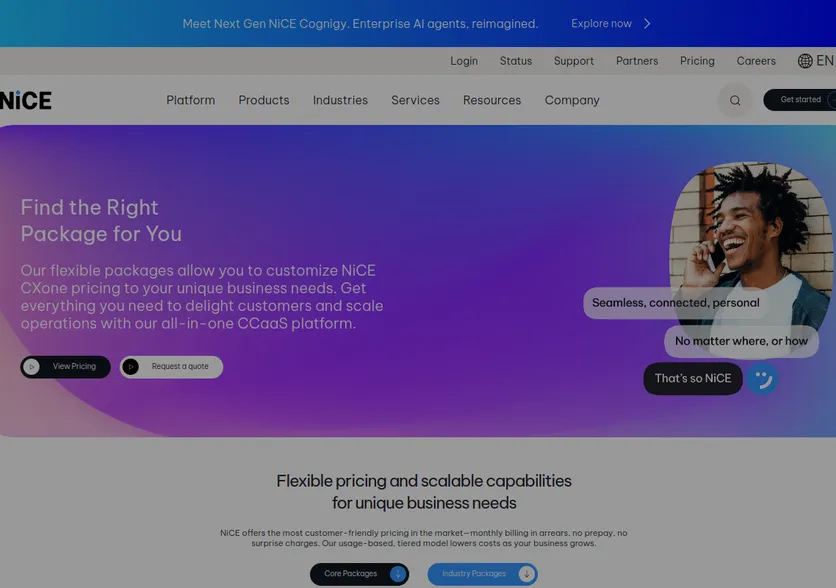
For a service team that automates customer interactions at scale, this NICE CXone plan costs one hundred and ten dollars per agent a month and pairs routing with AI agents. It pairs contact-center routing with AI agents and automation for service teams that handle high volumes. The Omnichannel Suite covers voice and digital channels, and higher suites add quality management and AI copilots.
What we like
- Pairs contact-center routing with AI agents and automation
- Omnichannel Suite covers voice and digital channels
- Higher suites add quality management and AI copilots
Watch out for
- Built for contact centers, not general back-office automation
- No free plan or trial, only a demo
How to try it
- Open the NICE pricing page and check the Omnichannel Suite
- Book a demo and ask how AI agents handle your top enquiry
- Compare Essential and Ultimate before committing
7. Rocketbot
Best for: Teams that want desktop RPA with document processing
Paid tool Starting price: $7,990/year · Seven thousand nine hundred and ninety dollars a year for the Entry plan, about six hundred and sixty-five dollars and eighty-three cents a month billed annually, with five parallel automations and two development licenses; Standard is fourteen thousand nine hundred and ninety dollars a year; multiple November 2026 reads of the vendor pricing page agree on the Entry figure
Free plan: Free Studio licence
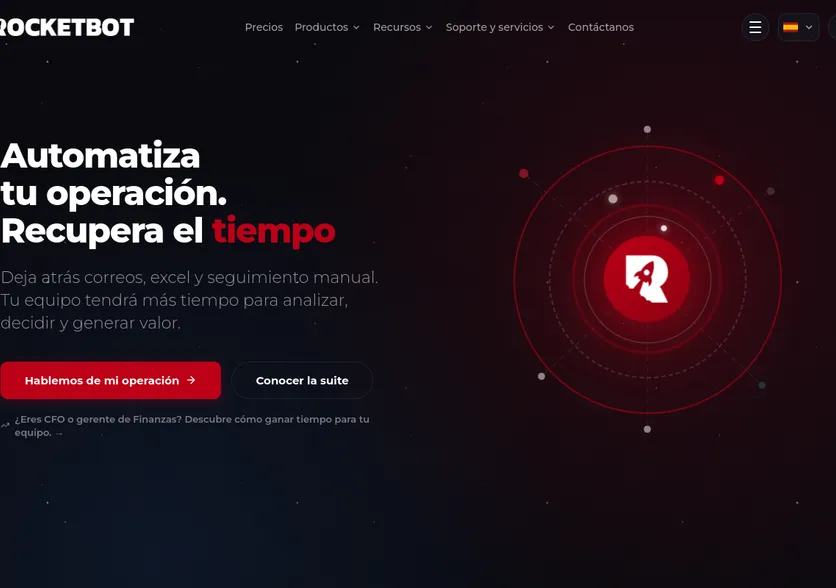
For a team that wants desktop robots with document processing, this Rocketbot plan costs seven thousand nine hundred and ninety dollars a year and runs attended and unattended robots from one studio. It runs attended and unattended robots with a desktop studio, document processing and human review steps. The Entry plan includes five parallel automations and two development licenses, and higher tiers add more automations.
What we like
- Desktop studio with document processing and human review
- Entry plan includes five parallel automations
- Free Studio licence for building robots
Watch out for
- Entry price is the highest in this comparison
- No per-seat rate for very small teams
How to try it
- Start with the free Studio licence and build one robot
- Test document processing on a real form
- Confirm the Entry tier limits before buying
Prices above were checked on each vendor’s own website on Nov 28, 2026 and can change — the vendor’s page is the final word. Vendor links are editorial: nobody paid to be listed or ranked here. Vendors who want a featured listing can see how it works on our Get listed page.
How to pick your first automation without overbuying
Start with one process, because the fastest way to learn automation is to automate the task your team hates most. Map the steps on paper first, noting every app the process touches and every approval it needs. Pick the tool that already connects to those apps, since a missing connector turns a simple flow into a project. Run the automation beside the manual process for two weeks, and compare the results before switching off the old way. Document every flow you build, since the person who maintains it next year may not be the person who built it. Scale only the flows that prove themselves, and retire the ones nobody uses.
Before you buy
- Map the processes you want to automate and note which systems they touch
- Check whether the tool coordinates people, systems and AI agents as you need
- Confirm integration support for your existing applications and data sources
- Ask how governance and compliance requirements are handled in your sector
- Verify the vendor's current documentation for limits that affect your scale
Official websites
Official websites of the products reviewed above. Features and prices were checked against these sites when this guide was written, and they can change, so confirm on the vendor site before you buy.
Frequently asked questions
Which RPA tool is best for broad enterprise automation?
UiPath is a strong starting point because it combines AI agents, robots and people in one orchestration platform. NICE CXone and Rocketbot also target enterprise-scale work, though NICE suits service teams and Rocketbot suits desktop automation. The right fit depends on whether you need orchestration, process management or focused automation.
How much does UiPath cost?
UiPath costs twenty-five dollars a month for Automation Cloud Basic, with Standard and Enterprise plans sold by quote. A free Community Edition is available for learning and small teams. Prices are list prices with no promotion applied, so confirm the current figure on the vendor site before you buy.
Can RPA help a small team, or is it only for enterprises?
Yes, small teams can use RPA through the lighter tools in this list. Zapier costs nineteen dollars and ninety-nine cents a month billed annually and needs no code, while Make costs nine dollars a month and n8n offers a free self-hosted edition. Start with one repetitive process and scale only the flows that prove themselves.
How do I choose between RPA and process orchestration?
RPA suits repetitive, rule-based tasks, while orchestration platforms coordinate agents, systems and people across critical processes. Many organizations need both, so start by mapping where manual effort and handoffs slow you down. UiPath covers both in one platform, while Zapier and Make suit task-level automation.
What should I check before buying RPA software?
Confirm integration with your existing systems, the governance controls your industry requires, and how the vendor documents limits that affect your scale. Also check that the tool's focus matches your efficiency goal, whether that is customer service, compliance or broad workflow automation. A free plan or trial helps test the tool on a real process first.
Compare the seven tools above, then start with a free plan or trial on the tool that matches how the team already works before paying for a full year.
Browse Business Tools tools