
On this page
Every team repeats the same small jobs: copying data between apps, chasing approvals, and updating spreadsheets by hand. The best IT process automation software takes those jobs off your plate, connecting the tools you already use so work moves itself. We checked seven platforms live on their own pricing pages, from a free plan that covers a hundred tasks a month to enterprise robots that run whole departments. Zapier is our top pick for most teams: it connects more apps than anyone else and the free plan is genuinely useful.
How we researched this
We read each vendor's own pricing page on 26 November 2026 and kept only platforms with a published dollar price. We used list prices throughout and favoured tools that cover different needs, from a solo freelancer automating invoices to a company running attended robots on employee desktops.
Compare the tools
| Name | Best for | Starting price | Free plan | |
|---|---|---|---|---|
 Zapier | Teams that want the widest app library and the fastest setup | $19.99/month | Free plan at $0 with 100 tasks a month; 14-day Professional trial | Visit |
 Make | Freelancers and small teams that want visual workflows at the lowest price | $9/month | Free plan at $0 with 1,000 credits a month | Visit |
| Tray.ai | Teams that want AI agents inside their automations | $50/month | No free plan; 30-day free trial with 1M tasks, no card | Visit |
| UiPath | Companies automating legacy desktop software with robots | $25/month | No free plan listed | Visit |
 Power Automate | Teams already running on Microsoft 365 | $15/user/month | 30-day free trial; standard connectors included in many Microsoft 365 plans | Visit |
 Activepieces | Teams that want open-source automation with simple per-run pricing | $16/month | Free plan with 1,000 credits a month | Visit |
 IFTTT | People and small businesses automating consumer apps and smart homes | $5.49/month | Free plan at $0 with 1,000 credits a month | Visit |
The 7 best IT process automation software platforms
1. Zapier
Best for: Teams that want the widest app library and the fastest setup
Paid tool Starting price: $19.99/month · Professional starts at $19.99 a month billed annually for 750 tasks a month. Team is $69 a month. Free is $0 forever with 100 tasks a month and two-step Zaps.
Free plan: Free plan at $0 with 100 tasks a month; 14-day Professional trial
Zapier is the default automation platform for a reason: it connects more than eight thousand apps, so the workflow you need probably already exists as a template. Professional starts at just under twenty dollars a month and adds multi-step Zaps, webhooks and unlimited premium apps. The free plan covers a hundred tasks a month, which is enough to automate one real workflow before you pay anything.

What we like
- Widest app library of any tool on this list
- Thousands of ready-made templates to start from
- Free plan runs a real workflow at no cost
Watch out for
- Task-based pricing adds up fast at high volume
- Advanced logic needs the higher-priced plans
How to try it
- Pick a trigger app and the event that starts the workflow
- Add action steps for the apps that should receive the data
- Test the Zap with real data, then switch it on and watch the task history
2. Make
Best for: Freelancers and small teams that want visual workflows at the lowest price
Paid tool Starting price: $9/month · Core is $9 a month billed annually for 10,000 credits a month. Pro is $16 and Teams is $29 a month billed annually. Free is $0 with 1,000 credits a month. Price corroborated by multiple vendor-page reads from October and November 2026, since the vendor page is JavaScript-rendered.
Free plan: Free plan at $0 with 1,000 credits a month
Make builds automations as visual diagrams, so you can see every step, branch and filter on one canvas instead of guessing what a list of rules does. Core costs nine dollars a month billed annually and includes ten thousand credits, which covers far more runs than the same money buys elsewhere. It is the cheapest serious automation platform here, and the visual builder makes complex workflows easier to debug than a text list.

What we like
- Cheapest paid plan on this list at nine dollars
- Visual canvas shows the whole workflow at a glance
- Ten thousand credits cover a heavy monthly workload
Watch out for
- Credits count every module, so long workflows cost more
- Steeper learning curve than the simplest tools
How to try it
- Drag modules onto the canvas and connect them in order
- Add routers and filters to branch the workflow by condition
- Run the scenario once to check the data, then schedule it
3. Tray.ai
Best for: Teams that want AI agents inside their automations
Paid tool Starting price: $50/month · Helix Builder Edition starts at $50 a month. iPaaS Pro, Team and Enterprise are sized to needs and quoted by sales. A 30-day free trial includes one million tasks with no card required.
Free plan: No free plan; 30-day free trial with 1M tasks, no card
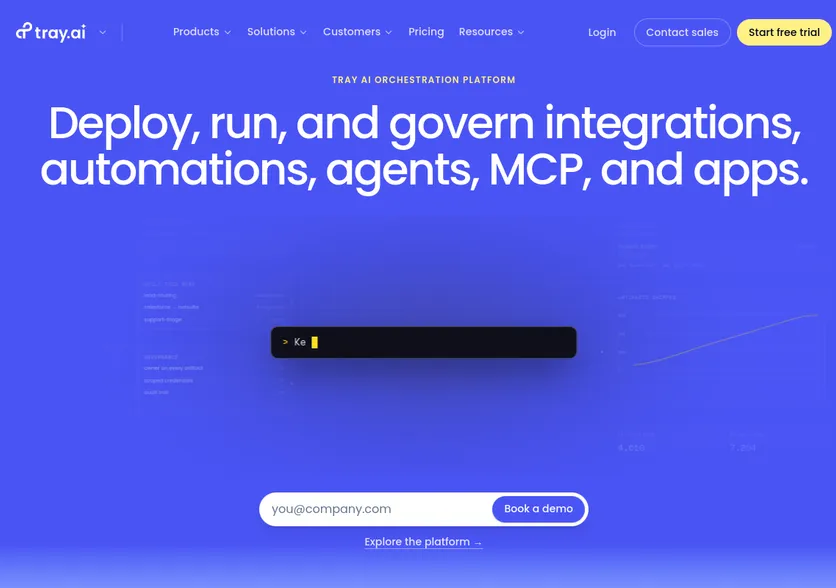
Tray pairs a visual workflow builder with AI agents that can reason, call tools and handle exceptions instead of just moving data from one app to another. The Helix Builder Edition starts at fifty dollars a month and includes the agent builder, while larger iPaaS plans are quoted for teams with bigger volumes. It is the pick when your automations need judgement calls, not just fixed rules.
What we like
- AI agents handle exceptions instead of failing silently
- Visual builder plus code steps for developers
- Thirty-day trial with one million tasks
Watch out for
- Entry price is higher than the simple tools
- Larger plans are quote-only, so costs are harder to predict
How to try it
- Connect your apps and describe the outcome you want
- Build the workflow visually and add an AI agent step where judgement is needed
- Test with real records, then publish and watch the run log
4. UiPath
Best for: Companies automating legacy desktop software with robots
Paid tool Starting price: $25/month · Automation Cloud Basic starts at $25 a month. Standard and Enterprise plans are contact sales. Prices are list prices with no promotion applied.
Free plan: No free plan listed
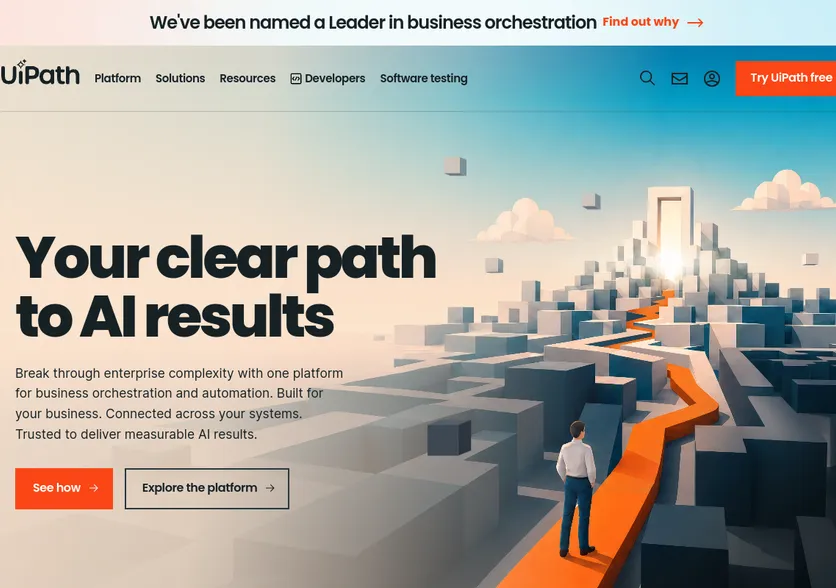
UiPath is the enterprise robot platform: software robots that click through desktop apps, read documents and follow attended or unattended routines around the clock. Automation Cloud Basic starts at twenty-five dollars a month, which buys a managed starting point without standing up your own infrastructure. It is the pick when the work lives inside legacy desktop software that has no API to connect to.
What we like
- Strongest desktop automation on this list
- Document understanding reads forms and invoices
- Managed cloud starting point from twenty-five dollars
Watch out for
- Enterprise pricing is quote-only above the Basic tier
- Overkill for simple app-to-app workflows
How to try it
- Record the desktop steps the robot should repeat
- Add document understanding where the work involves forms or invoices
- Run attended robots on desktops or unattended robots on servers
5. Power Automate
Best for: Teams already running on Microsoft 365
Paid tool Starting price: $15/user/month · Premium is $15 per user a month paid yearly. Process is $150 per bot a month for unattended robots. Price corroborated by multiple vendor-page reads from September to November 2026, since the vendor pricing page is JavaScript-rendered.
Free plan: 30-day free trial; standard connectors included in many Microsoft 365 plans
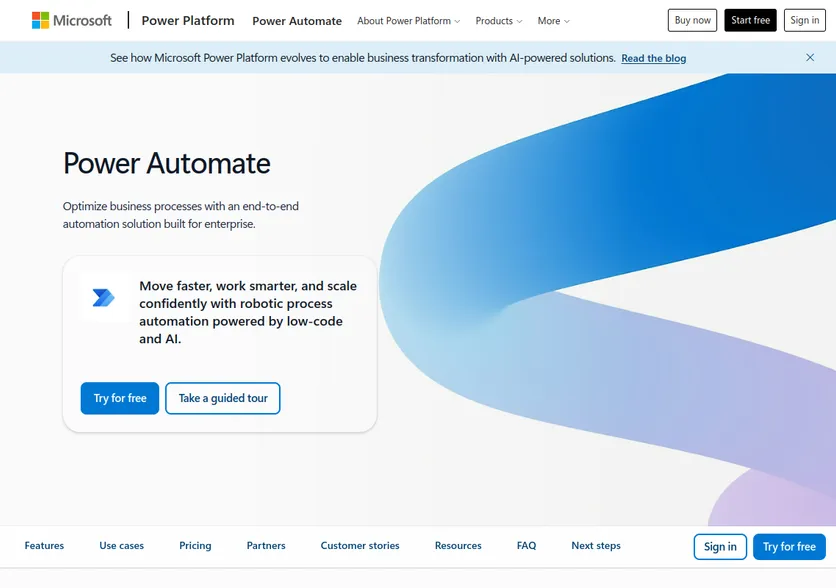
Power Automate is the natural automation pick for any team that already lives in Microsoft 365, with cloud flows, premium connectors and attended desktop robots in one license. Premium costs fifteen dollars a user a month paid yearly, and it also adds process mining for finding the workflows worth automating. Standard connectors are included in many Microsoft 365 plans, so some teams automate for free before they ever pay for Premium.
What we like
- Deep integration with Microsoft 365 apps
- Desktop RPA included in the Premium license
- Per-user pricing is simple to forecast
Watch out for
- Premium is paid yearly with no monthly option
- Unattended bots cost one hundred fifty dollars each
How to try it
- Pick a cloud flow template or start from a blank flow
- Add premium connectors and desktop flow steps where needed
- Share the flow with your team and monitor runs in the dashboard
6. Activepieces
Best for: Teams that want open-source automation with simple per-run pricing
Paid tool Starting price: $16/month · Plus is $16 a month billed yearly, or $20 a month billed monthly, for 10,000 credits and up to 5 users. Team is $166 a month billed yearly. Price corroborated by multiple vendor-page reads from October and November 2026, since the vendor page is JavaScript-rendered.
Free plan: Free plan with 1,000 credits a month
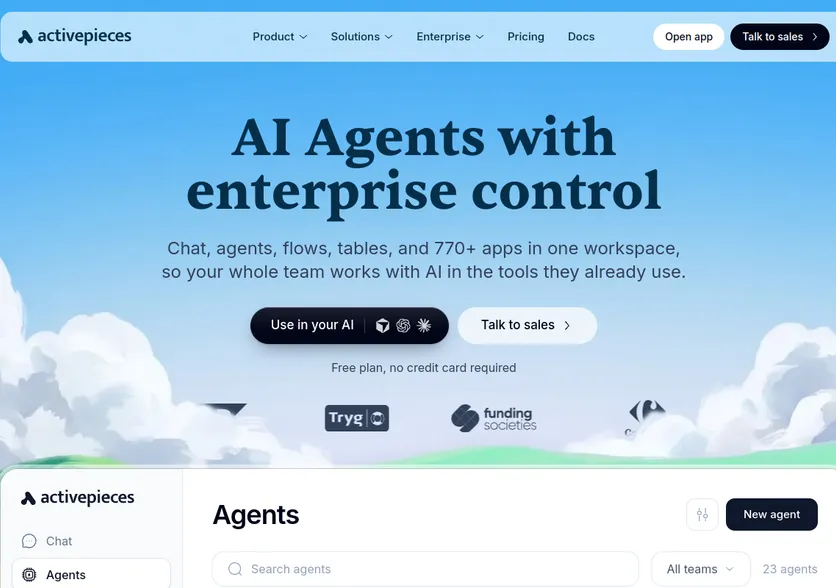
Activepieces is the open-source automation platform for teams that want to self-host or simply want a fairer way to count runs: one credit per whole run, however many steps it has. Plus costs sixteen dollars a month billed yearly for ten thousand credits and up to five users, with the option to bring your own AI keys. It is the pick when you want open code, simple counting and no vendor lock-in.
What we like
- One credit per whole run, however many steps
- Open-source code with no vendor lock-in
- Free plan includes unlimited flows
Watch out for
- Smaller app library than Zapier or Make
- AI steps cost extra credits on top of the run
How to try it
- Choose a flow template or build from a blank canvas
- Add pieces for your apps and connect them in order
- Self-host the open-source edition or use the cloud plan
7. IFTTT
Best for: People and small businesses automating consumer apps and smart homes
Paid tool Starting price: $5.49/month · Pro is $5.49 a month billed annually, or $65.88 a year. Starter is $2.09 and Pro+ is $13.99 a month billed annually. Free is $0 with 1,000 credits a month. Prices are shown in US dollars on the vendor page.
Free plan: Free plan at $0 with 1,000 credits a month
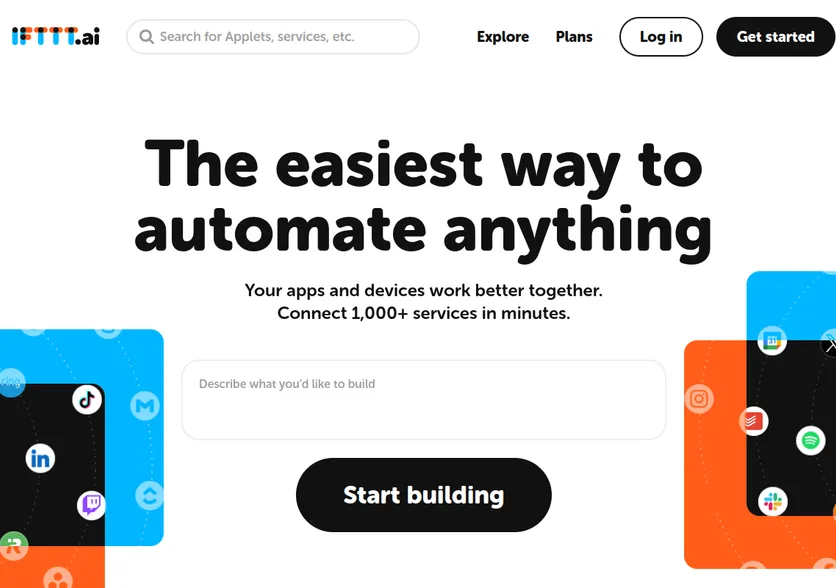
IFTTT connects more than a thousand consumer apps and smart home services with simple if-this-then-that Applets that anyone can build in minutes. Pro costs about five and a half dollars a month billed annually and raises the credit limit to twenty thousand a month with faster polling and priority support. It is the pick for personal and household automation, and for small businesses that glue consumer apps together.
What we like
- Simplest setup on this list, minutes to first Applet
- More than a thousand consumer apps and services
- Free plan covers a thousand credits a month
Watch out for
- Built for simple automations, not complex business logic
- Pro plan is needed for faster polling and multiple accounts
How to try it
- Connect your apps and smart home services
- Build an Applet from a trigger and one or more actions
- Add queries and filters to refine when the Applet runs
Prices above were checked on each vendor’s own website on Nov 26, 2026 and can change — the vendor’s page is the final word. Vendor links are editorial: nobody paid to be listed or ranked here. Vendors who want a featured listing can see how it works on our Get listed page.
How to pick an automation platform
Start with the apps you already use, because an automation platform is only as good as its connectors. List the five tools you live in every day, then check each candidate connects to all of them on the plan you would actually buy, not just the top tier. Then count the runs: a platform that charges per task gets expensive fast when every form submission triggers five steps, while a per-run or per-user price stays predictable as volume grows.
Automate one workflow end to end before you commit. Pick the job you repeat most, build it in the free plan or trial, and run it with real data for a week. If the runs fail silently, the error messages are cryptic, or the connector you need sits behind a higher tier, you have learned the real cost before spending anything.
Before you buy
- Check every app you use daily is connected on the plan you would buy
- Count how each platform bills: per task, per run, per user or per bot
- Test error handling, since silent failures cost more than the subscription
- Confirm the free plan or trial covers a full week of real volume
- Read the renewal price, since trial and first-month offers end quickly
Official websites
Official websites of the products reviewed above. Features and prices were checked against these sites when this guide was written, and they can change, so confirm on the vendor site before you buy.
Frequently asked questions
What is the cheapest IT process automation software?
IFTTT Pro costs about five and a half dollars a month billed annually, and Make Core costs nine dollars a month billed annually. Both have free plans: IFTTT is free for a thousand credits a month and Make is free for a thousand credits a month. For a small team automating app-to-app work, Make is the cheapest serious option, while IFTTT is the cheapest for personal and smart home automation.
Is Zapier or Make better for a small team?
Zapier is better when you need the widest app library and ready-made templates, because it connects more than eight thousand apps. Make is better when you want visual workflows and the lowest price, since Core costs nine dollars a month for ten thousand credits. If your apps are all mainstream, try Make first and keep Zapier as the fallback for the apps Make does not cover.
Do I need coding skills to automate business processes?
No. Zapier, Make, IFTTT, Activepieces and Power Automate are all built for non-developers, with visual builders and templates that cover common workflows. Coding helps only when you need custom logic, data transforms or API calls that no template provides. Start with templates, then add code steps later if a workflow outgrows the visual builder.
What is the difference between Zapier tasks and Make credits?
Zapier counts every successful action step as one task, so a workflow with five actions costs five tasks per run. Make counts credits per module, including the trigger, so the same workflow costs six credits per run. Activepieces is different again: one credit covers a whole run, however many steps it has. Compare the billing unit at your real volume, not just the headline price.
Can automation software replace a human employee?
It replaces repetitive copy-and-paste work, not judgement. The tools here move data, send notifications, update records and follow fixed rules reliably around the clock. They still need a human to handle exceptions, approve edge cases and decide what should be automated in the first place. The best setup is automation doing the routine work while your team handles the decisions.
Pick one platform, automate a single repetitive workflow in the free plan or trial, and measure the hours saved before you pay for more.
Browse Developer Tools tools


