On this page
A wedding guest list is a moving target: plus-ones, meal choices, late replies and a seating chart that changes every week, so RSVP tracking has to be exact. The seven tools below cover that job for weddings of every size, from an intimate gathering to a large formal event. RSVPify leads because it is built for RSVP collection with meal choices and plus-one controls for twenty-four dollars a month, and the rest are ranked on guest-list depth, design and price.
How we researched this
We checked every price on the vendor pricing page on November 28, 2026, and only included tools with a published US dollar list price. The wedding platforms that are free only, including Zola, The Knot and Joy, publish no paid price, and Cvent sells by quote, so they are not in this list. Prices change, so confirm the current figure on the vendor site before you buy.
Compare the tools
| Name | Best for | Starting price | Free plan | |
|---|---|---|---|---|
 RSVPify | Couples that want RSVP collection built for weddings | $24/month | Free plan (100 guests) | Visit |
 Punchbowl | Hosts that want simple invitations and RSVP tracking | $2.99/month | 7-day free trial | Visit |
 Paperless Post | Couples that care most about invitation design | $9.99/month | Free designs | Visit |
 Evite Pro | Frequent hosts and planners that send many invitations | $249.99/year | Free plan | Visit |
 Eventbrite | Larger or ticketed wedding events with attendee tracking | $0/mo | Free plan (free events) | Visit |
| Greenvelope | Couples that want design-led digital invitations with RSVP tracking | $19/mailing | No free plan; free designs to preview | Visit |
| RSVPSpark | Couples that want simple RSVPs with guest lists and check-in | $9.99/month | Free trial for 14 days, no card required | Visit |
The rsvp tracking software for weddings, compared
1. RSVPify
Best for: Couples that want RSVP collection built for weddings
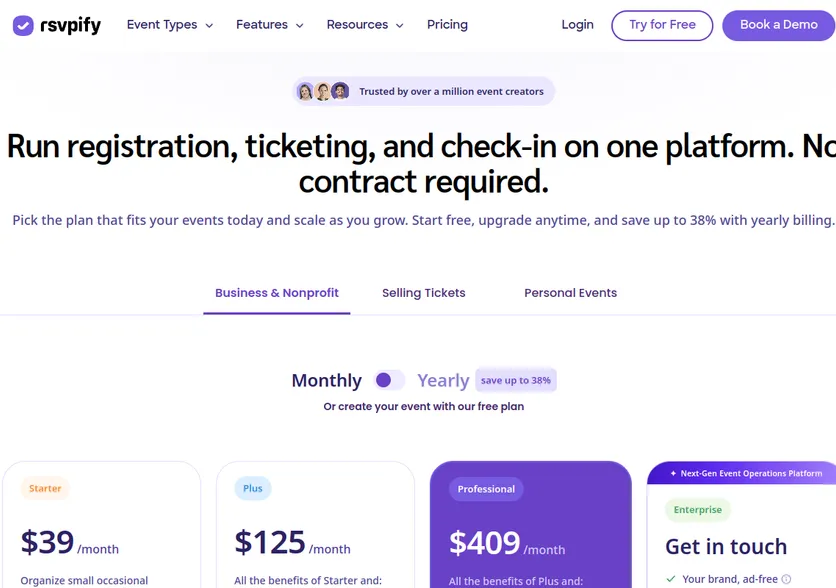
Paid tool Starting price: $24/month · Twenty-four dollars a month billed annually for Business Starter, or thirty-nine dollars billed monthly, for one hundred and fifty registrations a month; Plus is one hundred and twenty-five dollars a month and Professional is four hundred and nine dollars a month
Free plan: Free plan (100 guests)
For a couple that wants RSVP collection built for weddings, this RSVPify plan costs twenty-four dollars a month and covers custom questions, meal choices and plus-one controls. It is built for RSVP collection, with custom questions, meal choices and plus-one controls for weddings. The Business Starter plan covers one hundred and fifty registrations a month, and higher tiers suit larger guest lists.
What we like
- Built for RSVP collection with meal choices and plus-ones
- Free plan covers one hundred guests
- Custom questions fit seating and catering needs
Watch out for
- Starter caps at one hundred and fifty registrations a month
- No wedding website or registry included
How to try it
- Start on the free plan with one hundred guests
- Set up custom questions for meal choices and plus-ones
- Upgrade to Starter when the guest list grows
2. Punchbowl
Best for: Hosts that want simple invitations and RSVP tracking
Paid tool Starting price: $2.99/month · Two dollars and ninety-nine cents a month billed annually on Plus, or thirty-five dollars and eighty-eight cents a year; five dollars and ninety-nine cents a month on monthly billing; Premium is four dollars and ninety-nine cents a month billed annually; seven-day free trial
Free plan: 7-day free trial
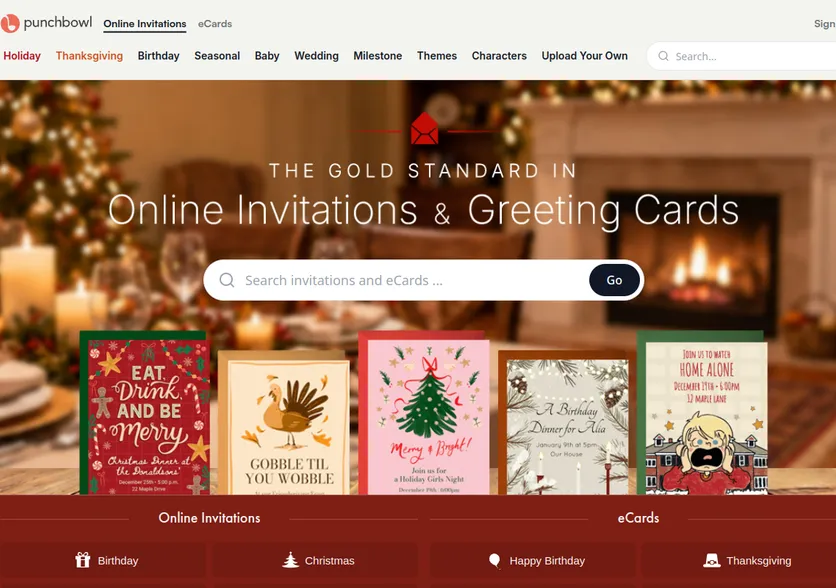
For a couple that wants simple invitations and RSVP tracking at the lowest price, this Punchbowl plan costs two dollars and ninety-nine cents a month and removes ads while adding premium designs. It sends online invitations and tracks RSVPs for parties, showers and wedding events from one page. The Plus plan removes ads and adds premium designs, and a seven-day free trial lets a host test it first.
What we like
- Cheapest paid plan in this comparison
- Plus removes ads and adds premium designs
- Seven-day free trial lets a host test it first
Watch out for
- Built for parties first, so wedding depth is light
- Guest list tools are simpler than the wedding platforms
How to try it
- Start the seven-day trial with your guest list
- Send a test invitation and check RSVP tracking
- Compare Plus and Premium before the wedding
3. Paperless Post
Best for: Couples that care most about invitation design
Paid tool Starting price: $9.99/month · Nine dollars and ninety-nine cents a month for All Access membership, with unlimited invitations and cards; per-event Coin pricing is also available; Paperless Pro is two hundred and fifty dollars a year for two hundred and fifty guests
Free plan: Free designs
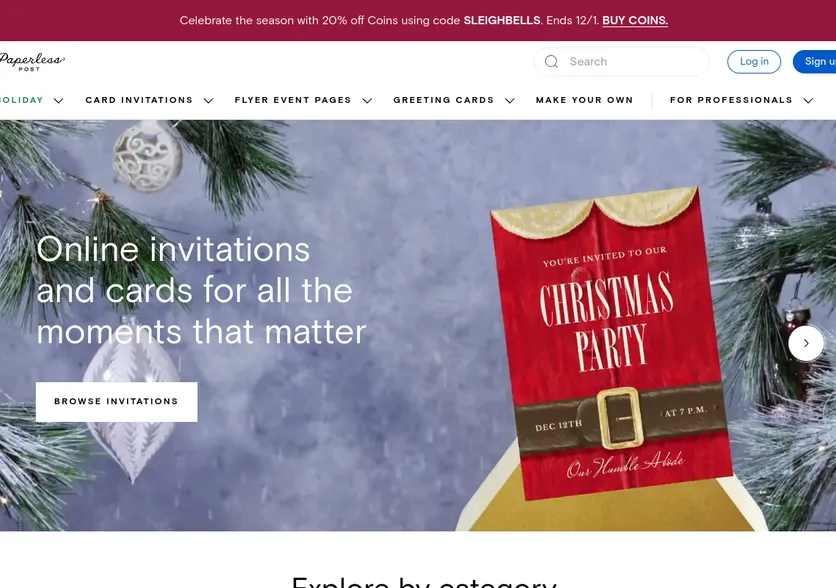
For a couple that cares most about how the invitation looks, this Paperless Post plan costs nine dollars and ninety-nine cents a month and covers unlimited invitations and cards. It offers design-forward online invitations with RSVP tracking, plus printed cards for hosts who want both. The All Access membership covers unlimited invitations and cards, and per-event Coin pricing suits a single wedding.
What we like
- Design-forward invitations with RSVP tracking
- All Access covers unlimited invitations and cards
- Printed cards available for hosts who want both
Watch out for
- Invitation-first, so wedding website features are light
- Coin pricing can confuse single-event buyers
How to try it
- Browse the design collection and pick a wedding style
- Check All Access against per-event Coin pricing
- Send a test invitation before the guest list goes out
4. Evite Pro
Best for: Frequent hosts and planners that send many invitations
Paid tool Starting price: $249.99/year · Two hundred and forty-nine dollars and ninety-nine cents a year for Evite Pro, an annual subscription; single-event Premium packages run from seventeen dollars and ninety-nine cents to ninety-nine dollars and ninety-nine cents by guest count; the free tier covers up to seven hundred and fifty guests with ads
Free plan: Free plan
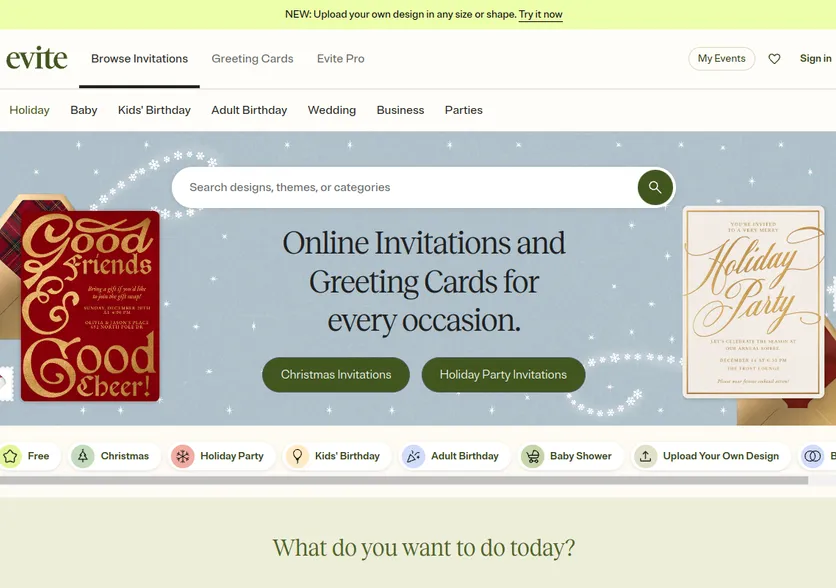
For a couple or planner who sends invitations often, this Evite Pro plan costs two hundred and forty-nine dollars and ninety-nine cents a year and covers invitations and guest management together. It covers invitations, RSVP tracking and guest management for weddings and the parties around them. The Pro plan suits planners and frequent hosts, and single-event Premium packages cover one wedding by guest count.
What we like
- Invitations, RSVP tracking and guest management together
- Pro suits planners and frequent hosts
- Free tier covers up to seven hundred and fifty guests
Watch out for
- Pro is a yearly commitment, not a single-event price
- Wedding-specific features are lighter than the wedding platforms
How to try it
- Start on the free plan with your guest list
- Check single-event Premium pricing for one wedding
- Upgrade to Pro only if you send invitations often
5. Eventbrite
Best for: Larger or ticketed wedding events with attendee tracking
Paid tool Starting price: $0/mo · Essentials is zero dollars a month with a two percent plus seventy-nine cent fee per paid ticket; Professional is three point seven percent plus one dollar and seventy-nine cents per ticket; payment processing of two point nine percent applies on top
Free plan: Free plan (free events)
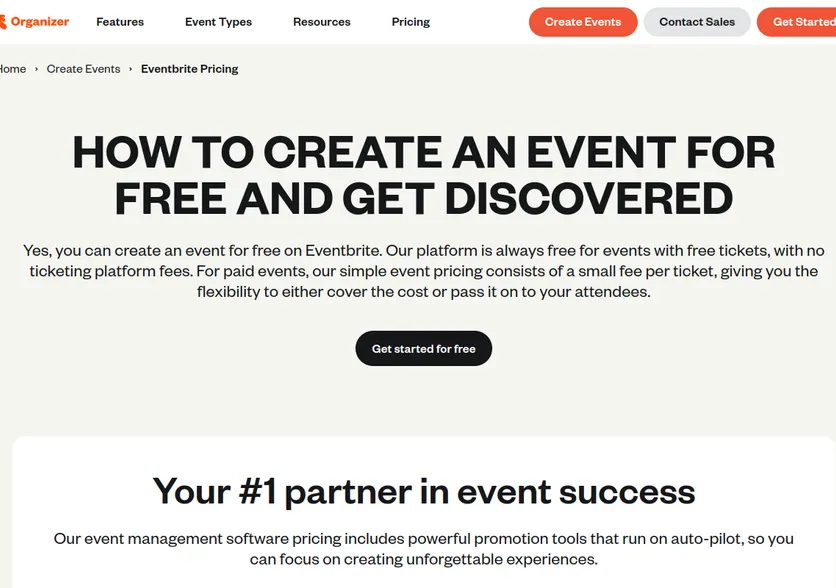
For a larger or ticketed wedding event, this Eventbrite plan costs zero dollars a month and lists the event, sells tickets and tracks attendees. It lists events, sells tickets and tracks attendees for larger or ticketed wedding events. The Essentials plan costs nothing to start, with a fee per paid ticket, and the Professional plan adds more marketing tools.
What we like
- Event discovery and listing pages included
- Attendee tracking suits larger wedding events
- Essentials costs nothing to start
Watch out for
- Built around events, not wedding websites or registries
- Fees apply per paid ticket on top of the free plan
How to try it
- Create a free event page for the wedding event
- Check the per-ticket fees before selling tickets
- Compare Essentials and Professional for larger events
6. Greenvelope
Best for: Couples that want design-led digital invitations with RSVP tracking
Paid tool Starting price: $19/mailing · Nineteen dollars for a single mailing to up to twenty guests; one hundred guests costs ninety-nine dollars and two hundred and fifty guests costs two hundred and forty-nine dollars; an annual membership starts at sixty dollars a year for up to twenty guests per mailing
Free plan: No free plan; free designs to preview
For a couple that wants design-led digital invitations with RSVP tracking, this Greenvelope plan costs nineteen dollars per mailing and covers a single mailing to up to twenty guests. It sends design-led digital invitations with RSVP tracking by email or text, with every feature included at every tier. A single mailing prices by guest count, and an annual membership suits hosts who send several events a year.
What we like
- Design-led invitations with RSVP tracking by email or text
- Every feature included at every tier
- One flat price per mailing, with nothing to cancel
Watch out for
- Priced per mailing, so costs rise with the guest list
- No free plan, only free designs to preview
How to try it
- Open the Greenvelope pricing page and check your guest count
- Pick a design and preview it before buying
- Compare a single mailing against the annual membership
7. RSVPSpark
Best for: Couples that want simple RSVPs with guest lists and check-in
Paid tool Starting price: $9.99/month · Nine dollars and ninety-nine cents a month for the monthly subscription with unlimited events; a pay-per-event credit costs five dollars and ninety-nine cents for one event; a fourteen-day trial needs no card
Free plan: Free trial for 14 days, no card required
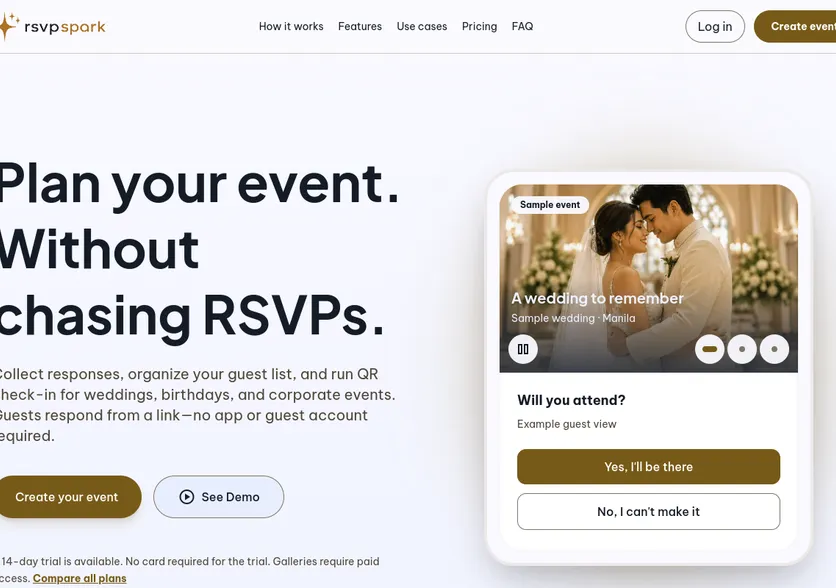
For a couple that wants simple RSVPs with guest lists and check-in, this RSVPSpark plan costs nine dollars and ninety-nine cents a month and covers unlimited events on the monthly plan. It collects responses, organizes the guest list and runs QR check-in for weddings from one page. The monthly plan covers unlimited events, and a pay-per-event credit suits a couple with a single wedding.
What we like
- Pay per event or monthly, with no long commitment
- Guest lists, RSVPs and QR check-in in one place
- Fourteen-day trial needs no card
Watch out for
- A newer tool with a smaller design collection
- Photo galleries need paid access
How to try it
- Start the fourteen-day trial with your guest list
- Set up RSVPs and a QR check-in for the wedding
- Compare the monthly plan against one pay-per-event credit
Prices above were checked on each vendor’s own website on Nov 28, 2026 and can change — the vendor’s page is the final word. Vendor links are editorial: nobody paid to be listed or ranked here. Vendors who want a featured listing can see how it works on our Get listed page.
How to track wedding RSVPs without chasing guests
Start with the guest list, because every RSVP question depends on knowing who is invited and who gets a plus-one. Send invitations in one batch with a clear reply date, and set up meal choices and plus-one controls before the first reply arrives. Send one reminder a week before the deadline, then a final reminder the day before, since most late replies come from guests who forgot. Export the list for seating and catering as soon as the deadline passes, and keep a paper backup of the final headcount. Confirm the numbers with the caterer a week before the wedding.
Before you buy
- Check that RSVP tracking supports the guest details you need, such as meal choices and plus-ones
- Confirm how guests receive invitations and whether reminders can be sent
- Review whether the tool includes a wedding website or registry if you want one place for everything
- Check how you can export or view the guest list for seating and catering
- Confirm the tool suits your event type and size before you build your guest list
Official websites
Official websites of the products reviewed above. Features and prices were checked against these sites when this guide was written, and they can change, so confirm on the vendor site before you buy.
Frequently asked questions
Which RSVP tool is best for a traditional wedding?
RSVPify is the best starting point because it is built for RSVP collection with meal choices and plus-one controls, at twenty-four dollars a month billed annually. Paperless Post is the better pick if invitation design matters most, and Punchbowl suits a smaller budget. Compare how each handles guest details before deciding.
Can I use a general invitation tool for wedding RSVPs?
Yes, Punchbowl and Paperless Post can handle invitations and responses for weddings and related events. They are lighter on wedding-specific features such as registries and seating, so they suit casual gatherings or couples who already have other tools in place. RSVPify covers the wedding-specific RSVP depth they lack.
How much does RSVPify cost for a wedding?
RSVPify costs twenty-four dollars a month billed annually for Business Starter, or thirty-nine dollars billed monthly, covering one hundred and fifty registrations a month. Plus costs one hundred and twenty-five dollars a month and Professional four hundred and nine dollars a month. A free plan covers one hundred guests.
When should I consider Eventbrite for a wedding?
Eventbrite makes sense for larger or ticketed wedding events where attendee tracking and a public event page matter. Its Essentials plan costs nothing to start, with a fee per paid ticket. Most couples will find a wedding-specific tool simpler, since Eventbrite has no wedding website, registry or seating features.
What should I check before choosing RSVP software?
Confirm that the tool collects the guest details you need, such as meal choices and plus-ones, and that you can view or export the list for seating and catering. Check how invitations and reminders are sent, and whether a wedding website or registry is included. Also confirm the tool fits your event type and size.
Compare the seven tools above, then start with the free RSVPify plan on the tool that matches how the couple already plans the wedding before paying for a full year.
Browse Business Tools tools