On this page
A construction site runs on paper checklists until the day one goes missing, and then the audit fails. The seven tools below move those checklists onto the phones the crew already carries, with photo evidence, scoring and corrective actions, and every price was checked on the vendor site. SafetyCulture leads because its Premium plan covers inspections, audits and corrective actions for twenty-four dollars a seat a month, and the rest are ranked on how well they fit a working site.
How we researched this
We checked every price on the vendor pricing page or in agreeing directory listings on November 28, 2026, and only included tools with a published US dollar price. Procore and Cority are quote-only and not in this list, and Safety Reports and EHS Insight were left out because published prices conflict. Prices change, so confirm the current figure on the vendor site before you buy.
Compare the tools
| Name | Best for | Starting price | Free plan | |
|---|---|---|---|---|
 SafetyCulture | Sites that want inspections on every phone | $24/seat/month | Free plan (up to 10 users) | Visit |
 Fieldwire | Crews that work from the latest drawings | $39/user/month | Free plan (Basic, up to 5 users) | Visit |
| Autodesk Forma Build | Large builders that run the whole project in one cloud | $1,400/user/year | No free plan; 30-day free trial | Visit |
| Safesite | Contractors that want safety paperwork without a safety manager | $16/member/month | Free plan (unlimited members) | Visit |
| GoCanvas | Crews that need paper forms on a phone | $29/user/month | No free plan; 14-day free trial | Visit |
| GoAudits | Teams that score audits across many sites | $10/user/month | No free plan; 14-day free trial | Visit |
| Intelex | Companies that need a real safety system, not a checklist app | $49/user/month | Free demo | Visit |
The safety inspection software for construction sites, compared
1. SafetyCulture
Best for: Sites that want inspections on every phone
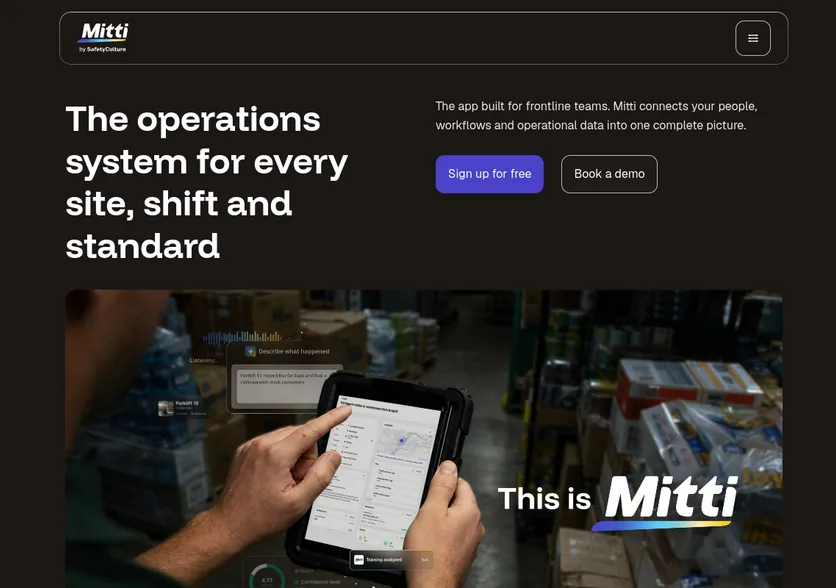
Paid tool Starting price: $24/seat/month · Twenty-four dollars per seat a month for Premium on annual billing, twenty-nine dollars month to month; Lite seats are five dollars a seat a month; the free plan covers up to ten users; the company rebranded to Mitti in August 2026 and safetyculture.com still resolves
Free plan: Free plan (up to 10 users)
Paper checklists die on a construction site, and this SafetyCulture plan costs twenty-four dollars a seat a month billed annually for Premium. Checklists work offline and sync when the signal returns, photo evidence attaches to every failed item, and corrective actions go to a named person with a due date. It is the most complete inspection tool here for a crew that works in dust, rain and dead zones.
What we like
- Checklists work offline and sync when the signal returns
- Photo evidence attaches to every failed item
- Corrective actions assign to a named person with a due date
Watch out for
- Lite seats are limited, so most of the crew needs Premium
- The Mitti rebrand means some help pages still say SafetyCulture
How to try it
- Build a checklist from a template or from the paper form
- Assign the inspection to the supervisor for the site
- Review failed items and assign corrective actions with due dates
2. Fieldwire
Best for: Crews that work from the latest drawings
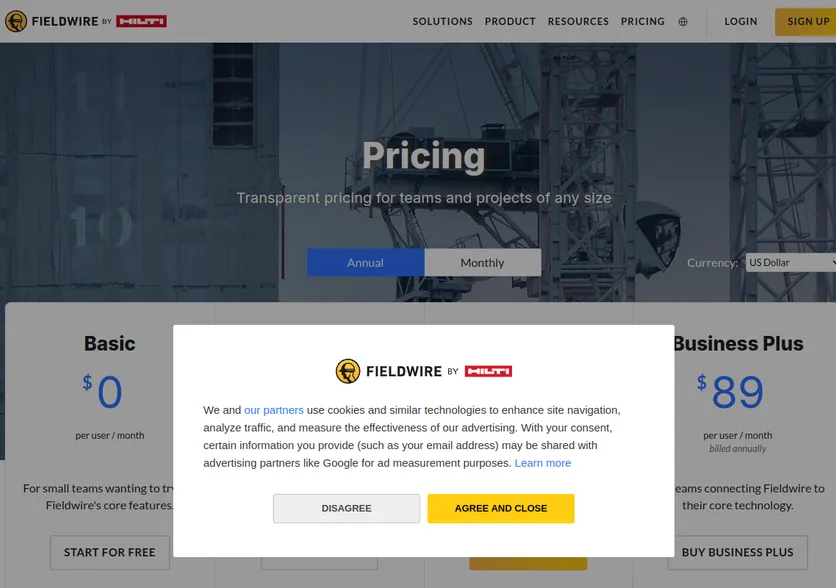
Paid tool Starting price: $39/user/month · Thirty-nine dollars per user a month for Pro on annual billing, fifty-four dollars month to month; Business is sixty-four dollars and Business Plus is eighty-nine dollars; the free Basic plan covers up to five users and three projects
Free plan: Free plan (Basic, up to 5 users)
Inspections that live on the drawing instead of a separate form save a crew real time, and this Fieldwire plan costs thirty-nine dollars a user a month billed annually for Pro. Tasks pin to exact locations on the plan, punch lists, RFIs and daily logs share one app, and offline mode keeps it working in a basement or a dead zone. It is the best pick here when the inspection has to sit on the drawing itself.
What we like
- Tasks pin to exact locations on the plan
- Offline mode keeps the app working in a basement or a dead zone
- Punch lists, RFIs and daily logs live in one app
Watch out for
- Pro is the cheapest tier with real task management
- The free Basic plan caps at five users and three projects
How to try it
- Upload the latest plan set to the project
- Create tasks pinned to the plan where the work is
- Fill in the daily log with photos before leaving site
3. Autodesk Forma Build
Best for: Large builders that run the whole project in one cloud
Paid tool Starting price: $1,400/user/year · One thousand four hundred dollars per user a year for Build, or one hundred and seventy-five dollars a month month to month; Essentials is eight hundred dollars a year, or one hundred dollars a month; older listings show one thousand six hundred and twenty-five dollars a year, which appears stale; Autodesk Construction Cloud was renamed Autodesk Forma in March 2026
Free plan: No free plan; 30-day free trial
A large builder that runs its whole project from one cloud needs inspections inside that cloud, and this Autodesk Forma Build plan costs one thousand four hundred dollars a user a year. Drawings, RFIs, submittals and costs share one platform, and issues link to the exact drawing location. It is the dearest tool here by a wide margin, and it only makes sense for a builder that already runs the whole project in Autodesk Forma.
What we like
- Drawings, RFIs, submittals and costs share one platform
- Issues link to the exact drawing location
- Works with the design tools the office already uses
Watch out for
- The cheapest tier with real project controls is far from cheap
- Smaller builders will find most of the platform unused
How to try it
- Create the project and upload the drawing set
- Set up the issue workflow with owners and due dates
- Invite the subcontractors and assign them their scopes
4. Safesite
Best for: Contractors that want safety paperwork without a safety manager
Paid tool Starting price: $16/member/month · Sixteen dollars per member a month for Premium billed annually, twenty dollars month to month; the free plan covers unlimited members and guests with a thirty-day reporting window; one directory lists twelve dollars and eighty cents a month billed annually, which conflicts with the majority read
Free plan: Free plan (unlimited members)
A contractor that wants the safety paperwork done without a safety manager needs a simple app, and this Safesite plan costs sixteen dollars a member a month billed annually for Premium. Inspections, incidents and hazards share one app, OSHA forms and reports are built in, and the free plan covers unlimited members and guests. It is the best value here for a small contractor that dreads the paperwork.
What we like
- The free plan covers unlimited members and guests
- Inspections, incidents and hazards share one app
- OSHA forms and reports are built in
Watch out for
- Reporting is limited to a thirty-day window on the free plan
- Directory listings disagree on the annual price, so confirm at checkout
How to try it
- Create the project and invite the crew
- Run the first inspection from a template
- File the first incident report to check the workflow
5. GoCanvas
Best for: Crews that need paper forms on a phone
Paid tool Starting price: $29/user/month · Twenty-nine dollars per user a month for Essentials on annual billing; Pro is thirty-nine dollars and Max is forty-nine dollars; plans need a three-user minimum
Free plan: No free plan; 14-day free trial
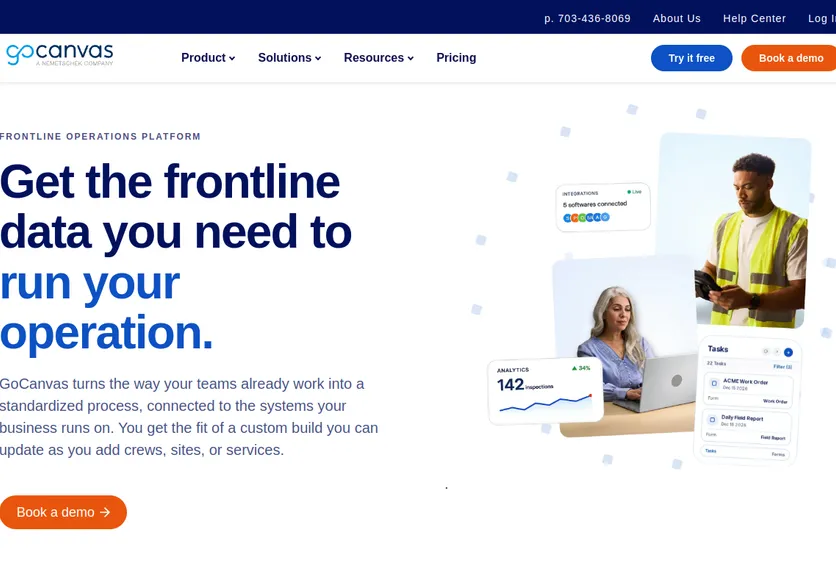
Paper forms blow away on a windy site, and this GoCanvas plan costs twenty-nine dollars a user a month billed annually for Essentials. It turns any paper form into a mobile form with unlimited forms and submissions, works offline and syncs when the signal returns, and dispatch assigns jobs to the nearest crew member. It is the simplest digitisation tool here for a crew that still runs on paper.
What we like
- Unlimited forms and submissions on every plan
- Forms work offline and sync when the signal returns
- Dispatch assigns jobs to the nearest crew member
Watch out for
- No free plan, so every user is paid
- A three-user minimum applies to every tier
How to try it
- Turn the paper form into a mobile form with the builder
- Assign the form to the crew for the next job
- Review the submissions and export the data for the office
6. GoAudits
Best for: Teams that score audits across many sites
Paid tool Starting price: $10/user/month · Ten dollars per user a month billed annually; scoring, corrective actions and photo evidence are included; a fourteen-day free trial is available
Free plan: No free plan; 14-day free trial
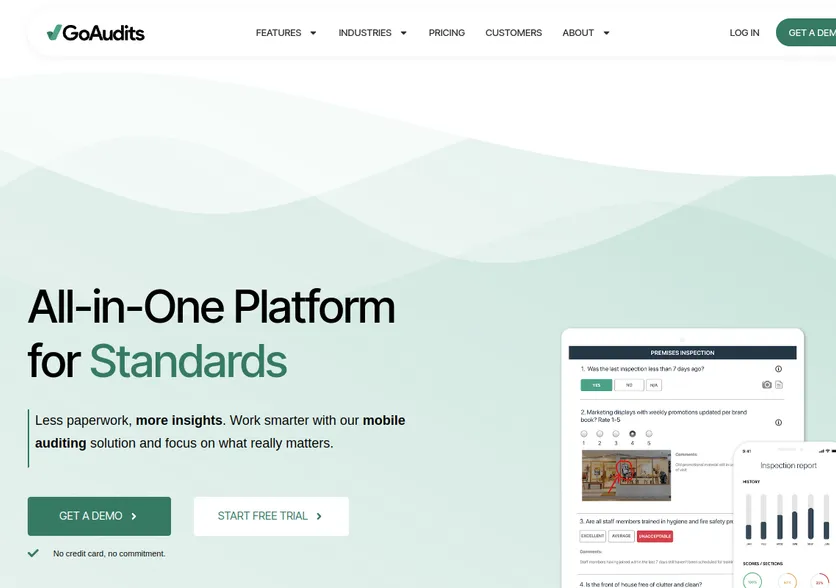
A site manager who walks the job with a phone needs scoring that works offline, and this GoAudits plan costs ten dollars a user a month billed annually. Scored audits with corrective actions built in, dashboards that compare scores across sites at a glance, and photo evidence on every failed item. It is the cheapest paid safety tool here, and the scoring is what sets it apart from a plain checklist app.
What we like
- Scored audits with corrective actions built in
- Works offline and syncs when the connection returns
- Dashboards compare scores across sites at a glance
Watch out for
- Reporting is simpler than the enterprise safety suites
- No free plan, only a fourteen-day trial
How to try it
- Build the audit checklist with scores for each item
- Run the first audit on a phone at the site
- Assign corrective actions for every failed item
7. Intelex
Best for: Companies that need a real safety system, not a checklist app
Paid tool Starting price: $49/user/month · Forty-nine dollars per user a month for the small business safety solution, with a twenty-five user minimum billed annually; the price comes from a vendor-supplied directory listing because Intelex publishes no pricing page; one live comparison lists Safety Essentials at forty-four dollars a user a month, so confirm the tier at checkout
Free plan: Free demo
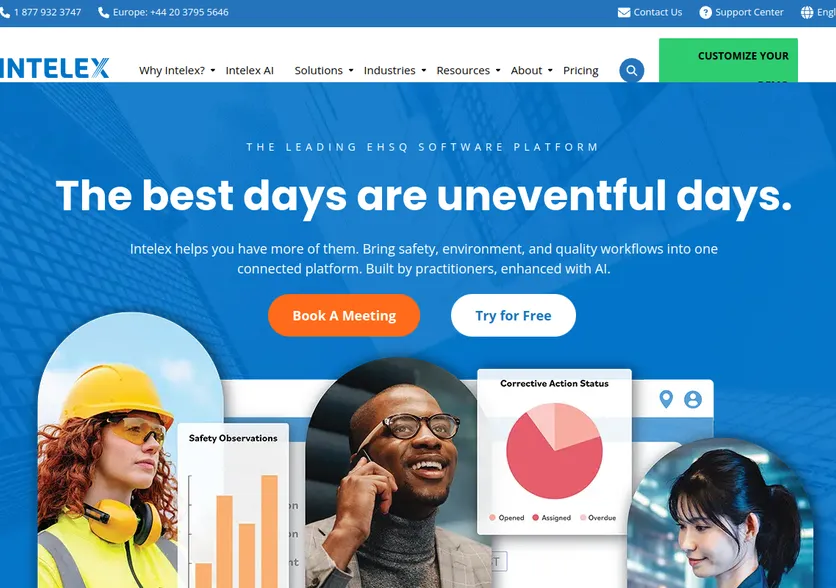
A contractor that outgrows spreadsheets needs a real safety system, and this Intelex plan costs forty-nine dollars a user a month. Incidents, audits, training and documents share one system, workflows route approvals to the right manager, and dashboards show safety performance across the company. The twenty-five user minimum keeps it out of reach for small crews, but it is the deepest system in this list.
What we like
- Incidents, audits, training and documents in one system
- Workflows route approvals to the right manager
- Dashboards show safety performance across the company
Watch out for
- A twenty-five user minimum keeps it out of reach for small teams
- The price comes from a directory listing, not a vendor pricing page
How to try it
- Set up the safety modules the company actually uses
- Import the worker list and assign training
- Run the first audit and review the dashboard
Prices above were checked on each vendor’s own website on Nov 28, 2026 and can change — the vendor’s page is the final word. Vendor links are editorial: nobody paid to be listed or ranked here. Vendors who want a featured listing can see how it works on our Get listed page.
How to run safety inspections on a construction site
Start with the form the crew already uses on paper, and digitise that one first instead of designing the perfect system. Pick a tool that works offline, because a basement or a steel frame kills the signal exactly when the inspection is due. Put photo evidence on every failed item, so the office can see the problem without a second site visit. Assign every corrective action to a named person with a date, and check the list at the next toolbox talk.
Before you buy
- Confirm the app works offline, because a site basement kills the signal during inspections
- Check that failed items get photo evidence and a corrective action with a named owner
- Ask whether the price is per seat or per member, and how many seats the crew needs
- Make sure the checklist can be built from the paper form the crew already uses
- Test the tool on a live site walk before paying for the whole crew
Official websites
Official websites of the products reviewed above. Features and prices were checked against these sites when this guide was written, and they can change, so confirm on the vendor site before you buy.
Frequently asked questions
What is the best safety inspection software for construction sites?
SafetyCulture Premium leads at twenty-four dollars a seat a month, with offline checklists, photo evidence and corrective actions. Fieldwire is best when inspections must live on the drawings, and Safesite is best for small contractors with its free plan for unlimited members. The right pick depends on whether the crew works from plans or from checklists.
How much does Fieldwire Pro cost?
Fieldwire Pro costs thirty-nine dollars per user a month billed annually, or fifty-four dollars month to month. Business is sixty-four dollars and Business Plus is eighty-nine dollars, and the free Basic plan covers up to five users and three projects. Pro is the cheapest tier with real task management for a working crew.
Can I run safety inspections for free?
Yes: SafetyCulture is free for up to ten users, Safesite is free for unlimited members and guests, and Fieldwire Basic is free for up to five users and three projects. The free plans cover inspections, while the paid plans add scoring, analytics, corrective action workflows and longer reporting windows.
Does SafetyCulture still exist after the Mitti rebrand?
Yes. The company rebranded to Mitti in August 2026, but safetyculture.com still resolves and the product and pricing are unchanged, with Premium at twenty-four dollars a seat a month billed annually. Some help pages still say SafetyCulture, which is the only visible effect of the rename.
What is Autodesk Forma Build?
Autodesk Forma Build is the renamed Autodesk Construction Cloud, previously called Autodesk Build, after the rename in March 2026. The Build tier costs one thousand four hundred dollars per user a year, and it suits large builders that run drawings, RFIs, submittals and costs in one cloud, not small crews.
Compare the seven tools above, then run a free trial on a live site walk with the tool that matches how the crew already works before paying for a full year.
Browse Business Tools tools