On this page
A coach's pipeline is a handful of conversations at a time, and each one needs a timely follow-up or it cools off. The eight tools below cover that job for coaches who prospect, run discovery calls and chase renewals, from a shared CRM to cold email tools that find new clients. HubSpot Sales Hub leads because it keeps every client, call and follow-up in one free-to-start CRM for fifteen dollars a seat a month, and the rest are ranked on how much prospecting a coach actually does.
How we researched this
We checked every price on the vendor pricing page on November 28, 2026, and only included tools with a published US dollar list price. Outreach, Salesloft and Salesforce Sales Cloud publish no prices, so they are not in this list. Prices change, so confirm the current figure on the vendor site before you buy.
Compare the tools
| Name | Best for | Starting price | Free plan | |
|---|---|---|---|---|
 HubSpot Sales Hub | Teams that want CRM and follow-up in one place | $15/seat/month | Free CRM plan | Visit |
 Apollo.io | Teams that prospect and run sequences in one place | $49/user/month | Free plan | Visit |
 Reply.io | Teams running email, LinkedIn and calls together | $49/user/month | No free plan; 14-day free trial | Visit |
 lemlist | Small teams sending personalised multichannel outreach | $39/user/month | No free plan; 14-day free trial | Visit |
 ActiveCampaign | Teams that automate email and SMS journeys | $15/month | No free plan; 14-day free trial | Visit |
 Keap | Small businesses that want everything on one invoice | $249/month | No free plan; 14-day free trial | Visit |
 Mailchimp | Teams whose main need is email and SMS campaigns | $13/month | Free plan (250 contacts) | Visit |
 Pipedrive | Teams that want a visual pipeline above all | $14/user/month | No free plan; 14-day free trial | Visit |
The sales engagement software for coaches, compared
1. HubSpot Sales Hub
Best for: Teams that want CRM and follow-up in one place
Paid tool Starting price: $15/seat/month · Fifteen dollars per seat a month on Starter billed annually (twenty dollars billed monthly); Professional is one hundred dollars a seat a month billed annually plus a mandatory one-thousand-five-hundred-dollar onboarding fee and Enterprise is one hundred and fifty dollars; HubSpot's own blog lists Starter at nine dollars a seat a month billed annually, which conflicts with the fifteen-dollar figure in most November 2026 reads, so confirm at checkout
Free plan: Free CRM plan
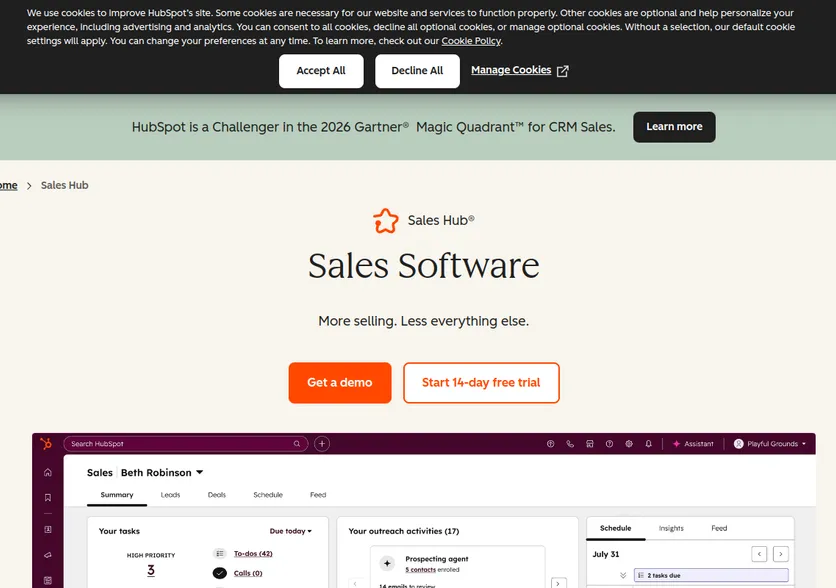
When a coach juggles discovery calls, follow-up and renewals for many clients, this HubSpot Sales Hub plan costs fifteen dollars per seat a month billed annually, and it ties pipelines, email tracking, meeting links and simple automation to the free CRM. Every contact record carries its full history, and the free plan never expires, so a team can organise contacts before paying anything. Real sequences, forecasting and custom reporting sit behind the Professional tier, which costs far more per seat and adds a mandatory onboarding fee.
What we like
- Free CRM never expires and holds unlimited users
- Every contact carries its full history
- Huge ecosystem of connected apps
Watch out for
- Sequences and forecasting need the hundred-dollar Professional tier
- Professional adds a mandatory onboarding fee
How to try it
- Import contacts and set up pipelines by stage
- Add email tracking and meeting links for the team
- Build simple automations for follow-up tasks
2. Apollo.io
Best for: Teams that prospect and run sequences in one place
Paid tool Starting price: $49/user/month · Forty-nine dollars per user a month on Basic billed annually (sixty-five dollars billed monthly); Professional is seventy-nine dollars a user a month billed annually; Organization is one hundred and nineteen dollars a user a month with a three-seat minimum; credits are capped per plan and expire each cycle
Free plan: Free plan
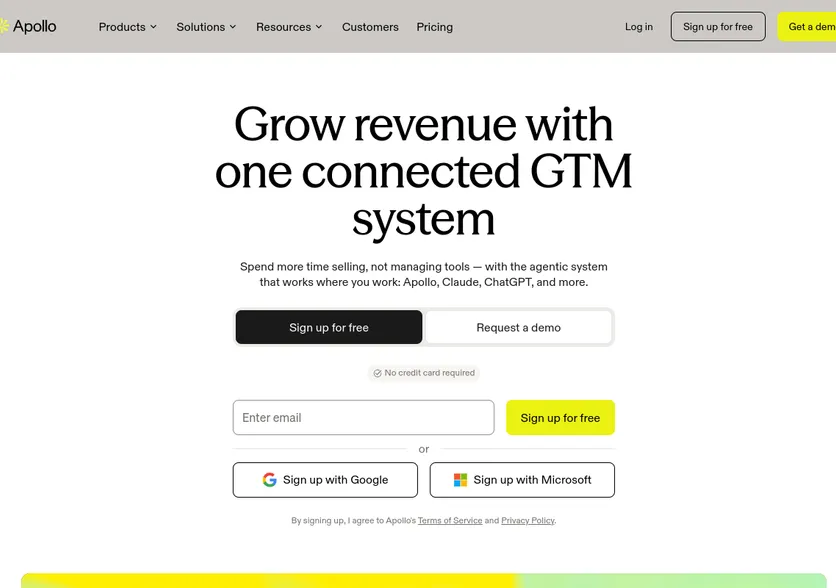
When a coach prospects for new clients instead of waiting for referrals, this Apollo.io plan costs forty-nine dollars per user a month billed annually, and it pairs a contact database of more than two hundred and forty million people with email sequences, a dialer and deal tracking. Sequences, enrichment and calling sit in one login, so a rep can build a list, write the outreach and log the outcome without switching tools. The credit system is the catch, since every plan caps monthly credits and unused credits expire, so heavy list builders should watch the allowance.
What we like
- Contact database plus sequences, dialer and deals in one login
- Unlimited sequences on every paid plan
- Free plan covers nine hundred credits a year for testing
Watch out for
- Credits cap monthly prospecting and expire each cycle
- Basic caps daily sends and allows one mailbox per user
How to try it
- Search the database for contacts that match the ideal customer profile
- Add the list to a sequence with email, call and LinkedIn steps
- Track replies and booked meetings, then refresh the list weekly
3. Reply.io
Best for: Teams running email, LinkedIn and calls together
Paid tool Starting price: $49/user/month · Forty-nine dollars per user a month on Email Volume billed annually (fifty-nine dollars billed monthly) for one thousand active contacts; Multichannel is eighty-nine dollars a user a month billed annually; LinkedIn automation is a sixty-nine-dollar add-on on Email Volume; Jason AI SDR starts at five hundred dollars a month
Free plan: No free plan; 14-day free trial
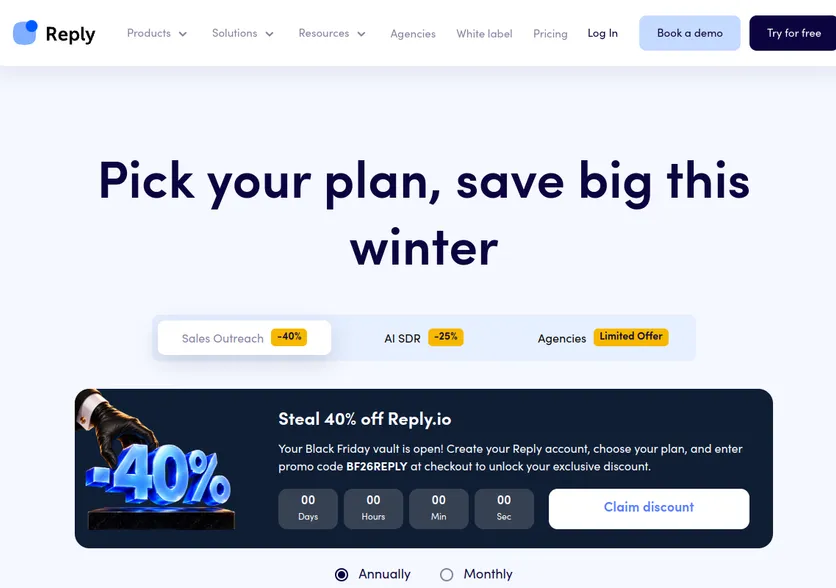
When a coach follows up leads across email, LinkedIn and calls, this Reply.io plan costs forty-nine dollars per user a month billed annually, and it runs multichannel sequences across email, LinkedIn, calls and SMS from one dashboard. Its AI assistant drafts replies, scores leads and can book meetings, which takes the repetitive work out of follow-up. The entry plan is email-only, so teams that want LinkedIn and calling in the same seat need the dearer Multichannel plan.
What we like
- Email, LinkedIn, calls and SMS in one sequence
- AI assistant drafts replies and books meetings
- Unlimited mailboxes on the entry plan
Watch out for
- True multichannel costs eighty-nine dollars a user a month
- LinkedIn and calls are paid add-ons on Email Volume
How to try it
- Import contacts and split them into segments by fit and intent
- Build a multichannel sequence with email, LinkedIn and call steps
- Review reply rates weekly and pause steps that underperform
4. lemlist
Best for: Small teams sending personalised multichannel outreach
Paid tool Starting price: $39/user/month · Thirty-nine dollars per user a month on Email Starter billed annually; Email Pro is sixty-nine dollars and Multichannel Expert is ninety-nine dollars a user a month billed annually; some November 2026 reads show a newer flat Email plan at fifty-five dollars a user a month billed annually, so confirm the plan at checkout
Free plan: No free plan; 14-day free trial
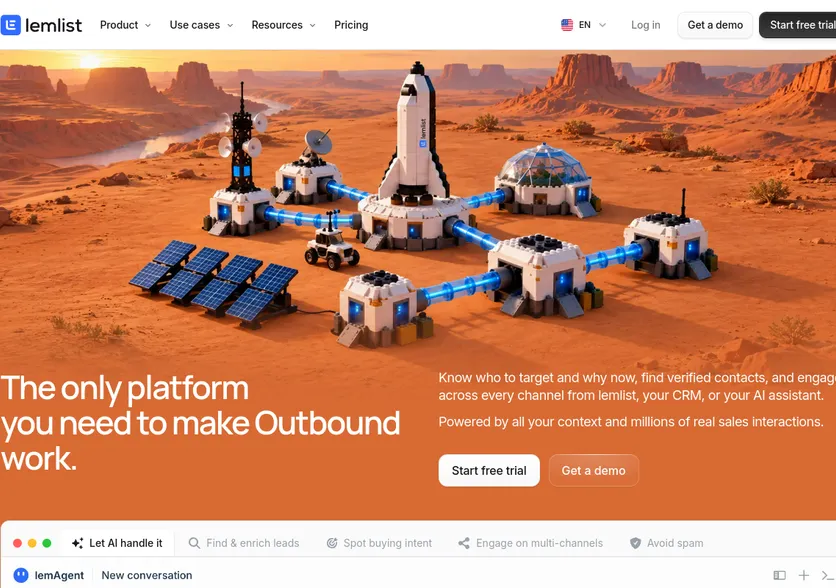
When a coach sends personal outreach that has to feel one-to-one, this lemlist plan costs thirty-nine dollars per user a month billed annually, and it builds personalised multichannel sequences with custom images, landing pages and warm-up. Personalised images and videos make each first email feel written for one person, which lifts reply rates on small, targeted lists. The entry plan allows one sending email per user, so teams that rotate several inboxes will need a higher tier.
What we like
- Personalised images and videos in every sequence
- Built-in warm-up protects new sending domains
- Lead database of more than four hundred and fifty million contacts
Watch out for
- Entry plan allows only one sending email per user
- LinkedIn steps need the Multichannel Expert tier
How to try it
- Build a targeted list and verify every address before sending
- Write a short sequence with a personalised image in the first email
- Warm the sending domain, then launch and watch reply rates daily
5. ActiveCampaign
Best for: Teams that automate email and SMS journeys
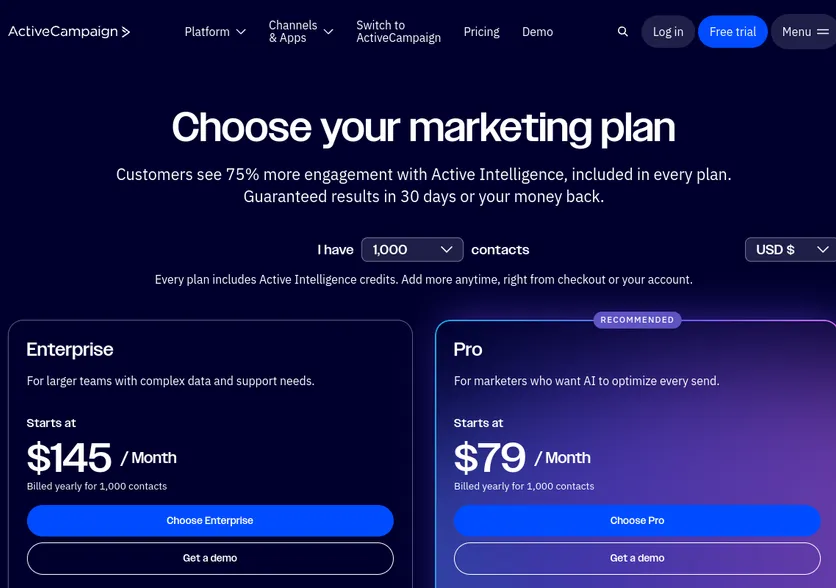
Paid tool Starting price: $15/month · Fifteen dollars a month on Starter billed annually (nineteen dollars billed monthly) for one thousand contacts; Plus is forty-nine dollars, Pro is seventy-nine dollars and Enterprise is one hundred and forty-five dollars a month at that list size; the bill rises steeply with contacts, and accounts created after November 3 2025 are charged for every contact including unsubscribed ones
Free plan: No free plan; 14-day free trial
When a coach automates welcome series and check-ins between sessions, this ActiveCampaign plan costs fifteen dollars a month billed annually, and it builds behaviour-triggered email and SMS journeys with deal pipelines and lead scoring. Hundreds of ready-made automation recipes cover welcome series, win-back flows and abandoned-cart nudges, and the builder needs no code. Every plan is priced by contact count, so the bill climbs as the list grows, and Starter caps each automation at five actions.
What we like
- Hundreds of ready-made automation recipes
- Behaviour-triggered journeys across email and SMS
- Deal pipelines and lead scoring built in
Watch out for
- Bill climbs steeply as the contact list grows
- Starter caps each automation at five actions
How to try it
- Import contacts and segment them by behaviour
- Pick a recipe for the welcome series and adapt it
- Add deal stages and lead scoring for hot contacts
6. Keap
Best for: Small businesses that want everything on one invoice
Paid tool Starting price: $249/month · Two hundred and forty-nine dollars a month billed annually (two thousand nine hundred and eighty-eight dollars a year) for two users and one thousand five hundred contacts; month to month is two hundred and ninety-nine dollars; extra users are thirty-nine dollars a month each and a paid implementation package is required but not priced on the page; some listings still show older Pro, Max and Ultimate tiers, but Keap now sells one all-features plan
Free plan: No free plan; 14-day free trial
When a coaching practice bills, books and follows up from one system, this Keap plan costs two hundred and forty-nine dollars a month billed annually, and it puts CRM, email and text marketing, automation, appointments, invoicing and payments on one invoice. The visual automation builder handles the whole journey from first touch to paid invoice, and phone support is included. The single plan is expensive for what it is, a paid implementation package is required, and cancelling an annual contract early costs a fee.
What we like
- CRM, email, payments and invoicing on one invoice
- Visual automation builder covers the whole journey
- Phone support included
Watch out for
- Two hundred and forty-nine dollars a month is a big commitment
- Paid implementation package is required but unpriced
How to try it
- Import contacts and tag them by service and stage
- Build the follow-up automation from first touch to invoice
- Set up appointments and payments inside the same account
7. Mailchimp
Best for: Teams whose main need is email and SMS campaigns
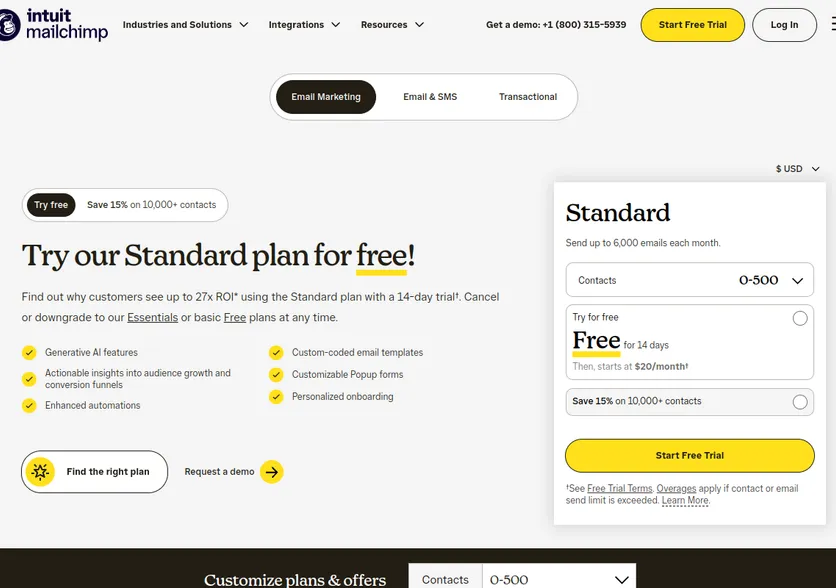
Paid tool Starting price: $13/month · Thirteen dollars a month on Essentials for five hundred contacts; Standard starts at twenty dollars and Premium at three hundred and fifty dollars a month; the price climbs with list size, reaching seventy-five dollars at five thousand contacts on Essentials; a fifteen-percent first-year discount for lists of ten thousand or more is a promo, not the list price; Intuit agreed in November 2026 to sell Mailchimp to Bending Spoons
Free plan: Free plan (250 contacts)
When a coach grows an audience with newsletters and workshop announcements, this Mailchimp plan costs thirteen dollars a month, and it sends newsletters, event announcements and segmented campaigns with simple automations. Templates look good out of the box, and more than three hundred integrations connect the audience to the rest of the business. It is an email platform first, so pipeline tracking and deal follow-up need a CRM beside it, and the price rises steeply with list size.
What we like
- Best-looking templates in this list
- More than three hundred integrations
- Free plan covers two hundred and fifty contacts
Watch out for
- No pipeline or deal tracking built in
- Price rises steeply as the list grows
How to try it
- Import the audience and segment it by interest
- Pick a template and schedule the first campaign
- Review open rates and move engaged readers to a follow-up list
8. Pipedrive
Best for: Teams that want a visual pipeline above all
Paid tool Starting price: $14/user/month · Fourteen dollars per user a month on Essential billed annually (twenty-four dollars billed monthly); Advanced is twenty-nine dollars, Professional is forty-nine dollars, Power is sixty-four dollars and Enterprise is ninety-nine dollars a user a month billed annually; some November 2026 reads show renamed Lite, Growth, Premium and Ultimate tiers at the same entry price, so confirm the plan names at checkout
Free plan: No free plan; 14-day free trial
When a coach tracks prospects from discovery call to signed programme, this Pipedrive plan costs fourteen dollars per user a month billed annually, and it shows every deal as a card moving through a visual pipeline with email integration. Activity reminders, basic reporting and a mobile app keep follow-up visible, and the interface takes a new user about an hour to learn. Two-way email sync and real workflow automation start on Advanced, so the cheapest tier suits tracking more than automating.

What we like
- Clearest visual pipeline in this list
- New users are productive within an hour
- Strong mobile app for field follow-up
Watch out for
- Two-way email sync starts on Advanced
- Essential allows only thirty automation actions per account
How to try it
- Set up pipeline stages that match the real follow-up journey
- Import contacts and assign owners to every deal
- Review overdue activities each morning and clear them
Prices above were checked on each vendor’s own website on Nov 28, 2026 and can change — the vendor’s page is the final word. Vendor links are editorial: nobody paid to be listed or ranked here. Vendors who want a featured listing can see how it works on our Get listed page.
How to follow up coaching leads without sounding pushy
Map the journey a prospect actually takes, from first enquiry to discovery call, proposal and signed programme, and set one clear next step for each stage. Send the follow-up while the conversation is still warm, ideally within a day, and make every message add something useful rather than asking if they have decided yet. Use automation for reminders and scheduling, but write the message yourself, because a coach sells trust and a generic sequence breaks it. Review the pipeline weekly, close lost deals honestly, and keep past clients in a light-touch list for referrals and renewals.
Before you buy
- Confirm the tool tracks prospects from enquiry to signed programme, not just to a call
- Check whether sequences feel personal, since a coach sells trust above all
- Ask if the tool finds new prospects or only manages the ones you already have
- Make sure the price still works with one or two seats, not just a team plan
- Test the tool on a real prospect list before paying, including a cold lead
Official websites
Official websites of the products reviewed above. Features and prices were checked against these sites when this guide was written, and they can change, so confirm on the vendor site before you buy.
Frequently asked questions
What is sales engagement software for coaches?
It is software that organises prospecting, discovery calls and client follow-up in one place, using pipelines and automated sequences borrowed from sales teams. A coach adapts the stages to a practice, from first enquiry to signed programme and renewal. The tools in this list range from a prospecting database to simple email platforms, and every price was checked on the vendor site.
How much does HubSpot Sales Hub cost for a coach?
HubSpot Sales Hub costs fifteen dollars per seat a month on Starter billed annually, or twenty dollars billed monthly, and the free CRM underneath costs nothing with unlimited users. Sequences, forecasting and custom reporting need Professional at one hundred dollars a seat a month plus a mandatory onboarding fee. Most solo coaches can run on the free plan or Starter.
Can a coach use sales engagement software for free?
Yes, with HubSpot Sales Hub, which offers a free CRM with unlimited users, and Apollo.io, which offers a free plan with nine hundred credits a year. Mailchimp also offers a free plan for two hundred and fifty contacts. Free plans suit a solo coach, but prospecting at volume soon needs a paid tier for credits and sequences.
Which tool is best for a solo coach?
HubSpot Sales Hub is the best pick for a solo coach who mainly follows up enquiries, because the free CRM covers contacts and pipelines. Pipedrive is the better pick if a visual board matters most, at fourteen dollars a user a month. Apollo.io suits coaches who actively prospect for new clients, at forty-nine dollars a user a month.
How should a coach follow up without sounding pushy?
Follow up fast, within a day of the discovery call, and add something useful each time, such as a resource or a short answer to their question. Limit automated messages to reminders and scheduling, and write the real follow-up yourself. If a prospect goes quiet after three touches, close the deal honestly and keep them on a light-touch list for later.
Compare the eight tools above, then start with a free trial or the free plan on the tool that matches how coaches already handles outreach before paying for a full year.
Browse Business Tools tools