On this page
Consultants live on the next engagement, and referrals alone leave too many gaps between projects. The eight tools below help consultants find new clients, follow up proposals and stay in touch with past buyers, from a prospecting database to inbox tools that track every email. Apollo.io leads because it pairs a contact database of more than two hundred and forty million people with sequences and a dialer for forty-nine dollars a user a month, and the rest are ranked on how much outbound a consultancy really runs.
How we researched this
We checked every price on the vendor pricing page on November 28, 2026, and only included tools with a published US dollar list price. Outreach, Salesloft and Salesforce Sales Cloud publish no prices, so they are not in this list. Prices change, so confirm the current figure on the vendor site before you buy.
Compare the tools
| Name | Best for | Starting price | Free plan | |
|---|---|---|---|---|
 Apollo.io | Teams that prospect and run sequences in one place | $49/user/month | Free plan | Visit |
 Reply.io | Teams running email, LinkedIn and calls together | $49/user/month | No free plan; 14-day free trial | Visit |
 lemlist | Small teams sending personalised multichannel outreach | $39/user/month | No free plan; 14-day free trial | Visit |
| Mixmax | Gmail users who follow up one conversation at a time | $29/user/month | Free plan (50 recipients a month) | Visit |
| Yesware | Reps who live in Gmail or Outlook and track opens | $15/user/month | Free plan (up to 5 users) | Visit |
 HubSpot Sales Hub | Teams that want CRM and follow-up in one place | $15/seat/month | Free CRM plan | Visit |
 Pipedrive | Teams that want a visual pipeline above all | $14/user/month | No free plan; 14-day free trial | Visit |
 Zoho CRM | Teams that want the most features per dollar | $14/user/month | Free plan (up to 3 users) | Visit |
The sales engagement software for consultants, compared
1. Apollo.io
Best for: Teams that prospect and run sequences in one place
Paid tool Starting price: $49/user/month · Forty-nine dollars per user a month on Basic billed annually (sixty-five dollars billed monthly); Professional is seventy-nine dollars a user a month billed annually; Organization is one hundred and nineteen dollars a user a month with a three-seat minimum; credits are capped per plan and expire each cycle
Free plan: Free plan
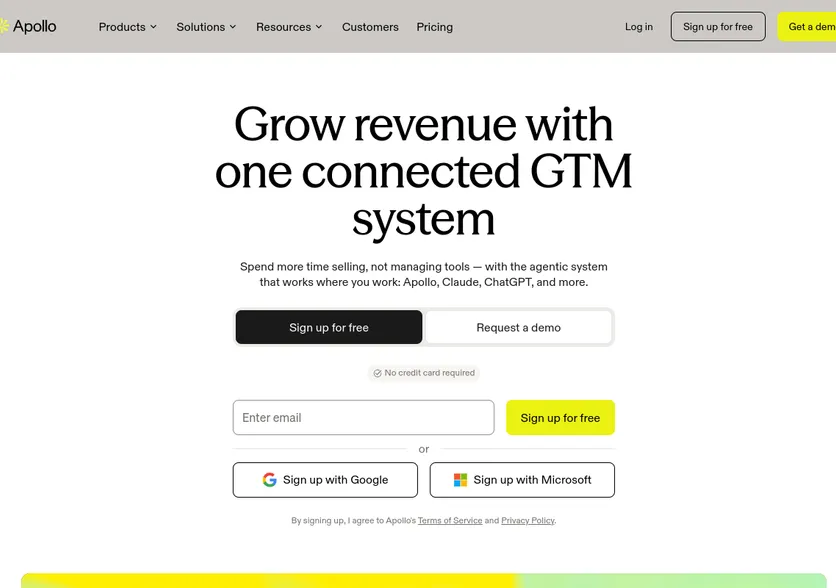
When a consultant builds a pipeline of new clients instead of living on referrals, this Apollo.io plan costs forty-nine dollars per user a month billed annually, and it pairs a contact database of more than two hundred and forty million people with email sequences, a dialer and deal tracking. Sequences, enrichment and calling sit in one login, so a rep can build a list, write the outreach and log the outcome without switching tools. The credit system is the catch, since every plan caps monthly credits and unused credits expire, so heavy list builders should watch the allowance.
What we like
- Contact database plus sequences, dialer and deals in one login
- Unlimited sequences on every paid plan
- Free plan covers nine hundred credits a year for testing
Watch out for
- Credits cap monthly prospecting and expire each cycle
- Basic caps daily sends and allows one mailbox per user
How to try it
- Search the database for contacts that match the ideal customer profile
- Add the list to a sequence with email, call and LinkedIn steps
- Track replies and booked meetings, then refresh the list weekly
2. Reply.io
Best for: Teams running email, LinkedIn and calls together
Paid tool Starting price: $49/user/month · Forty-nine dollars per user a month on Email Volume billed annually (fifty-nine dollars billed monthly) for one thousand active contacts; Multichannel is eighty-nine dollars a user a month billed annually; LinkedIn automation is a sixty-nine-dollar add-on on Email Volume; Jason AI SDR starts at five hundred dollars a month
Free plan: No free plan; 14-day free trial
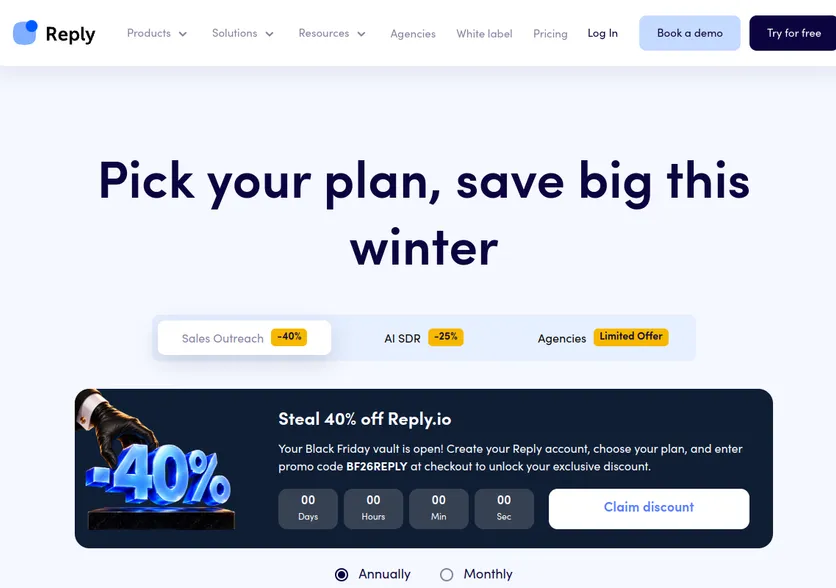
When a consultant runs multichannel follow-up after every proposal, this Reply.io plan costs forty-nine dollars per user a month billed annually, and it runs multichannel sequences across email, LinkedIn, calls and SMS from one dashboard. Its AI assistant drafts replies, scores leads and can book meetings, which takes the repetitive work out of follow-up. The entry plan is email-only, so teams that want LinkedIn and calling in the same seat need the dearer Multichannel plan.
What we like
- Email, LinkedIn, calls and SMS in one sequence
- AI assistant drafts replies and books meetings
- Unlimited mailboxes on the entry plan
Watch out for
- True multichannel costs eighty-nine dollars a user a month
- LinkedIn and calls are paid add-ons on Email Volume
How to try it
- Import contacts and split them into segments by fit and intent
- Build a multichannel sequence with email, LinkedIn and call steps
- Review reply rates weekly and pause steps that underperform
3. lemlist
Best for: Small teams sending personalised multichannel outreach
Paid tool Starting price: $39/user/month · Thirty-nine dollars per user a month on Email Starter billed annually; Email Pro is sixty-nine dollars and Multichannel Expert is ninety-nine dollars a user a month billed annually; some November 2026 reads show a newer flat Email plan at fifty-five dollars a user a month billed annually, so confirm the plan at checkout
Free plan: No free plan; 14-day free trial
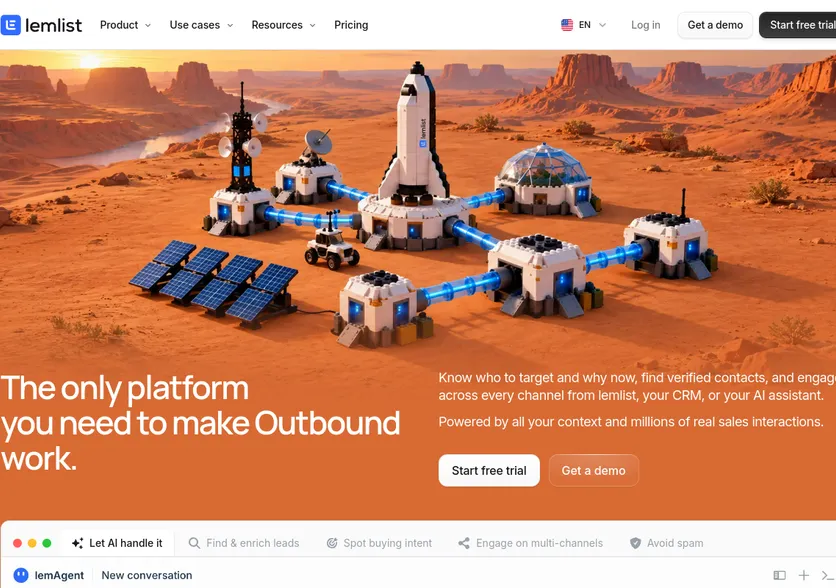
When a consultant sends personalised outreach to a short list of ideal clients, this lemlist plan costs thirty-nine dollars per user a month billed annually, and it builds personalised multichannel sequences with custom images, landing pages and warm-up. Personalised images and videos make each first email feel written for one person, which lifts reply rates on small, targeted lists. The entry plan allows one sending email per user, so teams that rotate several inboxes will need a higher tier.
What we like
- Personalised images and videos in every sequence
- Built-in warm-up protects new sending domains
- Lead database of more than four hundred and fifty million contacts
Watch out for
- Entry plan allows only one sending email per user
- LinkedIn steps need the Multichannel Expert tier
How to try it
- Build a targeted list and verify every address before sending
- Write a short sequence with a personalised image in the first email
- Warm the sending domain, then launch and watch reply rates daily
4. Mixmax
Best for: Gmail users who follow up one conversation at a time
Paid tool Starting price: $29/user/month · Twenty-nine dollars per user a month billed annually (thirty-four dollars billed monthly) for one hundred sequence recipients a month; one thousand five hundred recipients is eighty-nine dollars and three thousand is one hundred and twenty-nine dollars a user a month billed annually; the old SMB and Growth tiers were retired in October 2026
Free plan: Free plan (50 recipients a month)
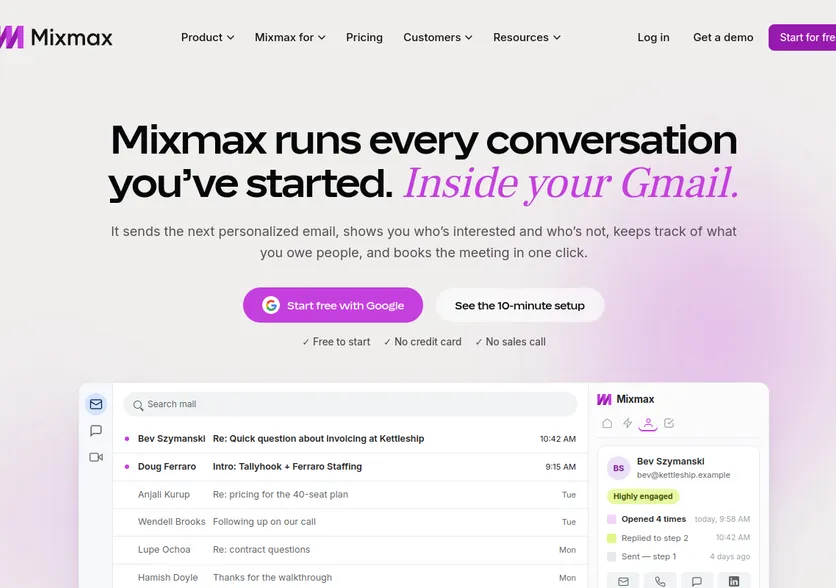
When a consultant follows up from Gmail after every meeting and call, this Mixmax plan costs twenty-nine dollars per user a month billed annually, and it adds sequences, tracking, scheduling and CRM logging inside Gmail. Meeting links, polls and templates live in the compose window, so a rep can book a call without leaving the thread. The entry tier allows only one hundred sequence recipients a month, so anyone doing outbound as a daily job will need a higher volume step.
What we like
- Sequences and tracking live inside Gmail
- Meeting scheduling and polls in the compose window
- CRM sync logs every email automatically
Watch out for
- Entry tier allows only one hundred sequence recipients a month
- No warm-up, so cold volume must stay low
How to try it
- Install the extension and connect the Gmail account
- Build a sequence template and add a small batch of recipients
- Book meetings from the thread and log outcomes to the CRM
5. Yesware
Best for: Reps who live in Gmail or Outlook and track opens
Paid tool Starting price: $15/user/month · Fifteen dollars per user a month on Pro billed annually (nineteen dollars billed monthly); Premium is thirty-five dollars and Enterprise is sixty-five dollars a user a month billed annually; Pro caps campaigns at twenty recipients a month, so real outreach usually needs Premium
Free plan: Free plan (up to 5 users)
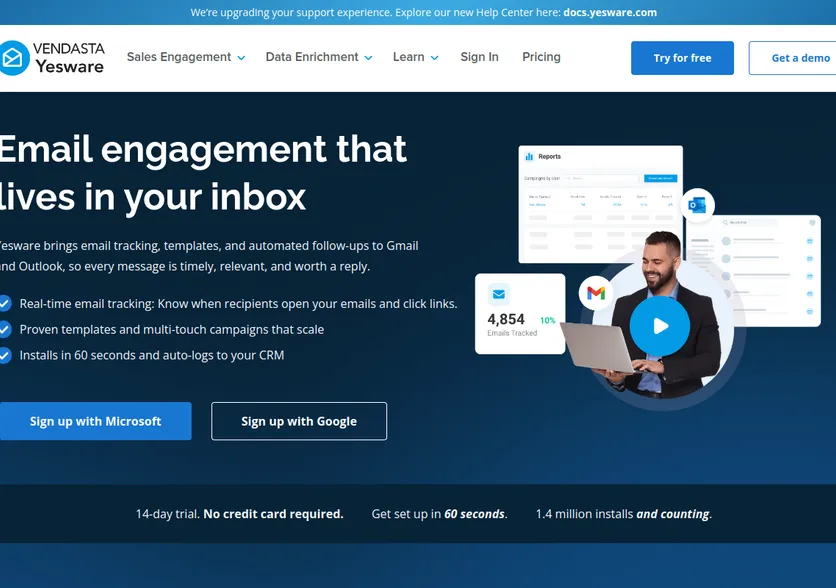
When a consultant wants to know the moment a proposal email is opened, this Yesware plan costs fifteen dollars per user a month billed annually, and it tracks email opens, link clicks and attachment views from inside Gmail and Outlook. Templates, campaigns and a meeting scheduler sit beside the tracking, and the free plan covers up to five users. Campaigns on Pro are capped at twenty recipients a month, so genuine outreach volume pushes most teams to the Premium plan.
What we like
- Unlimited open, link and attachment tracking on Pro
- Works inside Gmail and Outlook
- Free plan covers up to five users
Watch out for
- Pro caps campaigns at twenty recipients a month
- No warm-up, inboxes or public API
How to try it
- Install the add-on and connect the inbox
- Turn on tracking and save templates for common follow-ups
- Check open and click reports before the next touch
6. HubSpot Sales Hub
Best for: Teams that want CRM and follow-up in one place
Paid tool Starting price: $15/seat/month · Fifteen dollars per seat a month on Starter billed annually (twenty dollars billed monthly); Professional is one hundred dollars a seat a month billed annually plus a mandatory one-thousand-five-hundred-dollar onboarding fee and Enterprise is one hundred and fifty dollars; HubSpot's own blog lists Starter at nine dollars a seat a month billed annually, which conflicts with the fifteen-dollar figure in most November 2026 reads, so confirm at checkout
Free plan: Free CRM plan
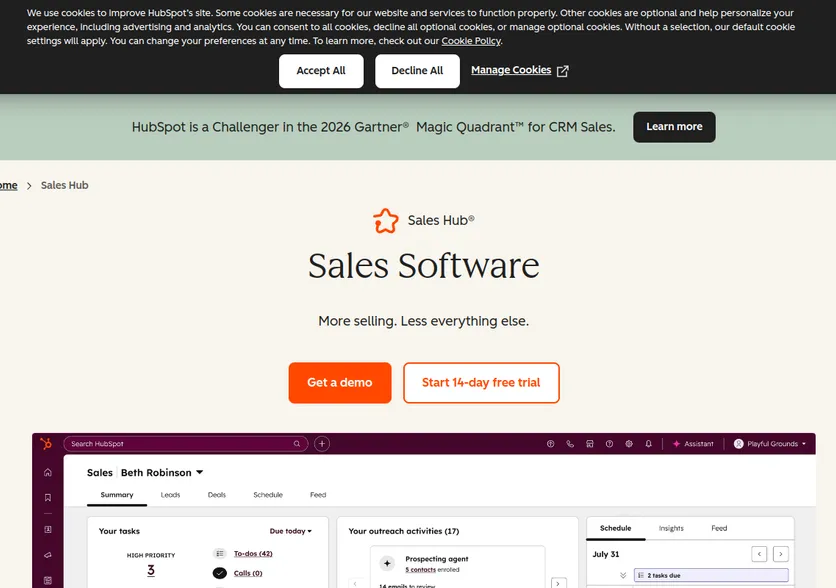
When a consultancy tracks deals, proposals and referrals in one shared CRM, this HubSpot Sales Hub plan costs fifteen dollars per seat a month billed annually, and it ties pipelines, email tracking, meeting links and simple automation to the free CRM. Every contact record carries its full history, and the free plan never expires, so a team can organise contacts before paying anything. Real sequences, forecasting and custom reporting sit behind the Professional tier, which costs far more per seat and adds a mandatory onboarding fee.
What we like
- Free CRM never expires and holds unlimited users
- Every contact carries its full history
- Huge ecosystem of connected apps
Watch out for
- Sequences and forecasting need the hundred-dollar Professional tier
- Professional adds a mandatory onboarding fee
How to try it
- Import contacts and set up pipelines by stage
- Add email tracking and meeting links for the team
- Build simple automations for follow-up tasks
7. Pipedrive
Best for: Teams that want a visual pipeline above all
Paid tool Starting price: $14/user/month · Fourteen dollars per user a month on Essential billed annually (twenty-four dollars billed monthly); Advanced is twenty-nine dollars, Professional is forty-nine dollars, Power is sixty-four dollars and Enterprise is ninety-nine dollars a user a month billed annually; some November 2026 reads show renamed Lite, Growth, Premium and Ultimate tiers at the same entry price, so confirm the plan names at checkout
Free plan: No free plan; 14-day free trial
When a consultant moves prospects through a clear proposal pipeline, this Pipedrive plan costs fourteen dollars per user a month billed annually, and it shows every deal as a card moving through a visual pipeline with email integration. Activity reminders, basic reporting and a mobile app keep follow-up visible, and the interface takes a new user about an hour to learn. Two-way email sync and real workflow automation start on Advanced, so the cheapest tier suits tracking more than automating.

What we like
- Clearest visual pipeline in this list
- New users are productive within an hour
- Strong mobile app for field follow-up
Watch out for
- Two-way email sync starts on Advanced
- Essential allows only thirty automation actions per account
How to try it
- Set up pipeline stages that match the real follow-up journey
- Import contacts and assign owners to every deal
- Review overdue activities each morning and clear them
8. Zoho CRM
Best for: Teams that want the most features per dollar
Paid tool Starting price: $14/user/month · Fourteen dollars per user a month on Standard billed annually (twenty dollars billed monthly); Professional is twenty-three dollars, Enterprise is forty dollars and Ultimate is fifty-two dollars a user a month billed annually; prices exclude tax
Free plan: Free plan (up to 3 users)
When a small consultancy needs a full CRM without enterprise pricing, this Zoho CRM plan costs fourteen dollars per user a month billed annually, and it covers contacts, pipelines, mass email, forecasting and custom modules at a low seat price. It sits inside an ecosystem of dozens of connected apps, from campaigns to desk support, so a team can grow without changing vendors. The interface packs in a lot, so teams without an admin to configure it may find the first weeks slower than a simpler pipeline tool.

What we like
- Most features per dollar in this list
- Free plan covers three users
- Dozens of connected Zoho apps to grow into
Watch out for
- Interface feels dense without an admin
- AI assistant only arrives on Enterprise
How to try it
- Import contacts and set up multiple pipelines
- Turn on mass email and sales forecasting
- Add workflows for routine follow-up tasks
Prices above were checked on each vendor’s own website on Nov 28, 2026 and can change — the vendor’s page is the final word. Vendor links are editorial: nobody paid to be listed or ranked here. Vendors who want a featured listing can see how it works on our Get listed page.
How to keep a consulting pipeline full between projects
Prospecting has to happen while the current project is still running, not after it ends, so block two hours a week for outreach and protect that time. Build a short list of ideal clients rather than a huge list, and write each first email about their problem, not your services. Track every proposal in a pipeline with a next step and a date, because a proposal with no follow-up date is a proposal that dies quietly. Stay in touch with past clients on a light schedule, since repeat work and referrals are cheaper than cold outreach.
Before you buy
- Confirm the tool finds new prospects, not just manages the ones you already have
- Check whether sequences work across email and LinkedIn, since consultants use both
- Ask if email tracking shows when a proposal is opened, so follow-up lands on time
- Make sure the price works for one or two seats, not just a sales team
- Test the tool on a real target list before paying, including a past client
Official websites
Official websites of the products reviewed above. Features and prices were checked against these sites when this guide was written, and they can change, so confirm on the vendor site before you buy.
Frequently asked questions
What is sales engagement software for consultants?
It is software that organises prospecting, proposal follow-up and client retention in one place, using pipelines and automated sequences borrowed from sales teams. A consultant adapts the stages to an engagement, from first contact to proposal, delivery and repeat work. The tools in this list range from a prospecting database to inbox tools, and every price was checked on the vendor site.
How much does Apollo.io cost for a consultant?
Apollo.io costs forty-nine dollars per user a month on Basic billed annually, or sixty-five dollars billed monthly, with thirty thousand credits a year. Professional is seventy-nine dollars a user a month billed annually and adds more credits, a dialer and workflows. The free plan covers nine hundred credits a year, which is enough to test the data quality.
Can a consultant use sales engagement software for free?
Yes, with Apollo.io, which offers a free plan with nine hundred credits a year, and HubSpot Sales Hub, which offers a free CRM with unlimited users. Yesware also offers a free plan for up to five users, and Mixmax has a free plan for fifty recipients a month. Free plans suit a solo consultant, but real prospecting volume soon needs a paid tier.
Which tool is best for a small consultancy?
Apollo.io is the best pick for a consultancy that needs new clients, because it finds prospects and runs sequences in one login at forty-nine dollars a user a month. Mixmax is the better pick for a consultant who mainly follows up from Gmail, at twenty-nine dollars a user a month. HubSpot suits firms that want a shared CRM first.
How do consultants follow up a proposal without chasing?
Send the proposal, then follow up once the tracking shows it was opened, and add something useful, such as a short case study or an answer to a question they raised. If there is no reply after three touches, close the deal honestly and keep the contact warm for a later project. Never send a sequence that reads like a sales blast.
Compare the eight tools above, then start with a free trial or the free plan on the tool that matches how consultants already handles outreach before paying for a full year.
Browse Business Tools tools