On this page
A managed service provider grows on renewals, referrals and a steady trickle of new clients, and all three need follow-up that does not slip. The eight tools below cover that job for MSPs, from a shared CRM to phone-first tools that book discovery calls. HubSpot Sales Hub leads because it keeps contacts, deals and renewals in one free-to-start CRM for fifteen dollars a seat a month, and the rest are ranked on how well they fit a small technical team that sells on trust.
How we researched this
We checked every price on the vendor pricing page on November 28, 2026, and only included tools with a published US dollar list price. Outreach, Salesloft and Salesforce Sales Cloud publish no prices, so they are not in this list. Prices change, so confirm the current figure on the vendor site before you buy.
Compare the tools
| Name | Best for | Starting price | Free plan | |
|---|---|---|---|---|
 HubSpot Sales Hub | Teams that want CRM and follow-up in one place | $15/seat/month | Free CRM plan | Visit |
 Pipedrive | Teams that want a visual pipeline above all | $14/user/month | No free plan; 14-day free trial | Visit |
 Zoho CRM | Teams that want the most features per dollar | $14/user/month | Free plan (up to 3 users) | Visit |
 Apollo.io | Teams that prospect and run sequences in one place | $49/user/month | Free plan | Visit |
 Reply.io | Teams running email, LinkedIn and calls together | $49/user/month | No free plan; 14-day free trial | Visit |
 Close | Inside sales teams that live on the phone | $49/user/month | No free plan; 14-day free trial | Visit |
 Freshsales | Small teams that want phone and AI scoring cheap | $15/user/month | Free plan (up to 3 users) | Visit |
| Mixmax | Gmail users who follow up one conversation at a time | $29/user/month | Free plan (50 recipients a month) | Visit |
The sales engagement software for MSPs, compared
1. HubSpot Sales Hub
Best for: Teams that want CRM and follow-up in one place
Paid tool Starting price: $15/seat/month · Fifteen dollars per seat a month on Starter billed annually (twenty dollars billed monthly); Professional is one hundred dollars a seat a month billed annually plus a mandatory one-thousand-five-hundred-dollar onboarding fee and Enterprise is one hundred and fifty dollars; HubSpot's own blog lists Starter at nine dollars a seat a month billed annually, which conflicts with the fifteen-dollar figure in most November 2026 reads, so confirm at checkout
Free plan: Free CRM plan
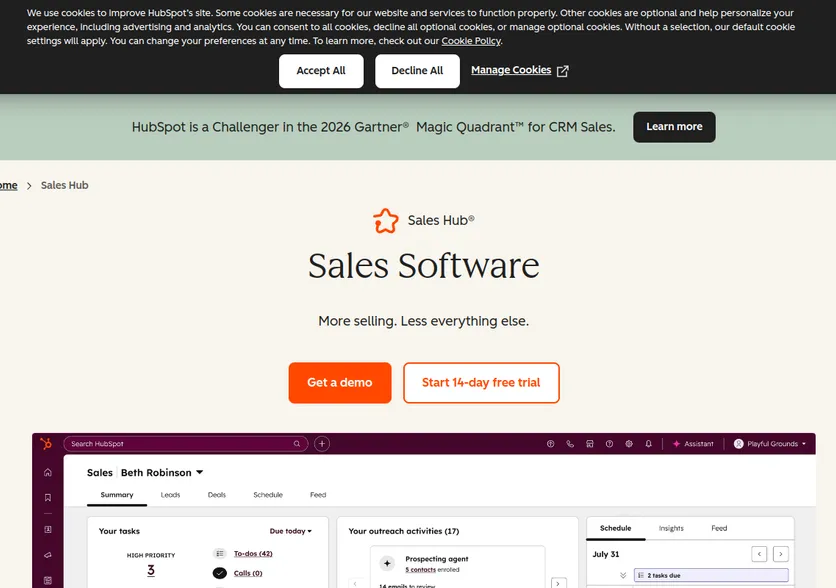
When a managed service provider chases renewals and referrals in one CRM, this HubSpot Sales Hub plan costs fifteen dollars per seat a month billed annually, and it ties pipelines, email tracking, meeting links and simple automation to the free CRM. Every contact record carries its full history, and the free plan never expires, so a team can organise contacts before paying anything. Real sequences, forecasting and custom reporting sit behind the Professional tier, which costs far more per seat and adds a mandatory onboarding fee.
What we like
- Free CRM never expires and holds unlimited users
- Every contact carries its full history
- Huge ecosystem of connected apps
Watch out for
- Sequences and forecasting need the hundred-dollar Professional tier
- Professional adds a mandatory onboarding fee
How to try it
- Import contacts and set up pipelines by stage
- Add email tracking and meeting links for the team
- Build simple automations for follow-up tasks
2. Pipedrive
Best for: Teams that want a visual pipeline above all
Paid tool Starting price: $14/user/month · Fourteen dollars per user a month on Essential billed annually (twenty-four dollars billed monthly); Advanced is twenty-nine dollars, Professional is forty-nine dollars, Power is sixty-four dollars and Enterprise is ninety-nine dollars a user a month billed annually; some November 2026 reads show renamed Lite, Growth, Premium and Ultimate tiers at the same entry price, so confirm the plan names at checkout
Free plan: No free plan; 14-day free trial
When an MSP tracks deals from first call to signed contract, this Pipedrive plan costs fourteen dollars per user a month billed annually, and it shows every deal as a card moving through a visual pipeline with email integration. Activity reminders, basic reporting and a mobile app keep follow-up visible, and the interface takes a new user about an hour to learn. Two-way email sync and real workflow automation start on Advanced, so the cheapest tier suits tracking more than automating.

What we like
- Clearest visual pipeline in this list
- New users are productive within an hour
- Strong mobile app for field follow-up
Watch out for
- Two-way email sync starts on Advanced
- Essential allows only thirty automation actions per account
How to try it
- Set up pipeline stages that match the real follow-up journey
- Import contacts and assign owners to every deal
- Review overdue activities each morning and clear them
3. Zoho CRM
Best for: Teams that want the most features per dollar
Paid tool Starting price: $14/user/month · Fourteen dollars per user a month on Standard billed annually (twenty dollars billed monthly); Professional is twenty-three dollars, Enterprise is forty dollars and Ultimate is fifty-two dollars a user a month billed annually; prices exclude tax
Free plan: Free plan (up to 3 users)
When an MSP needs a full CRM without enterprise pricing, this Zoho CRM plan costs fourteen dollars per user a month billed annually, and it covers contacts, pipelines, mass email, forecasting and custom modules at a low seat price. It sits inside an ecosystem of dozens of connected apps, from campaigns to desk support, so a team can grow without changing vendors. The interface packs in a lot, so teams without an admin to configure it may find the first weeks slower than a simpler pipeline tool.

What we like
- Most features per dollar in this list
- Free plan covers three users
- Dozens of connected Zoho apps to grow into
Watch out for
- Interface feels dense without an admin
- AI assistant only arrives on Enterprise
How to try it
- Import contacts and set up multiple pipelines
- Turn on mass email and sales forecasting
- Add workflows for routine follow-up tasks
4. Apollo.io
Best for: Teams that prospect and run sequences in one place
Paid tool Starting price: $49/user/month · Forty-nine dollars per user a month on Basic billed annually (sixty-five dollars billed monthly); Professional is seventy-nine dollars a user a month billed annually; Organization is one hundred and nineteen dollars a user a month with a three-seat minimum; credits are capped per plan and expire each cycle
Free plan: Free plan
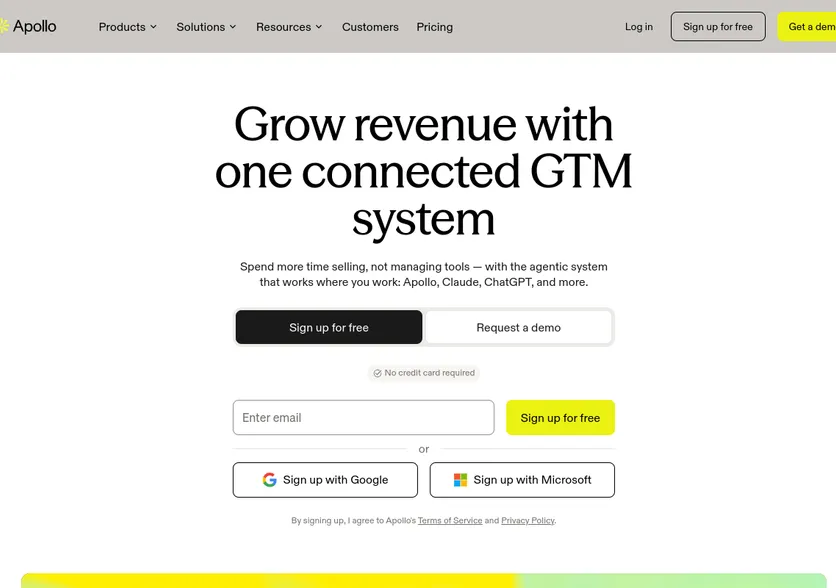
When an MSP prospects for new clients instead of waiting for referrals, this Apollo.io plan costs forty-nine dollars per user a month billed annually, and it pairs a contact database of more than two hundred and forty million people with email sequences, a dialer and deal tracking. Sequences, enrichment and calling sit in one login, so a rep can build a list, write the outreach and log the outcome without switching tools. The credit system is the catch, since every plan caps monthly credits and unused credits expire, so heavy list builders should watch the allowance.
What we like
- Contact database plus sequences, dialer and deals in one login
- Unlimited sequences on every paid plan
- Free plan covers nine hundred credits a year for testing
Watch out for
- Credits cap monthly prospecting and expire each cycle
- Basic caps daily sends and allows one mailbox per user
How to try it
- Search the database for contacts that match the ideal customer profile
- Add the list to a sequence with email, call and LinkedIn steps
- Track replies and booked meetings, then refresh the list weekly
5. Reply.io
Best for: Teams running email, LinkedIn and calls together
Paid tool Starting price: $49/user/month · Forty-nine dollars per user a month on Email Volume billed annually (fifty-nine dollars billed monthly) for one thousand active contacts; Multichannel is eighty-nine dollars a user a month billed annually; LinkedIn automation is a sixty-nine-dollar add-on on Email Volume; Jason AI SDR starts at five hundred dollars a month
Free plan: No free plan; 14-day free trial
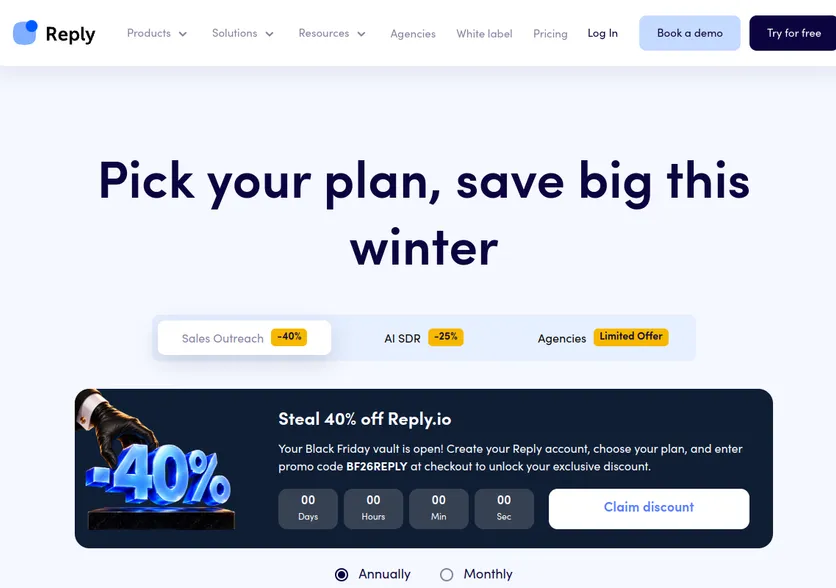
When an MSP follows up leads across email, LinkedIn and calls, this Reply.io plan costs forty-nine dollars per user a month billed annually, and it runs multichannel sequences across email, LinkedIn, calls and SMS from one dashboard. Its AI assistant drafts replies, scores leads and can book meetings, which takes the repetitive work out of follow-up. The entry plan is email-only, so teams that want LinkedIn and calling in the same seat need the dearer Multichannel plan.
What we like
- Email, LinkedIn, calls and SMS in one sequence
- AI assistant drafts replies and books meetings
- Unlimited mailboxes on the entry plan
Watch out for
- True multichannel costs eighty-nine dollars a user a month
- LinkedIn and calls are paid add-ons on Email Volume
How to try it
- Import contacts and split them into segments by fit and intent
- Build a multichannel sequence with email, LinkedIn and call steps
- Review reply rates weekly and pause steps that underperform
6. Close
Best for: Inside sales teams that live on the phone
Paid tool Starting price: $49/user/month · Forty-nine dollars per user a month on Startup billed annually, for up to three users; Professional is ninety-nine dollars and Enterprise is one hundred and thirty-nine dollars a user a month billed annually, though some listings show Enterprise at one hundred and forty-nine dollars, so confirm at checkout
Free plan: No free plan; 14-day free trial
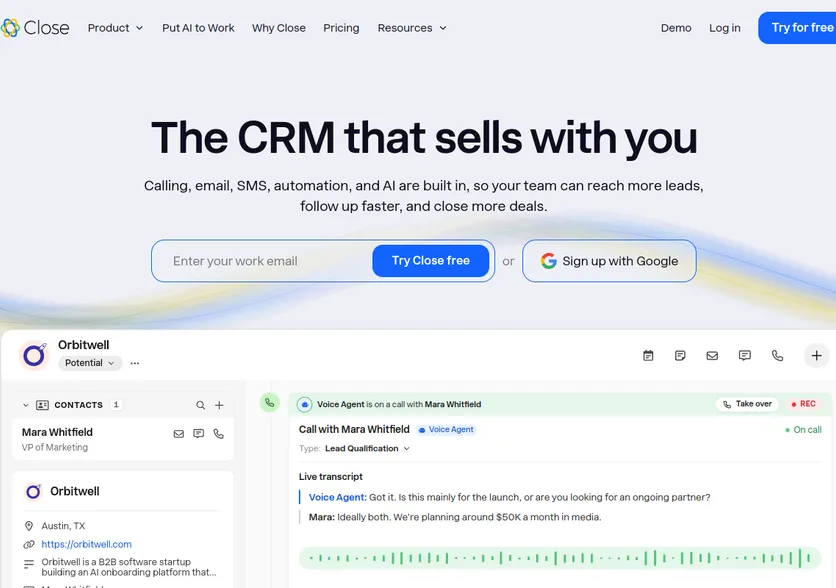
When an MSP sales team works the phones to book discovery calls, this Close plan costs forty-nine dollars per user a month billed annually, and it puts a built-in dialer, email sequences, SMS and call recording beside the pipeline. Calling, emailing and texting happen inside the deal view, so a rep never leaves the record to make the next touch. The entry plan covers up to three users and lacks some automation depth, so growing teams should price the Professional tier as well.
What we like
- Built-in calling replaces a separate phone system
- Power dialer built for high daily call volume
- Email, SMS and calls logged on the deal automatically
Watch out for
- Startup covers only three users
- No free plan and no marketing automation depth
How to try it
- Import leads and set up pipelines by stage
- Work the call list with the built-in dialer each morning
- Log outcomes and move deals forward the same day
7. Freshsales
Best for: Small teams that want phone and AI scoring cheap
Paid tool Starting price: $15/user/month · Fifteen dollars per user a month on Growth billed annually; Pro is thirty-nine dollars and Enterprise is sixty-nine dollars a user a month billed annually; Growth covers one sales pipeline and up to twenty workflows
Free plan: Free plan (up to 3 users)
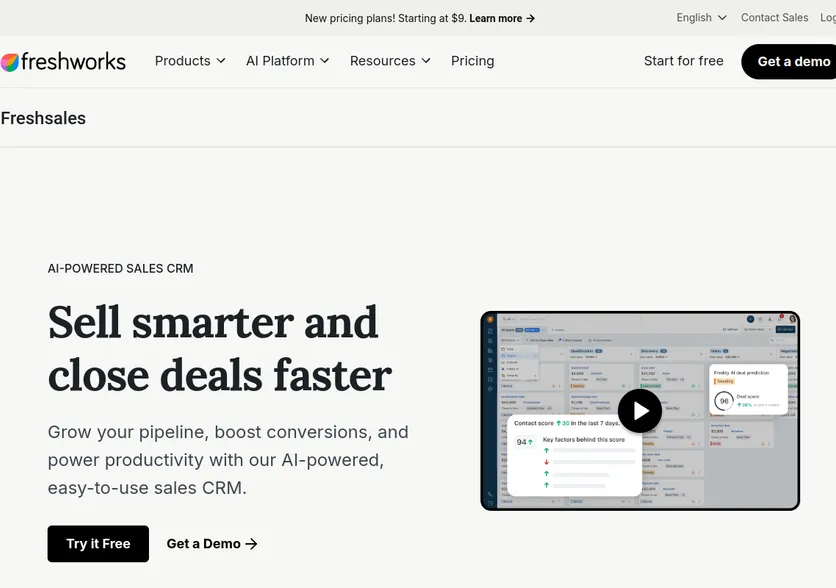
When a small MSP tracks prospects and renewals on a tight budget, this Freshsales plan costs fifteen dollars per user a month billed annually, and it combines pipeline management with built-in phone, email tracking and AI lead scoring. Sequences, workflows and a mobile app come with Growth, and the free plan covers three users who only need basic contact and deal tracking. Growth allows only one sales pipeline and twenty workflows, so teams with several product lines will outgrow it and need Pro.
What we like
- Built-in phone and AI lead scoring at a low price
- Free plan covers three users
- Clean interface that new reps learn fast
Watch out for
- Growth allows only one sales pipeline
- Only twenty workflows on Growth
How to try it
- Import contacts and set up the single sales pipeline
- Turn on email tracking and lead scoring
- Build sequences for follow-up and review the pipeline daily
8. Mixmax
Best for: Gmail users who follow up one conversation at a time
Paid tool Starting price: $29/user/month · Twenty-nine dollars per user a month billed annually (thirty-four dollars billed monthly) for one hundred sequence recipients a month; one thousand five hundred recipients is eighty-nine dollars and three thousand is one hundred and twenty-nine dollars a user a month billed annually; the old SMB and Growth tiers were retired in October 2026
Free plan: Free plan (50 recipients a month)
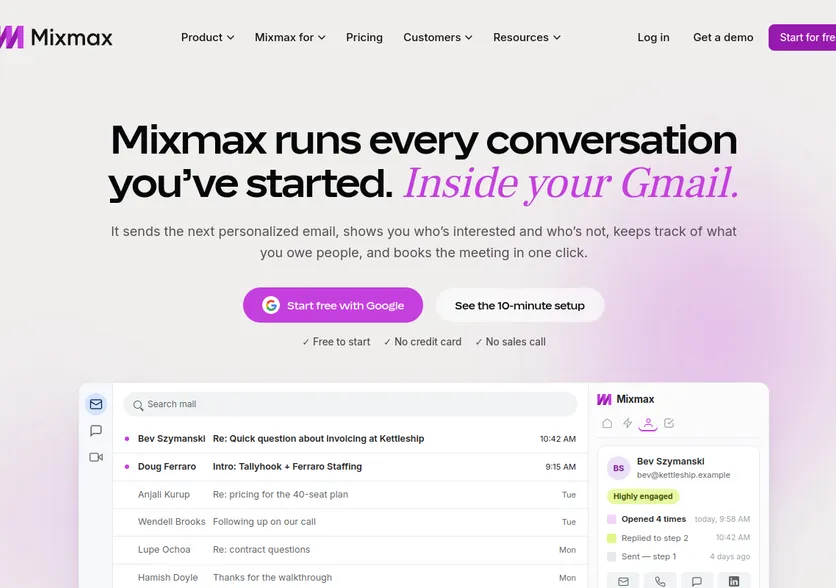
When an MSP owner follows up from Gmail after every client meeting, this Mixmax plan costs twenty-nine dollars per user a month billed annually, and it adds sequences, tracking, scheduling and CRM logging inside Gmail. Meeting links, polls and templates live in the compose window, so a rep can book a call without leaving the thread. The entry tier allows only one hundred sequence recipients a month, so anyone doing outbound as a daily job will need a higher volume step.
What we like
- Sequences and tracking live inside Gmail
- Meeting scheduling and polls in the compose window
- CRM sync logs every email automatically
Watch out for
- Entry tier allows only one hundred sequence recipients a month
- No warm-up, so cold volume must stay low
How to try it
- Install the extension and connect the Gmail account
- Build a sequence template and add a small batch of recipients
- Book meetings from the thread and log outcomes to the CRM
Prices above were checked on each vendor’s own website on Nov 28, 2026 and can change — the vendor’s page is the final word. Vendor links are editorial: nobody paid to be listed or ranked here. Vendors who want a featured listing can see how it works on our Get listed page.
How to keep an MSP pipeline full without a sales team
Most MSP growth comes from referrals and renewals, so build the pipeline around those first, with a renewal date on every client and a referral ask after every successful project. Prospect in small batches aimed at one industry at a time, because a message about a specific problem beats a generic pitch about managed services. Follow up by phone for the conversations that matter, and use email for proposals and confirmations that should sit in writing. Review the pipeline weekly, and never let a renewal date pass without a conversation first.
Before you buy
- Confirm the tool tracks renewal dates as well as new deals
- Check whether it fits a small technical team, not just a sales floor
- Ask if it finds new prospects or only manages the ones you already have
- Make sure the price works with a handful of seats, not just a team plan
- Test the tool on a real prospect list before paying, including a referral
Official websites
Official websites of the products reviewed above. Features and prices were checked against these sites when this guide was written, and they can change, so confirm on the vendor site before you buy.
Frequently asked questions
What is sales engagement software for MSPs?
It is software that organises prospecting, renewals and referral follow-up in one place, using pipelines and automated sequences borrowed from sales teams. An MSP adapts the stages to its own process, from first call to discovery, proposal, onboarding and renewal. The tools in this list range from a shared CRM to phone-first tools, and every price was checked on the vendor site.
How much does HubSpot Sales Hub cost for an MSP?
HubSpot Sales Hub costs fifteen dollars per seat a month on Starter billed annually, or twenty dollars billed monthly, and the free CRM underneath costs nothing with unlimited users. Sequences, forecasting and custom reporting need Professional at one hundred dollars a seat a month plus a mandatory onboarding fee. Most small MSPs can run on the free plan or Starter.
Can an MSP use sales engagement software for free?
Yes, with HubSpot Sales Hub, which offers a free CRM with unlimited users, and Apollo.io, which offers a free plan with nine hundred credits a year. Zoho CRM also offers a free plan for three users, and Freshsales covers three users free. Free plans suit a small MSP, but prospecting at volume soon needs a paid tier.
Which tool is best for a small MSP?
HubSpot Sales Hub is the best pick for a small MSP, because the free CRM tracks renewals and referrals as well as new deals. Close is the better pick for a team that books discovery calls by phone, at forty-nine dollars a user a month. Freshsales suits MSPs that want built-in calling at fifteen dollars a user a month.
How do MSPs win new clients without a sales team?
Ask for referrals after every successful project, and follow up existing clients before their renewal dates. Prospect in small batches aimed at one industry at a time, with a message about a specific problem rather than a generic pitch. Use a CRM to track every conversation, and let the pipeline, not memory, decide who gets followed up next.
Compare the eight tools above, then start with a free trial or the free plan on the tool that matches how MSPs already handles outreach before paying for a full year.
Browse Business Tools tools