On this page
Software developers who have to sell their own product judge sales tools the way they judge code: by the API, the setup time and whether it does one job well. The eight tools below pass that test at very different prices, from fifteen dollars a seat to about fifty dollars a user a month, and none of them needs a sales operations hire to run. Apollo.io leads because it puts a contact database, enrichment and sequences behind one API, and the rest are ranked on how cleanly they fit a small technical team that would rather build than configure.
How we researched this
We checked every price on the vendor pricing page on November 28, 2026, and only included tools with a published US dollar list price. The big enterprise platforms that sell engagement by quote, including Outreach and Salesloft, publish no prices, so they are not in this list. Prices change, so confirm the current figure on the vendor site before you buy.
Compare the tools
| Name | Best for | Starting price | Free plan | |
|---|---|---|---|---|
 Apollo.io | Developer teams that want data and sequences via API | $49/user/month | Free plan | Visit |
 Reply.io | Technical teams running multichannel outreach lean | $49/user/month | No free plan; 14-day free trial | Visit |
| Yesware | Developers who sell from the inbox, nothing more | $15/seat/month | Free plan | Visit |
 lemlist | Technical sellers who personalise every email | $39/user/month | No free plan; 14-day free trial | Visit |
 Instantly | Teams that treat outbound like a system to optimise | $37.60/month | No free plan; 14-day free trial | Visit |
 Klenty | Dev-led teams that want a dialer and sequences | $50/user/month | No free plan; 14-day free trial | Visit |
 Snov.io | Teams finding and verifying emails on LinkedIn | $29.25/month | Free plan (50 credits a month) | Visit |
 Smartlead | Small technical teams managing many mailboxes | $32.50/month | No free plan; 14-day free trial | Visit |
The sales engagement software for software developers, compared
1. Apollo.io
Best for: Developer teams that want data and sequences via API
Paid tool Starting price: $49/user/month · Forty-nine dollars per user a month billed annually ($65 billed monthly); Professional is $79 a user a month billed annually ($99 monthly) and Organization is $119, with a three-seat minimum
Free plan: Free plan
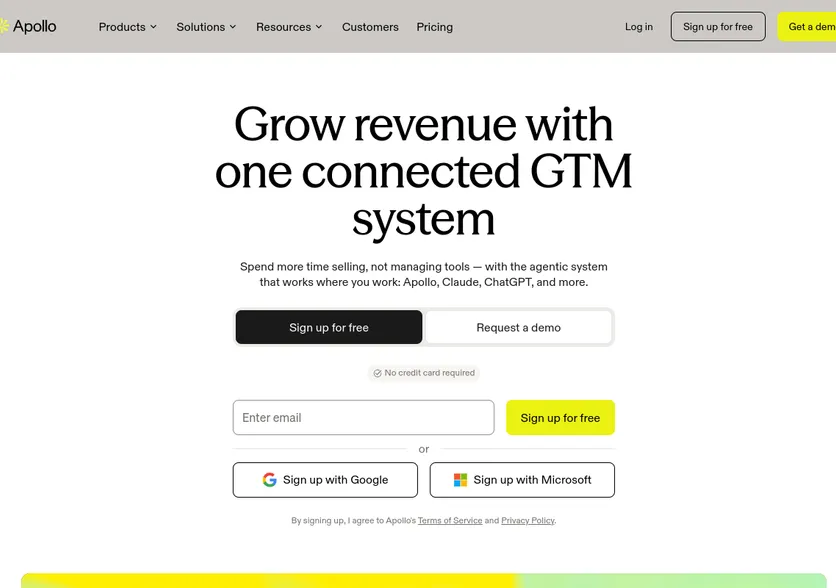
Developers who would rather call an API than click through a dozen screens get a tool built for them, because this Apollo plan costs forty-nine dollars per user a month billed annually and exposes the same database and sequences through documented endpoints. The contact database, enrichment and cadences can all be driven from code, so a small team can wire outbound into its own stack. A free plan covers testing, and the paid tiers raise credit limits and add integrations as the team grows.
What we like
- Database, enrichment and sequences behind one API
- Multichannel cadences with LinkedIn and call steps
- Free plan for testing the workflow before paying
Watch out for
- Credits cap how many contacts a team can enrich each month
- Advanced reporting sits on the dearer tiers
How to try it
- Search the database for companies that match the ideal customer
- Verify the emails, then build a sequence with API-tracked steps
- Sync replies to the CRM and move warm leads to a call
2. Reply.io
Best for: Technical teams running multichannel outreach lean
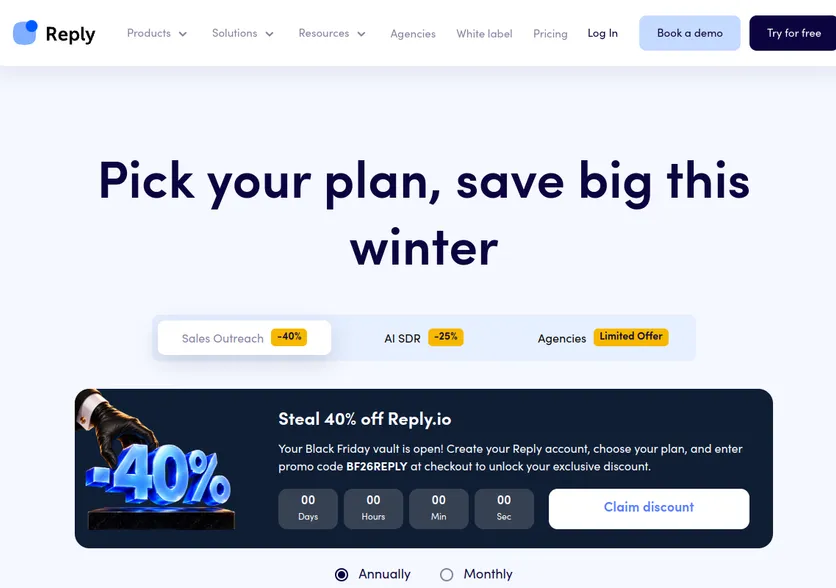
Paid tool Starting price: $49/user/month · Forty-nine dollars per user a month billed annually ($59 billed monthly) on Email Volume; Multichannel is $89 a user a month billed annually ($99 monthly); Jason AI SDR starts at $500 a month
Free plan: No free plan; 14-day free trial
A developer-led sales team that wants multichannel outreach without hiring an ops person gets it here, because this Reply plan costs forty-nine dollars per user a month billed annually. Email, LinkedIn, calls and text messages run in one sequence, and the API and webhooks let a technical team sync replies back to its own tools. The dearer tiers add the AI agent that drafts replies and books meetings, so the team can stay small for longer.
What we like
- Multichannel sequences with email, LinkedIn and calls
- API and webhooks sync replies to the team's own tools
- AI agent tier drafts replies and books meetings
Watch out for
- Entry tier covers email only, so LinkedIn costs more
- The AI SDR tier starts at a much higher monthly price
How to try it
- Import a prospect list and connect the sending mailboxes
- Build a sequence that mixes email, LinkedIn and call steps
- Review reply rates weekly and pause steps that underperform
3. Yesware
Best for: Developers who sell from the inbox, nothing more
Paid tool Starting price: $15/seat/month · Fifteen dollars per seat a month billed annually ($19 billed monthly) on Pro; Premium is $35 a seat a month billed annually ($45 monthly) and Enterprise is $65 ($85 monthly)
Free plan: Free plan
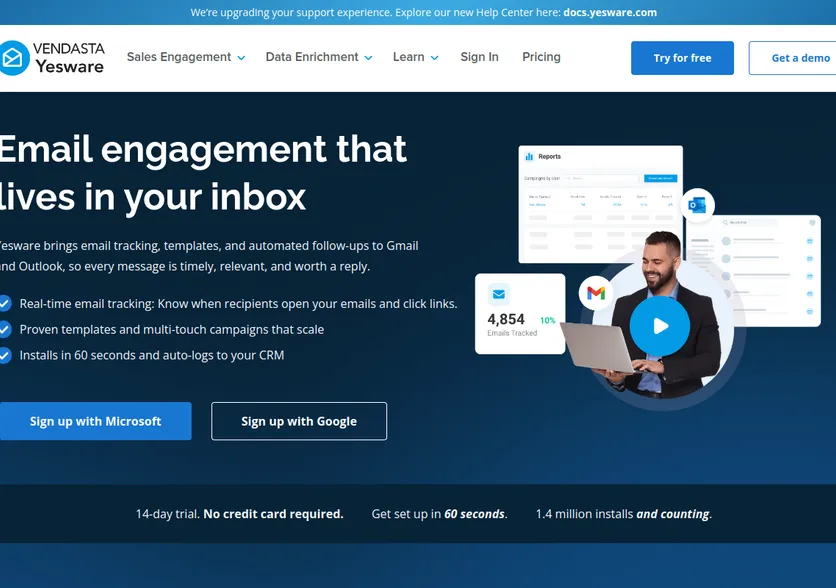
A developer who sells to other developers hates bloated sales software, so this Yesware plan costs fifteen dollars per seat a month billed annually and keeps the whole workflow inside Gmail or Outlook. Tracking, templates and reminders appear in the inbox itself, with no new dashboard to open and no admin console to configure. The free plan covers basic tracking, and the paid tiers add campaigns and reporting for when the team grows.
What we like
- Lives inside Gmail or Outlook, no new dashboard
- Open tracking shows engagement the moment it happens
- Templates and reminders keep follow-ups on schedule
Watch out for
- No built-in contact database, so lists come from elsewhere
- Campaigns and reporting need the paid tiers
How to try it
- Install the add-on in Gmail or Outlook
- Save the best emails as templates and turn on tracking
- Set a reminder on every thread that needs a follow-up
4. lemlist
Best for: Technical sellers who personalise every email
Paid tool Starting price: $39/user/month · Thirty-nine dollars per user a month billed annually (about $59 billed monthly) on Email Starter; Email Pro is $69 and Multichannel Expert is $99; older $55 and $109 figures are stale
Free plan: No free plan; 14-day free trial
A developer selling a technical product needs cold email that shows the prospect you did the homework, and this lemlist plan costs thirty-nine dollars per user a month billed annually to personalise at scale. Custom images and landing pages can pull in a prospect's stack, website or hiring page, so each email reads like research, not spam. The built-in database and verification keep lists clean, and the dearer tiers add multichannel steps for teams that outgrow email alone.
What we like
- Personalised images and landing pages at scale
- Built-in database with email verification
- Multichannel steps on the dearer tiers
Watch out for
- Personalisation takes setup time for every campaign
- Monthly billing is far above the annual rate
How to try it
- Find prospects and verify their emails first
- Build a personalised image or landing page for the opener
- Launch the campaign and test one new first line each week
5. Instantly
Best for: Teams that treat outbound like a system to optimise
Paid tool Starting price: $37.60/month · Thirty-seven dollars and sixty cents a month billed annually ($47 billed monthly) on Growth; Hypergrowth is $77.60 a month billed annually ($97 monthly); sending only, lead data and CRM are billed separately
Free plan: No free plan; 14-day free trial
A developer-led team that treats outbound like a system to optimise will like the deliverability-first design here, because this Instantly plan costs thirty-seven dollars and sixty cents a month billed annually. Warm-up, inbox rotation and analytics are built in, and the API lets the team pull campaign data into its own dashboards. Lead data and the CRM are billed separately, so the headline price covers sending only, which suits a team that already owns its data.
What we like
- Warm-up and inbox rotation built in from the start
- API access for pulling campaign data into dashboards
- Unlimited sending accounts on the entry tier
Watch out for
- Lead data and CRM are billed separately
- The vendor is testing bundle-only pricing for new buyers
How to try it
- Connect the sending accounts and start warm-up
- Set the daily cap per inbox and upload a clean list
- Watch inbox placement and pause any account that dips
6. Klenty
Best for: Dev-led teams that want a dialer and sequences
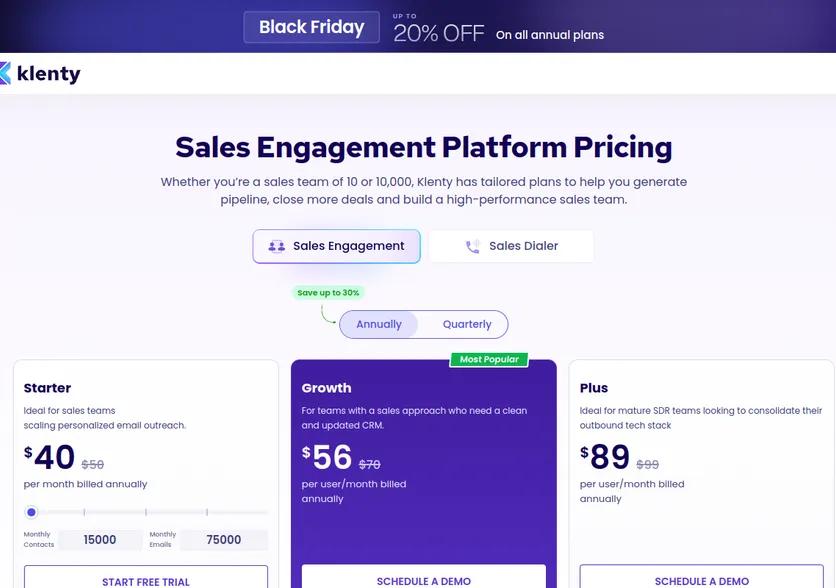
Paid tool Starting price: $50/user/month · Fifty dollars per user a month billed annually ($60 billed quarterly) on Startup; Growth is $70 a user a month billed annually ($85 quarterly) and Pro is $100 ($125 quarterly); Enterprise is quoted
Free plan: No free plan; 14-day free trial
A developer-led team that wants a dialer, sequences and a CRM sync without enterprise pricing gets them here, because this Klenty plan costs fifty dollars per user a month billed annually. Cadences mix calls, emails and LinkedIn steps, and the built-in dialer logs every call against the deal without a second app. The CRM sync keeps the pipeline honest, and the dearer tiers add more automation and reporting as volume grows.
What we like
- Built-in dialer with calls logged to the deal
- Sequences mix calls, email and LinkedIn steps
- CRM sync keeps the pipeline honest
Watch out for
- Advanced automation sits on the dearer tiers
- The quarterly billing view can confuse the monthly cost
How to try it
- Connect the CRM and import the prospect list
- Build a cadence that mixes calls, emails and LinkedIn
- Log every call outcome and refine the weakest step
7. Snov.io
Best for: Teams finding and verifying emails on LinkedIn
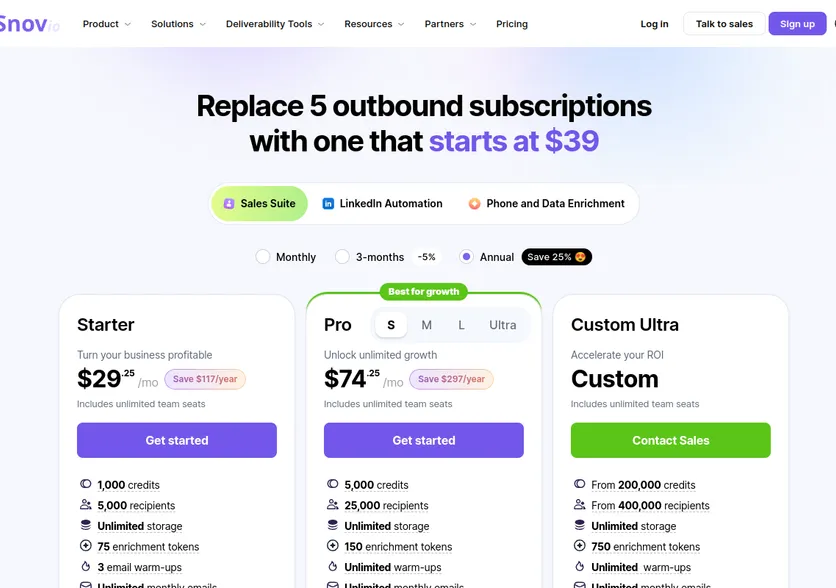
Paid tool Starting price: $29.25/month · Twenty-nine dollars and twenty-five cents a month billed annually ($39 billed monthly) on Starter; Pro S is $74.25 a month billed annually ($99 monthly), Pro M is $141.75 ($189 monthly) and Pro L is $276.75 ($369 monthly)
Free plan: Free plan (50 credits a month)
A developer-led team that finds leads on LinkedIn and company sites needs verified emails before the first send, and this Snov plan costs twenty-nine dollars and twenty-five cents a month billed annually. The extension finds emails on profiles and domains, the verifier checks them before sending, and the built-in sequences run the follow-up. The free plan covers a small monthly allowance, and the dearer tiers raise credits and add team features.
What we like
- Finds and verifies emails from LinkedIn and domains
- Built-in sequences run the follow-up in the same tool
- Free plan covers a small monthly allowance
Watch out for
- Credit limits bite fast on bigger prospect lists
- Higher tiers are needed for serious team volume
How to try it
- Install the extension and collect emails from profiles
- Verify the list, then build a short follow-up sequence
- Track opens and replies, and refresh the list monthly
8. Smartlead
Best for: Small technical teams managing many mailboxes
Paid tool Starting price: $32.50/month · Thirty-two dollars and fifty cents a month billed annually ($39 billed monthly) on Base; Pro is $78.30 a month billed annually ($94 monthly); the 50 percent off first month offer is a promotion, not the list price
Free plan: No free plan; 14-day free trial
A small technical team that sends from several mailboxes at once needs one place to manage them all, so this Smartlead plan costs thirty-two dollars and fifty cents a month billed annually. Automatic mailbox rotation and unlimited warm-up protect the domain, and the master inbox collects replies from every sender in one place. The API and webhooks let the team push replies into its own tools, and the dearer tiers add volume and agency features.
What we like
- Automatic mailbox rotation protects the domain
- Master inbox collects replies from every sender
- API and webhooks push replies into the team's tools
Watch out for
- Higher tiers are needed for serious sending volume
- The first-month discount is a promotion, not the list price
How to try it
- Connect every sending mailbox to one workspace
- Turn on warm-up and set rotation rules per campaign
- Route replies to the CRM and answer them the same day
Prices above were checked on each vendor’s own website on Nov 28, 2026 and can change — the vendor’s page is the final word. Vendor links are editorial: nobody paid to be listed or ranked here. Vendors who want a featured listing can see how it works on our Get listed page.
How a developer-led team runs outbound like a system
Treat outbound like a pipeline with tests: one variable per experiment, a clear winner, and a written record of what changed. Verify every email before the first send, warm up each mailbox for two weeks, and cap daily volume per inbox so a single bad list cannot burn the domain. Pipe replies back into the CRM through the API, so the next step is decided by data, not by whoever saw the inbox last. Review the numbers weekly, kill the weakest step, and never let a sequence run for a month without a human reading the actual replies.
Before you buy
- Confirm the tool has an API and webhooks, so replies can flow into the team's own stack
- Check whether email finding, verification and warm-up are included or billed separately
- Ask how many seats, credits and sending accounts the headline price really covers
- Make sure sequences can mix email, LinkedIn and calls without a second subscription
- Test deliverability on a small list first, and watch where the emails actually land
Official websites
Official websites of the products reviewed above. Features and prices were checked against these sites when this guide was written, and they can change, so confirm on the vendor site before you buy.
Frequently asked questions
What is sales engagement software for software developers?
It is software that runs outbound for a developer-led team: finding prospects, verifying emails, sending sequences and tracking replies, with an API for teams that want to wire it into their own stack. Developers need it because selling a technical product means reaching other technical buyers, and the tool has to prove itself on setup time, data quality and deliverability rather than on a polished dashboard.
How much does Apollo.io cost for a developer team?
Apollo.io costs forty-nine dollars per user a month billed annually on the Basic plan, or sixty-five dollars billed monthly. That plan includes the contact database, email sequences and API access, with a free plan for testing. Professional costs seventy-nine dollars a user a month billed annually and adds more credits, advanced sequences and deeper integrations for busier teams.
Which sales engagement tool is cheapest for developers?
Yesware is the cheapest here, at fifteen dollars per seat a month billed annually, with a free plan for basic tracking inside Gmail or Outlook. It suits a developer who sells personally and wants tracking without a new app. Snov.io is the next cheapest at twenty-nine dollars and twenty-five cents a month billed annually, and it adds email finding and verification.
Do developers need a contact database or just a sequencer?
A sequencer alone is enough if the team already has a prospect list, but most developer-led teams do not. A tool with a built-in database, like Apollo.io or Snov.io, finds and verifies the contacts first, so the sequence has someone to reach. Buying the database separately usually costs more than the combined subscription, and the two tools rarely sync as cleanly.
Why are Outreach and Salesloft missing from this list?
Outreach and Salesloft are enterprise engagement platforms, but neither publishes a list price, so neither could be verified for this comparison. Both sell by annual contract through a sales call, which is far more than a small developer-led team needs. Every tool in this list has a published US dollar price that was checked on the vendor site on November 28, 2026.
Compare the eight tools above, then start with a free trial or the free Apollo.io plan on the tool that matches how the developer team already sells before paying for a full year.
Browse Business Tools tools