On this page
Salesforce holds the deals, contacts and history a small team cannot afford to lose, and the platform's own recycle bin only goes so far. The eight backup tools below cover that gap for small teams, from a cheap per-user plan to a service that backs up every record automatically. Veeam Data Cloud for Salesforce leads because it backs up every active user for four dollars and seventeen cents a user a month, with unlimited storage, and the rest are ranked on price, coverage and how easy restores are.
How we researched this
We checked every price on the vendor pricing page on November 28, 2026, and only included tools with a published US dollar list price. The big enterprise backup platforms that sell by quote, including Druva, Rubrik and Cohesity, publish no prices, so they are not in this list. Prices change, so confirm the current figure on the vendor site before you buy.
Compare the tools
| Name | Best for | Starting price | Free plan | |
|---|---|---|---|---|
 Veeam Data Cloud for Salesforce | Small teams that want set-and-forget Salesforce backup | $4.17/Salesforce user/month | No free plan; no free trial | Visit |
| Spanning Backup | Teams already backing up Google or Microsoft with Spanning | $48/user/year | No free plan; 14-day free trial | Visit |
 Rewind Backups | Small teams that want fast, simple restores | $4/user/month | No free plan; free trial available | Visit |
 Skyvia Backup | Teams that want backup plus data integration | $7/month | Free plan (1 GB) | Visit |
| CloudAlly | Teams that want unlimited storage for a flat price | $3/user/month | No free plan; 15-day free trial | Visit |
| Afi.ai | Teams backing up Salesforce plus Microsoft or Google | $3/user/month | No free plan; 14-day free trial | Visit |
| Gearset Backup | Teams already using Gearset for deployments | $1/Salesforce user/month | No free plan; 30-day free trial | Visit |
| ProBackup | Teams that prefer storage-based pricing over per-seat billing | $25/month | No free plan; 7-day free trial | Visit |
The Salesforce backup software for small teams, compared
1. Veeam Data Cloud for Salesforce
Best for: Small teams that want set-and-forget Salesforce backup
Paid tool Starting price: $4.17/Salesforce user/month · Four dollars and seventeen cents per Salesforce user a month billed annually; licences are required for all active Salesforce users and storage is unlimited
Free plan: No free plan; no free trial
A small team that wants Salesforce backed up without thinking about it gets a set-and-forget service here, since this Veeam Data Cloud for Salesforce plan costs four dollars and seventeen cents per Salesforce user a month billed annually. It backs up records, files and metadata automatically, with unlimited storage and no cap on how far back a restore can go. Licences cover every active Salesforce user, so the bill matches the team size exactly.
What we like
- Unlimited storage with no restore window cap
- Backs up records, files and metadata automatically
- Price scales exactly with active Salesforce users
Watch out for
- No free trial is offered
- Licences are required for every active Salesforce user
How to try it
- Connect the Salesforce org and confirm the user count
- Set the backup schedule and retention policy
- Test a restore to a sandbox before you need it for real
2. Spanning Backup
Best for: Teams already backing up Google or Microsoft with Spanning
Paid tool Starting price: $48/user/year · Forty-eight dollars per user a year, which works out to four dollars per user a month; covers Google Workspace, Microsoft 365 and Salesforce, with metadata backup limited to seventeen types
Free plan: No free plan; 14-day free trial
A team that already backs up Google Workspace or Microsoft 365 can add Salesforce to the same plan here, because this Spanning Backup plan costs forty-eight dollars per user a year. It covers records, files and metadata for Salesforce, with a fourteen-day free trial to prove restores work before paying. The yearly price works out to four dollars a user a month, the cheapest per-user rate in this list.
What we like
- Cheapest per-user rate in this list at $48 a year
- One plan covers Salesforce, Google and Microsoft
- Fourteen-day free trial with no card needed
Watch out for
- Metadata backup covers only seventeen types
- Support is lighter than the enterprise backup vendors
How to try it
- Connect the Salesforce org to the Spanning account
- Pick the objects and metadata to back up
- Run a test restore to confirm the data comes back clean
3. Rewind Backups
Best for: Small teams that want fast, simple restores
Paid tool Starting price: $4/user/month · Four dollars per user a month on Standard; Advanced is five dollars and twenty cents a user a month; some listings show Basic from three dollars a user a month, so confirm the current figure at checkout
Free plan: No free plan; free trial available
A team that has ever lost a record to a bad import knows restores matter more than backups, and this Rewind Backups plan costs four dollars per user a month on Standard. It backs up Salesforce data automatically and restores single records or whole objects in a few clicks. The setup takes minutes, which suits a small team with no admin to spare.
What we like
- Restores single records or whole objects in a few clicks
- Setup takes minutes, with no admin needed
- Automatic daily backups with no storage cap stated
Watch out for
- Some listings show a cheaper Basic tier, so confirm the price
- Advanced features need the dearer Advanced plan
How to try it
- Connect Rewind to the Salesforce org
- Let the first backup run and check the coverage
- Practise restoring a single record to a sandbox
4. Skyvia Backup
Best for: Teams that want backup plus data integration
Paid tool Starting price: $7/month · Seven dollars a month billed annually on Standard ($9 billed monthly); Professional is $79 a month billed annually ($99 billed monthly)
Free plan: Free plan (1 GB)
A team that wants backup plus the option to move data around will like the flexibility here, because this Skyvia Backup plan costs seven dollars a month billed annually. It backs up Salesforce objects and files on a schedule, and the same platform handles data integration and replication when the team needs it. The free tier covers one gigabyte, so a tiny org can start without paying.
What we like
- Free tier covers one gigabyte of backup
- Same platform handles integration and replication
- Scheduled backups with point-in-time restore
Watch out for
- The free tier is too small for most real orgs
- Professional tier jumps to a much higher price
How to try it
- Create a backup package and connect the Salesforce org
- Choose the objects and schedule for automatic backups
- Test a restore to a sandbox and check the record counts
5. CloudAlly
Best for: Teams that want unlimited storage for a flat price
Paid tool Starting price: $3/user/month · Three dollars per user a month, or thirty dollars per user a year; storage is unlimited and a fifteen-day free trial is included
Free plan: No free plan; 15-day free trial
A small team that wants unlimited storage for a flat per-user price will find it here, since this CloudAlly plan costs three dollars per user a month. It backs up Salesforce records, files and metadata with unlimited storage, and a fifteen-day free trial lets the team prove restores work before paying. The same plan also covers Microsoft 365 and Google Workspace.
What we like
- Unlimited storage on a flat per-user price
- Covers Salesforce, Microsoft 365 and Google Workspace
- Fifteen-day free trial with no card needed
Watch out for
- The interface is simpler than the enterprise tools
- Support response times vary by plan
How to try it
- Sign up for the trial and connect the Salesforce org
- Select the objects to back up and set the schedule
- Run a test restore and verify the data
6. Afi.ai
Best for: Teams backing up Salesforce plus Microsoft or Google
Paid tool Starting price: $3/user/month · Three dollars per user a month from five users; covers Salesforce, Microsoft 365 and Google Workspace, with a fourteen-day free trial
Free plan: No free plan; 14-day free trial
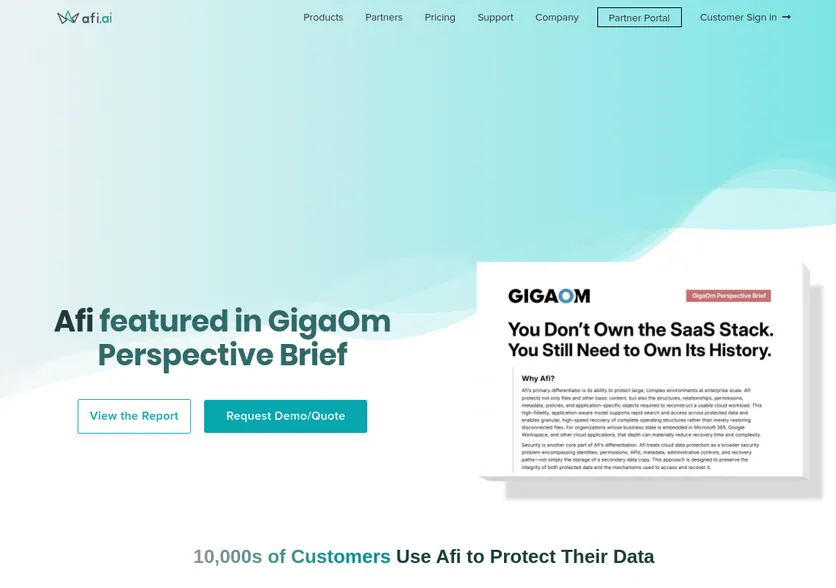
A team that backs up more than Salesforce gets more value here, because this Afi.ai plan costs three dollars per user a month. It covers Salesforce, Microsoft 365 and Google Workspace from one dashboard, with automatic backups and granular restores. The price starts from five users, so the smallest teams should check the minimum bill before signing up.
What we like
- One dashboard for Salesforce, Microsoft and Google
- Automatic backups with granular restores
- Low per-user price with a free trial
Watch out for
- Pricing starts from five users, so tiny teams pay the minimum
- Fewer Salesforce-specific features than the specialists
How to try it
- Create an account and connect the Salesforce org
- Set the backup frequency and retention
- Test a granular restore to confirm the data returns
7. Gearset Backup
Best for: Teams already using Gearset for deployments
Paid tool Starting price: $1/Salesforce user/month · One dollar per Salesforce user a month for Backup; other listings show Backup from two dollars and fifty cents per Salesforce user a month and a Starter figure of two dollars and seventy-five cents, so confirm the current figure on the vendor site before you buy
Free plan: No free plan; 30-day free trial
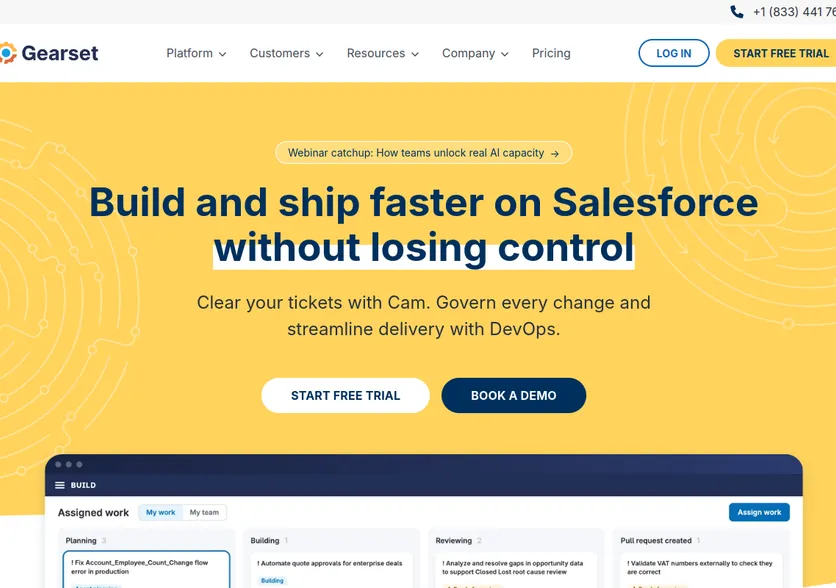
A team that already uses Gearset for Salesforce deployments gets backup from the same vendor here, because this Gearset Backup plan costs one dollar per Salesforce user a month. It backs up metadata and data alongside the deployment tools, so releases and recovery live in one place. The price is the lowest per-user figure in this list, though other listings show a higher starting rate.
What we like
- Lowest per-user price in this list
- Backup sits beside the deployment tools
- Metadata and data backup in one place
Watch out for
- Other listings show Backup from two dollars and fifty cents a user a month
- Needs a Gearset account to get the full value
How to try it
- Connect Gearset to the Salesforce org
- Turn on Backup and pick the metadata types
- Schedule regular backups and test a restore
8. ProBackup
Best for: Teams that prefer storage-based pricing over per-seat billing
Paid tool Starting price: $25/month · Twenty-five dollars a month billed annually on Plus ($31 billed monthly); Pro is $38 and Premium is $69 a month; priced by storage, not by seats, with ten gigabytes on Plus
Free plan: No free plan; 7-day free trial
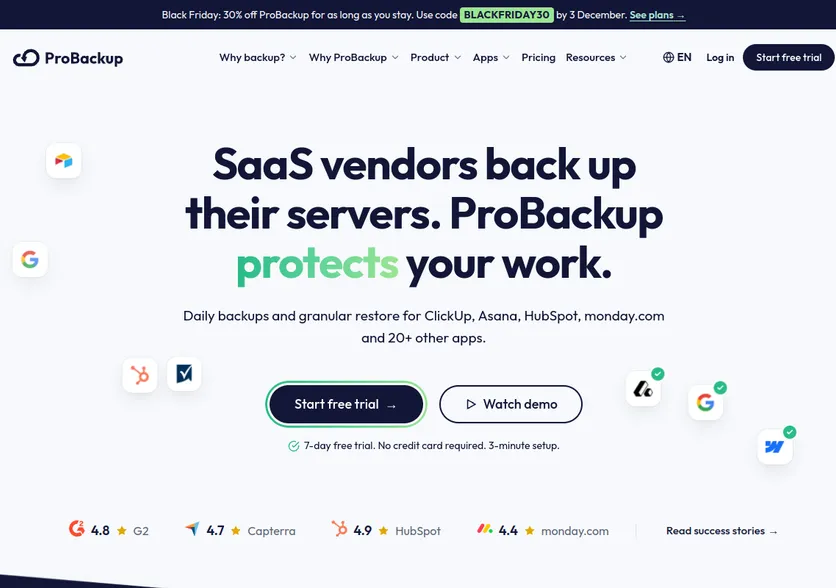
A team that prefers to pay for storage rather than seats will like the model here, since this ProBackup plan costs twenty-five dollars a month billed annually. It backs up Salesforce data to its own cloud with ten gigabytes on the Plus plan, and the price does not rise when the team hires more users. A seven-day free trial lets the team check restores before paying.
What we like
- Priced by storage, not by seats
- Flat monthly price that does not rise with headcount
- Seven-day free trial to test restores
Watch out for
- Ten gigabytes on Plus may be small for large orgs
- Pro and Premium tiers cost much more
How to try it
- Create an account and connect the Salesforce org
- Choose the Plus plan and set the backup schedule
- Test a restore and check the storage usage
Prices above were checked on each vendor’s own website on Nov 28, 2026 and can change — the vendor’s page is the final word. Vendor links are editorial: nobody paid to be listed or ranked here. Vendors who want a featured listing can see how it works on our Get listed page.
How to pick a Salesforce backup that actually restores
A backup nobody has tested is a hope, not a plan, so restore something before you pay for a year. Check exactly what the plan covers: records, files, metadata and attachments are separate line items, and a cheap plan that skips metadata leaves the org half-backed-up. Match the price to the real user count, since per-user plans charge for every active Salesforce user, including service accounts. Confirm the retention window too, because a thirty-day window cannot recover a record deleted two months ago. Finally, run a trial restore into a sandbox and count the records, because a backup that restores ninety percent of the data is a failure.
Before you buy
- Restore a real record into a sandbox during the trial, because an untested backup is only a hope
- Check whether records, files, metadata and attachments are all covered, since cheap plans skip some
- Count every active Salesforce user, including service accounts, before pricing a per-user plan
- Confirm the retention window covers how far back the team might need to recover a deleted record
- Make sure restores work at record level, not just full-org level, so small mistakes stay small
Official websites
Official websites of the products reviewed above. Features and prices were checked against these sites when this guide was written, and they can change, so confirm on the vendor site before you buy.
Frequently asked questions
What is the best Salesforce backup software for small teams?
Veeam Data Cloud for Salesforce is the best overall pick, at four dollars and seventeen cents per Salesforce user a month billed annually, with unlimited storage. Spanning is the best value at forty-eight dollars per user a year, and Rewind is the simplest for quick restores. The right pick depends on user count, storage needs and whether the team backs up other platforms too.
How much does Salesforce backup cost for a small team?
Entry prices in this list run from one dollar per Salesforce user a month for Gearset Backup to twenty-five dollars a month flat for ProBackup. Veeam costs four dollars and seventeen cents per user a month, and Spanning costs forty-eight dollars per user a year. Most tools offer a free trial, so test a restore before paying for a year.
Does Salesforce back up my data automatically?
Salesforce keeps deleted records in the recycle bin for fifteen days and offers a weekly export, but that is not a real backup for a working team. A dedicated backup tool copies records, files and metadata on a schedule and restores them on demand, including records deleted months ago. Small teams that cannot lose their pipeline should run one of the tools in this list.
Can I try Salesforce backup software for free?
Yes, with Spanning, CloudAlly, Afi.ai, Gearset and ProBackup, which offer free trials of seven to thirty days, and Skyvia, which offers a free plan covering one gigabyte. Veeam offers no free trial, so the team should confirm coverage and pricing with the vendor first. Use the trial to restore a record into a sandbox, not just to run a backup.
What should a small team check before buying Salesforce backup?
Check that records, files, metadata and attachments are all covered, count every active user for per-user pricing, and confirm the retention window reaches far enough back. Test a restore into a sandbox during the trial and count the records that come back. Confirm the tool also covers Google or Microsoft if the team wants one backup plan for everything.
Compare the eight tools above, then start with a free trial on the tool that matches the team's size and storage needs before paying for a full year.
Browse Business Tools tools