On this page
Developers lose work differently from everyone else: a deleted repository, a broken laptop before a commit, a signing key that exists in exactly one place. The eight tools below protect code, projects and dotfiles, from about twenty dollars a year to ninety-six dollars a year per user. Every price was checked on the vendor site on November 27, 2026. Arq Premium is our first pick — the most flexible developer backup with strong versioning and your choice of storage.
How we researched this
We started with the backup tools developers actually run on their workstations, then read each price on the vendor pricing page on November 27, 2026 and noted the trial each plan carries. We judged them for a developer whose code, keys and project files must survive a dead laptop without a second thought. We dropped quote-only enterprise suites and tools with no Mac or Linux support.
Compare the tools
| Name | Best for | Starting price | Free plan | |
|---|---|---|---|---|
 Arq Premium | Developers who want versioned backup to their own storage | $69.99/year | No free plan; 30-day free trial | Visit |
 Duplicacy Commercial | Developers who want scriptable deduplicated backup | $50/computer/year | Command-line version free for personal use; 30-day free trial | Visit |
 Backblaze B2 | Developers who want cheap storage behind their own backup script | $6.95/TB/month | 10 GB free storage; pay as you go | Visit |
 IDrive Personal | Developers who want one account for every computer | $9.99/month | 10 GB free plan; 30-day free trial | Visit |
 MSP360 Backup | Developers who want cheap backup to their own cloud storage | $19.99/year | No free plan; 15-day free trial | Visit |
 CrashPlan for Small Business | Developers who want continuous backup with unlimited versions | $88/user/year | No free plan; 30-day free trial | Visit |
| Acronis Cyber Protect Standard | Developers who want backup plus anti-malware in one agent | $85/workload/year | No free plan; 30-day free trial | Visit |
 Carbonite Safe Basic | Developers who want simple automatic backup with no setup | $95.99/year | No free plan; 15-day free trial | Visit |
The backup software for developers, compared
1. Arq Premium
Best for: Developers who want versioned backup to their own storage
Paid tool Starting price: $69.99/year · Premium plan lists from sixty-nine dollars and ninety-nine cents per year for five computers and one terabyte; the Arq 7 app lists from fifty-nine dollars and ninety-nine cents per computer once
Free plan: No free plan; 30-day free trial
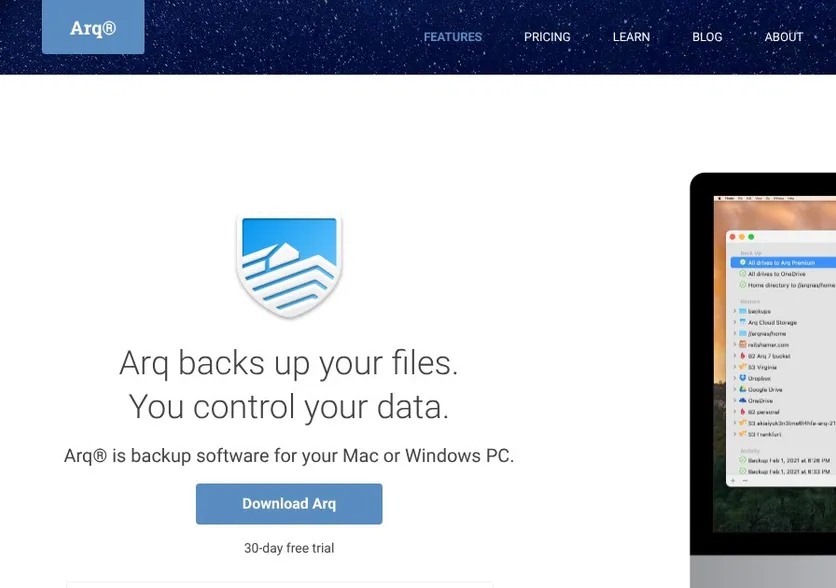
Arq Premium backs up a developer workstation with strong versioning, encryption and a choice of storage, including its own cloud or a bucket you already own. This Arq Premium keeps every version of every file, so a bad refactor from three weeks ago can be pulled back exactly as it was. The Premium plan covers five computers, which suits a developer with a laptop, a desktop and a build machine.
What we like
- Strong versioning keeps every version of every file
- Your choice of storage, including your own bucket
- One plan covers five computers
Watch out for
- The interface is dense and takes an afternoon to learn
- No central dashboard for a whole team
How to try it
- Open the Arq site and start the Premium trial
- Pick the storage target and set the backup schedule
- Restore one old file version to confirm versioning works
2. Duplicacy Commercial
Best for: Developers who want scriptable deduplicated backup
Paid tool Starting price: $50/computer/year · Commercial license lists from fifty dollars per computer per year; the command-line version is free for personal use
Free plan: Command-line version free for personal use; 30-day free trial
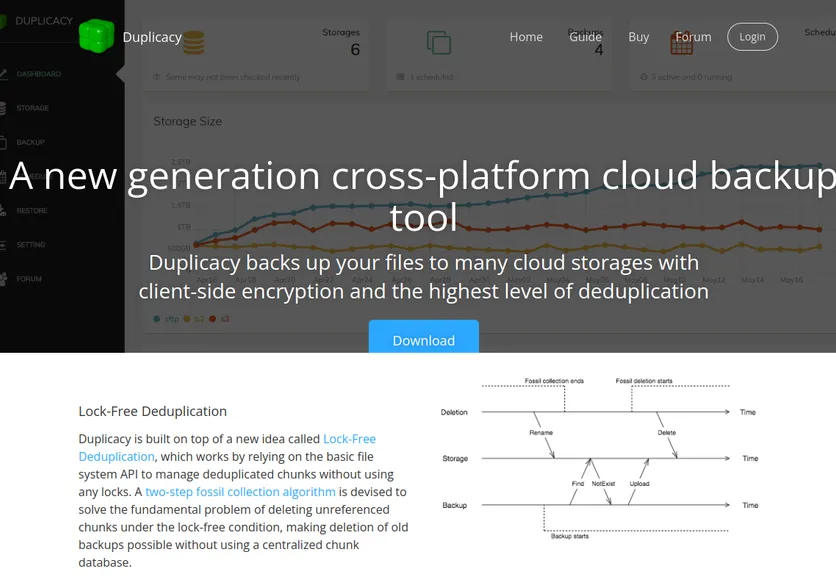
Duplicacy Commercial is the backup engine for developers who prefer the command line, with lock-free deduplication, encryption and storage on almost any backend. This Duplicacy Commercial writes backups in an open format any copy of Duplicacy can read, so the data is never locked to one machine. It fits a workflow where backup is just another script that runs on a schedule.
What we like
- Lock-free deduplication keeps backups small and fast
- Open backup format readable by any copy of Duplicacy
- Scriptable from the command line
Watch out for
- The interface is plain and technical, not polished
- No friendly dashboard for non-technical teammates
How to try it
- Open the Duplicacy buy page and pick the Commercial license
- Install the command-line tool and point it at storage
- Add the backup command to your scheduler and test a restore
3. Backblaze B2
Best for: Developers who want cheap storage behind their own backup script
Paid tool Starting price: $6.95/TB/month · Cloud storage lists from six dollars and ninety-five cents per terabyte per month since May 2026, when the rate rose from six dollars; no charge for uploads and free egress up to three times stored data
Free plan: 10 GB free storage; pay as you go
Backblaze B2 gives developers cheap object storage for the backup scripts they already write, with an S3-compatible API and no charge for uploads. This Backblaze B2 charges by the gigabyte, so a repository history that grows slowly costs pennies for months. It is the storage layer behind many developer backup setups, from a cron job with a sync tool to a full backup program.
What we like
- Pay by the gigabyte with no upload fees
- S3-compatible API works with standard backup tools
- Cheapest offsite storage on this list
Watch out for
- It is storage only, so you still need a backup program
- Download fees apply once you pass the free daily allowance
How to try it
- Open the Backblaze B2 pricing page and create an account
- Create a bucket and an application key for your script
- Point your backup script at the bucket and verify the first upload
4. IDrive Personal
Best for: Developers who want one account for every computer
Paid tool Starting price: $9.99/month · Personal plan lists from nine dollars and ninety-nine cents per month billed yearly; the first year is discounted and is not the list price
Free plan: 10 GB free plan; 30-day free trial
IDrive Personal backs up every computer a developer owns under one account, with file versioning, disk cloning and a snapshot view of older copies. This IDrive Personal keeps ten versions of each file by default, which covers the accidental overwrite that every developer meets sooner or later. The price is per account rather than per machine, so a laptop and a desktop cost the same as one.
What we like
- One account covers every computer you own
- Ten file versions kept by default
- Disk cloning plus file backup in the same plan
Watch out for
- The interface looks dated next to newer tools
- The first-year discount makes the list price easy to miss
How to try it
- Open the IDrive pricing page and pick the Personal plan
- Install the agent on each computer and sign in
- Choose the project folders and set the backup schedule
5. MSP360 Backup
Best for: Developers who want cheap backup to their own cloud storage
Paid tool Starting price: $19.99/year · Backup for macOS and Linux lists from nineteen dollars and ninety-nine cents per year; Windows Server edition lists from one hundred nine dollars and ninety-nine cents per year
Free plan: No free plan; 15-day free trial
MSP360 Backup is a light agent that backs up a developer workstation to the cloud storage already in use, including Amazon S3, Backblaze B2 and Wasabi. This MSP360 Backup charges per machine rather than per gigabyte, so a workstation full of repositories costs the same as an empty one. It is the cheapest entry on this list for a developer who already pays for cloud storage.
What we like
- Per-machine price with no charge per gigabyte
- Works with the cloud storage you already use
- Lightweight agent that stays out of the way
Watch out for
- No central console on the cheapest edition
- Restore features are simpler than the big suites
How to try it
- Open the MSP360 licensing page and pick the desktop edition
- Install the agent and connect your cloud storage bucket
- Set a nightly schedule and test a file restore
6. CrashPlan for Small Business
Best for: Developers who want continuous backup with unlimited versions
Paid tool Starting price: $88/user/year · Small Business plan lists from eighty-eight dollars per user per year with unlimited storage; the Servers plan lists from one hundred eighty-nine dollars per server per year
Free plan: No free plan; 30-day free trial
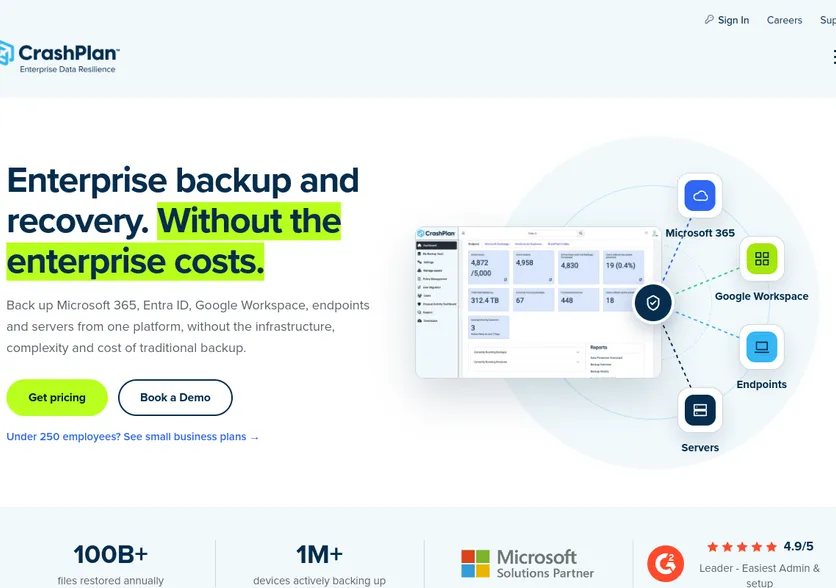
CrashPlan for Small Business keeps a continuous backup of a developer workstation with unlimited file versions and unlimited storage. This CrashPlan for Small Business encrypts data before it leaves the machine, so code and keys are protected in transit and at rest. It is the set-and-forget option for a developer who would rather write code than manage a backup schedule.
What we like
- Continuous backup with unlimited file versions
- Unlimited storage with no per-gigabyte bill
- Data encrypted before it leaves the machine
Watch out for
- Restore speeds depend on your download bandwidth
- The desktop app can feel slow on older machines
How to try it
- Open the CrashPlan pricing page and pick the Small Business plan
- Install the agent and choose the folders to protect
- Check the first backup completes, then leave it running
7. Acronis Cyber Protect Standard
Best for: Developers who want backup plus anti-malware in one agent
Paid tool Starting price: $85/workload/year · Standard edition lists from eighty-five dollars per workload per year; server licenses list from five hundred ninety-five dollars per server per year
Free plan: No free plan; 30-day free trial
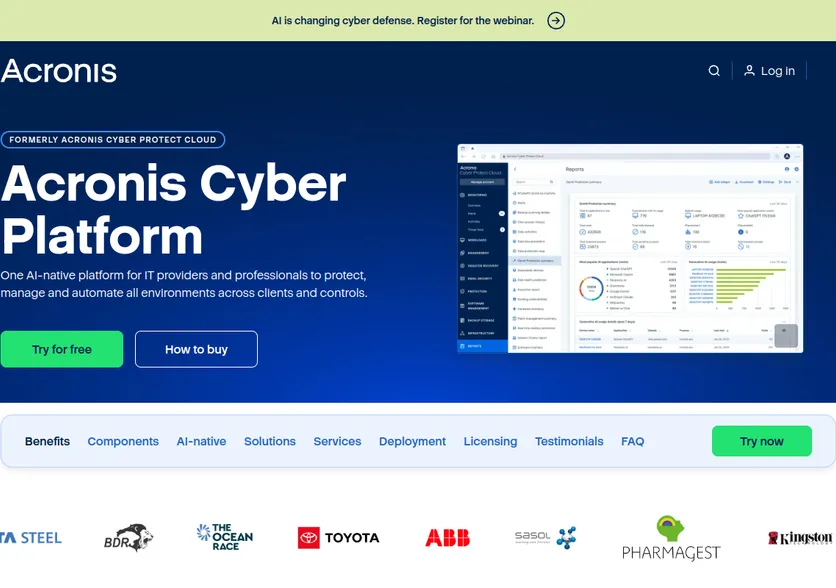
Acronis Cyber Protect Standard pairs backup with anti-malware in a single agent, so one install covers imaging, file backup and ransomware protection together. This Acronis Cyber Protect Standard keeps older file versions and restores a whole machine to different hardware, which helps when a laptop dies the week before a release. The per-workload price makes it easy to budget as machines are added.
What we like
- Backup and anti-malware in one agent
- Restore a whole machine to different hardware
- Cloud storage option for an offsite copy
Watch out for
- The console has more menus than a backup-only tool
- Per-workload pricing adds up across many machines
How to try it
- Open the Acronis purchasing page and pick the Standard edition
- Install the agent and enable both backup and protection
- Schedule a full image plus daily incremental backups
8. Carbonite Safe Basic
Best for: Developers who want simple automatic backup with no setup
Paid tool Starting price: $95.99/year · Safe Basic lists from ninety-five dollars and ninety-nine cents per year; the first year is discounted and is not the list price
Free plan: No free plan; 15-day free trial
Carbonite Safe Basic is the simplest backup on this list: install it, pick the folders and it keeps a copy in the cloud with automatic versioning. This Carbonite Safe Basic backs up continuously in the background and restores files through a web dashboard or a mailed recovery drive. It suits a developer who wants backup handled with no scripts and no schedule to maintain.
What we like
- Automatic backup with no schedule to maintain
- Restore files from a web dashboard anywhere
- Optional mailed recovery drive for a dead machine
Watch out for
- The first-year discount makes the list price easy to miss
- Fewer advanced options than the scriptable tools
How to try it
- Open the Carbonite pricing page and pick the Safe Basic plan
- Install the agent and let it back up your folders
- Check the web dashboard shows the latest backup
Prices above were checked on each vendor’s own website on Nov 27, 2026 and can change — the vendor’s page is the final word. Vendor links are editorial: nobody paid to be listed or ranked here. Vendors who want a featured listing can see how it works on our Get listed page.
What developer backup costs in 2026
Developer backup is priced per machine, per user or per gigabyte, and the right measure depends on how many computers you own. A per-account price wins when one developer runs a laptop and a desktop, while a per-machine price wins when the team is large and each machine is light. Versioning matters more than storage size for code: a backup that keeps only the latest copy cannot undo a bad commit that was pushed and synced. Keep the signing keys and the repository credentials in the backup, because a restored laptop without its keys is still a lost afternoon. Store one copy offsite, since a backup on the same desk as the laptop dies in the same fire or theft. Check the restore before you need it, by pulling one old file version and one deleted folder. Finally, read the first-year price carefully: several tools on this list discount the first year and charge the list price after that.
Before you buy
- Count the computers the price covers, because per-machine pricing multiplies across a laptop and a desktop.
- Check how many file versions are kept, because a backup with one version cannot undo a bad commit.
- Keep signing keys and credentials in the backup, because a restored laptop without its keys is still broken.
- Store one copy offsite, since a backup on the same desk dies in the same fire or theft.
- Read the first-year price carefully, because several tools discount year one and charge list price after.
Official websites
Official websites of the products reviewed above. Features and prices were checked against these sites when this guide was written, and they can change, so confirm on the vendor site before you buy.
Frequently asked questions
Which backup software is best for developers in 2026?
Arq Premium is the best overall pick at about seventy dollars a year, with strong versioning and your choice of storage for five computers. CrashPlan is the best set-and-forget pick with continuous backup and unlimited versions. MSP360 Backup is the best budget pick at about twenty dollars a year per machine.
How much does backup software for developers cost?
Developer backup on this list runs from about twenty dollars a year per machine with MSP360 Backup to about ninety-six dollars a year with Carbonite Safe Basic. Arq Premium covers five computers for about seventy dollars a year. Cloud storage like Backblaze B2 adds about seven dollars per terabyte per month.
Should developers back up code that is already on GitHub?
Yes. A repository host is not a backup for your whole workstation: local branches, uncommitted work, dotfiles, signing keys and environment setup all live only on your machine. A backup tool protects everything the repository does not hold, and it restores a dead laptop in hours instead of days.
What is file versioning and why do developers need it?
Versioning keeps older copies of each file, so you can pull back the version from last week instead of only the latest one. That matters when a bad refactor, an accidental overwrite or a corrupted file is synced to the backup before anyone notices. Arq, CrashPlan and IDrive all keep multiple versions.
Is cloud storage enough, or do I need a backup program?
Cloud storage alone is not a backup program: it stores files but does not schedule, version or restore them for you. Pair storage like Backblaze B2 with a backup tool such as Arq, Duplicacy or MSP360 Backup, which handles scheduling, encryption and restores. The two together cost less than most all-in-one plans.
Need everyday help too? Try Toolsvine's free tools right in your browser.
Browse Developer Tools tools