
On this page
A freelancer's laptop holds the whole business: client files, invoices, photos and years of work, and one failed drive can wipe it all out in an afternoon. SpiderOak One is the cheapest way to start protecting it, at six dollars a month for 150 GB with encryption that even SpiderOak cannot read. This guide compares seven backup tools for freelancers, from unlimited cloud backup to full disk imaging, with live 2026 prices, free trials and the storage each plan actually includes.
How we researched this
We checked the pricing page of every vendor on this list on November 26, 2026, and kept only tools that publish a real dollar price. Each tool had to back up a whole computer or a full disk image without a sales call, and we compared entry prices, storage limits, free trials and whether the price covers one computer or unlimited devices.
Compare the tools
| Name | Best for | Starting price | Free plan | |
|---|---|---|---|---|
 SpiderOak One | Freelancers who want zero-knowledge encryption and unlimited devices | $6 | 21-day free trial | Visit |
 CrashPlan | Freelancers who want unlimited storage and versioning at a low monthly price | $7.33 | Free trial | Visit |
 Carbonite | Freelancers who want automatic backup they never have to think about | $8 | Free trial | Visit |
 Backblaze | Freelancers who want unlimited backup for one computer at a flat price | $9 | 15-day free trial | Visit |
 EaseUS Todo Backup | Freelancers who want full disk imaging on a budget, with a free edition | $39.95 | Free edition | Visit |
 Acronis True Image | Freelancers who want imaging plus antivirus in one subscription | $49.99 | Free trial | Visit |
 pCloud | Freelancers who would rather pay once than subscribe every year | $49.99 | Free plan (10 GB) | Visit |
The backup tools, compared
1. SpiderOak One
Best for: Freelancers who want zero-knowledge encryption and unlimited devices
Paid tool Starting price: $6 · 150 GB plan is $6 a month or $69 a year; 2 TB is $14 a month
Free plan: 21-day free trial
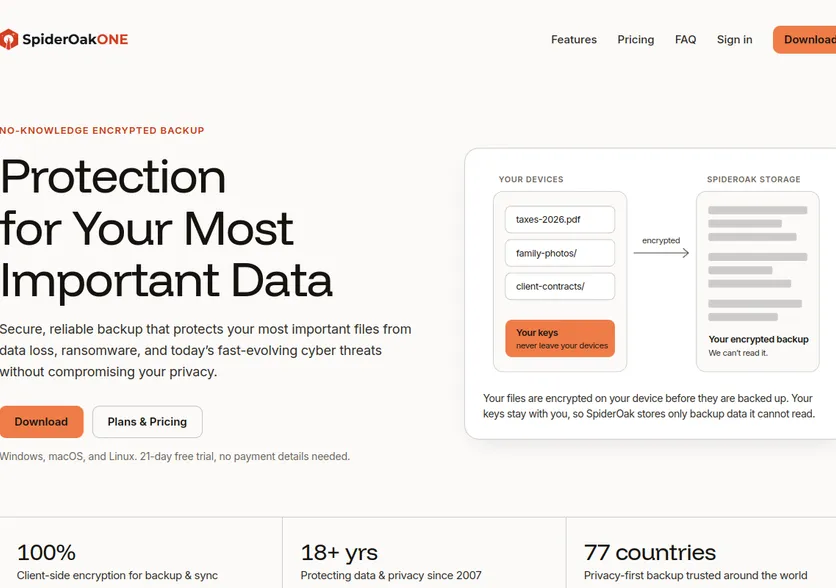
SpiderOak One is the privacy pick on this list, with zero-knowledge encryption that means your files are encrypted on your computer before upload and SpiderOak cannot read them. Plans start at six dollars a month for 150 GB, with 400 GB at eleven dollars and 2 TB at fourteen dollars, and every plan covers unlimited devices. A 21-day free trial needs no payment details, which makes it easy to test on a real laptop before you pay.
What we like
- From $6 a month for 150 GB
- Zero-knowledge encryption on every plan
- Unlimited devices on every plan
Watch out for
- 150 GB is small for photo and video work
- No mobile backup apps
How to try it
- Start the 21-day trial and install the app
- Choose the folders to back up and let the first backup finish
- Test a restore of one file before you rely on it
2. CrashPlan
Best for: Freelancers who want unlimited storage and versioning at a low monthly price
Paid tool Starting price: $7.33 · Small business endpoint backup is $7.33 per user a month billed annually at $88
Free plan: Free trial
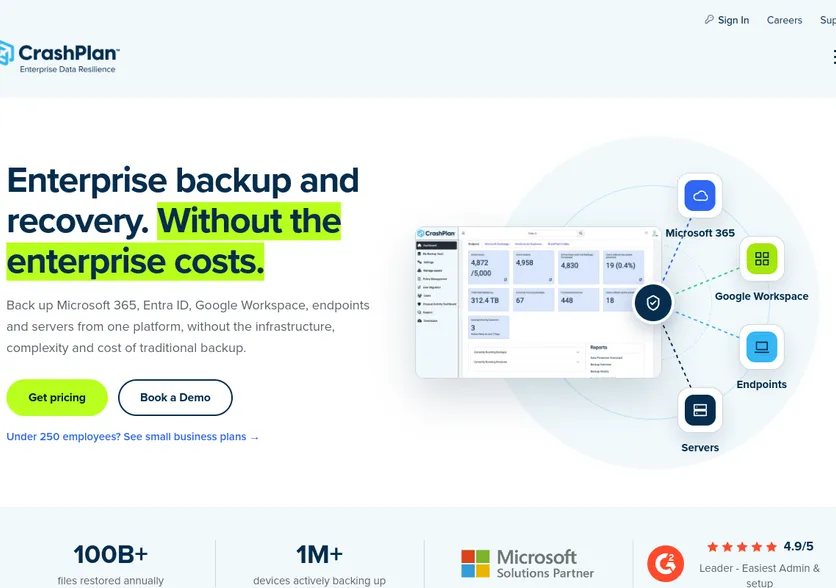
CrashPlan is the cheapest unlimited backup here, with small business endpoint backup at seven dollars and thirty-three cents per user a month billed annually at eighty-eight dollars. Storage and versioning are unlimited, restores are self-serve, and it runs on Windows, Mac and Linux. A free trial covers the endpoint plan, and server backup starts at fifteen dollars and seventy-five cents per server a month for teams that need it.
What we like
- Unlimited storage and versioning
- $7.33 per user a month billed annually
- Self-serve restore and device migration
Watch out for
- Server backup costs extra per server
- Enterprise plans need a quote
How to try it
- Start a trial and install the agent
- Let the first full backup finish overnight
- Test a self-serve restore from the web console
3. Carbonite
Best for: Freelancers who want automatic backup they never have to think about
Paid tool Starting price: $8 · Basic list price is $95.99 a year, about $8 a month; the site shows a seasonal discount to $57.59
Free plan: Free trial
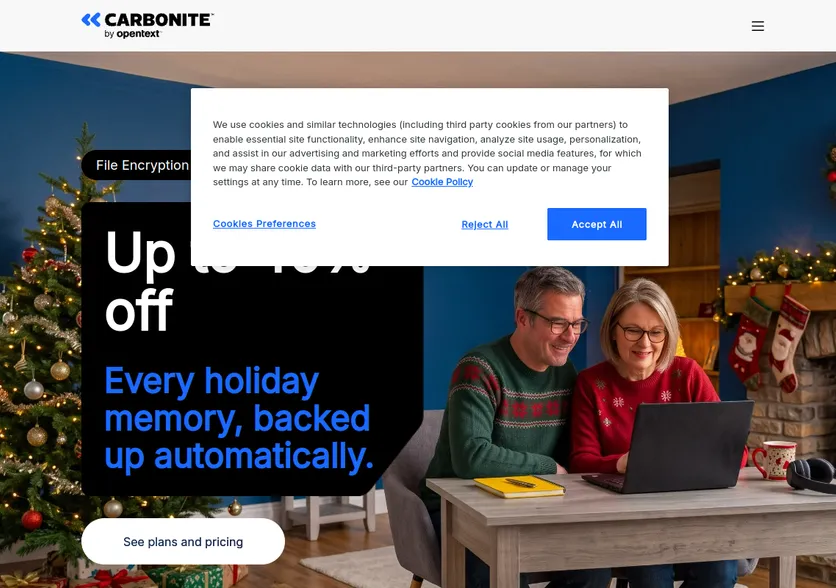
Carbonite is the set-and-forget option, with automatic encrypted backup and unlimited storage for one computer. The Basic list price is ninety-five dollars and ninety-nine cents a year, about eight dollars a month, and the site currently shows a seasonal discount, so budget for the list price at renewal. Plus adds automatic video backup and antivirus, while Prime adds courier delivery of recovered files.
What we like
- Unlimited storage for one computer
- Automatic encrypted backup
- Basic list price $95.99 a year
Watch out for
- Seasonal discount ends at renewal
- External drive backup needs Plus or Prime
How to try it
- Sign up and install Carbonite on your computer
- Let it back up your documents automatically
- Check the restore options in your account before you need them
4. Backblaze
Best for: Freelancers who want unlimited backup for one computer at a flat price
Paid tool Starting price: $9 · Computer Backup is $9 a month; the two-year plan is $189
Free plan: 15-day free trial
Backblaze is the simplest unlimited backup on this list, at nine dollars a month for one computer with no storage limits and no file size limits. It backs up automatically as you work, covers connected external drives, and lets you restore from the web or by mailed hard drive. A 15-day free trial needs no credit card, and the two-year plan costs one hundred eighty-nine dollars, which saves twenty-seven dollars over monthly billing.
What we like
- Unlimited backup for $9 a month
- Covers connected external drives
- Restore by web or mailed hard drive
Watch out for
- Priced per computer, so a second machine doubles the cost
- Extended version history costs extra
How to try it
- Start the 15-day trial and install the app
- Let the first backup run while you work
- Test a web restore of a single file
5. EaseUS Todo Backup
Best for: Freelancers who want full disk imaging on a budget, with a free edition
Paid tool Starting price: $39.95 · Home is $39.95 a year for one computer with 1 TB cloud storage; perpetual is $59.95
Free plan: Free edition
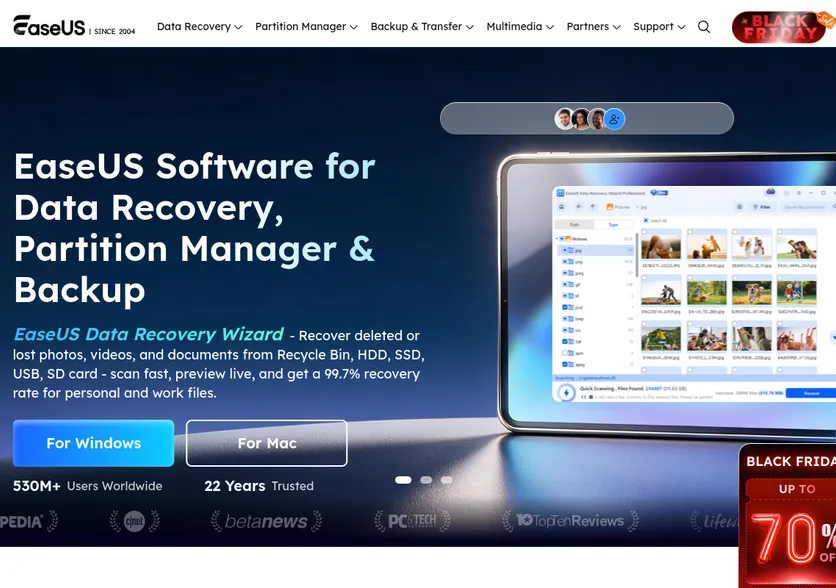
EaseUS Todo Backup is the budget imaging pick, with Home at thirty-nine dollars and ninety-five cents a year for one computer, including 1 TB of cloud storage. It takes full disk images, file backups and system backups, with a free edition that covers the basics for one PC. A perpetual license costs fifty-nine dollars and ninety-five cents for buyers who would rather own the software than rent it.
What we like
- Home from $39.95 a year with 1 TB cloud storage
- Free edition covers basic imaging
- Perpetual license available for $59.95
Watch out for
- Home covers one PC only
- Cloud storage needs the yearly plan
How to try it
- Install the free edition and take a first disk image
- Create rescue media before you need it
- Upgrade to Home for scheduled backups and cloud storage
6. Acronis True Image
Best for: Freelancers who want imaging plus antivirus in one subscription
Paid tool Starting price: $49.99 · Essentials list price is $49.99 a year for one computer; the site shows a Black Friday first-year discount to $44.99
Free plan: Free trial
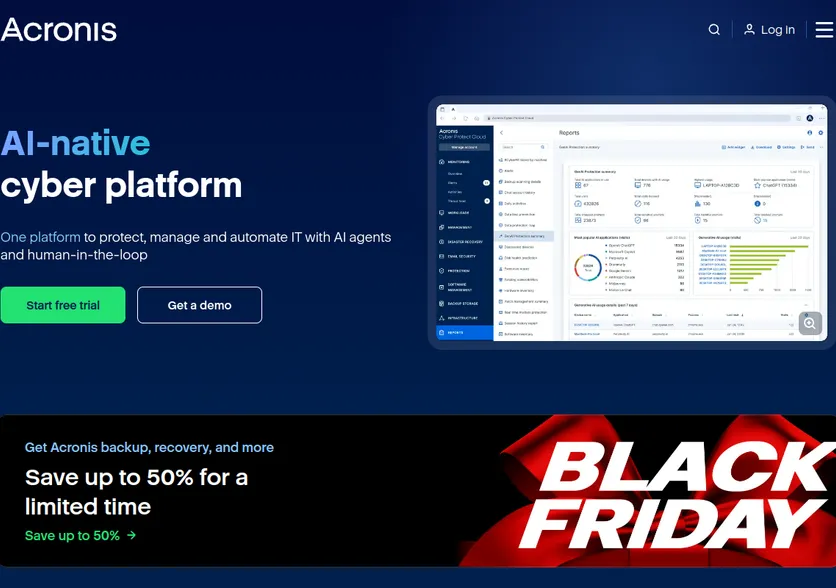
Acronis True Image pairs full disk imaging with security, with Essentials at forty-nine dollars and ninety-nine cents a year for one computer. It backs up the whole machine, clones disks, restores to different hardware, and adds anti-malware on the Advanced plan. The site currently shows a Black Friday discount, so budget for the list price at renewal, and a free trial covers a full image and restore test.
What we like
- Essentials from $49.99 a year
- Full disk imaging with universal restore
- Anti-malware on Advanced and above
Watch out for
- Black Friday price is first-year only
- Essentials has no cloud storage
How to try it
- Start a trial and take a full disk image
- Test a restore to a spare drive
- Turn on anti-malware and cloud backup on Advanced
7. pCloud
Best for: Freelancers who would rather pay once than subscribe every year
Paid tool Starting price: $49.99 · Premium is $49.99 a year for 500 GB; the lifetime plan is $199 one-time
Free plan: Free plan (10 GB)
pCloud is the pay-once option on this list, with Premium at forty-nine dollars and ninety-nine cents a year for 500 GB, or a lifetime plan at one hundred ninety-nine dollars for the same storage. It backs up files from your computer and phone, syncs across every device, and keeps file versions so you can recover an earlier copy. A free 10 GB account lets you try the apps before you pay, and the lifetime plan breaks even in about four years against the annual price.
What we like
- Premium from $49.99 a year for 500 GB
- Lifetime plan $199 for 500 GB
- File versioning included
Watch out for
- Backup is file-level, not full disk imaging
- Lifetime lasts only as long as the company
How to try it
- Sign up for the free 10 GB account
- Turn on backup for your work folders
- Compare the lifetime plan against four years of annual billing
Prices above were checked on each vendor’s own website on Nov 26, 2026 and can change — the vendor’s page is the final word. Vendor links are editorial: nobody paid to be listed or ranked here. Vendors who want a featured listing can see how it works on our Get listed page.
Match the backup to what you would actually lose
Start by listing what a dead laptop would cost you: client files, photos, invoices and the system itself. If losing the files is the risk, an unlimited cloud backup like Backblaze or Carbonite covers it for under ten dollars a month. If rebuilding the whole machine is the risk, you need disk imaging from EaseUS or Acronis, which restores the operating system and apps along with the files. Check the storage limit before you pay, since SpiderOak starts at 150 GB and pCloud at 500 GB, and confirm whether the price covers one computer or every device you own. Whatever you choose, test a restore before you trust it, because a backup you have never restored is only a hope.
Before you buy
- Check the storage limit before you pay, since 150 GB plans fill fast with photos and video.
- Confirm whether the price covers one computer or unlimited devices, since per-computer plans double with a second machine.
- Test a restore before you trust any backup, because an untested backup is only a hope.
- Ask what the price is at renewal, since first-year discounts end and the list price is what you keep paying.
- Check whether the tool backs up the whole disk or just files, since only imaging restores your system.
Official websites
Official websites of the products reviewed above. Features and prices were checked against these sites when this guide was written, and they can change, so confirm on the vendor site before you buy.
Frequently asked questions
What is the cheapest backup software for freelancers?
SpiderOak One is the cheapest entry here at $6 a month for 150 GB, with a 21-day trial. CrashPlan is the cheapest unlimited option at $7.33 per user a month billed annually, and Carbonite Basic lists at $95.99 a year. The cheapest pick depends on how much data you have: a freelancer with under 150 GB pays least on SpiderOak, while anyone with terabytes of photos pays least on an unlimited plan.
Is there free backup software for freelancers?
Yes, with limits. EaseUS Todo Backup has a free edition that covers basic disk imaging and file backup for one PC, and pCloud gives you 10 GB free. Backblaze, Carbonite, CrashPlan and Acronis all offer free trials rather than free plans. For a freelancer, a free edition works for one machine, but unlimited cloud backup is worth paying for once your files pass a few hundred gigabytes.
What is the difference between cloud backup and disk imaging?
Cloud backup copies your files to a remote server, so you can restore documents, photos and folders from anywhere. Disk imaging copies the whole drive, including the operating system, apps and settings, so you can restore a dead machine to working order. Backblaze and Carbonite are cloud backup, while EaseUS and Acronis do full disk imaging. Many freelancers use both: imaging for the system, cloud backup for the files.
How much storage do I need for backup?
Count the files on your computer plus the external drives you use, then add room to grow. A freelancer with documents and a few thousand photos fits in 150 to 500 GB, which SpiderOak and pCloud cover. Anyone with video work, design files or a photo archive needs 1 TB or more, where unlimited plans from Backblaze, Carbonite and CrashPlan make more sense than paying per gigabyte.
Files protected? Try free security and privacy tools on Toolsvine right in your browser.
Browse Security & Privacy tools


