On this page
Startups send contracts, proposals and invoices from Salesforce long before they can afford an admin team, so the tool has to do the heavy lifting. The eight document generation tools below cover that job for young companies, from a free plan that handles the first deals to a platform that grows with the team. PandaDoc leads because it generates, sends and signs documents in one flow for nineteen dollars per user a month, and the rest are ranked on price, ease of setup and how fast a small team can start.
How we researched this
We checked every price on the vendor pricing page on November 28, 2026, and only included tools with a published US dollar list price. The enterprise document platforms that sell by quote, including Conga Composer and Nintex Document Generation, publish no prices, so they are not in this list. Prices change, so confirm the current figure on the vendor site before you buy.
Compare the tools
| Name | Best for | Starting price | Free plan | |
|---|---|---|---|---|
 PandaDoc | Startups sending their first contracts and proposals | $19/user/month | Free plan | Visit |
| SignWell | Startups that mainly need signatures, not full generation | $10/sender/month | Free plan | Visit |
| S-Docs | Startups that want generation native inside Salesforce | $25/user/month | Free plan (150 documents) | Visit |
 SignNow | Small teams that sign a lot on one account | $8/month | No free plan; 7-day free trial | Visit |
 Adobe Acrobat Sign | Startups already editing PDFs in Adobe | $14.99/month | No free plan; 7-day free trial | Visit |
| Formstack Documents | Startups that want documents, forms and signatures together | $83/month | No free plan; 14-day free trial | Visit |
| PDF Butler | Budget startups generating PDFs from Salesforce | $14/user/month | No free plan; free trial available | Visit |
| DocuSign Gen | Startups already signing with DocuSign | $45/user/month | No free plan; free trial available | Visit |
The Salesforce CRM document generation software for startups, compared
1. PandaDoc
Best for: Startups sending their first contracts and proposals
Paid tool Starting price: $19/user/month · Nineteen dollars per user a month billed annually on Starter; Business is $49 per user a month billed annually
Free plan: Free plan
A startup that sends its first contracts needs a tool that works on day one, and this PandaDoc plan costs nineteen dollars per user a month billed annually. It builds documents from templates, pulls in Salesforce data automatically and tracks signatures in real time, so a founder can send a proposal between meetings. The free plan covers the basics, which means a young company can start without spending anything.

What we like
- Templates, sending and signing in one flow
- Pulls Salesforce data into documents automatically
- Free plan covers the basics for a young team
Watch out for
- Advanced workflows need the dearer Business tier
- Per-user pricing adds up as the team hires
How to try it
- Pick a template and connect it to the Salesforce record
- Generate the document and send it for signature
- Follow the status until the signed copy comes back
2. SignWell
Best for: Startups that mainly need signatures, not full generation
Paid tool Starting price: $10/sender/month · Ten dollars per sender a month; higher tiers add team seats, templates and API access
Free plan: Free plan
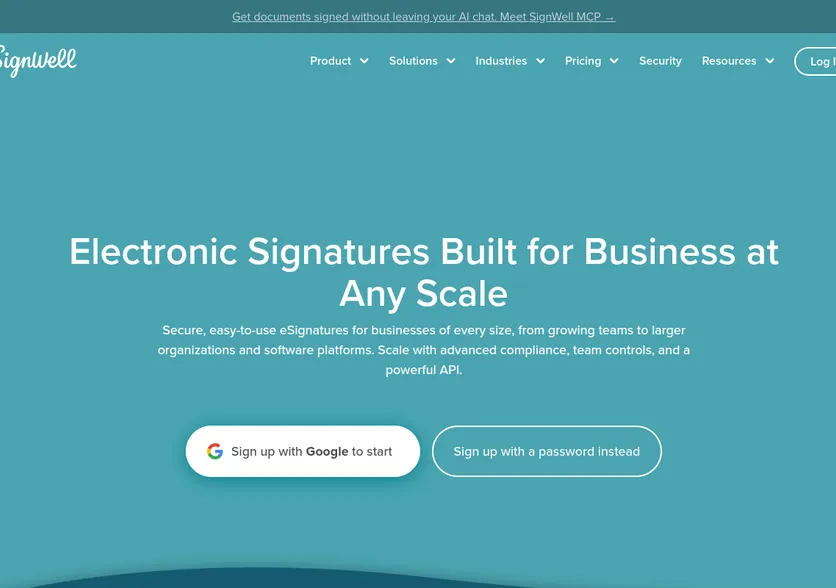
A startup that mostly needs signatures, not a full document suite, will save money here, because this SignWell plan costs ten dollars per sender a month. It turns any document into a signing link in minutes, with templates and reminders so nobody has to chase a signature by email. The free plan covers the occasional agreement, which is enough for a young company's first deals.
What we like
- Low per-sender price with a genuine free plan
- Signing links work without an account
- Templates and reminders built in
Watch out for
- Document generation is lighter than PandaDoc
- Team controls and API access need higher tiers
How to try it
- Upload the agreement and add the signature fields
- Send the signing link to the client
- Download the signed copy once everyone has signed
3. S-Docs
Best for: Startups that want generation native inside Salesforce
Paid tool Starting price: $25/user/month · Twenty-five dollars per user a month billed annually ($300 per user a year); a three-thousand-dollar minimum contract and ten licences apply; the free edition covers unlimited templates, 150 documents and 50 e-signatures; the e-Signature bundle is $40 per user a month
Free plan: Free plan (150 documents)
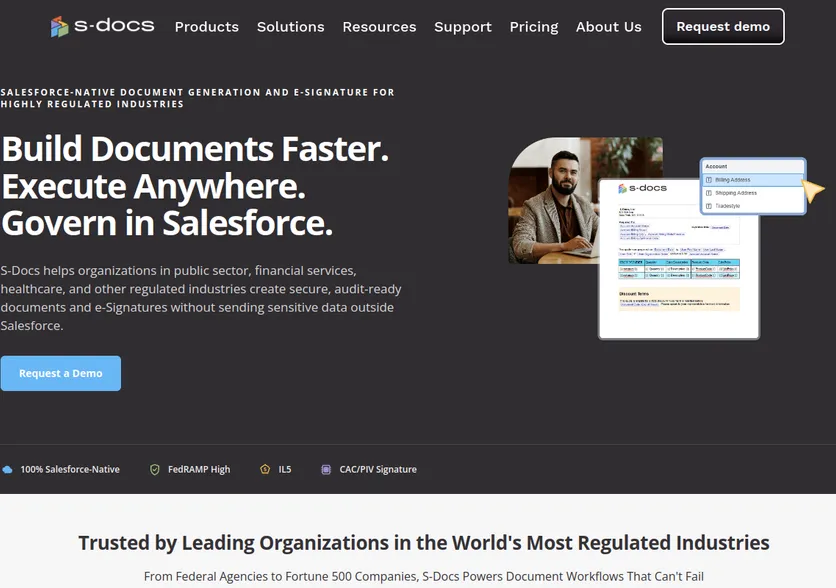
A startup that wants documents built inside Salesforce, without a second app to learn, will find it here, since this S-Docs plan costs twenty-five dollars per user a month billed annually. It builds contracts and quotes from Salesforce data with templates the founder controls, and the free edition covers unlimited templates. The minimum contract makes it a stretch for the smallest teams, so check the total before signing up.
What we like
- Native Salesforce generation with no outside app
- Free edition covers unlimited templates
- E-signature bundle covers the full flow
Watch out for
- A $3,000 minimum contract and ten licences apply
- Template setup needs some Salesforce knowledge
How to try it
- Install S-Docs and create the first template
- Map the Salesforce fields the template needs
- Generate a document from a live record and send it
4. SignNow
Best for: Small teams that sign a lot on one account
Paid tool Starting price: $8/month · Eight dollars a month billed annually per account ($20 billed monthly); unlimited users since February 2025, with 100 signature invites a year per account and a ninety-six cent overage per extra invite
Free plan: No free plan; 7-day free trial
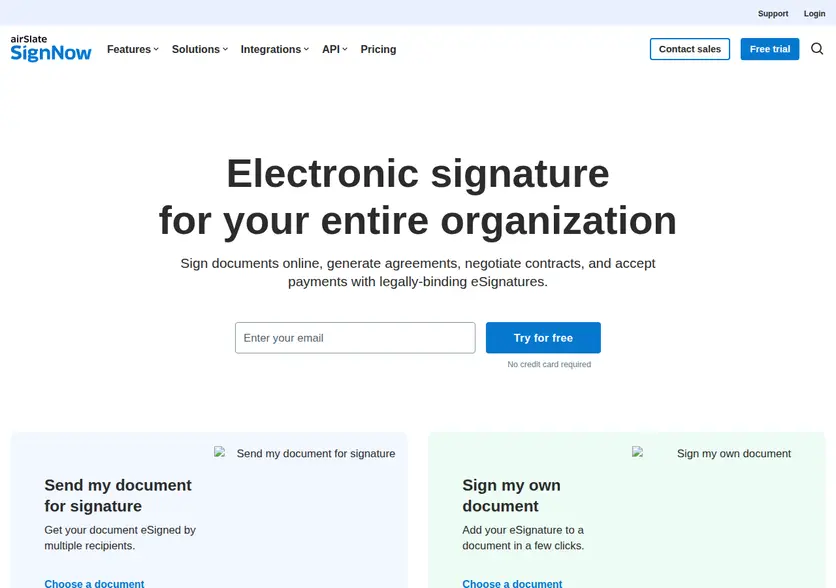
A startup that signs a lot of documents with a small team will like the flat price here, because this SignNow plan costs eight dollars a month billed annually per account. It covers unlimited users, so founders, sales and ops can all send documents on one plan. The plan includes one hundred signature invites a year per account, with a ninety-six cent overage per extra invite.
What we like
- Unlimited users on a flat per-account price
- Cheapest entry price in this list
- Templates and signing links included
Watch out for
- Only 100 signature invites a year per account
- Overage fees add up at high volume
How to try it
- Upload the document and place the signature fields
- Send signing invites to the client
- Track completion and file the signed copy
5. Adobe Acrobat Sign
Best for: Startups already editing PDFs in Adobe
Paid tool Starting price: $14.99/month · Fourteen dollars and ninety-nine cents a month on individual Standard billed annually ($179.88 a year prepaid); teams pay $16.99 per licence a month; Pro is $19.99 and Studio is $24.99 a month billed annually; plans cap at 150 transactions per user a year below enterprise
Free plan: No free plan; 7-day free trial
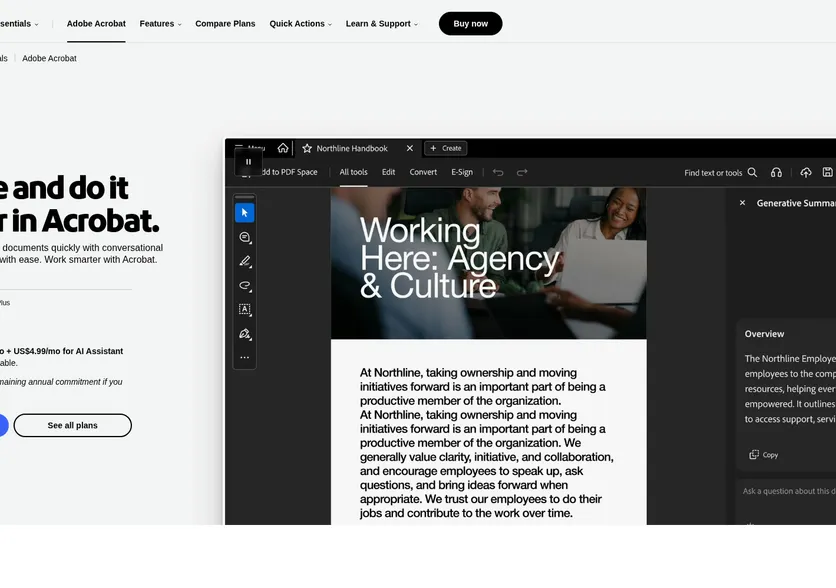
A startup that already edits PDFs in Adobe can add signatures without a new vendor, because this Adobe Acrobat Sign plan costs fourteen dollars and ninety-nine cents a month billed annually. It turns a Salesforce record into a signed PDF with templates and an audit trail, and the same app edits and converts documents too. The individual plan caps at one hundred and fifty transactions per user a year, which is plenty for a young team.
What we like
- Signatures and audit trails in the Adobe app
- Same app edits, converts and signs
- Templates speed up repeat agreements
Watch out for
- Individual plan caps at 150 transactions per user a year
- No free plan, only a seven-day trial
How to try it
- Create a signing template from the agreement
- Send it from the Salesforce record
- Store the signed PDF with the deal record
6. Formstack Documents
Best for: Startups that want documents, forms and signatures together
Paid tool Starting price: $83/month · Eighty-three dollars a month on the entry Documents plan; higher tiers add volume, integrations and workflow automation
Free plan: No free plan; 14-day free trial
A startup that wants documents, forms and signatures from one vendor will find the breadth here, because this Formstack Documents plan costs eighty-three dollars a month. It merges Salesforce data into contracts, proposals and reports, and the same platform handles the forms a young company needs for onboarding and intake. The entry plan suits a single team, with higher tiers as the company grows.
What we like
- Merges Salesforce data into any document type
- Same platform covers forms and signatures
- Conditional logic handles complex templates
Watch out for
- No free plan, only a fourteen-day trial
- The entry price is high for a young startup
How to try it
- Connect Salesforce and build the first template
- Map the fields and set the delivery rules
- Generate documents automatically from live records
7. PDF Butler
Best for: Budget startups generating PDFs from Salesforce
Paid tool Starting price: $14/user/month · Fourteen dollars per user a month from the vendor-supplied G2 listing; the vendor site publishes no current price list, so confirm the figure with the vendor before you buy
Free plan: No free plan; free trial available
A startup that generates Salesforce documents on a budget will find the lowest per-user price here, because this PDF Butler plan costs fourteen dollars per user a month. It builds PDFs from Salesforce data with templates, so a small team can send professional contracts without a big subscription. The vendor publishes no current price list, so confirm the figure with the vendor before buying.
What we like
- Lowest per-user price in this list
- Templates build professional PDFs from Salesforce data
- Simple setup for a small team
Watch out for
- The vendor site publishes no current price list
- Fewer features than the bigger platforms
How to try it
- Install PDF Butler and connect it to Salesforce
- Build a template from the document the team sends most
- Generate a PDF from a live record and check the output
8. DocuSign Gen
Best for: Startups already signing with DocuSign
Paid tool Starting price: $45/user/month · Forty-five dollars per user a month, the month-to-month Standard rate; the same plan costs twenty-five dollars per user a month billed annually upfront, so annual billing is much cheaper
Free plan: No free plan; free trial available
A startup that already signs with DocuSign can add document generation without a new vendor, since this DocuSign Gen plan costs forty-five dollars per user a month. It builds agreements from Salesforce data and sends them for signature in the flow the team already uses. The month-to-month rate is not the cheapest way to buy it, so check the annual price before committing.
What we like
- Generation and signing in the DocuSign flow
- No new vendor to onboard
- Templates pull in Salesforce data automatically
Watch out for
- The $45 figure is the month-to-month rate, not the annual rate
- The annual rate is much cheaper but still dearer than rivals
How to try it
- Connect DocuSign Gen to the Salesforce org
- Build the agreement template from Salesforce fields
- Generate and send the document for signature
Prices above were checked on each vendor’s own website on Nov 28, 2026 and can change — the vendor’s page is the final word. Vendor links are editorial: nobody paid to be listed or ranked here. Vendors who want a featured listing can see how it works on our Get listed page.
How to pick document generation a startup can actually afford
Start with the free plan or trial, because a startup should never pay for a document tool before sending a real contract through it. Count the real cost: per-user plans charge for every seat, per-document plans charge for every file, and a cheap headline can hide a minimum contract. Check how much setup the tool needs, since a startup has no admin to spend a week building templates. Confirm the tool exports the signed documents and the templates, because a young company cannot afford to lose its contract library in a switch. Finally, test the full loop on a live deal, from generation to signed copy, before the team depends on it.
Before you buy
- Start with the free plan or trial, and send a real contract through it before paying anything
- Count the real cost, since per-user plans, per-document caps and minimum contracts all hide in the fine print
- Check how much setup the tool needs, because a startup has no admin to spend a week on templates
- Confirm signed documents and templates export cleanly, so a future switch never loses the contract library
- Test the full loop on a live deal, from generation to signed copy, before the team depends on it
Official websites
Official websites of the products reviewed above. Features and prices were checked against these sites when this guide was written, and they can change, so confirm on the vendor site before you buy.
Frequently asked questions
What is the best Salesforce CRM document generation software for startups?
PandaDoc is the best overall pick for startups, at nineteen dollars per user a month billed annually, because generation, sending and signing live in one flow. SignWell is the best value at ten dollars per sender a month, and S-Docs suits teams that want generation native inside Salesforce. The right pick depends on volume, budget and the existing stack.
How much does document generation software for startups cost?
Entry prices in this list run from eight dollars a month per account for SignNow to eighty-three dollars a month for Formstack Documents. PandaDoc starts at nineteen dollars per user a month, and PDF Butler costs fourteen dollars per user a month. Free plans cover the first deals, so a startup can start without spending anything.
What is Salesforce document generation software?
It is software that builds contracts, quotes, proposals and invoices from Salesforce data, using templates that pull in the right fields automatically. The best tools also send the document for signature, track its status and file the signed copy back on the record. Startups use it to send professional documents without hiring an admin to copy data by hand.
Can I try Salesforce document generation software for free?
Yes, with PandaDoc, SignWell and S-Docs, which all offer genuine free plans, and DocuSign Gen, Formstack Documents and PDF Butler, which offer free trials. Adobe Acrobat Sign and SignNow offer trials of seven days. Use the trial on a live deal, from generation to signed copy, so the team learns whether the tool fits before paying.
What should a startup check before buying document generation software?
Check that the tool handles every document type the startup sends, count the real cost including minimum contracts and per-document caps, and confirm the setup is light enough for a team with no admin. Watch for per-user billing that grows with every hire. Test the full loop on a live deal before the team depends on it.
Compare the eight tools above, then start with a free plan or trial on the tool that matches how the startup already sends documents before paying for a full year.
Browse Business Tools tools