On this page
A manufacturing plant schedules machines, people and materials at the same time, and a missed job on one line ripples through the whole floor. The seven tools below handle production scheduling, inventory and shop-floor work for plants of every size, from a five-person workshop to a multi-line factory. Katana leads because it covers inventory, production and sales orders for two hundred and ninety-nine dollars a month, and the rest are ranked on how much of the plant they run for the price.
How we researched this
We checked every price on the vendor pricing page on November 28, 2026, and only included tools with a published US dollar list price. The enterprise platforms on the Toolnimba list, including Oracle Fusion Cloud Manufacturing, Rockwell FactoryTalk, Dassault DELMIA, Epicor Kinetic, Infor CloudSuite Industrial, IQMS and Planview, publish no prices, so they are not in this list. Prices change, so confirm the current figure on the vendor site before you buy.
Compare the tools
| Name | Best for | Starting price | Free plan | |
|---|---|---|---|---|
 Katana | Small manufacturers leaving spreadsheets behind | $299/month | Free plan | Visit |
 MRPeasy | Plants that want full ERP scope on a budget | $49/user/month | 30-day free trial | Visit |
 Odoo | Plants that want one system for the whole business | $31.10/user/month | One App Free plan | Visit |
 Microsoft Dynamics 365 Business Central | Plants already running Microsoft 365 | $100/user/month | No free plan; free trial | Visit |
 Fishbowl Inventory | Manufacturers whose inventory is the bottleneck | $229/month | No free plan; demo available | Visit |
 Cetec ERP | Job shops that live on accurate quotes | $50/user/month | No free plan; demo available | Visit |
| Megaventory | Small manufacturers tracking stock and work orders | $135/month | No free plan; 15-day free trial | Visit |
The scheduling software for manufacturing plants, compared
1. Katana
Best for: Small manufacturers leaving spreadsheets behind
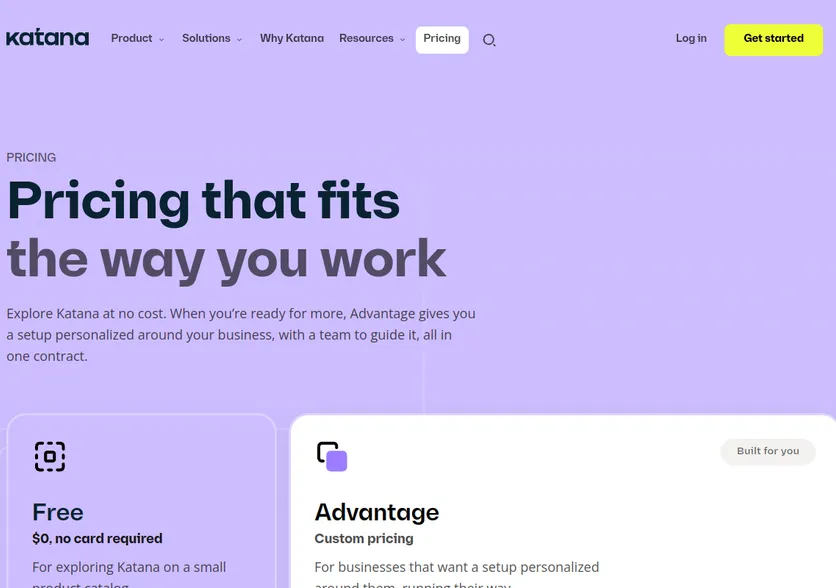
Paid tool Starting price: $299/month · Two hundred and ninety-nine dollars a month on Core; Advantage is a custom-priced tier; a November 2026 third-party read says the vendor pricing page now lists only Free plus a custom Advantage tier with no Core figure, so confirm the Core price on the vendor site before you buy
Free plan: Free plan
For a plant that outgrew spreadsheets, this Katana plan costs two hundred and ninety-nine dollars a month and covers inventory, production orders, sales orders and purchasing in one system. Raw materials, work in progress and finished goods stay in sync, so the floor knows what to make and what is missing. It suits a small manufacturer that wants real production control without an enterprise ERP project.
What we like
- Inventory, production and sales orders in one system
- Real-time stock levels across raw materials and finished goods
- Free plan to test the core before paying
Watch out for
- The Core price is not visible on the current vendor pricing page
- Advantage tier is custom-priced, so no figure to compare
How to try it
- Import the product and materials list into the system
- Create the first production order and assign it to the floor
- Connect sales orders so stock updates automatically
2. MRPeasy
Best for: Plants that want full ERP scope on a budget
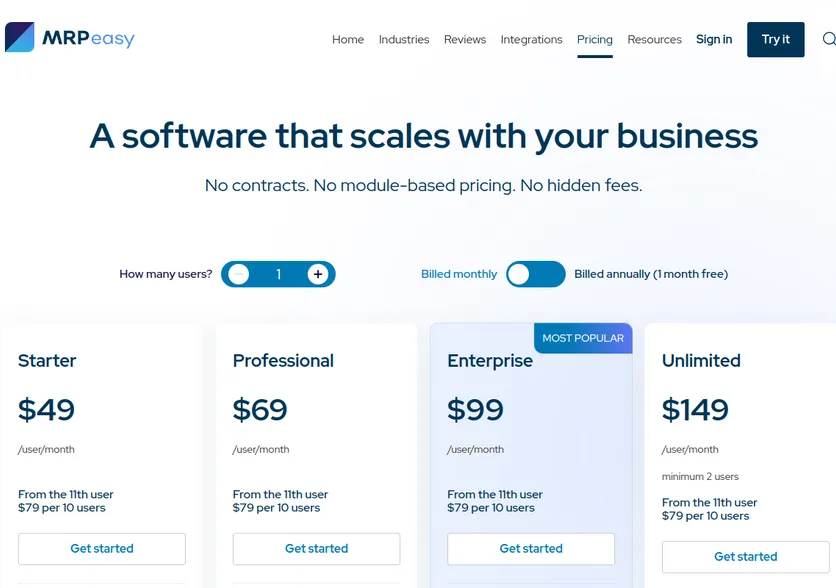
Paid tool Starting price: $49/user/month · Forty-nine dollars per user a month on Starter; Professional is sixty-nine dollars, Enterprise is ninety-nine dollars and Unlimited is one hundred and forty-nine dollars; from the eleventh user the rate is seventy-nine dollars per ten users; thirty-day free trial
Free plan: 30-day free trial
A plant that needs proper manufacturing resource planning at a small-business price will find it here, because this MRPeasy plan costs forty-nine dollars per user a month on Starter. Production planning, inventory, purchasing, CRM and accounting connect in one system, so a job moves from quote to shipment without retyping. It is the strongest value in this list for a plant that wants the full ERP scope on a budget.
What we like
- Production planning, inventory and purchasing in one system
- Quote to shipment without retyping data
- Per-user pricing that scales with the team
Watch out for
- From the eleventh user the price jumps to seventy-nine dollars per ten users
- The interface is dense and takes a week to learn
How to try it
- Import products, materials and suppliers into the system
- Create a production plan and schedule the first job
- Connect the shop floor tablets for live progress
3. Odoo
Best for: Plants that want one system for the whole business
Paid tool Starting price: $31.10/user/month · Thirty-one dollars and ten cents per user a month on Standard billed annually, thirty-eight dollars and ninety cents billed monthly; a first-year discount of $24.90 a user a month is NOT the list price; Custom is sixty-one dollars a user a month and Light User is eight dollars and ninety cents; One App Free covers one app at no cost
Free plan: One App Free plan
A plant that also needs CRM, sales, accounting and a website will get all of it here, since this Odoo plan costs thirty-one dollars and ten cents per user a month billed annually. The manufacturing app handles bills of materials, work orders and shop-floor control, while the other apps share the same data. It suits a plant that wants one system for the whole business rather than a manufacturing tool alone.
What we like
- Manufacturing, CRM, sales and accounting share one database
- Bills of materials and work orders built in
- One app free to start with no cost
Watch out for
- The first-year discount is often mistaken for the list price
- The app library is huge, so setup takes real time
How to try it
- Install the manufacturing app and set up the first product
- Build the bill of materials for the best-selling item
- Create a work order and track it on the shop floor
4. Microsoft Dynamics 365 Business Central
Best for: Plants already running Microsoft 365
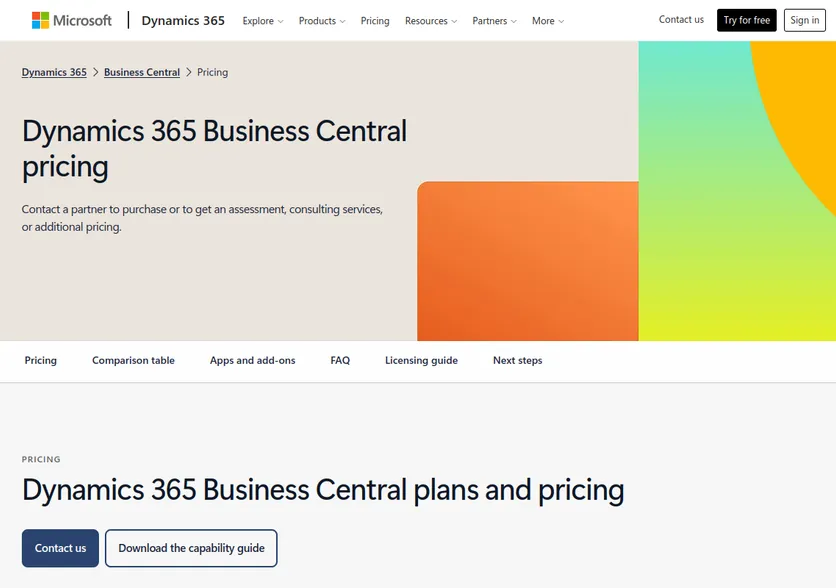
Paid tool Starting price: $100/user/month · One hundred dollars per user a month on Premium billed annually, which adds manufacturing and service management over the seventy-dollar Essentials plan; Team Members is eight dollars per user a month for read-only access
Free plan: No free plan; free trial
A plant already running Microsoft 365 will feel at home here, because this Microsoft Dynamics 365 Business Central plan costs one hundred dollars per user a month on Premium. Manufacturing, service management, finance and supply chain run in one system with the same sign-in the office already uses. It fits a plant that wants an enterprise-grade system without leaving the Microsoft world.
What we like
- Manufacturing plus finance and supply chain in one system
- Same sign-in as Microsoft 365 for the whole team
- Premium adds manufacturing over the cheaper Essentials plan
Watch out for
- Premium is the only tier with manufacturing, at one hundred dollars
- Implementation usually needs a partner, not just a signup
How to try it
- Set up the company and connect the Microsoft 365 accounts
- Build the first bill of materials and production order
- Turn on the manufacturing module and train the floor team
5. Fishbowl Inventory
Best for: Manufacturers whose inventory is the bottleneck
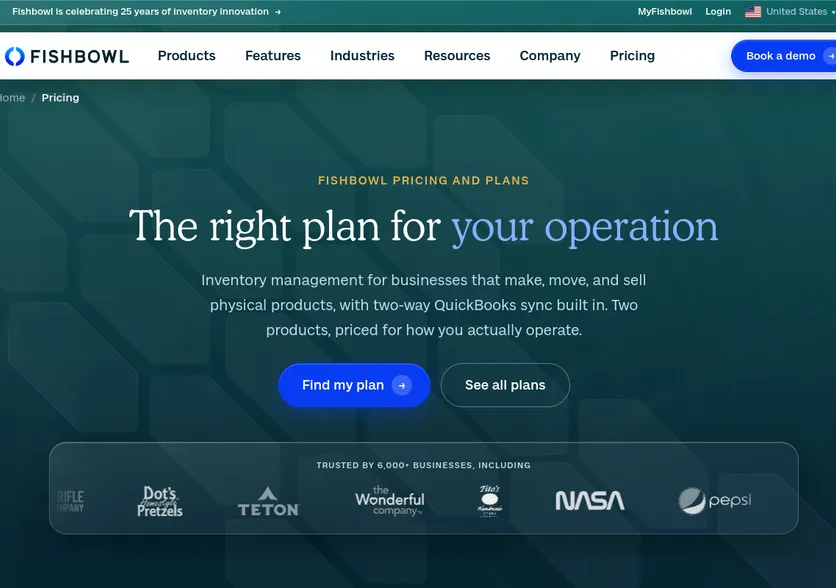
Paid tool Starting price: $229/month · Two hundred and twenty-nine dollars a month on Essentials for inventory and manufacturing; this is the Fishbowl Inventory product, not the Fishbowl restaurant guest relationship product that lists a one hundred and twenty-five dollar per location plan under the same Essential name
Free plan: No free plan; demo available
A plant that sells through QuickBooks and needs real inventory control will find it here, because this Fishbowl Inventory plan costs two hundred and twenty-nine dollars a month. It tracks raw materials, work orders and finished goods across multiple warehouses, and it syncs with QuickBooks so the books stay honest. It suits a manufacturer whose inventory is the bottleneck, not the schedule.
What we like
- Multi-warehouse inventory with work orders built in
- Syncs with QuickBooks so the books stay honest
- Manufacturing and asset tracking in one system
Watch out for
- No free plan, only a demo before buying
- The same Essential name is used by a different Fishbowl product
How to try it
- Import the inventory and set up each warehouse
- Create the first work order from a sales order
- Connect QuickBooks and check the first sync
6. Cetec ERP
Best for: Job shops that live on accurate quotes
Paid tool Starting price: $50/user/month · Fifty dollars per user a month on the core plan with a five-user minimum; shop-floor access is twenty-five dollars and the customer portal is twenty dollars; support is six hundred and fifty dollars a month on Standard and three thousand two hundred dollars a month on Enterprise; older listings near forty dollars a user a month are stale
Free plan: No free plan; demo available
A plant that quotes custom jobs and needs the price right before the work starts will like this, because this Cetec ERP plan costs fifty dollars per user a month with a five-user minimum. Quoting, production, inventory and invoicing run in one cloud system, and the shop-floor and customer portal seats cost less than full seats. It suits a job shop that lives on accurate quotes and on-time delivery.
What we like
- Quoting, production and invoicing in one cloud system
- Cheaper shop-floor and portal seats than full users
- Built for custom and make-to-order work
Watch out for
- Support costs six hundred and fifty dollars a month on Standard
- Five-user minimum on the core plan
How to try it
- Set up the company and import the customer list
- Build a quote for a real job and convert it to an order
- Give the floor team shop-floor access and track the job
7. Megaventory
Best for: Small manufacturers tracking stock and work orders
Paid tool Starting price: $135/month · One hundred and thirty-five dollars a month (one hundred and twenty-one dollars and fifty cents a month billed annually, a ten percent discount); a single Pro plan covers five users, fifty thousand transactions and twenty locations, with extra users at forty-five dollars a month; Enterprise is quoted. Price confirmed by multiple agreeing November 2026 reads of the vendor pricing page, which lists the Pro plan at this figure.
Free plan: No free plan; 15-day free trial
A plant that tracks stock across several locations will find the flat pricing here easy to budget, since this Megaventory plan costs one hundred and thirty-five dollars a month. Bills of materials, work orders and multi-level manufacturing sit beside order and inventory management in one system, so the shop floor and the stockroom share the same numbers. It fits a small manufacturer that wants production control without buying a full ERP suite.
What we like
- Bills of materials and multi-level manufacturing included
- Flat monthly price covers five users and twenty locations
- Work orders allocate components automatically
Watch out for
- Single Pro plan, with no cheaper tier for very small shops
- Enterprise pricing is quoted, not published
How to try it
- Create bills of materials for each finished product
- Raise work orders and allocate components to them
- Track stock across locations as jobs complete
Prices above were checked on each vendor’s own website on Nov 28, 2026 and can change — the vendor’s page is the final word. Vendor links are editorial: nobody paid to be listed or ranked here. Vendors who want a featured listing can see how it works on our Get listed page.
How to move a plant from spreadsheets to a real schedule
Start with the bill of materials, because every schedule in this list is only as good as the materials list behind it, and a wrong quantity will stall a job halfway through. Run one product line on the new system first, with the old spreadsheet beside it, and compare the two for a month before switching the whole floor. Train the floor team on the shop-floor view only, since they need to see their jobs and mark them done, not learn the whole system.
Before you buy
- Confirm the tool handles bills of materials and work orders, not just a calendar
- Check whether the price is per user, flat per month, or per asset before budgeting
- Ask if the system tracks raw materials against each job in real time
- Make sure the tool connects to the accounting system the plant already uses
- Run one product line on the new system beside the old spreadsheet for a month
Official websites
Official websites of the products reviewed above. Features and prices were checked against these sites when this guide was written, and they can change, so confirm on the vendor site before you buy.
Frequently asked questions
What is scheduling software for manufacturing plants?
It is software that plans production jobs, tracks materials and keeps the shop floor on schedule, usually inside a wider manufacturing or ERP system. The tools in this list range from simple inventory-led systems like Katana to full systems like MRPeasy, Odoo and Dynamics 365 Business Central. Pick the scope that matches the plant size, because an enterprise system will slow a five-person workshop down.
How much does manufacturing scheduling software cost?
Prices in this list run from thirty-one dollars and ten cents per user a month for Odoo to two hundred and ninety-nine dollars a month for Katana, with most tools between fifty and two hundred and thirty dollars a month. Per-user plans suit small teams, while flat monthly plans suit plants with many floor workers. Add support costs to the headline, since Cetec ERP charges six hundred and fifty dollars a month for Standard support.
Can I try manufacturing scheduling software for free?
Yes, with Katana, which offers a free plan, and Odoo, which offers a One App Free plan covering a single app. MRPeasy offers a free trial of thirty days, and Dynamics 365 Business Central offers a free trial. A plant can test the core workflow on one product line before paying, which is the safest way to compare these tools.
Which tool is best for a small manufacturing plant?
MRPeasy is the best value for a small plant, at forty-nine dollars per user a month with the full manufacturing scope included. Katana is the better pick for a plant that wants inventory and production in a simpler package, and Fishbowl suits a workshop that wants inventory control without a full ERP. Test the free plan or trial on one product line before committing the whole floor.
Do these tools replace an ERP system?
Some do and some do not. MRPeasy, Odoo, Dynamics 365 Business Central and Cetec ERP are full ERP systems that cover finance, purchasing and sales as well as production. Katana and Fishbowl cover inventory and production only, so a plant still needs separate accounting software. Decide whether the plant wants one system or a best-of-breed stack before choosing.
Compare the seven tools above, then start with a free plan or a free trial on the tool that matches how the plant schedules production today before paying for a full year.
Browse Business Tools tools