On this page
A startup cannot hire its way out of insecure code, so the developers have to learn it. The seven tools below teach secure coding through hands-on labs rather than slide decks, led by Security Journey at one thousand six hundred and fifty dollars a year for five learners. Prices run from twenty-five dollars a developer a month to seven hundred and fifty dollars a month, and every price was checked on November 28, 2026. Pick the training that matches the stack the team actually ships.
How we researched this
We checked every price on the vendor pricing page on November 28, 2026, and only included tools with a published US dollar list price. Secure Code Warrior, HackEDU and Avatao are not in this list because they publish no verifiable list price, and the big enterprise platforms that sell by quote are excluded too. Prices change, so confirm the current figure on the vendor site before you buy.
Compare the tools
| Name | Best for | Starting price | Free plan | |
|---|---|---|---|---|
| Security Journey | Small teams that want training to stick | $1,650/year | No free plan | Visit |
| SecureFlag | Startups that want practical labs | $525/user/year | No free plan; 7-day free trial | Visit |
| AppSecEngineer | Cloud-native startups | $399/user/year | No free plan | Visit |
| Kontra | Teams that want labs by practitioners | $400/developer/year | Free plan (OWASP exercises) | Visit |
| Snyk Learn | Teams that already scan code with Snyk | $25/contributing developer/month | Free plan (Snyk Learn courses free) | Visit |
| Veracode Security Labs | Teams that want enterprise labs cheaply | $750/year | Free plan (Community Edition) | Visit |
| Contrast Security | Startups that want the platform first | $750/month | Free plan (2 apps) | Visit |
The secure code training software for startups, compared
1. Security Journey
Best for: Small teams that want training to stick
Paid tool Starting price: $1,650/year · One thousand six hundred and fifty dollars a year for five learners on Essentials; Enterprise is two thousand seven hundred and fifty dollars a year for five learners; priced per learner cohort, not per seat
Free plan: No free plan
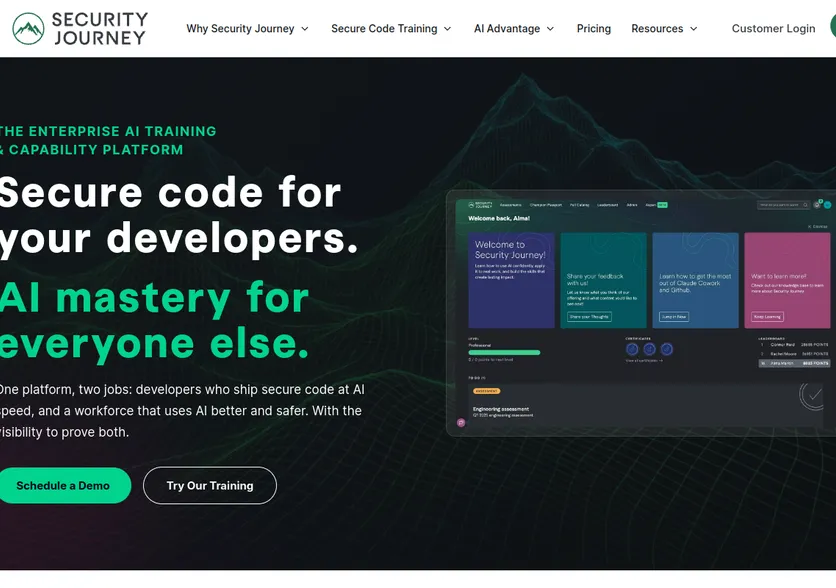
A startup that wants developers to learn secure coding by doing will find it here, because this Security Journey plan costs one thousand six hundred and fifty dollars a year for five learners and teaches through hands-on lessons. Lessons map to real vulnerabilities, so a developer sees the flaw, fixes it and learns the pattern in one session. It is the best overall pick for a small team that needs training to stick.
What we like
- Hands-on lessons mapped to real vulnerabilities
- Learning paths for different languages and roles
- Progress tracking shows who finished what
Watch out for
- The price is per cohort, so a sixth learner needs a bigger plan
- No free plan, so the team cannot try a lesson first
How to try it
- Sign up the team and assign the first learning path
- Let developers work through the hands-on lessons
- Review progress and assign follow-up lessons for weak spots
2. SecureFlag
Best for: Startups that want practical labs
Paid tool Starting price: $525/user/year · Five hundred and twenty-five dollars per user a year on Training; the Complete Platform is six hundred and seventy dollars per user a year, listed as thirty percent off, which is a promotion rather than the list price; ThreatCanvas is four hundred and five dollars per user a year
Free plan: No free plan; 7-day free trial
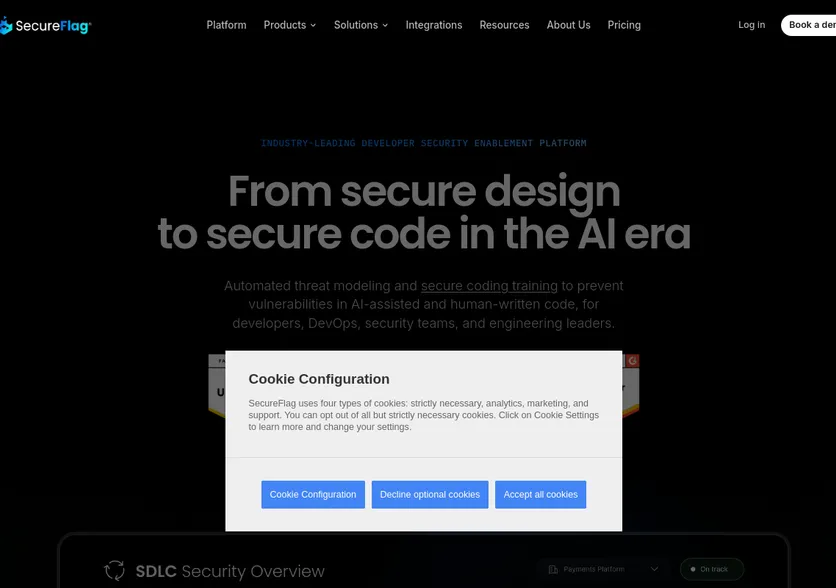
Real-world exercises in a safe lab are the draw here, since this SecureFlag plan costs five hundred and twenty-five dollars per user a year and lets developers exploit and fix real vulnerabilities. The labs mirror production code, so the skills transfer to the team's own codebase the same week. It suits a startup that wants practical labs at a clear per-user price.
What we like
- Real-world labs that mirror production code
- Clear per-user pricing with no cohort minimums
- ThreatCanvas exercises for architecture-level thinking
Watch out for
- No free plan, only a seven-day trial
- The full platform costs more than the training-only plan
How to try it
- Start the trial and pick a lab for the team stack
- Run the exercise and fix the vulnerability in the lab
- Assign the next lab based on the results
3. AppSecEngineer
Best for: Cloud-native startups
Paid tool Starting price: $399/user/year · Three hundred and ninety-nine dollars per user a year on Pro, or thirty-three dollars and twenty-five cents a month billed yearly; Pro Plus is four hundred and ninety-nine dollars a year; no direct vendor pricing page was found, so the figure comes from G2 and SpotSaaS reads that agree
Free plan: No free plan
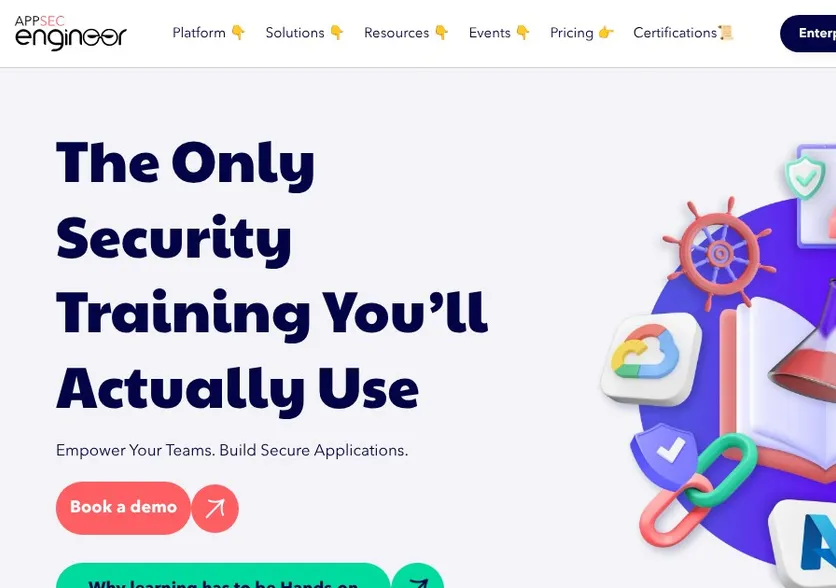
Cloud-focused security training at a mid-range price sits here, because this AppSecEngineer plan costs three hundred and ninety-nine dollars per user a year and covers application security for modern stacks. Courses cover cloud, containers and APIs, with labs that run in the browser and no local setup. It is a good fit for a startup building on the cloud from day one.
What we like
- Courses built for cloud, containers and APIs
- Browser-based labs with no local setup
- Structured paths from beginner to advanced
Watch out for
- No free plan and conflicting reports about a free trial
- No vendor pricing page was found, so confirm the price directly
How to try it
- Choose a learning path for the team stack
- Work through the courses and browser labs
- Take the assessment to prove the skills landed
4. Kontra
Best for: Teams that want labs by practitioners
Paid tool Starting price: $400/developer/year · Four hundred dollars per developer a year on Squad for teams of five to fifteen developers; Brigade is volume pricing by quote; free OWASP exercises are included
Free plan: Free plan (OWASP exercises)
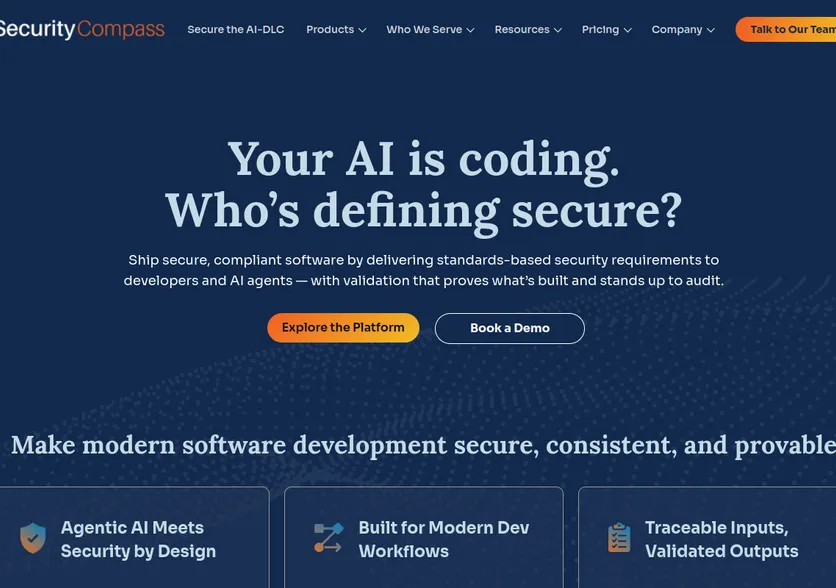
Hands-on labs written by security researchers are the strength here, as this Kontra plan costs four hundred dollars per developer a year and teaches by letting developers break and fix real code. The labs focus on the flaws that actually appear in audits, so the training maps to the team's real risks. It is the best pick for a startup that wants labs written by practitioners.
What we like
- Labs written by security researchers
- Focus on the flaws that appear in real audits
- Free OWASP exercises to try before paying
Watch out for
- The Squad price only covers teams of five to fifteen developers
- Smaller teams may find the per-developer price steep
How to try it
- Try the free OWASP exercises with the team
- Sign up for Squad and assign labs by language
- Track completions and repeat the labs that matter most
5. Snyk Learn
Best for: Teams that already scan code with Snyk
Paid tool Starting price: $25/contributing developer/month · Twenty-five dollars per contributing developer a month on Team, with a minimum of five and a maximum of ten developers, or one thousand three hundred and seventy-five dollars a year for five on annual billing; Snyk Learn courses themselves are free, and the paid element is Team scanning with a learning management add-on
Free plan: Free plan (Snyk Learn courses free)
Free security lessons beside a paid scanner is the model here, since this Snyk Learn plan costs twenty-five dollars per contributing developer a month on Team and pairs free courses with vulnerability scanning. Developers learn the flaw in a short lesson, then see the same flaw flagged in their own code by the scanner. It suits a startup that already scans code and wants the training to match.
What we like
- Free courses that pair with the scanner
- Lessons map to flaws found in real code
- Short lessons that fit into a working day
Watch out for
- The paid price buys scanning, not the lessons alone
- Team is capped at ten contributing developers
How to try it
- Start the free Snyk Learn courses with the team
- Connect the scanner to the team repositories
- Assign lessons for the flaws the scanner finds most
6. Veracode Security Labs
Best for: Teams that want enterprise labs cheaply
Paid tool Starting price: $750/year · Seven hundred and fifty dollars per twelve-month contract on the AWS Marketplace listing; Veracode itself is quote-only, so the figure comes from two independent November 2026 reads that agree; the Community Edition is free
Free plan: Free plan (Community Edition)
Enterprise-grade labs at a startup-friendly price appear here, because this Veracode Security Labs plan costs seven hundred and fifty dollars per twelve-month contract and teaches secure coding through guided exercises. The labs cover the common vulnerability classes with a structure that suits teams new to application security. It is the cheapest enterprise-named option in this list, though the price comes from a marketplace listing.
What we like
- Guided labs covering the common vulnerability classes
- Community Edition free for trying the platform
- Structured paths that suit teams new to security
Watch out for
- Veracode itself publishes no list price for this product
- The marketplace figure may vary by region and contract
How to try it
- Try the free Community Edition with the team
- Buy the labs through the marketplace listing
- Assign the guided exercises by language and framework
7. Contrast Security
Best for: Startups that want the platform first
Paid tool Starting price: $750/month · Seven hundred and fifty dollars a month billed annually on Pro, or nine thousand dollars a year, marked as to be released soon on the vendor pricing page; the free tier covers two apps with observation only; training is secondary to the runtime security platform
Free plan: Free plan (2 apps)
A runtime security platform with training attached is what this is, since this Contrast Security plan costs seven hundred and fifty dollars a month billed annually and the training sits beside code scanning. The platform watches applications as they run, so developers see real vulnerabilities in their own code rather than textbook examples. It is the dearest option here and the least training-focused, so it suits a startup that wants the platform first.
What we like
- Runtime visibility into real application vulnerabilities
- Training tied to flaws in the team's own code
- Free tier covers two apps for evaluation
Watch out for
- Pro is marked as to be released soon, so it may not be purchasable yet
- Training is secondary to the security platform
How to try it
- Start with the free tier on two applications
- Review the vulnerabilities the platform finds
- Assign training for the flaw classes that appear most
Prices above were checked on each vendor’s own website on Nov 28, 2026 and can change — the vendor’s page is the final word. Vendor links are editorial: nobody paid to be listed or ranked here. Vendors who want a featured listing can see how it works on our Get listed page.
How to make secure code training stick in a small team
Train on the team's own stack, not a generic language, because a lesson in the framework the developers ship daily lands ten times faster. Keep sessions short and regular, one lab a week beats a two-day course that everyone forgets by Monday. Measure the result in the code, not in certificates: count the vulnerabilities the scanner finds before and after the training. Let the developers who finish first mentor the rest, since teaching a fix cements it. Finally, repeat the labs that match the flaws your own audits keep finding, and retire the ones nobody needs.
Before you buy
- Check that the labs cover the languages and frameworks the team actually ships
- Make sure the price covers the whole team, including the sixth developer and beyond
- Ask whether progress tracking shows who finished which lab and when
- Confirm the training maps to real vulnerabilities, not just theory and quizzes
- Test a free lesson or trial with the team before paying for a full year
Official websites
Official websites of the products reviewed above. Features and prices were checked against these sites when this guide was written, and they can change, so confirm on the vendor site before you buy.
Frequently asked questions
What is the best secure code training software for startups?
Security Journey leads this list because its hands-on lessons map to real vulnerabilities and the cohort price is clear at one thousand six hundred and fifty dollars a year for five learners. Kontra is the best pick for researcher-written labs, while SecureFlag offers the clearest per-user price at five hundred and twenty-five dollars a year. Pick the training that matches the stack the team actually ships.
How much does secure code training cost for a startup?
Prices in this list run from three hundred and ninety-nine dollars per user a year for AppSecEngineer to seven hundred and fifty dollars a month for Contrast Security Pro, with most tools between four hundred and five hundred and twenty-five dollars per user a year. Security Journey charges one thousand six hundred and fifty dollars a year for five learners, and Snyk Team costs twenty-five dollars per contributing developer a month.
Can developers learn secure coding for free?
Yes, with Snyk Learn, whose courses are free even without a paid plan, and Kontra, which offers free OWASP exercises. Veracode offers a free Community Edition, and Contrast Security has a free tier covering two apps. Free options teach the basics well, but a paid plan adds structured paths, tracking and the full lab library.
Is hands-on lab training better than video courses for developers?
Hands-on labs win for secure coding, because a developer who exploits a flaw and then fixes it remembers the pattern far longer than one who watched a video about it. Video courses suit theory and overviews, while labs suit the muscle memory of fixing real code. The best programmes mix both: a short lesson to explain the flaw, then a lab to practise the fix.
What should a startup look for in secure code training?
Look for labs that cover the languages and frameworks the team actually ships, since generic training wastes time on stacks nobody uses. Check that progress tracking shows who finished which lab, and that the price covers the whole team rather than a small cohort. Finally, test a free lesson with the team before paying, because engagement decides whether the training works.
Compare the seven tools above, then start with a free lesson or trial on the tool that matches the stack the team ships before paying for a full year.
Browse Security & Privacy tools