
On this page
A supply-chain attack does not break your code, it poisons the pieces your code is built from. Docker leads this list because its Scout scanner watches the images every team already ships, but the full defense needs license checks, binary scanning, and a block on malicious packages. We checked eight paid platforms on their own pricing pages and compared free plans, coverage, and the real cost of securing a build pipeline.
How we researched this
We read each vendor pricing page on November 26, 2026 and kept only tools with a published starting price for their supply-chain tier. We then weighed coverage across code, dependencies, containers, and artifacts, plus how each tool enforces policy before a bad build ships.
Compare the tools
| Name | Best for | Starting price | Free plan | |
|---|---|---|---|---|
 Snyk | Small teams that want SCA plus SAST in one seat | $25/contributing developer/month | Free plan with limited tests | Visit |
 GitHub Advanced Security | Teams already hosting code on GitHub | $21/user/month | Free for public repositories | Visit |
 GitLab Ultimate | Teams that want security inside one DevSecOps platform | $99/user/month | Free tier with basic DevOps tools | Visit |
 FOSSA | Teams that need license compliance plus vulnerability scans | $20/project/month | Free plan for small open source projects | Visit |
 JFrog | Enterprises securing artifacts and binaries at scale | $950/month | Free trial, no free plan | Visit |
 Socket | Teams that want to block malicious packages before install | $25/dev seat/month | Free plan for public repositories | Visit |
 Semgrep | Teams that want reachable-vulnerability triage | $30/month/contributor | Free Community Edition | Visit |
 Docker | Teams that ship containers and want image scanning built in | $9/user/month | Free Personal plan with one Scout-enabled repo | Visit |
The 8 best software supply chain security tools
1. Snyk
Best for: Small teams that want SCA plus SAST in one seat
Paid tool Starting price: $25/contributing developer/month · Team plan, 5 to 10 developers, billed annually
Free plan: Free plan with limited tests
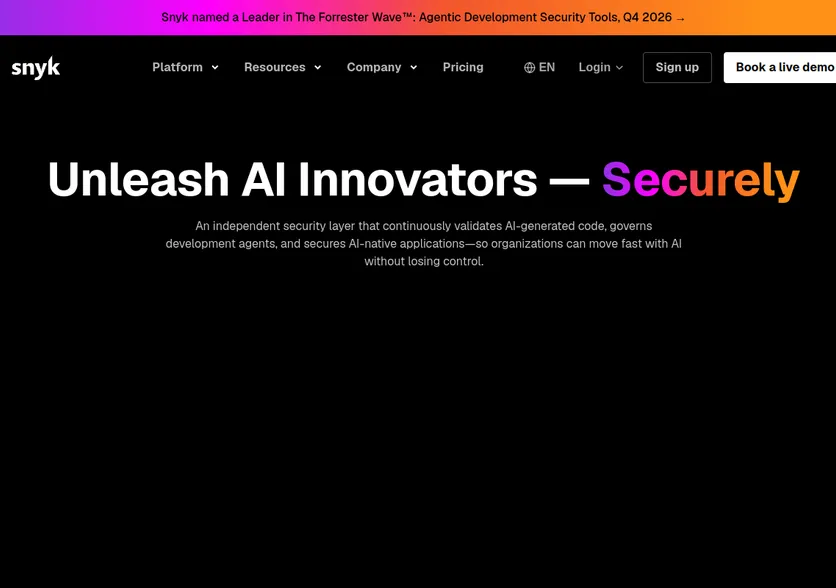
Snyk watches the whole supply chain from one dashboard, scanning open source, code, containers, and infrastructure as code. This Snyk Team plan is the entry point for small teams, with higher test limits and license compliance for five to ten developers. It is the broadest coverage per dollar here, though the Team cap means larger teams must move to credit-based Enterprise pricing.
What we like
- Covers code, open source, containers, and IaC
- Clear fix advice with upgrade paths
- Strong IDE and CI integrations
Watch out for
- Team plan caps at 10 developers
- Enterprise pricing is credit-based and opaque
How to try it
- Connect your repos and scan the main branch first
- Fix the critical issues Snyk ranks at the top
- Add Snyk checks to CI so new flaws fail the build
2. GitHub Advanced Security
Best for: Teams already hosting code on GitHub
Paid tool Starting price: $21/user/month · Enterprise plan includes Advanced Security; Team starts at $4 a user
Free plan: Free for public repositories
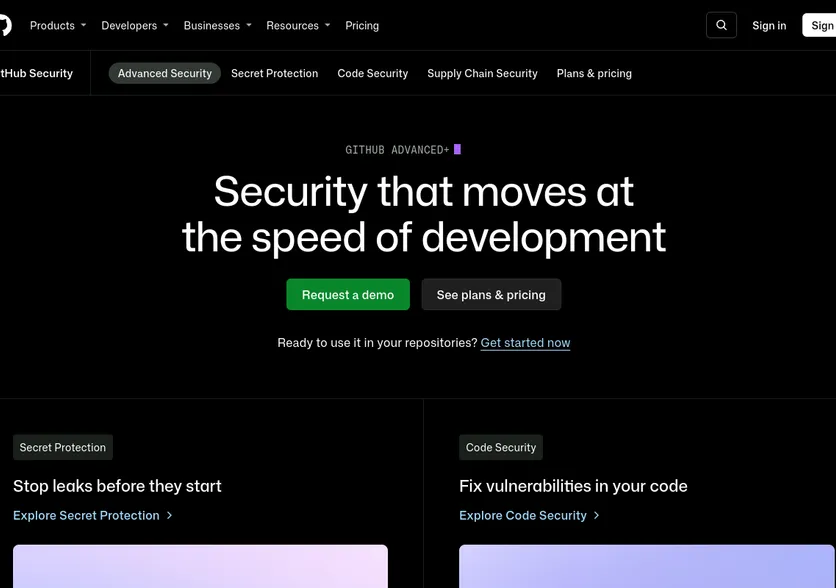
GitHub Advanced Security brings supply-chain checks into the pull request, so a bad dependency gets caught before it merges. This GitHub Advanced Security Enterprise plan adds code scanning, secret scanning, and Dependabot alerts to the repos your team already uses. It is the lowest-friction option for GitHub shops, though it does little for code hosted anywhere else.
What we like
- Findings appear inside pull requests
- Dependabot alerts are fast and clear
- No new tool to learn for GitHub teams
Watch out for
- Only useful if you host on GitHub
- Full suite needs the Enterprise tier
How to try it
- Enable code scanning and secret scanning in settings
- Watch Dependabot alerts on your busiest repo
- Require passing scans before a pull request merges
3. GitLab Ultimate
Best for: Teams that want security inside one DevSecOps platform
Paid tool Starting price: $99/user/month · Ultimate tier billed annually; Premium is $29 a user
Free plan: Free tier with basic DevOps tools
GitLab Ultimate treats supply-chain security as one part of a single DevSecOps platform, with scanning built into every pipeline. This GitLab Ultimate plan adds dependency scanning, container scanning, SAST, and compliance reports for teams that run everything on GitLab. It costs the most per user here, but it can replace a scanner, a CI tool, and a compliance dashboard in one bill.

What we like
- One platform for code, CI, and security
- Strong compliance and audit dashboards
- Includes SAST and secret detection
Watch out for
- Highest per-user price on this list
- Only pays off if you adopt all of GitLab
How to try it
- Turn on dependency and container scanning in the pipeline
- Check the security dashboard after your next merge
- Set compliance rules for protected branches
4. FOSSA
Best for: Teams that need license compliance plus vulnerability scans
Paid tool Starting price: $20/project/month · Business plan billed annually
Free plan: Free plan for small open source projects
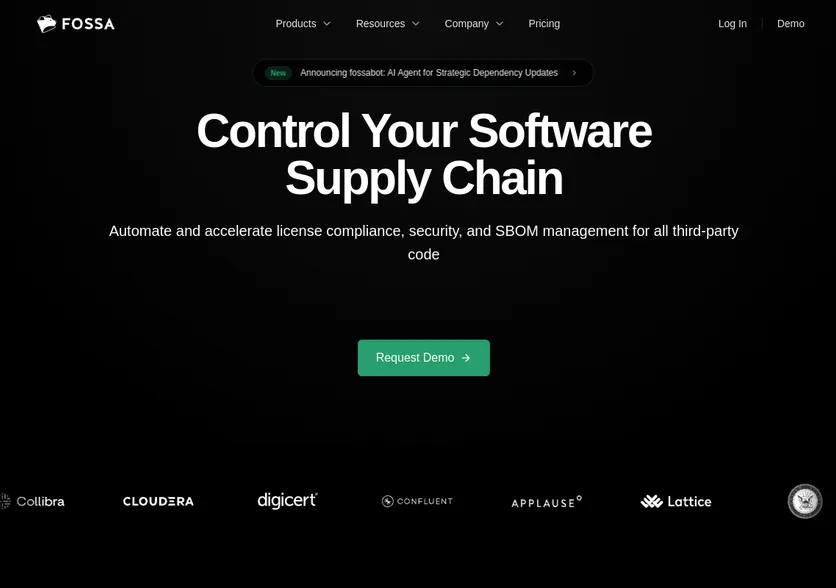
FOSSA focuses on the legal side of the supply chain, proving that every dependency you ship is licensed correctly. This FOSSA Business plan adds policy rules, SBOM exports, and vulnerability scanning billed per project instead of per developer. It is the best fit when auditors care more about licenses than exploits, though its vulnerability data is thinner than the big scanners.
What we like
- Best license compliance reporting here
- Priced per project, not per seat
- Clear SBOM exports for audits
Watch out for
- Code scanning is lighter than rivals
- Policy tools take time to configure
How to try it
- Scan your largest project and read the license report
- Block copyleft licenses with a policy rule
- Export an SBOM for your next customer audit
5. JFrog
Best for: Enterprises securing artifacts and binaries at scale
Paid tool Starting price: $950/month · Enterprise X plan, the tier that includes code and binary SCA
Free plan: Free trial, no free plan
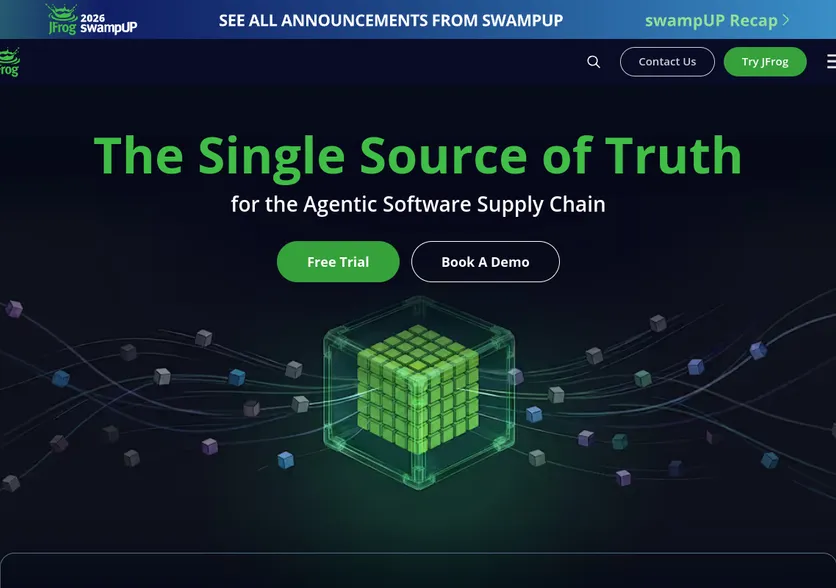
JFrog guards the artifact store itself, scanning the binaries and packages that actually reach your customers. This JFrog Enterprise X plan adds code and binary SCA plus curation rules that stop unapproved packages from entering the store. It is built for enterprises with heavy release pipelines, and the price and setup both reflect that scale.
What we like
- Deepest binary and artifact scanning here
- Curation rules block bad packages early
- Scales to huge enterprise workloads
Watch out for
- Very high starting price
- Heavy setup that needs a dedicated owner
How to try it
- Point your artifact repositories at the platform
- Enable binary scanning on release builds
- Write curation rules for approved package sources
6. Socket
Best for: Teams that want to block malicious packages before install
Paid tool Starting price: $25/dev seat/month · Team plan; yearly billing saves 20 percent
Free plan: Free plan for public repositories
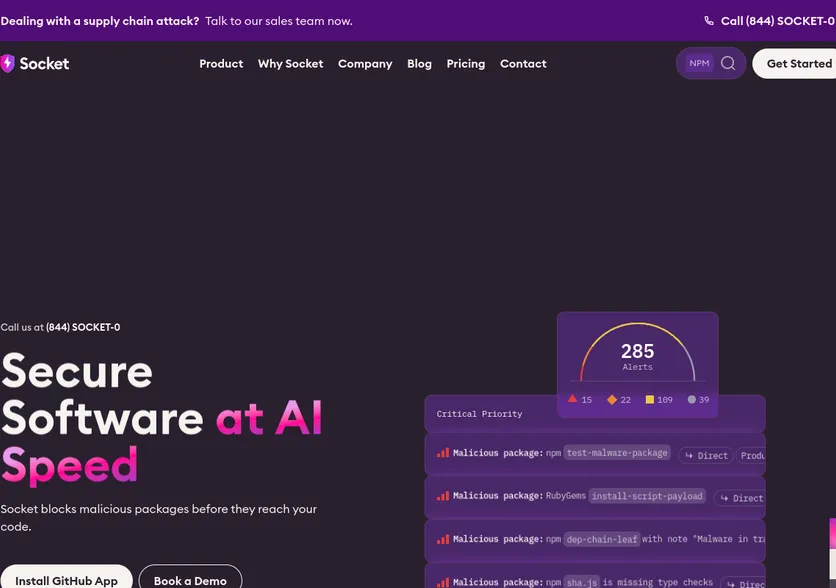
Socket stops supply-chain attacks at the install step, blocking compromised packages before they touch your code. This Socket Team plan adds a supply-chain firewall, dependency audits, and alerts for typosquats and hijacked packages. It is the cheapest real defense here, and it pairs well with any reporting scanner on this list.
What we like
- Blocks malicious packages before install
- Catches typosquats other scanners miss
- Fast setup with clear alerts
Watch out for
- Not a full replacement for deep SCA
- Best as a layer beside another scanner
How to try it
- Scan your lockfile with the Socket CLI
- Turn on the firewall to block suspicious installs
- Check the weekly audit of new dependencies
7. Semgrep
Best for: Teams that want reachable-vulnerability triage
Paid tool Starting price: $30/month/contributor · Supply Chain plan on the Teams tier
Free plan: Free Community Edition
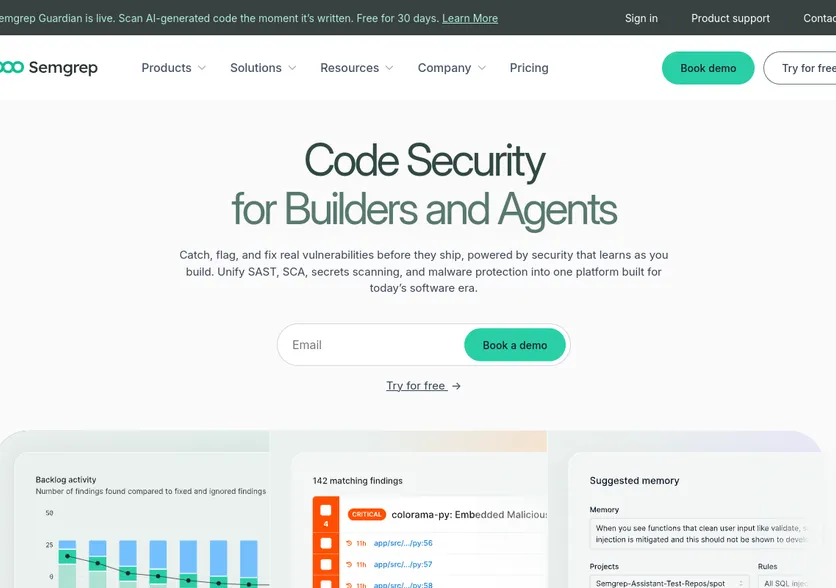
Semgrep Supply Chain cuts through alert fatigue by ranking vulnerabilities your code can actually reach. This Semgrep Supply Chain plan adds reachability analysis, license scanning, and secrets detection for a flat per-contributor price. It is the best triage tool here, though it leaves policy enforcement to your CI setup.
What we like
- Reachability analysis cuts alert noise
- Fast scans that fit in CI
- Clear pricing per contributor
Watch out for
- Less hand-holding than big vendors
- Policy features need setup work
How to try it
- Scan your main repo and sort by reachable findings
- Fix the reachable list before touching the rest
- Wire the scan into CI so new flaws block merges
8. Docker
Best for: Teams that ship containers and want image scanning built in
Paid tool Starting price: $9/user/month · Pro plan billed annually; $11 a user on monthly billing
Free plan: Free Personal plan with one Scout-enabled repo
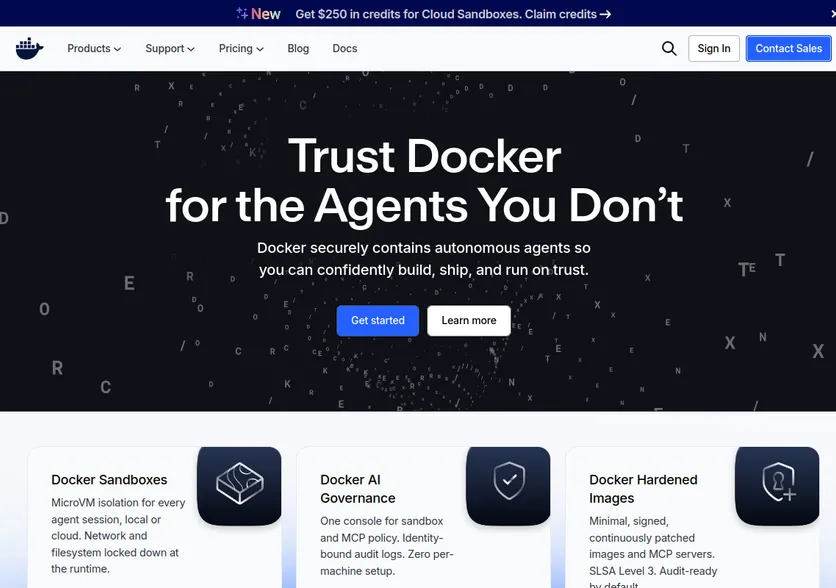
Docker Scout turns image scanning into part of the build, grading every image your team pushes to the registry. This Docker Pro plan adds two Scout-enabled repositories, vulnerability analysis, and policy checks for a low per-user price. It is the obvious pick for container-first teams, though it only watches images and not your source dependencies.
What we like
- Image scanning built into the build
- Very low price for real coverage
- Health scores make risk easy to read
Watch out for
- Only scans images, not source code
- Two Scout repos on the Pro plan
How to try it
- Enable Scout on your most-shipped repository
- Review the health score and fix the worst image first
- Set a policy that blocks images below your grade
Prices above were checked on each vendor’s own website on Nov 26, 2026 and can change — the vendor’s page is the final word. Vendor links are editorial: nobody paid to be listed or ranked here. Vendors who want a featured listing can see how it works on our Get listed page.
How to secure your software supply chain
How to secure your software supply chain
Layer your defenses instead of buying one big scanner and hoping. Start with Socket to block bad installs, add Snyk or Semgrep for deep scanning, and use Docker Scout for the images you ship. Each layer catches what the others miss, and the combined bill stays under a single enterprise seat.
Then make the checks automatic. A scan that only runs when someone remembers is not a control, so wire findings into pull requests and fail builds on critical issues. Keep an SBOM for every release, since customers now ask for one before they sign.
Before you buy
- Does the tool scan code, dependencies, containers, and artifacts, or only one of the four?
- Can it block a bad package at install time, or does it only report after the damage is done?
- Will it export SBOMs in the format your biggest customer demands?
- Does the price grow per developer, per project, or per scan, and which matches your team?
- Can findings fail a build automatically, or do they sit unread in a dashboard?
Official websites
Official websites of the products reviewed above. Features and prices were checked against these sites when this guide was written, and they can change, so confirm on the vendor site before you buy.
Frequently asked questions
What is software supply chain security?
Software supply chain security protects everything your code is built from: libraries, containers, build tools, and artifacts. Attackers poison a popular package or swap a binary, and your build ships the damage to every customer. The tools on this list scan dependencies, block malicious installs, and prove what went into each release.
How is supply chain security different from SCA?
SCA is one part of supply chain security, focused on scanning open source dependencies for known flaws. Supply chain security goes further, covering container images, build pipelines, artifact stores, and SBOM exports. Think of SCA as the ingredients check and supply chain security as the whole kitchen inspection.
Do I need Docker Scout if I already use Snyk?
Snyk scans your code and dependencies, while Docker Scout grades the container images you ship, including base-image flaws Snyk may not see. Many teams run both, since the overlap is small and the blind spots are different. If you ship containers daily, Scout is worth the nine dollars a month even beside a full scanner.
What does a supply chain attack look like in practice?
A common attack swaps a popular package for a malicious copy with a nearly identical name, and developers install it by mistake. Another injects code into a build tool, so every release carries the payload. Socket blocks the first pattern at install time, while JFrog curation and signed artifacts defend against the second.
How much does supply chain security cost for a small team?
A small team can start with Docker Pro at nine dollars a user and FOSSA at twenty dollars a project, covering images and licenses. Adding Snyk Team at twenty-five dollars per developer brings full code and dependency scanning. Most teams land between fifty and one hundred dollars a month before they need enterprise tiers like JFrog.
Scan your biggest repo and your most-shipped image this week, then pay for the tool that caught the risk you had missed.
Browse Security & Privacy tools


