On this page
Architects handle client plans, contracts and payment details, which makes a small firm a tempting target for phishing. The nine tools below train staff to spot the attack before they click, led by KnowBe4 at two dollars and forty cents per user a month. Prices run from one dollar per user a month to twenty-five dollars a month flat, and every price was checked on November 28, 2026. Pick the training the firm will actually finish, not just the cheapest one.
How we researched this
We checked every price on the vendor pricing page on November 28, 2026, and only included tools with a published US dollar list price. Sophos Phish Threat, Living Security, Terranova, uSecure and Infosec IQ are not in this list because they publish no verifiable per-user dollar price, and the quote-only platforms are excluded too. Prices change, so confirm the current figure on the vendor site before you buy.
Compare the tools
| Name | Best for | Starting price | Free plan | |
|---|---|---|---|---|
 KnowBe4 | Firms that want the deepest library | $2.40/user/month | No free plan; free phishing test | Visit |
| NINJIO | Firms that want training staff watch | $1.50/user/month | No free plan; free demo | Visit |
 Hook Security | Small firms that want modern training | $1.50/user/month | No free plan; free trial available | Visit |
| Huntress Managed SAT | Firms that want story-based training | $2.08/learner/month | No free plan | Visit |
| GoldPhish | Small firms that want the cheapest yearly price | $12/user/year | No free plan; 30-day free trial | Visit |
| CybSafe | Firms that want behaviour-based training | $1.00/user/month | Free plan available | Visit |
 Wizer | Firms that want gamified training | $1.50/user/month | Free plan (unlimited users) | Visit |
| PhishingBox | Firms that want simulation first | $16.50/seat/year | No free plan; free trial available | Visit |
 CyberHoot | Small firms that hate per-seat pricing | $25/month | No free plan; free trial available | Visit |
The security awareness training software for architects, compared
1. KnowBe4
Best for: Firms that want the deepest library
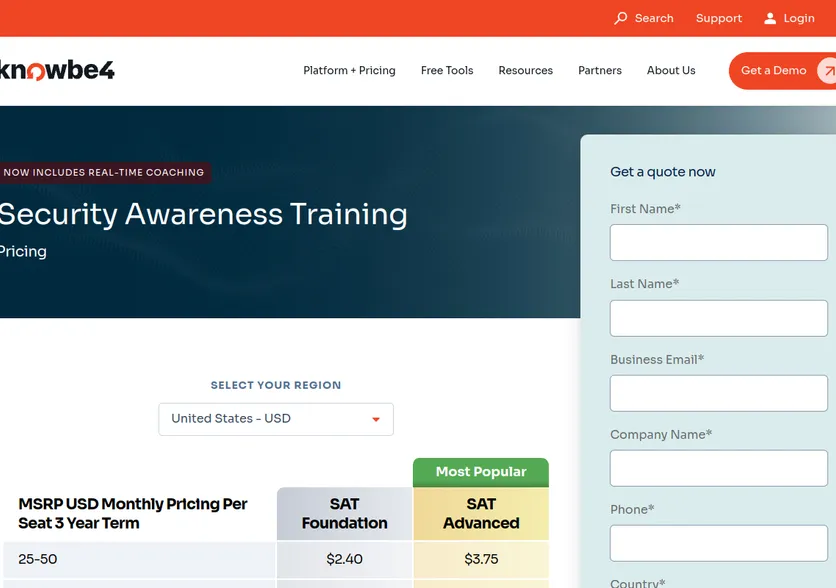
Paid tool Starting price: $2.40/user/month · Two dollars and forty cents per user a month on SAT Foundation at twenty-five to fifty seats on a three-year term, falling to one dollar and sixty-three cents at five hundred and one to one thousand seats; SAT Advanced is three dollars and seventy-five cents down to two dollars and seventy-nine cents; one listing shows one dollar and ninety-seven cents, so confirm the seat band at checkout
Free plan: No free plan; free phishing test
The largest security awareness platform in this list is here, because this KnowBe4 plan costs two dollars and forty cents per user a month and pairs phishing simulations with a huge training library. Architects get short, practical modules on phishing, passwords and data handling, plus simulated attacks that show who needs more coaching. It is the best overall pick for a firm that wants the deepest library and the best reporting.
What we like
- Huge training library with short practical modules
- Phishing simulations with detailed reporting
- Scales from a small studio to a large firm
Watch out for
- The headline price needs a three-year term at twenty-five seats
- The library is so large that picking modules takes time
How to try it
- Run a baseline phishing test for the whole firm
- Assign the training modules for the staff who clicked
- Repeat the simulation monthly and track the click rate
2. NINJIO
Best for: Firms that want training staff watch
Paid tool Starting price: $1.50/user/month · One dollar and fifty cents per user a month; packaging is quote-based, so the per-user figure is indicative rather than a fixed list price; volume deals cluster around fifteen to thirty-five dollars per user a year
Free plan: No free plan; free demo
Short Hollywood-style videos are the hook here, since this NINJIO plan costs one dollar and fifty cents per user a month and teaches security in three-minute episodes staff actually watch. Each episode ends with a quick check, and the dashboard shows which architects finished and which need a nudge. It suits a firm that wants training staff will not skip.
What we like
- Three-minute videos that staff actually finish
- Episodes built around real attack stories
- Simple dashboard for completion tracking
Watch out for
- Packaging is quote-based, so the price is indicative
- Fewer deep-dive modules than KnowBe4
How to try it
- Book a demo and watch a sample episode with the team
- Roll the episodes out one per week to all staff
- Check the dashboard and follow up with anyone behind
3. Hook Security
Best for: Small firms that want modern training
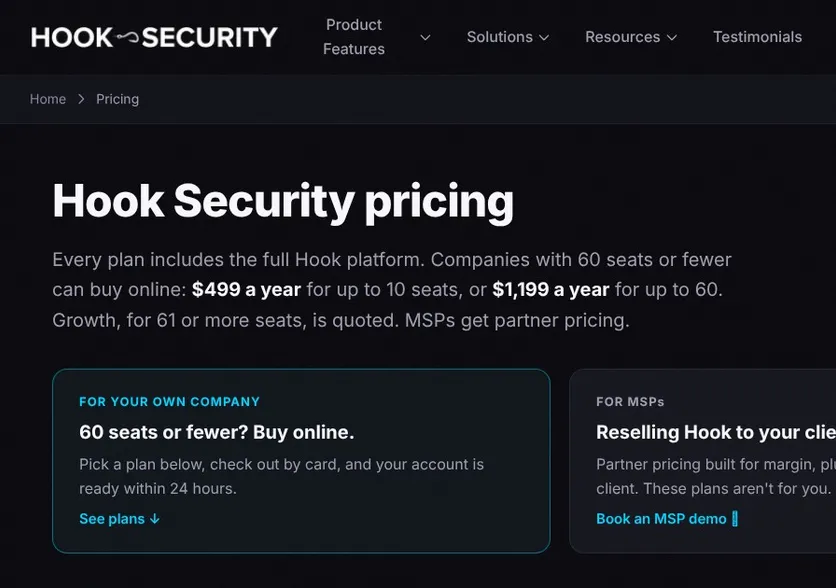
Paid tool Starting price: $1.50/user/month · One dollar and fifty cents per user a month on Basic; Hook Plus is two dollars per user a month; the vendor page now emphasises flat yearly plans, with Micro at four hundred and ninety-nine dollars a year up to ten seats and Starter at one thousand one hundred and ninety-nine dollars a year for eleven to sixty seats, so confirm which structure applies
Free plan: No free plan; free trial available
A modern platform built for small teams is the offer here, as this Hook Security plan costs one dollar and fifty cents per user a month and mixes phishing simulations with short training. The phishing templates mirror the attacks that target professional firms, and the reports show progress in plain language. It is the best value pick for a small architecture firm.
What we like
- Phishing templates that mirror real attacks on firms
- Short training that fits into a working day
- Reports written in plain language
Watch out for
- The vendor now emphasises flat yearly plans over per-seat pricing
- The library is smaller than the biggest platforms
How to try it
- Start the trial and run a phishing simulation
- Assign the training modules to the staff who clicked
- Review the plain-language report each month
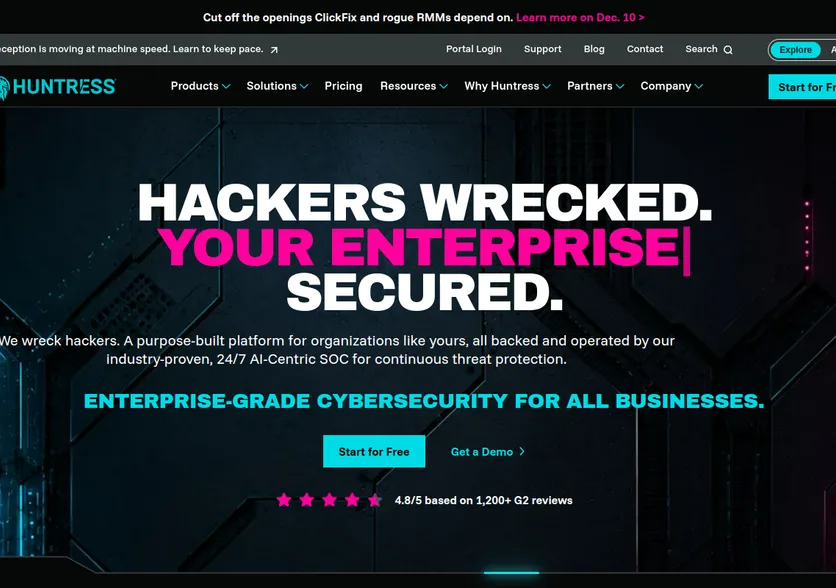
4. Huntress Managed SAT
Best for: Firms that want story-based training
Paid tool Starting price: $2.08/learner/month · Two dollars and eight cents per learner a month at fifty to ninety-nine learners, falling to one dollar and thirty-eight cents at five hundred to nine hundred and ninety-nine learners, billed annually; fifty learners is the minimum for direct purchase; formerly Curricula, now the Huntress managed programme
Free plan: No free plan
Training built by the team behind a popular security platform is what this is, since this Huntress Managed SAT plan costs two dollars and eight cents per learner a month and uses storytelling to teach phishing defence. The episodes follow a narrative, which helps architects remember the lesson when a real phishing email arrives. It suits a firm that wants engaging training with a managed service behind it.
What we like
- Story-driven episodes that staff remember
- Managed service handles the simulations
- Clear pricing by learner band
Watch out for
- Fifty learners is the minimum for direct purchase
- The Curricula brand is gone, so older reviews describe a different name
How to try it
- Check the firm meets the fifty-learner minimum
- Enrol the team and start the first story episode
- Run the phishing simulation and review the results
5. GoldPhish
Best for: Small firms that want the cheapest yearly price
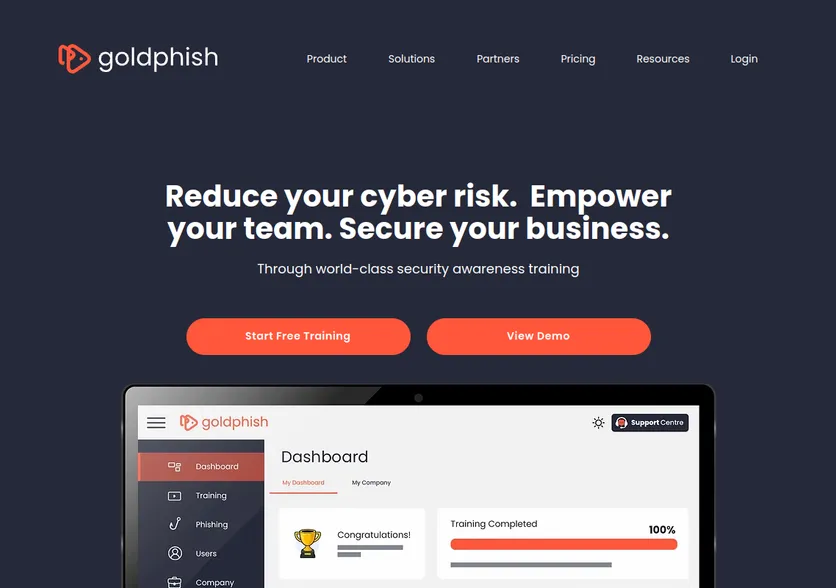
Paid tool Starting price: $12/user/year · Twelve dollars per user a year on Premium for one to one hundred seats, falling to three dollars and sixty cents at ten thousand seats; Managed starts at twenty dollars per user a year with a ten-seat minimum; a thirty-day trial is included
Free plan: No free plan; 30-day free trial
A low yearly price with phishing simulation included is the appeal here, because this GoldPhish plan costs twelve dollars per user a year and covers training plus simulated attacks. The platform is simple to run, which suits a firm with no dedicated security staff. It is the cheapest yearly option in this list for a small firm.
What we like
- Twelve dollars a user a year is the lowest yearly price here
- Phishing simulation included in the base plan
- Simple enough to run without security staff
Watch out for
- The training library is smaller than the big platforms
- Managed plans start at twenty dollars a user a year
How to try it
- Start the thirty-day trial with the whole firm
- Run the first phishing simulation
- Assign the training to the staff who clicked
6. CybSafe
Best for: Firms that want behaviour-based training
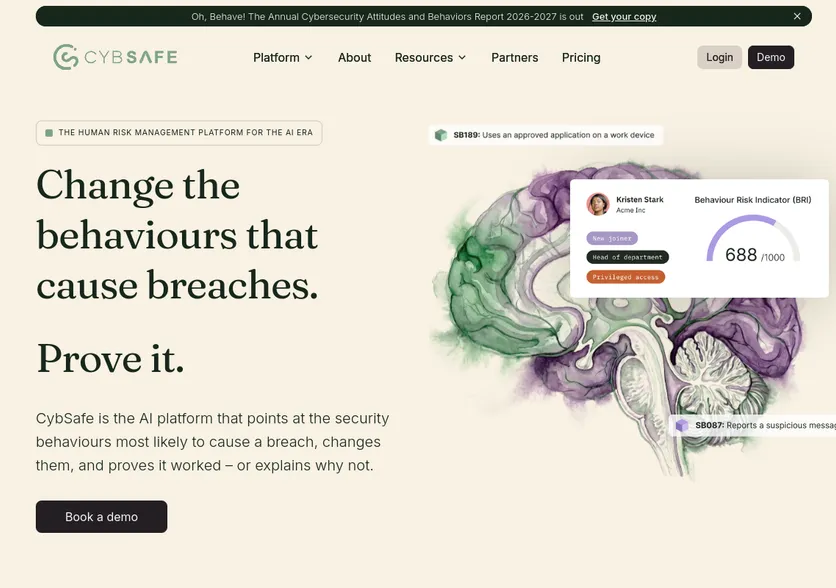
Paid tool Starting price: $1.00/user/month · One dollar per user a month billed yearly on Standard; Professional is one dollar and eighty cents per user a month; third-party listings show pound-sterling tiers at sixty-seven pence, one pound twenty-five and two pounds nine pence, so confirm the dollar figure
Free plan: Free plan available
Training that adapts to each person's behaviour is the idea here, since this CybSafe plan costs one dollar per user a month billed yearly and measures risk before it teaches. The platform spots who clicks, who reuses passwords and who needs coaching, then assigns the right modules. It is the best pick for a firm that wants training targeted at real behaviour.
What we like
- Measures each person's risk before assigning training
- Behaviour-based modules target real weak spots
- Free plan available for trying the platform
Watch out for
- Third-party listings show pound prices that confuse the dollar figure
- The free plan is limited, so most firms pay
How to try it
- Run the risk assessment for the whole firm
- Assign the modules the assessment recommends
- Re-test behaviour after three months and compare
7. Wizer
Best for: Firms that want gamified training
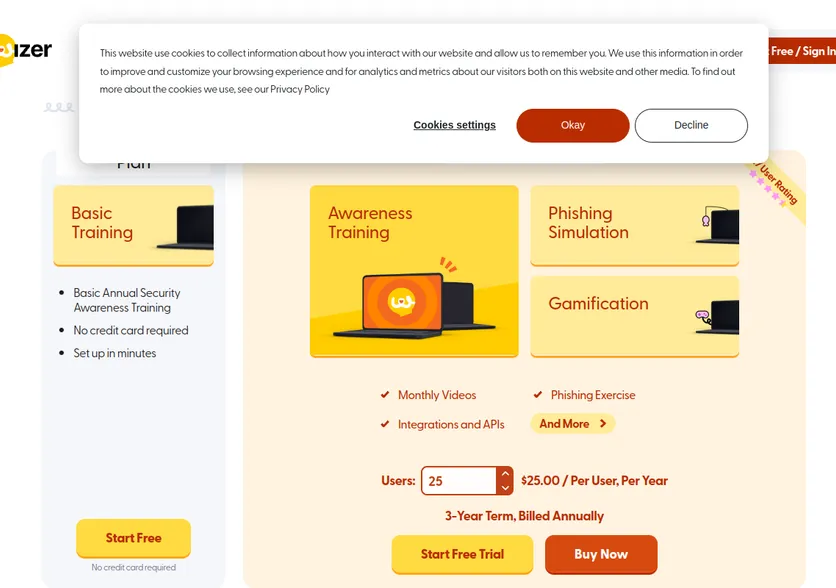
Paid tool Starting price: $1.50/user/month · One dollar and fifty cents per user a month on Boost, with other reads listing two dollars and eight cents or three dollars a user a month, so confirm at checkout; base courses start at twenty-five dollars per user a year; the free plan covers unlimited users
Free plan: Free plan (unlimited users)
Gamified training that staff compete over is the draw here, as this Wizer plan costs one dollar and fifty cents per user a month and turns phishing defence into a game. Leaderboards and short challenges keep architects engaged, and the free plan covers unlimited users for the basics. It suits a firm that wants training to feel less like homework.
What we like
- Leaderboards and challenges keep staff engaged
- Free plan covers unlimited users
- Short videos that fit into a working day
Watch out for
- Published prices vary between one dollar fifty and three dollars
- The gamification suits some teams and distracts others
How to try it
- Start with the free plan for the whole firm
- Launch the first challenge and watch the leaderboard
- Upgrade to Boost for the full video library
8. PhishingBox
Best for: Firms that want simulation first
Paid tool Starting price: $16.50/seat/year · Sixteen dollars and fifty cents per seat a year on Standard; Professional is twenty-three dollars and ninety-three cents per seat a year and Enterprise is thirty-one dollars and thirty-five cents; one listing shows forty-one dollars and fifty cents per twenty-five users a month, so confirm the figure
Free plan: No free plan; free trial available
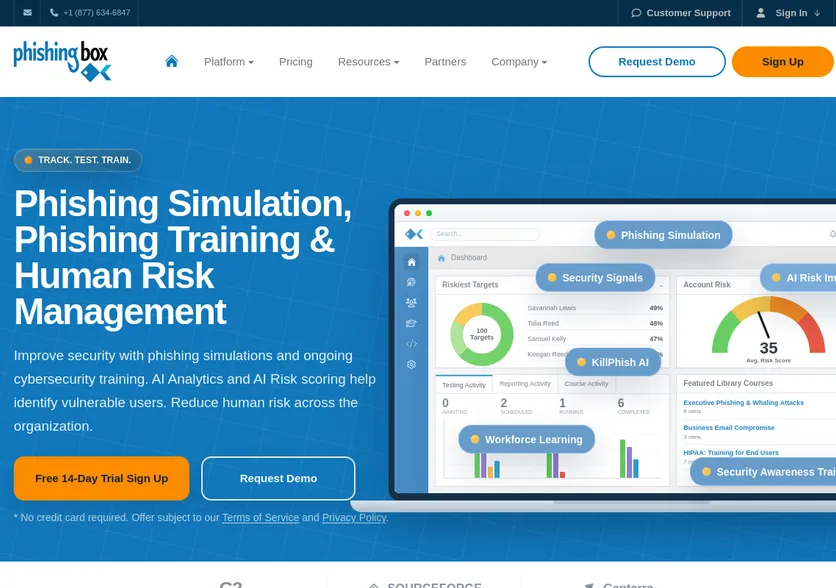
A phishing simulator with training attached is the focus here, since this PhishingBox plan costs sixteen dollars and fifty cents per seat a year and tests staff with realistic fake emails. The templates cover the scams that target professional firms, from fake invoices to credential harvesting. It is a solid mid-price pick for a firm that wants simulation first.
What we like
- Realistic phishing templates for professional firms
- Training attached to every simulation
- Simple pricing per seat per year
Watch out for
- Other listings show a higher monthly figure, so confirm the price
- The training library is smaller than KnowBe4
How to try it
- Start the trial and build a phishing campaign
- Send the simulation to the whole firm
- Assign training to everyone who clicked the fake email
9. CyberHoot
Best for: Small firms that hate per-seat pricing
Paid tool Starting price: $25/month · Twenty-five dollars a month flat on Basic, not per user; Autopilot is one hundred and ninety-nine dollars a month and Partners is ninety-one dollars a month; the flat rate suits small firms
Free plan: No free plan; free trial available
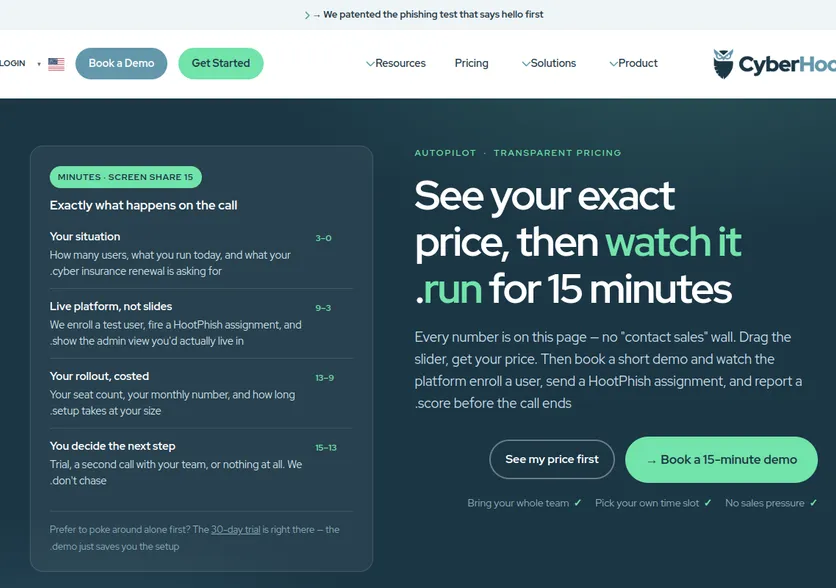
Flat monthly pricing that never grows with headcount is the appeal here, because this CyberHoot plan costs twenty-five dollars a month flat and covers the whole firm. Automated training assignments and phishing tests run with little admin work, which suits a firm with no IT team. It is the best pick for a small firm that hates per-seat maths.
What we like
- Flat twenty-five dollars a month, whatever the headcount
- Automated assignments with little admin work
- Phishing tests included in the base plan
Watch out for
- The flat rate still needs the Autopilot plan for automation at scale
- The library is smaller than the enterprise platforms
How to try it
- Start the trial and add the firm staff
- Turn on automated training assignments
- Run a phishing test and review the results
Prices above were checked on each vendor’s own website on Nov 28, 2026 and can change — the vendor’s page is the final word. Vendor links are editorial: nobody paid to be listed or ranked here. Vendors who want a featured listing can see how it works on our Get listed page.
How to get an architecture firm to finish security training
Keep every module under ten minutes, because architects bill by the hour and a long course is the first thing a busy week drops. Run the phishing simulation before the training, not after, since a staff member who clicked a fake invoice pays attention to the lesson that follows. Share the results openly inside the firm, including the partners, because a click rate that only the IT person sees changes nothing. Repeat the simulation monthly with a new template, since the same fake email twice teaches nothing. Finally, tie the training to real firm risks, such as fake payment instructions on a project, rather than generic examples.
Before you buy
- Check that the training covers phishing, passwords and payment fraud, not just generic security
- Make sure the price covers every member of staff, including partners and admin
- Ask whether phishing simulations are included or sold as a separate add-on
- Confirm the modules are short enough for busy staff to finish in a working week
- Test the reporting to see who clicked, who finished and who needs more coaching
Official websites
Official websites of the products reviewed above. Features and prices were checked against these sites when this guide was written, and they can change, so confirm on the vendor site before you buy.
Frequently asked questions
What is the best security awareness training for architects?
KnowBe4 leads this list because its library is the deepest and its phishing simulations come with the best reporting, at two dollars and forty cents per user a month. NINJIO suits a firm whose staff skip long courses, since its three-minute episodes actually get watched. Hook Security is the best value for a small firm, at one dollar and fifty cents per user a month.
How much does security awareness training cost for a small firm?
Prices in this list run from one dollar per user a month for CybSafe to two dollars and forty cents for KnowBe4, with GoldPhish at twelve dollars per user a year and CyberHoot at twenty-five dollars a month flat. Most tools also offer a free plan or a free trial, so a firm can test the training before paying. The dearest option here is still far cheaper than the quote-only platforms.
Can a small architecture firm train staff for free?
Yes, with CybSafe, which offers a free plan, and Wizer, whose free plan covers unlimited users for the basics. KnowBe4 offers a free phishing test that shows the firm's click rate before any training starts. Free plans teach the basics well, but a paid plan adds the full library, simulations and reporting a firm needs to track progress.
How often should staff take phishing training?
Staff should take short training monthly rather than one long course a year, because phishing tactics change fast and a yearly course is forgotten within weeks. Run a phishing simulation each month with a new template, then assign the training to the staff who clicked. A firm that trains monthly will see its click rate fall steadily over a year.
What should architecture firms look for in awareness training?
Look for training that covers phishing, passwords and payment fraud, since fake payment instructions on a project are the biggest risk for an architecture firm. Check that the modules are short enough for busy staff to finish, and that the reporting shows who clicked, who finished and who needs more coaching. Finally, confirm the price covers every member of staff, including partners.
Compare the nine tools above, then start with a free plan or trial on the training the firm will actually finish before paying for a full year.
Browse Security & Privacy tools