On this page
A retail chain runs on numbers that change daily: sales by store, stock by shelf, margins by product. The seven tools below run from fourteen dollars per user a month to one hundred and twenty dollars a month, and every price was checked on the vendor site on November 28, 2026. Microsoft Power BI Pro leads because it costs fourteen dollars per user a month and fits the Microsoft tools most chains already run, and the rest are ranked on how easily store managers can read their own numbers.
How we researched this
We checked every price on the vendor pricing page on November 28, 2026, and only included tools with a published US dollar list price. The enterprise platforms that sell by quote only, including Domo, Sisense, Looker and GoodData, publish no prices, so they are not in this list. Prices change, so confirm the current figure on the vendor site before you buy.
Compare the tools
| Name | Best for | Starting price | Free plan | |
|---|---|---|---|---|
 Microsoft Power BI Pro | Retail teams already on Microsoft 365 | $14/user/month | Free desktop app; Pro is paid | Visit |
 Tableau Standard | Retail teams that want polished visual dashboards | $15/user/month | 14-day free trial; no free plan | Visit |
 Zoho Analytics Basic | Small retail chains that want bundled seats and rows | $24/month | Free plan for 2 users and 10,000 rows | Visit |
| ThoughtSpot Essentials | Retail teams that want to search their data | $25/user/month | 14-day free trial; no free plan | Visit |
 Qlik Sense Business | Retail analysts who explore data freely | $30/user/month | 30-day free trial; no free plan | Visit |
 Metabase Starter | Retail teams with someone technical on staff | $100/month | Open-source version free to self-host; 14-day free trial | Visit |
 Klipfolio Klips Base | Retail chains that want dashboards on TV screens | $120/month | 14-day free trial; no free plan | Visit |
The self-service BI software for retail chains, compared
1. Microsoft Power BI Pro
Best for: Retail teams already on Microsoft 365
Paid tool Starting price: $14/user/month · Pro lists from fourteen dollars per user a month billed yearly, up from ten dollars in April 2025; Premium Per User lists from twenty-four dollars; Pro is included in Microsoft 365 E5
Free plan: Free desktop app; Pro is paid
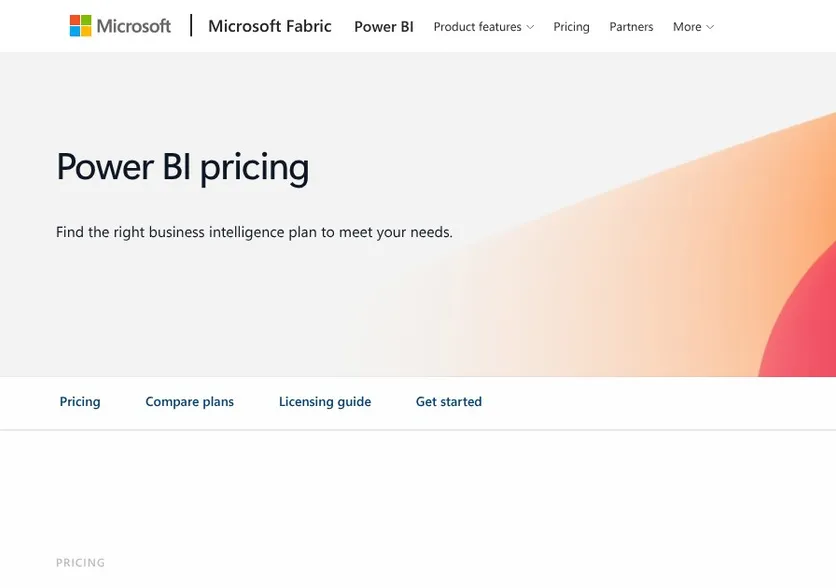
For a retail chain already running Microsoft 365, this Microsoft Power BI Pro plan costs fourteen dollars per user a month billed yearly, and it turns sales, stock and store data into dashboards inside the tools the team already uses. The Desktop app is free, publishing and sharing need Pro, and the modelling engine handles large sales tables with ease. It is the cheapest per-seat option here for a Microsoft shop, and the natural default for a chain that lives in Excel.
What we like
- Cheapest paid BI on this list
- Ready-made Salesforce connector included
- Shares through Teams and SharePoint
Watch out for
- The price rose from ten dollars in April 2025
- Advanced AI features need the Premium tier
How to try it
- Open the Power BI pricing page and pick Pro
- Connect Power BI to Salesforce with the built-in connector
- Publish a sales dashboard and share it in Teams
2. Tableau Standard
Best for: Retail teams that want polished visual dashboards
Paid tool Starting price: $15/user/month · Standard lists from fifteen dollars per user a month billed yearly for a Viewer seat; Explorer is forty-two dollars and Creator is seventy-five dollars; Enterprise lists from thirty-five dollars, and every deployment needs at least one Creator license
Free plan: 14-day free trial; no free plan
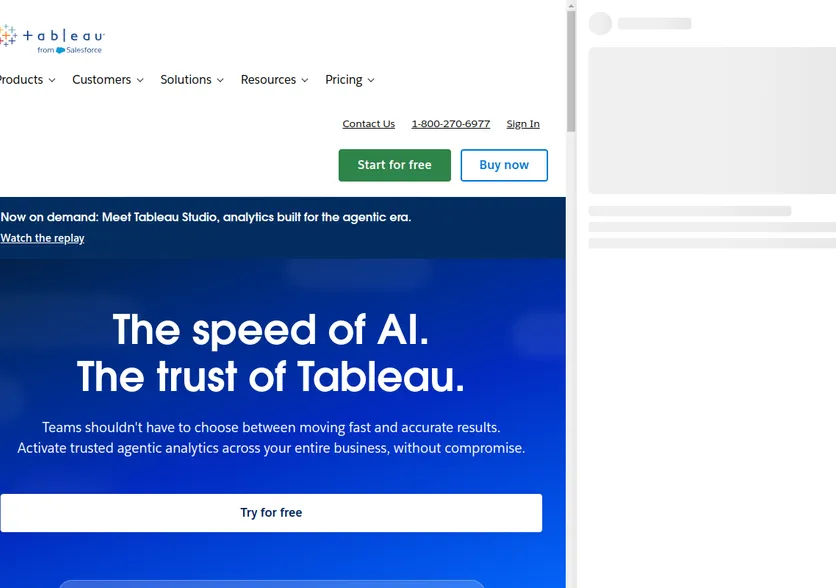
For a retail chain that wants polished dashboards for buyers and store managers, this Tableau Standard plan costs fifteen dollars per user a month billed yearly for a Viewer seat, and it connects live to sales and inventory data. Drag-and-drop building, strong visuals and Pulse metric digests make it the most presentable tool in this list, while Creator seats build the workbooks. It suits a chain where the dashboard itself has to impress, not just inform.
What we like
- Deepest Salesforce integration on this list
- Live connections that update as the CRM changes
- Strongest visuals for executive dashboards
Watch out for
- Every deployment needs at least one Creator license
- The price adds up across a large team
How to try it
- Open the Tableau pricing page and pick Standard
- Connect Tableau to your Salesforce org
- Build a pipeline dashboard and share it with the team
3. Zoho Analytics Basic
Best for: Small retail chains that want bundled seats and rows
Paid tool Starting price: $24/month · Basic plan lists from twenty-four dollars per month billed yearly for two users and five hundred thousand rows; a free plan covers two users and ten thousand rows; Standard is forty-eight dollars
Free plan: Free plan for 2 users and 10,000 rows
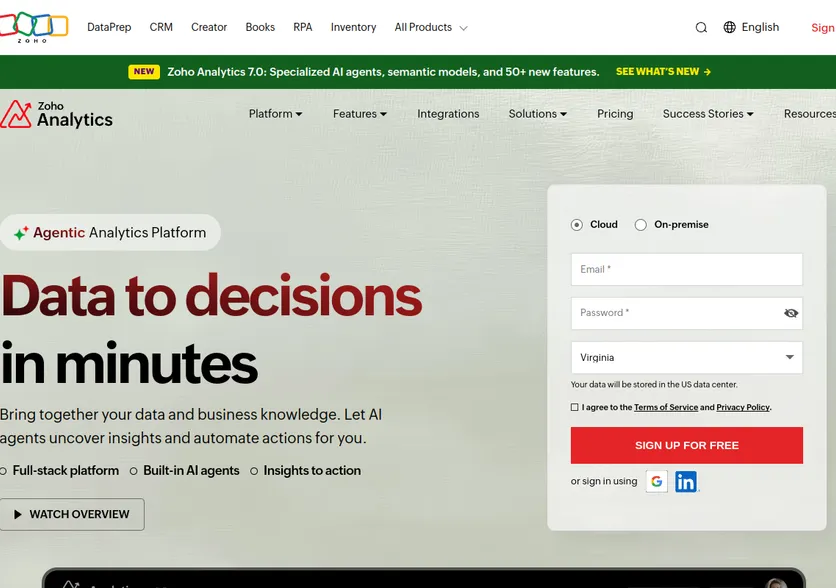
For a small retail chain that wants bundled seats and rows at a low flat price, this Zoho Analytics Basic plan costs twenty-four dollars per month billed yearly for two users and five hundred thousand rows, and it builds dashboards from sales data with a drag-and-drop builder. More than five hundred connectors cover point-of-sale, ecommerce and spreadsheets, and the Ask Zia assistant answers plain-language questions about the numbers. It is the best value full BI suite here for a chain without data engineers.
What we like
- Cheapest way for a small team to dashboard Salesforce
- Blends CRM data with spreadsheets and other apps
- AI assistant helps build charts
Watch out for
- Two users only on the Basic plan
- Five hundred thousand rows caps larger orgs
How to try it
- Open the Zoho Analytics pricing page and pick Basic
- Connect Zoho Analytics to your Salesforce org
- Build a dashboard from the pipeline data
4. ThoughtSpot Essentials
Best for: Retail teams that want to search their data
Paid tool Starting price: $25/user/month · Essentials lists from twenty-five dollars per user a month billed yearly for five to fifty users and up to twenty-five million rows; Pro is fifty dollars a user a month or ten cents per credit; Enterprise is quoted
Free plan: 14-day free trial; no free plan
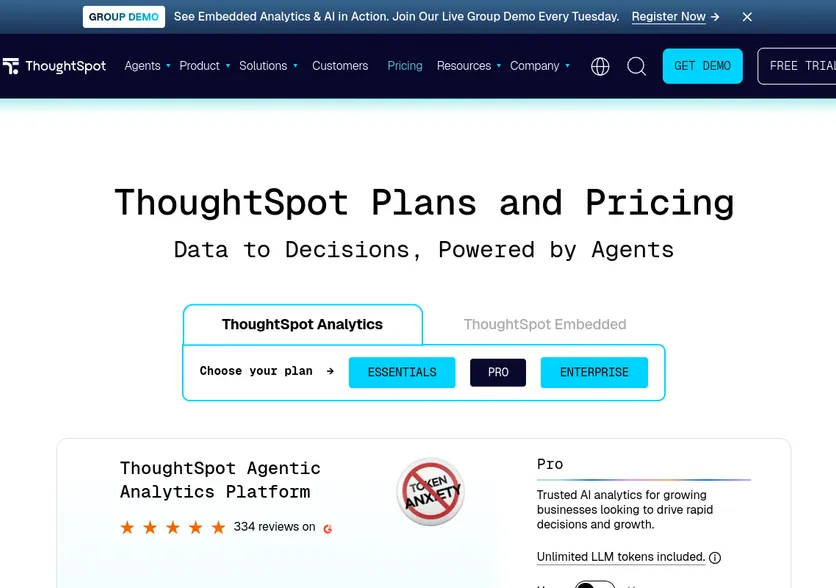
For a retail chain whose managers want answers, not dashboards to decode, this ThoughtSpot Essentials plan costs twenty-five dollars per user a month billed yearly for five to fifty users, and it lets a team search sales data the way they search the web. Type a question, get a chart back, drill down conversationally, and KPI monitors flag anomalies before the weekly review. It suits a chain where store managers ask their own questions instead of waiting for an analyst.
What we like
- Search-style analytics anyone can use
- Understands business terms and suggests questions
- Live Salesforce connection
Watch out for
- Less control over dashboard design than Tableau
- The entry plan caps the number of users
How to try it
- Open the ThoughtSpot pricing page and pick Essentials
- Connect ThoughtSpot to your Salesforce org
- Type a question about the pipeline and check the chart
5. Qlik Sense Business
Best for: Retail analysts who explore data freely
Paid tool Starting price: $30/user/month · Business lists from thirty dollars per user a month billed yearly, with a five-user minimum; Enterprise SaaS Professional is seventy dollars; Qlik now sells this as Qlik Cloud Analytics, so the Sense name is changing
Free plan: 30-day free trial; no free plan
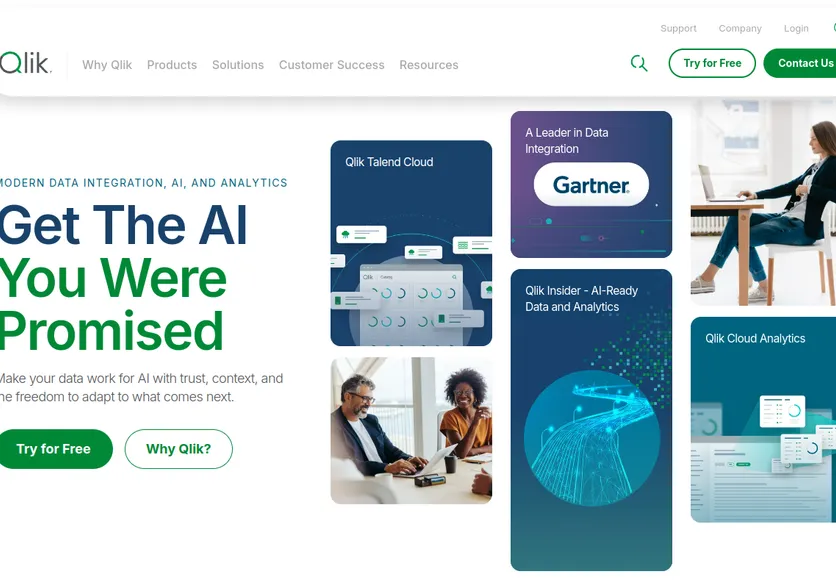
For retail analysts who explore sales patterns freely, this Qlik Sense Business plan costs thirty dollars per user a month billed yearly, and its associative engine highlights what is related across products, stores and customers. A click on one value filters everything connected to it, so a buyer can follow a hunch through the data without building a new report. It suits a chain with analysts who explore, not just readers who view fixed dashboards.
What we like
- Associative exploration finds patterns fixed reports miss
- AI insights and natural language questions included
- Live Salesforce connection with scheduled refresh
Watch out for
- The interface takes longer to learn than Power BI
- Smaller community than Tableau or Power BI
How to try it
- Open the Qlik Sense pricing page and pick Business
- Connect Qlik Sense to your Salesforce org
- Ask a natural language question about the pipeline
6. Metabase Starter
Best for: Retail teams with someone technical on staff
Paid tool Starting price: $100/month · Starter lists from one hundred dollars per month for five users, or ninety dollars a month billed annually, then six dollars per extra user a month; the open-source edition is free to self-host; Pro is five hundred and seventy-five dollars
Free plan: Open-source version free to self-host; 14-day free trial
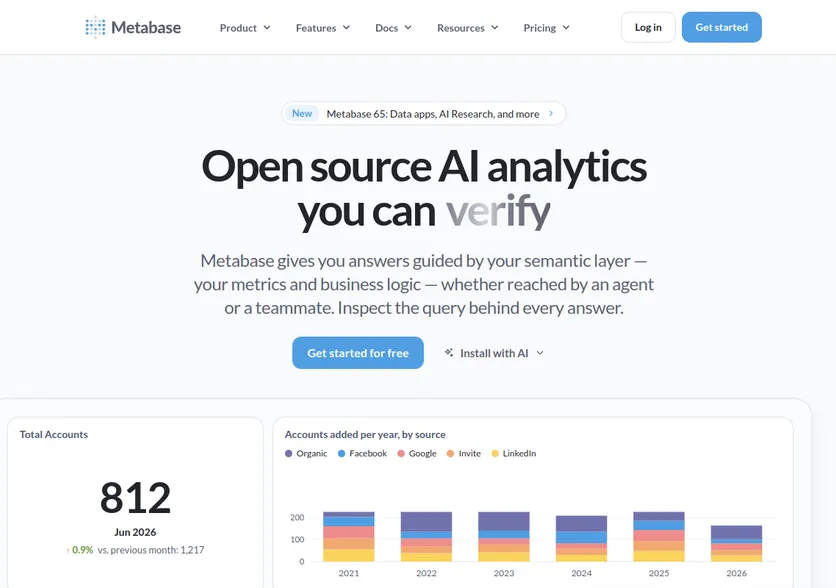
For a retail chain with someone technical on staff, this Metabase Starter plan costs one hundred dollars per month for five users on Metabase Cloud, and it turns SQL questions into dashboards anyone on the team can read. The question builder needs no code for simple reports, the open-source edition is free to self-host, and hosted plans add backups and upgrades. It is the low-cost pick for a chain happy to run its own database connection.
What we like
- Plain language questions anyone can ask
- Open-source version free to self-host
- Clean dashboards the whole team can read
Watch out for
- The price differs across listings, so confirm at checkout
- Fewer advanced visuals than Tableau
How to try it
- Open the Metabase pricing page and pick Starter
- Connect Metabase to your Salesforce org
- Ask a question about the pipeline and save it as a chart
7. Klipfolio Klips Base
Best for: Retail chains that want dashboards on TV screens
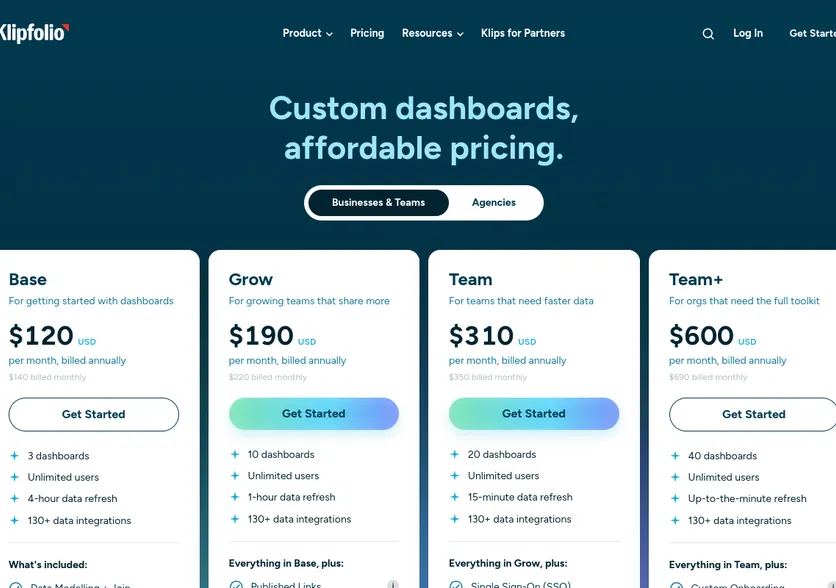
Paid tool Starting price: $120/month · Klips Base lists from one hundred and twenty dollars per month billed yearly for three dashboards and unlimited users; billed monthly it is one hundred and forty dollars; Grow is one hundred and ninety dollars
Free plan: 14-day free trial; no free plan
For a retail chain that wants live dashboards on TV screens in the office and the stockroom, this Klipfolio Klips Base plan costs one hundred and twenty dollars per month billed yearly for three dashboards and unlimited users, and it refreshes sales and stock data on a schedule. More than one hundred and thirty integrations cover the apps a chain already runs, and unlimited viewers mean the bill never grows with the audience. It suits a chain that shares the same few dashboards with everybody.
What we like
- Live dashboards built for TV screens and team walls
- Goal tracking with alerts when numbers move
- Shares dashboards by link or email
Watch out for
- The price is per account, so small teams pay the same as large ones
- Fewer data exploration tools than Qlik or Tableau
How to try it
- Open the Klipfolio pricing page and pick Klips Base
- Connect Klipfolio to your Salesforce org
- Build a TV dashboard and set goal alerts
Prices above were checked on each vendor’s own website on Nov 28, 2026 and can change — the vendor’s page is the final word. Vendor links are editorial: nobody paid to be listed or ranked here. Vendors who want a featured listing can see how it works on our Get listed page.
How to get store managers reading the same numbers every morning
Start with one report the whole chain actually needs, such as sales by store against target, and build it before buying more dashboards. Connect the point-of-sale system first, then ecommerce, so the numbers match what the tills say. Give store managers filters for their own store only, and keep the company-wide view for buyers and head office. Schedule the dashboard to refresh before the morning meeting, and check the numbers against the till totals for a week before trusting them. Finally, train managers to ask the tool questions themselves, because a dashboard nobody opens is money wasted.
Before you buy
- Check how many users and rows the headline price actually covers, since several tools cap seats or data volume
- Confirm the tool connects live to the point-of-sale and ecommerce systems the chain already runs
- Ask how often dashboards refresh, because a morning report built on yesterday's sales misleads buyers
- Make sure store managers can ask questions and filter dashboards without waiting for an analyst
- Test the tool on one store's real sales data before paying, including a slow seller and a fast one
Official websites
Official websites of the products reviewed above. Features and prices were checked against these sites when this guide was written, and they can change, so confirm on the vendor site before you buy.
Frequently asked questions
What is self-service BI software for retail chains?
It is software that lets store managers and buyers build their own reports and dashboards from sales, stock and customer data without waiting for an analyst. For a retail chain it turns till and ecommerce data into answers about which products sell, which stores lag and where stock sits.
How much does Power BI Pro cost?
Power BI Pro costs fourteen dollars per user a month billed yearly, and it is included in Microsoft 365 E5. The Desktop app is free, but publishing and sharing reports need Pro, and every person who views a shared report needs one too below the F64 capacity threshold. Premium Per User costs twenty-four dollars.
Can a small retail chain use BI software for free?
Yes, with Zoho Analytics, which offers a free plan for two users and ten thousand rows, and Metabase, whose open-source edition is free to self-host with unlimited users. Both cover a small chain's first dashboards, though the free tiers cap rows and users, so a growing chain should budget for a paid plan.
Which tool is best for dashboards on TV screens?
Klipfolio Klips Base is the best pick for TV dashboards, because it costs one hundred and twenty dollars a month with unlimited users and refreshes on a schedule. Tableau suits chains that want the most polished visuals, and Power BI Pro suits chains already on Microsoft 365. Try one dashboard on a real screen before paying.
Do I need a data warehouse to use these tools?
No, because every tool in this list connects directly to spreadsheets, point-of-sale exports and common retail apps. A warehouse helps once the chain holds years of history across many systems, but a small or mid-size chain can start with direct connections and add a warehouse later when the data outgrows them.
Compare the seven tools above, then connect one store's real sales data to the tool that matches how the chain already works before paying for a full year.
Browse Business Tools tools