On this page
Remote teams need desktops and servers that live somewhere safe and reach anyone with a login, and virtualization is what makes that possible. The eight tools below run virtual machines and cloud desktops for teams that never share an office, from a one-time server licence to a per-user cloud desktop. Amazon WorkSpaces leads because it gives every remote worker a managed Windows desktop for twenty-five dollars a user a month, and the rest are ranked on how simply they put a desk on every screen.
How we researched this
We checked every price on the vendor pricing page on November 28, 2026, and only included tools with a published US dollar list price. VMware Workstation Pro was left out because it is free for all uses since November 2024, Proxmox VE publishes prices in euros only, and VMware vSphere, Nutanix AHV and Omnissa Horizon sell by quote, so they are not in this list. Prices change, so confirm the current figure on the vendor site before you buy.
Compare the tools
| Name | Best for | Starting price | Free plan | |
|---|---|---|---|---|
| Amazon WorkSpaces | Remote teams that want managed Windows desktops | $25/user/month | Free tier (2 desktops, 3 months) | Visit |
| Parallels RAS | Shift teams that share licences across workers | $120/concurrent user/year | No free plan; 30-day free trial | Visit |
| Windows 365 Business | Microsoft shops that want a fixed-price cloud PC | $28/user/month | No free plan; 30-day free trial | Visit |
| Parallels Desktop Pro | Mac-based remote workers who need Windows apps | $119.99/year | No free plan; 14-day free trial | Visit |
| Windows Server 2025 | Teams that run virtual machines on their own hardware | $1,176 one-time | No free plan; 180-day evaluation | Visit |
| Azure Virtual Desktop | Microsoft shops with eligible licences already in place | $10/user/month | No free plan; $200 Azure free credit | Visit |
| Citrix DaaS | Teams that need the best remote display protocol | $10/user/month | No free plan; free trial | Visit |
| Kasm Workspaces | Teams that want self-hosted browser desktops | $10/user/month | Free plan (Community Edition) | Visit |
The server virtualization software for remote teams, compared
1. Amazon WorkSpaces
Best for: Remote teams that want managed Windows desktops
Paid tool Starting price: $25/user/month · Twenty-five dollars per user a month for the Value bundle on AlwaysOn; Standard is thirty-five dollars a month AlwaysOn, or nine dollars and seventy-five cents plus thirty cents an hour on AutoStop; Windows bundles include a four-dollar-and-nineteen-cent Remote Desktop Services licence per user a month; a free tier covers two Standard AutoStop desktops for three months
Free plan: Free tier (2 desktops, 3 months)
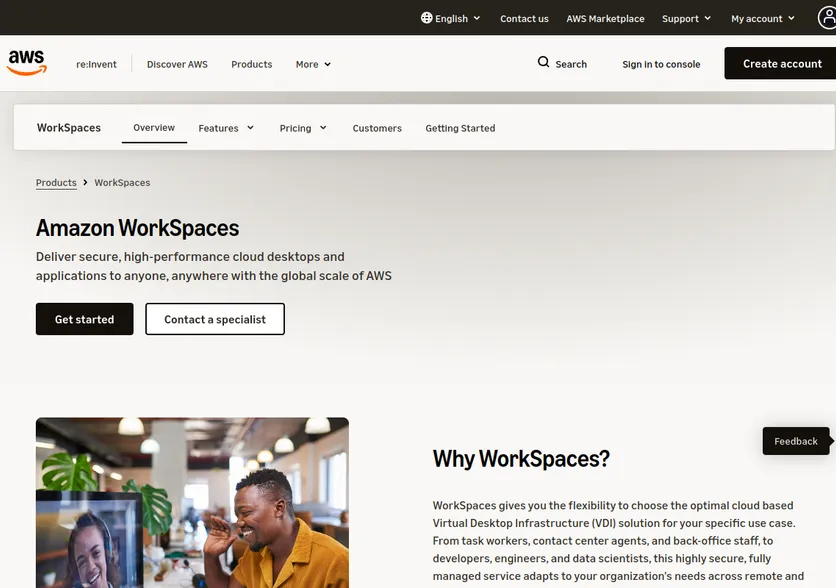
For a remote team that wants a Windows desktop without buying hardware, this Amazon WorkSpaces plan costs twenty-five dollars per user a month for the Value bundle. Each worker gets a managed desktop in the cloud that follows them to any device, and the admin controls access from one console. The AutoStop option cuts the bill for part-time workers, since the desktop only charges while it runs.
What we like
- A managed desktop for every worker on any device
- AutoStop cuts the bill for part-time workers
- Free tier covers two desktops for three months
Watch out for
- The Value bundle suits light work, not heavy apps
- Windows bundles add a licence fee per user
How to try it
- Choose the Value or Standard bundle per worker
- Assign a desktop to each remote worker
- Set the AutoStop policy for part-time staff
2. Parallels RAS
Best for: Shift teams that share licences across workers
Paid tool Starting price: $120/concurrent user/year · One hundred and twenty dollars per concurrent user a year on a one-year subscription, with a fifteen-user minimum, so the smallest order is one thousand eight hundred dollars a year; a three-year subscription is three hundred and twenty-four dollars per concurrent user
Free plan: No free plan; 30-day free trial
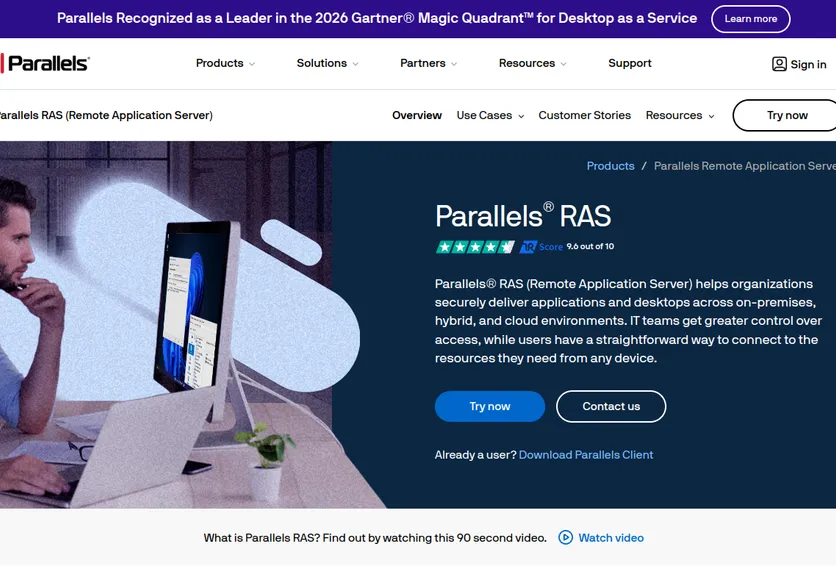
For a remote team that works in shifts, this Parallels RAS plan costs one hundred and twenty dollars per concurrent user a year. The concurrent licence means two workers on different shifts share one licence, so a team of thirty shift workers pays for fifteen. It publishes virtual apps and desktops to any device from the servers the team already owns.
What we like
- Concurrent licences let shift workers share one seat
- Publishes apps and desktops to any device
- Single licence model with no tiered feature gates
Watch out for
- Fifteen-user minimum means the smallest order is eighteen hundred dollars
- Less cloud-native than the pure cloud desktops here
How to try it
- Count the concurrent users at peak shift
- Install the server components on the existing hosts
- Publish the apps and desktops to the team
3. Windows 365 Business
Best for: Microsoft shops that want a fixed-price cloud PC
Paid tool Starting price: $28/user/month · Twenty-eight dollars per user a month for Business with two virtual CPUs, four gigabytes of RAM and one hundred and twenty-eight gigabytes of storage; Microsoft cut Business prices by twenty percent on May 1, 2026, so the thirty-one-dollar figure in older guides is the pre-cut price; larger configurations cost more and the plan is capped at three hundred seats
Free plan: No free plan; 30-day free trial
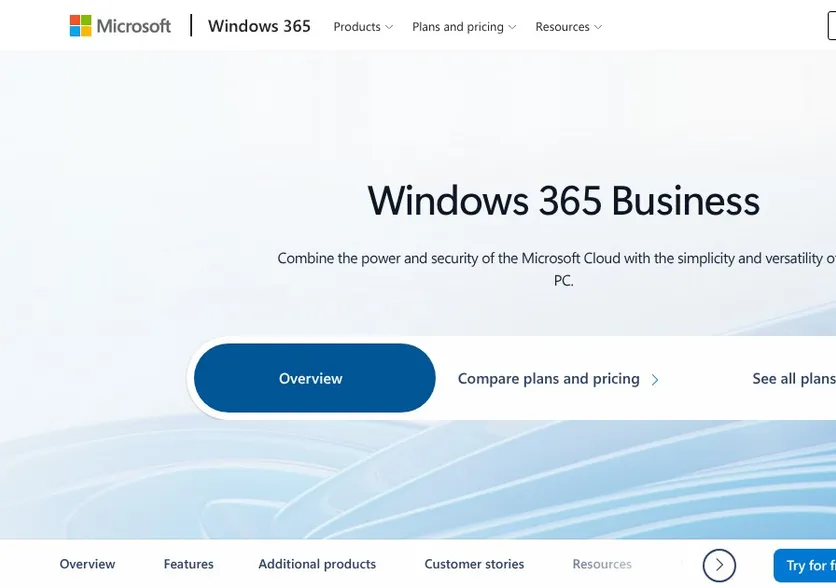
For a remote team that already lives in Microsoft 365, this Windows 365 Business plan costs twenty-eight dollars per user a month. Each worker gets a cloud PC with the Office apps and OneDrive already in place, managed from the same portal as the rest of the Microsoft estate. The fixed monthly price makes budgeting simple, since every seat costs the same whatever the workload.
What we like
- Cloud PC with Office apps and OneDrive included
- Managed from the same portal as Microsoft 365
- Fixed monthly price makes budgeting simple
Watch out for
- The Business plan is capped at three hundred seats
- Larger configurations cost considerably more
How to try it
- Pick the configuration for each worker
- Assign a cloud PC licence to each user
- Enrol the PCs in Intune for management
4. Parallels Desktop Pro
Best for: Mac-based remote workers who need Windows apps
Paid tool Starting price: $119.99/year · One hundred and nineteen dollars and ninety-nine cents a year for Pro; Standard is ninety-nine dollars and ninety-nine cents a year or two hundred and nineteen dollars and ninety-nine cents one time, and Business is one hundred and forty-nine dollars and ninety-nine cents a year
Free plan: No free plan; 14-day free trial
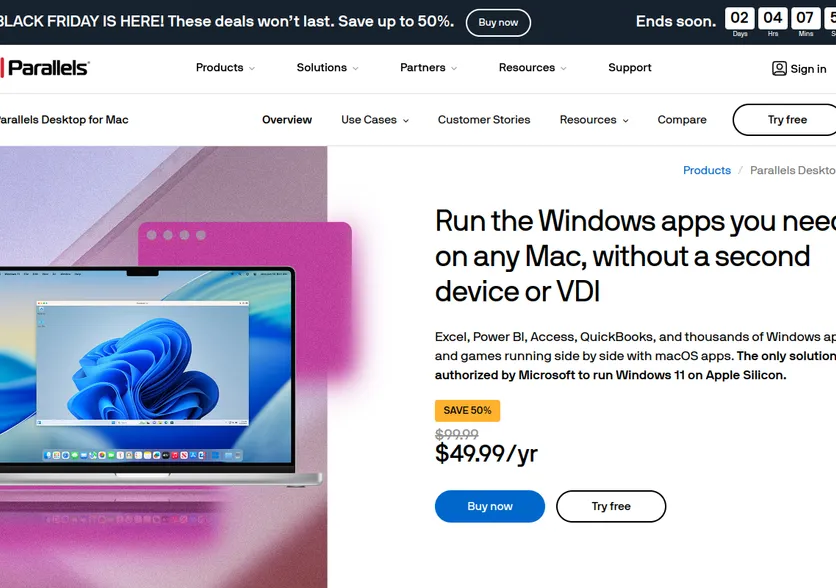
For a remote worker on a Mac who needs Windows apps beside the Mac ones, this Parallels Desktop Pro plan costs one hundred and nineteen dollars and ninety-nine cents a year. It runs Windows in a virtual machine on the Mac, so the worker switches between systems without a second computer. The Pro edition adds the developer tools and central management that a remote team needs at scale.
What we like
- Windows runs beside Mac apps on one machine
- Pro adds developer tools and central management
- No second computer needed for Windows work
Watch out for
- Mac only, so Windows and Linux teams get nothing
- Each worker needs a Mac powerful enough to run two systems
How to try it
- Install Parallels Desktop on each Mac
- Set up the Windows virtual machine
- Share folders and apps between the two systems
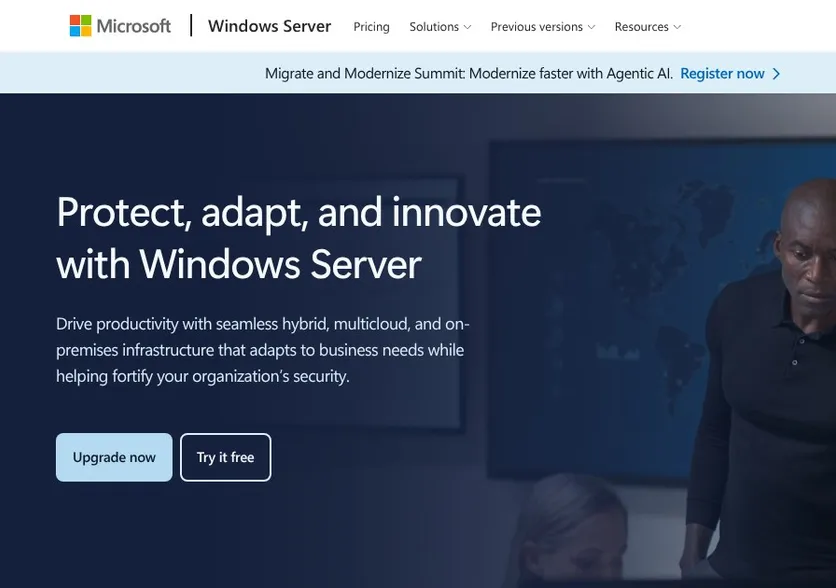
5. Windows Server 2025
Best for: Teams that run virtual machines on their own hardware
Paid tool Starting price: $1,176 one-time · One thousand one hundred and seventy-six dollars one time per sixteen-core pack for Standard, which covers two virtual machines; Datacenter is six thousand seven hundred and seventy-one dollars and covers unlimited virtual machines; the older one-thousand-and-sixty-nine-dollar figure is stale
Free plan: No free plan; 180-day evaluation
For a remote team that runs its own servers and wants virtual machines on hardware it owns, this Windows Server 2025 licence costs one thousand one hundred and seventy-six dollars one time per sixteen-core pack for Standard. Hyper-V is included, so the team runs two virtual machines per licence without buying a separate hypervisor. The one-time price suits a team that prefers owning the licence to renting it monthly.
What we like
- Hyper-V included, so no separate hypervisor to buy
- One-time price with no monthly subscription
- Standard covers two virtual machines per licence
Watch out for
- Datacenter is far dearer for unlimited virtual machines
- The team owns the hardware, patching and upkeep
How to try it
- Size the server and count the cores
- Install Windows Server and enable Hyper-V
- Create the virtual machines for the remote team
6. Azure Virtual Desktop
Best for: Microsoft shops with eligible licences already in place
Paid tool Starting price: $10/user/month · Ten dollars per user a month for external users on full desktops and apps, or five dollars and fifty cents for apps only; internal users with an eligible Microsoft 365 or Windows licence pay nothing for access and only pay for the Azure infrastructure they consume, which is billed separately
Free plan: No free plan; $200 Azure free credit
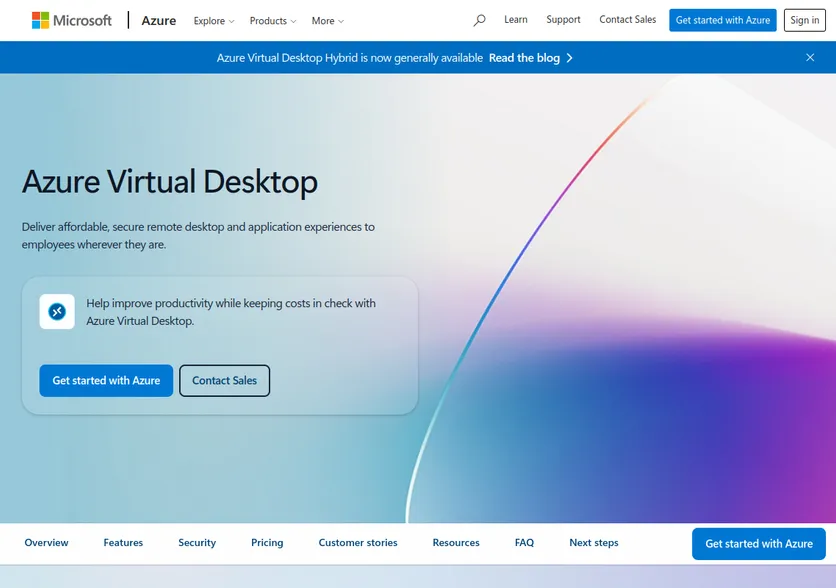
For a Microsoft shop that already pays for Microsoft 365, this Azure Virtual Desktop service costs ten dollars per user a month for external users on full desktops and apps. Internal users with an eligible licence pay nothing for access and only pay for the Azure machines they use, which makes it the cheapest option here for a licensed team. Multi-session Windows lets many workers share one host, which cuts the infrastructure bill further.
What we like
- Free access for users with eligible Microsoft licences
- Multi-session Windows shares one host between workers
- Deep integration with Entra ID and Defender
Watch out for
- Infrastructure costs are billed separately and vary widely
- The ten-dollar figure applies to external users only
How to try it
- Check which users hold an eligible licence
- Size the session hosts for the team
- Publish the desktops and apps to the workers
7. Citrix DaaS
Best for: Teams that need the best remote display protocol
Paid tool Starting price: $10/user/month · Ten dollars per user a month for Standard, as a monthly average per user for five hundred users on a one-year subscription with licensing from twenty-five users; Advanced Plus is thirteen dollars, Premium is twenty dollars and Premium Plus is twenty-three dollars; cloud infrastructure is billed separately
Free plan: No free plan; free trial
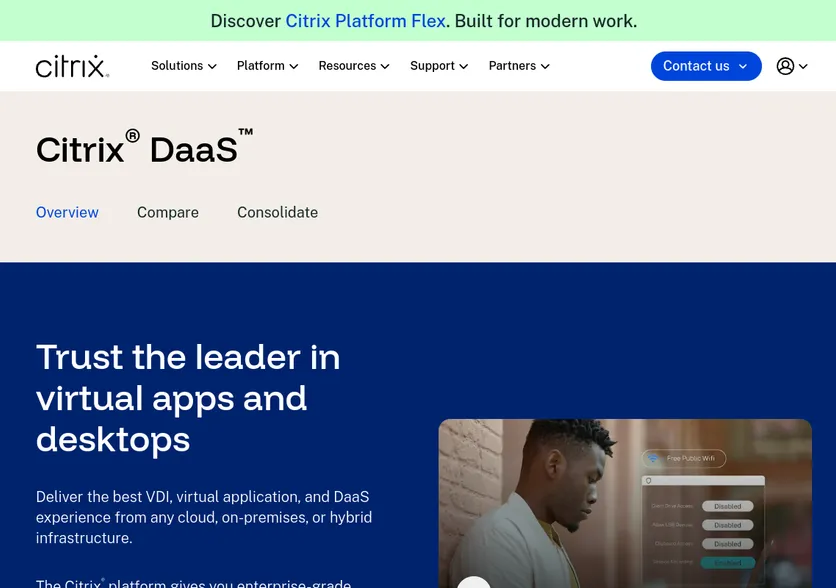
For a remote team that needs the strongest remote display protocol for graphics and video, this Citrix DaaS plan costs ten dollars per user a month for Standard. Its HDX protocol handles multimedia and USB devices better than plain remote desktop, which matters for design and video work. It delivers desktops from Azure, Google Cloud or the team's own data centre, so the team is not locked to one cloud.
What we like
- HDX protocol handles graphics, video and USB best
- Delivers from Azure, Google Cloud or on-premises
- The broadest VDI feature set in this list
Watch out for
- Cloud infrastructure is billed separately
- Setup is complicated next to the simpler tools here
How to try it
- Choose the cloud or data centre for the desktops
- Set up the delivery groups for each team
- Test the display protocol on graphics work
8. Kasm Workspaces
Best for: Teams that want self-hosted browser desktops
Paid tool Starting price: $10/user/month · Ten dollars per user a month for the Starter edition, for organisations self-hosting fewer than twenty-five users or sessions, and the Enterprise edition is also listed at ten dollars per user a month with custom pricing for larger deployments; the Community Edition is free
Free plan: Free plan (Community Edition)
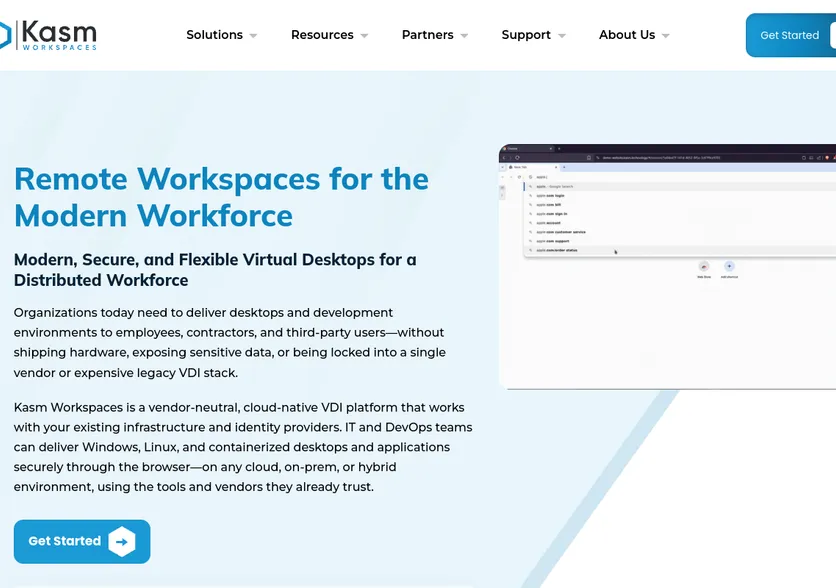
For a remote team that wants browser-based desktops on its own servers, this Kasm Workspaces plan costs ten dollars per user a month for Starter. It streams Linux desktops and applications straight to the browser, so workers need nothing installed and the team keeps the data on its own hardware. The Community Edition is free and covers real use, which makes it the only tool here with a permanent free tier.
What we like
- Desktops stream to any browser with nothing installed
- Self-hosted, so the team keeps its own data
- Free Community Edition covers real use
Watch out for
- The Starter edition caps at twenty-five users
- Self-hosting means the team owns patching and scaling
How to try it
- Install Kasm on the team servers
- Create the workspaces for each worker
- Share the browser link with the remote team
Prices above were checked on each vendor’s own website on Nov 28, 2026 and can change — the vendor’s page is the final word. Vendor links are editorial: nobody paid to be listed or ranked here. Vendors who want a featured listing can see how it works on our Get listed page.
How to choose between a cloud desktop and your own hypervisor
Start with the workers, not the servers, because a designer needs graphics power and a support agent needs a browser and a phone. Count the real concurrent users, since shift teams pay for far fewer seats on concurrent licences than on per-user pricing. Check the network first, because a cloud desktop on a slow connection frustrates everyone no matter how good the tool is. Price the whole bill, including licences, infrastructure and storage, since a ten-dollar licence on a fifty-dollar machine is a sixty-dollar seat. Finally, test with five real workers for a month before rolling out to fifty, because a pilot finds the problems a demo never shows.
Before you buy
- Check whether the price covers the licence, the infrastructure and the storage together
- Count concurrent users at peak, not total headcount, before choosing a licence model
- Make sure the tool works on the devices the team actually owns, including personal laptops
- Ask how graphics, video and USB devices perform over the remote connection
- Test the setup with five real workers for a month before rolling it out
Official websites
Official websites of the products reviewed above. Features and prices were checked against these sites when this guide was written, and they can change, so confirm on the vendor site before you buy.
Frequently asked questions
What is the best server virtualization software for remote teams?
Amazon WorkSpaces is the best overall pick, at twenty-five dollars per user a month for the Value bundle, giving every remote worker a managed Windows desktop. Parallels RAS is the best choice for shift teams, at one hundred and twenty dollars per concurrent user a year, since two workers on different shifts share one licence. Windows 365 is the best Microsoft-native option, at twenty-eight dollars per user a month.
How much does Amazon WorkSpaces cost?
Amazon WorkSpaces Value costs twenty-five dollars per user a month on AlwaysOn, and Standard is thirty-five dollars a month. AutoStop pricing is nine dollars and seventy-five cents plus thirty cents an hour for Standard, which suits part-time workers. Windows bundles include a four-dollar-and-nineteen-cent Remote Desktop Services licence per user a month, and a free tier covers two desktops for three months.
Can I virtualize servers for free?
Yes, in part: VMware Workstation Pro is free for all uses since November 2024, and Kasm Workspaces offers a free Community Edition that covers real use. Proxmox VE is also free as software, with paid support subscriptions in euros. The cloud desktops in this list have no free plan, though most offer free trials or a free tier for a few months.
What is the difference between VDI and DaaS?
VDI is virtual desktop infrastructure the team runs itself, on its own servers or in its own cloud account, while DaaS is desktops delivered as a service by a vendor. VDI gives more control and can cost less at scale, while DaaS removes the server work entirely. Parallels RAS and Windows Server are VDI, while Amazon WorkSpaces, Windows 365, Azure Virtual Desktop and Citrix DaaS are DaaS.
Which tool is best for a small remote team?
Amazon WorkSpaces is the best pick for a small team, at twenty-five dollars per user a month for a managed desktop with no server to maintain. Kasm Workspaces is the cheapest route for a technical team, at ten dollars per user a month with a free Community Edition. Windows 365 is the better pick for a team already paying for Microsoft 365, at twenty-eight dollars per user a month.
Compare the eight tools above, then start with a free trial on the tool that matches how the remote team already works before paying for a full year.
Browse Business Tools tools