On this page
An enterprise that loses a server loses the data behind it, and the backup tool is the difference between a bad afternoon and a bad quarter. The seven tools below protect physical servers, virtual machines and cloud workloads, with restore speeds that matter when the whole business is waiting. Veeam Data Platform leads because it covers every workload type for one hundred and fifty-five dollars a workload a year, and the rest are ranked on how fast and how completely they bring a server back.
How we researched this
We checked every price on the vendor pricing page on November 28, 2026, and only included tools with a published US dollar list price. Commvault, Rubrik, Cohesity, Druva, Unitrends and Barracuda sell by quote, so they are not in this list, and Backblaze B2 was left out because it is object storage, not backup software. Prices change, so confirm the current figure on the vendor site before you buy.
Compare the tools
| Name | Best for | Starting price | Free plan | |
|---|---|---|---|---|
 Veeam Data Platform | Enterprises with mixed physical, virtual and cloud servers | $155/workload/year | Free plan (Community Edition, 10 workloads) | Visit |
| Acronis Cyber Protect | Enterprises that want backup and security on one agent | $595/server/year | No free plan; 30-day free trial | Visit |
 NAKIVO Backup & Replication | Enterprises that want solid backup at a low price | $2.45/workload/month | No free plan; free trial | Visit |
 MSP360 Backup | Enterprises that store backups in their own cloud account | $109.99/server/year | No free plan; 15-day free trial | Visit |
 Carbonite Safe Backup Pro | Small server rooms with many workstations | $287.99/year | No free plan; 15-day free trial | Visit |
 IDrive Business | Enterprises that want the cheapest per-device backup | $99.50/year | No free plan; 10 GB free personal plan | Visit |
| AOMEI Backupper Server | Small enterprises with one critical server | $149/year | Free plan (Standard edition, personal use) | Visit |
The server backup software for enterprise, compared
1. Veeam Data Platform
Best for: Enterprises with mixed physical, virtual and cloud servers
Paid tool Starting price: $155/workload/year · One hundred and fifty-five dollars per workload a year for Foundation (one thousand five hundred and fifty dollars for a ten-pack); Advanced is one hundred and eighty-nine dollars and Premium is two hundred and twenty-seven dollars and fifty cents per workload a year; Essentials is ninety-five dollars per workload a year for up to fifty workloads, and Community Edition is free for up to ten workloads
Free plan: Free plan (Community Edition, 10 workloads)
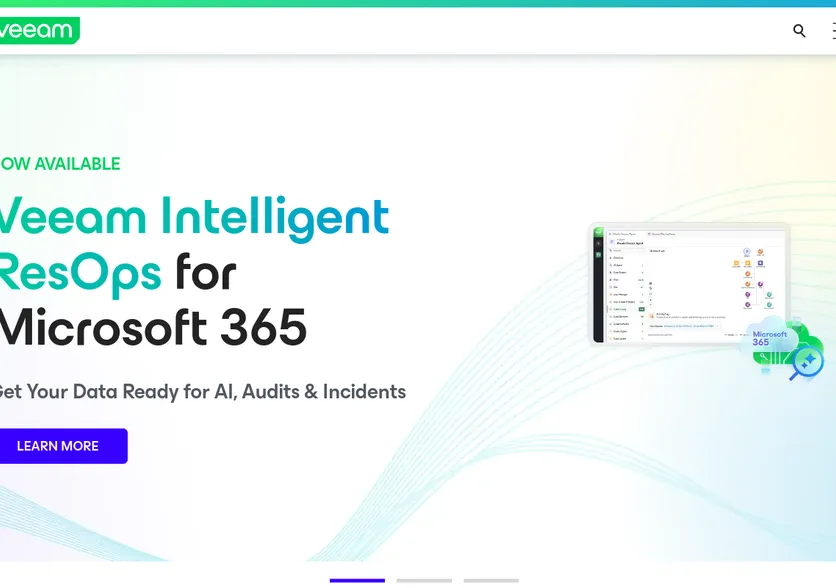
For an enterprise that runs physical servers, virtual machines and cloud workloads side by side, this Veeam Data Platform plan costs one hundred and fifty-five dollars per workload a year for Foundation. It backs up every workload type into one console, tests restores automatically and brings a whole machine back in minutes. The Community Edition is free for up to ten workloads, so a team can prove the restore speed before paying.
What we like
- One console for physical, virtual and cloud workloads
- Automated restore testing proves backups actually work
- Whole-machine recovery in minutes
Watch out for
- The per-workload price adds up fast at enterprise scale
- The full feature set takes time to learn
How to try it
- Add the servers and workloads to the console
- Set the backup schedule and retention policy
- Run a test restore and check the recovery time
2. Acronis Cyber Protect
Best for: Enterprises that want backup and security on one agent
Paid tool Starting price: $595/server/year · Five hundred and ninety-five dollars per server a year for Standard; the eighty-five-dollar figure is the workstation price, not the server price; Backup Advanced is one hundred and nine dollars a workstation a year and seven hundred and seventy-nine dollars a server, while Advanced is one hundred and twenty-nine dollars a workstation and nine hundred and twenty-five dollars a server; a thirty-day trial is included
Free plan: No free plan; 30-day free trial
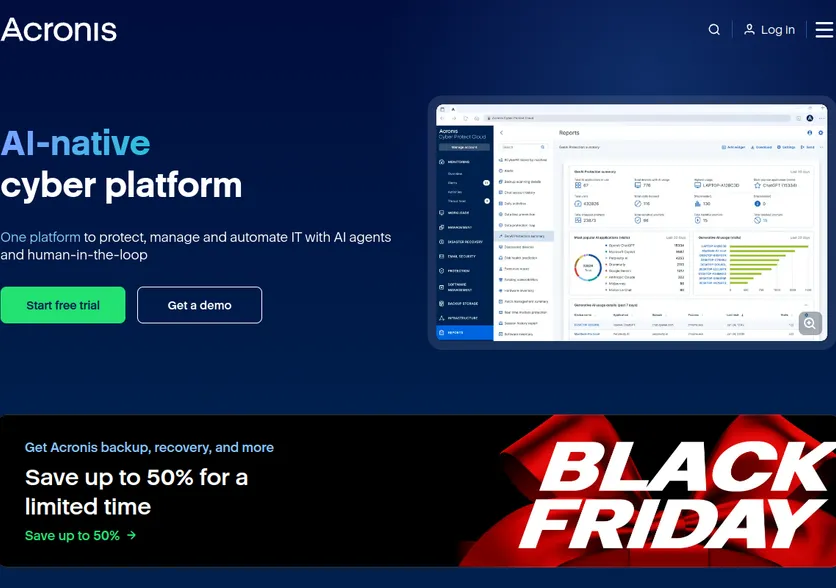
An enterprise that wants backup and security on the same agent will look here first, because this Acronis Cyber Protect plan costs five hundred and ninety-five dollars per server a year for Standard. It backs up the server, scans for malware and blocks ransomware in the same install, so a compromised machine can be wiped and restored from one console. The price is per server, so the workstation rate of eighty-five dollars a year does not apply here.
What we like
- Backup, anti-malware and ransomware protection in one install
- One console wipes and restores a compromised server
- Covers servers, workstations and cloud workloads
Watch out for
- The server price is far above the workstation price
- The tiers are confusing, with workstation and server prices mixed
How to try it
- Install the agent on each server and workstation
- Set the backup schedule and the anti-malware policy
- Test a full restore from the console
3. NAKIVO Backup & Replication
Best for: Enterprises that want solid backup at a low price
Paid tool Starting price: $2.45/workload/month · Two dollars and forty-five cents per workload a month billed annually (twenty-nine dollars and forty cents a year) for Pro Essentials; per-socket licensing also exists, with published figures conflicting between ninety-nine and two hundred and twenty-nine dollars a socket, so the per-workload price is the one to budget on
Free plan: No free plan; free trial
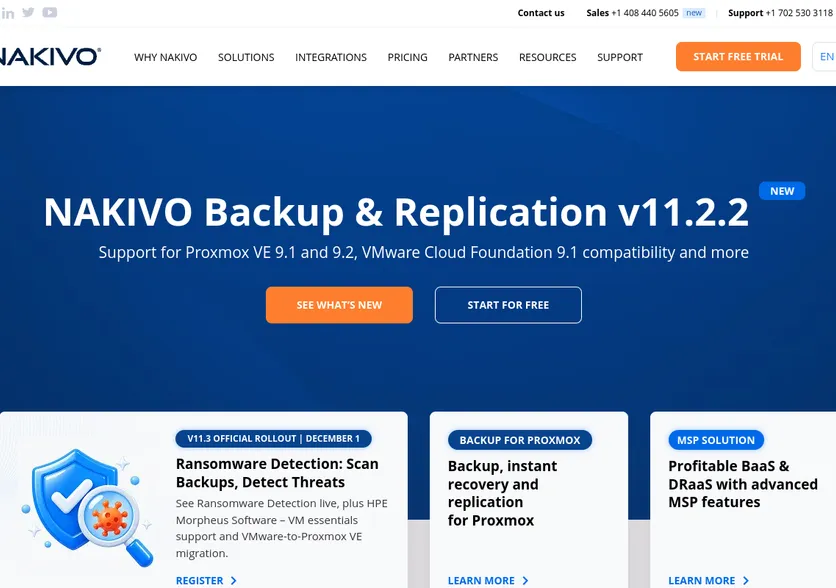
For an enterprise that needs solid server backup without the enterprise price tag, this NAKIVO Backup & Replication plan costs two dollars and forty-five cents per workload a month billed annually. It backs up virtual machines, physical servers and cloud workloads, replicates to a second site and restores files or whole machines from the same console. The per-workload price makes the bill easy to predict as the server count grows.
What we like
- Per-workload pricing makes the bill easy to predict
- Replication to a second site is built in
- File and whole-machine restores from one console
Watch out for
- Per-socket prices conflict across sources, so check the licence type
- The interface is less polished than the leaders
How to try it
- Add the hosts and set the backup jobs
- Enable replication to the second site
- Test a file restore and a full machine restore
4. MSP360 Backup
Best for: Enterprises that store backups in their own cloud account
Paid tool Starting price: $109.99/server/year · One hundred and nine dollars and ninety-nine cents per server a year for the Server edition; Desktop is twenty-nine dollars and ninety-nine cents, SQL is one hundred and twenty-four dollars and ninety-nine cents, Ultimate is one hundred and seventy-nine dollars and ninety-nine cents and VM is three hundred and seventy-nine dollars and ninety-nine cents a year; VAT is excluded and storage is billed separately with one terabyte included on Server
Free plan: No free plan; 15-day free trial
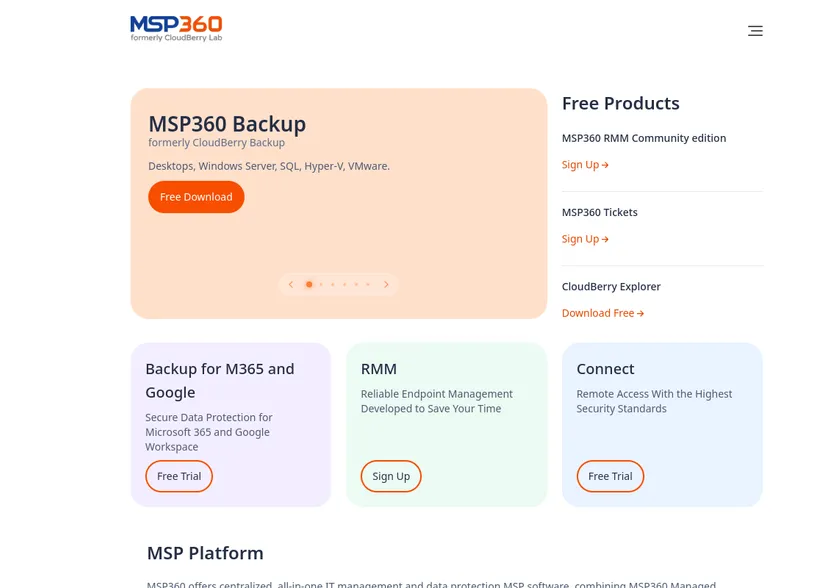
An enterprise that stores backups in its own cloud account will save money here, because this MSP360 Backup plan costs one hundred and nine dollars and ninety-nine cents per server a year for the Server edition. It backs up to Amazon, Azure, Google or local storage the business already pays for, with one terabyte included, instead of charging a markup on storage. The licence is per server, so the bill stays flat as data grows.
What we like
- Backs up to the cloud storage the business already owns
- One terabyte of storage included with the Server edition
- Per-server licence keeps the bill flat as data grows
Watch out for
- Storage beyond the included terabyte is billed separately
- VAT is excluded from the listed price
How to try it
- Connect the cloud storage account of choice
- Install the agent on each server
- Set the backup schedule and retention rules
5. Carbonite Safe Backup Pro
Best for: Small server rooms with many workstations
Paid tool Starting price: $287.99/year · Two hundred and eighty-seven dollars and ninety-nine cents a year for Core, covering up to twenty-five computers and two hundred and fifty gigabytes of pooled storage; Power is seven hundred and ninety-nine dollars and ninety-nine cents a year and Ultimate is one thousand two hundred and ninety-nine dollars and ninety-nine cents; the twenty percent first-year discount is a promotion, not the list price, and extra storage is ninety-nine dollars per hundred gigabytes
Free plan: No free plan; 15-day free trial
For an enterprise with a small server room and many workstations, this Carbonite Safe Backup Pro plan costs two hundred and eighty-seven dollars and ninety-nine cents a year for Core. It covers up to twenty-five computers with two hundred and fifty gigabytes of pooled storage, and the Power tier adds a server to the same account. The set-and-forget design suits a team without a dedicated backup administrator.
What we like
- One plan covers servers and workstations together
- Set-and-forget design needs little administration
- Pooled storage shared across all machines
Watch out for
- The twenty percent first-year discount is a promotion, not the list price
- Extra storage costs ninety-nine dollars per hundred gigabytes
How to try it
- Install the agent on each machine
- Choose the files and folders to protect
- Check the backup status from the central dashboard
6. IDrive Business
Best for: Enterprises that want the cheapest per-device backup
Paid tool Starting price: $99.50/year · Ninety-nine dollars and fifty cents a year for two hundred and fifty gigabytes with unlimited devices including servers; higher tiers exist but published figures for the one-point-two-five-terabyte tier conflict, so they are not quoted here
Free plan: No free plan; 10 GB free personal plan
For an enterprise that wants the cheapest way to back up every device, this IDrive Business plan costs ninety-nine dollars and fifty cents a year for two hundred and fifty gigabytes. The plan covers unlimited devices including servers, so one subscription protects the whole office without a per-machine fee. The price is the lowest in this list, which makes it the easiest backup to approve in a budget meeting.
What we like
- Unlimited devices including servers on one plan
- The lowest price in this list
- Snapshots and versioning protect against accidental deletes
Watch out for
- The higher storage tier price is disputed between sources
- The interface is basic next to the enterprise tools
How to try it
- Create the business account and invite the team
- Install the agent on servers and workstations
- Set the schedule and check the first backup completes
7. AOMEI Backupper Server
Best for: Small enterprises with one critical server
Paid tool Starting price: $149/year · One hundred and forty-nine dollars a year for the Server edition covering one server; Professional is thirty-nine dollars and ninety-five cents a year and a Server lifetime licence is two hundred and ninety-nine dollars one time; the free Standard edition is for personal use only
Free plan: Free plan (Standard edition, personal use)
For a small enterprise with a single critical server, this AOMEI Backupper Server plan costs one hundred and forty-nine dollars a year. It images the whole server, clones disks and restores to different hardware, which covers the most common disaster scenarios for one machine. A lifetime licence is available for two hundred and ninety-nine dollars, which suits a team that dislikes subscriptions.
What we like
- Whole-server imaging and disk cloning in one tool
- Restores to different hardware when a server dies
- Lifetime licence available for one payment
Watch out for
- The Server edition covers only one server per licence
- The free edition is for personal use only
How to try it
- Install Backupper on the server
- Create a full system image on a schedule
- Test the restore to different hardware once a quarter
Prices above were checked on each vendor’s own website on Nov 28, 2026 and can change — the vendor’s page is the final word. Vendor links are editorial: nobody paid to be listed or ranked here. Vendors who want a featured listing can see how it works on our Get listed page.
How to prove a backup works before disaster strikes
Schedule a test restore every month, because a backup that has never been restored is a hope, not a plan. Test the whole machine, not just one file, since a file restore proves little about a dead server. Keep one copy off site and one copy offline, because ransomware hunts for backups first and a connected copy is not a safe copy. Write down the recovery order for the servers, so the team restores the domain controller before the file server and not the other way round. Finally, time every test and keep the log, because the board will ask how long recovery takes and the answer should come from a real test.
Before you buy
- Confirm the tool restores whole machines, not just individual files
- Check whether backups are tested automatically or only when someone remembers
- Make sure one copy lives off site and one copy stays offline from ransomware
- Ask how long a full server restore actually takes in a timed test
- Verify the licence covers the server count the business will have next year
Official websites
Official websites of the products reviewed above. Features and prices were checked against these sites when this guide was written, and they can change, so confirm on the vendor site before you buy.
Frequently asked questions
What is the best server backup software for enterprise?
Veeam Data Platform is the best overall pick for enterprise, at one hundred and fifty-five dollars per workload a year for Foundation, covering physical servers, virtual machines and cloud workloads in one console. Acronis Cyber Protect is the best choice for mixed fleets, at five hundred and ninety-five dollars per server a year with security built in. NAKIVO is the best value, at two dollars and forty-five cents per workload a month.
How much does Veeam cost for enterprise backup?
Veeam Data Platform Foundation costs one hundred and fifty-five dollars per workload a year, or one thousand five hundred and fifty dollars for a ten-pack. Advanced is one hundred and eighty-nine dollars and Premium is two hundred and twenty-seven dollars and fifty cents per workload a year. Essentials is ninety-five dollars per workload a year for up to fifty workloads, and the Community Edition is free for up to ten workloads.
Can I back up enterprise servers for free?
Yes, in a limited way: Veeam offers a free Community Edition covering up to ten workloads, and AOMEI offers a free Standard edition for personal use only. Neither free tier suits a production enterprise server room, but both let a team test the restore workflow before paying. The other tools in this list offer free trials of fifteen to thirty days.
How often should enterprise servers be backed up?
Most enterprises back up daily at minimum, with critical servers backed up every few hours and transaction-heavy systems backed up continuously. The right schedule depends on how much data the business can afford to lose, which is the recovery point objective, and how fast it must come back, which is the recovery time objective. Set both numbers in writing before choosing a tool, then test against them.
What is the difference between backup and disaster recovery?
Backup copies data so it can be restored, while disaster recovery is the plan and tooling that brings whole systems back after a major failure. A backup tool with replication and tested restores covers both, since it can rebuild a server at a second site. The tools in this list all restore whole machines, which is the minimum an enterprise disaster plan should demand.
Compare the seven tools above, then start with a free trial on the tool that matches the servers already in the room before paying for a full year.
Browse Business Tools tools