
On this page
Linux servers run the web, the database and the file share, so a failed disk or a bad update can take a whole business offline in minutes. The best server backup software for Linux protects bare metal, virtual machines and files with scheduled, encrypted backups you can restore without a rescue disk. Prices here run from $2.45 a month per workload to $109.99 a year per computer, and every price was checked on the vendor site on November 26, 2026. NAKIVO Backup & Replication is our first pick — the strongest Linux coverage at the lowest starting price.
How we researched this
We started with backup tools that run on Linux servers, then read each price on the vendor site on November 26, 2026 and noted the backup types, the restore options and the free trial each plan carries. We judged them for a team that protects Linux servers around the clock and needs a restore that works the first time. We kept the list to tools with a published price, and we dropped any tool whose Linux support or price we could not verify.
Compare the tools
| Name | Best for | Starting price | Free plan | |
|---|---|---|---|---|
 NAKIVO Backup & Replication | Linux teams that want the lowest starting price with virtual and physical backup in one console | $2.45/month | 15-day free trial | Visit |
 MSP360 Backup | Windows and Linux server admins who want per-computer licensing with cloud backup | $109.99/year | 15-day free trial | Visit |
 CrashPlan | Small businesses that want a flat per-server price with no storage meter | $15.75/server/month | Free trial | Visit |
 IDrive | Teams that want cheap per-server backup with a free tier for personal files | $5/month/server | Free 10 GB Basic account | Visit |
 Zmanda Pro | Teams that want a flat per-workload price with no renewal surprise | $5.99/workload/month | Free trial | Visit |
 Duplicacy | Budget teams that want a low-cost licence for a single Linux computer | $50/computer/year | 30-day trial licence | Visit |
 SpiderOak ONE | Privacy-first teams that want zero-knowledge encryption on Linux | $6/month | 21-day free trial | Visit |
The Linux server backup tools, compared
1. NAKIVO Backup & Replication
Best for: Linux teams that want the lowest starting price with virtual and physical backup in one console
Paid tool Starting price: $2.45/month · Subscription starts at $2.45 per workload per month; perpetual licences from $58 per server; 15-day free trial
Free plan: 15-day free trial
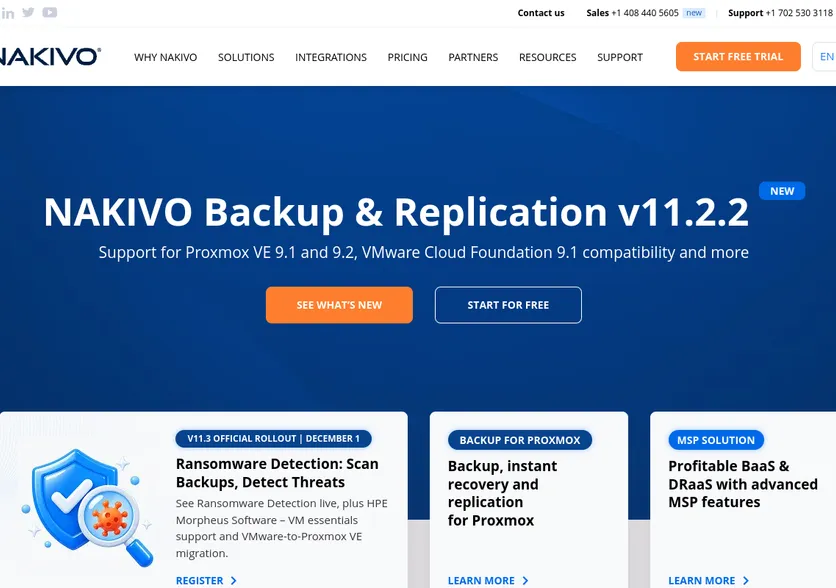
NAKIVO Backup & Replication covers Linux servers, VMware, Hyper-V and cloud workloads from one web console, with incremental backups, instant recovery and backup copies to a second site. This NAKIVO Backup & Replication plan starts at $2.45 a month per workload, which makes it the cheapest entry point on this list for a small Linux fleet. It also handles backup to local disks, NAS and cloud storage, so a team can follow the 3-2-1 rule without buying a second product.
What we like
- Lowest starting price on this list
- Covers physical Linux, VMware and Hyper-V in one console
- Instant recovery and backup copies to a second site
Watch out for
- Per-workload pricing adds up across a large fleet
- Some advanced features need a higher tier
How to try it
- Open the NAKIVO Linux server backup page and start the 15-day free trial
- Add a Linux server as a backup source and pick a local or cloud target
- Schedule a daily incremental backup and test a file restore
2. MSP360 Backup
Best for: Windows and Linux server admins who want per-computer licensing with cloud backup
Paid tool Starting price: $109.99/year · Backup Pro Server edition per computer; Managed Backup starts at $2.50 a month; 15-day free trial
Free plan: 15-day free trial
MSP360 Backup runs on Linux and Windows servers and sends encrypted backups to the cloud storage you already own, including Amazon S3, Wasabi and Backblaze B2. This MSP360 Backup plan costs $109.99 a year for the Backup Pro Server edition per computer, with image-based backup and bare-metal restore included. It suits a team that wants to keep its own storage bill separate from the backup licence.
What we like
- Bring your own cloud storage, including S3 and Wasabi
- Image-based backup with bare-metal restore
- Per-computer pricing with no per-gigabyte fee
Watch out for
- Cloud storage is billed separately by the storage vendor
- The interface assumes some backup experience
How to try it
- Open the MSP360 server backup page and start the 15-day free trial
- Install the agent on a Linux server and connect your cloud storage
- Create an image-based backup plan and test a bare-metal restore
3. CrashPlan
Best for: Small businesses that want a flat per-server price with no storage meter
Paid tool Starting price: $15.75/server/month · Small Business server plan billed annually at $189 a year; covers Windows and Linux servers; free trial included
Free plan: Free trial
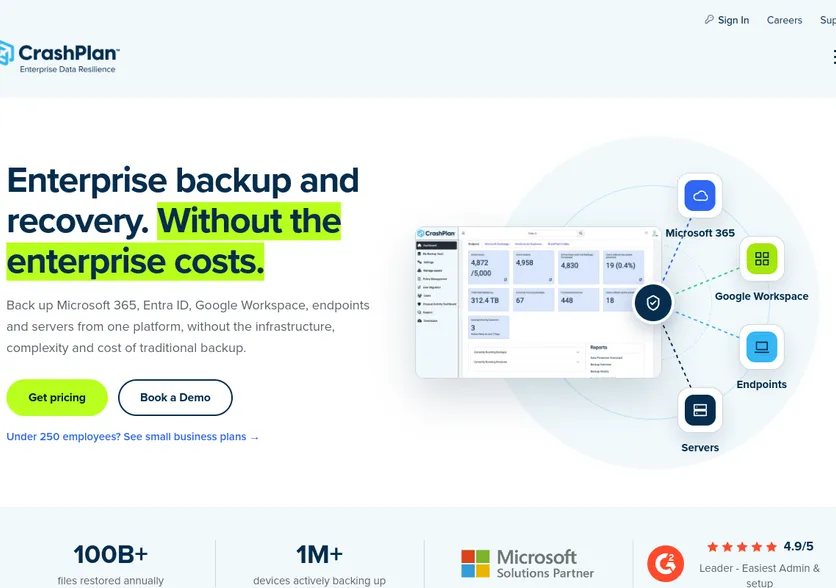
CrashPlan backs up Linux and Windows servers to the cloud with continuous, encrypted backup and unlimited version history on its small business plans. This CrashPlan server plan costs $15.75 a month per server when billed annually, which is a flat $189 a year with no charge per gigabyte. It is the simplest pick here for a team that wants to set a backup running and stop thinking about storage limits.
What we like
- Flat per-server price with no storage meter
- Continuous backup with unlimited version history
- Works on Linux and Windows servers
Watch out for
- Per-server price grows with every added server
- Restore speed depends on your internet connection
How to try it
- Open the CrashPlan pricing page and start the free trial
- Install the agent on a Linux server and choose what to back up
- Set continuous backup and check that files appear in the cloud
4. IDrive
Best for: Teams that want cheap per-server backup with a free tier for personal files
Paid tool Starting price: $5/month/server · Server Backup add-on per server; free 10 GB Basic account for personal use
Free plan: Free 10 GB Basic account
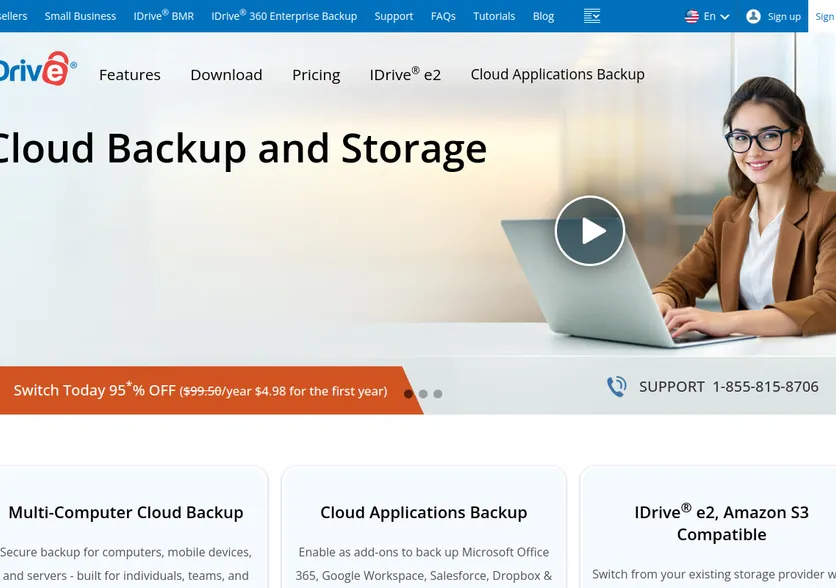
IDrive backs up Linux servers, desktops and mobile devices to one account, with versioning, encryption and a free 10 GB Basic account for personal use. This IDrive Server Backup add-on costs $5 a month per server, which makes it one of the cheapest ways to protect a single Linux box. It also ships a physical drive for large first backups, so a slow upload does not delay the first full copy.
What we like
- Very low per-server price at $5 a month
- Free 10 GB Basic account for personal files
- Physical drive shipping for large first backups
Watch out for
- Server backup is an add-on, not in the base plan
- The console feels dated next to newer rivals
How to try it
- Open the IDrive pricing page and create a free Basic account
- Add the Server Backup add-on and install the agent on Linux
- Run the first backup and confirm the files in the web console
5. Zmanda Pro
Best for: Teams that want a flat per-workload price with no renewal surprise
Paid tool Starting price: $5.99/workload/month · Flat per-workload rate at renewal; free trial mentioned on the vendor site
Free plan: Free trial
Zmanda Pro protects Linux servers, databases and cloud workloads with a flat per-workload price that stays the same at renewal, which makes budgeting simple. This Zmanda Pro plan costs $5.99 a month per workload, and the vendor states the rate is flat at renewal with a free trial to test it first. It suits a team that backs up a mix of servers and databases and wants one predictable bill.
What we like
- Flat per-workload price with no renewal increase
- Covers servers, databases and cloud workloads
- Predictable billing for mixed environments
Watch out for
- Smaller brand than the big backup names
- Pricing detail lives on vendor blog pages
How to try it
- Open the Zmanda site and start the free trial
- Add a Linux server and choose the databases to protect
- Schedule backups and confirm the flat per-workload price at renewal
6. Duplicacy
Best for: Budget teams that want a low-cost licence for a single Linux computer
Paid tool Starting price: $50/computer/year · Commercial licence per computer; Personal licence $20 for the first year then $5 a year; 30-day trial licence
Free plan: 30-day trial licence
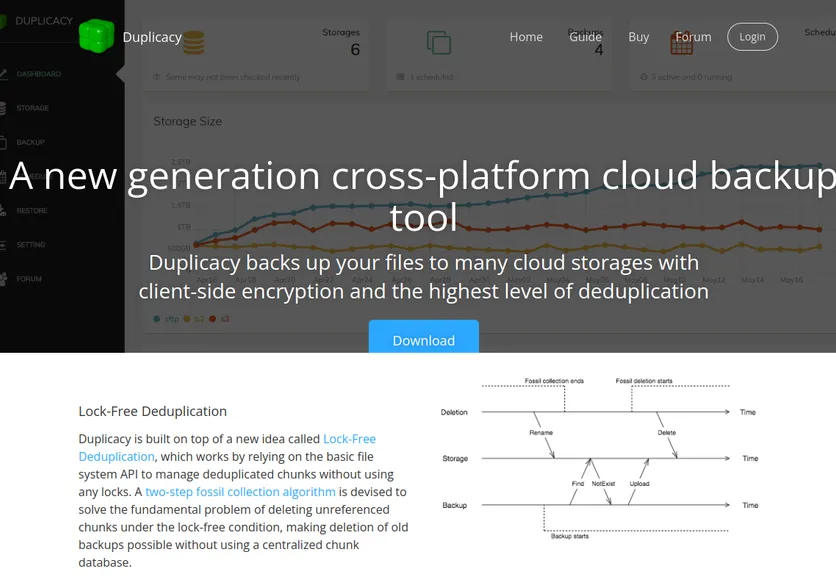
Duplicacy is a command-line backup tool that runs on Linux, macOS and Windows, with deduplication, encryption and a lock-free design for reliable restores. This Duplicacy Commercial licence costs $50 a computer a year, and a Personal licence is $20 for the first year and then $5 a year. It is the cheapest commercial option here for a single Linux box, and the 30-day trial licence lets a team test the command line before paying.
What we like
- Lowest commercial price for a single computer
- Deduplication keeps storage costs down
- Runs on Linux, macOS and Windows
Watch out for
- Command-line only, so no graphical console
- Setup assumes comfort with the terminal
How to try it
- Open the Duplicacy site and request the 30-day trial licence
- Install the command-line tool on a Linux server
- Run the first backup to local or cloud storage and test a restore
7. SpiderOak ONE
Best for: Privacy-first teams that want zero-knowledge encryption on Linux
Paid tool Starting price: $6/month · 150 GB per user, $69 a year; 400 GB is $11 a month, 2 TB $14 and 5 TB $29; runs on Windows, macOS and Linux
Free plan: 21-day free trial
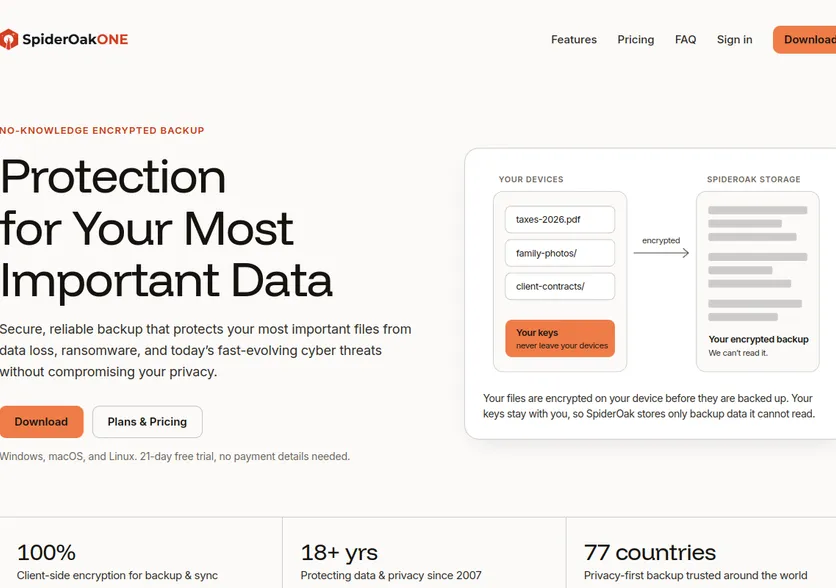
SpiderOak ONE backs up Linux, Windows and macOS devices with zero-knowledge encryption, so only the account holder can read the stored files. This SpiderOak ONE plan costs $6 a month for 150 GB per user, or $69 a year, with 400 GB at $11 a month and larger plans up to 5 TB. It is the pick here for a team that treats encryption as a requirement rather than a feature.
What we like
- Zero-knowledge encryption on every plan
- Runs on Linux, Windows and macOS
- Simple per-user pricing from $6 a month
Watch out for
- 150 GB on the entry plan fills fast with servers
- No dedicated server edition with central management
How to try it
- Open the SpiderOak ONE page and start the 21-day free trial
- Install the app on a Linux device and choose folders to back up
- Confirm the encrypted backup appears in the account dashboard
Prices above were checked on each vendor’s own website on Nov 26, 2026 and can change — the vendor’s page is the final word. Vendor links are editorial: nobody paid to be listed or ranked here. Vendors who want a featured listing can see how it works on our Get listed page.
What Linux server backup costs in 2026
Linux backup pricing splits into two models, and the right one depends on how many machines you protect. Per-workload tools like NAKIVO at $2.45 a month and Zmanda at $5.99 a month charge for each server or workload, while per-server plans like CrashPlan at $15.75 a month and IDrive at $5 a month charge a flat rate per box. Duplicacy is the cheapest commercial licence here at $50 a computer a year, and SpiderOak ONE is the privacy pick at $6 a month for 150 GB. Check whether cloud storage is included, because MSP360 charges $109.99 a year for the licence and the storage bill comes separately.
Before you buy, confirm the tool restores a Linux system the way you need: bare-metal restore, file-level restore and a second-site copy are three different features. Test a restore during the free trial, and check that the trial covers the server edition rather than only desktops.
Before you buy
- Count your Linux servers first, because per-workload pricing like NAKIVO at $2.45 a month adds up across a large fleet.
- Check whether cloud storage is included in the price or billed separately, as MSP360 charges for the licence and storage on top.
- Test a bare-metal restore during the free trial, not just a file restore, so you know the recovery path works.
- Ask if the price is flat at renewal, because Zmanda holds $5.99 a workload while other vendors raise rates after year one.
- Confirm the plan covers Linux servers specifically, since some backup tools only protect Windows servers or desktops.
Official websites
Official websites of the products reviewed above. Features and prices were checked against these sites when this guide was written, and they can change, so confirm on the vendor site before you buy.
Frequently asked questions
Which server backup software is best for Linux in 2026?
NAKIVO Backup & Replication is our first pick, because it covers Linux servers, VMware and Hyper-V from one console at $2.45 a month per workload. Duplicacy is the cheapest commercial licence for a single box at $50 a computer a year. CrashPlan is the simplest server plan, with a flat $15.75 a month per server and no storage meter.
How much does Linux server backup software cost?
Prices here run from $2.45 a month per workload for NAKIVO to $15.75 a month per server for CrashPlan, with IDrive at $5 a month per server and Duplicacy at $50 a computer a year. MSP360 costs $109.99 a year per computer, but cloud storage is billed separately. Check whether storage is included before comparing headline prices.
Do I need cloud storage included with my backup plan?
It depends on the tool. MSP360 lets you bring your own storage, so the licence is $109.99 a year and the storage bill comes from Amazon S3, Wasabi or another vendor. CrashPlan, IDrive and SpiderOak include storage in the plan price. If you already pay for cloud storage, a bring-your-own model can be cheaper overall.
Can I try Linux server backup software before paying?
Yes, every tool here offers a free trial or a free plan. NAKIVO and MSP360 offer 15-day trials, Duplicacy offers a 30-day trial licence, SpiderOak offers 21 days and CrashPlan offers a free trial. IDrive has a free 10 GB Basic account. Use the trial to test a real restore, not just the first backup.
What is the cheapest way to back up a single Linux server?
Duplicacy is the cheapest commercial route at $50 a computer a year, and IDrive is the cheapest monthly route at $5 a month per server. Both protect a single Linux box for very little money. Duplicacy needs comfort with the command line, while IDrive adds a web console and a free 10 GB tier.
Need the everyday security jobs too? Check file hashes and test passwords free on Toolsvine right in your browser.
Browse Security & Privacy tools


