On this page
An MSP that backs up client servers is selling trust, and the tool has to prove every backup worked without an engineer checking each client by hand. The seven tools below manage many clients from one console, bill per workload and restore fast when a client calls in a panic. Comet Backup leads because its per-endpoint pricing fits the MSP model for nineteen dollars a month plus three dollars a server, and the rest are ranked on how cleanly they scale across clients.
How we researched this
We checked every price on the vendor pricing page on November 28, 2026, and only included tools with a published US dollar list price. Acronis Cyber Protect Cloud, Datto, Axcient, N-able Cove, MSP360 Managed Backup and NinjaOne sell by quote, so they are not in this list. Prices change, so confirm the current figure on the vendor site before you buy.
Compare the tools
| Name | Best for | Starting price | Free plan | |
|---|---|---|---|---|
| Comet Backup | MSPs that bill clients per protected machine | $19/month | No free plan; 30-day free trial | Visit |
| BDRShield | MSPs protecting mixed servers, desktops and cloud apps | $48/workload/year | No free plan; 30-day free trial | Visit |
 NAKIVO Backup & Replication | MSPs that need enterprise backup at a client-friendly price | $2.45/workload/month | No free plan; free trial | Visit |
 Veeam Data Platform | MSPs whose clients demand the best-known backup name | $155/workload/year | Free plan (Community Edition, 10 workloads) | Visit |
| AOMEI Cyber Backup | MSPs protecting small client virtual estates | $99/year | No free plan; free trial | Visit |
 IDrive Business | MSPs protecting many small client servers | $99.50/year | No free plan; 10 GB free personal plan | Visit |
| Commvault Cloud | MSPs that bill clients by the terabyte | $58.50/TB/month | No free plan; free trial | Visit |
The server backup software for MSPs, compared
1. Comet Backup
Best for: MSPs that bill clients per protected machine
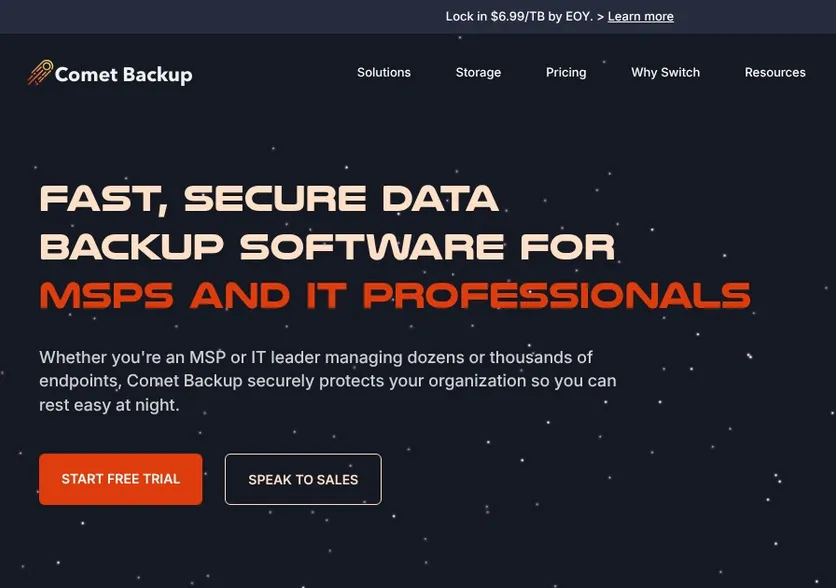
Paid tool Starting price: $19/month · Nineteen dollars a month for the Starter self-hosted console, plus three dollars per server endpoint a month; Growth and Professional are forty-nine dollars a month with two-dollar endpoints and Advanced is ninety-nine dollars a month; Comet Storage is six dollars and ninety-nine cents per terabyte a month, a promotional rate locked through December 31, 2027 for signups by December 31, 2026, rising to seven dollars and ninety-nine cents after that; a thirty-day trial is included
Free plan: No free plan; 30-day free trial
For an MSP that bills clients per protected machine, this Comet Backup plan costs nineteen dollars a month for the Starter console plus three dollars per server endpoint a month. The console is self-hosted, so the MSP keeps the data and the margin, and every client gets its own backup policy from the same install. The per-endpoint price makes the cost of each new client obvious before the contract is signed.
What we like
- Per-endpoint pricing matches how MSPs bill clients
- Self-hosted console keeps the data and the margin
- One install manages every client policy
Watch out for
- The console is self-hosted, so the MSP maintains it
- Storage pricing changes after the promotional rate ends
How to try it
- Install the console and add the first client
- Set a backup policy for each client
- Check the daily backup report for failed jobs
2. BDRShield
Best for: MSPs protecting mixed servers, desktops and cloud apps
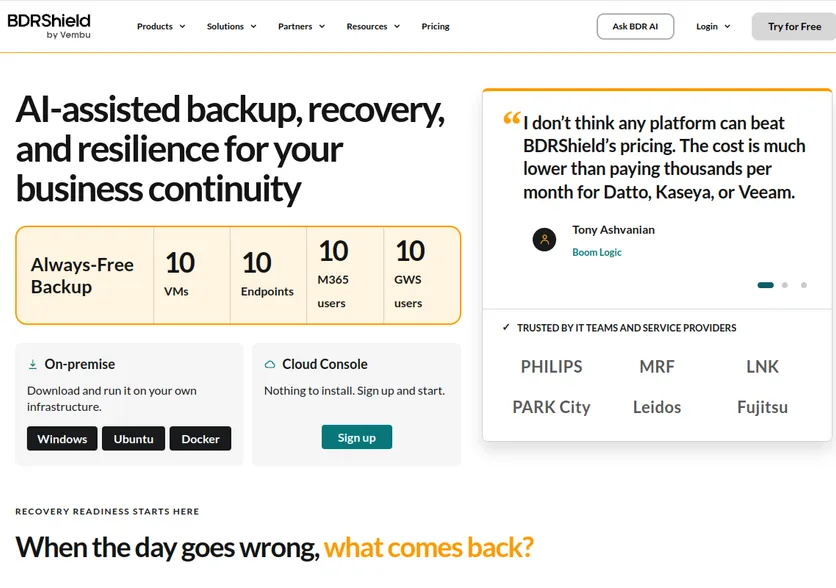
Paid tool Starting price: $48/workload/year · Forty-eight dollars per workload a year for virtual machines, servers and cloud workloads; endpoints are twelve dollars a year, software-as-a-service users are twelve dollars a year and databases are seventy-two dollars an app a year; this figure is sourced from SourceForge listings of the vendor price rather than a direct vendor-page read
Free plan: No free plan; 30-day free trial
An MSP that protects a mix of servers, desktops and cloud apps from one bill will like the simplicity here, because this BDRShield plan costs forty-eight dollars per workload a year. The same console covers virtual machines, physical servers and cloud workloads, with endpoints and software users priced separately at twelve dollars a year. The flat per-workload rate makes client quotes easy to write and easy to defend.
What we like
- One console for servers, desktops and cloud workloads
- Flat per-workload rate makes client quotes easy
- Endpoints and cloud users priced separately at twelve dollars
Watch out for
- The price is sourced from listings, not a direct vendor-page read
- The brand was formerly BDRSuite, so older guides use the old name
How to try it
- Add the client workloads to the console
- Set the backup and retention policy per client
- Review the backup report for each client weekly
3. NAKIVO Backup & Replication
Best for: MSPs that need enterprise backup at a client-friendly price
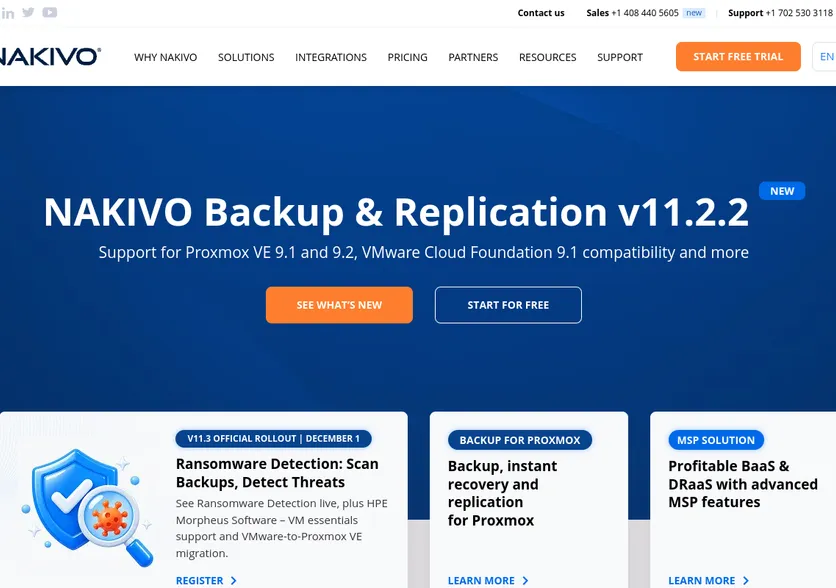
Paid tool Starting price: $2.45/workload/month · Two dollars and forty-five cents per workload a month billed annually for Pro Essentials, or twenty-nine dollars and forty cents a year; the MSP edition prices the same per-workload rate and adds multi-tenant management for client estates
Free plan: No free plan; free trial
For an MSP that needs enterprise backup at a price clients will accept, this NAKIVO Backup & Replication plan costs two dollars and forty-five cents per workload a month billed annually. The MSP edition adds multi-tenant management, so each client sees only their own backups while the engineer manages all of them from one screen. Replication to a second site is built in, which covers the disaster story every client asks about.
What we like
- Multi-tenant management keeps each client separate
- Replication to a second site is built in
- Low per-workload price keeps client margins healthy
Watch out for
- Per-socket prices conflict across sources, so check the licence type
- The interface is less polished than the leaders
How to try it
- Enable the MSP edition and add the first tenant
- Set backup and replication jobs per client
- Test a restore for one client each month
4. Veeam Data Platform
Best for: MSPs whose clients demand the best-known backup name
Paid tool Starting price: $155/workload/year · One hundred and fifty-five dollars per workload a year for Foundation on the annual per-workload rate; Advanced is one hundred and eighty-nine dollars and Premium is two hundred and twenty-seven dollars and fifty cents; the Service Provider Console lets an MSP manage many clients from one install
Free plan: Free plan (Community Edition, 10 workloads)
An MSP whose clients demand the best-known backup name will land here, because this Veeam Data Platform plan costs one hundred and fifty-five dollars per workload a year for Foundation. The Service Provider Console manages many clients from one install, with separate billing and reporting per tenant. The Community Edition is free for up to ten workloads, so the MSP can test the restore speed on a real client before committing.
What we like
- Service Provider Console manages many clients at once
- Separate billing and reporting per tenant
- The best-known name in enterprise backup
Watch out for
- The per-workload price is the highest in this list
- The full feature set takes time to learn
How to try it
- Install the Service Provider Console
- Add each client as a separate tenant
- Run a test restore for one client each month
5. AOMEI Cyber Backup
Best for: MSPs protecting small client virtual estates
Paid tool Starting price: $99/year · Ninety-nine dollars a year per five virtual machines for customized virtual machines; unlimited virtual machines is nine hundred and ninety-nine dollars a year, Microsoft SQL Server is thirty-nine dollars a year per five databases and Windows PCs are fifty-nine dollars a year per five machines
Free plan: No free plan; free trial
For an MSP that protects small client virtual estates on a tight budget, this AOMEI Cyber Backup plan costs ninety-nine dollars a year per five virtual machines. It backs up virtual machines, databases and Windows PCs from a central console, with unlimited virtual machines available for nine hundred and ninety-nine dollars a year. The per-five pricing fits the smallest clients, where a per-workload enterprise price would eat the margin.
What we like
- Per-five pricing fits the smallest clients
- Central console for virtual machines, databases and PCs
- Unlimited virtual machines available for one flat price
Watch out for
- The interface is simpler than the enterprise tools
- No free plan, only a free trial
How to try it
- Install the central console
- Add the client virtual machines and databases
- Set the backup schedule per client
6. IDrive Business
Best for: MSPs protecting many small client servers
Paid tool Starting price: $99.50/year · Ninety-nine dollars and fifty cents a year for two hundred and fifty gigabytes with unlimited devices including servers, which suits an MSP protecting many small client servers under one account; higher tiers exist but the one-point-two-five-terabyte figure is disputed
Free plan: No free plan; 10 GB free personal plan
For an MSP that protects many small client servers under one account, this IDrive Business plan costs ninety-nine dollars and fifty cents a year for two hundred and fifty gigabytes. The plan covers unlimited devices including servers, so one subscription can protect a whole small client without a per-machine fee. The price is the lowest in this list, which leaves room in the client quote for the MSP margin.
What we like
- Unlimited devices including servers on one plan
- The lowest price in this list
- One subscription can protect a whole small client
Watch out for
- The higher storage tier price is disputed between sources
- The interface is basic next to the enterprise tools
How to try it
- Create the business account for the client
- Install the agent on each client server
- Set the schedule and check the first backup completes
7. Commvault Cloud
Best for: MSPs that bill clients by the terabyte
Paid tool Starting price: $58.50/TB/month · Fifty-eight dollars and fifty cents per terabyte a month for file and object backup on Commvault Cloud; this figure comes from a single third-party read of vendor pricing, so confirm it on the vendor site before budgeting
Free plan: No free plan; free trial
For an MSP that bills clients by the terabyte, this Commvault Cloud plan costs fifty-eight dollars and fifty cents per terabyte a month for file and object backup. The per-terabyte model matches how clients already think about storage, so the quote writes itself from the data size. The enterprise name carries weight with larger clients, though the price figure comes from a single third-party read and should be confirmed.
What we like
- Per-terabyte pricing matches how clients think about storage
- Enterprise name carries weight with larger clients
- Covers file and object backup in the cloud
Watch out for
- The price comes from a single third-party read, so confirm it
- The full platform is sold by quote beyond this tier
How to try it
- Size the client data and work out the monthly cost
- Set up the file and object backup jobs
- Check the backup report for each client weekly
Prices above were checked on each vendor’s own website on Nov 28, 2026 and can change — the vendor’s page is the final word. Vendor links are editorial: nobody paid to be listed or ranked here. Vendors who want a featured listing can see how it works on our Get listed page.
How to run client backups without drowning in tickets
Give every client one backup policy with their name on it, because a shared policy hides the client whose jobs keep failing. Check the daily report before the clients wake up, so the engineer calls the client about a failed backup instead of the other way round. Test one client restore every month on a rotation, so every client gets a proven restore at least once a year. Bill per workload or per terabyte in plain language, and show the backup status on the client invoice, because a client who sees the protection pays the bill without arguing. Finally, keep the retention rules in writing, so a client who deletes a file in March knows exactly how far back the restore can reach.
Before you buy
- Check whether one console manages every client separately, with separate billing and reporting
- Confirm the pricing model matches how clients are billed, per workload or per terabyte
- Make sure restores are tested on a rotation, not only when a client calls in a panic
- Ask if the daily report shows failed jobs before clients notice them
- Verify the retention rules are written down and shared with each client
Official websites
Official websites of the products reviewed above. Features and prices were checked against these sites when this guide was written, and they can change, so confirm on the vendor site before you buy.
Frequently asked questions
What is the best server backup software for MSPs?
Comet Backup is the best pick for most MSPs, at nineteen dollars a month for the Starter console plus three dollars per server endpoint a month, which matches how MSPs bill clients. Veeam Data Platform is the best enterprise-grade choice, at one hundred and fifty-five dollars per workload a year with a dedicated Service Provider Console. NAKIVO is the best value, at two dollars and forty-five cents per workload a month.
How much does Comet Backup cost for an MSP?
Comet Backup Starter costs nineteen dollars a month for the self-hosted console, plus three dollars per server endpoint a month. Growth and Professional are forty-nine dollars a month with two-dollar endpoints, and Advanced is ninety-nine dollars a month. Comet Storage is six dollars and ninety-nine cents per terabyte a month on a promotional rate locked through December 31, 2027.
Can an MSP back up client servers for free?
Not at scale, since none of the tools in this list offers a free plan for MSP use, though Veeam offers a free Community Edition covering up to ten workloads. That free tier suits testing, not a client estate. The other tools offer free trials of thirty days, which is enough to test the multi-tenant console and the restore workflow on a real client.
How should an MSP price backup to clients?
Most MSPs price backup per workload, per endpoint or per terabyte, matching the tool they buy, and add a margin for monitoring and restore testing. The per-endpoint model of Comet Backup and the per-terabyte model of Commvault Cloud translate directly into client quotes. Whatever the model, show the backup status on the invoice, because clients pay more willingly for protection they can see.
What is multi-tenant backup management?
Multi-tenant management lets an MSP run many clients from one console while each client sees only their own backups, policies and reports. It keeps client data separate, gives each client their own billing and retention rules, and lets one engineer manage dozens of estates without logging into each one. NAKIVO, Veeam and Comet Backup all offer it in the plans listed above.
Compare the seven tools above, then start with a free trial on the tool that matches how the MSP already bills clients before paying for a full year.
Browse Business Tools tools