On this page
A business without a backup finds out the hard way, when a failed drive or a ransomware note wipes the files the team needs. The eight tools below back up computers, servers and cloud apps automatically, and each one restores files without a support ticket. Every price was checked on the vendor site on November 27, 2026, and the list runs from two dollars and fifty cents a month to ninety-five dollars and ninety-nine cents a year. Backblaze is our first pick — unlimited backup for nine dollars a computer a month, with a restore process anyone can follow.
How we researched this
We started with the backup tools businesses actually buy, then read each price on the vendor pricing page on November 27, 2026 and noted the trial each plan carries. We judged them for a business that needs every computer and server backed up without babysitting, with restores fast enough to survive a bad Monday. We dropped Acronis because its published prices conflict across sources, and we left out Druva, Rubrik and Cohesity because none of them publishes a list price.
Compare the tools
| Name | Best for | Starting price | Free plan | |
|---|---|---|---|---|
 Backblaze | Small businesses that want unlimited backup for every computer at one flat price | $9/computer/month | 15-day free trial | Visit |
 Carbonite | Businesses that want simple automatic backup for one computer without a per-device decision | $95.99/year | 15-day free trial | Visit |
 IDrive | Businesses that back up many computers and servers into one shared storage pool | $19.99/month | Free 10 GB Basic account | Visit |
 CrashPlan | Teams that want every endpoint backed up continuously with no storage limit to watch | $7.33/user/month | 14-day free trial | Visit |
 Veeam | Microsoft 365 shops that want their mailboxes and files backed up by the backup brand they already know | $3.50/user/month | Free Community Edition for up to 10 workloads | Visit |
 NAKIVO | Small IT teams that back up virtual machines and servers on a tight budget | $2.50/workload/month | Free edition; 15-day free trial | Visit |
 pCloud Business | Teams that want backup and file sharing in one place with a generous storage pool | $9.99/user/month | Free plan (10 GB) | Visit |
 Sync | Teams that want private, encrypted backup and sharing with a Canadian privacy promise | $6/user/month | 30-day free trial | Visit |
The cloud backup software for business needs, compared
1. Backblaze
Best for: Small businesses that want unlimited backup for every computer at one flat price
Paid tool Starting price: $9/computer/month · Nine dollars per computer a month, or ninety-nine dollars a year, with unlimited storage; Business Backup costs the same nine dollars per computer a month
Free plan: 15-day free trial
Backblaze is the backup service small businesses pick when they want every computer protected without counting gigabytes. This Backblaze Computer Backup plan costs nine dollars per computer a month, or ninety-nine dollars a year, with unlimited storage. A business gets continuous backup and a restore process anyone on the team can follow.
What we like
- Unlimited storage at a flat per-computer price
- Continuous backup with no schedule to manage
- Restore by download, drive or courier, your choice
Watch out for
- One computer per license, so a laptop and a desktop cost twice
- Large restores by download take time without the courier option
How to try it
- Open the Backblaze site and start the 15-day free trial
- Install the app on each office computer
- Pick a file on the dashboard and restore it to test the process
2. Carbonite
Best for: Businesses that want simple automatic backup for one computer without a per-device decision
Paid tool Starting price: $95.99/year · Ninety-five dollars and ninety-nine cents a year for the Safe Basic plan; the first-year price of seventy-one dollars and ninety-nine cents is a promotion, not the list price; Plus costs one hundred and thirty-one dollars and ninety-nine cents a year
Free plan: 15-day free trial
Carbonite is the set-and-forget backup for businesses that want one computer protected without learning backup jargon. This Carbonite Safe Basic plan costs ninety-five dollars and ninety-nine cents a year and backs up documents and settings automatically. A small office gets quiet, continuous protection that never asks anyone to remember a backup.
What we like
- Automatic backup with nothing to schedule
- Simple plans that a non-technical owner can buy
- Restore from any browser without installing anything
Watch out for
- Basic covers one computer, so every extra machine adds a plan
- The first-year price is a promotion, so the renewal costs more
How to try it
- Open the Carbonite site and start the 15-day free trial
- Install Carbonite on the computer you want protected
- Restore a test file from the dashboard to confirm it works
3. IDrive
Best for: Businesses that back up many computers and servers into one shared storage pool
Paid tool Starting price: $19.99/month · Nineteen dollars and ninety-nine cents a month billed annually for the Business plan with five hundred gigabytes; the first-year price of thirteen dollars and ninety-nine cents a month is a promotion, not the list price; larger tiers run to one hundred terabytes
Free plan: Free 10 GB Basic account
IDrive is the backup service for businesses that want every machine feeding one shared pool of storage, instead of a separate plan per computer. This IDrive Business plan with five hundred gigabytes costs nineteen dollars and ninety-nine cents a month billed annually. A growing business gets computers, servers and mobile devices backed up under one account.
What we like
- One storage pool for computers, servers and phones
- Snapshots and version history included on every plan
- Free 10 GB account for testing before you pay
Watch out for
- Storage is shared, so one big machine can eat the pool
- The first-year price is a promotion, so the renewal costs more
How to try it
- Open the IDrive site and create a Business account
- Install IDrive on your computers and servers
- Restore a file from the web console to confirm the backup
4. CrashPlan
Best for: Teams that want every endpoint backed up continuously with no storage limit to watch
Paid tool Starting price: $7.33/user/month · Seven dollars and thirty-three cents per user a month billed annually for the Endpoints plan, or eighty-eight dollars per user a year; Servers cost fifteen dollars and seventy-five cents per server a month and there is no monthly billing
Free plan: 14-day free trial
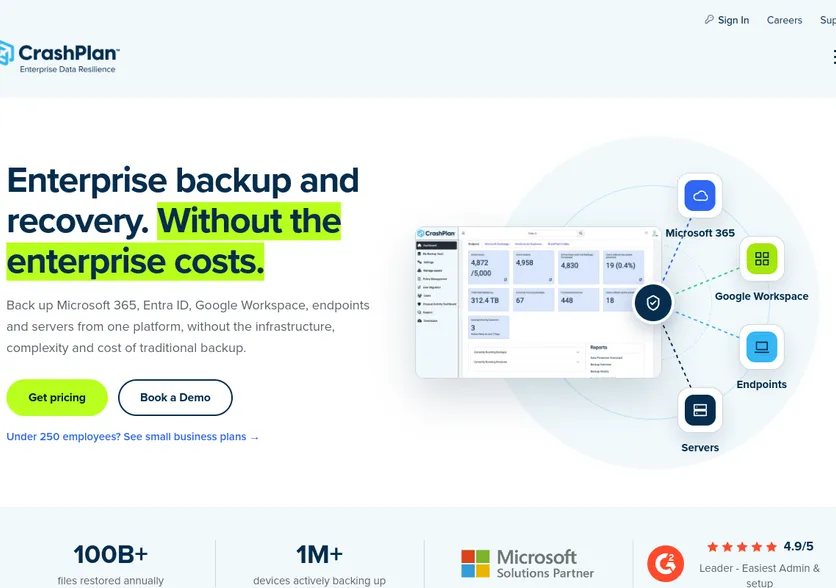
CrashPlan is the endpoint backup built for teams, backing up every laptop and desktop continuously without a storage meter to watch. This CrashPlan Endpoints plan costs seven dollars and thirty-three cents per user a month billed annually. A business gets unlimited backup and restores that run from the console without a support ticket.
What we like
- Unlimited storage on every endpoint plan
- Continuous backup that never waits for a schedule
- Admin console that shows every device at a glance
Watch out for
- No monthly billing, so the year is paid up front
- Servers cost extra on top of the endpoint price
How to try it
- Open the CrashPlan site and start the 14-day free trial
- Deploy the agent to your team laptops and desktops
- Restore a deleted file from the console to test the flow
5. Veeam
Best for: Microsoft 365 shops that want their mailboxes and files backed up by the backup brand they already know
Paid tool Starting price: $3.50/user/month · Three dollars and fifty cents per user a month for the Veeam Data Cloud for Microsoft 365 Foundation plan with ten to fifty users, billed annually; the price falls to two dollars and sixty-three cents at two hundred and fifty-one users and Premium costs seven dollars a month
Free plan: Free Community Edition for up to 10 workloads
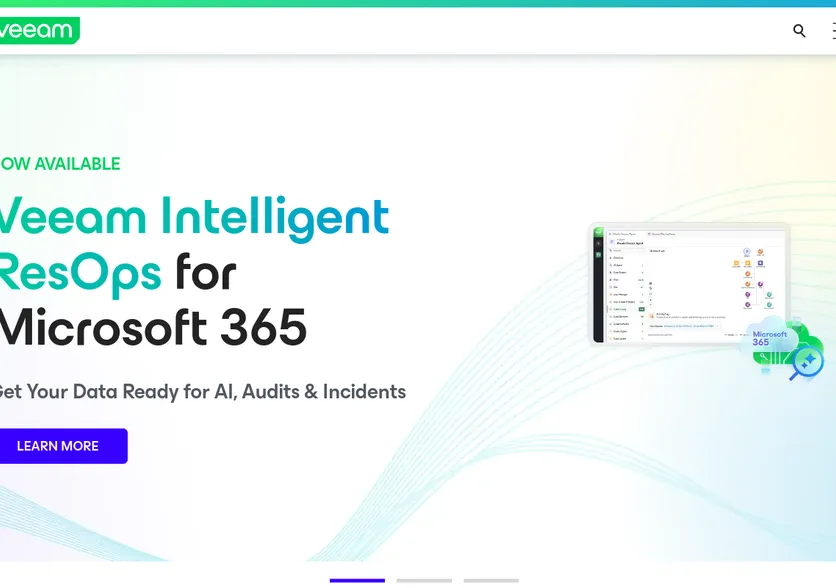
Veeam Data Cloud is the backup giant's answer for Microsoft 365, protecting mailboxes, OneDrive and SharePoint without an on-premises server. This Veeam Data Cloud for Microsoft 365 Foundation plan costs three dollars and fifty cents per user a month for ten to fifty users, billed annually. A Microsoft shop gets its cloud data backed up by the vendor its IT team already trusts.
What we like
- Backs up Exchange, OneDrive and SharePoint together
- Trusted backup brand with decades of restores behind it
- Price falls as the user count grows past fifty
Watch out for
- The headline price covers Microsoft 365, not every workload
- The older fourteen-dollar figure in some listings is a storage price, not this plan
How to try it
- Open the Veeam site and start a Data Cloud trial
- Connect your Microsoft 365 tenant to the service
- Restore a deleted mailbox item to confirm the backup
6. NAKIVO
Best for: Small IT teams that back up virtual machines and servers on a tight budget
Paid tool Starting price: $2.50/workload/month · Two dollars and fifty cents per workload a month on the Pro Essentials subscription, billed yearly; a perpetual license starts at two hundred and twenty-nine dollars per socket and a free edition is available
Free plan: Free edition; 15-day free trial
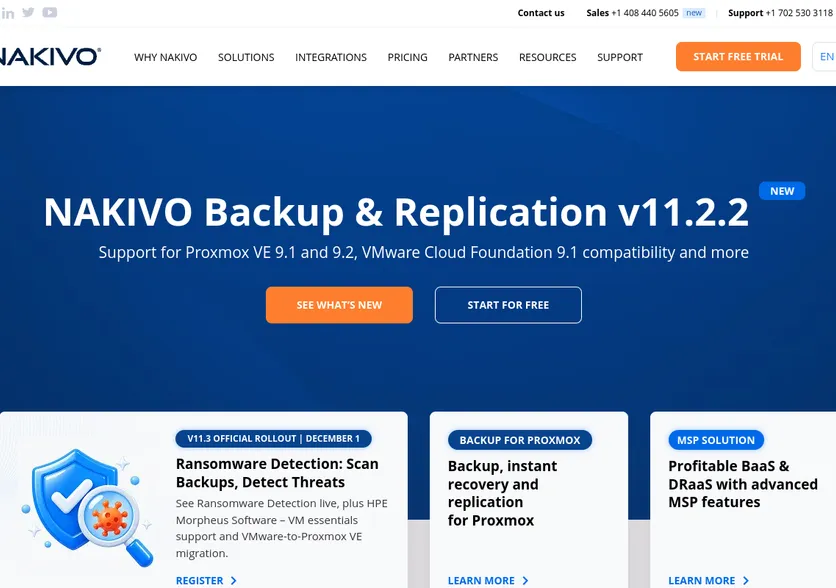
NAKIVO is the budget backup for virtual machines and servers, protecting VMware, Hyper-V and cloud workloads from one console. This NAKIVO Backup and Replication Pro Essentials subscription costs two dollars and fifty cents per workload a month, billed yearly. A small IT team gets enterprise-style VM backup at a price a startup can afford.
What we like
- Cheapest paid plan in this comparison
- Covers virtual machines, servers and cloud workloads
- Free edition for very small environments
Watch out for
- Priced per workload, so the bill grows with every VM you add
- The interface assumes some IT knowledge to set up well
How to try it
- Open the NAKIVO site and start the 15-day free trial
- Add your virtual machines and servers to the console
- Run a test restore of one virtual machine
7. pCloud Business
Best for: Teams that want backup and file sharing in one place with a generous storage pool
Paid tool Starting price: $9.99/user/month · Nine dollars and ninety-nine cents per user a month on monthly billing, with three users and three terabytes for twenty-nine dollars and ninety-seven cents a month; annual billing saves twenty percent, or seven dollars and ninety-nine cents per user a month
Free plan: Free plan (10 GB)
pCloud Business is the cloud storage service that doubles as a backup, syncing files across the team and keeping every version. This pCloud Business plan costs nine dollars and ninety-nine cents per user a month on monthly billing, with three users and three terabytes. A team gets backup, sharing and version history in one subscription.
What we like
- Backup and file sharing in one subscription
- Three terabytes shared across the team
- Version history keeps every change recoverable
Watch out for
- Storage is shared, so one heavy user can fill the pool
- The three-user minimum means a solo buyer pays for three seats
How to try it
- Open the pCloud Business page and start the 30-day free trial
- Invite your team and set up the shared folders
- Restore an earlier version of a file to test the history
8. Sync
Best for: Teams that want private, encrypted backup and sharing with a Canadian privacy promise
Paid tool Starting price: $6/user/month · Six dollars per user a month for the Pro Teams Standard plan with one terabyte; Pro Teams Unlimited costs fifteen dollars per user a month and Pro Solo Basic costs eight dollars a month
Free plan: 30-day free trial
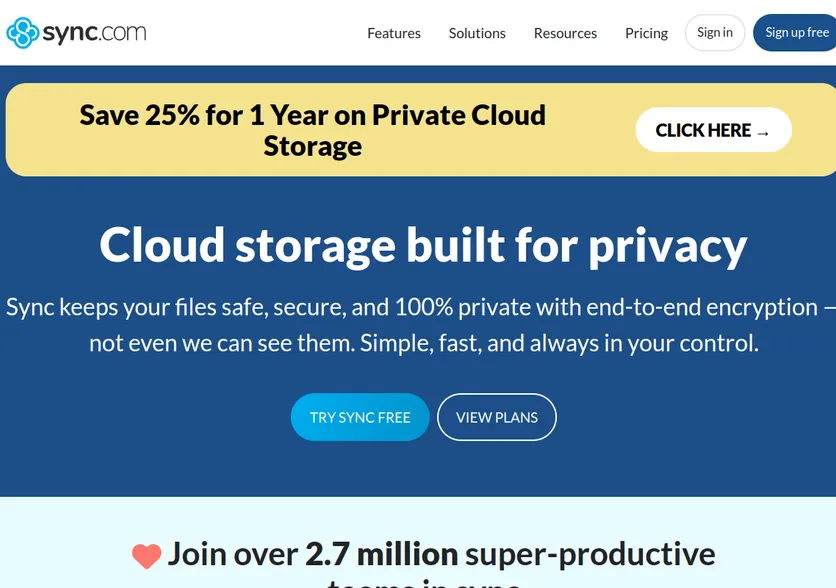
Sync is the privacy-first backup and sharing service, encrypting files on the device before they ever reach the cloud. This Sync Pro Teams Standard plan costs six dollars per user a month with one terabyte of storage. A team that handles sensitive client files gets backup and sharing that even the vendor cannot read.
What we like
- Zero-knowledge encryption on every file
- Canadian privacy law behind the service
- Simple sharing with password-protected links
Watch out for
- One terabyte per user fills fast with video and design files
- Fewer third-party integrations than the bigger storage brands
How to try it
- Open the Sync site and start the 30-day free trial
- Create your team and set up the shared vaults
- Restore a file from the web panel to confirm the backup
Prices above were checked on each vendor’s own website on Nov 27, 2026 and can change — the vendor’s page is the final word. Vendor links are editorial: nobody paid to be listed or ranked here. Vendors who want a featured listing can see how it works on our Get listed page.
What business backup costs in 2026
Business backup charges in two ways, per computer or per user, and the unit decides the bill. Per-computer pricing suits an office where each person has one machine, while per-user pricing suits teams where one person works across a laptop, a desktop and a phone. The cheapest tool here costs two dollars and fifty cents a month per workload, while the most expensive costs ninety-five dollars and ninety-nine cents a year for one computer.
Start with a trial on two tools and back up one real machine through each one. Delete a file, restore it, and time how long the restore takes. Pick the tool whose restore finishes before lunch, because the backup that matters is the one you can actually get back.
Before you buy
- Check whether storage is truly unlimited, because a fair-use cap turns a flat price into a metered bill.
- Confirm the restore speed before you buy, because a backup that takes a week to restore is a backup in name only.
- Ask what the price covers per device, because a per-computer plan multiplies fast across a growing team.
- Test a file restore on the trial, because a backup you have never restored is a promise you have never tested.
- Check the retention period in the plan, because a thirty-day window loses the file you deleted two months ago.
Official websites
Official websites of the products reviewed above. Features and prices were checked against these sites when this guide was written, and they can change, so confirm on the vendor site before you buy.
Frequently asked questions
Which cloud backup software is best for business needs in 2026?
Backblaze is the best overall pick at nine dollars per computer a month with unlimited storage and a restore process anyone can follow. CrashPlan is the best pick for teams at seven dollars and thirty-three cents per user a month with continuous endpoint backup. NAKIVO is the best budget pick at two dollars and fifty cents per workload a month for virtual machines and servers.
How much does cloud backup software for business cost?
Prices in this list run from two dollars and fifty cents per workload a month for NAKIVO to ninety-five dollars and ninety-nine cents a year for Carbonite, with most tools landing between three and ten dollars a month per user or computer. Per-computer pricing suits an office where each person has one machine, while per-user pricing suits teams where one person works across several devices. Add restore fees and storage overages to the subscription before you compare totals.
Should a business test a restore before buying backup software?
Yes, because a backup you have never restored is a promise you have never tested. Restore a deleted file during the trial and time how long it takes, because a backup that takes a week to return is a backup in name only. A restore test also shows whether the version history goes back far enough for the file you actually lost.
Does a business still need backup if everything is in the cloud?
No, because cloud apps hold the live copy of your mail, files and CRM, and a deleted mailbox or a ransomware-encrypted drive is not covered by the vendor. Microsoft and Google keep your service running, not your deleted data. A backup that covers Microsoft 365 or Google Workspace closes the gap the vendor leaves open.
What does unlimited backup actually mean?
Unlimited backup means the vendor does not meter your storage, so a growing file archive never triggers an overage bill. Some plans call themselves unlimited but carry a fair-use cap in the fine print, so read the terms before you trust the headline. Backblaze and CrashPlan both offer unlimited storage on the plans in this list, with no per-gigabyte charge to watch.
Need everyday business help too? Try Toolsvine's free business tools right in your browser.
Browse Business Tools tools