
On this page
Data protection sounds like an enterprise problem until a laptop dies or a cloud app loses a month of orders. Rewind leads this list for simple SaaS backup at $4 a month, but the best pick depends on whether your data sits on computers or in the cloud. These seven paid tools cover backup from $2.50 a month, with prices verified on each vendor site in November 2026.
How we researched this
We picked tools with published per-month prices, a plan a small team can afford, and backup that works without an enterprise admin team. Every price below was read on the vendor pricing page and checked against a second source where the page was hard to read. Tools with quote-only pricing, including the big enterprise names, were left out because no list price exists to compare.
Compare the tools
| Name | Best for | Starting price | Free plan | |
|---|---|---|---|---|
 Rewind | Small teams that want simple SaaS backup for cloud apps | $4/month | No free plan; 14-day free trial | Visit |
 MSP360 | Freelancers and small teams that want managed backup with their own storage | $2.50/month | No free plan; 15-day free trial | Visit |
 N2WS | Teams that protect cloud workloads on major providers | $249/month | No free plan; 30-day free trial | Visit |
 Backblaze | Individuals and small teams that want unlimited computer backup | $8.25/month | No free plan; 15-day free trial | Visit |
 CrashPlan | Small businesses that need endpoint backup with simple pricing | $7.33/month | No free plan; 30-day free trial | Visit |
 IDrive Business | Teams that need business backup with unlimited users and devices | $19.99/month | Free plan with 10 GB storage | Visit |
 Veeam | Teams that want enterprise-grade backup with a cloud vault option | $14/month | Free Community Edition for up to 10 workloads | Visit |
The 7 best data protection platforms
1. Rewind
Best for: Small teams that want simple SaaS backup for cloud apps
Paid tool Starting price: $4/month · SaaS backup Standard $4.00 per user a month, Advanced $5.20
Free plan: No free plan; 14-day free trial
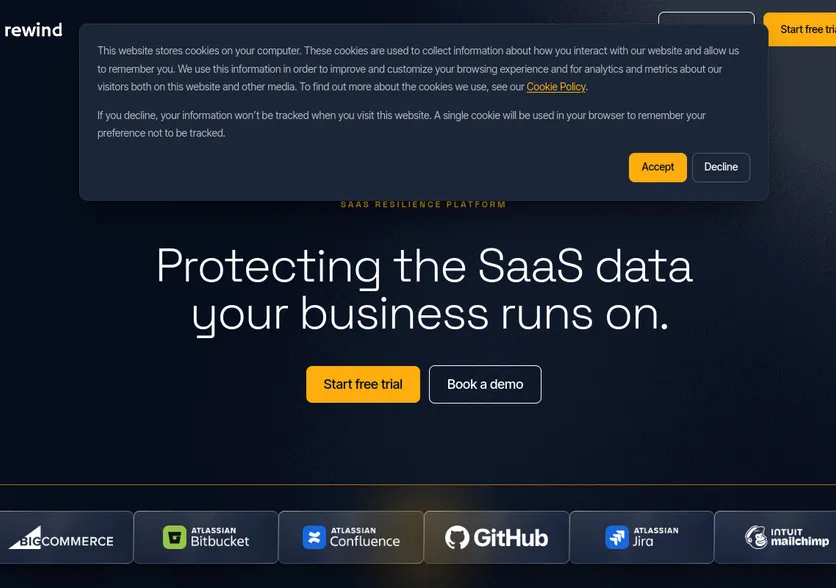
Rewind backs up the cloud apps small teams actually use, from stores to project tools, without a server to manage. This Rewind Standard plan costs $4 per user a month and covers automated daily backups with one-click restore. The Shopify backup product is a separate $19 a month service, so check which product you are buying before checkout.
What we like
- One-click restore for cloud apps
- Automated daily backups with no server
- Simple pricing per user
Watch out for
- Shopify backup is a separate product
- No free plan, only a trial
How to try it
- Start the trial and connect the cloud app you need to protect
- Run the first backup and check the data is complete
- Test a one-click restore on a single item before trusting it
2. MSP360
Best for: Freelancers and small teams that want managed backup with their own storage
Paid tool Starting price: $2.50/month · Managed Backup from $2.50 per workload a month, $25 monthly minimum; storage billed separately
Free plan: No free plan; 15-day free trial
MSP360 is the managed backup tool for teams that already own cloud storage and want software to drive it. This MSP360 Managed Backup plan starts from about $2 a month per workload, with a $25 monthly minimum, and works with your own storage on major cloud providers. Storage is a second bill, so the total cost depends on how much data you keep.
What we like
- Lowest starting price on this list
- Works with your own cloud storage
- Central dashboard for many machines
Watch out for
- Storage is a separate bill
- Minimum $25 a month lifts the floor
How to try it
- Start the trial and connect your cloud storage account
- Create a backup plan for the machines you protect
- Run a test restore to confirm the setup works
3. N2WS
Best for: Teams that protect cloud workloads on major providers
Paid tool Starting price: $249/month · Standard $249 a month flat for up to 20 instances, 3 accounts, 3 users; Advanced and Enterprise quote-based
Free plan: No free plan; 30-day free trial
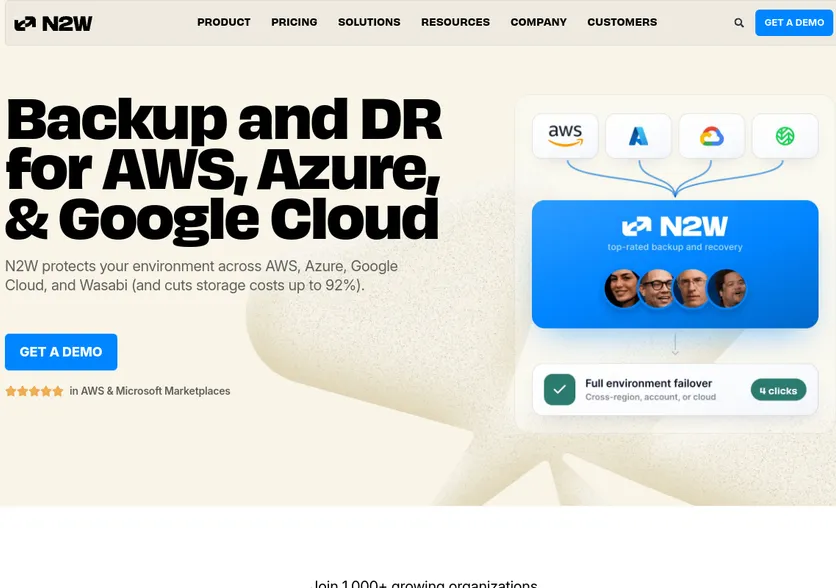
N2WS is the backup specialist for cloud workloads, built for teams running servers on the big cloud platforms. This N2WS Standard plan costs $249 a month flat for up to 20 instances, three accounts and three users, with storage billed separately in your own cloud account. It is the priciest flat fee here, but the flat rate makes budgeting simple for a fixed fleet.
What we like
- Flat monthly price for up to 20 instances
- Purpose-built for cloud workloads
- Automated policies with retention rules
Watch out for
- Flat $249 fee is steep for small fleets
- Storage billed separately in your cloud account
How to try it
- Start the trial and connect your cloud account
- Create a backup policy for the instances that matter
- Test a restore to a new instance before going live
4. Backblaze
Best for: Individuals and small teams that want unlimited computer backup
Paid tool Starting price: $8.25/month · Computer Backup $8.25 per computer a month billed annually, $99 a year; $9 month-to-month
Free plan: No free plan; 15-day free trial
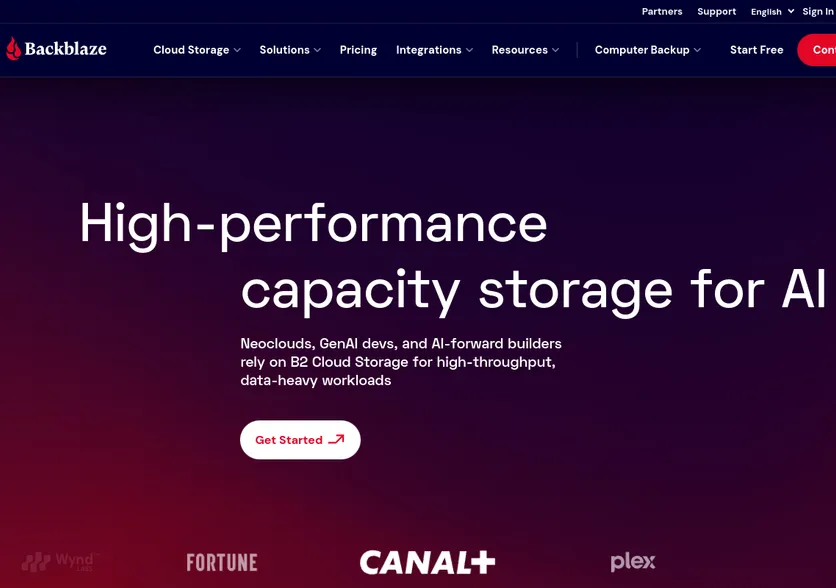
Backblaze is the set-and-forget backup for computers, with unlimited data per machine at a flat price. This Backblaze Computer Backup plan costs about $8 a month per computer on annual billing, or $99 a year, with unlimited storage included. A two-year term drops the rate further, and the 15-day trial is long enough to back up a whole machine.
What we like
- Unlimited data per computer included
- Set-and-forget backup with no tuning
- Fast restore by download or shipped drive
Watch out for
- Computer backup only, no server plans here
- No free plan, only a trial
How to try it
- Start the trial and install the backup app on your computer
- Let the first backup complete, then check the file list
- Set the schedule and forget it until you need a restore
5. CrashPlan
Best for: Small businesses that need endpoint backup with simple pricing
Paid tool Starting price: $7.33/month · Small Business Endpoint $7.33 per user a month billed annually, $88 a year; no monthly option listed
Free plan: No free plan; 30-day free trial
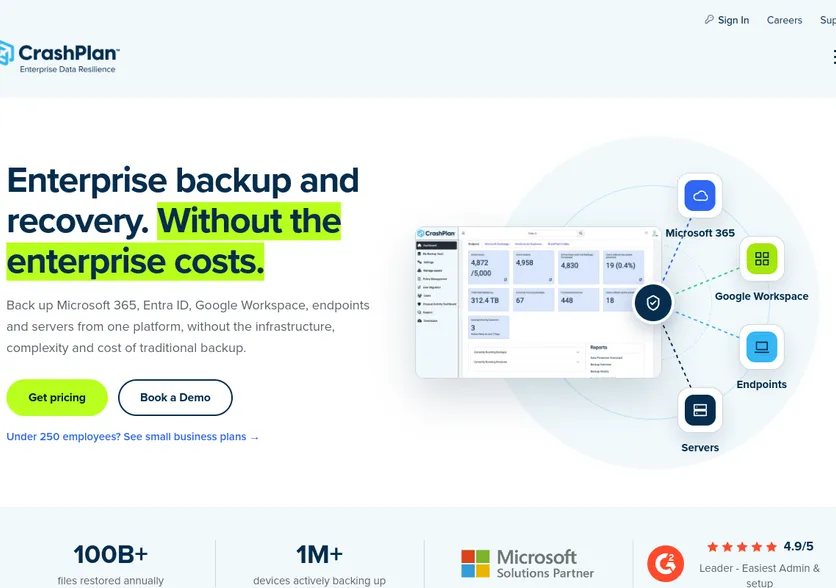
CrashPlan is the endpoint backup veteran, built for small businesses that need every laptop and desktop protected. This CrashPlan Small Business Endpoint plan costs about $7 a month per user on annual billing, or $88 a year, with no monthly option listed. The price is honest and the restore flow is simple, which is what matters when a machine dies on a deadline.
What we like
- Simple per-user pricing with no surprises
- Unlimited backup for each endpoint
- Long track record in business backup
Watch out for
- No monthly billing option listed
- Server backup is a separate pricier tier
How to try it
- Start the trial and install the agent on each machine
- Set the backup schedule and retention rules
- Test a file restore to confirm the backup is good
6. IDrive Business
Best for: Teams that need business backup with unlimited users and devices
Paid tool Starting price: $19.99/month · Business 500 GB $19.99 a month billed yearly, $239.88 a year; first-year discount is $13.99
Free plan: Free plan with 10 GB storage
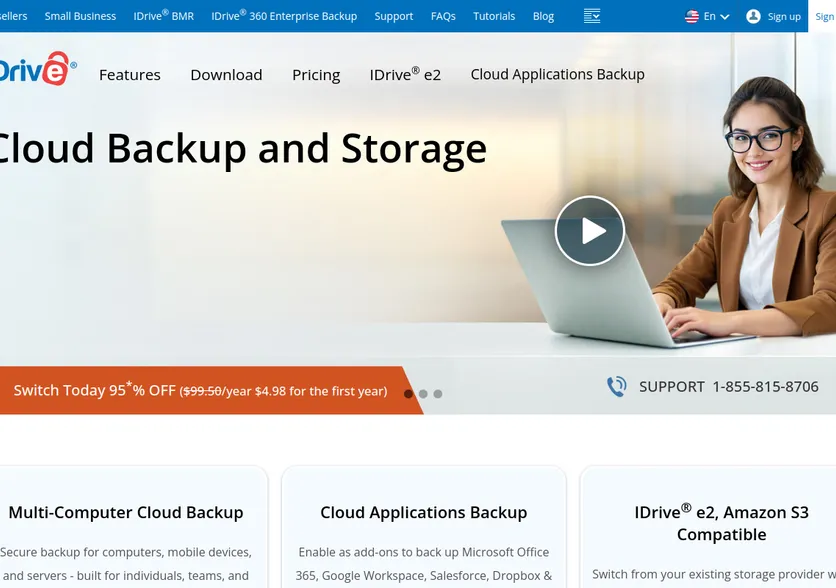
IDrive Business backs up unlimited users and devices under one account, which suits teams with many machines and few admins. This IDrive Business 500 GB plan costs about $20 a month billed yearly, or about $240 a year, with larger storage tiers available. The first-year discount drops the price to about $14, but the list price is the honest number to budget around.
What we like
- Unlimited users and devices included
- Free 10 GB plan to start with
- Server and database backup supported
Watch out for
- First-year discount hides the real list price
- Interface feels dated next to rivals
How to try it
- Start the free plan and back up one machine to test it
- Upgrade to Business when you need more storage and users
- Add every device and set the backup schedule
7. Veeam
Best for: Teams that want enterprise-grade backup with a cloud vault option
Paid tool Starting price: $14/month · Cloud Vault Foundation $14 per TB a month billed annually; Advanced $24 per TB
Free plan: Free Community Edition for up to 10 workloads
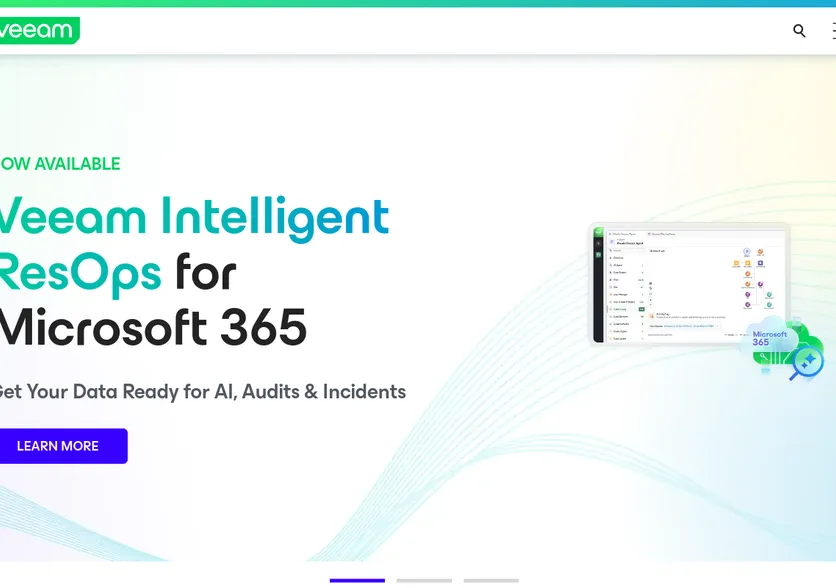
Veeam is the enterprise backup leader, and its cloud vault option brings that protection to smaller teams without hardware. This Veeam Cloud Vault Foundation plan costs $14 per terabyte a month on annual billing, with an Advanced tier at $24 per terabyte. The free Community Edition covers up to ten workloads, so a small team can trial enterprise backup before paying.
What we like
- Enterprise-grade backup and recovery
- Cloud vault needs no hardware
- Free edition covers ten workloads
Watch out for
- Per-terabyte pricing grows with data
- Enterprise depth needs admin skills
How to try it
- Start the free Community Edition on a small workload
- Add the cloud vault for off-site copies
- Test a full restore before moving production data
Prices above were checked on each vendor’s own website on Nov 26, 2026 and can change — the vendor’s page is the final word. Vendor links are editorial: nobody paid to be listed or ranked here. Vendors who want a featured listing can see how it works on our Get listed page.
How to prove your backup works before you need it
Pick one machine or app, back it up fully, then restore a single file and a full folder to a different location to prove the whole chain works. Repeat the test every quarter, because a backup that has never been restored is only a hope, and keep one copy off-site so a local disaster cannot take the backup with it.
Before you buy
- Count the workloads, users or terabytes you must protect before comparing prices, because the billed unit varies by tool.
- Check whether storage is included or billed separately, since some tools charge for the software and the storage twice.
- Confirm the recovery time for a full restore, because a cheap backup that restores slowly is no backup at all.
- Ask whether ransomware detection and immutable backups are included or sold as add-ons.
- Run a test restore on the trial to prove the backup actually works before you trust it with real data.
Official websites
Official websites of the products reviewed above. Features and prices were checked against these sites when this guide was written, and they can change, so confirm on the vendor site before you buy.
Frequently asked questions
What is the cheapest data protection platform?
MSP360 starts from about $2 a month per workload, the lowest entry here, though a $25 monthly minimum applies and storage is billed separately. Rewind follows at $4 a user a month, CrashPlan near $7 and Backblaze near $8 per computer. The cheapest bill depends on whether storage is included or charged on top.
Is there a free data protection platform?
Yes, Veeam offers a free Community Edition for up to ten workloads, and IDrive has a free plan with 10 GB of storage. Most other tools here offer free trials of 14 to 30 days instead of a free tier. Use the trial to run a real backup and a test restore before paying.
Which backup tool is best for a small business?
Backblaze and CrashPlan are the simplest picks, with set-and-forget backup for computers and a flat per-user or per-computer price. Both include unlimited data for each machine, so the bill is easy to predict. Pick Backblaze for personal machines and CrashPlan when the whole small business needs coverage.
Can these tools back up cloud apps like a store?
Yes, if your data lives in cloud apps like a store or a project tool, Rewind backs those up directly with one-click restore. If your data lives on computers, Backblaze or CrashPlan is the right pick. Match the tool to where the data actually sits, because a computer backup cannot restore a cloud app.
Why do backup prices vary so much between tools?
The billed unit is the trap: some tools charge per user, some per computer, some per workload and some per terabyte. Count your users, machines and data volume first, then multiply each tool price by the right number. A $4 per-user plan can cost more than a $14 per-terabyte plan for a team with many users and little data.
Keep the rest of your toolkit free — try Toolsvine's browser tools for invoices, budgets and time right now.
Browse Security & Privacy tools


