
On this page
A service desk is where a broken laptop becomes a ticket, a ticket becomes a fix, and a fix becomes a happy employee. The eight platforms below cover that journey, from a nineteen-dollar starter plan to an enterprise desk, and every price was checked on the vendor site on November 26, 2026. Most offer a free trial or a free tier, so you can run tickets through two of them before paying. Freshservice is our first pick — a desk that starts at nineteen dollars an agent a month and works from day one.
How we researched this
We started with the service management platforms that small and mid-sized teams actually buy, then read each price on the vendor pricing page on November 26, 2026 and noted the free trial or free tier each plan carries. We judged them for a team that needs tickets, a portal and basic automation without an enterprise budget or a long implementation. We kept only tools with a published price, and we dropped quote-only platforms like ServiceNow, SysAid, TOPdesk, BMC Helix, Ivanti and HaloITSM because no list price could be verified.
Compare the tools
| Name | Best for | Starting price | Free plan | |
|---|---|---|---|---|
 Freshservice | IT teams that want a clean service desk with asset tracking from day one | $19/agent/month | No free tier published on the pricing page | Visit |
 Jira Service Management | Development teams that already live in Jira and want service work in the same place | $21.50/agent/month | Free for up to 3 agents | Visit |
 Zendesk | Support-led teams that handle tickets across email, chat and phone | $19/agent/month | No free tier published on the pricing page | Visit |
 SolarWinds Service Desk | IT teams that want service management with asset discovery built in | $39/technician/month | No free tier published on the pricing page | Visit |
 ServiceDesk Plus | IT teams that want a full service desk for the price of a lunch | $13/technician/month | Free for up to 5 technicians | Visit |
 Freshdesk | Customer support teams that want a simple desk with strong automation | $19/agent/month | No free tier published on the pricing page | Visit |
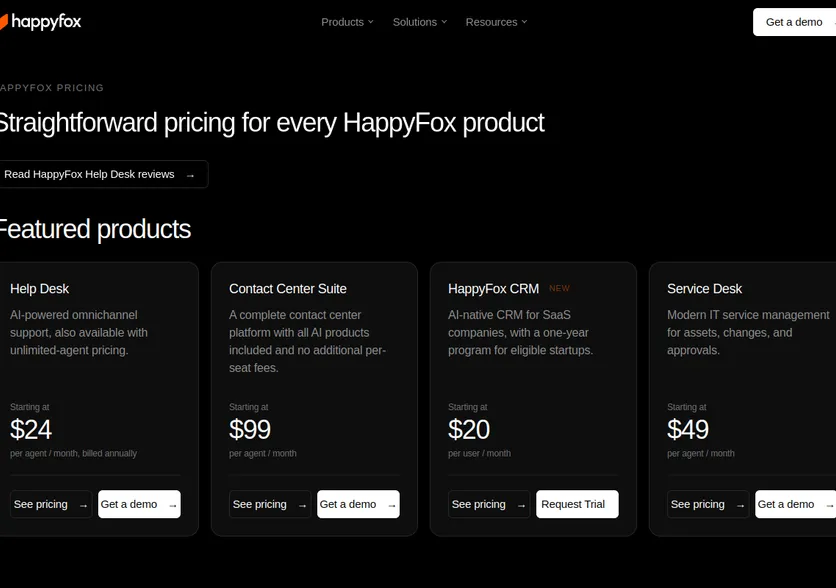
 HappyFox | Small support teams that want a simple desk with smart ticket routing | $24/agent/month | No free tier published on the pricing page | Visit |
 Zoho Desk | Small teams that want a capable desk at the lowest per-agent price | $14/agent/month | Free for up to 3 agents | Visit |
The service management software platforms, compared
1. Freshservice
Best for: IT teams that want a clean service desk with asset tracking from day one
Paid tool Starting price: $19/agent/month · Starter plan, $19 an agent a month billed annually or $29 billed monthly; Professional $49, Enterprise $99
Free plan: No free tier published on the pricing page
Freshservice is the friendliest desk on this list, built for IT teams that want tickets, assets and change requests in one place without a long setup. This Freshservice Starter plan covers incident management, a self-service portal and a knowledge base, with automation that routes tickets to the right agent. A small IT team can move off spreadsheets in a week and give every employee one place to ask for help.

What we like
- Clean interface that agents learn in a day
- Asset tracking included from the start
- Automation routes tickets without manual triage
Watch out for
- Starter costs nineteen dollars an agent a month billed annually
- Advanced automation and AI need higher tiers
How to try it
- Open the Freshservice pricing page and start a trial
- Create your first service catalog and invite your agents
- Route a real ticket end to end and check the portal
2. Jira Service Management
Best for: Development teams that already live in Jira and want service work in the same place
Paid tool Starting price: $21.50/agent/month · Standard plan, $21.50 an agent a month as a blended rate at 75 agents; graduated bands start at $26.90 for the first 15 agents and drop to $20.15 from agent 16; annual billing for 50 agents lists at $11,000 a year
Free plan: Free for up to 3 agents
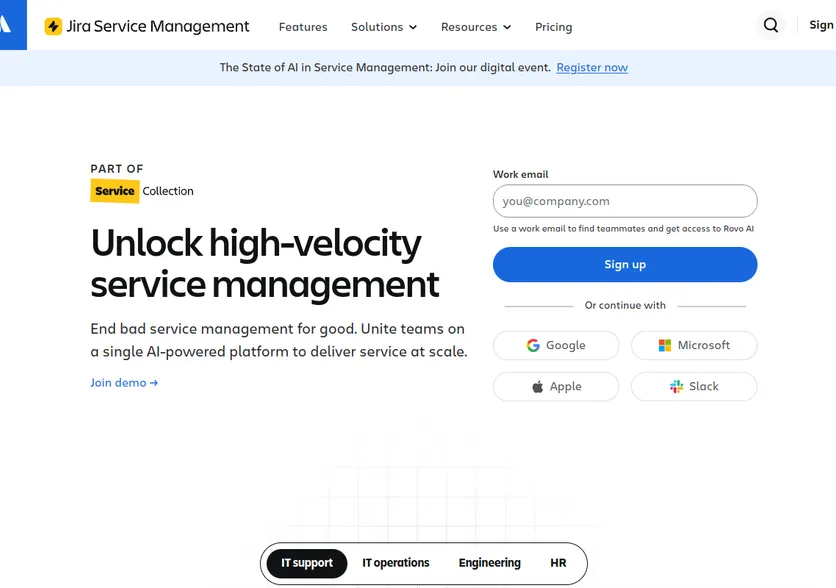
Jira Service Management brings IT support into the same workspace where developers already track their work, so a support ticket can become a bug fix without switching tools. This Jira Service Management Standard plan adds service level agreements, a customer portal and request forms on top of the boards your team knows. A software team can run support and development from one queue and stop losing requests between tools.
What we like
- Deep integration with Jira software projects
- Strong service level agreement tracking
- Customer portal with request forms
Watch out for
- Graduated pricing makes the per-agent cost hard to predict
- Best for teams already using Atlassian tools
How to try it
- Open the Jira Service Management page and start a trial
- Set up a service project with request types for common issues
- Connect it to your Jira software project and test the handoff
3. Zendesk
Best for: Support-led teams that handle tickets across email, chat and phone
Paid tool Starting price: $19/agent/month · Support Team plan, $19 an agent a month billed annually or $25 billed monthly; Suite Team $55, Suite Professional $115
Free plan: No free tier published on the pricing page
Zendesk is the veteran of this list, a support platform that turns email, chat and phone conversations into one tidy ticket queue. This Zendesk Support Team plan covers shared inboxes, ticket routing and a help center, with reporting that shows where requests pile up. A growing support team can handle every channel from one screen instead of juggling five inboxes.

What we like
- One queue for email, chat and phone
- Mature reporting and ticket routing
- Large app marketplace for integrations
Watch out for
- Support Team costs nineteen dollars an agent a month billed annually
- AI and advanced workflows need the Suite plans
How to try it
- Open the Zendesk pricing page and start a trial
- Connect your support email and set up ticket groups
- Build a help center article for your most common question
4. SolarWinds Service Desk
Best for: IT teams that want service management with asset discovery built in
Paid tool Starting price: $39/technician/month · Essentials plan, $39 a technician a month billed annually; Advanced $99, Premier $124
Free plan: No free tier published on the pricing page
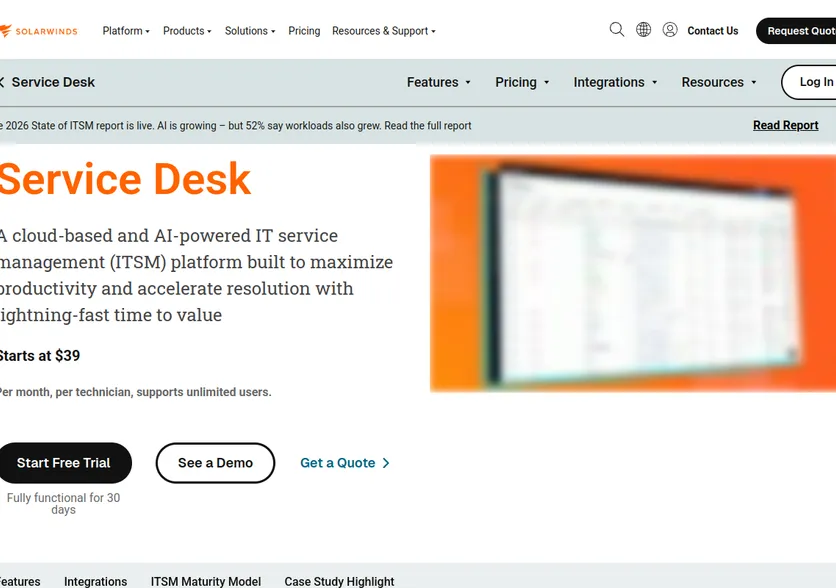
SolarWinds Service Desk pairs a solid ticket queue with automatic discovery of the hardware and software on your network, so the desk knows what it is supporting. This SolarWinds Service Desk Essentials plan covers incident management, a service catalog and a knowledge base, plus risk detection on the assets it finds. An IT team can answer a ticket with the device history already attached instead of asking the user what machine they own.
What we like
- Automatic asset discovery included
- Service catalog and knowledge base on Essentials
- Risk detection on discovered assets
Watch out for
- Essentials costs thirty-nine dollars a technician a month billed annually
- Priced per technician, so large teams pay more
How to try it
- Open the SolarWinds Service Desk page and start a trial
- Run asset discovery to map your network
- Create a service catalog entry for your most requested service
5. ServiceDesk Plus
Best for: IT teams that want a full service desk for the price of a lunch
Paid tool Starting price: $13/technician/month · Standard plan, $13 a technician a month for the cloud edition; Professional $27, Enterprise $67; Standard is free for up to 5 technicians
Free plan: Free for up to 5 technicians
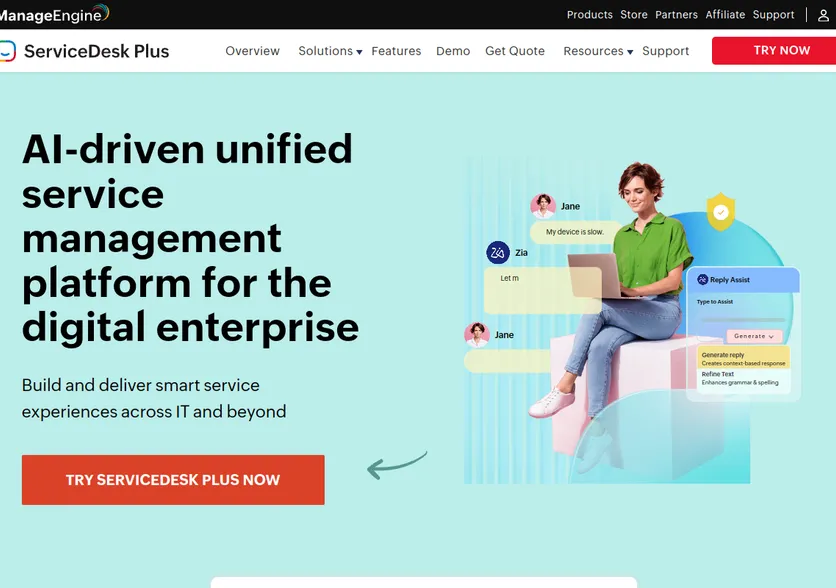
ManageEngine ServiceDesk Plus is the budget pick here, a complete desk that starts at thirteen dollars a technician a month and still covers the essentials. This ServiceDesk Plus Standard plan handles incident management, a self-service portal and asset tracking, with automation rules that keep tickets moving. A small IT team can run a proper desk on a tight budget and upgrade only when the team grows.
What we like
- Lowest paid entry price on this list
- Free for up to five technicians
- Asset tracking included on Standard
Watch out for
- Interface feels dated next to newer desks
- Some advanced features need the Professional plan
How to try it
- Open the ServiceDesk Plus page and start a trial
- Import your asset list and set up ticket categories
- Turn on automation rules for ticket assignment
6. Freshdesk
Best for: Customer support teams that want a simple desk with strong automation
Paid tool Starting price: $19/agent/month · Growth plan, $19 an agent a month billed annually or $23 billed monthly; Pro $55, Enterprise $89
Free plan: No free tier published on the pricing page
Freshdesk is the customer-facing sibling of Freshservice, built for support teams that answer customers rather than employees. This Freshdesk Growth plan adds automations, collision detection and reporting on top of shared inboxes and a knowledge base. A support team can stop stepping on each other's replies and give every customer a faster answer.

What we like
- Collision detection stops duplicate replies
- Automation handles routine ticket routing
- Knowledge base included on Growth
Watch out for
- Growth costs nineteen dollars an agent a month billed annually
- AI features need the Pro or Enterprise plan
How to try it
- Open the Freshdesk pricing page and start a trial
- Connect your support channels and set up ticket fields
- Turn on collision detection and test a shared inbox
7. HappyFox
Best for: Small support teams that want a simple desk with smart ticket routing
Paid tool Starting price: $24/agent/month · Basic plan, $24 an agent a month billed annually or $29 billed monthly; Team $49, Pro $99; Basic is capped at 5 agents
Free plan: No free tier published on the pricing page
HappyFox keeps support simple, with a clean queue and smart rules that sort tickets before an agent ever sees them. This HappyFox Basic plan covers ticket management, a knowledge base and customer satisfaction surveys, with canned responses for the answers you send every day. A small team can handle a growing inbox without hiring, because the routing does the sorting work.
What we like
- Smart rules sort tickets automatically
- Canned responses speed up common answers
- Built-in satisfaction surveys
Watch out for
- Basic costs twenty-four dollars an agent a month billed annually
- Basic plan is capped at five agents
How to try it
- Open the HappyFox pricing page and start a trial
- Set up smart rules to sort tickets by channel
- Write canned responses for your five most common questions
8. Zoho Desk
Best for: Small teams that want a capable desk at the lowest per-agent price
Paid tool Starting price: $14/agent/month · Standard plan, $14 an agent a month billed annually or $20 billed monthly; Express $7, Professional $23, Enterprise $40; free for up to 3 agents
Free plan: Free for up to 3 agents
Zoho Desk is the value pick for teams already using Zoho tools, and it holds its own even for teams that are not. This Zoho Desk Standard plan covers multi-channel tickets, automation and a knowledge base, with a clean interface that agents pick up fast. A small business can run a real support desk for fourteen dollars an agent a month and scale up only when the queue demands it.
What we like
- Low per-agent price with a free tier
- Multi-channel tickets in one queue
- Works well with the wider Zoho suite
Watch out for
- Standard costs fourteen dollars an agent a month billed annually
- Some integrations need higher tiers
How to try it
- Open the Zoho Desk pricing page and start a trial
- Connect your email and social channels
- Set up automation rules for ticket assignment
Prices above were checked on each vendor’s own website on Nov 26, 2026 and can change — the vendor’s page is the final word. Vendor links are editorial: nobody paid to be listed or ranked here. Vendors who want a featured listing can see how it works on our Get listed page.
What service management software costs in 2026
Most teams pay per agent, so the headcount on your support desk is the whole budget and the cheapest plan is not always the cheapest deal. This list runs from thirteen dollars a technician a month for ServiceDesk Plus to thirty-nine dollars for SolarWinds Service Desk, with most desks clustered around nineteen dollars an agent a month. The headline plan each vendor shows on its own pricing page is the number in the table above, checked on November 26, 2026.
Start with the free tier or trial on two desks and run the same ten tickets through both. Compare how fast agents resolve them and how often customers use the self-service portal, then pick the desk your team will actually open every day. A nineteen-dollar desk that your agents love beats a thirty-nine-dollar desk that sits half-used.
Before you buy
- Count the agents first, because most plans here charge per agent and a desk feels every extra seat.
- Check the agent cap on the plan you like, because a cheap plan with a five-agent limit costs more after an upgrade.
- Test the self-service portal yourself, because a portal customers actually use cuts your ticket volume in half.
- Ask whether the desk fits your stack: Freshservice suits IT teams, Zendesk suits customer support, and Zoho Desk suits small businesses.
- Add up the hours saved, because a nineteen-dollar desk that resolves tickets fast buys your team a day every week.
Official websites
Official websites of the products reviewed above. Features and prices were checked against these sites when this guide was written, and they can change, so confirm on the vendor site before you buy.
Frequently asked questions
Which service management software is best for a small team in 2026?
Freshservice, at nineteen dollars an agent a month billed annually, is the safest default because it covers tickets, assets and a portal in a clean interface agents learn fast. Zoho Desk is better when budget comes first, at fourteen dollars an agent a month with a free tier for up to three agents. ServiceDesk Plus wins on price alone, at thirteen dollars a technician a month with a free plan for up to five technicians.
What is the cheapest service management software?
ServiceDesk Plus Standard, at thirteen dollars a technician a month, is the cheapest paid plan here and it is free for up to five technicians. Zoho Desk Standard, at fourteen dollars an agent a month billed annually, is next and includes a free tier for up to three agents. Freshservice and Zendesk both start at nineteen dollars an agent a month, which is the going rate for a polished desk.
Can I try service management software for free?
Most of them, yes. Zoho Desk and ServiceDesk Plus both offer free tiers for small teams, and Freshservice, Zendesk, Freshdesk and HappyFox all offer free trials from their pricing pages. Start with the free tier or trial on two desks and run real tickets through both before paying. A trial shows you how agents actually work in the tool, not how the demo looks.
Do I need asset management in a service desk?
It helps when your team supports hardware, because the desk can attach a device history to every ticket without asking the user what machine they own. Freshservice, ServiceDesk Plus and SolarWinds Service Desk all include asset tracking, and SolarWinds discovers devices on your network automatically. If your team only answers software questions, a simpler desk like HappyFox or Zoho Desk is enough.
Which service management software integrates with Jira?
Jira Service Management is the obvious pick, because it shares projects, boards and users with Jira software and turns a support ticket into a bug fix in one click. Freshservice and Zendesk also connect to Jira through their app marketplaces, though the handoff is less direct. If your developers already live in Jira, keeping support in the same workspace saves more time than any other feature.
Need everyday business help too? Try Toolsvine's free business tools for small teams right in your browser.
Browse Business Tools tools


