On this page
An agent's week is a calendar, and every showing that takes three calls to book is time that should have gone to a client. The seven tools below schedule property tours, confirm them, remind everyone involved and collect feedback after the door closes. Calendly leads because it books any tour from one link for ten dollars per seat a month, and the rest are ranked on how well they fit the way real estate agents actually schedule.
How we researched this
We checked every price on the vendor pricing page on November 28, 2026, and only included tools with a published US dollar list price. Supra eKEY and SentriLock were left out because their prices are set by local associations and no single vendor list price exists, and HomeSpotter was left out because it sells by quote through Lone Wolf. Prices change, so confirm the current figure on the vendor site before you buy.
Compare the tools
| Name | Best for | Starting price | Free plan | |
|---|---|---|---|---|
 Calendly | Agents who want one booking link for every tour | $10/seat/month | Free plan (1 event type) | Visit |
| InstaShowing | Agents who want a standalone showing scheduler | $19/month | No free plan; 7-day free trial | Visit |
| ShowingTime | Agents in MLS markets that already run ShowingTime | $25/month | Free via most MLS memberships | Visit |
| BrokerBay | Brokerages that want a staffed front desk for showings | $20/month | Free via participating MLSs | Visit |
 ShowMojo | Property managers who show rentals by self-tour | $100/month | No free plan; free trial | Visit |
| Rently | Leasing offices running self-tours at scale | $28/listing/month | No free plan; free trial | Visit |
| Tenant Turner | Teams that screen renters before confirming a tour | $85/month | No free plan; free trial | Visit |
The showing scheduling software for real estate agents, compared
1. Calendly
Best for: Agents who want one booking link for every tour
Paid tool Starting price: $10/seat/month · Ten dollars per seat a month on Standard billed annually ($12 billed monthly); Teams is $16 a seat a month billed annually; the free plan covers one event type and one calendar
Free plan: Free plan (1 event type)
An agent who books tours, calls and open houses from one link gets a clean scheduler here, since this Calendly plan costs ten dollars per seat a month on Standard billed annually and handles every booking the same way. It shows real availability, blocks the calendar automatically and reminds buyers and sellers before the tour, and it works for private showings, open houses and listing calls alike. It is the simplest scheduling tool in this list and the cheapest.

What we like
- One booking link for tours, calls and open houses
- Automatic calendar blocks and reminders
- Cheapest plan in this list at ten dollars a seat
Watch out for
- No seller approval or MLS workflow built in
- No lockbox or showing feedback tools
How to try it
- Create an event type for showings with the right length
- Share the booking link with buyers and agents
- Let reminders run and check the calendar daily
2. InstaShowing
Best for: Agents who want a standalone showing scheduler
Paid tool Starting price: $19/month · Nineteen dollars a month on Essentials billed annually; Premium is $39 a month billed annually; the vendor blog lists a fifteen-dollar Starter plan and twenty-nine-dollar Essentials, which conflicts with the current pricing page — confirm the tier before you buy
Free plan: No free plan; 7-day free trial
An agent who wants showing requests, approvals and feedback in one independent tool gets it here, since this InstaShowing plan costs nineteen dollars a month on Essentials billed annually and works with over five hundred MLSs. It handles the request, the seller approval, the calendar block, the text reminder and the feedback form without the agent chasing any of it. It is the best standalone scheduler in this list for an agent who wants to buy the tool outright.

What we like
- Requests, approvals, reminders and feedback in one flow
- Works with over five hundred MLSs without board adoption
- Month-to-month billing with no long-term contract
Watch out for
- The vendor blog lists a fifteen-dollar Starter the pricing page does not show
- Offer management needs the Premium tier
How to try it
- Create the account and connect the MLS
- Set the approval rules and calendar blocks
- Share the booking link and collect feedback after tours
3. ShowingTime
Best for: Agents in MLS markets that already run ShowingTime
Paid tool Starting price: $25/month · Twenty-five dollars a month for an individual agent on Appointment Center; team and office plans go through sales; older price lists show fifteen dollars a month and some markets include it free or discounted through MLS membership, so confirm what your MLS covers
Free plan: Free via most MLS memberships
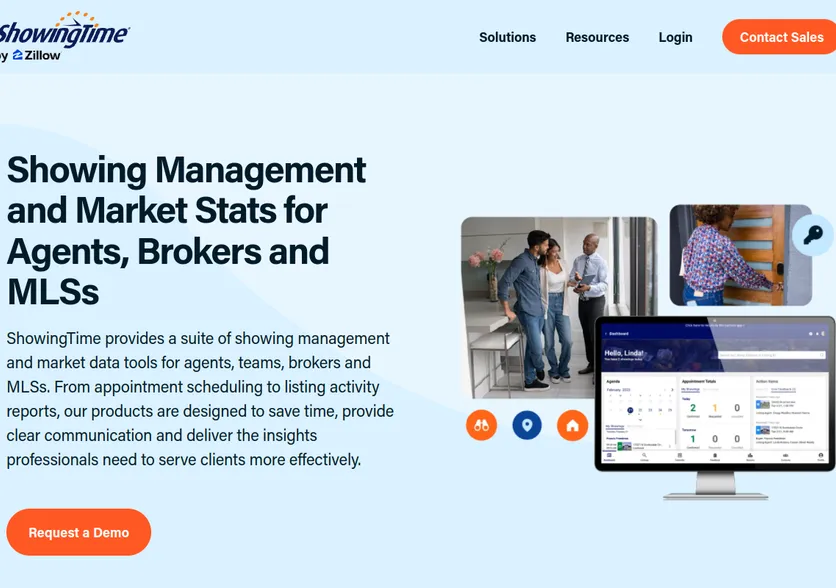
An agent whose market runs on the MLS default gets the system buyers already know here, since this ShowingTime plan costs twenty-five dollars a month for an individual agent on Appointment Center. It takes the request, gets the seller to approve it, confirms the time and collects feedback after the tour, and most markets include the core scheduling free through MLS dues. It is the pick for an agent who wants the fewest surprises in a busy week.
What we like
- The showing system most buyers and sellers already know
- Seller approval, confirmation and feedback in one flow
- Core scheduling often included free through MLS dues
Watch out for
- Older price lists show fifteen dollars, so confirm the current rate
- Team and office plans go through sales, not self-serve
How to try it
- Check whether the MLS already covers the core scheduling
- Set the showing rules and approval steps per listing
- Collect feedback automatically after each tour
4. BrokerBay
Best for: Brokerages that want a staffed front desk for showings
Paid tool Starting price: $20/month · Twenty dollars a month flat when an agent subscribes directly to the Appointment Desk; brokerages pay eight dollars per active listing a month, and the full front-desk upgrade runs two to six dollars per agent a month by office size; most agents get the base scheduling free through a participating MLS
Free plan: Free via participating MLSs
A brokerage that wants its front desk answered around the clock gets it here, since this BrokerBay plan costs twenty dollars a month when an agent subscribes directly to the Appointment Desk. It answers showing calls all day and night, books the tour, confirms it with the seller and works natively with both Supra and SentriLock lockboxes. It suits a brokerage that wants no showing request to go unanswered, even at midnight.
What we like
- Live answering service around the clock, every day
- Native Supra and SentriLock lockbox integration
- Free to agents through participating MLSs
Watch out for
- No self-serve path where the MLS has not adopted it
- Direct brokerage pricing gets expensive at high listing counts
How to try it
- Confirm the MLS or brokerage has adopted BrokerBay
- Set up the front desk and lockbox connections
- Route showing requests through the Appointment Desk
5. ShowMojo
Best for: Property managers who show rentals by self-tour
Paid tool Starting price: $100/month · One hundred dollars a month on Pro for two listings; unit-based Pro is one dollar and thirty cents per unit a month billed annually and Ultra is two dollars and seventy cents; listing-based Ultra is $110 a month; lockbox hardware is extra
Free plan: No free plan; free trial
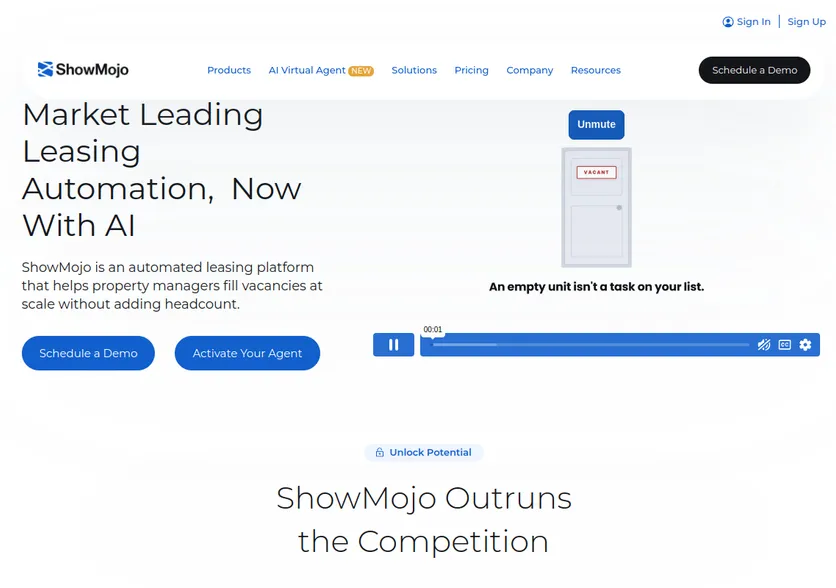
A property manager who shows rentals without driving to every one gets it here, since this ShowMojo plan costs one hundred dollars a month on Pro for two listings and automates the tour. It pre-screens the prospect, issues a lockbox code, tracks the self-showing and collects feedback, so the manager only visits the listings that need a human. It fits a rental book big enough to justify the price.
What we like
- Self-showings with lockbox codes and screening
- Feedback collection after every tour
- Cuts the driving to routine rental viewings
Watch out for
- Built for rentals, so resale agents get less value
- Lockbox hardware costs extra on top of the plan
How to try it
- Add the listings and set the self-showing rules
- Connect the lockbox and enable prospect screening
- Review feedback after each tour and follow up
6. Rently
Best for: Leasing offices running self-tours at scale
Paid tool Starting price: $28/listing/month · Twenty-eight dollars per listing credit on annual credits ($32 monthly per listing); Premium is $37 a month billed annually; five-listing minimum, so the practical floor is about one hundred and sixty dollars a month; MAX is quoted; self-touring needs an access device priced separately
Free plan: No free plan; free trial
A leasing office that hands out self-tour codes instead of keys gets it here, since this Rently plan costs twenty-eight dollars per listing a month on annual credits and verifies every visitor first. It issues a one-time lockbox code, logs the entry and lets the office see exactly who toured and when, so no tour happens without a record. It suits a team with enough listings to clear the five-listing minimum.

What we like
- One-time lockbox codes with visitor verification
- Every tour logged with time and identity
- Self-touring that frees the leasing team
Watch out for
- Five-listing minimum means a floor near one hundred and sixty dollars
- Self-touring needs an access device priced separately
How to try it
- Add the listings and set the tour rules
- Enable visitor verification and lockbox codes
- Review the tour log and follow up with visitors
7. Tenant Turner
Best for: Teams that screen renters before confirming a tour
Paid tool Starting price: $85/month · Eighty-five dollars a month on Pro for two listings; per-unit Pro is one dollar and seventeen cents per unit a month billed annually with a sixty-five-dollar monthly minimum; Ultra is two dollars and forty-three cents per unit a month billed annually; the AI Virtual Agent is a separate add-on with no published price
Free plan: No free plan; free trial
An agent who wants applications and showings in the same flow gets it here, since this Tenant Turner plan costs eighty-five dollars a month on Pro for two listings and screens before it schedules. It takes the showing request, collects the application, screens the prospect and only then confirms the tour, so the agent tours people who are likely to qualify. It is the pick for a team that wants fewer, better showings.
What we like
- Applications and showings in the same flow
- Prospect screening before the tour is booked
- Per-unit pricing that scales with the portfolio
Watch out for
- Built for rentals, so resale agents get little value
- The AI Virtual Agent is a separate add-on with no price
How to try it
- Add the listings and set the showing schedule
- Enable applications and screening on the tour flow
- Review qualified prospects and confirm the showings
Prices above were checked on each vendor’s own website on Nov 28, 2026 and can change — the vendor’s page is the final word. Vendor links are editorial: nobody paid to be listed or ranked here. Vendors who want a featured listing can see how it works on our Get listed page.
The showing scheduling software for real estate agents, compared
Start with the calendar the agent already lives in, because a scheduler that does not sync with it creates double bookings instead of preventing them. Check the MLS position first: if the market already provides ShowingTime or BrokerBay, the agent may only need a simple booking link for the rest. Book a test tour as a buyer would and watch every step, since a confusing flow loses showings before the agent ever hears about them. Keep the tour notes in the same tool, since feedback collected in the showing app is far easier to send to the seller than notes scattered across email. Finally, agree who answers the phone at night, because a scheduler without a human backup still misses the urgent calls.
Before you buy
- Sync the scheduler with the calendar the agent already lives in
- Check what showing software the MLS already provides before buying
- Book a test tour as a buyer would and watch every step
- Confirm reminders go to buyers, sellers and agents automatically
- Agree who answers showing calls outside office hours
Official websites
Official websites of the products reviewed above. Features and prices were checked against these sites when this guide was written, and they can change, so confirm on the vendor site before you buy.
Frequently asked questions
What is the best showing scheduling software for real estate agents?
Calendly is the best overall pick for simple scheduling, at ten dollars per seat a month on Standard, because one booking link covers tours, calls and open houses. InstaShowing is the best dedicated showing scheduler at nineteen dollars a month on Essentials billed annually, with approvals and feedback built in. Agents in an MLS market should check ShowingTime first, at twenty-five dollars a month on Appointment Center, since the core scheduling is often already included in dues.
How much does InstaShowing cost?
InstaShowing costs nineteen dollars a month on Essentials billed annually, and Premium is thirty-nine dollars a month billed annually. The vendor blog lists a fifteen-dollar Starter plan and twenty-nine-dollar Essentials, which conflicts with the current pricing page, so confirm the tier before you buy. Brokerage pricing starts at twenty-four dollars and fifty cents per agent a month, with volume discounts for larger teams.
Can buyers schedule a showing without calling the agent?
Yes, with any of the tools in this list. Calendly, InstaShowing, ShowingTime and BrokerBay all let buyers pick a time from a link, and the better tools then get seller approval, send reminders and collect feedback automatically. BrokerBay goes further with a staffed front desk that answers calls around the clock. The agent still sets the rules, but the buyer does the booking.
What is self-showing software for rentals?
Self-showing software lets a verified renter tour a property alone using a one-time lockbox code, without the agent driving over. ShowMojo starts at one hundred dollars a month for two listings, Rently costs twenty-eight dollars per listing a month with a five-listing minimum, and Tenant Turner starts at eighty-five dollars a month for two listings. All three verify the visitor and log the tour, and lockbox hardware is priced separately.
Do I need ShowingTime if my MLS already has it?
Probably not. Most US markets include the core ShowingTime scheduling free through MLS dues, so an agent in those markets already has the system buyers know. The twenty-five-dollar Appointment Center plan adds a staffed front desk that answers calls and books showings. Check with the local MLS before paying, since buying the same system twice is the most common waste in this category.
Compare the seven tools above, then test the booking flow as a buyer would and start with a trial on the one that fits the agent's week before paying for a full year.
Browse Business Tools tools