On this page
An embedded system has to work the first time it is switched on, so the simulation happens before the soldering starts. The best simulation software for an embedded system lets a team model the circuit, test the firmware against it, and catch the faults that would cost a board spin. We compared eight tools on price, simulation depth, PCB support and how fast a team can learn them. MATLAB came out first for its standard analysis environment, with EasyEDA and DipTrace close behind for teams that want a fast route to a finished board. Here is the full comparison.
How we researched this
We checked each vendor's own pricing page in November 2026 and took the entry paid plan as the headline price, with any yearly or one-time basis noted beside it. We weighed simulation depth, whether the tool covers schematic and layout as well, and whether a small team can learn it without a training course. Tools with no published price were left out, and every price below comes from the vendor's own site.
Compare the tools
| Name | Best for | Starting price | Free plan | |
|---|---|---|---|---|
 MATLAB | Embedded teams that model and analyse first | $1,050/year | No free plan; 30-day free trial | Visit |
 Simulink | Teams that simulate the whole system first | $1,585/year | No free plan; 30-day free trial | Visit |
| Proteus Design Suite | Teams that simulate firmware against hardware | $248 one-time | No free plan; demo available | Visit |
| Altium Designer | Professional teams designing production boards | $1,990/year | No free plan; 15-day free trial | Visit |
| DipTrace | Small teams that want a simple PCB tool | $75 one-time | Free plan (300 pins, 2 layers) | Visit |
| NI Multisim | Teams that simulate circuits like a bench test | $1,869/year | No free plan; free trial | Visit |
| EasyEDA | Maker teams that order boards from the browser | $19.90/month | Free plan | Visit |
| Flux | Teams that want AI help with board design | $80/month | No free plan; 7-day free trial | Visit |
The 8 simulation tools for embedded systems, compared
1. MATLAB
Best for: Embedded teams that model and analyse first
Paid tool Starting price: $1,050/year · One thousand and fifty dollars a year for a Standard Individual annual licence (a perpetual licence is two thousand six hundred and twenty-five dollars one time); Home Suite is one hundred and sixty-five dollars a year and Student is one hundred and nineteen dollars a year. Note: one November 2026 read lists nine hundred and forty dollars a year; the majority of reads agree on one thousand and fifty dollars
Free plan: No free plan; 30-day free trial
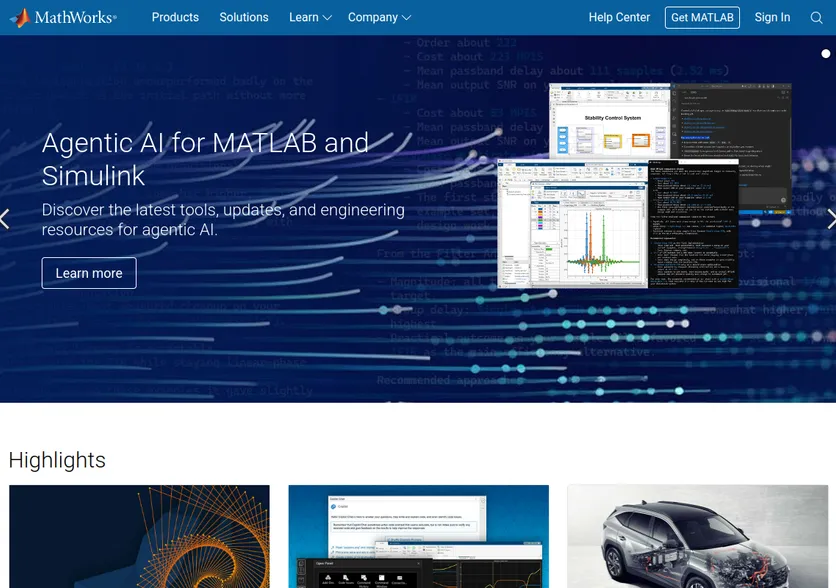
An embedded team that models control logic before touching hardware will find this MATLAB licence costs one thousand and fifty dollars a year for a Standard Individual annual licence. Its matrix math, signal processing and plotting cover the analysis around an embedded design, and the toolboxes add control, signal and communications work on top. It is the standard analysis environment in this list, and the one most engineers already know.
What we like
- Standard matrix math and signal processing
- Toolboxes for control and communications
- The environment most engineers already know
Watch out for
- A yearly licence is dear for a solo maker
- No free plan, only a thirty-day trial
How to try it
- Open a script and load the sensor data
- Run the analysis and plot the result
- Export the model for the firmware team
2. Simulink
Best for: Teams that simulate the whole system first
Paid tool Starting price: $1,585/year · One thousand five hundred and eighty-five dollars a year for an annual licence (a perpetual licence is three thousand nine hundred and sixty-five dollars one time in North America); sold as a separate product from MATLAB
Free plan: No free plan; 30-day free trial
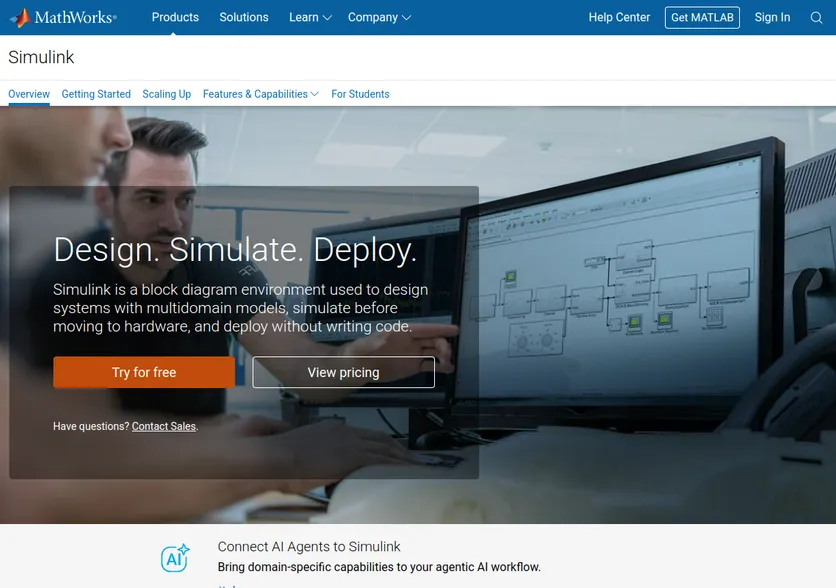
A team that simulates a whole embedded system before building it will find this Simulink licence costs one thousand five hundred and eighty-five dollars a year for an annual licence. Its block diagrams model plants, controllers and sensors together, and code generation turns the tested model into firmware for the target chip. It is the most complete model-based design tool in this list for embedded work.
What we like
- Block diagrams model plant and controller together
- Code generation turns models into firmware
- Hardware-in-the-loop testing built in
Watch out for
- Dearest annual licence in this list
- Needs MATLAB beside it for full use
How to try it
- Build the plant and controller as blocks
- Run the simulation and check the response
- Generate code for the target hardware
3. Proteus Design Suite
Best for: Teams that simulate firmware against hardware
Paid tool Starting price: $248 one-time · Two hundred and forty-eight dollars one time for the PCB Design Starter Kit perpetual licence; VSM Arduino AVR is three hundred and twenty-two dollars and ARM Cortex-M3 and M4 is nine hundred and eight dollars; Enterprise is six thousand nine hundred and seventy-two dollars per user. Note: the vendor page also shows custom pricing from one hundred and fifty pounds, and a twenty percent off sale was reported ending December 6
Free plan: No free plan; demo available
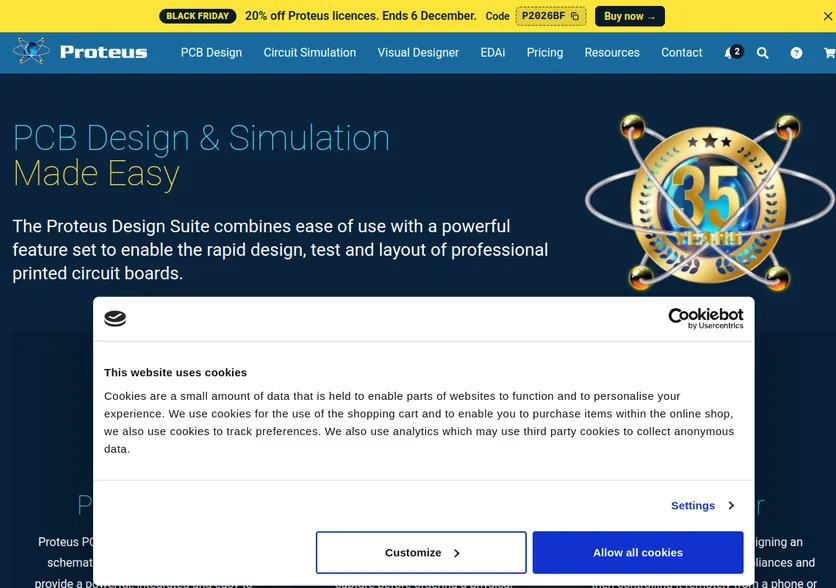
An embedded team that wants schematic, simulation and PCB layout in one app will find this Proteus Design Suite licence costs two hundred and forty-eight dollars one time for the PCB Design Starter Kit perpetual licence. Its VSM simulation runs real microcontroller code against the circuit before a board is made, and the perpetual licence means no yearly bill. It is the best value here for a team that simulates firmware against hardware.
What we like
- VSM runs real microcontroller code
- Schematic, simulation and PCB in one app
- Perpetual licence with no yearly bill
Watch out for
- Interface feels older than cloud rivals
- Advanced simulation is a paid add-on
How to try it
- Draw the schematic and add the microcontroller
- Load the firmware and run the simulation
- Route the PCB from the tested schematic
4. Altium Designer
Best for: Professional teams designing production boards
Paid tool Starting price: $1,990/year · One thousand nine hundred and ninety dollars a year for the first seat (a nine hundred and ninety-five dollar workspace plus one nine hundred and ninety-five dollar author seat); additional authors are nine hundred and ninety-five dollars a year each up to five; Designer Standard is four thousand two hundred and thirty-five dollars a year and Professional is five thousand four hundred and ninety-five dollars a year; perpetual licences are discontinued
Free plan: No free plan; 15-day free trial
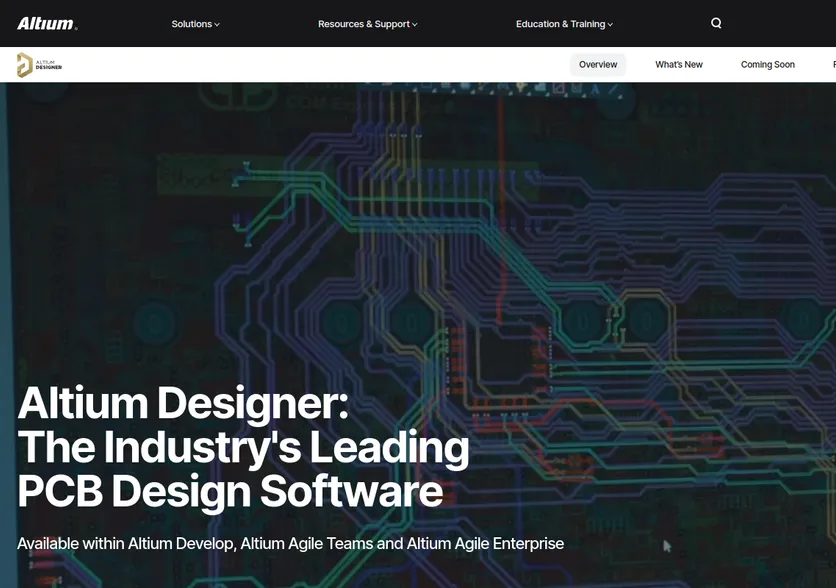
A professional embedded team that designs dense boards will find this Altium Designer seat costs one thousand nine hundred and ninety dollars a year for the first seat. Its unified design environment covers schematic, layout and simulation with the rigour a production board demands, and its component library keeps parts and footprints in step. It is the most professional board tool in this list, and the dearest to run.
What we like
- Unified schematic, layout and simulation
- Strong component library and version control
- Built for dense production boards
Watch out for
- Dearest seat in this list for a small team
- Perpetual licences are discontinued
How to try it
- Start the schematic from the component library
- Simulate the critical nets before layout
- Route the board and run design rule checks
5. DipTrace
Best for: Small teams that want a simple PCB tool
Paid tool Starting price: $75 one-time · Seventy-five dollars one time for the Starter perpetual licence (three hundred pins, two layers); Lite is one hundred and forty-five dollars, Standard is three hundred and ninety-five dollars, Extended is six hundred and ninety-five dollars and Full is nine hundred and ninety-five dollars; a free version covers three hundred pins and two layers
Free plan: Free plan (300 pins, 2 layers)
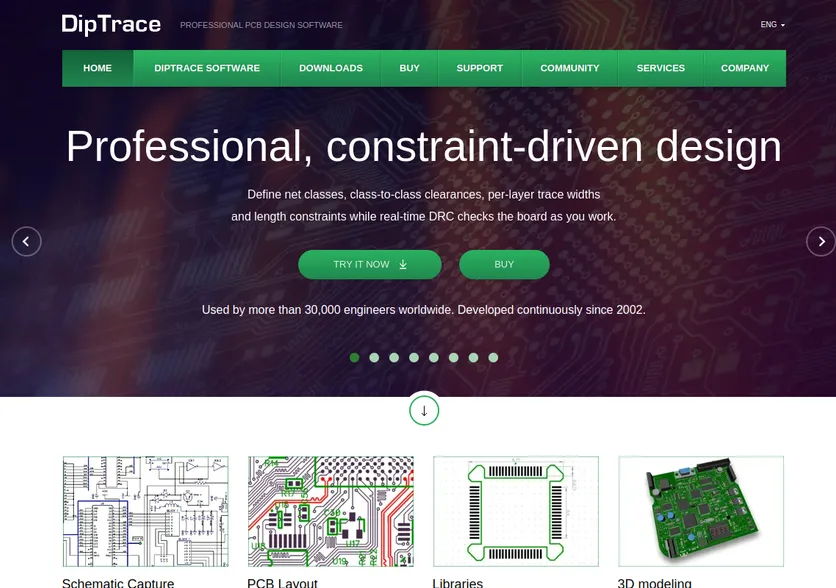
A small embedded team that wants a straightforward PCB tool will find this DipTrace licence costs seventy-five dollars one time for the Starter perpetual licence. Its schematic capture, PCB layout and shape-based router cover a simple board without a steep learning curve, and the free version handles small designs for nothing. It is the cheapest honest route here to a finished board.
What we like
- Straightforward schematic and layout
- Perpetual licence from seventy-five dollars
- Free version for small designs
Watch out for
- Simulation is thinner than Proteus or Multisim
- Fewer libraries than the big names
How to try it
- Draw the schematic with the component library
- Place parts and route the board
- Run the design rule check before ordering
6. NI Multisim
Best for: Teams that simulate circuits like a bench test
Paid tool Starting price: $1,869/year · One thousand eight hundred and sixty-nine dollars a year on Base; Full is three thousand two hundred and sixty-seven dollars and Power Pro is four thousand eight hundred and thirty-eight dollars a year. Note: one September 2026 read of the NI store lists different figures (Full at two thousand two hundred and ten dollars a year); the figures here are the vendor-supplied ladder reported in November 2026
Free plan: No free plan; free trial
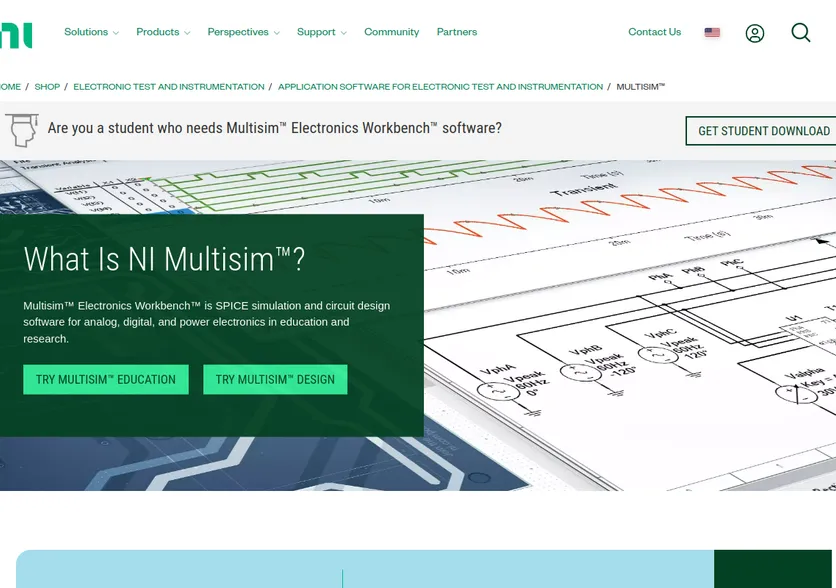
An embedded team that simulates analogue and digital circuits in detail will find this NI Multisim licence costs one thousand eight hundred and sixty-nine dollars a year on Base. Its SPICE engine and virtual instruments test a circuit the way a bench would, and its teaching roots make it easy for a mixed team to learn. It is the most bench-like simulator in this list.
What we like
- SPICE simulation with virtual instruments
- Feels like working on a real bench
- Strong for teaching and mixed teams
Watch out for
- Dearest simulator here after Altium
- PCB layout needs a separate tool
How to try it
- Draw the circuit with the component library
- Attach virtual instruments to the test points
- Run the simulation and read the traces
7. EasyEDA
Best for: Maker teams that order boards from the browser
Paid tool Starting price: $19.90/month · Nineteen dollars and ninety cents a month on Premium billed annually only (two hundred and thirty-eight dollars and eighty cents a year); Enterprise is thirty-nine dollars and ninety cents per member a month billed annually; a free plan allows commercial use with half a gigabyte of storage. Note: older reads cite a Pro plan from seven dollars and ninety-nine cents a month; Premium at nineteen dollars and ninety cents is the current vendor-page figure
Free plan: Free plan
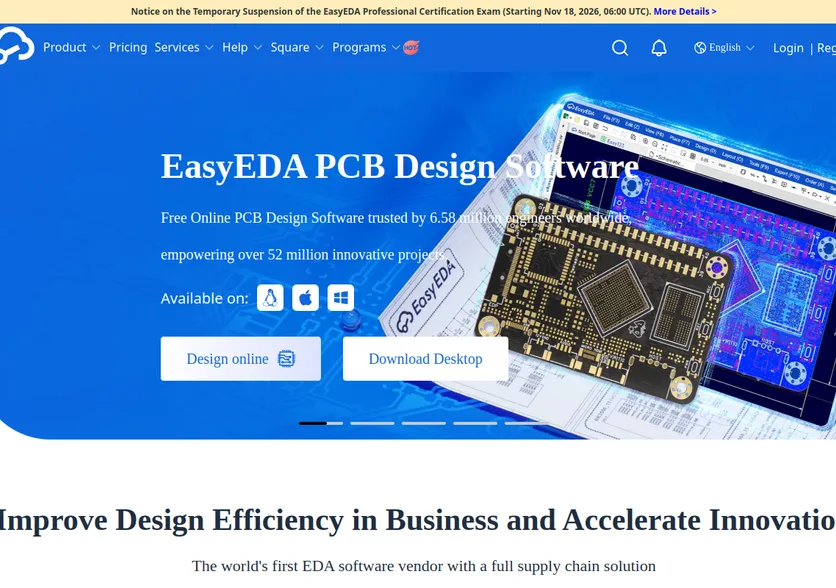
A maker team that wants to go from schematic to ordered board in a browser will find this EasyEDA plan costs nineteen dollars and ninety cents a month billed annually only. Its cloud editor, huge shared library and one-click ordering keep a small project moving, and the free plan allows commercial use. It is the fastest route here from an idea to a board in the post.
What we like
- Cloud editor with a huge shared library
- One-click ordering from the design
- Free plan allows commercial use
Watch out for
- Simulation is lighter than desktop tools
- Premium is annual-only, no monthly option
How to try it
- Draw the schematic in the browser editor
- Switch to the PCB view and place parts
- Order the board from inside the tool
8. Flux
Best for: Teams that want AI help with board design
Paid tool Starting price: $80/month · Eighty dollars a month on Build billed annually (one hundred dollars billed monthly); Pro is two hundred dollars billed annually; Teams starts at five hundred dollars a month; Enterprise is quoted. AI use is metered in Agent Compute Units, with extra units at two dollars each; a lighter Explore tier is reported from about forty dollars a month
Free plan: No free plan; 7-day free trial
An embedded team that wants AI help with its board will find this Flux plan costs eighty dollars a month billed annually on Build. Its browser-based editor pairs schematic and layout with an AI assistant that researches parts, places components and reviews the design, and its built-in SPICE simulation tests the circuit before fabrication. It is the most modern option here for a team that wants the tool to help with the design itself.

What we like
- AI assistant researches parts and reviews designs
- Built-in SPICE simulation in the browser
- No desktop install to manage
Watch out for
- AI use is metered, so heavy use costs extra
- Younger tool with a smaller community
How to try it
- Describe the circuit to the AI assistant
- Refine the schematic in the browser editor
- Run the simulation before ordering the board
Prices above were checked on each vendor’s own website on Nov 28, 2026 and can change — the vendor’s page is the final word. Vendor links are editorial: nobody paid to be listed or ranked here. Vendors who want a featured listing can see how it works on our Get listed page.
How to pick the right simulation tool for your embedded work
Start with what you need to simulate. A team that models control logic and signal processing needs MATLAB or Simulink, while a team that tests firmware against a circuit needs the VSM simulation in Proteus. A team that only needs to check a circuit before ordering a board can manage with EasyEDA or DipTrace. Next, check whether the price is yearly or one time. MATLAB, Simulink and Altium charge every year, while Proteus and DipTrace sell perpetual licences that cost nothing after the first purchase. Finally, try the free tier. EasyEDA and DipTrace both let a team design for free, which is the best way to learn whether the tool fits before spending anything.
Before you buy
- Decide what you need to simulate, since control logic, firmware and bare circuits need different tools.
- Check whether the price is yearly or one time, because a perpetual licence costs nothing after the first purchase.
- Try the free tier on a real board before you pay for anything.
- Confirm the licence covers your team size, because some tools price per seat and others per project.
- Make sure the tool exports the files your board house needs, or the design will stall at the last step.
Official websites
Official websites of the products reviewed above. Features and prices were checked against these sites when this guide was written, and they can change, so confirm on the vendor site before you buy.
Frequently asked questions
What is the cheapest simulation software for embedded systems?
DipTrace is the cheapest paid option in this list at seventy-five dollars one time for the Starter perpetual licence, and its free version handles small designs for nothing. EasyEDA is next, with a free plan that allows commercial use and a Premium plan at nineteen dollars and ninety cents a month. The dearest tools here are MATLAB and Simulink, which charge yearly licences of one thousand and fifty and one thousand five hundred and eighty-five dollars.
Is there free simulation software for embedded systems?
Yes. EasyEDA offers a free plan that allows commercial use, and DipTrace offers a free version for small designs. MATLAB and Simulink offer thirty-day trials rather than free plans. The free tiers are genuinely usable for a maker or a small team, and they are the best way to learn a tool before paying for it.
What is the difference between MATLAB and Simulink for embedded work?
MATLAB is a programming environment for analysis, signal processing and control math, while Simulink is a graphical tool for modelling whole systems as block diagrams. A team that analyses data and designs algorithms should use MATLAB, while a team that simulates a complete embedded system and generates firmware from the model should use Simulink, usually beside MATLAB.
Should an embedded team buy a perpetual licence or pay yearly?
A perpetual licence costs once and never bills again, which suits a small team with a stable toolset, and DipTrace and Proteus both offer one. A yearly licence always includes updates and support, which suits a team that needs the latest features, and MATLAB, Simulink and Altium all charge yearly. The safe route is to try the free tier first, then buy the licence that matches how long the team will use the tool.
Which simulation tool is best for a small embedded team?
Proteus is the best fit for most small teams, because its VSM simulation runs real microcontroller code against the circuit before a board is made, and the perpetual licence means no yearly bill. EasyEDA is the fastest route to an ordered board, while DipTrace is the cheapest. A team designing dense production boards should look at Altium instead, though it is the dearest seat in this list.
Try EasyEDA free in the browser today, or compare the other tools in this list to find the simulator that fits how your team builds embedded systems.
Browse Science & Engineering tools