On this page
Simulation software lets engineers test designs, systems, and physics before building anything real, but most commercial tools hide their prices behind sales calls. This guide compares seven options with published prices, from free open-source solvers to paid engineering suites, so you can see the real cost before you commit. Use the comparisons to match a tool to your field, your budget, and your modeling needs. For most engineering teams, Simulink is the strongest starting point.
How we researched this
We checked each vendor's own pricing page on November 27, 2026, and kept only simulation tools with a published price or a free open-source license. SimScale, AnyLogic, Ansys, COMSOL, Siemens Simcenter, and Abaqus were dropped because all of them quote by sales call with no published price. Most commercial simulation tools hide their prices, so four of the seven tools here are free open-source solvers.
Compare the tools
| Name | Best for | Starting price | Free plan | |
|---|---|---|---|---|
 Simulink | Engineering teams that need block-diagram modeling with MATLAB integration. | $4,235/year | No free plan; trial available | Visit |
 ExtendSim | Analysts who model discrete events, processes, and agent behavior. | $1,995/year | No free plan listed | Visit |
 Stella Architect | Systems thinkers who model stocks, flows, and feedback loops. | $3,999 | No free plan; thirty-day free evaluation | Visit |
 OpenFOAM | Engineers who need computational fluid dynamics without a license fee. | Free | Free open-source software | Visit |
 OpenModelica | Engineers who model multi-domain physical systems with Modelica. | Free | Free open-source software | Visit |
 Scilab | Engineers and students who want MATLAB-style computing without the cost. | Free | Free open-source software | Visit |
 SU2 | Researchers who need aerodynamic simulation and design optimization. | Free | Free open-source software | Visit |
The best software for simulation, compared
1. Simulink
Best for: Engineering teams that need block-diagram modeling with MATLAB integration.
Paid tool Starting price: $4,235/year · MATLAB and Simulink Suite annual individual license at four thousand two hundred thirty-five dollars a year, per the vendor's startups page
Free plan: No free plan; trial available
Simulink is the block-diagram environment for modeling and simulating dynamic systems, from control systems to signal processing and robotics. It works directly with MATLAB, so engineers can test algorithms against simulated plants before touching hardware. The suite also generates code for embedded targets from the same models. Learn more on the Simulink website to see the full suite.
What we like
- Block-diagram modeling with deep MATLAB integration
- Code generation for embedded targets from the same models
- Huge library of domain-specific toolboxes
Watch out for
- Price comes from the vendor's startups page, so confirm the standard rate
- Steep learning curve for teams new to model-based design
How to try it
- Install MATLAB with the Simulink suite
- Build a block diagram of your system
- Run the simulation and compare results against your requirements
2. ExtendSim
Best for: Analysts who model discrete events, processes, and agent behavior.
Paid tool Starting price: $1,995/year · Pro individual subscription at one thousand nine hundred ninety-five dollars a year; perpetual license at six thousand four hundred ninety-five dollars
Free plan: No free plan listed
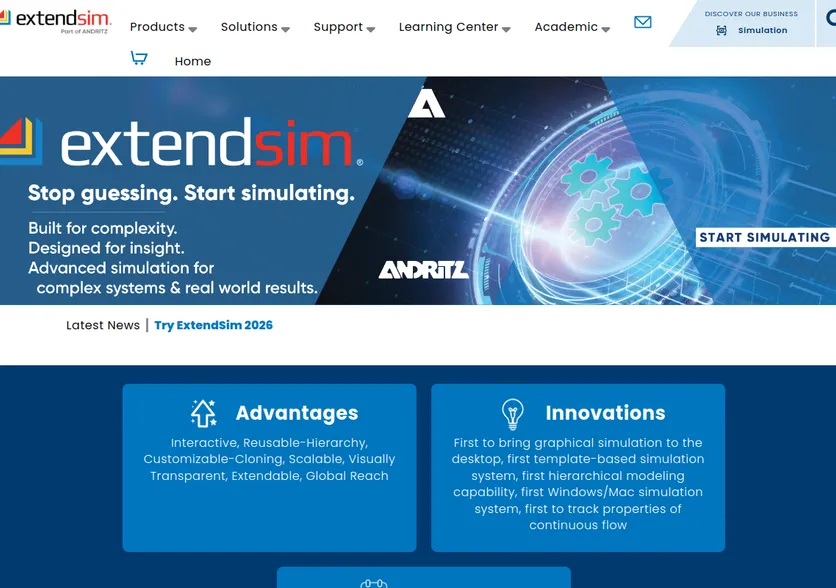
ExtendSim Pro is a simulation platform for discrete-event, continuous, and agent-based modeling in one workspace. It suits supply chains, healthcare flows, manufacturing lines, and service operations that need to test changes before committing resources. The Pro tier adds advanced analysis and optimization tools. See the pricing on the ExtendSim website to compare Pro with the other tiers.
What we like
- Discrete-event, continuous, and agent-based modeling in one tool
- Pro tier adds optimization and advanced analysis
- Perpetual license option available alongside subscriptions
Watch out for
- Pro price is high for solo analysts
- Interface feels dated next to newer simulation tools
How to try it
- Download the trial and open a sample model
- Build your process with blocks and connectors
- Run scenarios and compare the results side by side
3. Stella Architect
Best for: Systems thinkers who model stocks, flows, and feedback loops.
Paid tool Starting price: $3,999 · List price at three thousand nine hundred ninety-nine dollars for a non-educator license, per the vendor's 2026 price list
Free plan: No free plan; thirty-day free evaluation
Stella Architect is a system dynamics tool for building stock-and-flow models of businesses, ecosystems, and public policy. Its visual interface makes feedback loops and delays easy to see, which helps teams explain complex systems to non-experts. The software also publishes interactive models for the web. Explore the product on the Stella Architect website to see sample models.
What we like
- Visual stock-and-flow modeling that non-experts can follow
- Interactive web publishing for sharing models
- Thirty-day free evaluation to test the full tool
Watch out for
- Price list shows a higher figure than the homepage comparison
- Narrower scope than general-purpose engineering simulators
How to try it
- Start the thirty-day free evaluation
- Build a stock-and-flow diagram of your system
- Run the model and publish it as an interactive web page
4. OpenFOAM
Best for: Engineers who need computational fluid dynamics without a license fee.
Paid tool Starting price: Free · Free open-source computational fluid dynamics software with no paid license
Free plan: Free open-source software
OpenFOAM is the leading open-source toolkit for computational fluid dynamics, covering turbulence, heat transfer, and multiphase flows. Its solver library handles everything from simple pipes to full vehicle aerodynamics, and the source code is open for inspection and extension. The trade-off is a steeper setup than commercial CFD tools. Learn more on the OpenFOAM website to see the solver list.
What we like
- Full CFD solver library with no license cost
- Open source code you can inspect and extend
- Large community with tutorials and shared cases
Watch out for
- Setup and meshing take real expertise
- No commercial support unless you buy it separately
How to try it
- Install OpenFOAM on Linux or through a container
- Pick a tutorial case close to your problem
- Adapt the case files and run your first simulation
5. OpenModelica
Best for: Engineers who model multi-domain physical systems with Modelica.
Paid tool Starting price: Free · Free open-source Modelica environment with no paid license
Free plan: Free open-source software
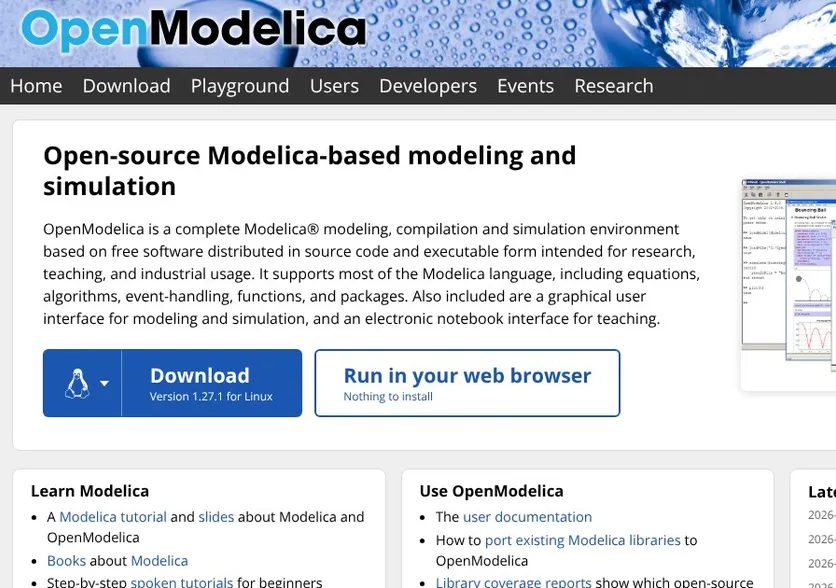
OpenModelica is a free environment for modeling and simulating multi-domain physical systems with the Modelica language. It covers mechanical, electrical, thermal, and control systems in one model, which suits teams building complex products. The tool also connects to other engineering software through standard interfaces. Explore the project on the OpenModelica website to download the latest release.
What we like
- Multi-domain modeling in one free environment
- Modelica language works across many engineering tools
- Active open-source community and regular releases
Watch out for
- Smaller library than commercial Modelica tools
- Documentation can lag behind new releases
How to try it
- Download OpenModelica and install the modeling environment
- Open a sample model from the standard library
- Extend the model with your own components and run it
6. Scilab
Best for: Engineers and students who want MATLAB-style computing without the cost.
Paid tool Starting price: Free · Free open-source numerical computing platform with the Xcos modeler included
Free plan: Free open-source software
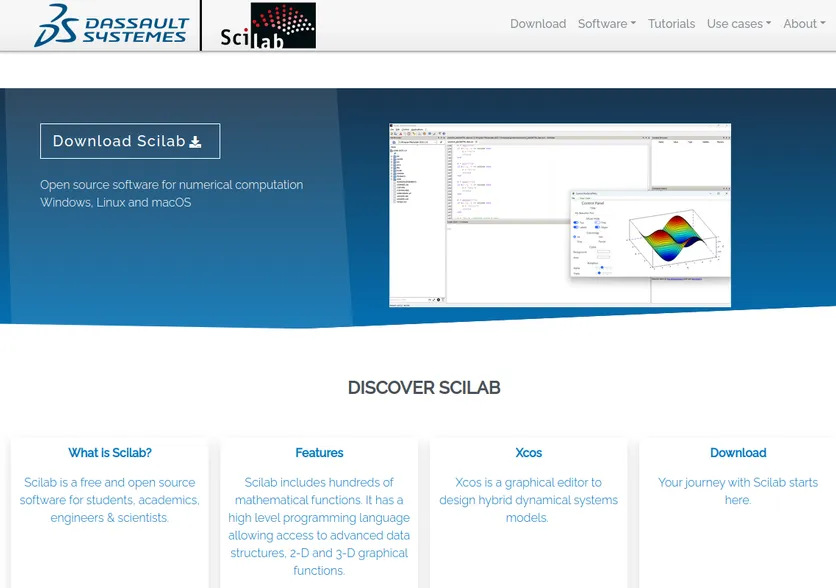
Scilab is a free numerical computing platform with hundreds of built-in functions for engineering and science. Its Xcos modeler adds block-diagram simulation for dynamic systems, similar in spirit to Simulink. The platform also supports signal processing, optimization, and statistics out of the box. Learn more on the Scilab website to download the latest version.
What we like
- Free MATLAB-style computing with a large function library
- Xcos modeler adds block-diagram simulation
- Strong fit for teaching and research budgets
Watch out for
- Smaller ecosystem than MATLAB and Simulink
- Some toolboxes lag behind commercial equivalents
How to try it
- Download Scilab for your operating system
- Open Xcos and build a block diagram
- Run the simulation and plot the results
7. SU2
Best for: Researchers who need aerodynamic simulation and design optimization.
Paid tool Starting price: Free · Free open-source CFD solver with no paid license
Free plan: Free open-source software
SU2 is an open-source suite for computational fluid dynamics with a focus on aerodynamics and design optimization. It handles compressible and incompressible flows, adjoint-based optimization, and multi-physics problems from one codebase. The project is used by universities and aerospace teams around the world. Explore the code on the SU2 website to see the documentation.
What we like
- Adjoint-based optimization built into the solver
- Handles compressible and incompressible flows
- Used by aerospace teams and universities worldwide
Watch out for
- Command-line setup with a steep learning curve
- No graphical interface for building cases
How to try it
- Install SU2 from source or a package manager
- Run a tutorial case to check the installation
- Adapt the configuration files to your geometry
Prices above were checked on each vendor’s own website on Nov 27, 2026 and can change — the vendor’s page is the final word. Vendor links are editorial: nobody paid to be listed or ranked here. Vendors who want a featured listing can see how it works on our Get listed page.
What simulation software really costs
Paid simulation tools in this guide run from one thousand nine hundred ninety-five dollars a year for ExtendSim Pro to four thousand two hundred thirty-five dollars a year for the MATLAB and Simulink Suite. Stella Architect lists at three thousand nine hundred ninety-nine dollars for a non-educator license. Those figures cover the software only, with training and support often priced separately.
Most commercial simulation vendors do not publish prices at all, which is why four of the seven tools here are free open-source solvers. OpenFOAM, OpenModelica, Scilab, and SU2 cost nothing to download and run, although they need more expertise to set up. Start with a free solver to learn the workflow, then pay for a commercial tool only when the free option cannot do the job.
Before you buy
- Check whether the price you see is a startup, academic, or commercial rate, since vendors price them differently.
- Confirm whether the license is a subscription or perpetual, because ExtendSim offers both and the costs differ.
- Ask about support, since free tools like OpenFOAM need paid support bought separately.
- Count the users and machines covered, because simulation licenses are often priced per seat.
- Test the free tools first, since four of the seven options here cost nothing to try.
Official websites
Official websites of the products reviewed above. Features and prices were checked against these sites when this guide was written, and they can change, so confirm on the vendor site before you buy.
Frequently asked questions
How much does simulation software cost?
Published prices in this guide run from one thousand nine hundred ninety-five dollars a year for ExtendSim Pro to four thousand two hundred thirty-five dollars a year for the MATLAB and Simulink Suite. Stella Architect lists at three thousand nine hundred ninety-nine dollars. Four of the seven tools here are free open-source solvers, while most other commercial vendors hide their prices behind sales calls.
Is there free simulation software?
Yes, and four of the seven tools in this guide are free. OpenFOAM covers fluid dynamics, OpenModelica handles multi-domain physical systems, Scilab adds numerical computing with the Xcos modeler, and SU2 focuses on aerodynamics. All four are open source with no license cost, although they need more setup skill than commercial tools.
Why do most simulation vendors hide their prices?
Simulation tools are usually sold to engineering teams with custom needs, so vendors price by seats, modules, and support contracts. That makes a single published price hard to show, and sales teams prefer to quote after learning your requirements. The tools in this guide are the exceptions, either because they publish a price or because they are free.
Which simulation tool is best for fluid dynamics?
OpenFOAM is the best free choice for fluid dynamics, with a full solver library for turbulence, heat transfer, and multiphase flows. SU2 suits aerodynamic work with built-in design optimization. Commercial teams that need support and a graphical interface should look at the paid tools, although none of the CFD specialists in this category publish prices.
What is the difference between Simulink and Scilab?
Simulink is a commercial block-diagram environment tied to MATLAB, with code generation and a huge toolbox library, at four thousand two hundred thirty-five dollars a year. Scilab is a free numerical computing platform whose Xcos modeler offers similar block-diagram simulation without the cost. Simulink suits production engineering teams, while Scilab fits teaching, research, and tight budgets.
Need everyday science help too? Try Toolsvine's free science tools right in your browser.
Browse Science & Engineering tools