On this page
Every sheet of material a laser shop wastes is money cut into scrap, and nesting software exists to stop that waste before the first cut. The eight tools below arrange parts on a sheet so tightly that offcuts shrink to slivers, from free open-source nesters to cloud engines that run in a browser. MyNesting leads the list because it puts true-shape automatic nesting in a browser for forty-nine dollars a month, and the other seven are judged on the same practical test: how much material each dollar saves.
How we researched this
We checked every price on vendor pricing pages and November 2026 reads of vendor pages, and only included tools with a published US dollar list price. The industrial systems that sell by quote, including SigmaNEST, Lantek, ProNest and RADAN, publish no prices, so they are not in this list. Prices change, so confirm the current figure on the vendor site before you buy.
Compare the tools
| Name | Best for | Starting price | Free plan | |
|---|---|---|---|---|
| MyNesting | Shops that want strong automatic nesting with no install | $49/month | 7-day free trial | Visit |
| Nest&Cut | Shops that nest daily and need NC output, not just a drawing | $60/month | 30-day free trial | Visit |
| Lapas | Shops that want to test nesting on real files before paying | $49/month | Free plan | Visit |
| LightBurn | Laser owners who already run LightBurn and want nesting inside it | $199 one-time | 30-day free trial | Visit |
| CutNest | Shops that want G-code export without a subscription | $99 one-time | Free account | Visit |
| DeepNest | Shops that want a free desktop nester and can install it | $0 | Free and open source | Visit |
| SVGnest | Makers who need a quick free nest for SVG parts | $0 | Free and open source | Visit |
| SheetCam | Shops that want nesting inside a full CAM package | $279 one-time | Free trial | Visit |
The nesting software for laser cutting, compared
1. MyNesting
Best for: Shops that want strong automatic nesting with no install
Paid tool Starting price: $49/month · Forty-nine dollars per month on Solo, or one hundred and fifty dollars per month on Business; a $25 day pass covers 24 hours of access; a 7-day trial is available but needs a card for immediate access
Free plan: 7-day free trial
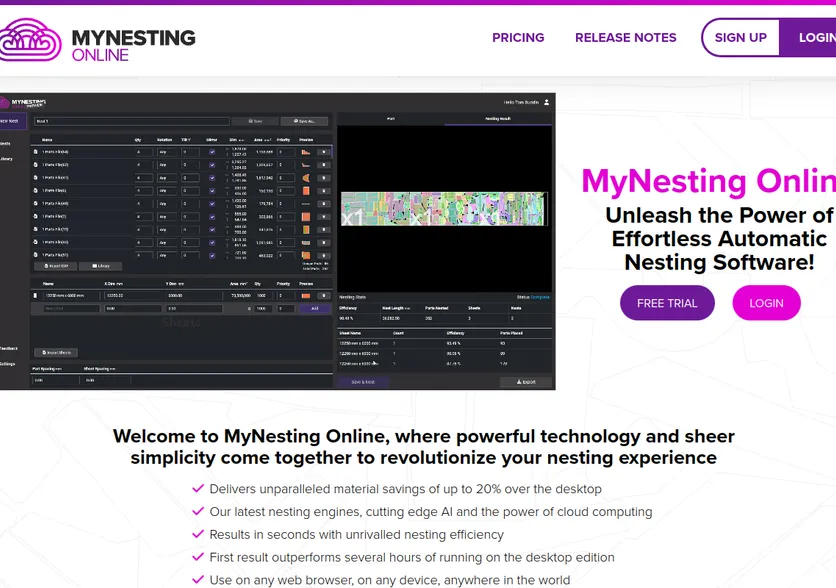
This MyNesting plan costs forty-nine dollars a month, and it runs true-shape nesting in the browser with nothing to install. The cloud engine is the point: upload a DXF, and the nest comes back in seconds with a parts library that remembers repeat jobs. It is the most transparent of the cloud nesters, with a twenty-five dollar day pass for the occasional job, though the free trial wants a card before it starts.
What we like
- True-shape automatic nesting that runs in the browser
- A parts library for repeat jobs and team accounts
- Up to one hundred nests a day and one thousand a month
Watch out for
- The trial asks for a card up front for immediate access
- DXF only, so other formats need converting first
How to try it
- Upload a DXF file in the browser and pick a sheet size
- Let the cloud engine nest the parts and check the yield
- Export the nest and send it to the laser
2. Nest&Cut
Best for: Shops that nest daily and need NC output, not just a drawing
Paid tool Starting price: $60/month · Sixty dollars per month for Classic on the vendor pricing page, with a 30-day free trial that needs no card; G2 lists fifty-nine dollars a month, and CutNest's comparison page lists six hundred dollars billed yearly for Classic — both conflicts logged; NC code export needs a higher plan
Free plan: 30-day free trial
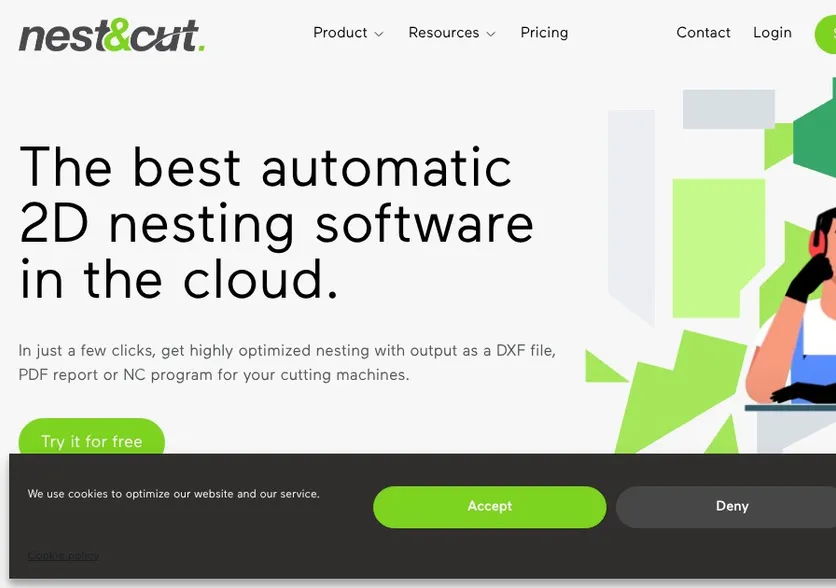
This Nest&Cut plan costs sixty dollars a month, and it is aimed squarely at production: the output is not just a drawing but DXF, PDF reports and NC programs for the machine. The thirty-day trial is the longest free look in this list and asks for no card, which makes it the safest way to test a cloud nester on real parts. The one limit to know before you pay is that NC export sits on a higher plan than Classic.
What we like
- Browser-based nesting with DXF, PDF reports and NC programs
- A thirty-day trial that asks for no card at all
- An algorithm refined over forty-five years, per the vendor
Watch out for
- NC code export is not in the Classic plan
- The one-dollar gap between vendor and G2 prices needs a check
How to try it
- Upload a DXF and set the sheet size and material
- Run the nest and review the yield and layout
- Export the DXF, PDF report or NC program for the machine
3. Lapas
Best for: Shops that want to test nesting on real files before paying
Paid tool Starting price: $49/month · Forty-nine dollars per month on Pro, or thirty-nine dollars per month billed annually; the free plan includes unlimited nesting with five project exports a month and no card required
Free plan: Free plan
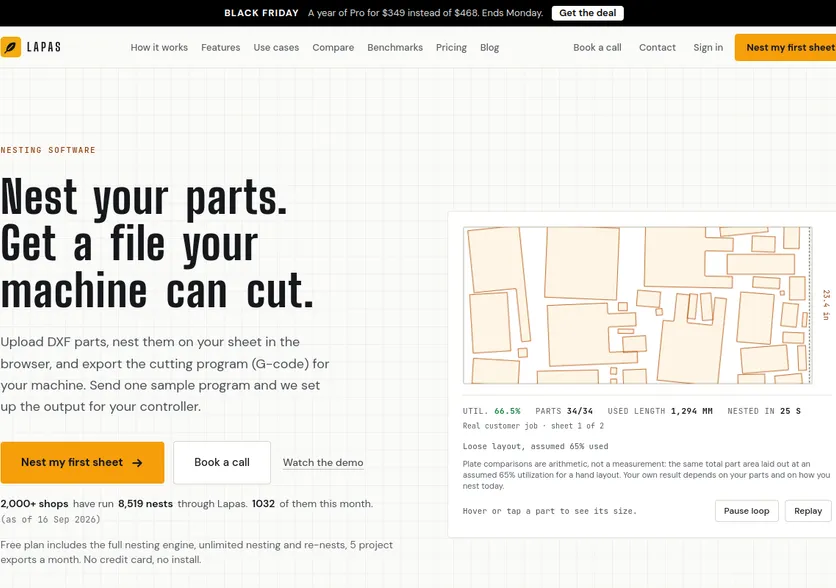
This Lapas plan costs forty-nine dollars a month, and it is the only paid nester in this list you can properly evaluate without paying first. The free plan nests without a limit and asks for no card, so a shop can run its real DXF files through the engine before deciding anything. That honesty is the selling point: the paid tier costs the same as MyNesting, but the trial is genuinely free instead of card-first.
What we like
- A free plan with unlimited nesting and no card or expiry
- Browser-based true-shape nesting for DXF, DWG, SVG, PDF and AI files
- Five project exports a month free, unlimited on Pro
Watch out for
- No parts library for repeat jobs, unlike MyNesting
- Exports are capped at five a month on the free plan
How to try it
- Upload your own DXF files and run a nest for free
- Check the yield on your real parts before spending anything
- Upgrade to Pro when the five-export cap starts to bite
4. LightBurn
Best for: Laser owners who already run LightBurn and want nesting inside it
Paid tool Starting price: $199 one-time · One hundred and ninety-nine dollars one time for Pro, which includes the True Nest layout tool added in version 2.2; Core is $99 one time for GCode lasers and covers only bounding-box Quick Nest; both include a year of updates, then $40 a year to keep updating
Free plan: 30-day free trial
This LightBurn Pro licence costs one hundred and ninety-nine dollars once, and it is the only tool in this list where nesting lives inside the laser control software itself. True Nest arrived with version 2.2 and lays parts out on the sheet without leaving the program that drives the machine. The catch is the tier: Core costs ninety-nine dollars but only does bounding-box Quick Nest, so a shop that wants true-shape nesting has to buy Pro.

What we like
- True Nest true-shape layout built into the Pro licence
- Design, layout and machine control in a single window
- A perpetual licence with three seats and a year of updates
Watch out for
- True Nest is Pro-only, so Core buyers get bounding-box nesting only
- The licence tier follows the controller, not the feature list
How to try it
- Open your LightBurn project on the Pro licence
- Select the parts and run True Nest on your sheet size
- Send the nested job straight to the laser
5. CutNest
Best for: Shops that want G-code export without a subscription
Paid tool Starting price: $99 one-time · Ninety-nine dollars one time for Pro, with unlimited exports; the free account includes unlimited nesting and re-nesting with two exports a month
Free plan: Free account
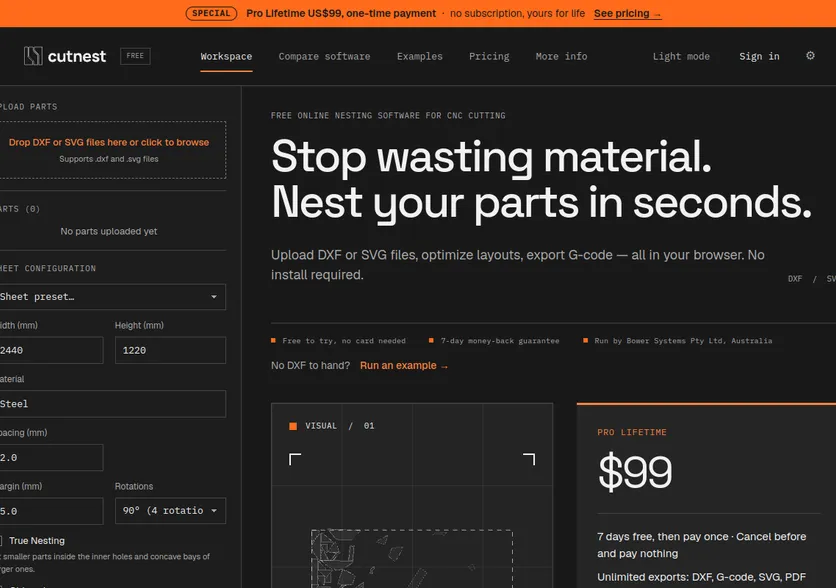
This CutNest Pro licence costs ninety-nine dollars once, and it is the cheapest way to own nesting outright in this list. The browser tool nests true-shape DXF parts and exports G-code, which is the output a laser shop actually needs, with no subscription ticking in the background. The free account already allows unlimited nesting and re-nesting, so the one-time payment only buys unlimited exports rather than the engine itself.
What we like
- True-shape DXF nesting with G-code export in the browser
- A one-time price with no monthly subscription to watch
- Unlimited nesting and re-nesting even on the free account
Watch out for
- Only two exports a month on the free account
- A small vendor, so support is thinner than the big brands
How to try it
- Upload a DXF in the browser and run a true-shape nest
- Re-nest until the yield looks right, as often as you like
- Pay ninety-nine dollars once when you need unlimited exports
6. DeepNest
Best for: Shops that want a free desktop nester and can install it
Paid tool Starting price: $0 · Free and open source, with no paid tier; use the maintained deepnest-next fork, since the original Deepnest has not been updated since August 2018
Free plan: Free and open source
This DeepNest tool costs nothing, and it is the free desktop option in this list with no account or subscription attached. It nests parts on the machine itself, and it can even place small parts inside the holes of larger ones, which the paid cloud tools do not always do. The warning matters: the original project stopped in August 2018, so download the maintained deepnest-next fork instead of the stale installers still floating around.
What we like
- Free forever, with no account, card or subscription
- Nests small parts inside the holes of larger ones
- Runs on Windows, macOS and Linux as a desktop app
Watch out for
- The original project is unmaintained since August 2018
- No support, no cloud, and no production management features
How to try it
- Download the deepnest-next fork for your operating system
- Import SVG or DXF parts and set rotation steps and spacing
- Export the nest as SVG, DXF, PLT or JSON
7. SVGnest
Best for: Makers who need a quick free nest for SVG parts
Paid tool Starting price: $0 · Free and open source in the browser, with no paid tier; it reads SVG files only, so DXF parts need converting first
Free plan: Free and open source
This SVGnest tool costs nothing, and it nests straight in the browser with no install or sign-up. It runs a genetic algorithm that keeps refining the layout while it works, which makes it a handy free check for a maker with SVG parts and a small job. The limit is the format: it reads SVG only, so a shop working in DXF has to convert files first, and there is no material tracking or production workflow behind it.
What we like
- Free in the browser with nothing to install or sign up for
- A genetic algorithm that keeps improving the layout over time
- The same engine family as DeepNest, from the same author
Watch out for
- SVG only, so DXF files need converting before they nest
- Basic, with no material management or production features
How to try it
- Open the browser tool and drop in an SVG file
- Set the sheet size and let the algorithm run
- Download the nested SVG when the layout stops improving
8. SheetCam
Best for: Shops that want nesting inside a full CAM package
Paid tool Starting price: $279 one-time · Two hundred and seventy-nine dollars one time, from a single November 2026 comparison; confirm the current price on the vendor site before you buy
Free plan: Free trial
This SheetCam licence costs two hundred and seventy-nine dollars once, and it buys nesting as part of a full CAM package rather than a standalone nester. A shop that already needs toolpaths for plasma, laser or router cutting gets the layout step thrown in with the CAM it was buying anyway. The price is the weakest-sourced in this list, from a single November 2026 comparison, so check the vendor site before budgeting around it.
What we like
- Nesting plus full CAM toolpaths in one desktop program
- A one-time licence with no monthly subscription
- A long track record with plasma, laser and router shops
Watch out for
- Nesting is one feature of a CAM tool, not a dedicated nester
- The price comes from a single comparison, so verify it first
How to try it
- Import your part drawings into SheetCam
- Nest the parts on the sheet, then set cutting rules
- Post the toolpaths to your plasma, laser or router
Prices above were checked on each vendor’s own website on Nov 28, 2026 and can change — the vendor’s page is the final word. Vendor links are editorial: nobody paid to be listed or ranked here. Vendors who want a featured listing can see how it works on our Get listed page.
How to pick a nesting tool that actually saves material
Measure your waste before you buy anything, because a tool cannot prove its value on a shop that never counted its offcuts. Run the same real job through the free tools and the trials, then compare the yield figures side by side instead of trusting marketing claims. Check the file formats first: a nester that only reads SVG is useless to a shop that works in DXF, and converting files every day costs more time than the nesting saves. Watch the export limits too, since a free plan that caps exports at five a month stops being free the week you get busy. Finally, remember that nesting is only half the job: the layout still has to cut cleanly, so test the output on scrap before you trust it on good material.
Before you buy
- Confirm which file formats the tool reads, since DXF, SVG and DWG support varies widely
- Check whether exports are capped on the free plan or the trial before you rely on it
- Ask if the output includes NC code or only a drawing, since lasers need the code
- Test the tool on your own parts, because a demo on simple rectangles proves nothing
- Make sure the licence fits your machines, since some tools charge per user or per device
Official websites
Official websites of the products reviewed above. Features and prices were checked against these sites when this guide was written, and they can change, so confirm on the vendor site before you buy.
Frequently asked questions
What is nesting software for laser cutting?
Nesting software arranges flat parts on a material sheet so they use as little of it as possible, then outputs the layout for the laser to cut. True-shape nesting follows the actual outline of each part, while bounding-box nesting treats every part as a rectangle and wastes more material. A laser shop uses it to cut more parts from each sheet and throw away less scrap.
How much does MyNesting cost?
MyNesting costs forty-nine dollars a month on Solo, or one hundred and fifty dollars a month on Business. A twenty-five dollar day pass covers twenty-four hours of access for a one-off job. A seven-day trial is available, though it needs a card for immediate access, with card-free trials available on application.
Is there free nesting software for laser cutting?
Yes, DeepNest and SVGnest are both free and open source, with no paid tier at all. DeepNest runs on the desktop and nests parts inside the holes of larger ones, while SVGnest runs in the browser but reads SVG files only. Lapas also has a free plan with unlimited nesting and five exports a month, which is the best free start for a shop that works in DXF.
Which nesting tool is best for a small laser shop?
MyNesting is the best overall pick for a small shop, with true-shape nesting in the browser for forty-nine dollars a month and a parts library for repeat jobs. Lapas is the best free start, since its free plan nests without a limit. LightBurn Pro suits shops that already run LightBurn, because True Nest lives inside the software that drives the laser.
Do I need NC code output, or is a drawing enough?
A drawing is enough if your CAM software already turns layouts into toolpaths, but many shops want the nester to output NC code directly. Nest and Cut exports NC programs on its higher plans, while CutNest exports G-code on the free plan. Check the export list before you buy, since the cheapest plan often excludes the output you actually need.
Compare the eight tools above, then start with a free plan or trial on your own parts before you pay for a subscription.
Browse Science & Engineering tools