
On this page
A 3D printer needs CAD that turns an idea into a watertight model, and the wrong tool shows up as a failed print at two in the morning. The nine tools below run from about fifteen dollars a month to about one thousand five hundred dollars a year, and every price was checked on the vendor site on November 26, 2026. Most offer a free plan or a free trial, so a maker can test real parts before paying. Fusion 360 is our first pick — professional CAD and CAM in one place, starting at eighty-five dollars a month.
How we researched this
We started with the CAD tools makers actually use to design parts for 3D printing, then read each price on the vendor pricing page on November 26, 2026 and noted the free plan or trial each one carries. We judged them for a maker who models parts, exports clean STL files and wants a tool that grows with the printer. We kept only tools with a published price, and we dropped any tool whose price we could not verify on the vendor site.
Compare the tools
| Name | Best for | Starting price | Free plan | |
|---|---|---|---|---|
 Fusion 360 | Makers who want professional CAD plus CAM in one place | $85/month | Free personal-use licence with limits | Visit |
 Onshape | Teams that want cloud CAD with built-in version control | $1,500/year | Free plan for non-commercial use with public documents | Visit |
 SketchUp | Beginners who want fast, friendly 3D modeling | $129/year | Free web plan for personal projects | Visit |
 Rhino | Designers who want precision NURBS modeling with no subscription | $995 one-time | 90-day free trial, no free plan | Visit |
 Shapr3D | Makers who model on iPad with a pencil | $299/year | Free Basic plan with two projects | Visit |
 SelfCAD | Beginners who want modeling, slicing and printing in one app | $14.99/month | Free plan with basic tools | Visit |
 ZBrush | Artists who sculpt organic forms for printing | $49/month | 30-day free trial, no free plan | Visit |
 AutoCAD | Engineers who need the industry-standard 2D and 3D CAD | $260/month | 30-day free trial, no free plan | Visit |
 BricsCAD | Engineers who want AutoCAD-compatible CAD at a lower price | $780/year | 30-day free trial, no free plan | Visit |
The CAD software for 3D printing, compared
1. Fusion 360
Best for: Makers who want professional CAD plus CAM in one place
Paid tool Starting price: $85/month · $85 a month billed monthly or $680 a year billed annually; Autodesk announced a plan restructure for January 2027
Free plan: Free personal-use licence with limits
Fusion 360 is the professional CAD most makers graduate to, with parametric modeling, simulation and CAM in one subscription. This Fusion 360 plan covers solid modeling, assemblies and toolpaths for a single user. A maker can design a part, test it virtually and send the toolpath to a CNC machine without leaving one app.
What we like
- Professional CAD plus CAM in one place
- Parametric modeling with a huge community
- Free personal-use licence with limits
Watch out for
- Costs eighty-five dollars a month
- Autodesk announced a plan restructure for January 2027
How to try it
- Open the Fusion 360 pricing page and start the free trial
- Model a simple bracket and export the STL file
- Print the part and check the fit
2. Onshape
Best for: Teams that want cloud CAD with built-in version control
Paid tool Starting price: $1,500/year · Standard plan, $1,500 per user a year; Professional $2,500 per user a year
Free plan: Free plan for non-commercial use with public documents
Onshape runs CAD in the browser, with version control and collaboration built in from the start. This Onshape Standard plan covers unlimited private storage and direct support for one user. A team can model together in real time and roll back to any version without a file server.
What we like
- Runs in the browser on any device
- Version control built in
- Free plan for non-commercial use
Watch out for
- Standard costs one thousand five hundred dollars a year
- Free plan makes every document public
How to try it
- Open the Onshape pricing page and start the free trial
- Model a part in the browser
- Export the STL file and send it to the printer
3. SketchUp
Best for: Beginners who want fast, friendly 3D modeling
Paid tool Starting price: $129/year · Go plan, $129 a year or $19.99 a month billed monthly; Pro $399 a year
Free plan: Free web plan for personal projects
SketchUp is the friendliest modeler on this list, with a push-pull workflow that turns a sketch into a solid in minutes. This SketchUp Go plan covers web and iPad modeling with cloud storage for one user. A beginner can model a bracket, export the STL file and print it the same afternoon.
What we like
- Easiest modeler to learn on this list
- Works on web and iPad
- Free web plan for personal projects
Watch out for
- Go costs one hundred twenty-nine dollars a year
- Weak for precise engineering parts
How to try it
- Open the SketchUp pricing page and start the free trial
- Model a simple part with the push-pull tool
- Export the STL file and print it
4. Rhino
Best for: Designers who want precision NURBS modeling with no subscription
Paid tool Starting price: $995 one-time · Commercial licence, $995 once with no subscription and no maintenance fees; upgrades cost extra
Free plan: 90-day free trial, no free plan
Rhino is the precision NURBS modeler for curved and organic forms, sold as a licence you keep forever. This Rhino commercial licence costs nine hundred ninety-five dollars once, with Grasshopper included for parametric design. A designer can model a complex curve, export the mesh and print it without ever paying a subscription.
What we like
- One-time licence with no subscription
- Best NURBS precision on this list
- Grasshopper included for parametric design
Watch out for
- Costs nine hundred ninety-five dollars once
- Major version upgrades cost extra
How to try it
- Open the Rhino sales page and start the free trial
- Model a curved part with NURBS tools
- Export the mesh and print it
5. Shapr3D
Best for: Makers who model on iPad with a pencil
Paid tool Starting price: $299/year · Pro plan, $299 per editor seat a year; free Basic plan with two projects
Free plan: Free Basic plan with two projects
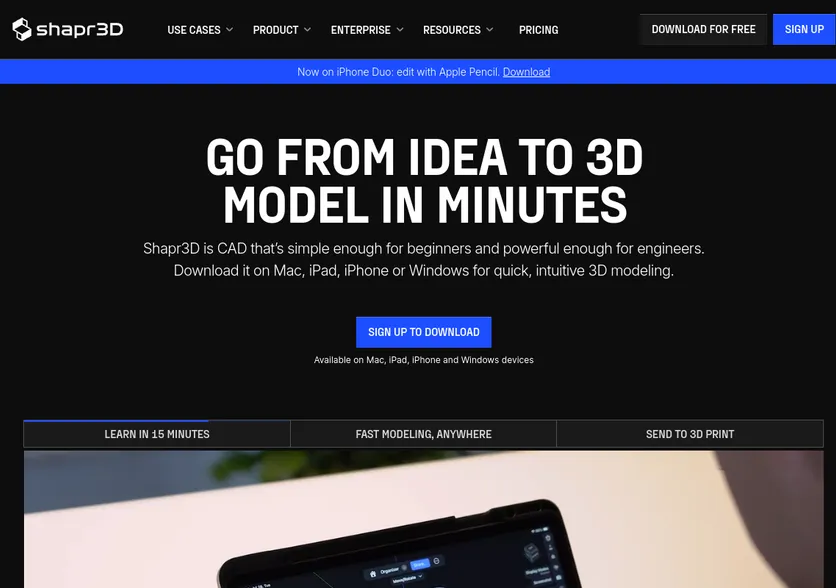
Shapr3D is the touch-first CAD that feels natural on an iPad, with a pencil and direct modeling that skips the mouse entirely. This Shapr3D Pro plan covers unlimited designs and every export format for one editor seat. A maker can sketch a part on the couch, refine it on a Mac and print it the same evening.
What we like
- Best iPad CAD on this list
- Direct modeling feels natural
- Free Basic plan with two projects
Watch out for
- Pro costs two hundred ninety-nine dollars a year
- No full manufacturing suite
How to try it
- Open the Shapr3D pricing page and start the free trial
- Sketch a part on iPad with a pencil
- Export the STL file and print it
6. SelfCAD
Best for: Beginners who want modeling, slicing and printing in one app
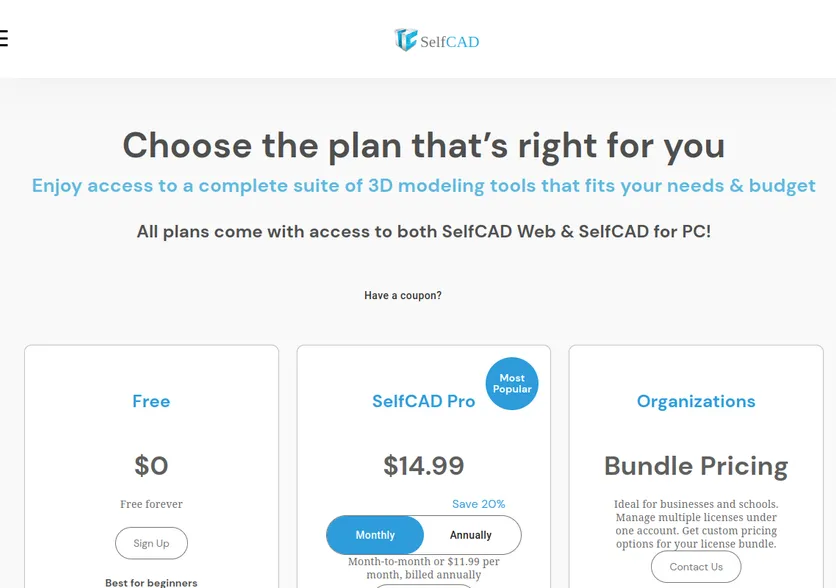
Paid tool Starting price: $14.99/month · Pro plan, $14.99 a month or $139.99 a year; perpetual licence $599 once
Free plan: Free plan with basic tools
SelfCAD is the beginner-friendly CAD that also slices, so a maker can model a part and send it to the printer without a second app. This SelfCAD Pro plan covers modeling, sculpting and slicing for one user. A beginner can learn the tools in a weekend and print a first part without buying anything else.
What we like
- Modeling and slicing in one app
- Cheapest paid CAD on this list
- Easy to learn for a beginner
Watch out for
- Pro costs about fifteen dollars a month
- Weak for precise engineering work
How to try it
- Open the SelfCAD pricing page and start the free trial
- Model a simple part
- Slice it in the app and send it to the printer
7. ZBrush
Best for: Artists who sculpt organic forms for printing
Paid tool Starting price: $49/month · Individuals plan, $49 a month billed monthly or $399 a year; subscription only since December 2023
Free plan: 30-day free trial, no free plan
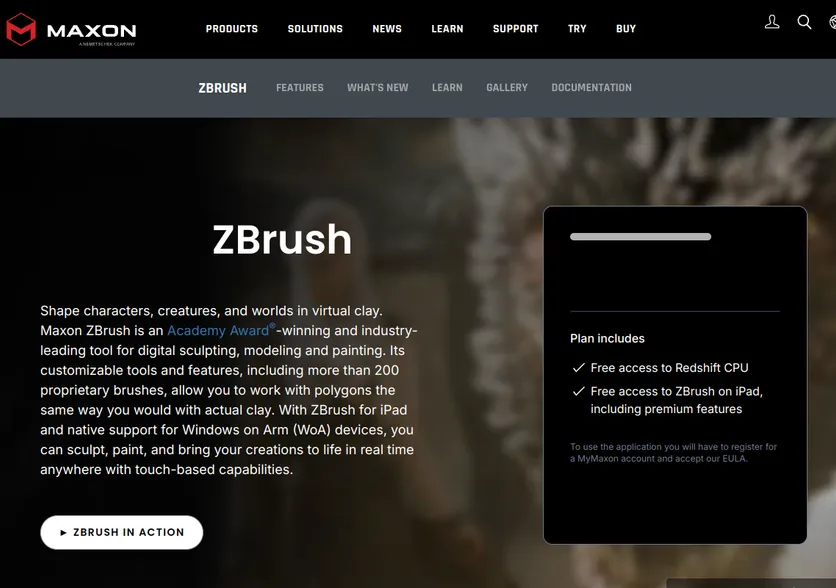
ZBrush is the digital sculpting tool for organic forms, with brushes that shape a model the way clay shapes in a hand. This ZBrush Individuals plan covers the full sculpting toolset for one user. An artist can sculpt a character, hollow it for printing and export the mesh for the slicer.
What we like
- Best organic sculpting on this list
- Huge brush library for detail work
- Free trial to test the tools
Watch out for
- Costs forty-nine dollars a month
- Subscription only since December 2023
How to try it
- Open the ZBrush pricing page and start the free trial
- Sculpt a simple organic form
- Export the mesh and prepare it for printing
8. AutoCAD
Best for: Engineers who need the industry-standard 2D and 3D CAD
Paid tool Starting price: $260/month · $260 a month billed monthly or $2,095 a year billed annually
Free plan: 30-day free trial, no free plan
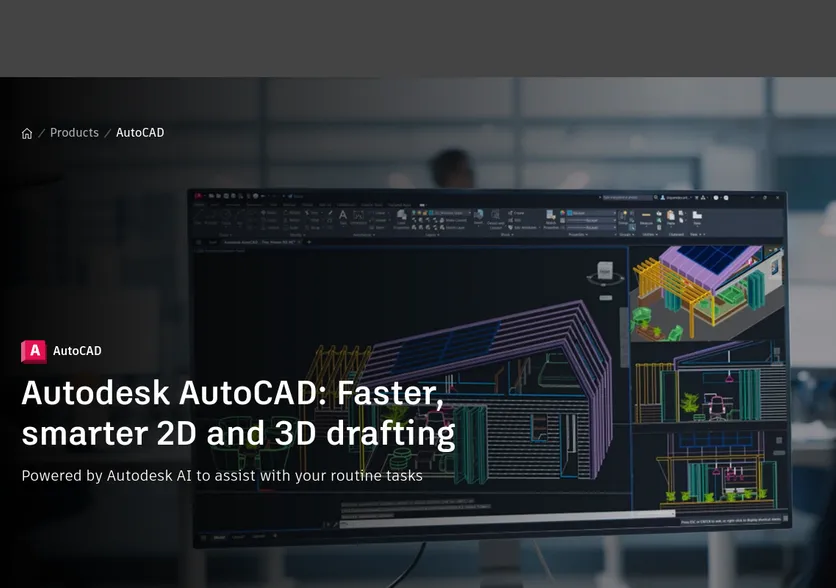
AutoCAD is the industry-standard CAD that engineers have used for decades, with precise 2D drafting and 3D modeling in one package. This AutoCAD plan covers full drafting, modeling and collaboration for one user. An engineer can draw a part to exact dimensions and export a file any shop can open.
What we like
- Industry-standard file format
- Precise 2D and 3D drafting
- Huge community and learning resources
Watch out for
- Costs two hundred sixty dollars a month
- Overkill for a hobby printer
How to try it
- Open the AutoCAD pricing page and start the free trial
- Draw a part to exact dimensions
- Export the file and send it to the printer
9. BricsCAD
Best for: Engineers who want AutoCAD-compatible CAD at a lower price
Paid tool Starting price: $780/year · Pro plan, $780 a year; Lite $345, Mechanical $1,100 a year; perpetual licence also sold
Free plan: 30-day free trial, no free plan
BricsCAD is the AutoCAD-compatible CAD that reads and writes DWG files natively, at a fraction of the Autodesk price. This BricsCAD Pro plan covers 2D drafting, 3D modeling and sheet metal tools for one user. An engineer can open an AutoCAD drawing, edit it and send it back without a conversion.
What we like
- Reads and writes DWG files natively
- Lower price than AutoCAD
- Perpetual licence option available
Watch out for
- Pro costs seven hundred eighty dollars a year
- Smaller community than Autodesk
How to try it
- Open the BricsCAD pricing page and start the free trial
- Open an AutoCAD drawing and edit it
- Export the file and send it to the printer
Prices above were checked on each vendor’s own website on Nov 26, 2026 and can change — the vendor’s page is the final word. Vendor links are editorial: nobody paid to be listed or ranked here. Vendors who want a featured listing can see how it works on our Get listed page.
What CAD software for 3D printing costs in 2026
Most CAD tools charge a monthly or yearly subscription, so the right comparison is the cost per year, not the headline number. This list runs from about fifteen dollars a month for SelfCAD to about one thousand five hundred dollars a year for Onshape, and every figure is the list price from the vendor pricing page, checked on November 26, 2026. Rhino is the exception, because it sells a one-time licence, which makes it cheaper over time than any subscription.
Start with the free plan or trial on two tools and model the same part through both. Compare how fast the model takes shape, whether the STL export is clean, and how the print looks when it finishes. The tool that turns an idea into a printed part without a fight is the one worth paying for.
Before you buy
- Check the STL export first, because a model that cannot export cleanly cannot print.
- Count the seats, because a yearly licence per user multiplies fast once a team joins.
- Test the free plan, because a free plan that caps projects forces a paid upgrade fast.
- Ask whether the tool slices, because a separate slicer adds a step to every print.
- Add up the yearly cost, because a monthly price looks cheap until you multiply by twelve.
Official websites
Official websites of the products reviewed above. Features and prices were checked against these sites when this guide was written, and they can change, so confirm on the vendor site before you buy.
Frequently asked questions
Which CAD software is best for 3D printing in 2026?
Fusion 360, at eighty-five dollars a month, is the safest default because it covers professional CAD, simulation and CAM in one subscription. Onshape, at one thousand five hundred dollars a year, is better for teams that want cloud modeling with version control. SketchUp, at one hundred twenty-nine dollars a year, wins for beginners who want the easiest modeler to learn.
What is the cheapest CAD software for 3D printing?
SelfCAD Pro, at about fifteen dollars a month, is the cheapest paid plan here and adds slicing to modeling in one app. SketchUp Go, at one hundred twenty-nine dollars a year, is the cheapest yearly plan for a beginner. Rhino costs nine hundred ninety-five dollars once with no subscription, which makes it the cheapest over several years.
Can I use CAD software for 3D printing for free?
Yes, most of them have a free plan or trial. Fusion 360 has a free personal-use licence, Onshape is free for non-commercial use, and SketchUp has a free web plan. Shapr3D is free for two projects, SelfCAD has a free plan, and Rhino, ZBrush, AutoCAD and BricsCAD all offer a free trial. Start free and pay only when the limits bite.
Do I need a slicer as well as CAD software?
Most makers do, because CAD makes the model and the slicer turns it into printer instructions. SelfCAD is the exception here, because it slices inside the same app. Fusion 360, Onshape, SketchUp, Rhino and Shapr3D all export STL files, which any free slicer can read, so pair your CAD pick with a slicer you trust.
Need everyday engineering help too? Try Toolsvine's free science and engineering tools for makers right in your browser.
Browse Science & Engineering tools


